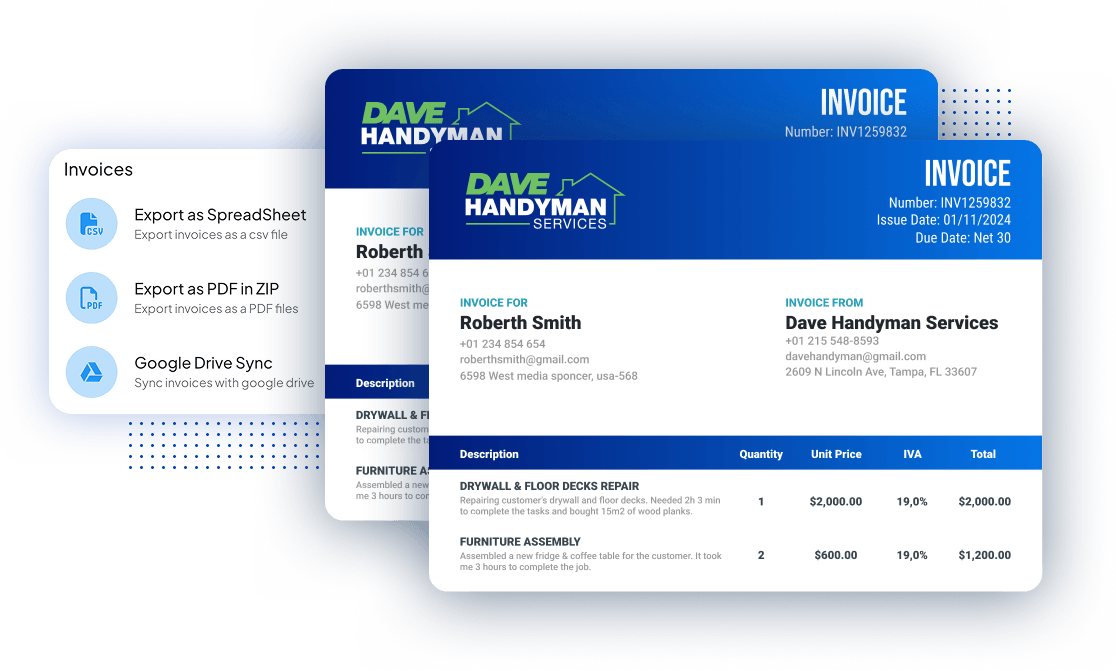



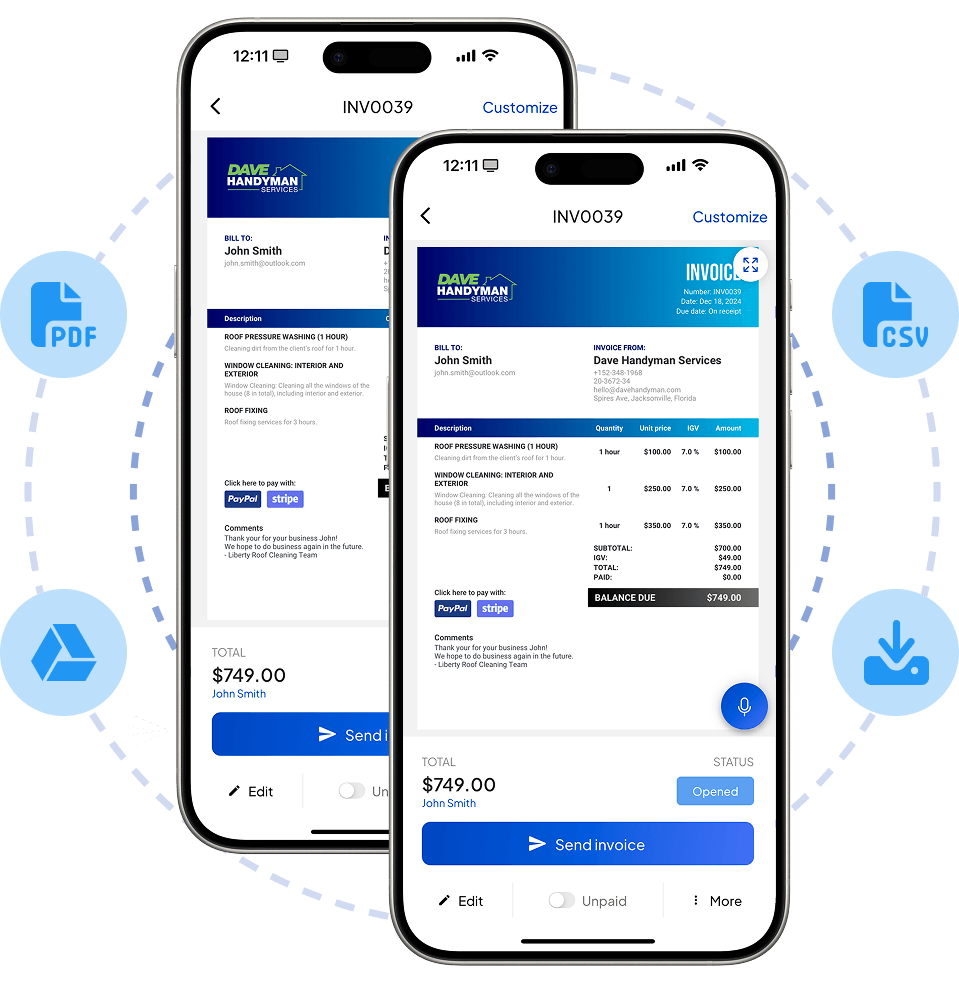

















Quickly download & export all of your invoices to your phone or computer for deeper analysis, revenue check, and tax purposes.
125,000+ american pros trust Invoice Fly
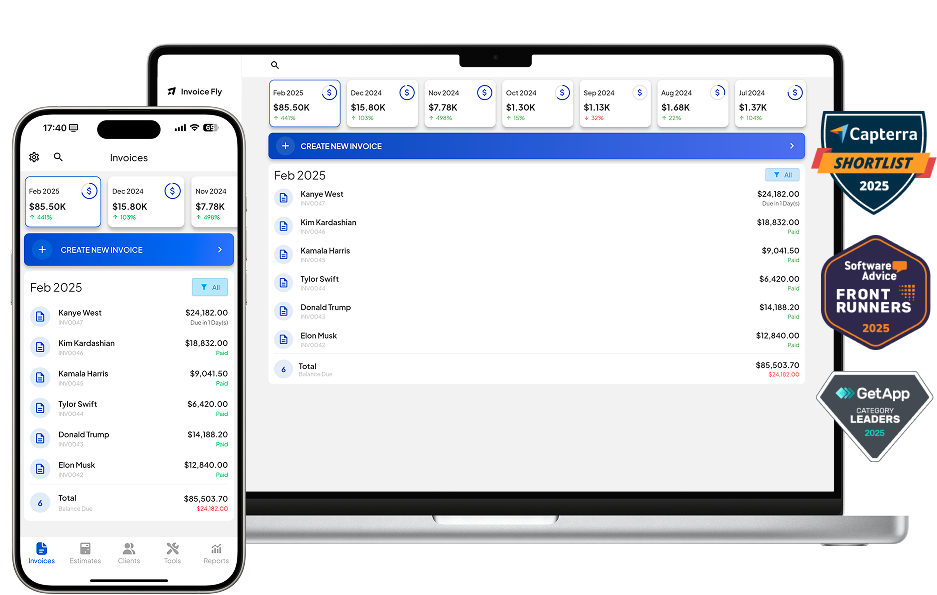
Invoice Fly allows blue collar pros, contractors & SME’s to get the big picture of their invoices over a specific period of time. It helps keep track of late payments, stay tax compliant, forecast future income, and export in bulk for administrative & record keeping purposes.
For freelancers and contractors, downloading and exporting invoices provides better financial control, easier tax compliance, and stronger client transparency. It allows them to track income, monitor unpaid balances, and back up records, while also ensuring they have clear proof of work to resolve disputes.
Exported invoices are simple to share with clients or accountants, making business operations more professional, efficient, and legally compliant.
35%
faster tax preparation
by exporting invoices yearly or quarterly
4x
less payments disputes
due to proof of service & transparency
6h
saved every week
with more efficient bookkeeping
Send professional, polished invoices that make a great impression. Easily customize each one with your branding, payment terms, and itemized details. With built-in online payments and clear layouts, you’ll get paid faster—no chasing, no confusion.
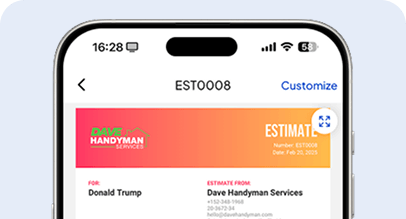
Win more jobs by sending professional-looking estimates. Get them approved and kickstart new projects.
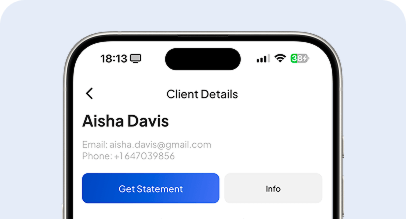
Manage all your client’s details, invoices, estimates and statements from a secure and cloud-based online platform.
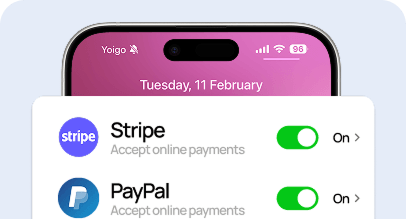
Collect online payments with Credit Card or PayPal, Stripe, Apple Pay, American Express, Visa, MasterCard, and more.
Get the tools you need to work smarter, stay in control, and grow with confidence.
Downloading and exporting invoices means creating a copy of your invoices from an invoicing system or accounting software and saving them in a file format you can use outside the platform — such as PDF, Excel, or CSV.
In short, downloading is about having single copies for sharing or proof, while exporting is about bulk data management and reporting.
An export invoice is a special type of invoice used in international trade. To generate one, include all standard invoice details (seller and buyer information, description of goods or services, quantities, prices, and payment terms) along with export-specific information such as HS codes, country of origin, currency, Incoterms, and shipping details. Many invoicing and accounting tools provide export invoice templates, or you can create one in Word/Excel as long as it contains all legally required fields for customs clearance.
Most modern invoicing and accounting platforms allow you to download multiple invoices at once in PDF, Excel, or CSV formats. This is typically done through a bulk actions menu, “Download All” option, or by exporting invoices for a selected time range. If using spreadsheets, you can export the entire invoice history as a CSV/Excel file, which can be sorted or filtered for easier bookkeeping.
No, exporting does not mean printing. Exporting an invoice means saving or transferring it into a digital file format (like PDF, Excel, or CSV) for storage, sharing, or analysis. Printing, on the other hand, produces a physical paper copy. You can export an invoice first and then print it if needed, but the two actions are different.
To extract data from invoices, you can:
This process helps you analyze payments, track expenses, and automate reconciliation.
You can store invoices electronically by saving them in cloud accounting platforms like Invoice Fly, secure cloud storage (Google Drive, Dropbox, OneDrive), or by keeping encrypted local backups. Best practices include:
Resources to run your business smoothly and efficiently.
Explore free templates and create estimates, quotes, invoices, bills and receipts.
Generate Estimates, Quotes, Invoices, Bills, Receipts, and Proformas online.
Use our free calculators: Service Price, Profit Margin, Net Salary, VAT, Break-Even…
By clicking “Accept All”, you consent to the placement of cookies on your device to improve site navigation, analyze how you use our site, and support our marketing efforts. To learn more click on privacy police.
We use cookies to enhance your browsing experience, serve personalised ads or content, and analyse our traffic. By clicking "Accept All", you consent to our use of cookies.