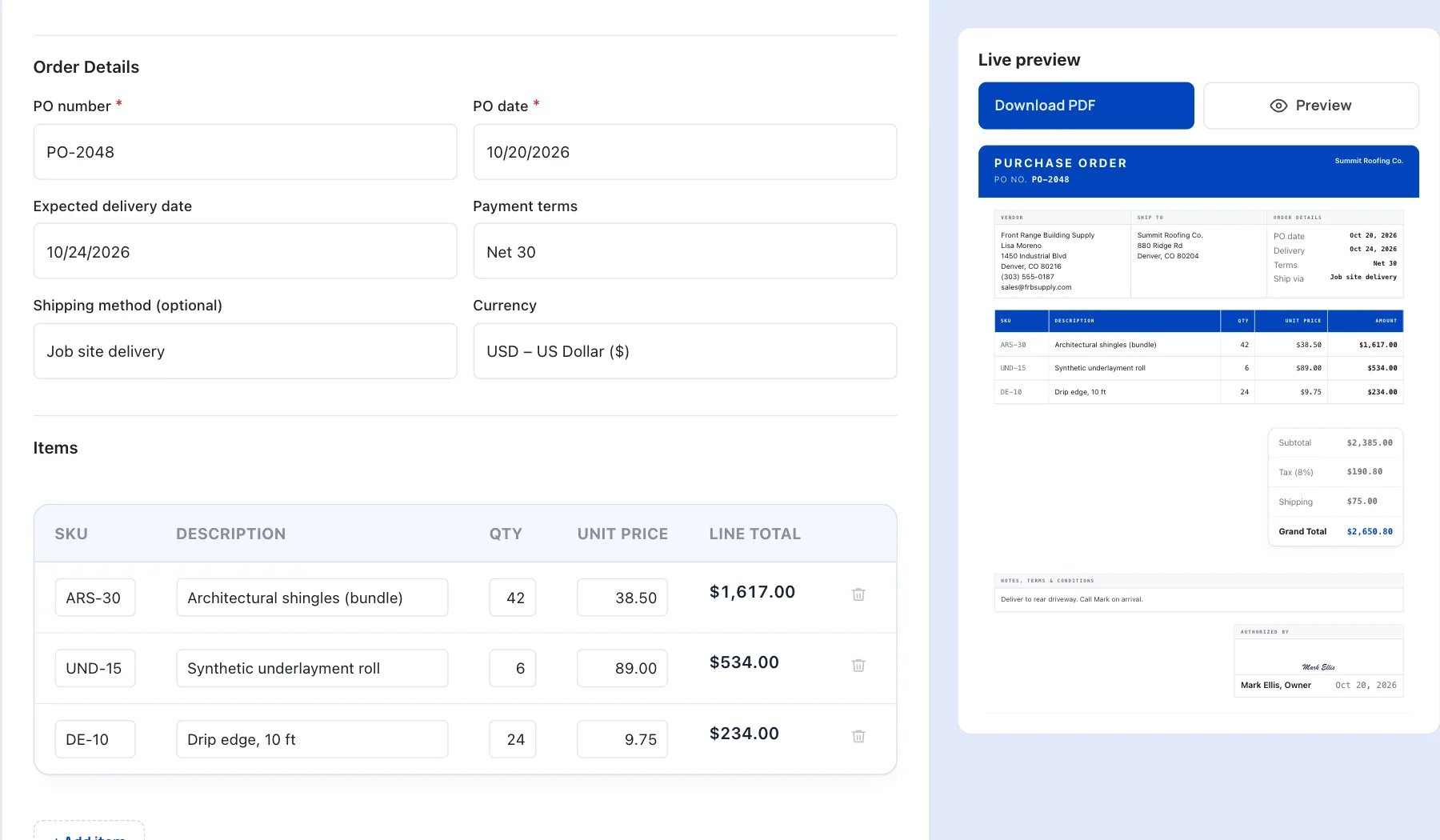
Free Generators to Simplify Your Invoicing
Whether you’re a contractor, freelancer, or small business owner, make your life easier with free generators for estimates, quotes, invoices, receipts, work orders, and more. Get automatic calculations, no sign-up required, and accessibility on your phone!
Showing 11 generators
Before the job
Set your prices and get client approval before work begins. Choose an estimate, quote, or proforma generator.
-
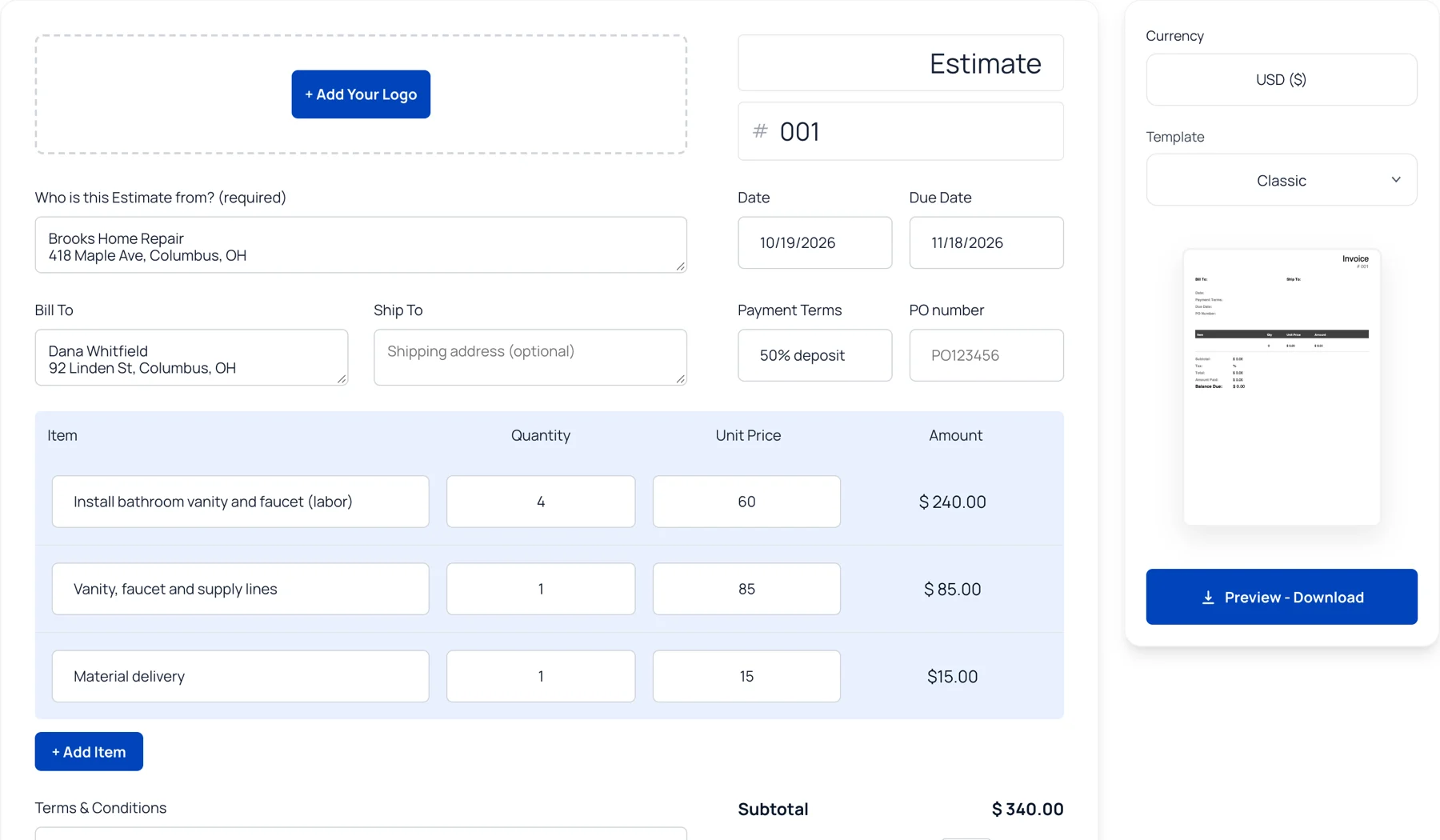
Estimate Generator
Calculate job costs upfront and share a clear estimate your client can approve. -
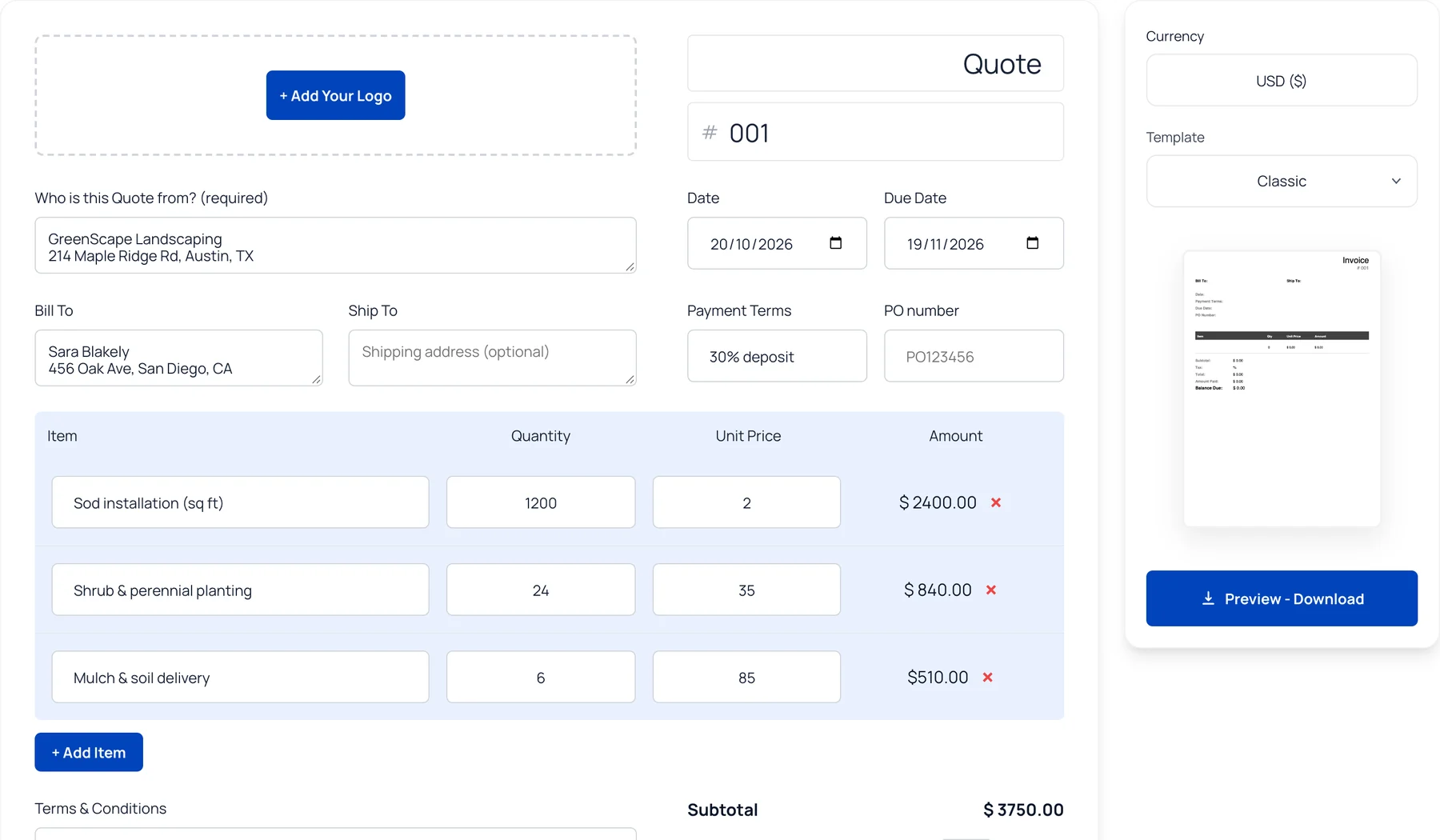
Quote Generator
Send a fixed-price quote with clear line items, taxes, and a validity date. -
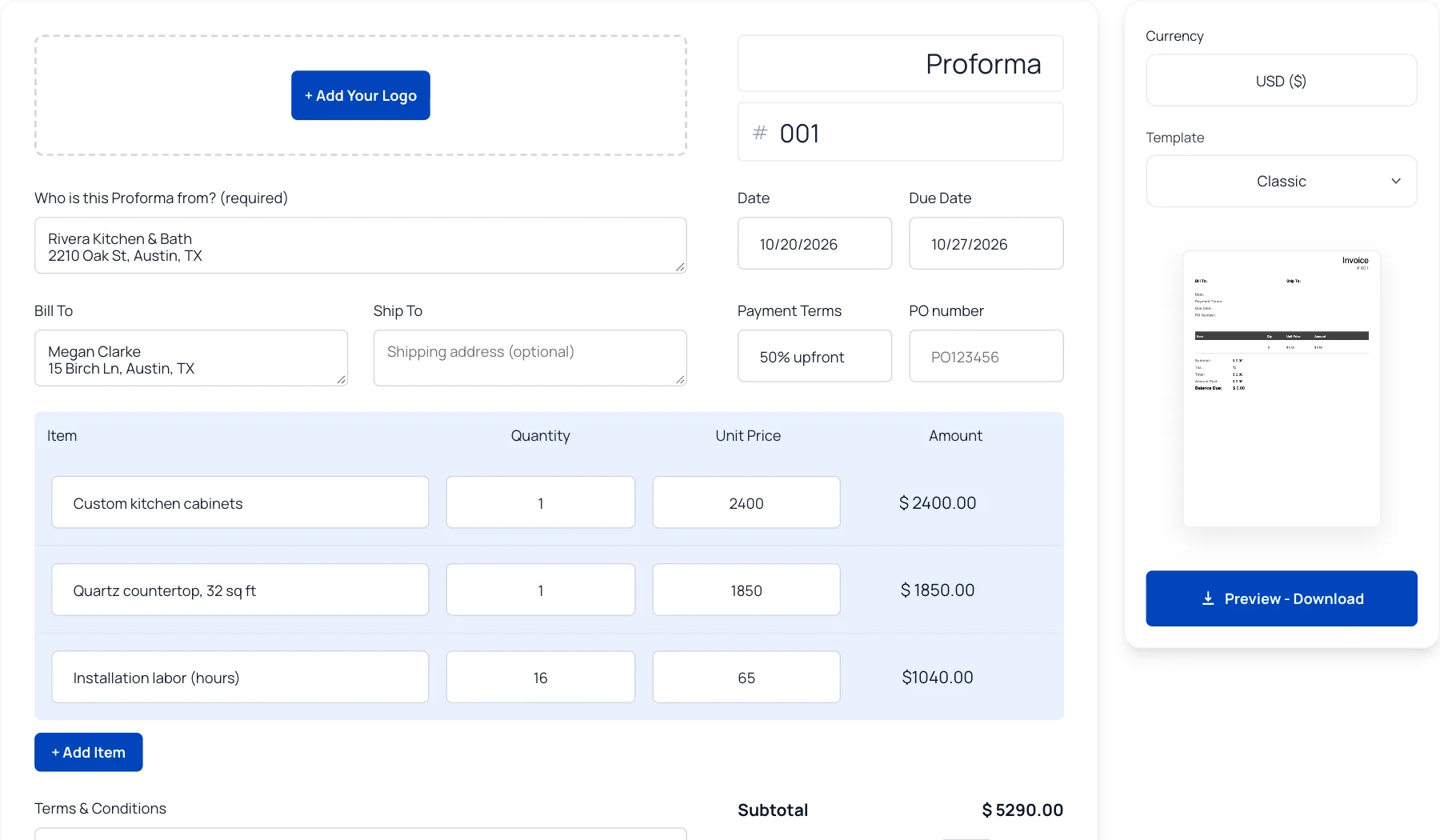
Proforma Generator
Show expected costs before work begins or goods are delivered. -
Academy · 9 min readHow to collect a deposit before the job startsHow much to ask for, when to ask and what to put in writing so the deposit actually lands.
On the job
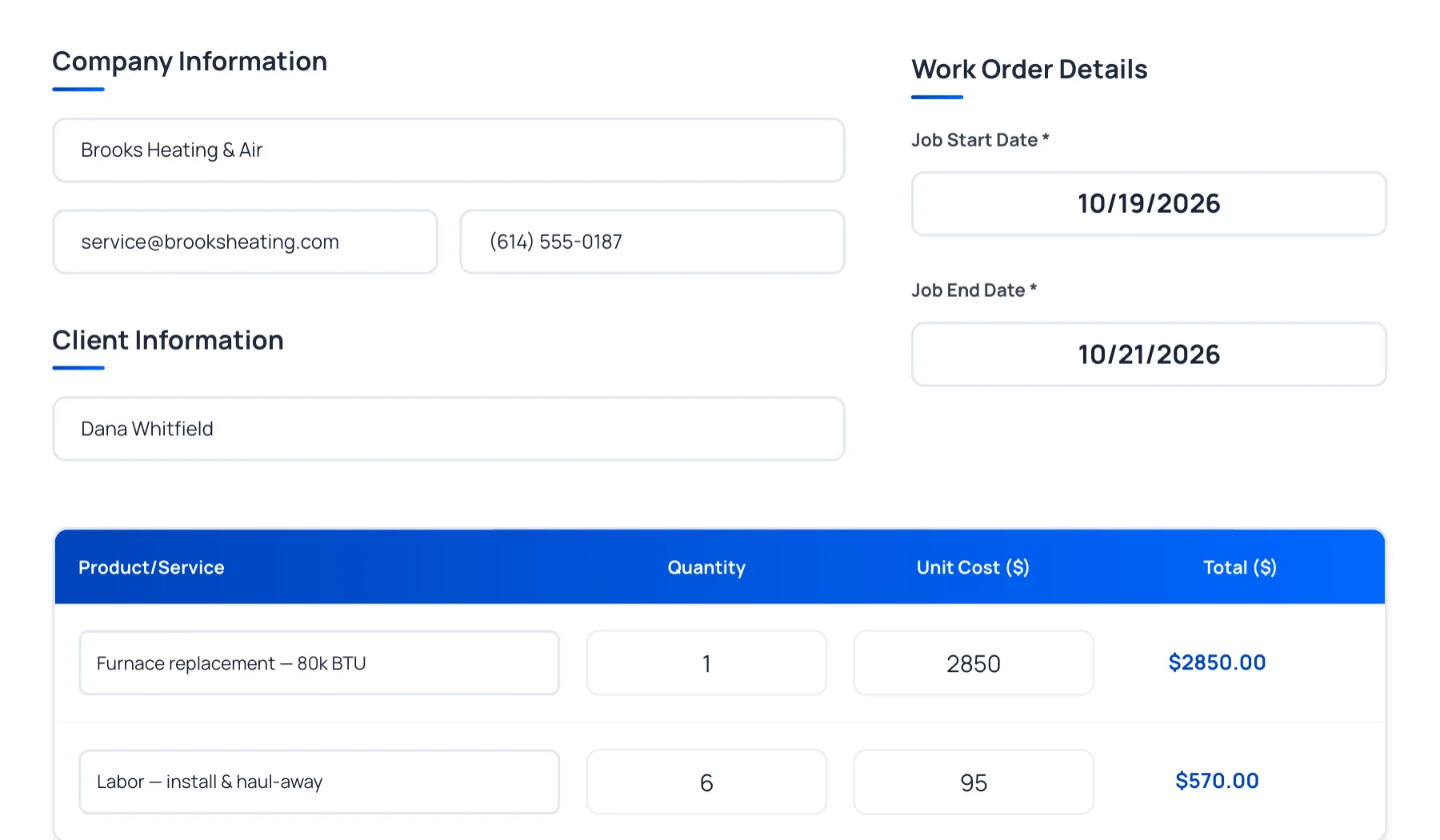
Keep your crew on the same page and get the right materials for the job.
Get paid
Send invoices to clients, track payments, and provide receipts once the job is paid. Keep your payments and records organized.
-
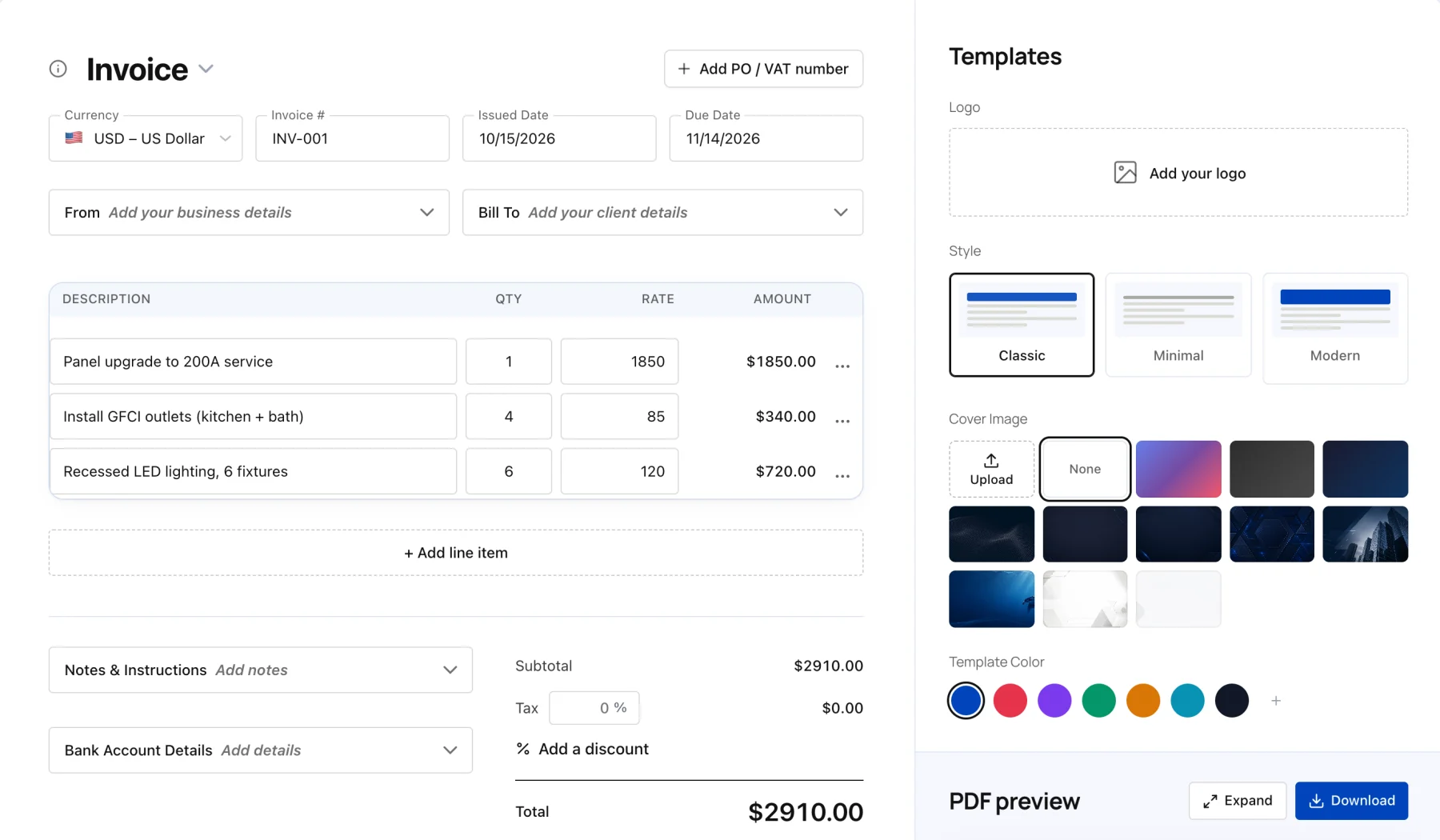
Invoice Generator
Fill in your client and line items, then download a ready-to-send PDF invoice. -
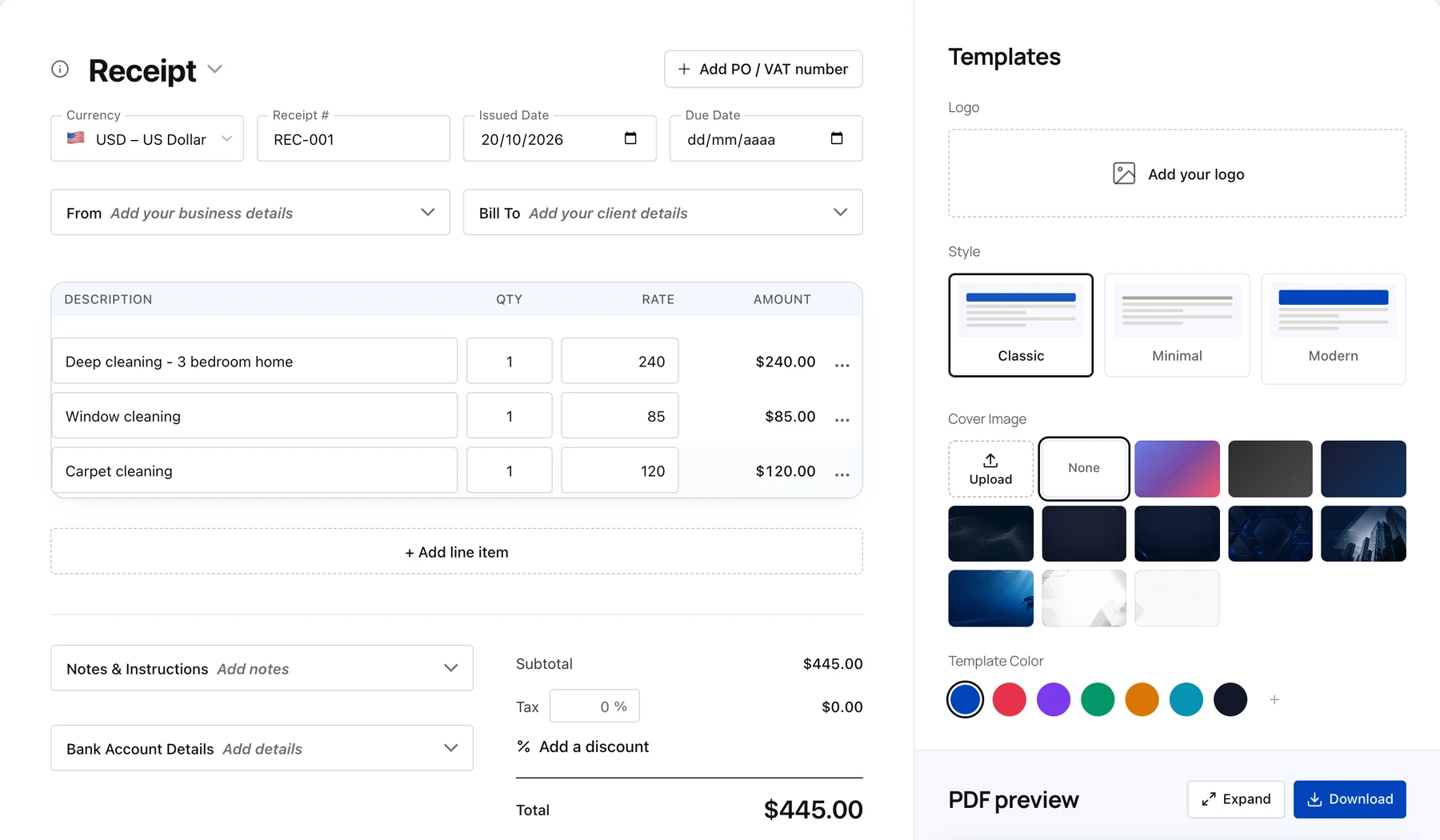
Receipt Generator
Confirm payments and give clients a professional receipt. -
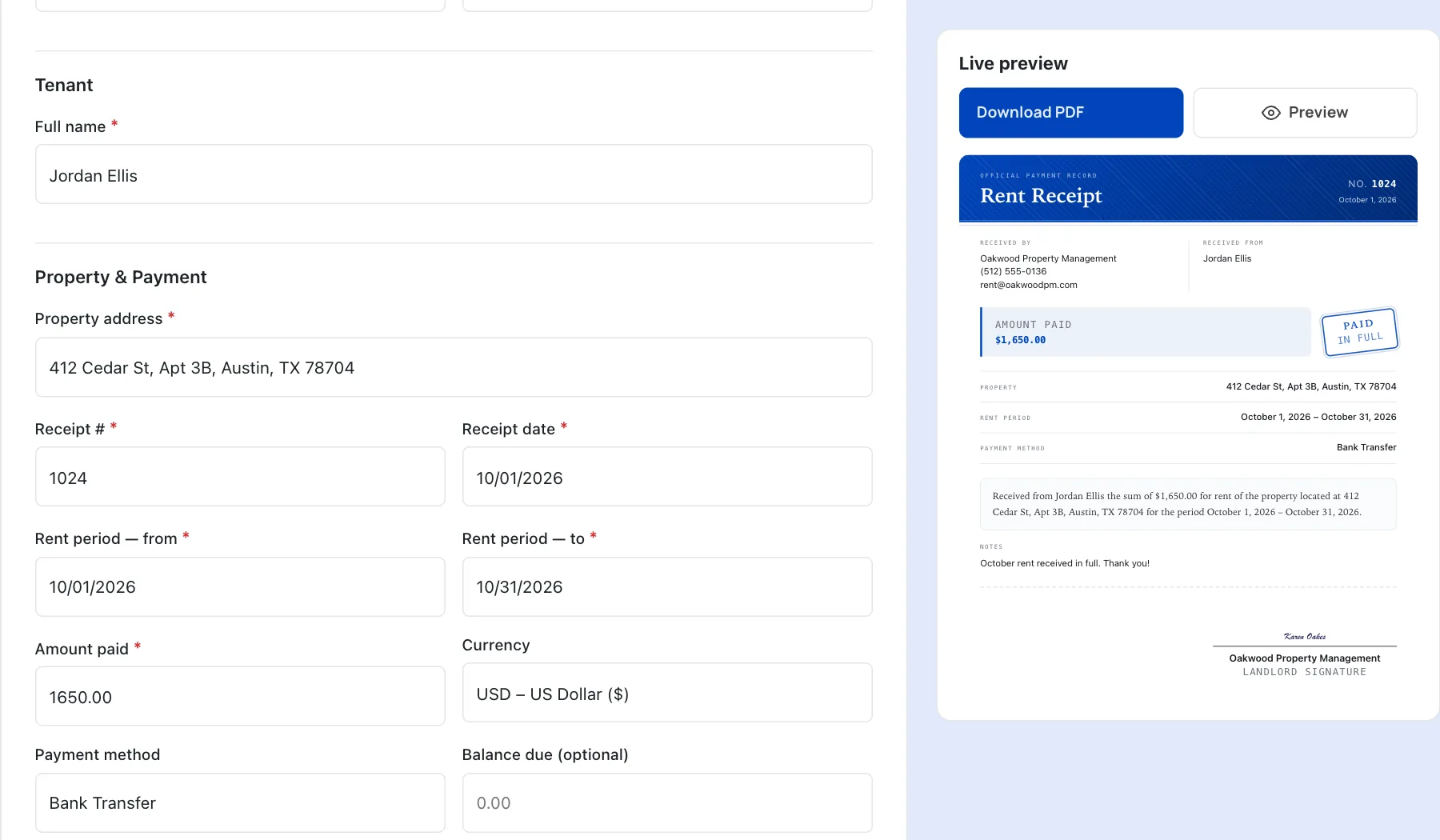
Rent Receipt Generator
Record rent payments and provide tenants with proof of payment. -
Academy · 10 min readHow to get paid faster by your clientsPayment terms, reminders and habits that shorten the wait between invoice and money in the bank.
Paperwork and taxes
Handle tax forms, contracts, and mileage records for your contracting business.
-
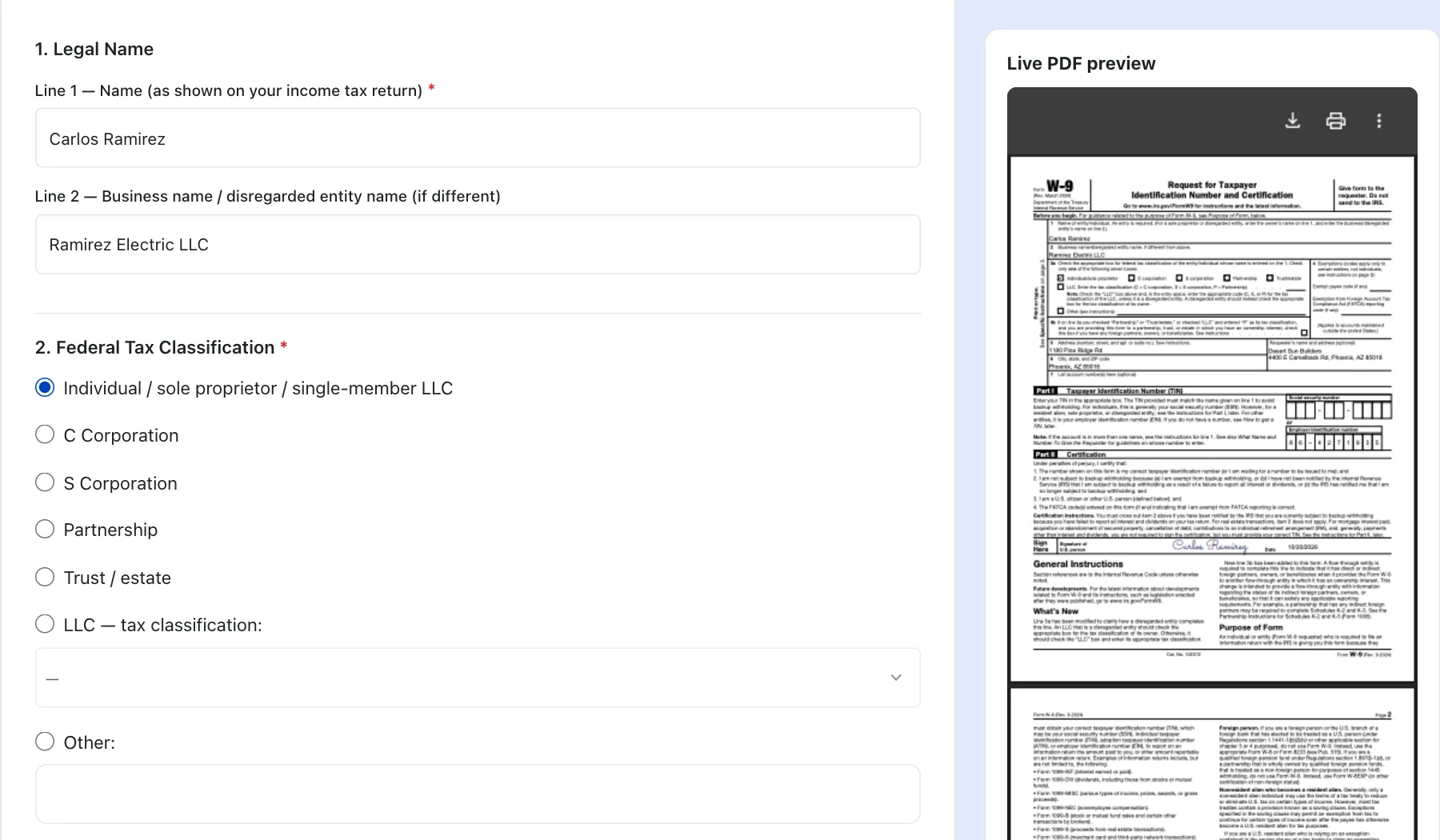
W-9 Form
Fill out your W-9 and share your taxpayer details with clients. -
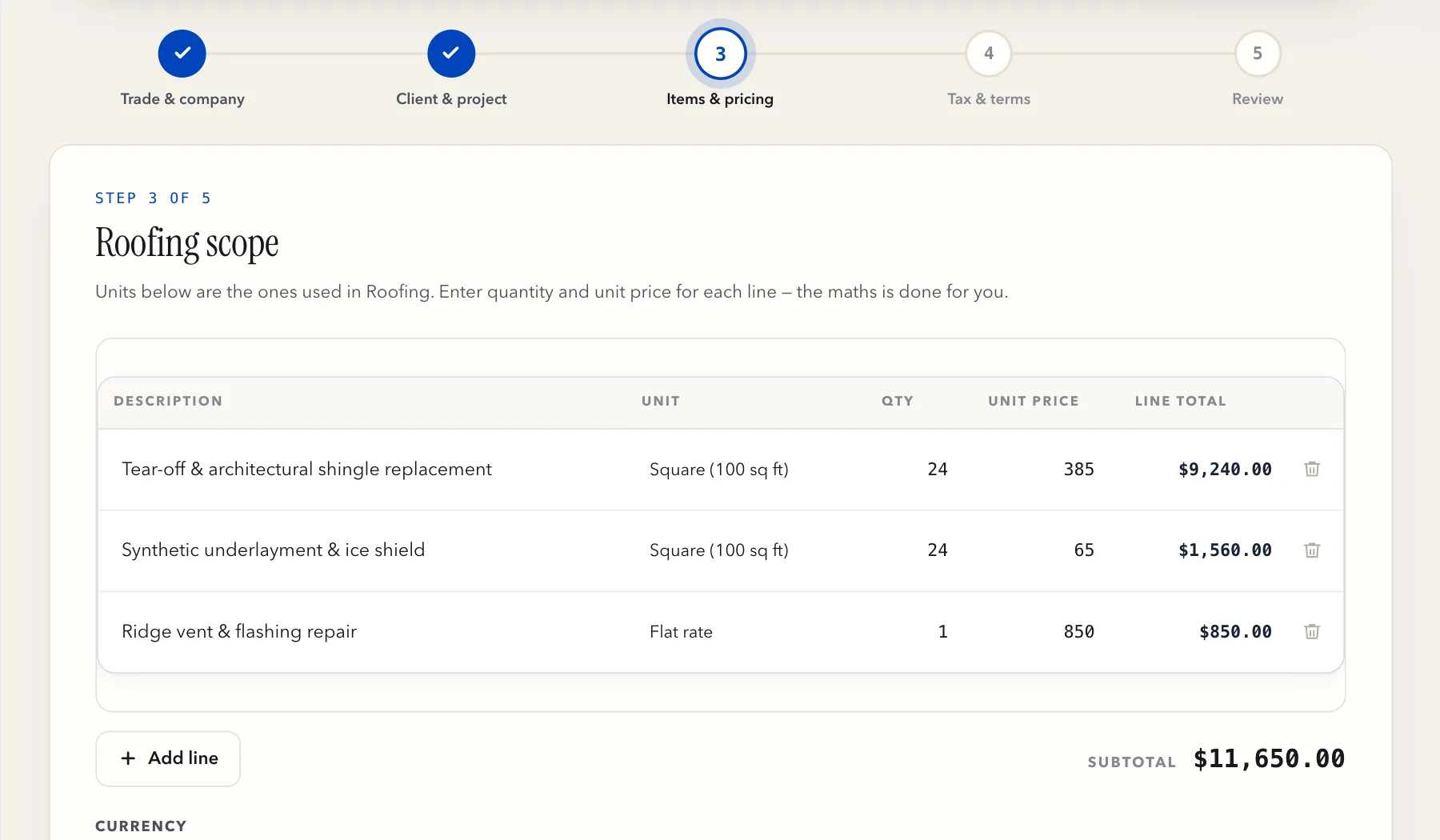
Independent Contractor Agreement
Set out the scope, pricing, and terms before work begins. -
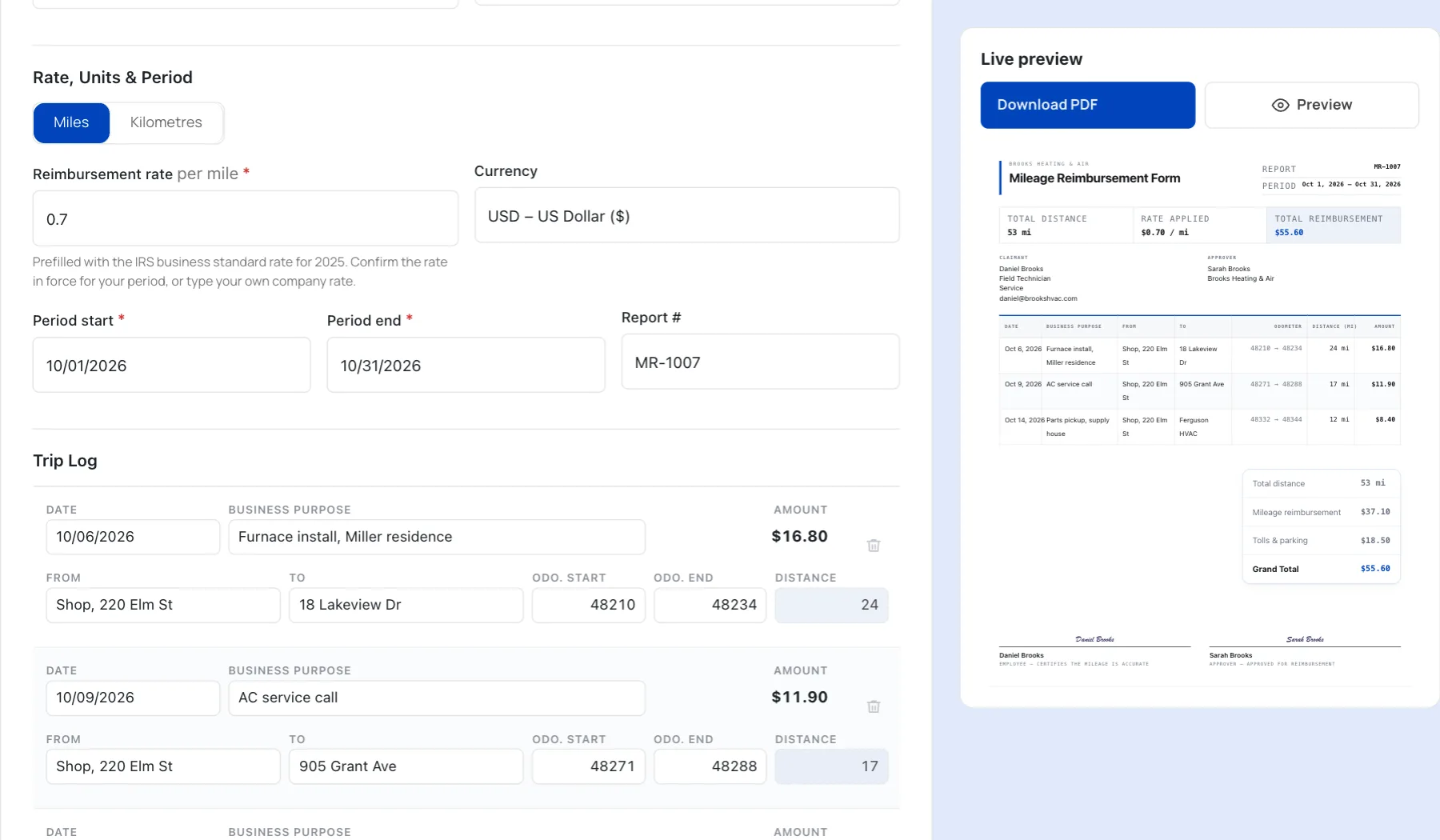
Mileage Reimbursement
Log business trips, tolls, and parking, then download your mileage report. -
Academy · 9 min readHow to track business mileage for tax deductionsWhat to log on every trip, so each mile holds up at tax time.
No generators match “”
Try a document name instead. These searches always find something:
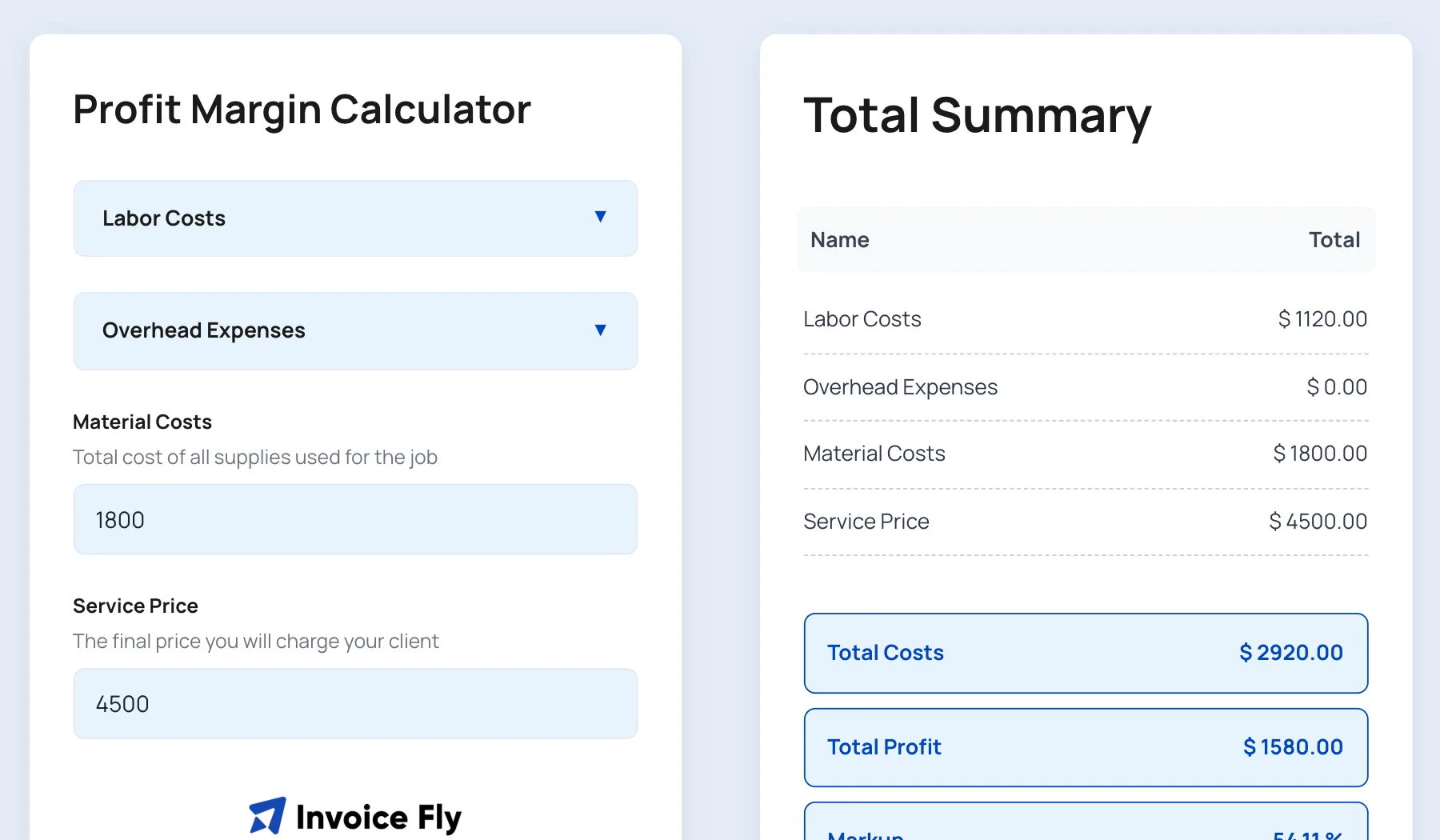
Need a Quick Calculation or a Blank Document?
Work out your costs, check your margins, or download a template to fill in offline.
Write Every Document with Confidence
From estimates and quotes to invoices, work orders, and tax forms, get practical tips on what to include, how to prepare each document, and when to send it. Learn the details, avoid common mistakes, and make sure every document is ready to go.

Frequently Asked Questions About Invoice Fly’s Free Generators
Quick answers about the free generators.
Visit the Help CenterAre Invoice Fly’s document generators really free?
Yes! All 11 of Invoice Fly’s document generators are completely free to use. You can create estimates, quotes, invoices, receipts, work orders, purchase orders, and other business documents without paying a fee or creating an account. Simply choose the generator you need, enter your details, and download your completed document as a PDF. There are no sign-up requirements to get started.
What’s the difference between a document generator and a template?
A document generator creates a finished document using the information you enter online. Add your business details, client information, products or services, quantities, and prices, and the generator automatically calculates the totals where applicable. You can then download your completed document as a PDF, ready to send or print.
A template, on the other hand, is a blank document that you download and edit yourself using compatible software. It’s useful if you prefer to work offline or want more control over the layout and content. Invoice Fly offers free templates in Word, Excel, PDF, Google Docs, and Google Sheets formats. Browse our free business templates to find one that suits your needs.
Should I send an estimate, a quote, or an invoice?
The right document depends on where you are in the job.
- Estimate: Send an approximate breakdown of expected costs before work begins. The final price may change if the scope, materials, or requirements change.
- Quote: Provide a fixed price for the agreed work or services. Your client can review and approve the price before you start.
- Invoice: Send an invoice when payment is due, usually after completing the work or reaching an agreed payment milestone.
Using the right document helps set clear expectations, avoid pricing misunderstandings, and keep your billing organized. Read our guide to invoice vs. quote to understand when to use each.
When should I use a proforma invoice?
A proforma invoice is a preliminary document that outlines the expected cost of goods or services before a sale is finalized. You can send one when a client needs a formal breakdown of proposed costs before confirming an order, approving a budget, arranging payment, or making a deposit.
Unlike a final invoice, a proforma invoice is not a request for payment for completed work. It gives both parties an opportunity to review the prices, quantities, and terms before moving forward. Once the transaction is confirmed and the goods or services are delivered, you can issue the final invoice.
Use Invoice Fly’s free proforma invoice generator to prepare and download a professional proforma invoice. You can also read our guide on what a proforma invoice is.
Can I add my business logo to an invoice?
Yes. Invoice Fly’s free invoice generator lets you upload your business logo and customize the invoice style and color before downloading it. Adding your logo helps make your invoice look professional and consistent with your business branding.
For a complete invoice, include your business and client details, a unique invoice number, issue date, payment due date, descriptions of the work or products supplied, quantities, prices, applicable taxes, and the total amount due. Review everything before downloading your ready-to-send PDF invoice.
Can I use Invoice Fly’s free generators on my phone?
Yes. Invoice Fly’s free document generators run directly in your web browser, so you can use them on your phone, tablet, or computer without installing an app. Whether you’re on a job site, meeting a client, or working from your office, you can open a generator, enter the required details, and download your document when you’re ready.
The generators are also free to access without creating an account, making it easy to prepare business documents wherever you have an internet connection.
How can I manage my invoices, track payments, and get paid?
The free generators help you create individual documents that you can download as PDFs and email or print for your clients. If you need more than document creation, the Invoice Fly app offers additional tools to manage your invoicing and payment process.
With Invoice Fly app, you can save client details, create and send invoices and estimates from your phone, collect electronic signatures, and accept online payments. You can also keep your billing information organized instead of creating every document from scratch.
Explore the Invoice Fly app to manage more of your invoicing workflow as your business grows.
Skip the Form. Take your invoicing mobile.
Invoice Fly keeps your clients on file and creates professional invoices and estimates in seconds. Get e-signatures, accept online payments, and get paid without chasing paperwork.
Try Invoice Fly free