- Home
- »
- Free Resources for Small Businesses
- »
- Free Templates
- »
- Free Invoice Templates
- »
- Blank Invoice Template
Free Blank Invoice Template
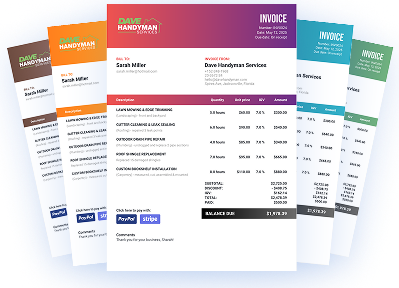
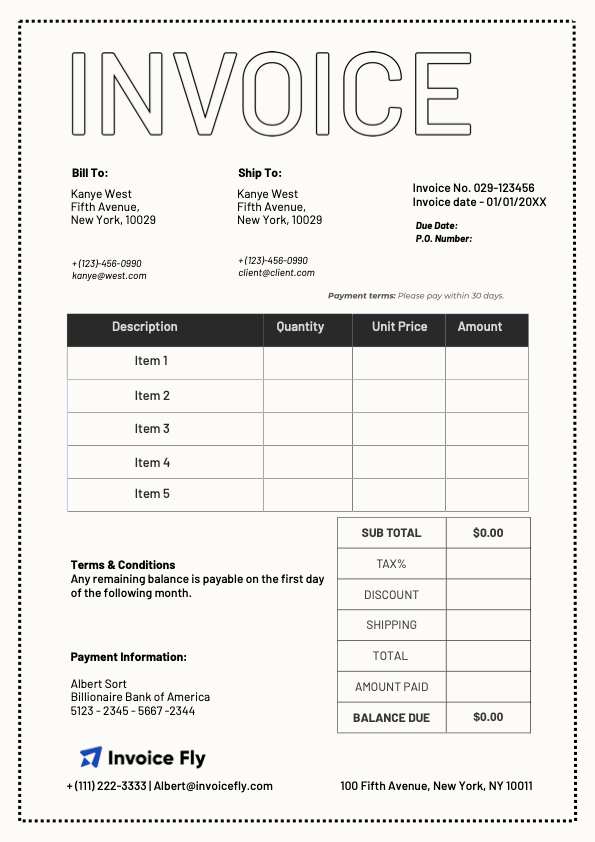
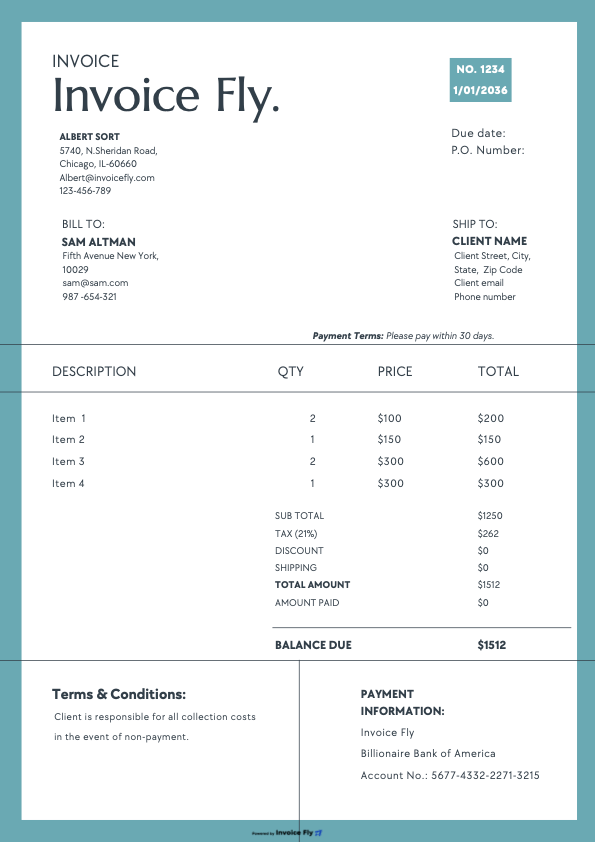
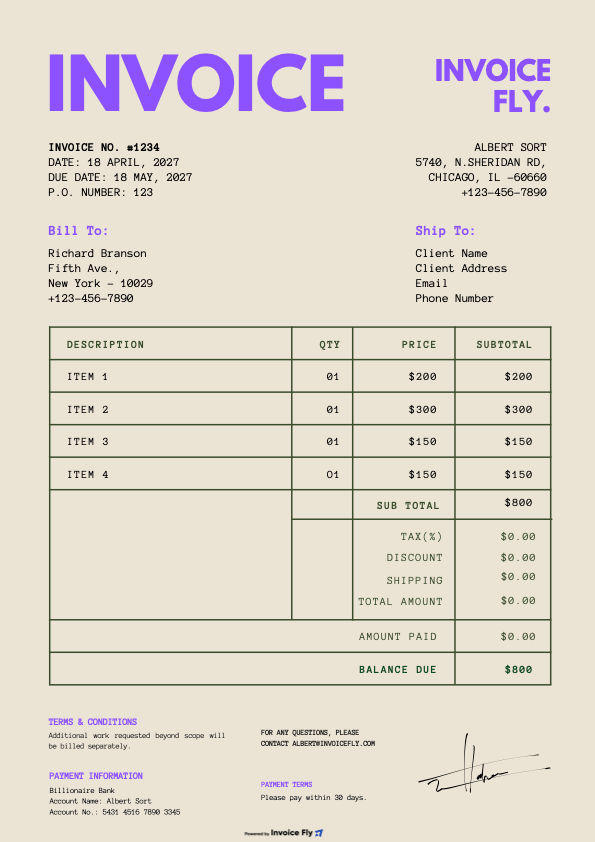
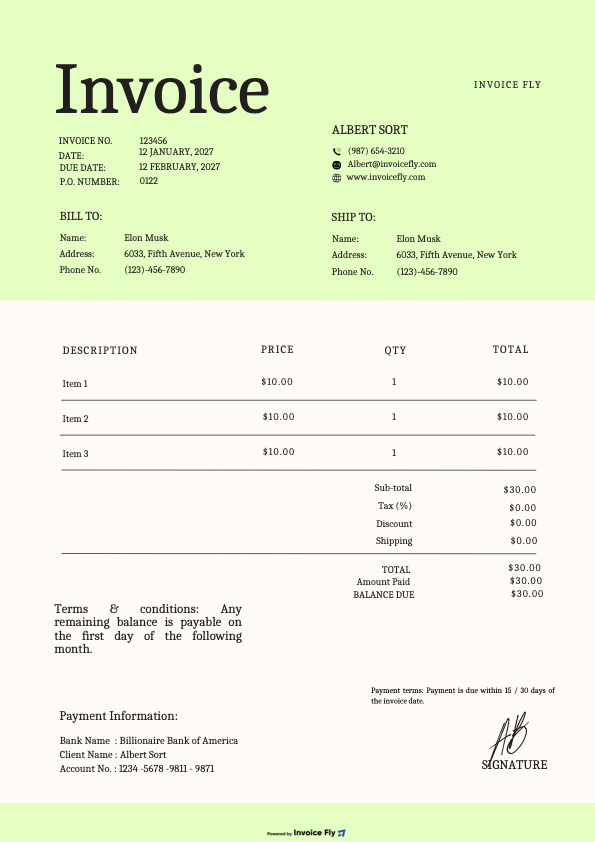
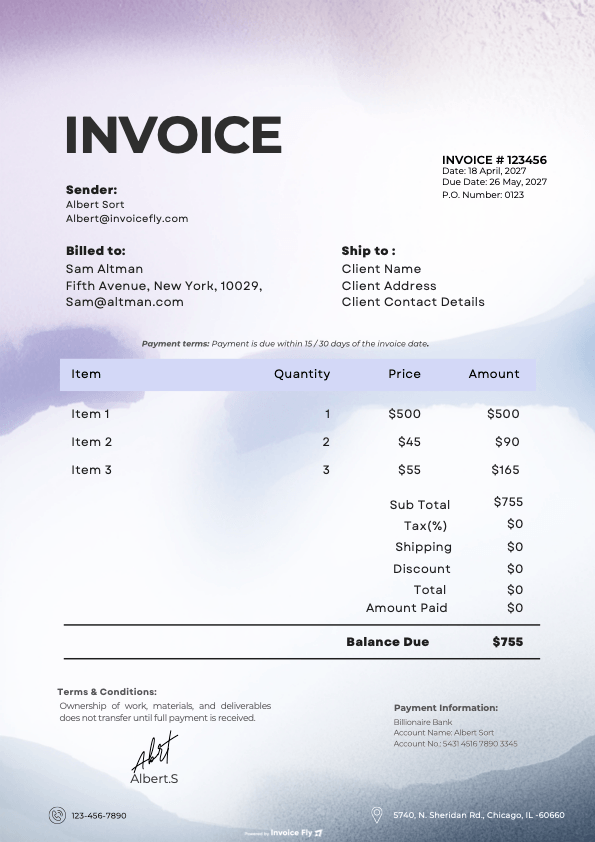
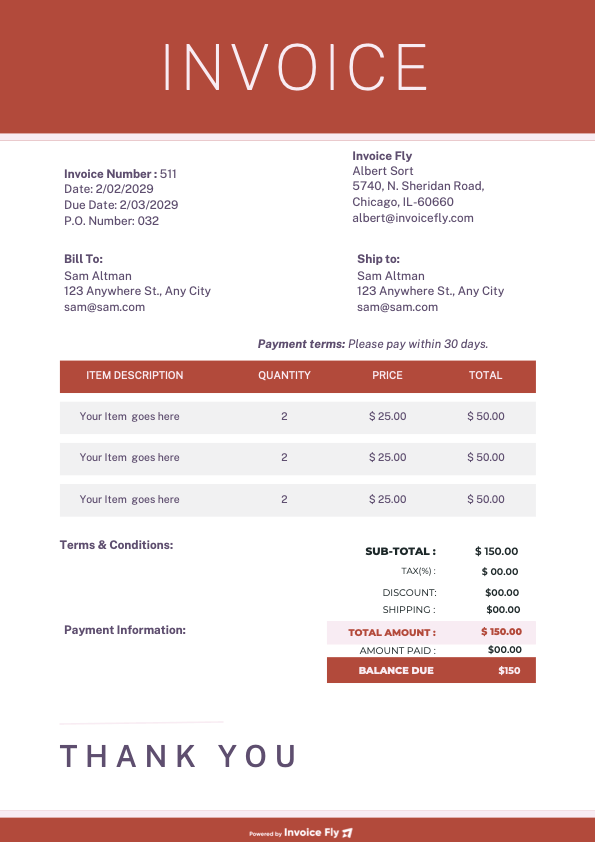
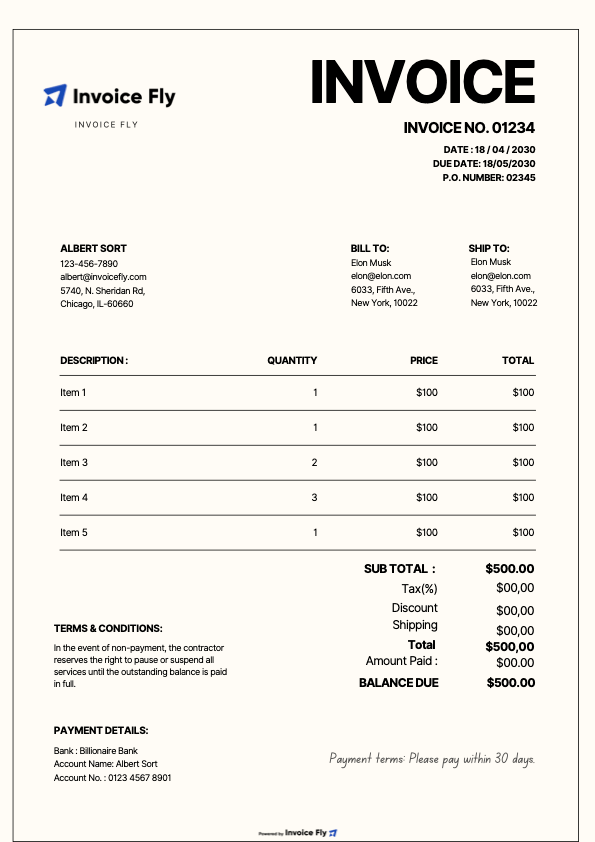
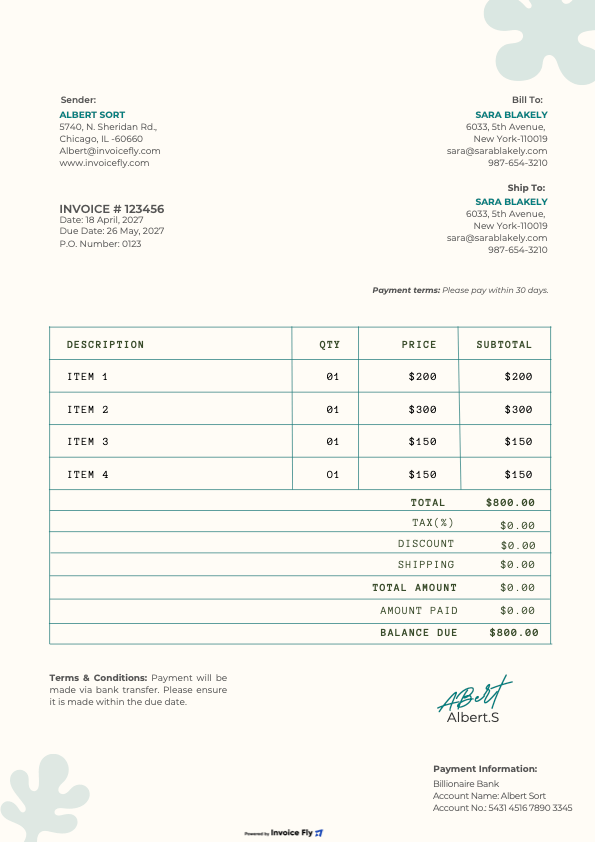
Creating invoices from scratch takes time and can lead to missing details. Use Invoice Fly’s free blank invoice template to add your business information, itemize charges, and set payment terms. Customize and download your invoice in PDF, Word, Excel, or Google Docs and Sheets, ready to send to your customers.
Benefits of using a blank invoice template
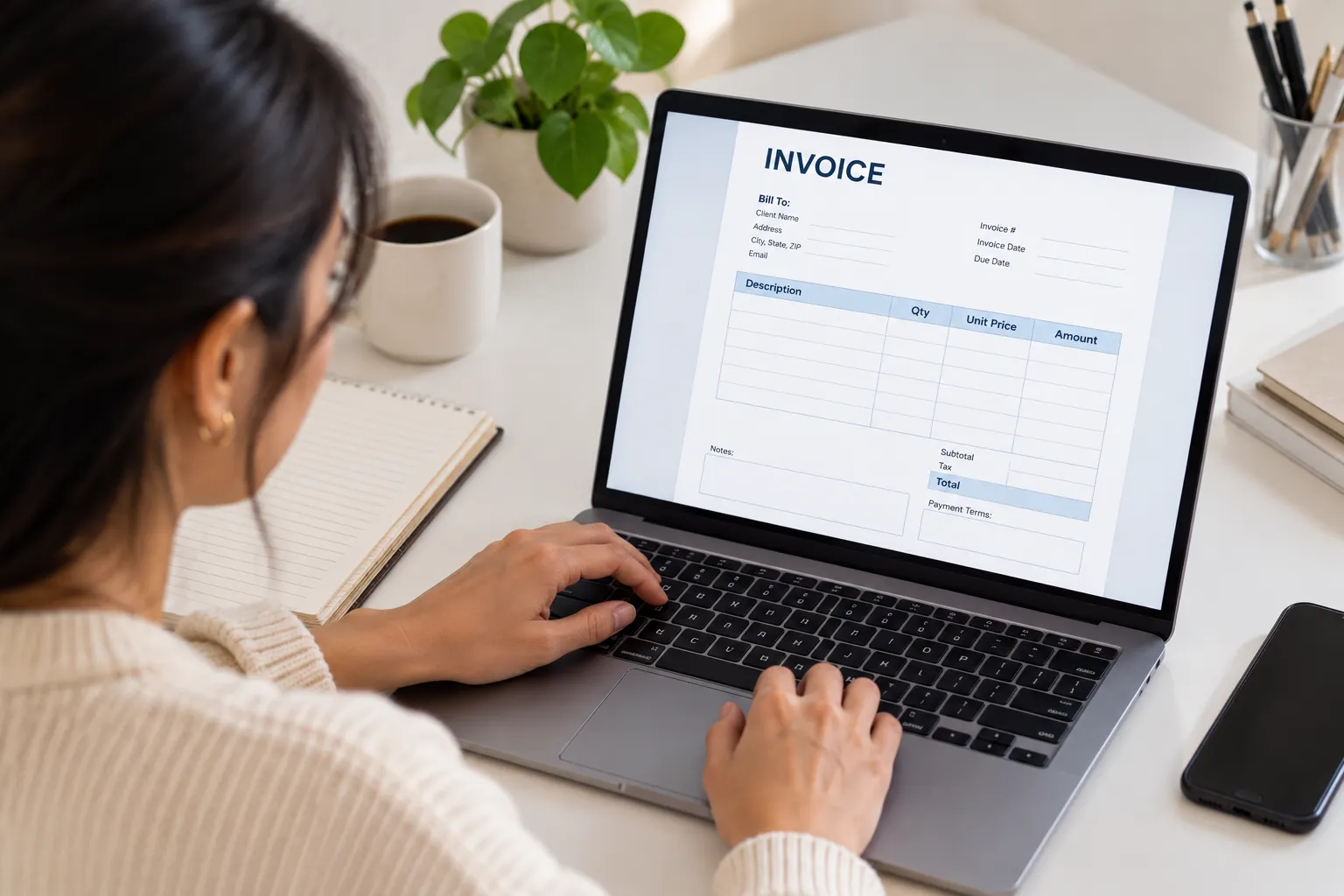
A blank invoice template helps you create accurate invoices without starting from scratch every time. Here’s how it makes billing easier:
-
Save time on invoicing
Fill in a ready-made template instead of creating a new invoice for every customer.
-
Reduce billing errors
Use consistent fields for services, prices, taxes, and payment terms to avoid missing important details.
-
Look more professional
Send clear, well-organized invoices that help customers understand exactly what they owe.
-
Keep payments organized
Track invoice totals, due dates, and outstanding balances to manage your billing more efficiently.
What to include in a blank invoice template
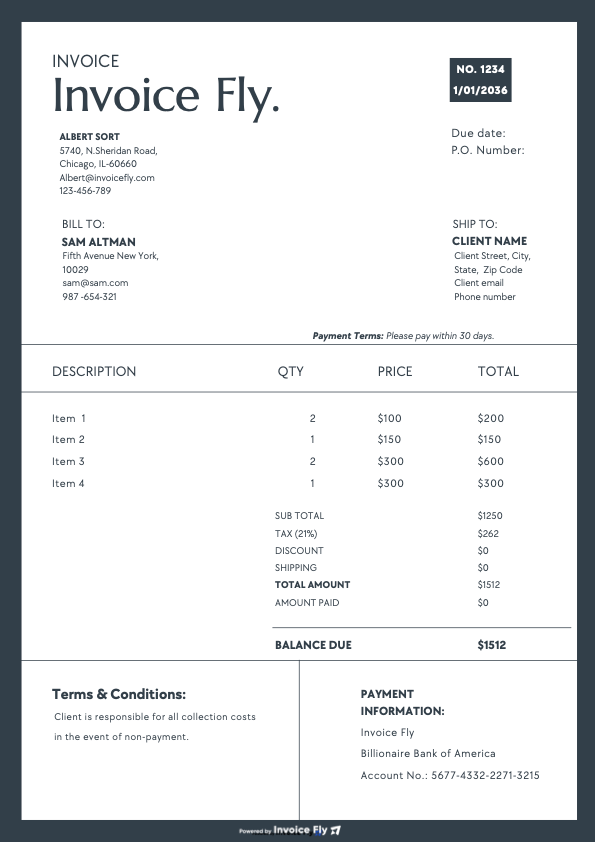
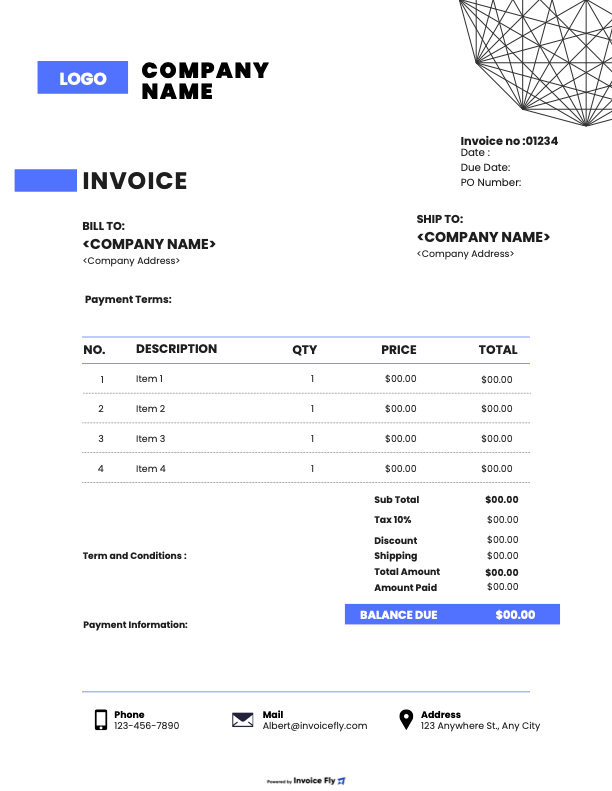
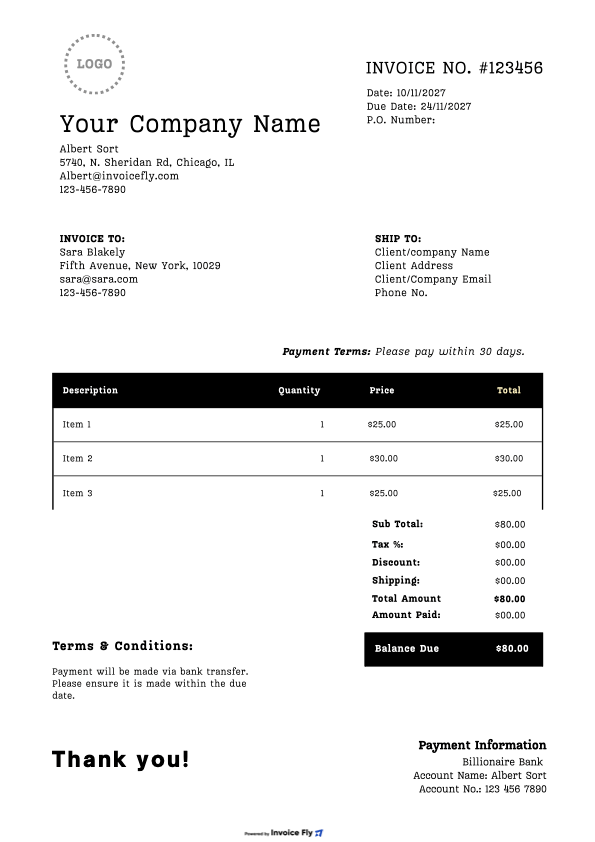
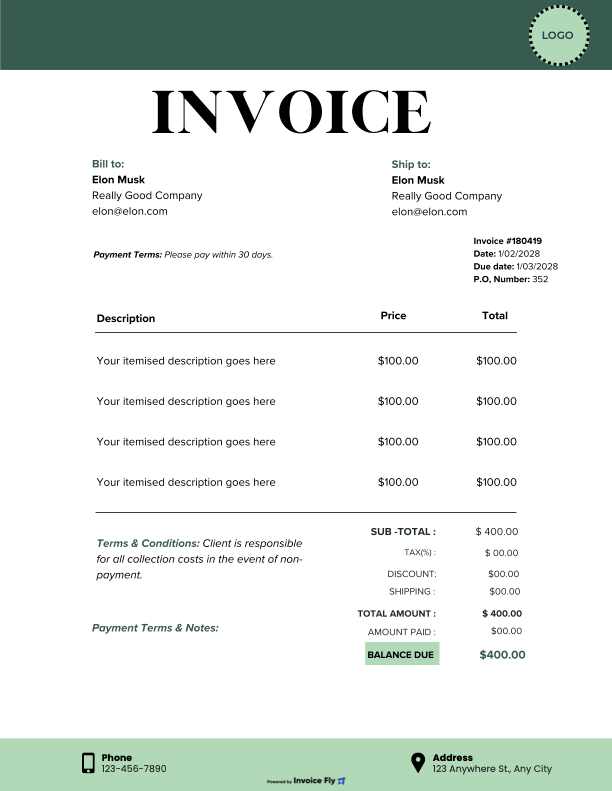
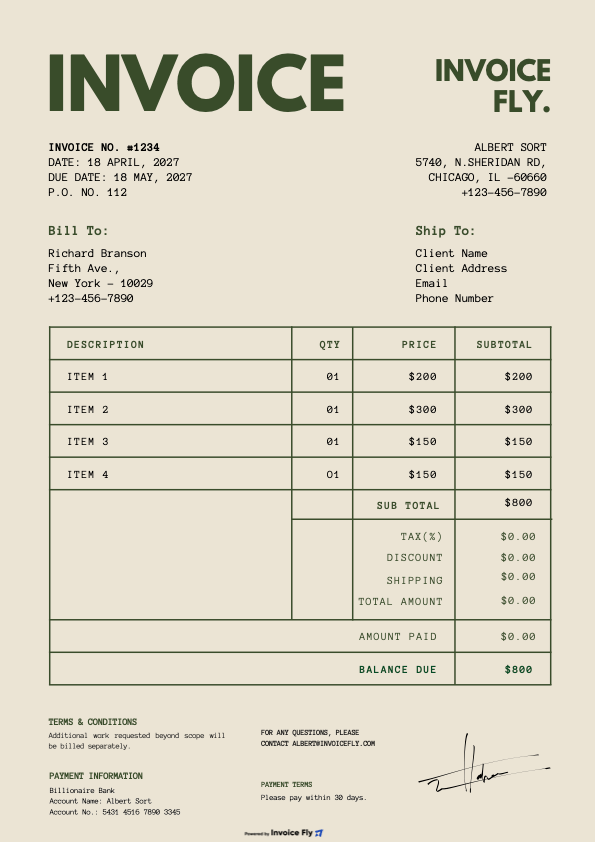
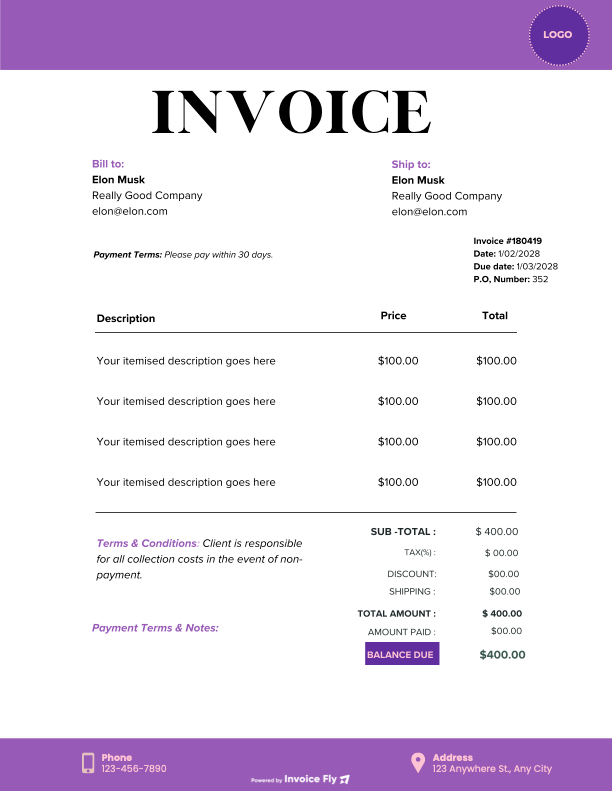
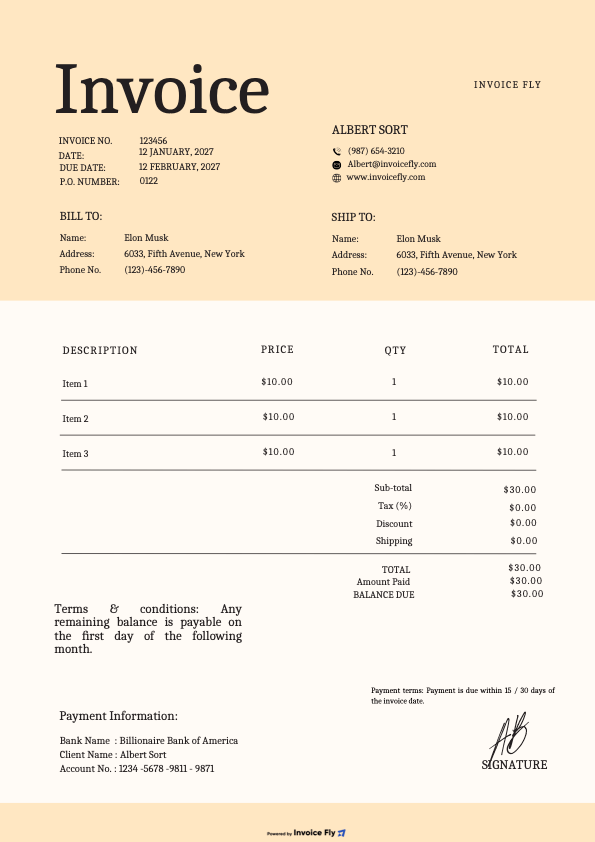
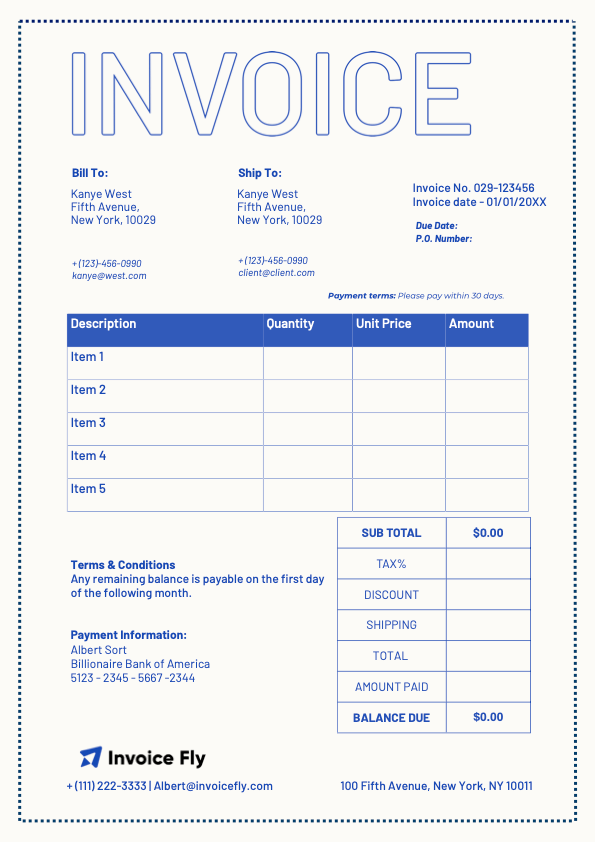
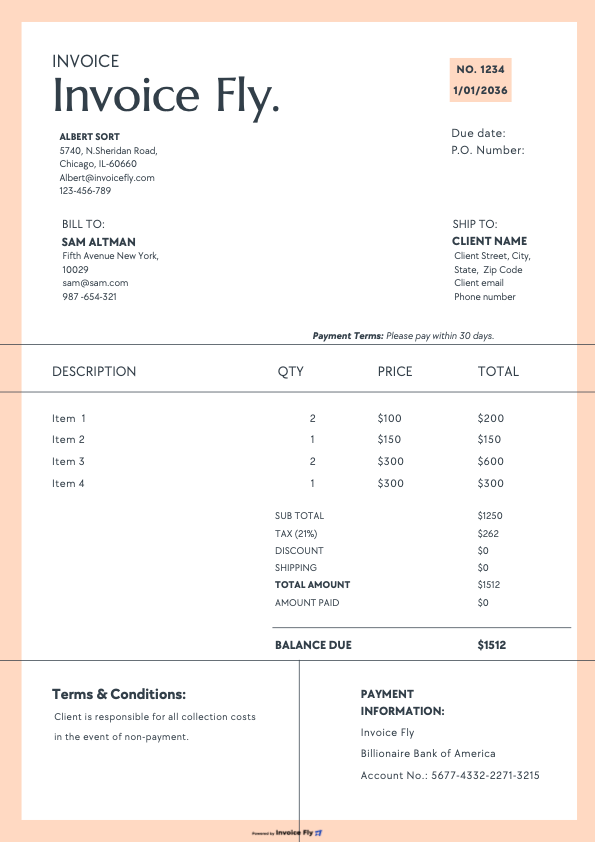
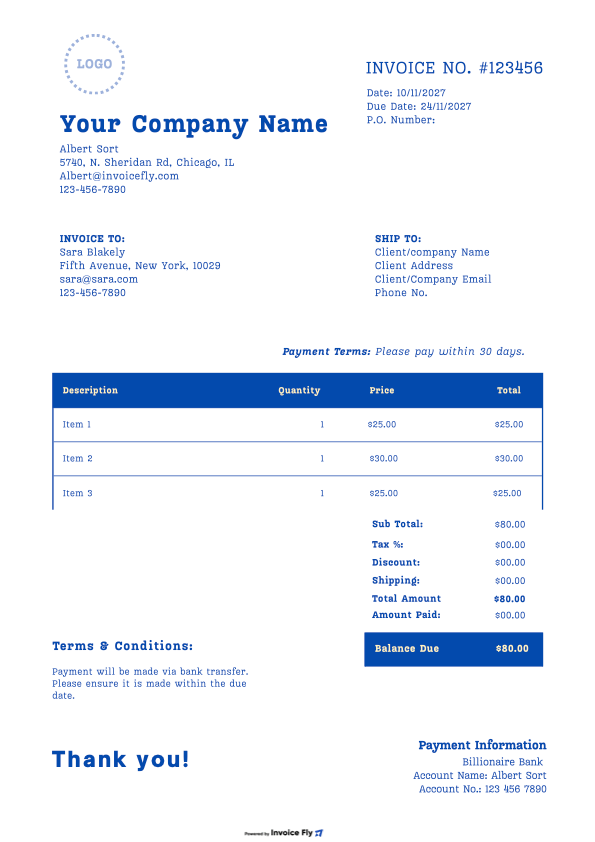
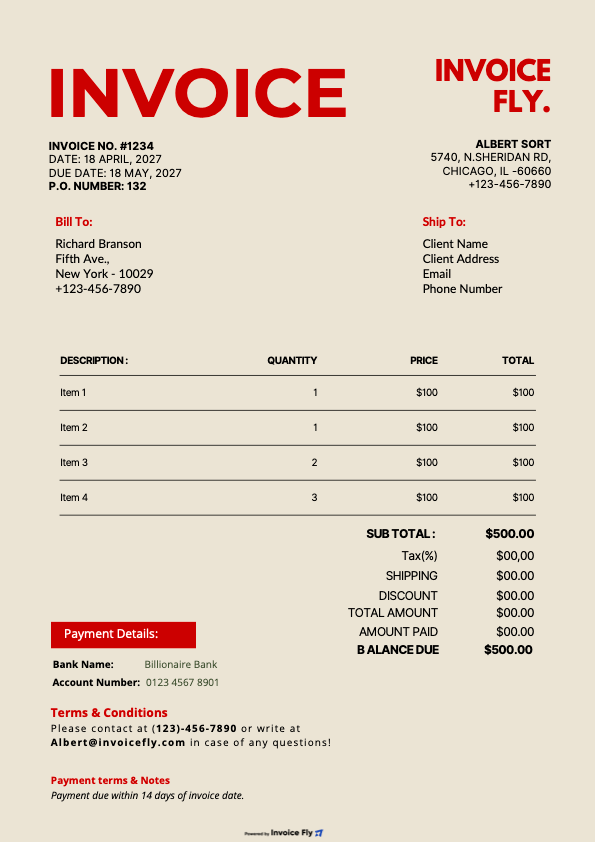
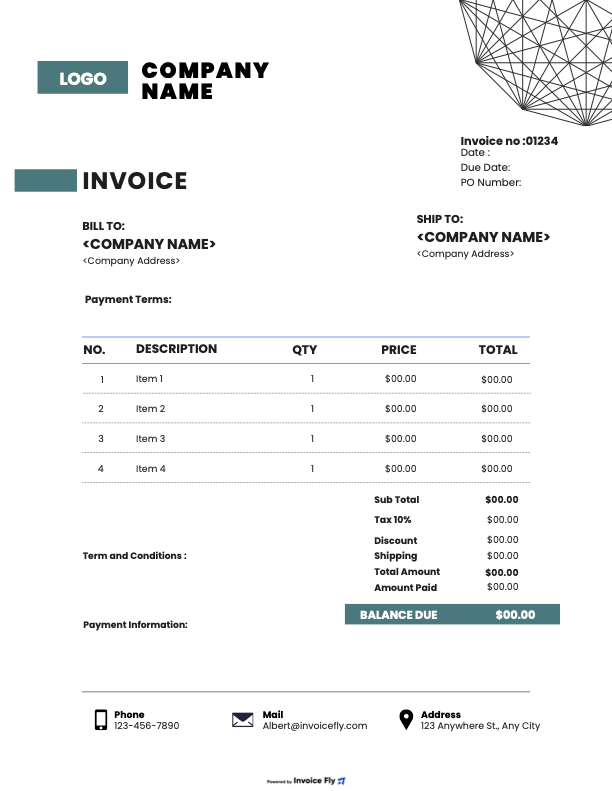
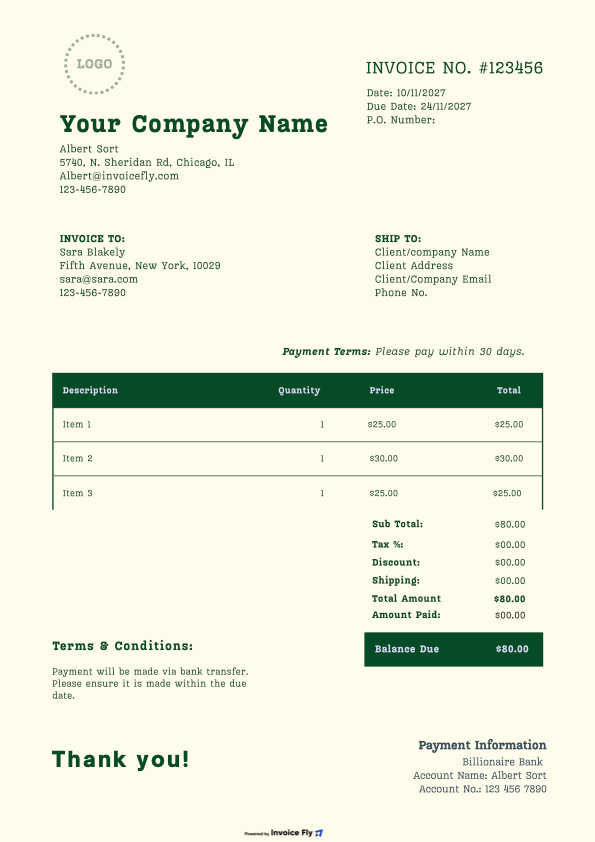
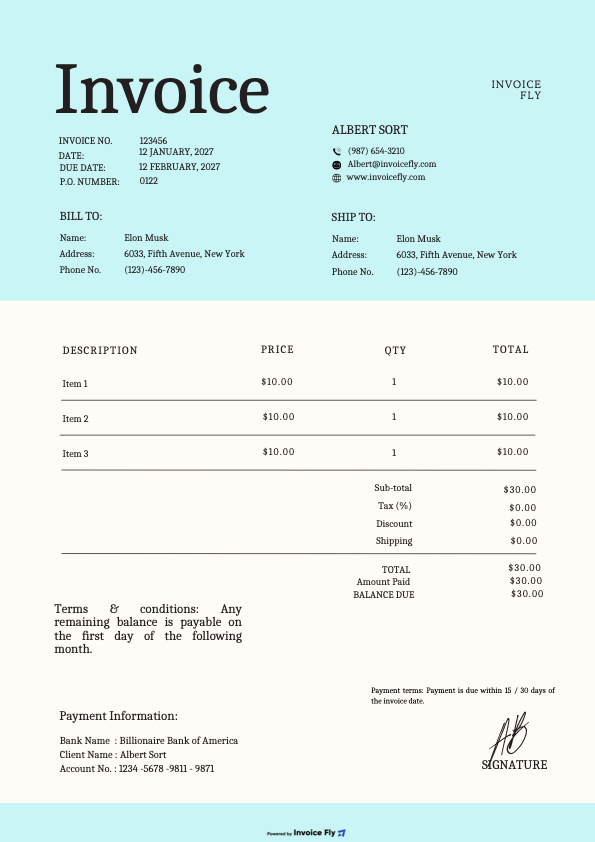
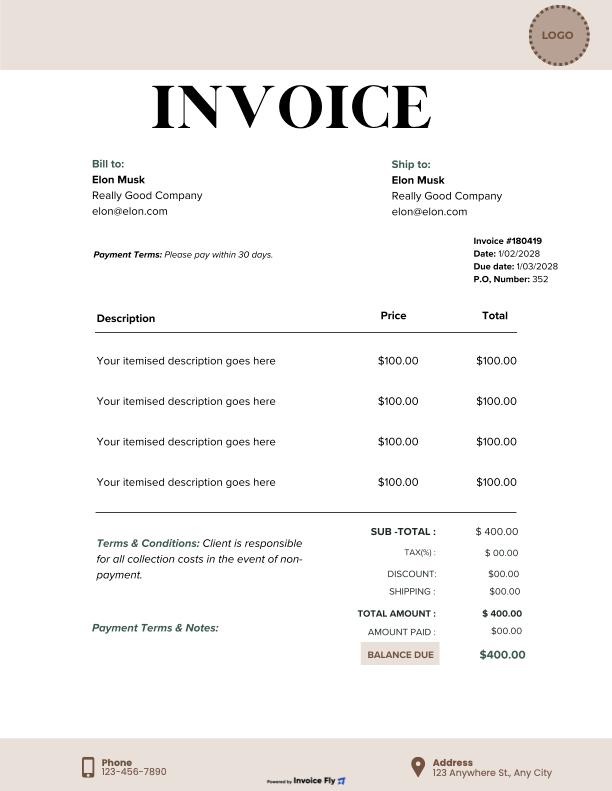
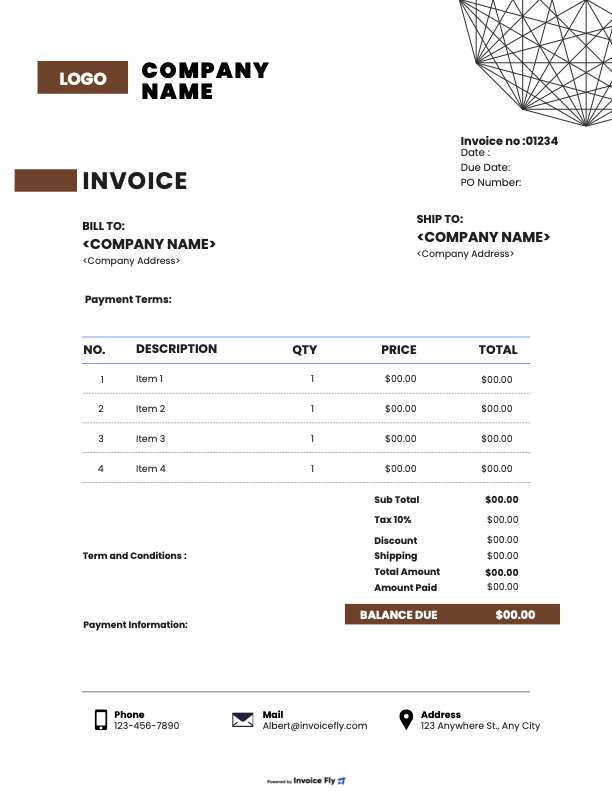
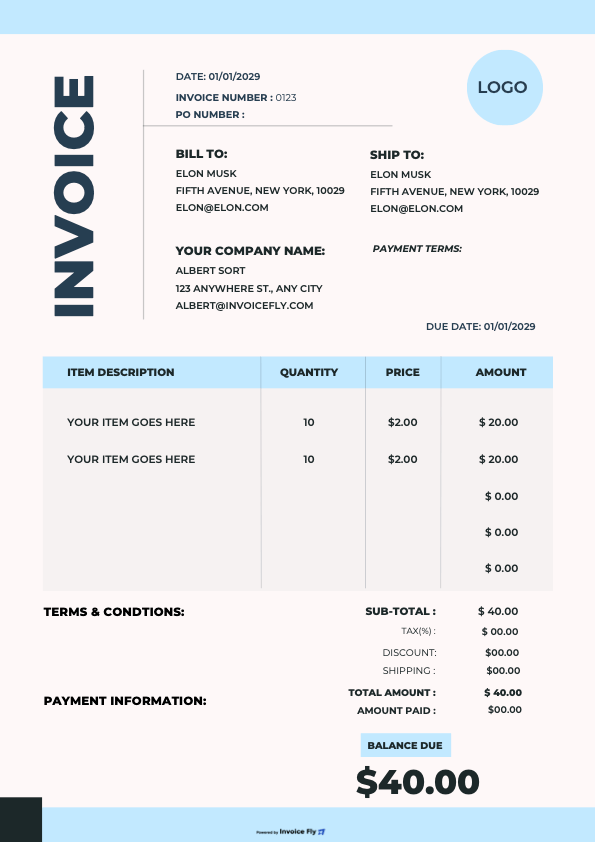
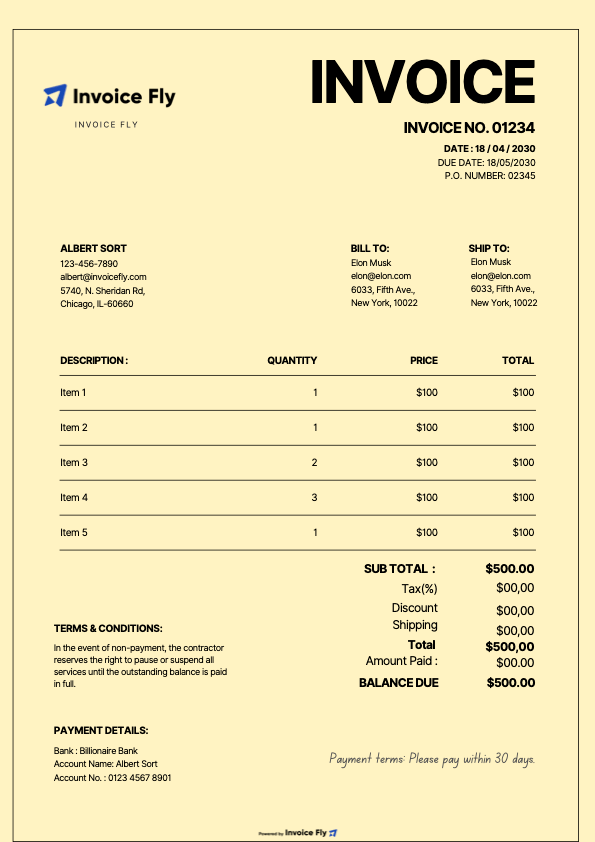
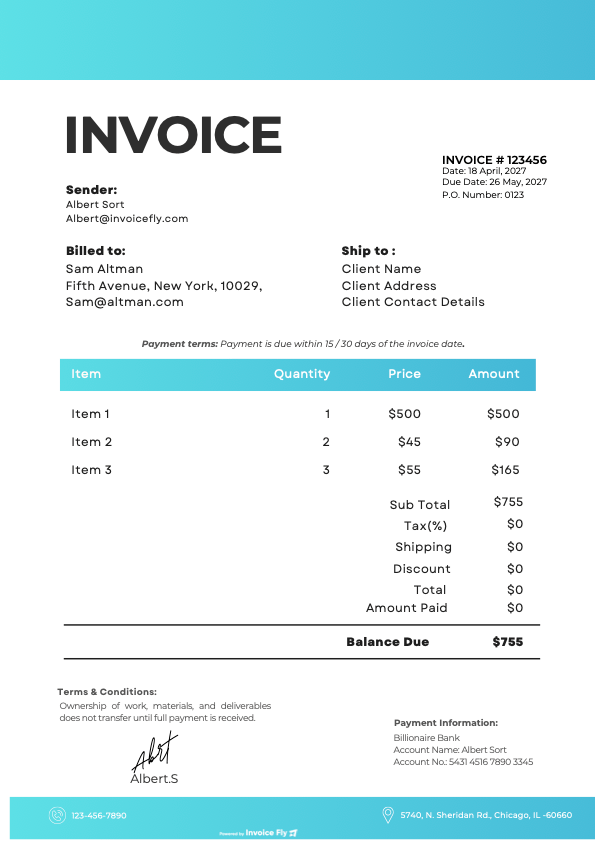
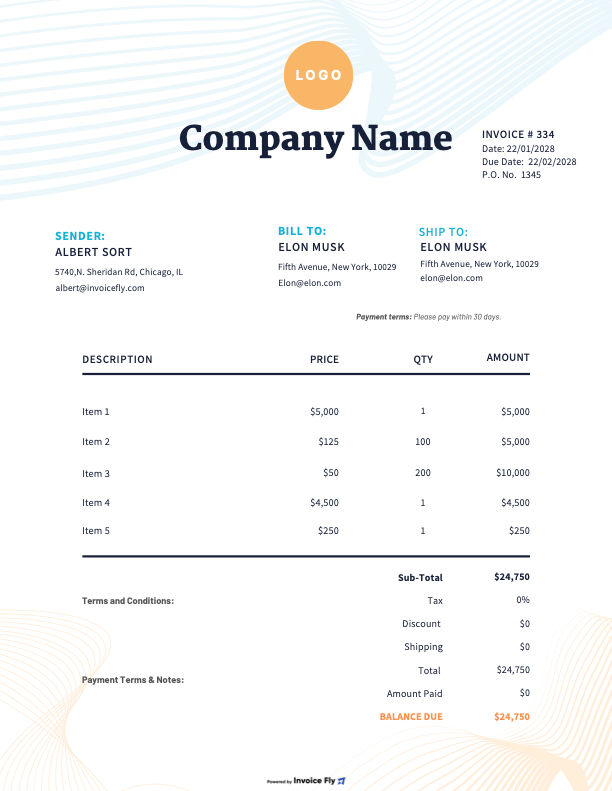
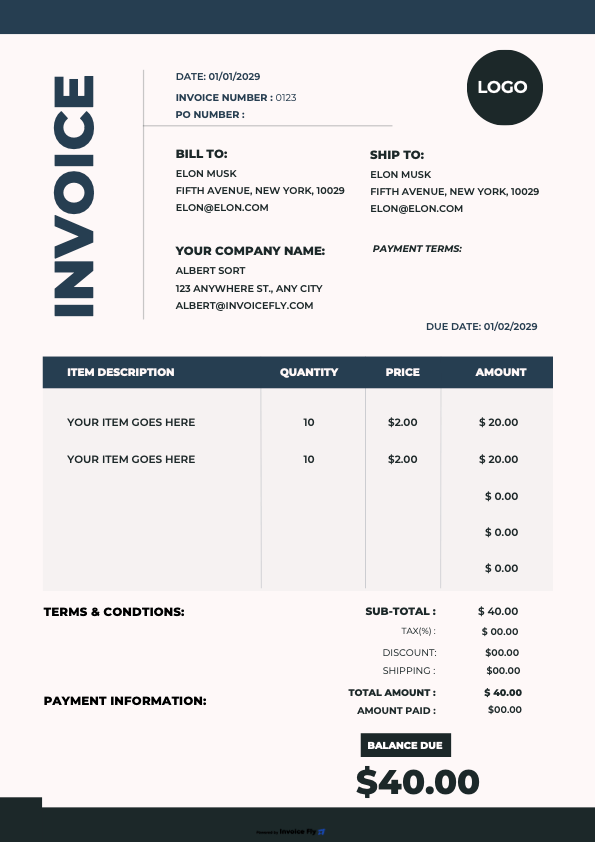
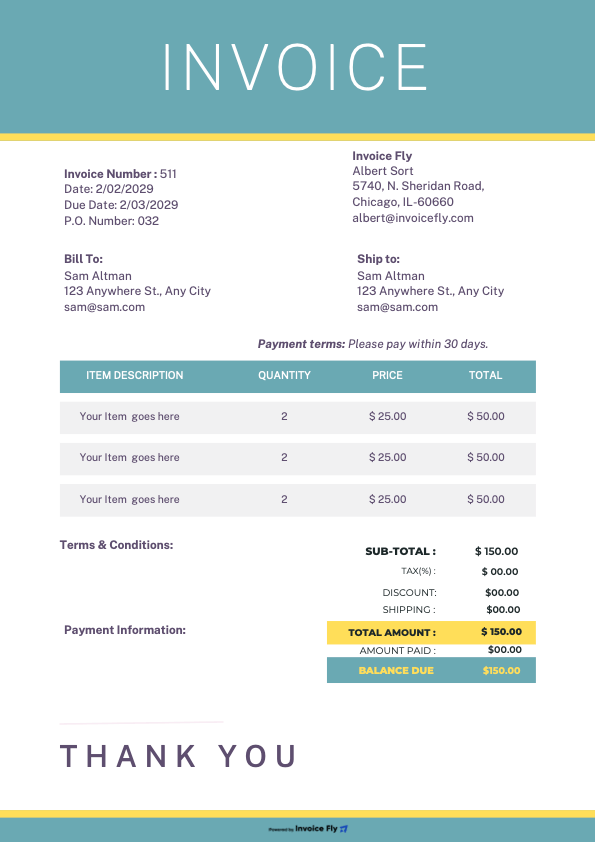
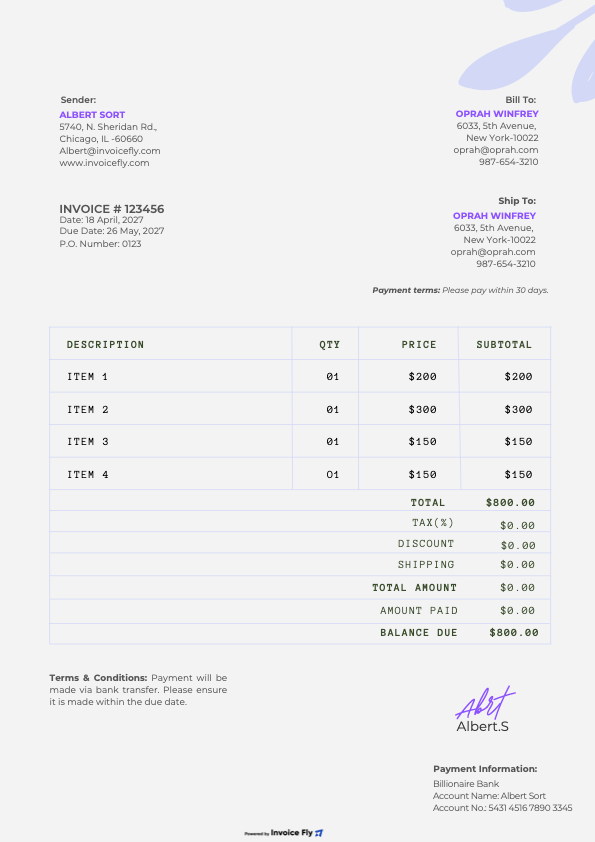
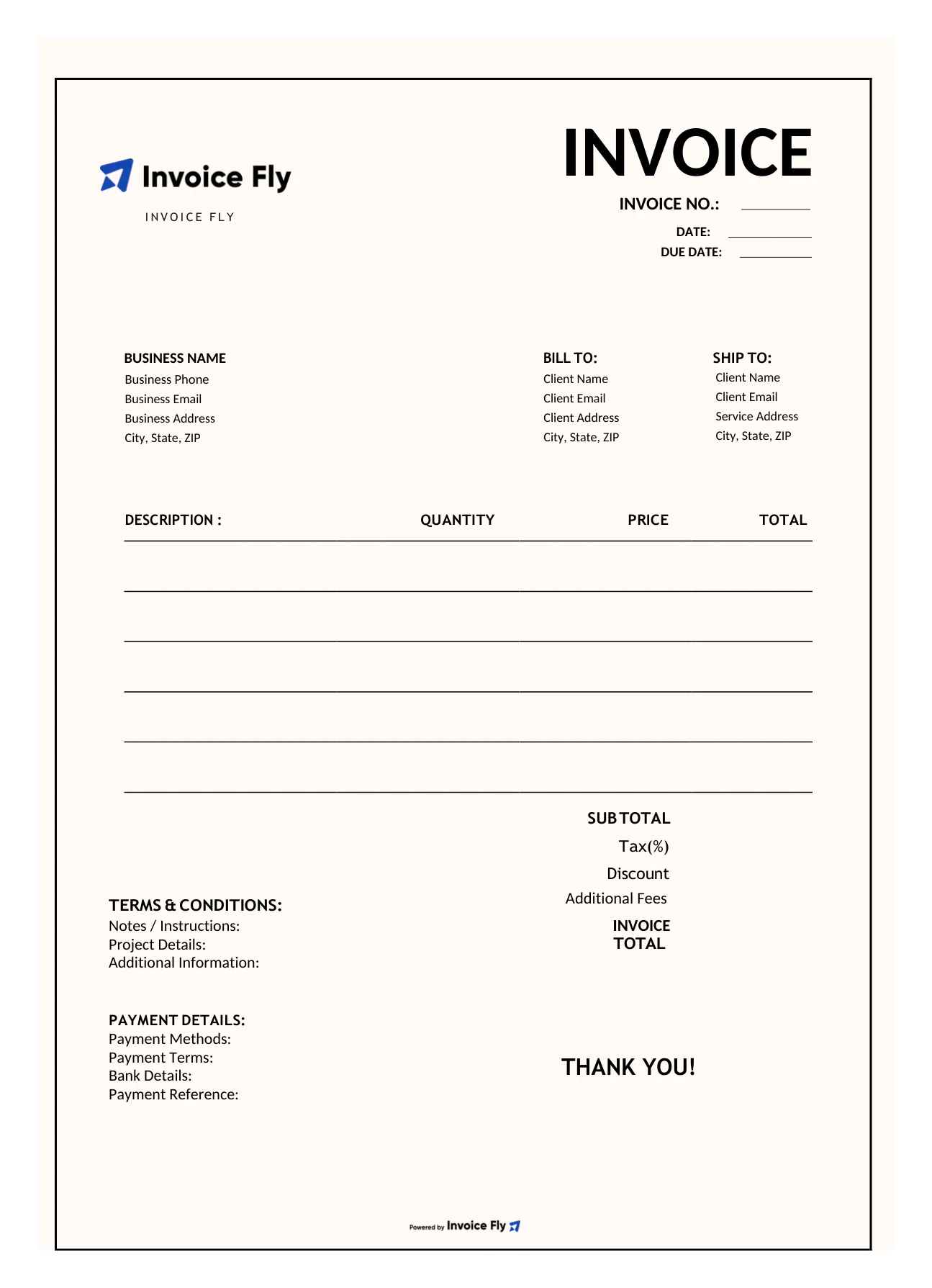
Our blank invoice template comes with clearly labeled spaces for all the essential details you need to bill your customers. Simply fill in your business information, add customer details, list your products or services, and enter your prices to create a professional invoice.
-
1
Business information
Add your business name, logo, address, phone number, and email.
-
2
Customer details
Include the customer’s name, business name, billing address, and contact information.
-
3
Invoice details
Fill in the invoice number, issue date, and payment due date.
-
4
Products or services
Use the itemized table to describe each product or service, enter quantities and rates, and calculate line totals.
-
5
Payment summary
Complete the subtotal, applicable taxes, discounts, additional fees, and total amount due.
-
6
Payment instructions
Specify payment methods, terms, and any relevant bank details.
-
7
Additional notes
Leave instructions, project details, or other information your customer needs to know.
1
2
3
4
5
6
7Blank invoice template formats
Choose a blank invoice template in the format that works best for you. Use PDF for printing or filling in with a PDF editor, Word or Google Docs to edit text, or Excel and Google Sheets to work with invoice details in a spreadsheet. Each format gives you a blank layout to fill in with your business information, customer details, services, prices, and payment terms.
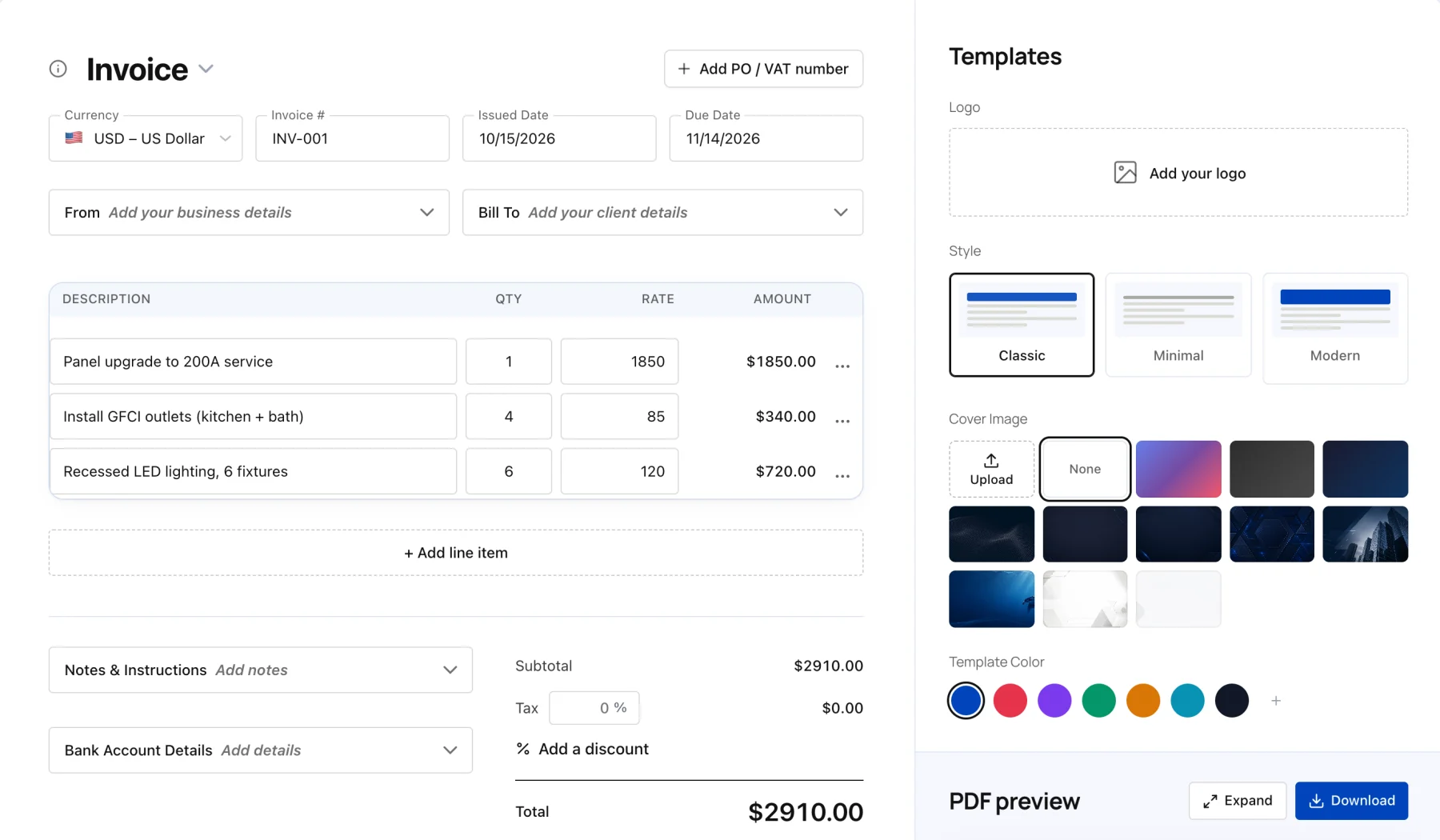
Create your first invoice free with our Online Invoice Generator.
Free Invoice Generator

Frequently asked questions about blank invoice templates
Yes, Invoice Fly offers free invoice templates that you can use to prepare professional invoices. Choose a blank invoice template PDF, fill in the empty fields with your business and customer details, add your charges and payment terms, and save or print the completed invoice. A blank PDF invoice is a practical option if you prefer a consistent layout that is easy to share or keep for your records.
A blank invoice template Word document gives you an editable layout that you can fill in using Microsoft Word. Add your business information, customer details, invoice number, dates, itemized charges, and payment instructions. A blank invoice template in Word is useful when you want to adjust the wording, customize the layout, or reuse the same invoice structure for different customers.
A blank invoice template Google Docs format is useful if you prefer editing documents online. Fill in the blank spaces with your business information, customer details, products or services, prices, taxes, and payment terms. Once completed, you can save or share the invoice according to your workflow. Check the available Invoice Fly formats to find the option that best suits your needs.
Blank invoice templates can come in several formats, depending on how you prefer to work. A blank invoice template PDF is useful for printing and sharing, Word and Google Docs formats allow document editing, and Excel or Google Sheets formats are suitable for working with invoice figures in a spreadsheet. Choose the available blank invoice form that fits your workflow, then fill in the fields yourself.
You can find blank invoice forms free online, including free invoice templates from Invoice Fly. Choose a blank invoice form with space for your business details, customer information, invoice dates, itemized charges, taxes, and payment terms. Complete the fields for each transaction to create a clear record of what you billed and how much your customer owes.
A blank invoice template should provide clearly labeled spaces for your business name and contact information, customer details, invoice number, issue date, due date, product or service descriptions, quantities, rates, subtotal, applicable taxes, and total amount due. It should also include space for payment terms and instructions. Reviewing a sample of a blank invoice can help you understand how these fields are arranged before filling in your own.
A blank billing invoice is a ready-made form you complete when charging a customer for products or services. It helps you document what was supplied, how much it cost, when payment is due, and how the customer can pay. Using a consistent blank invoice template also makes it easier to maintain organized billing records and track outstanding payments.
A blank invoice and an invoice template generally refer to a reusable layout with empty fields that you complete for each transaction. You may also see the terms invoice blank template, invoice template blank, or blank invoice forms used to describe similar documents. The important thing is to choose a layout with the fields your business needs and fill in the correct details before sending it to a customer.
Start by entering your business and customer information, followed by the invoice number, issue date, and payment due date. Add each product or service, its quantity and price, then calculate the subtotal, taxes, and total amount due. Include payment instructions and check that all details are correct before sending the completed invoice to your customer.
Learn more with Invoice Fly Academy
Get practical advice from Invoice Fly Academy to help you manage invoicing, organize business finances, set payment terms, and maintain accurate records. Learn how to create invoices, follow up on unpaid bills, and build better billing habits as your business grows.
Explore more free invoice templates and tools
Explore Invoice Fly’s free invoice templates and invoicing tools to simplify paperwork, prepare estimates, and keep your finances organized.
- PDFDOCXXLSX
- Download PDFInvoice generatorINVOICE#2036Service fee$1,200.00Materials$275.00Total$1,475.00
- Service price calculatorHours6Rate$75Equipment$350Job price$800