- Home
- »
- Free Resources for Small Businesses
- »
- Free Business Calculators
- »
- Calculating timesheet
Calculating Timesheet
Calculate your work hours by entering your start time, end time, and breaks for each day. Get your daily and total hours in seconds with our free time card calculator.
Timecard Calculator
Pick a pay period below to get one row per day (a month, a quarter, whatever you need), or leave it blank for a default 7-day week. Totals update as you type.
| Day | Starting Time | Ending Time | Break Deduction | Total (h:mm) |
|---|

Summary
| Day | Hours (h:mm) |
|---|
Daily hours use h:mm; the total above is spelled out in words instead, so it can't be mistaken for a clock time. Overtime rules, paid breaks and rounding policies vary by employer and state — check your own payroll rules.

Calculate Your Work Hours
Enter your working hours for each day and let the time calculator timesheet do the math for you.

1
Enter Your Pay Period
Choose your start and end dates to create a weekly timesheet, biweekly timesheet, or monthly record.
2
Add Your Start and End Times
Enter when you started and finished work each day. Your daily hours are calculated automatically.
3
Add Your Breaks
Enter the hours and minutes for your breaks to calculate your actual work hours for the day.
4
Copy Your Schedule
Use Quick Fill to set one schedule and apply it to weekdays or all days. It’s an easy way to fill out your time card sheet without entering the same hours repeatedly.
5
Check Your Total Hours
Review your daily totals and overall hours in the summary. Use the results to keep your time card or timesheet records up to date.
Keep Your Timesheets Simple
Track daily hours, subtract breaks, and see your total time without doing the math yourself.
Track Hours for Every Day
Enter your start and end times from Monday through Sunday and see the total for each day.
Save Time With Quick Fill
Have the same schedule most days? Apply it to multiple days in one click.
Use 12-Hour or 24-Hour Time
Choose the time format that works best for you when entering your hours.
Track Different Pay Periods
Use the calculator for a weekly timesheet, biweekly timesheet, or monthly timesheet depending on your schedule.

Understanding The Time Card Sheet Calculator Formula
Work Hours = End Time − Start Time − Breaks. Use this formula to calculate the total hours worked for a weekly timesheet, monthly timesheet, or other pay period.
Timesheet Calculation Example
If you work from 9 AM to 5 PM with a 1-hour break, you worked 7 hours. Use the same calculation for each day to get your total work hours.
Other Calculation Scenarios
Calculate Different Work Schedules
Different shifts and break times change your total hours. Use the calculator for a weekly timesheet, biweekly timesheet, or monthly timesheet to see the difference.
Avoid Common Timesheet Errors
Check your start times, end times, and break deductions before calculating your time card. Accurate entries help keep your work hours and timesheet totals correct.
Calculate Your Hours Wherever You Work
Need to check a time card after a shift or update your hours quickly? Use Invoice Fly to calculate your work hours wherever you are.
More Free Calculators from Invoice Fly
Explore more free Invoice Fly calculators to help with taxes, payroll, pricing, and other business numbers.
Open calculator
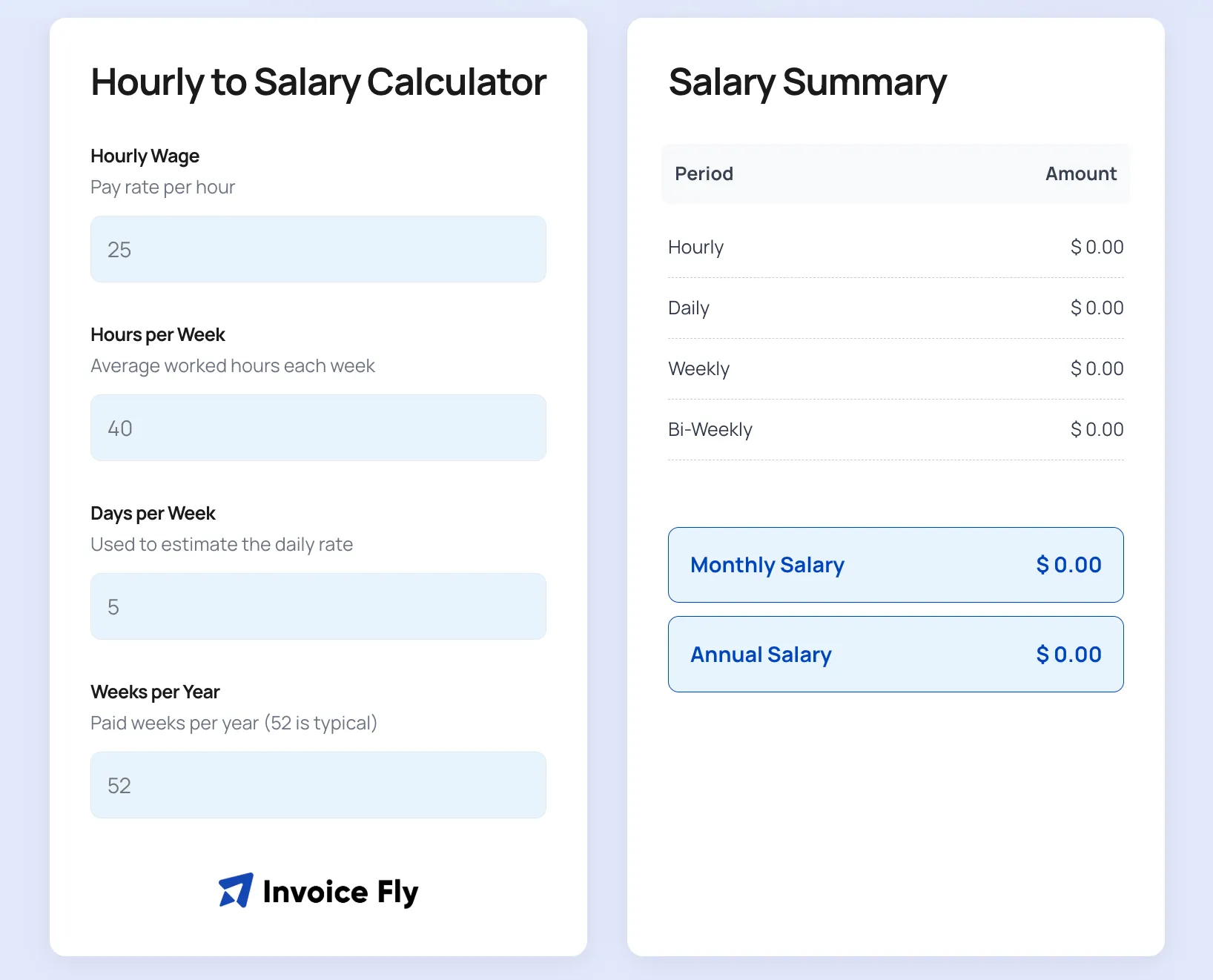
Hourly to Salary Calculator
Convert your hourly rate into weekly, monthly, and annual earnings.
Open calculator
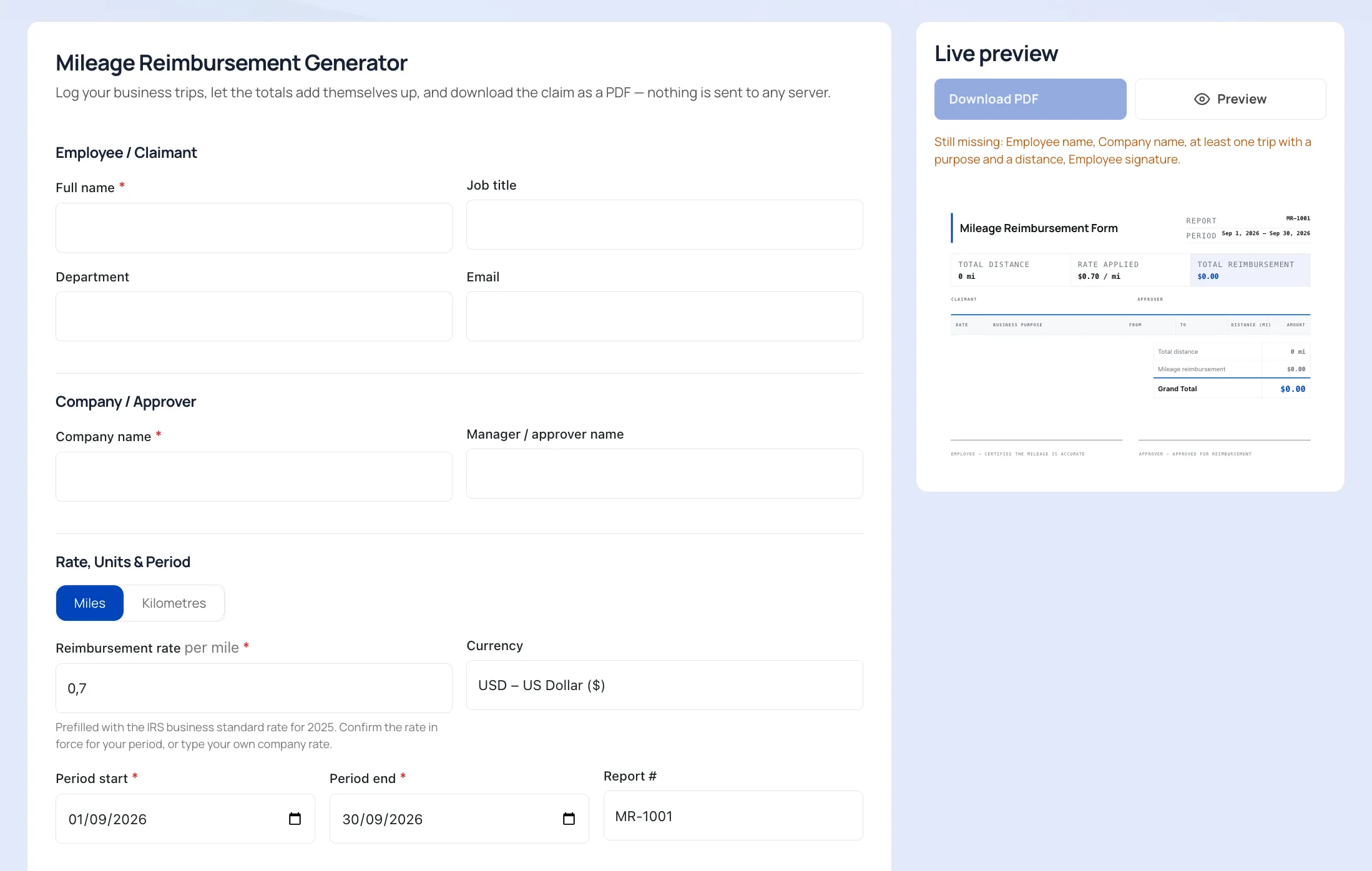
Federal Reimbursement for Mileage
Calculate your mileage reimbursement for work-related travel.
Open calculator
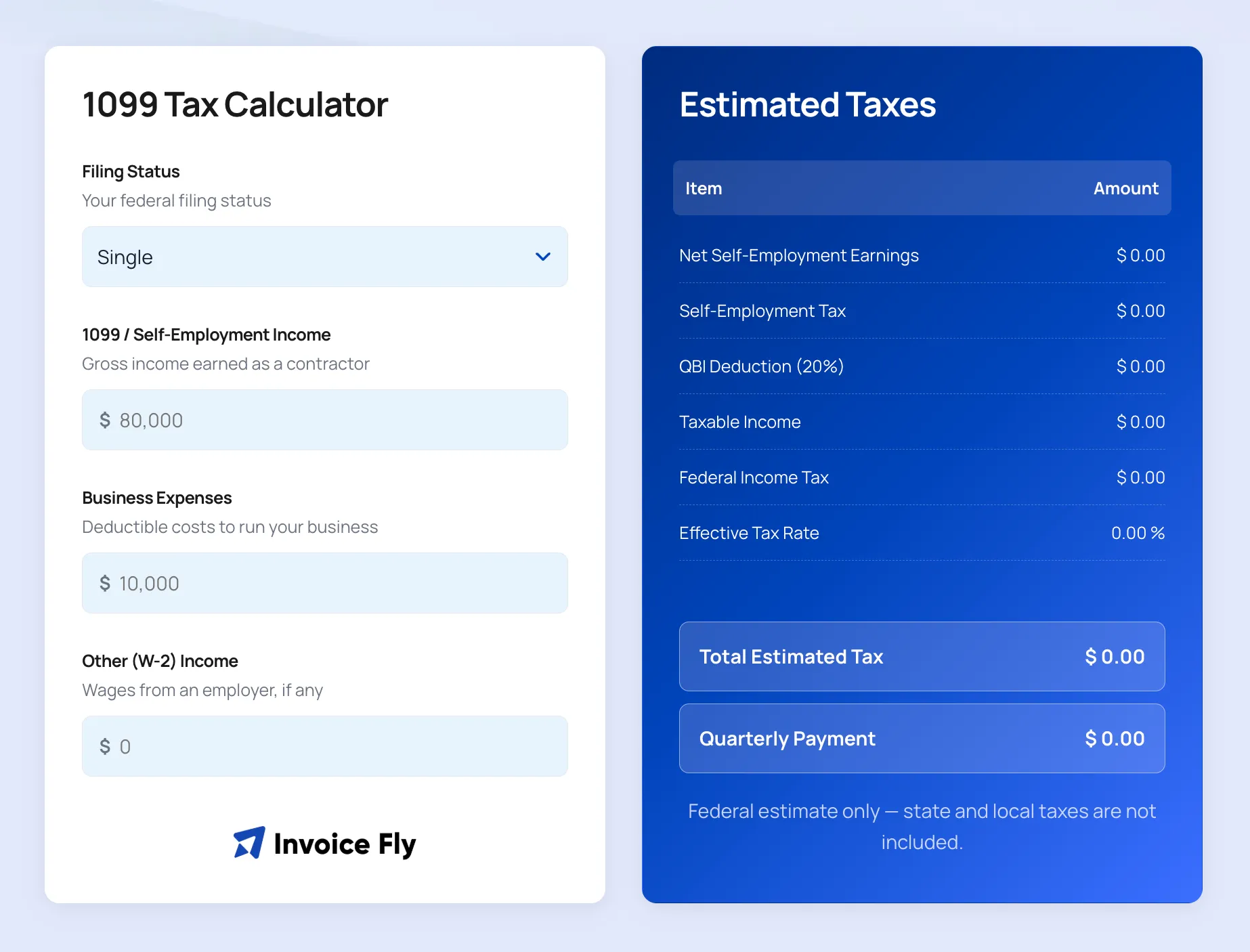
Tax Calculator 1099
Estimate your taxes based on your 1099 income.
Open calculator
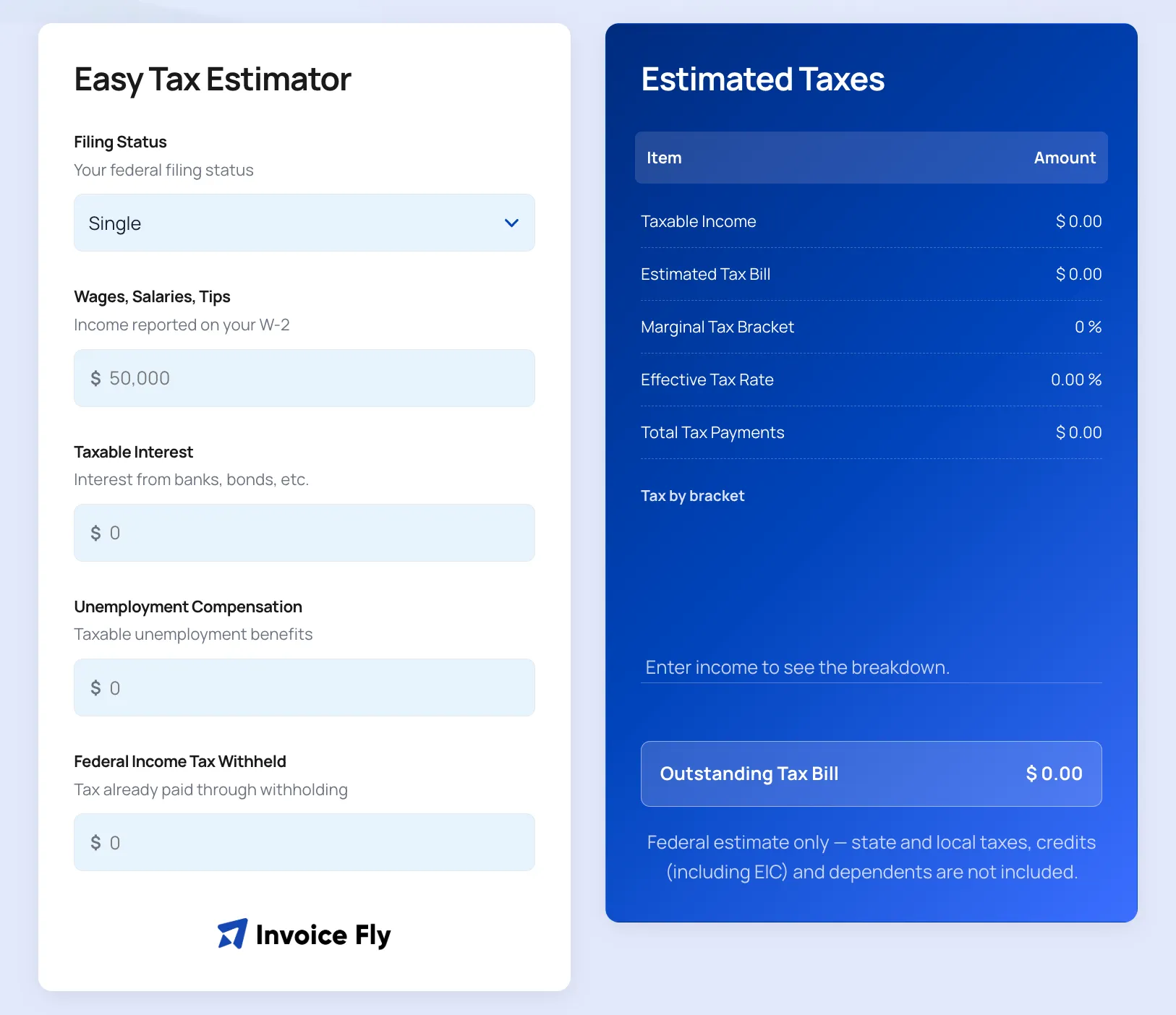
IRS Estimated Taxes Payment
Estimate your federal estimated tax payments.

Open calculator
Markup Calculator
Calculate your markup, selling price, and profit.
Open calculator
Depreciation Calculator
Calculate the value of an asset over time.
Calculating Timesheet FAQs
Enter your start time, end time, and break for each day. Your timesheet calculates the hours worked and gives you a total for the selected pay period. You can use it for a weekly timesheet, biweekly timesheet, or monthly timesheet.
From 9:30 AM to 4:30 PM is 7 hours before deducting any breaks. If you take a 30-minute break, your total work hours would be 6.5 hours.
From 9:00 AM to 3:00 PM is 6 hours before breaks. If you take a break during your shift, subtract that time from your total work hours.
In an Excel timesheet, subtract the start time from the end time and then deduct your break. You can also use a time card calculator to calculate your hours without setting up an Excel spreadsheet manually.
To convert minutes into decimal hours, divide the minutes by 60. For example, 15 minutes equals 0.25 hours and 30 minutes equals 0.5 hours. A time card calculator can handle this conversion for you.
Enter the hours and minutes for each break so they can be deducted from your daily total. This keeps your time card and total work hours more accurate when calculating payroll.
No. This calculator calculates regular hours based on the start time, end time, and breaks you enter. It does not automatically calculate overtime according to state or employer-specific rules.
Yes. Once you have completed your time card, you can use your browser's Print option to print it or save it as a PDF.