- Home
- »
- Free Resources for Small Businesses
- »
- Free Business Calculators
- »
- Markup calculator
Markup Calculator
Calculate your markup, selling price, and profit in seconds. Use our free markup calculator to set prices based on your costs and desired markup.
Markup Calculator
Fill in any two fields — the one marked auto is the result, and it updates itself.
Cost auto
What the item or job costs you
Markup auto
Profit measured against the cost
Selling Price auto
Revenue you charge per unit
Quantity
Units sold — used for the totals

Markup Breakdown
Markup is profit over cost; margin is profit over selling price — a 25 % markup is a 20 % margin. Taxes, fees and discounts are not included.
How to Use the Markup Calculator
Enter your cost and markup to quickly work out your selling price and profit.

1
Enter Your Cost
Start with the cost of the product or service. This is the amount you need to cover before adding your markup.
2
Add Your Markup
Enter the markup percentage you want to apply to your cost. This makes figuring markup quick and easy.
3
Check Your Selling Price
See your selling price automatically calculated based on your cost and markup. Use the markup calculator online to test different pricing options.
4
Review Your Profit
See your profit per unit, profit margin, and total profit based on the numbers you entered. This makes it easier to use a business markup calculator when setting prices.
Price Your Products With Confidence
From setting a selling price to checking your profit, use Invoice Fly to make smarter pricing decisions without doing the math yourself.
Set the Right Selling Price
Use a business markup calculator to add your desired markup to your costs and quickly find the right selling price for your products or services.
See Your Profit at a Glance
Know how much you’ll make per sale with a clear view of your profit, profit percentage, and gross margin.
Compare Different Markup Options
Try different markup percentages to see how they change your selling price and profit. It’s an easy way to compare your options when figuring markup.
Price With Less Guesswork
Whether you’re pricing one product or managing a whole range, a markup calculator online makes it easier to check your numbers and keep your pricing profitable.
Understanding Markup and Pricing
The Markup Formula
Markup = (Selling Price − Cost) ÷ Cost × 100
Your markup shows how much you’ve added to your original cost to set your selling price. For example, if an item costs $50 and sells for $75, the markup is 50%.
Markup Calculation Example
If a product costs $50 and you want a 20% markup, add $10 to the cost to get a $60 selling price. You can use our markup calculator online to check the markup, selling price, and profit in seconds.
Try Different Markup Scenarios
Your ideal markup can change depending on your costs, product, and pricing strategy. Try different percentages to see how they affect your selling price, gross margin, and profit.
Avoid Common Markup Mistakes
One common mistake is confusing markup with margin. Markup is calculated from your cost, while gross profit margin is based on your selling price. Knowing the difference helps you set prices and understand your actual profit.
Your Markup Calculator, Wherever You Go
Need to check a price, adjust your markup, or see your profit while you’re on the go? Use Invoice Fly on your phone to run the numbers whenever you need them.
What’s the Difference Between Markup and Margin?
Markup and margin both help you understand your pricing, but they measure different things. Markup shows how much you add to your cost, while gross margin shows how much of your selling price is left as profit.
Markup
Markup is based on your cost. If an item costs $50 and you sell it for $75, your markup is 50%.
Gross Profit Margin
Gross profit margin is based on your selling price. With a $50 cost and a $75 selling price, your gross profit margin is 33.3%.
Why the Difference Matters
A 50% markup does not mean a 50% profit margin. Understanding the difference helps you set prices, compare margins, and make better decisions about your profit percentage.
What Is a Typical Markup by Industry?
There’s no single markup that works for every business. Costs, competition, products, and pricing strategies all affect how much a business adds to its costs. That means the right markup can vary significantly from one industry to another.
Here are some examples of typical markup ranges:
With beverages sometimes marked up much higher.
Depending on the brand.
Although sports cars can have markups above 30%.
A Higher Markup Doesn’t Always Mean Higher Profit
Markup and profit aren’t the same thing. A business can have a high markup but still have a lower gross margin after accounting for rent, labor, supplies, marketing, and other operating costs.
That’s why it’s useful to look at both your markup and profit percentage when setting prices.
Some Products Have Much Higher Markups
Certain products can have unusually high markups compared with their underlying costs. Examples include movie theater popcorn, bottled water, prescription drugs, greeting cards, and eyeglass frames.
The best markup for your business ultimately depends on your costs and market. Use a business markup calculator to test different percentages and see how they affect your selling price and profit.
Need to Calculate Something Else?
Explore more free Invoice Fly calculators to help you work out pricing, profits, taxes, and other business numbers.
 Open calculator
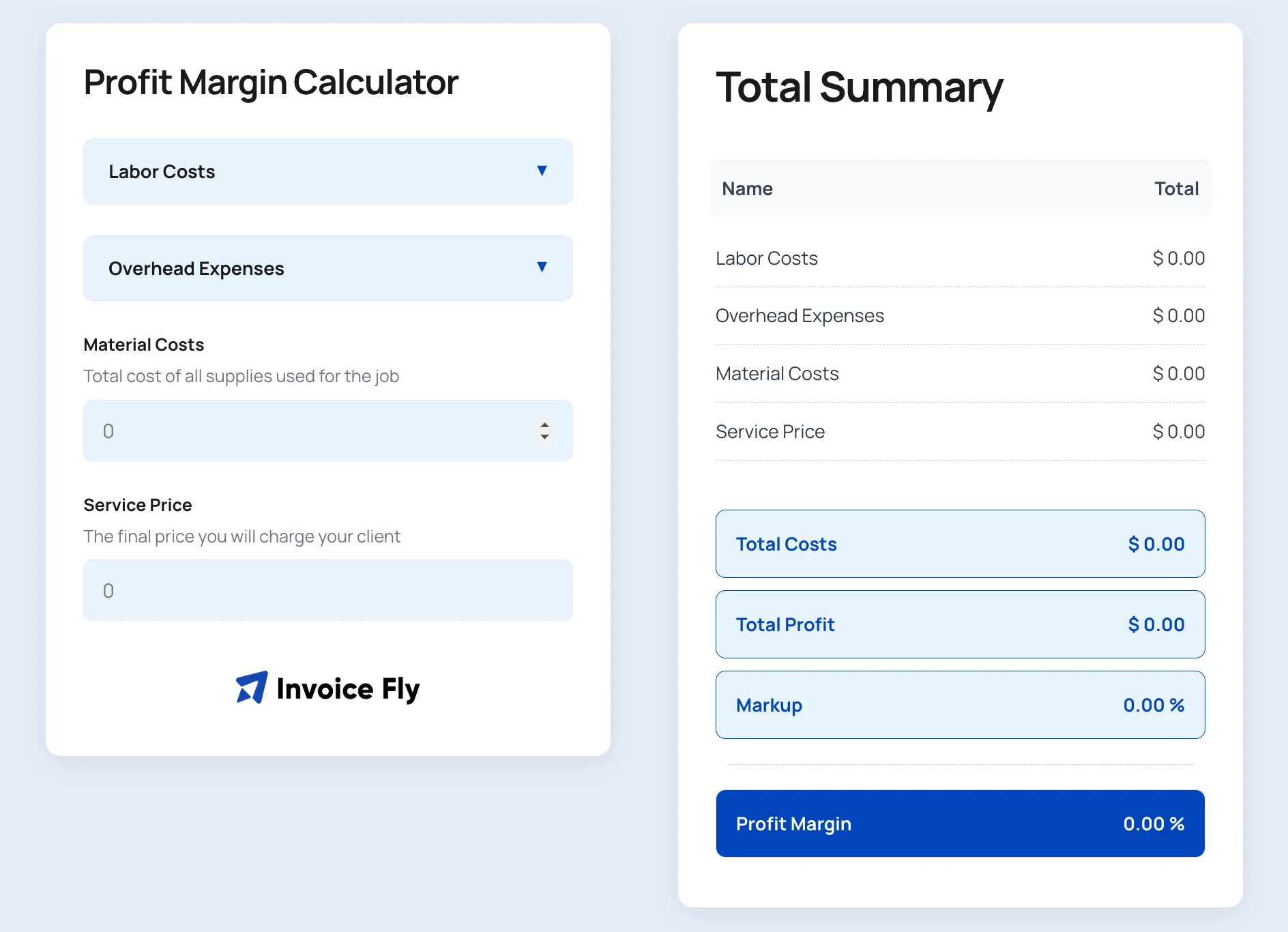
Profit Margin Calculator
Calculate your profit margin and see how much you’re earning from each sale.
 Open calculator
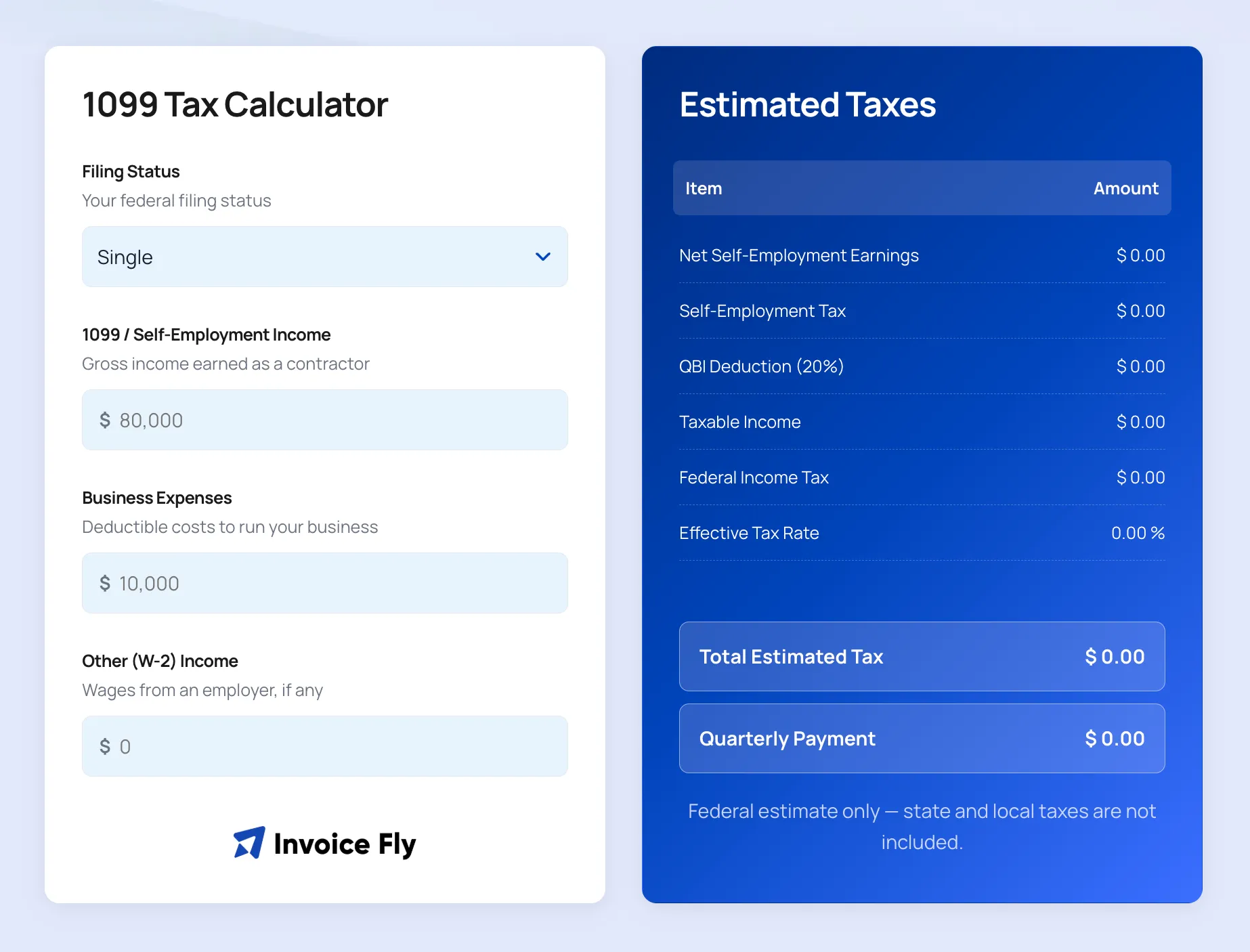
1099 Tax Calculator
Estimate how much you may owe in taxes based on your 1099 income.
 Open calculator
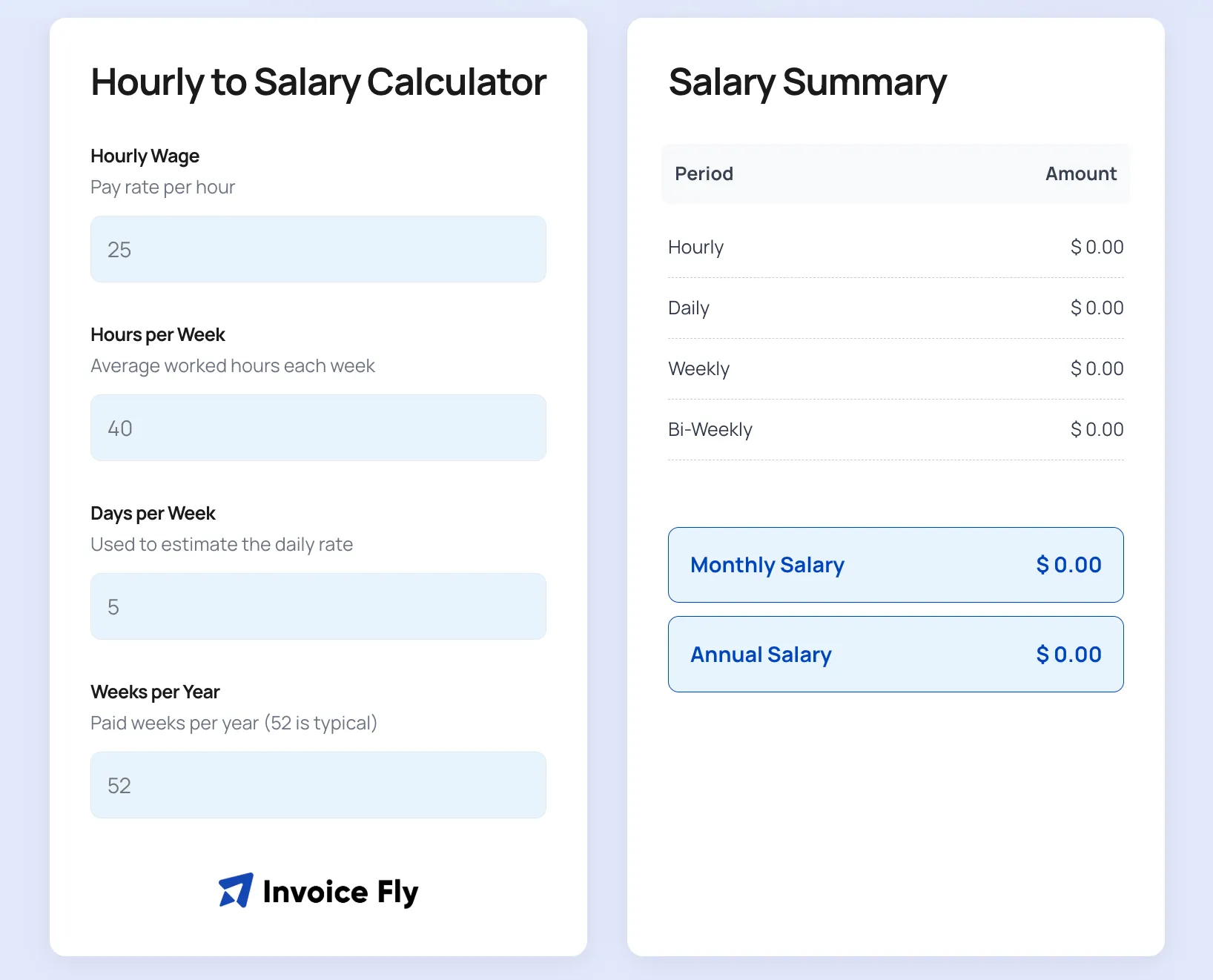
Hourly to Salary Calculator
Convert an hourly rate into an estimated weekly, monthly, or annual salary.
 Open calculator
Depreciation Calculator
Calculate depreciation and see how an asset’s value changes over time.
 Open calculator
Timesheet Calculator
Calculate your total hours and estimate your pay from your timesheet.
 Open calculator
Down Payment Calculator
Estimate your down payment and see how much you may need to save.
Markup Calculator FAQs
To calculate markup, subtract the cost from the selling price, divide the result by the cost, and multiply by 100.
Markup = (Selling Price − Cost) ÷ Cost × 100
You can also use our markup calculator to work out your markup, selling price, and profit automatically.
A 30% markup means you add 30% of the original cost to set your selling price. If an item costs $100, a 30% markup adds $30, giving you a selling price of $130.
A 25% markup on $100 is $25, so the selling price would be $125. Use a markup calculator online to quickly check different markup percentages.
A 20% markup means you add 20% to the original cost. For example, if an item costs $50, a 20% markup adds $10, making the selling price $60.
Markup is calculated based on your cost, while margin is calculated based on your selling price. A 50% markup, for example, results in a 33.3% gross margin.
There isn't one markup percentage that works for every business. Your costs, industry, competition, and pricing strategy all play a role. A business markup calculator can help you compare different options.
Markup increases the difference between your cost and selling price, but your final profit also depends on other business expenses. Comparing your markup with your gross margin gives you a clearer picture of profitability.
Set the Right Price With Confidence
Calculate your markup, selling price, and profit in seconds with the free Invoice Fly markup calculator.