- Home
- »
- Free Resources for Small Businesses
- »
- Free Business Tools
- »
- federal reimbursement for mileage
Federal Reimbursement for Mileage
Track your business mileage, apply the federal mileage rate, and calculate your mileage reimbursement in minutes. Log your trips, add travel expenses, and get a ready-to-download reimbursement form.
Mileage Reimbursement Generator
Log your business trips, let the totals add themselves up, and download the claim as a PDF — nothing is sent to any server.
Employee / Claimant
Company / Approver
Rate, Units & Period
Prefilled with the IRS business standard rate for 2025. Confirm the rate in force for your period, or type your own company rate.
Trip Log
Additional Travel Expenses (optional)
Signatures
Employee signature
I certify that the mileage above was driven for business purposes and is accurate.
Approver / manager signature
Approved for reimbursement.
Invoice Fly provides this tool to help you prepare mileage claims faster and is not a substitute for professional tax or accounting advice. Reimbursement rates change — always confirm the rate in force for your period. Invoice Fly is not responsible for errors, omissions, or any consequences arising from the use of this document.
Calculate Your Mileage Reimbursement
Add your details, log your business trips, and let Invoice Fly do the math. You can track miles or kilometres, add the federal mileage reimbursement rate, include tolls and parking, and see your total reimbursement as you go.

1
Add Your Employee and Company Details
Enter the employee or claimant name, company, job title, department, and approver details for your mileage reimbursement form.
2
Enter Your Mileage Rate
Add the federal mileage rate that applies to your claim, or enter your own mileage rate if your company uses a different rate.
3
Log Every Business Trip
Add the date, business purpose, origin, destination, odometer readings, and distance for each trip. Add as many trips as you need to build a complete mileage log.
4
Add Tolls and Parking
Have extra travel expenses? Add tolls and parking to your report alongside your mileage.
5
Review and Download
Check your total distance and reimbursement amount in the live preview, add the employee and approver signatures, and download your completed reimbursement form as a PDF.
Take the Work Out of Mileage Tracking
No more spreadsheets, messy notes, or doing the same mileage calculation over and over. Keep your mileage tracking, expenses, and reimbursement details together.
Track Business Mileage as You Go
Keep every work trip in one mileage tracker, with the date, purpose, route, and distance.
Calculate Mileage Automatically
Enter your miles and federal mileage reimbursement rate to quickly calculate what you’re owed.
Keep Your Mileage Log Organized
Record individual trips in one place instead of piecing together a mileage log at the end of the month.
Add Your Travel Expenses
Track tolls and parking alongside your business mileage and other travel expenses.
Get a Ready-to-Use Form
Turn your mileage tracking into a professional mileage reimbursement form you can download as a PDF.

How Is Mileage Reimbursement Calculated?
The Mileage Reimbursement Formula
The basic calculation is simple:
Business miles × mileage rate = mileage reimbursement
For example, 500 business miles at a $0.70 mileage rate would equal $350 in mileage reimbursement.
Federal Mileage Rate
The federal mileage rate is the standard mileage rate published by the IRS for qualifying business use of a vehicle. Mileage rates can change, so use the rate that applies to the period you’re claiming.
Mileage Reimbursement vs. Mileage Deduction
Mileage reimbursement is money paid to cover qualifying business driving expenses. A mileage deduction is a tax deduction that may apply in certain situations. They’re not the same thing.
Mileage Rate vs. Car Allowance
A mileage rate reimburses based on qualifying miles driven, while a car allowance is generally a fixed amount paid toward vehicle expenses. Your company’s reimbursement policy determines which approach applies.
More Tools for Your Business
 Open calculator
Timesheet Calculator
Track work hours and calculate total time.
 Open generator
Invoice Generator
Create professional invoices and get paid faster.
 Open template
Receipt Template
Create simple receipts for your business payments.
 Open generator
Purchase Order
Create clear orders for products, materials, and services.
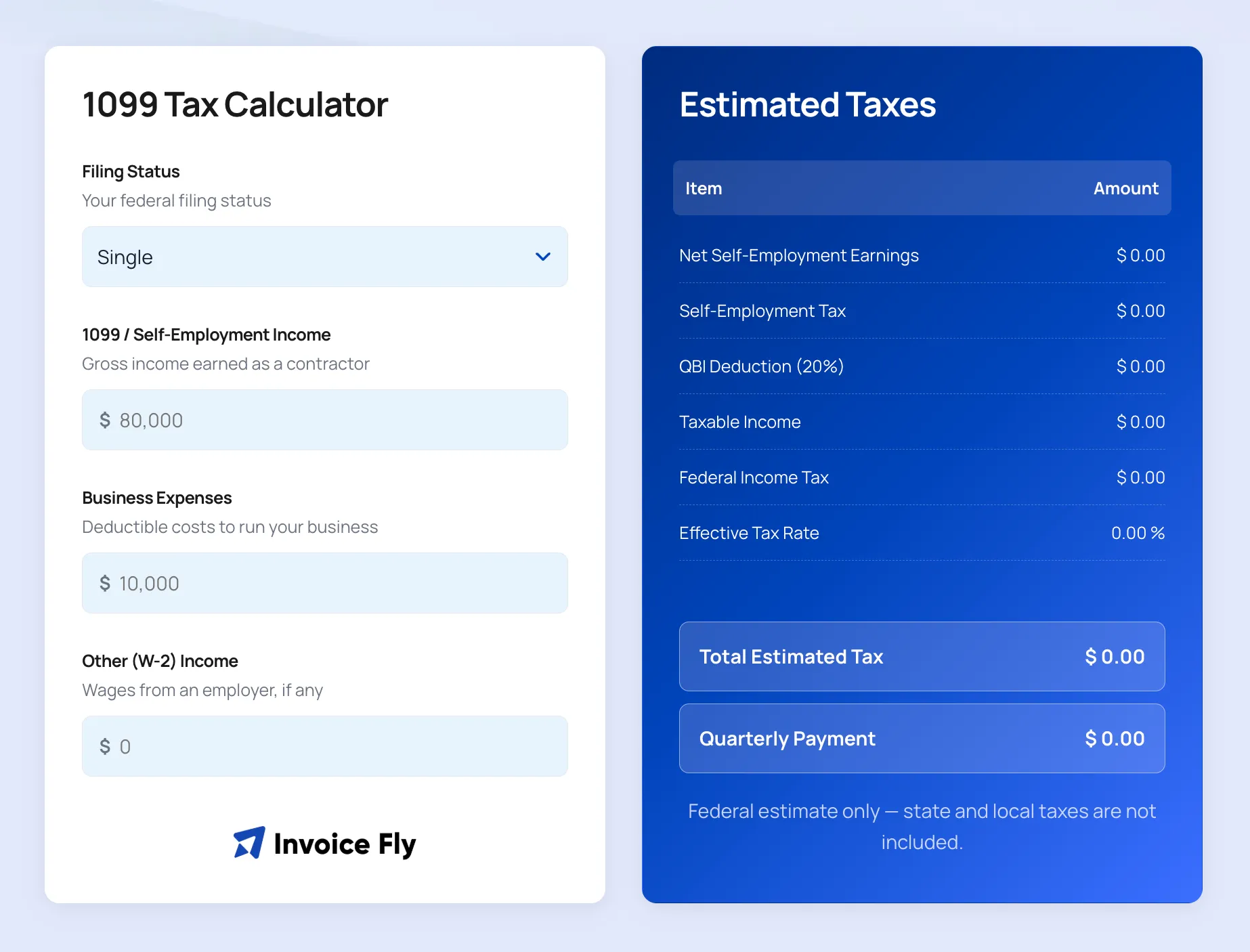 Open calculator
1099 Tax Calculator
Estimate your self-employment taxes on 1099 income.
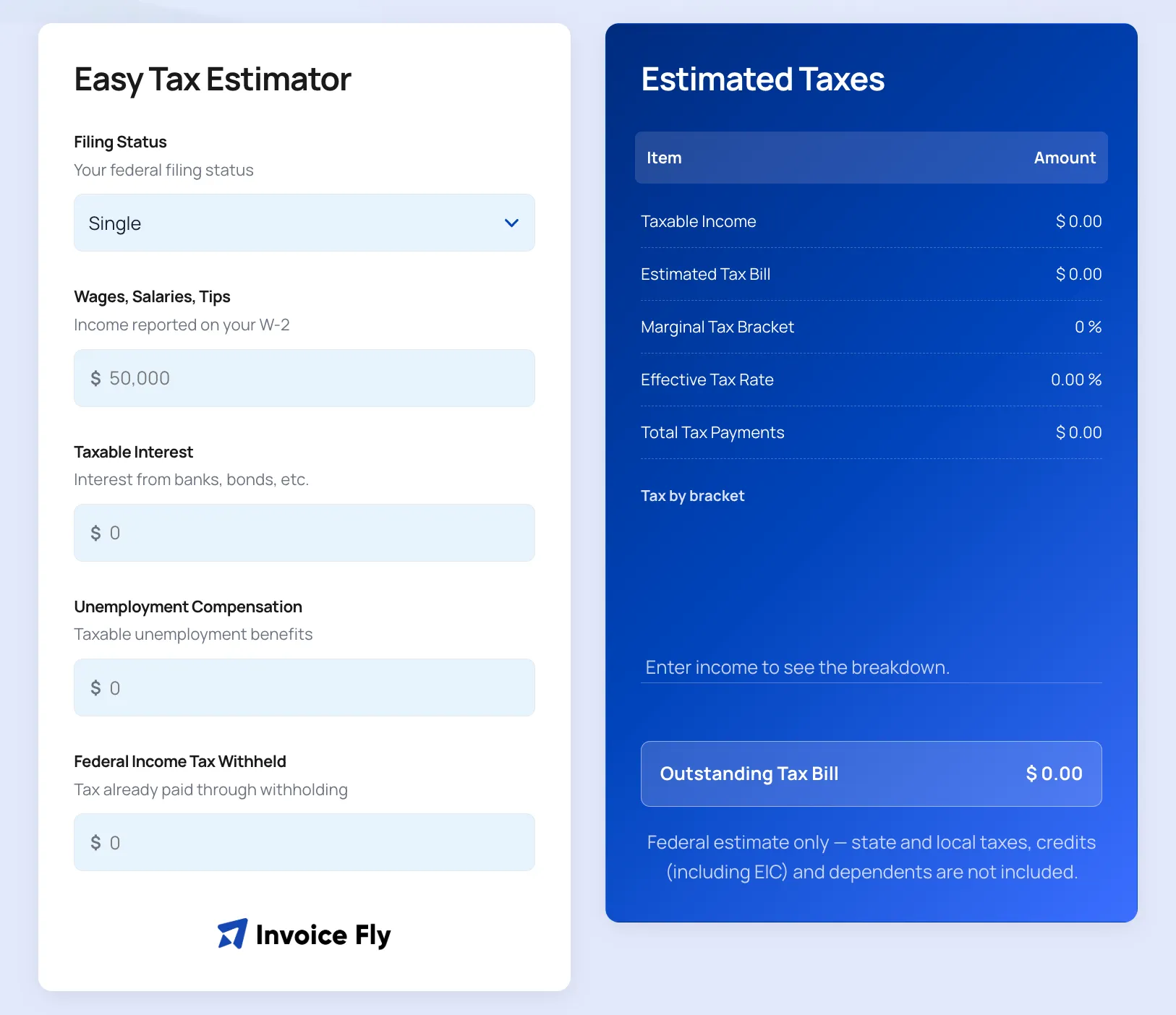 Open calculator
Estimated Tax Payment Calculator
Calculate your estimated quarterly tax payments.
Federal Reimbursement for Mileage FAQs
Federal mileage reimbursement is an amount used to cover qualifying business vehicle expenses based on the number of business miles driven and the applicable federal mileage rate.
The federal mileage rate is a standard rate published by the IRS for qualifying business use of a vehicle. The applicable mileage rate can change, so use the rate for the relevant year and period.
Multiply your qualifying business mileage by the applicable federal mileage rate.
Business miles × federal mileage rate = mileage reimbursement.
A mileage tracker helps you record and organize business trips, including dates, destinations, purposes, and distance. Keeping this information in a mileage log makes it easier to calculate reimbursement and maintain your records.
A mileage reimbursement form can include the employee's name, company information, reimbursement rate, reporting period, trip dates, business purpose, origin, destination, distance, additional expenses, and signatures.
Business mileage generally refers to qualifying driving related to work, such as traveling between business locations, visiting clients, or going to temporary work locations. Personal driving generally isn't included.
A mileage log is a record of your business trips. It can include the date, business purpose, starting point, destination, mileage, and other trip details needed to support a reimbursement claim or tax record.
A mileage deduction may be available in certain circumstances, depending on your employment status, tax situation, and applicable tax rules. Mileage reimbursement and a mileage deduction are separate concepts.
Invoice Fly lets you add tolls and parking as additional travel expenses to your mileage report. Whether these expenses are reimbursable depends on the applicable company policy or rules.
Yes. A mileage template in Excel can be used to record trips, mileage, and expenses. A mileage tracker can make it easier to log trips and calculate your reimbursement without maintaining a spreadsheet manually.
Employees may receive employee mileage reimbursement for qualifying business travel depending on their employer's reimbursement policy and the circumstances of the trip.
A nanny may use a mileage reimbursement form to document qualifying work-related driving, such as transporting children as part of their job. Whether mileage should be reimbursed depends on the employment arrangement and applicable rules.