- Home
- »
- Free Resources for Small Businesses
- »
- Free Templates
- »
- Free Invoice Templates
- »
- Landscaping Invoice Template
Free Landscaping Invoice Templates
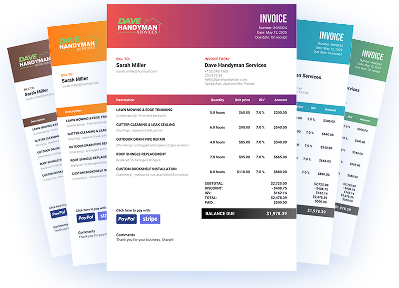
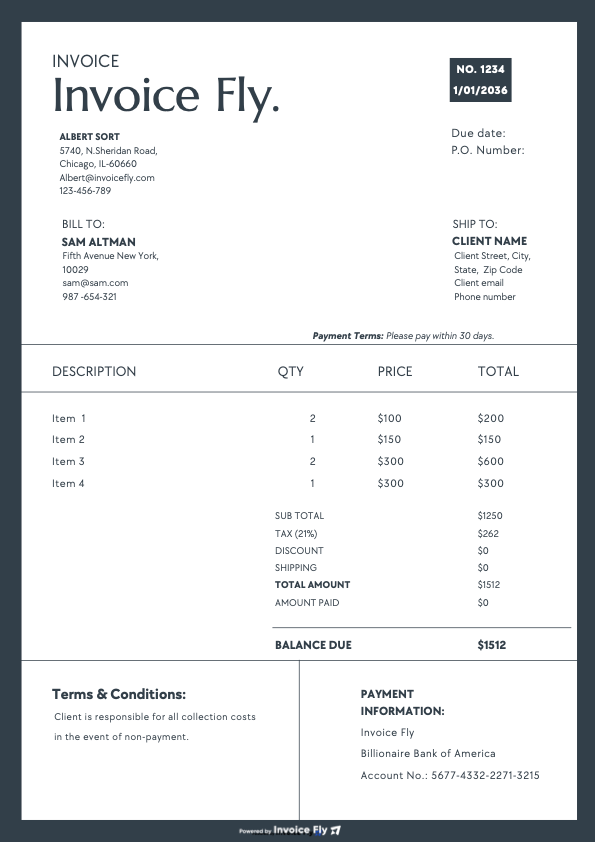
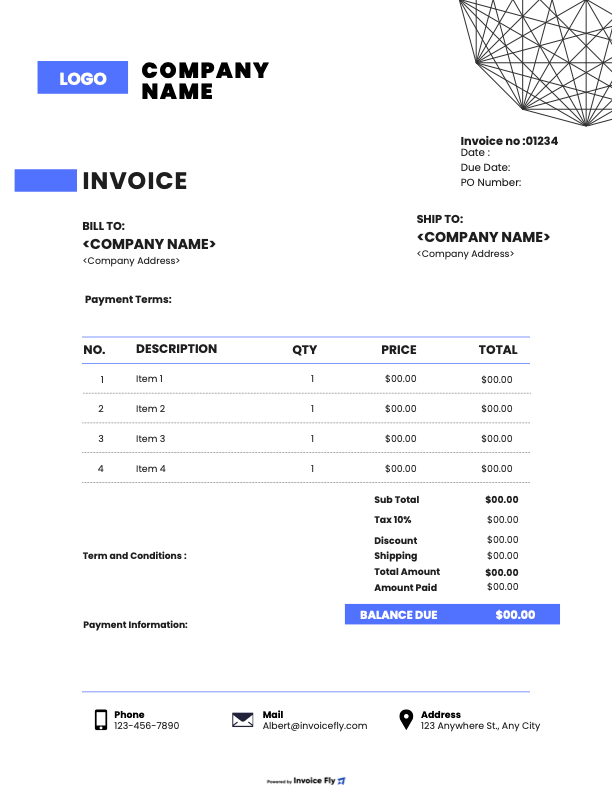
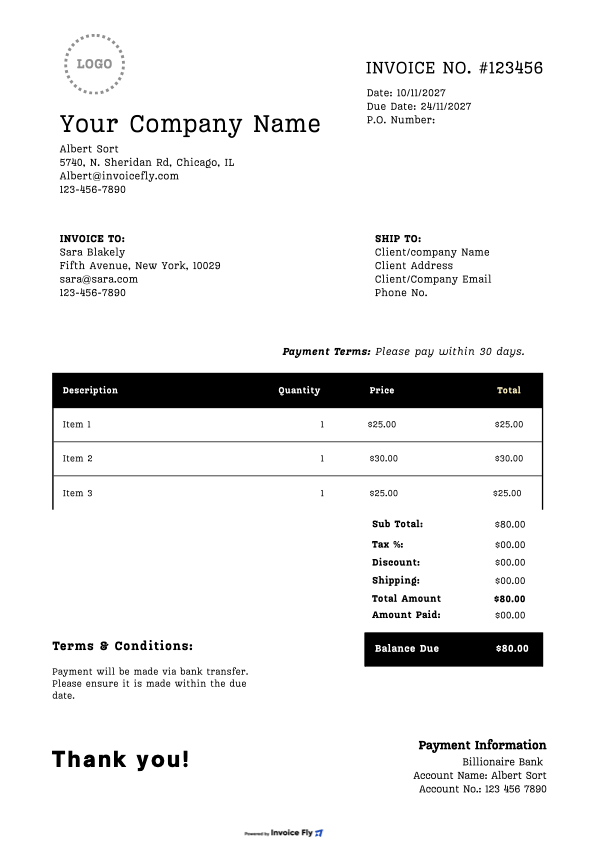
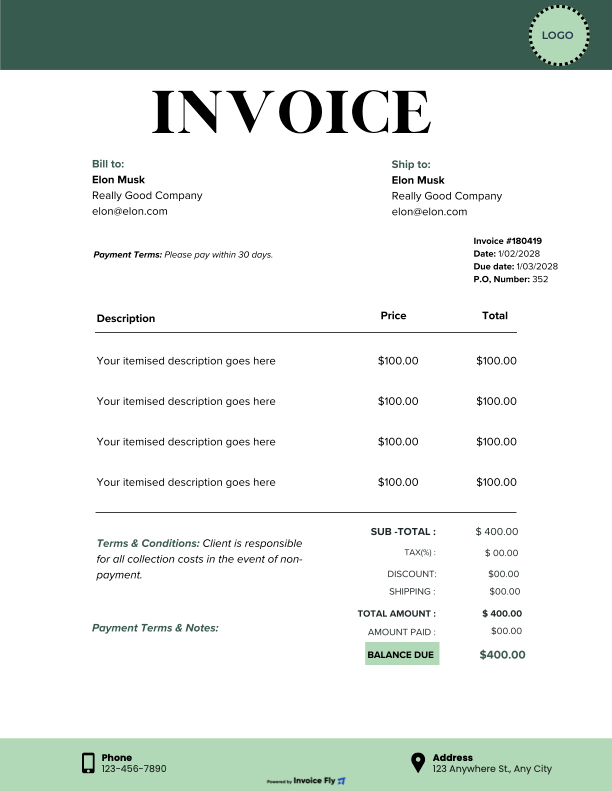
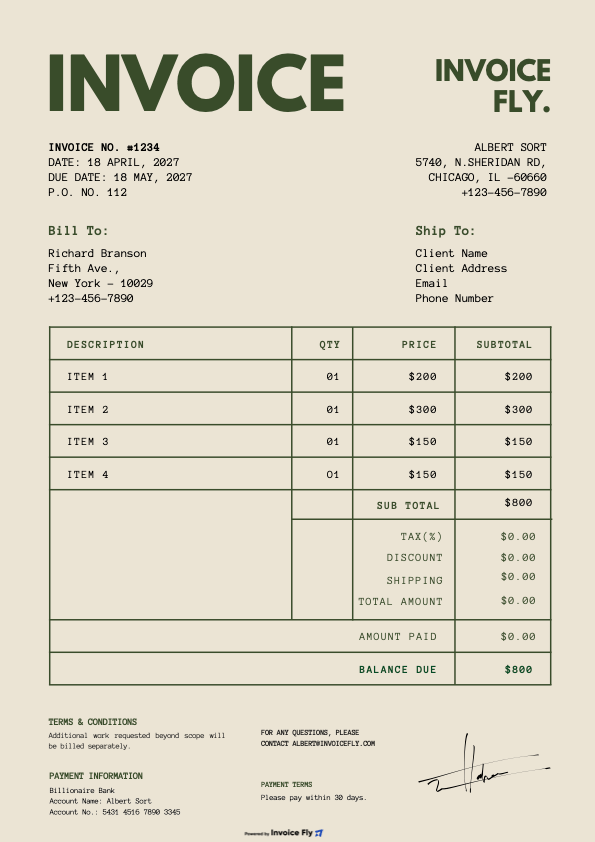
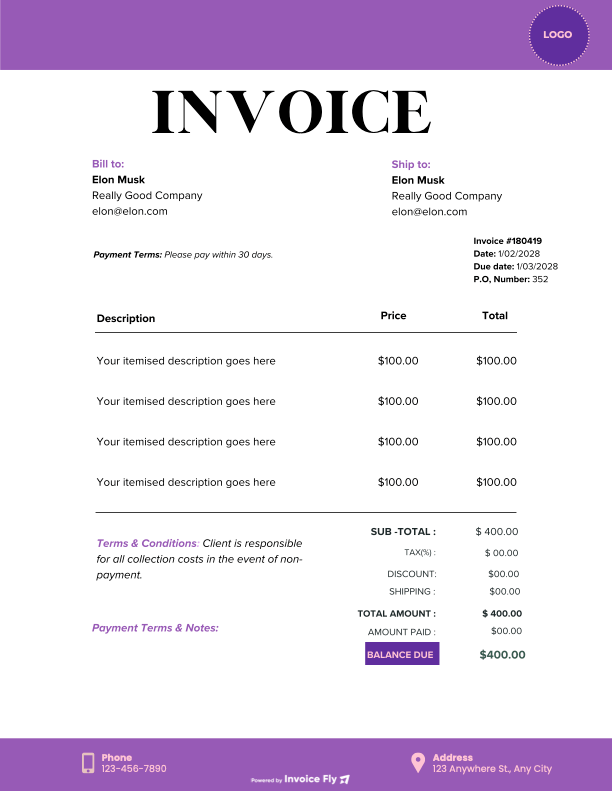
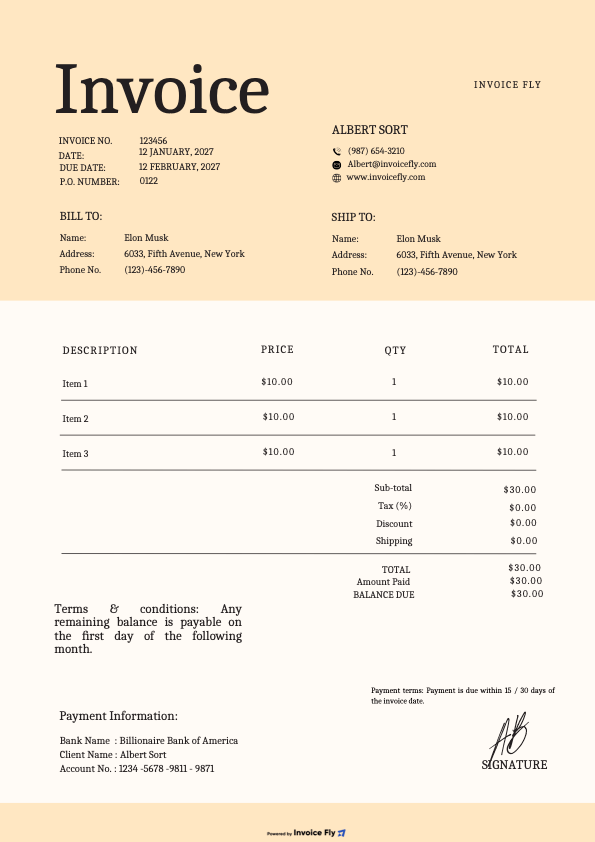
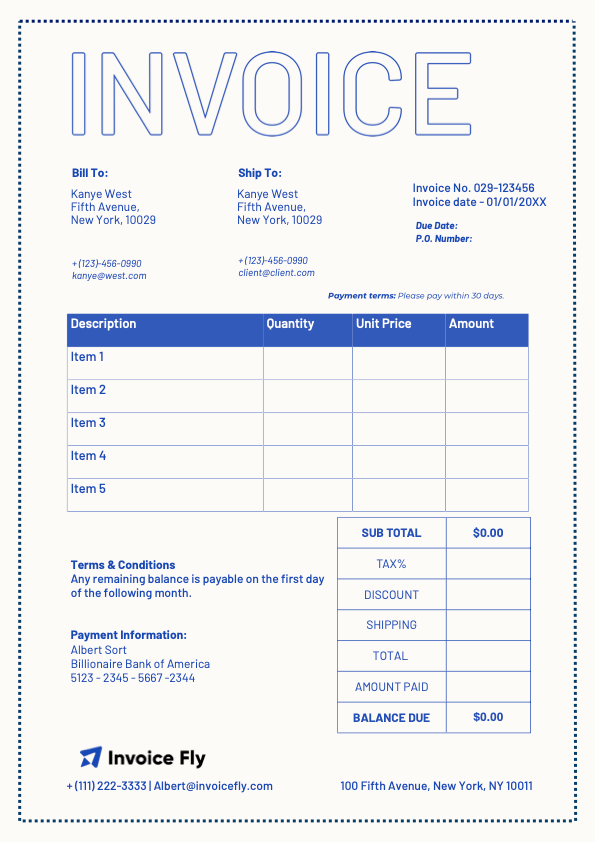
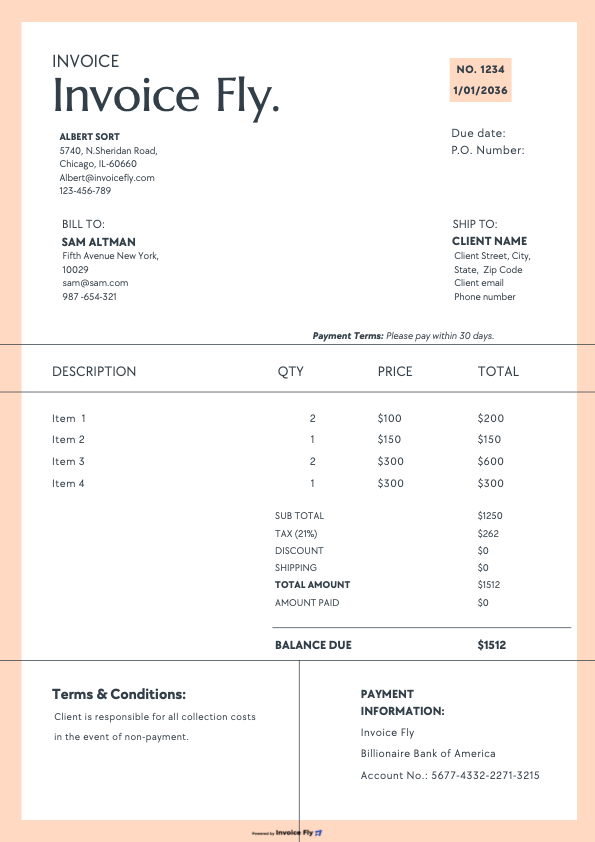
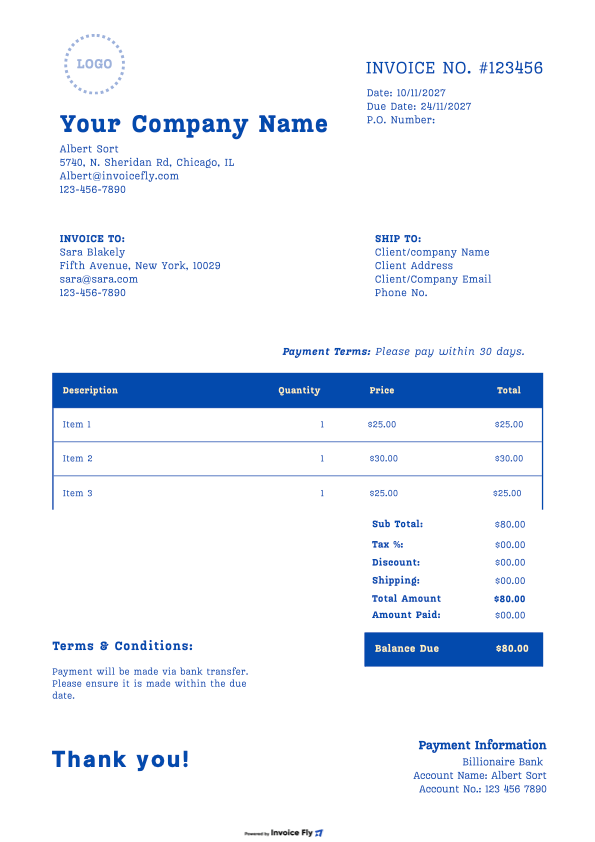
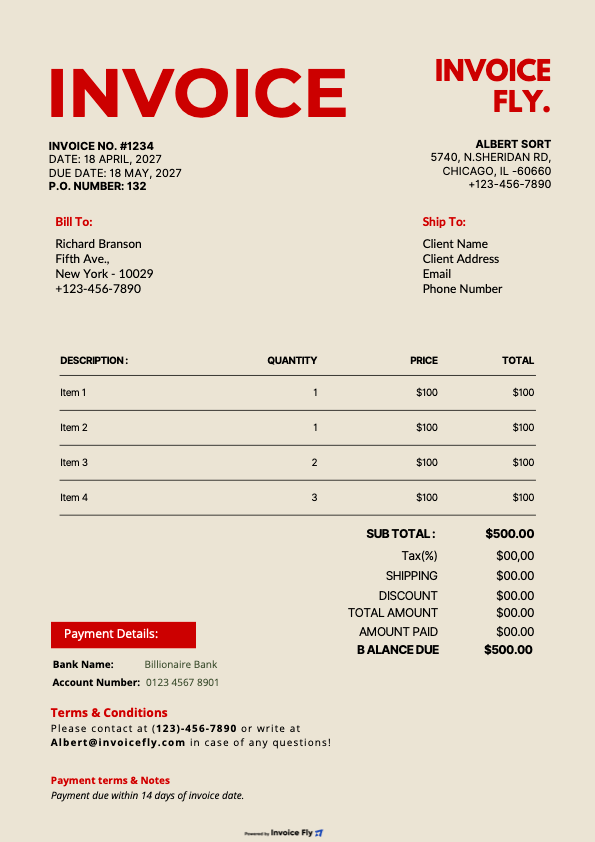
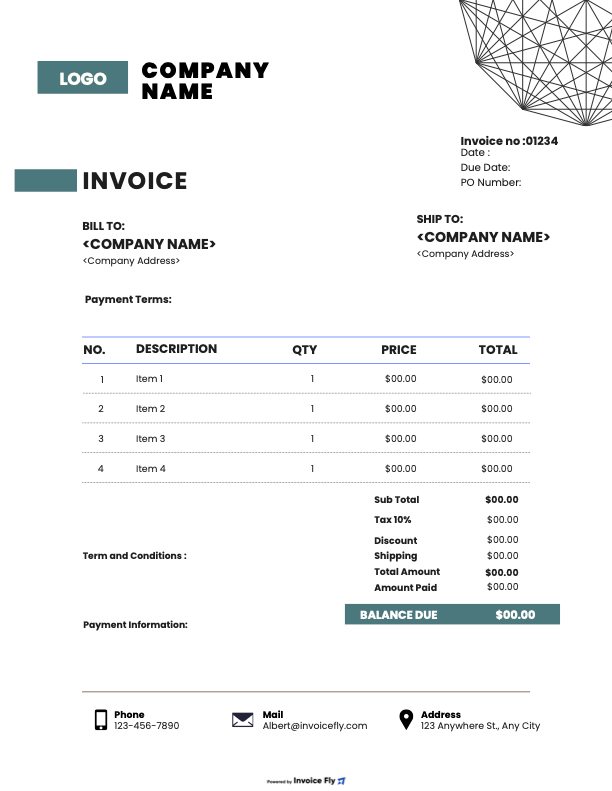
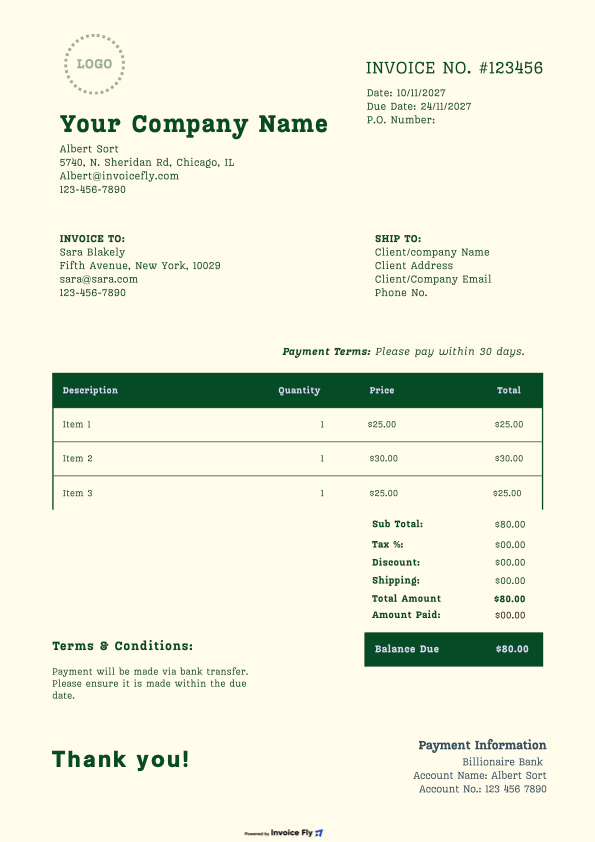
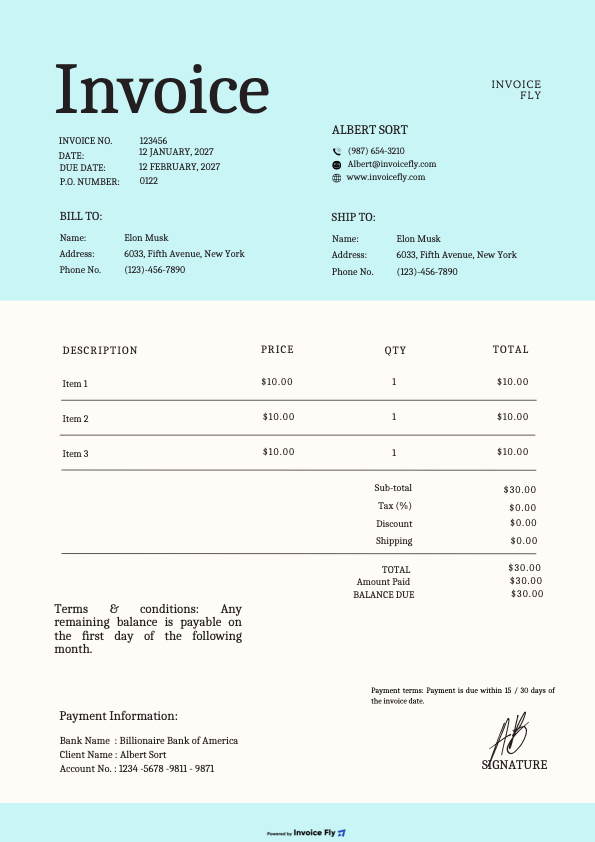
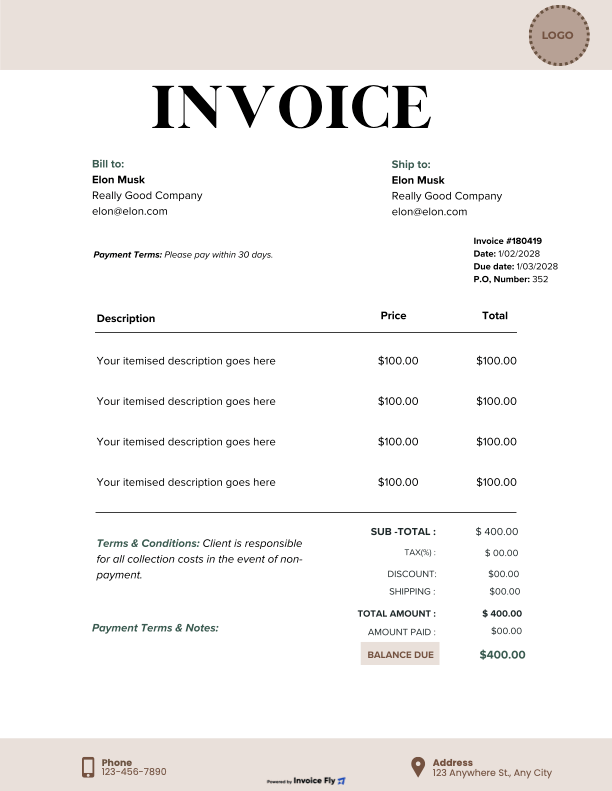
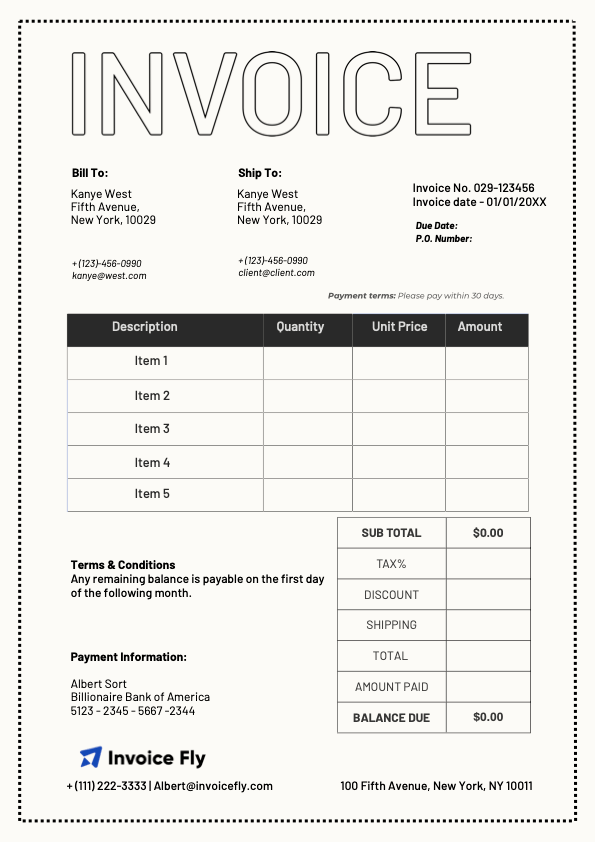
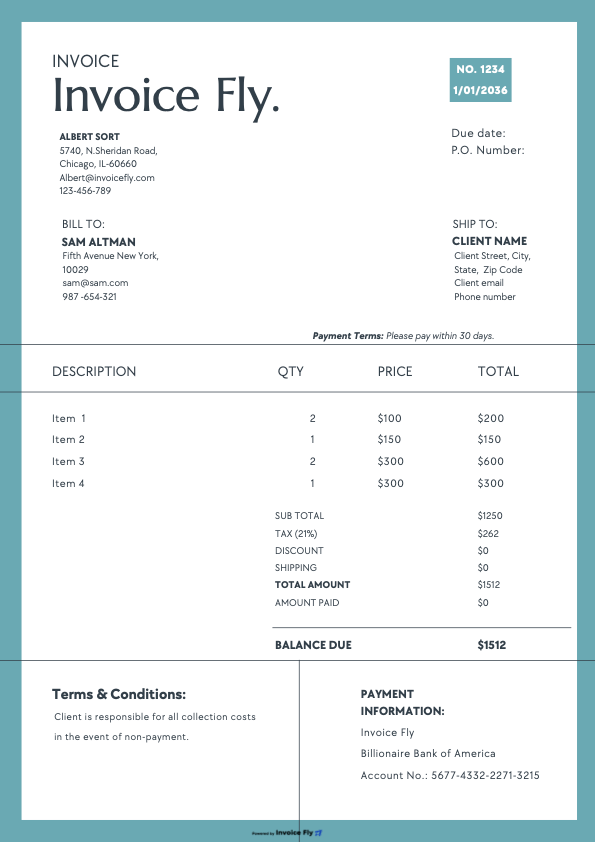
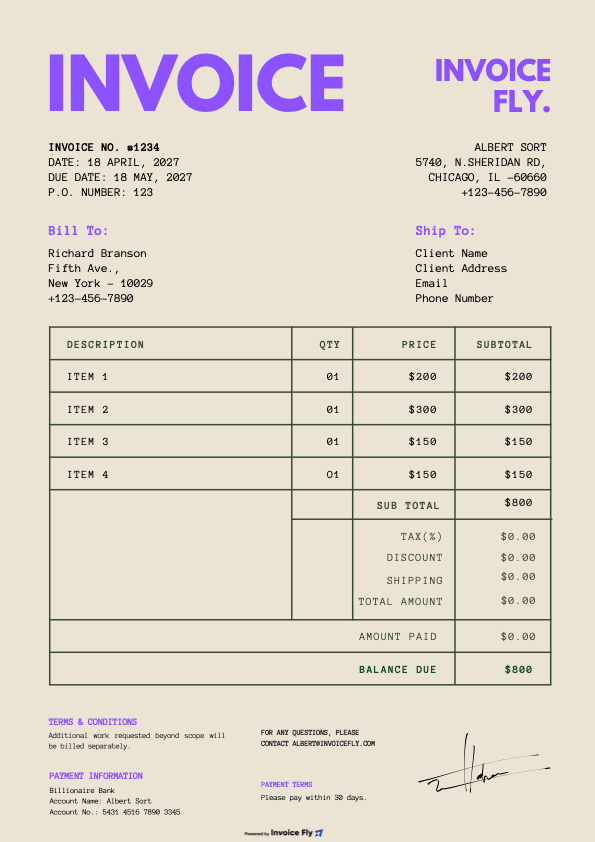
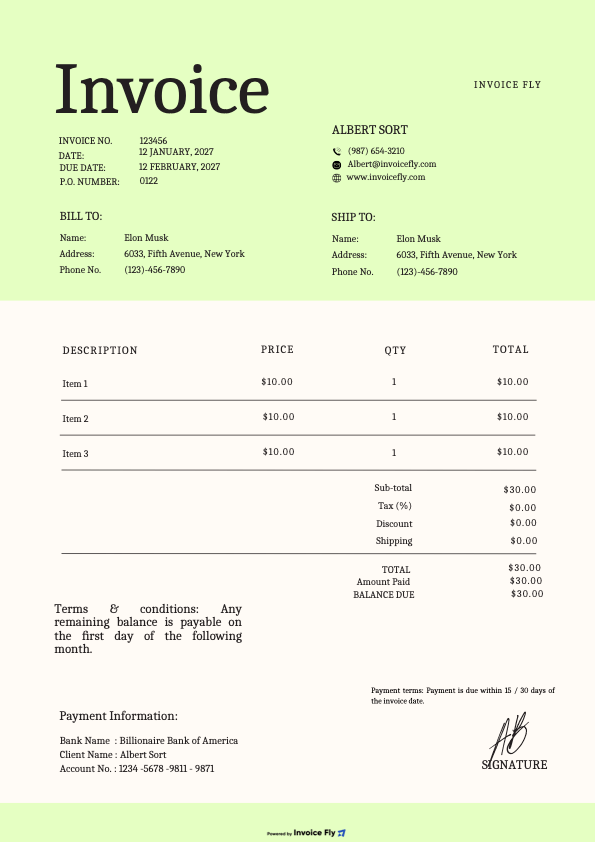
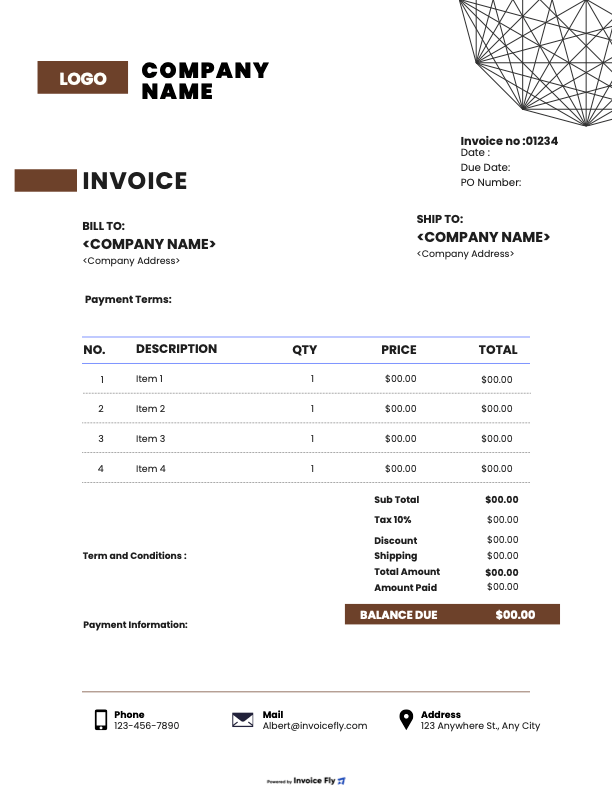
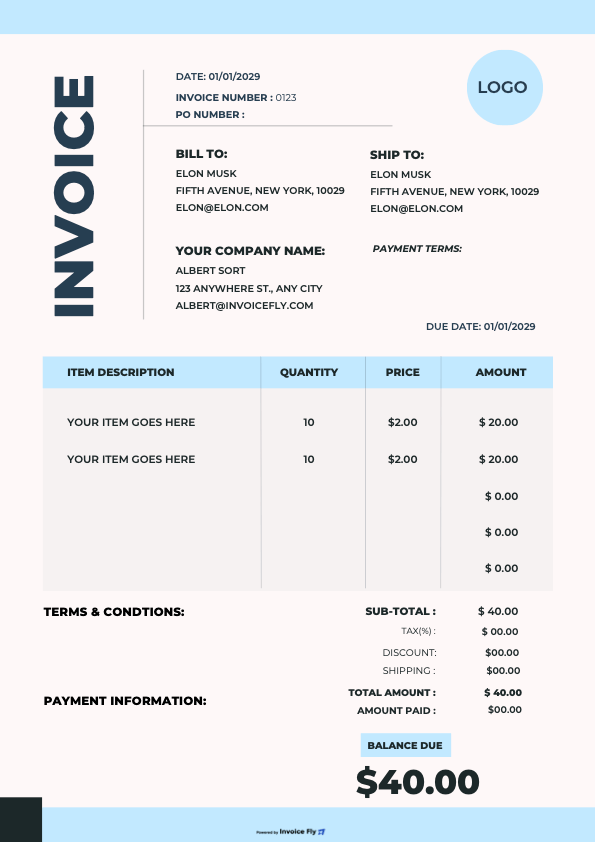
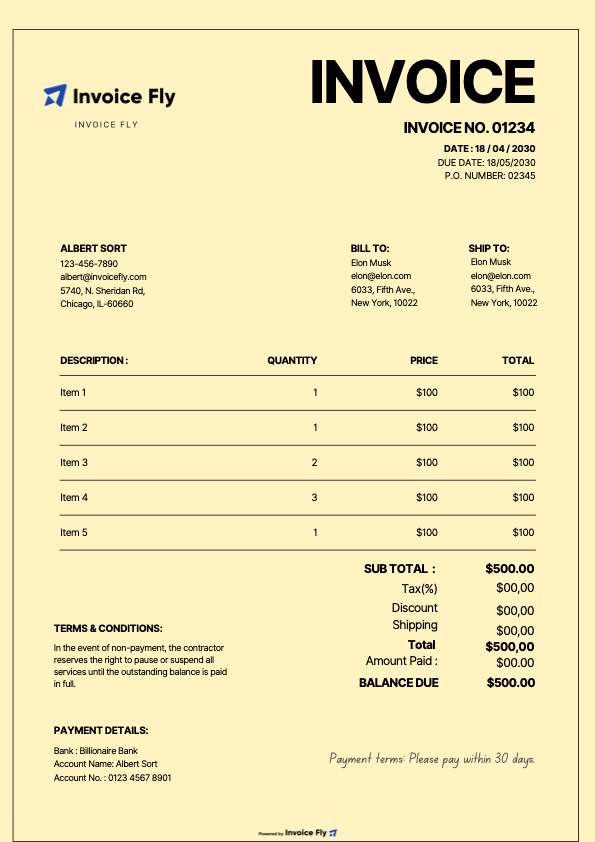
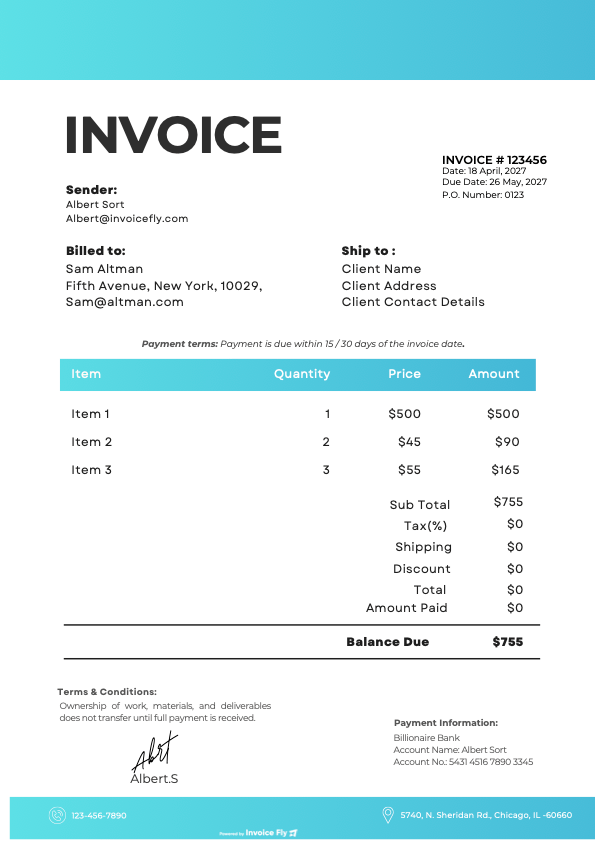
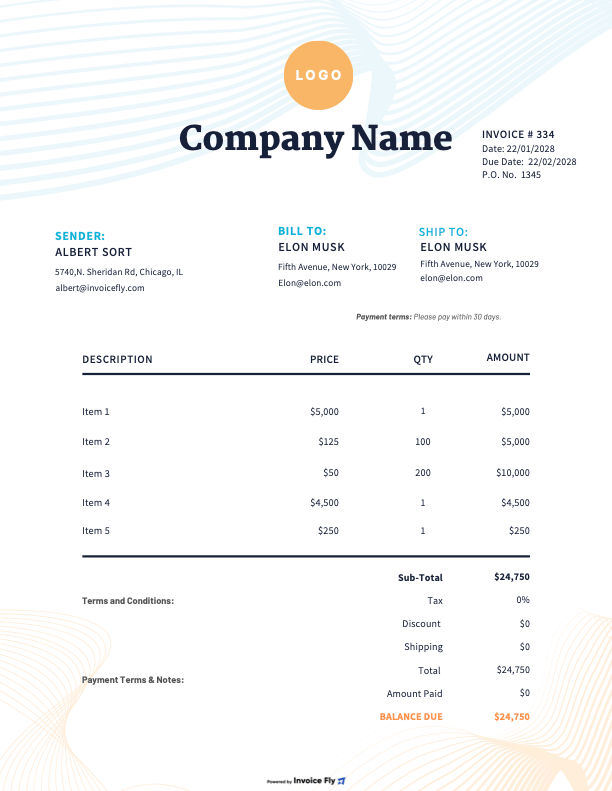
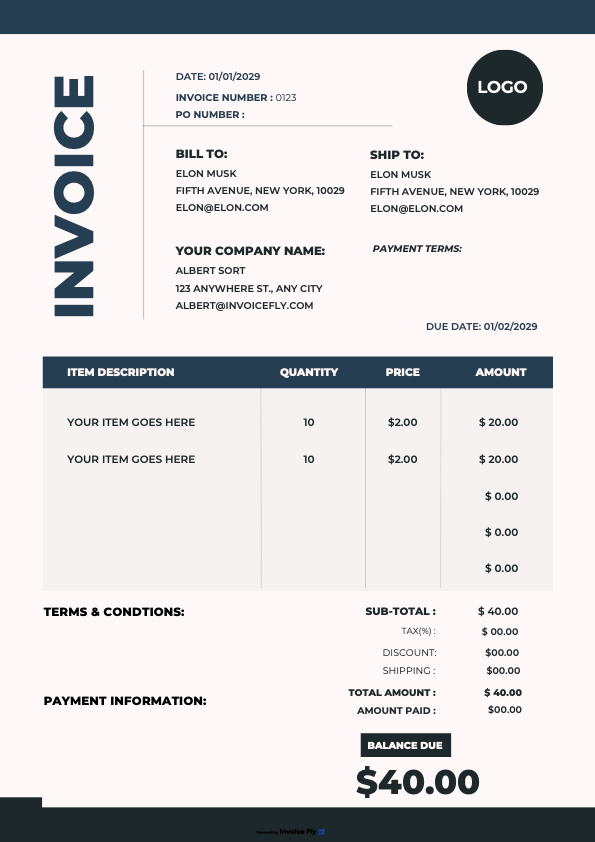
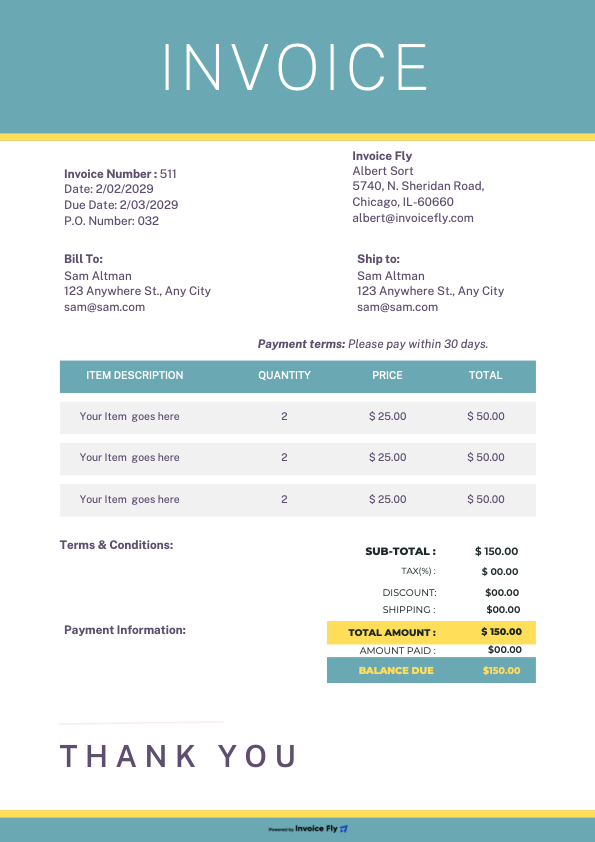
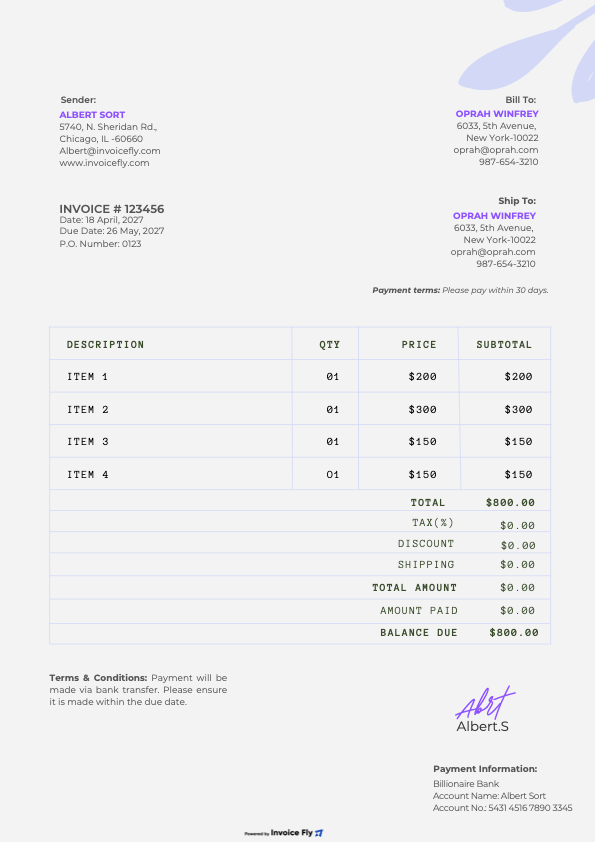
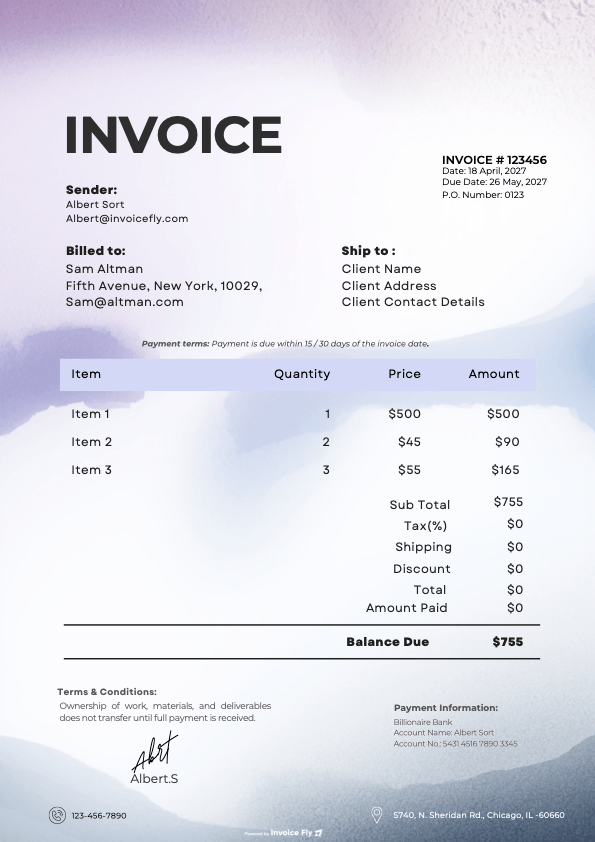
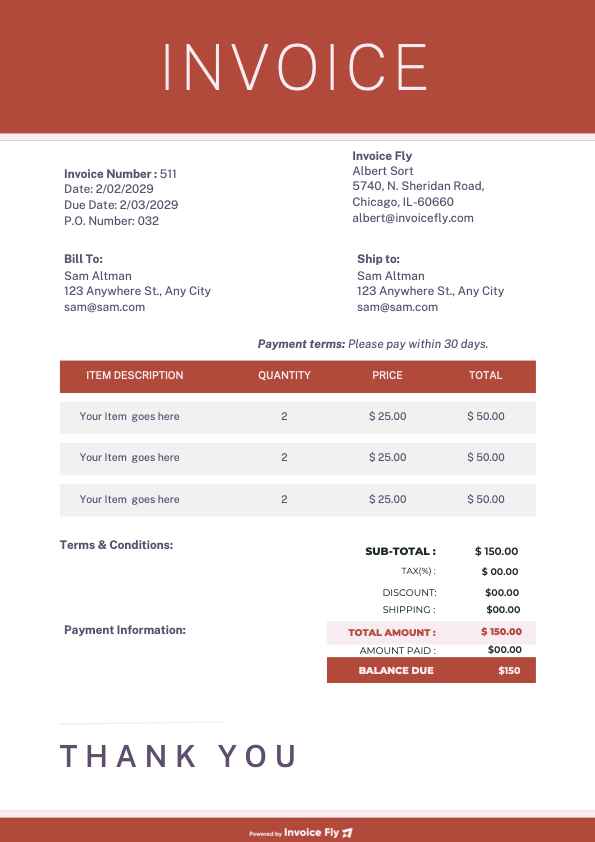
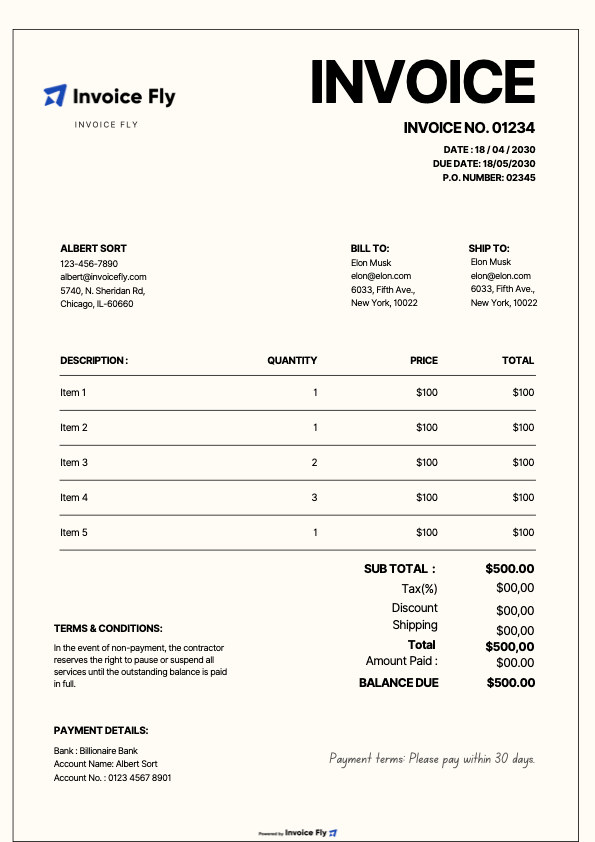
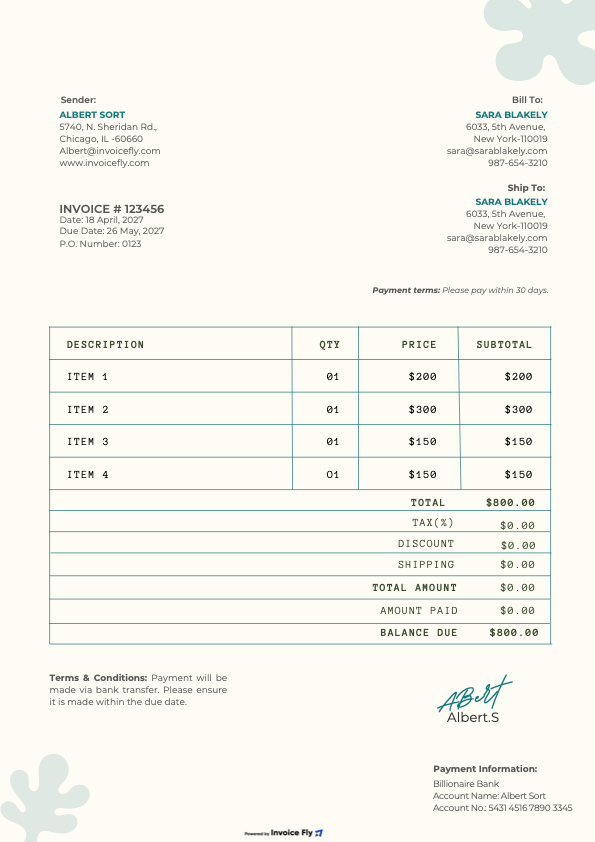
Choose a free landscaping invoice template from Invoice Fly’s collection, customize it with your business details, services, and prices, and download it in PDF, Word, Excel, Google Docs, or Google Sheets format.

How to Invoice as a Landscaper
Create and send professional invoices with a simple, consistent process. Follow these five steps to manage billing, track payments, and keep your landscaping business running smoothly.
-
1
Choose an Invoice Template
Start with an Invoice Fly template that suits your business and customize it for each client.
-
2
Invoice Promptly
Send your invoice as soon as the agreed work is completed or a scheduled payment becomes due.
-
3
Apply Previous Payments
Deduct any deposits or partial payments to show the client the remaining balance.
-
4
Send and Track Payments
Send the invoice to your client and follow up on overdue payments to keep your cash flow on track.
-
5
Set Up Recurring Invoices
For ongoing client agreements, automate recurring invoices to reduce repetitive admin and maintain a consistent billing schedule.
What to Include in a Landscaping Invoice
A landscaping invoice should clearly outline the services provided, costs, and payment details so clients know exactly what they owe.
-
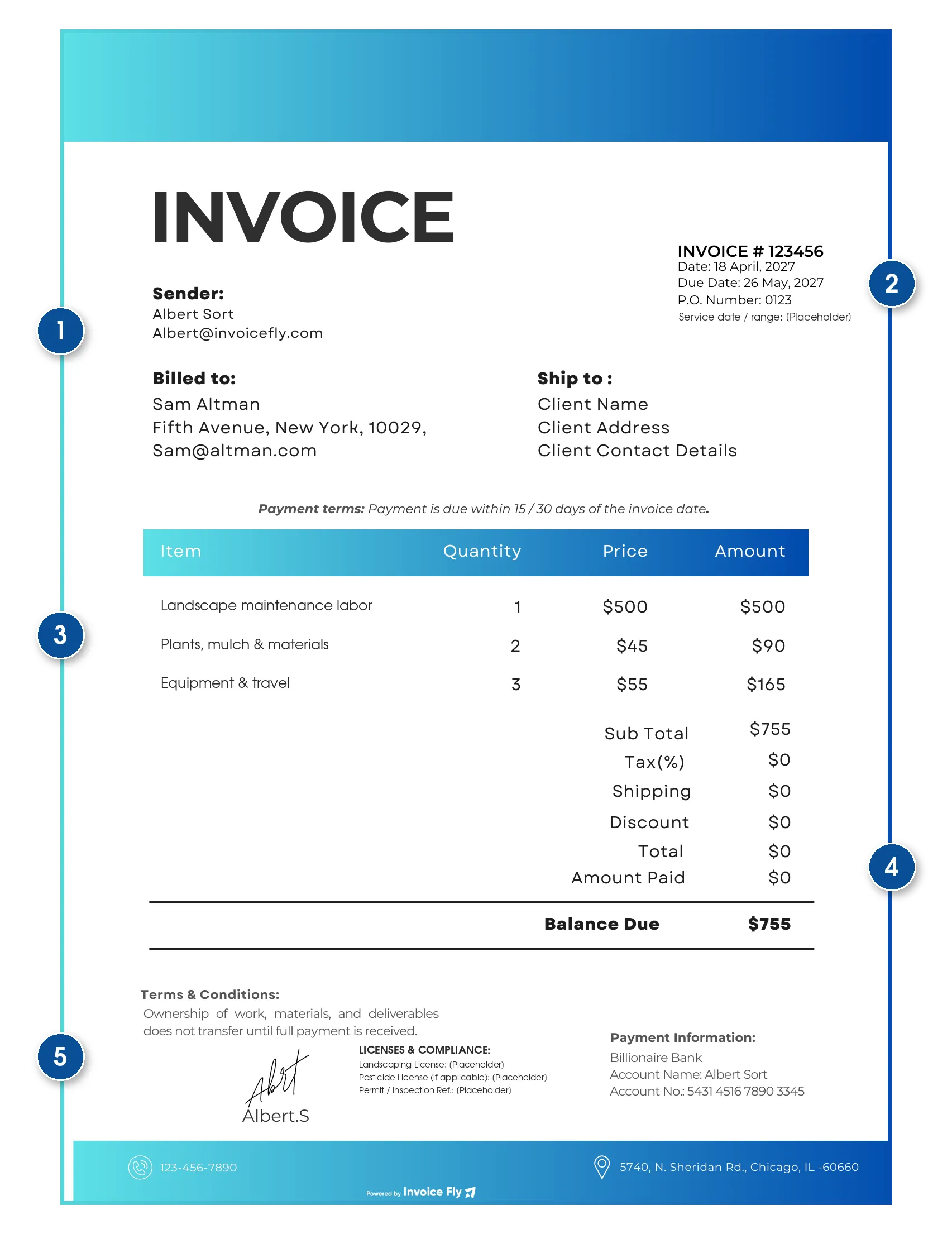
1
Business and Client Information
Include your business name, address, phone number, email, and the client’s name and billing address. Add the service location if it differs from the billing address.
-
2
Invoice and Job Details
Include a unique invoice number, issue date, payment due date, service date or date range, and any relevant job or purchase order (PO) number.
-
3
Description of Services
Summarize the work completed and itemize labor, materials, equipment, and travel expenses, including quantities and rates where applicable.
-
4
Cost Breakdown and Balance Due
Show the subtotal, applicable taxes, discounts, total amount, deposits received, and remaining balance due.
-
5
Licenses and Compliance Information
Include any required contractor or landscaping license numbers, pesticide applicator license details when applicable, and permit or inspection references where required.
Common Landscaping Invoice Mistakes to Avoid
Avoid these common invoicing mistakes to reduce payment delays, prevent disputes, and keep your landscaping business finances organized.
| Common mistake | How to avoid it |
|---|---|
| Combining all costs into one chargeBundled labor, materials, and equipment make invoices harder to understand. | Itemize your charges. List labor, materials, and additional expenses separately, with quantities and rates where applicable. |
| Leaving payment terms unclearMissing deposit requirements or due dates can delay payments. | Set clear terms. State deposit requirements, payment deadlines, and how deposits apply to the final balance. |
| Omitting service detailsMissing service dates or job information can cause confusion. | Document the work. Include the service date or billing period and a clear description of the completed work. |
| Charging for unapproved workUnexpected charges can lead to client disputes. | Get approval first. Confirm additional work in writing and include the approved charges on the invoice. |
| Missing required license or permit detailsIncomplete documentation can create compliance issues. | Check local requirements. Include applicable license numbers and permit or inspection references where required. |
| Calculating taxes incorrectlyIncorrect tax rates or missing tax breakdowns can cause accounting problems. | Check tax requirements. Apply taxes according to local rules and clearly show the subtotal, applicable taxes, discounts, and total due. |
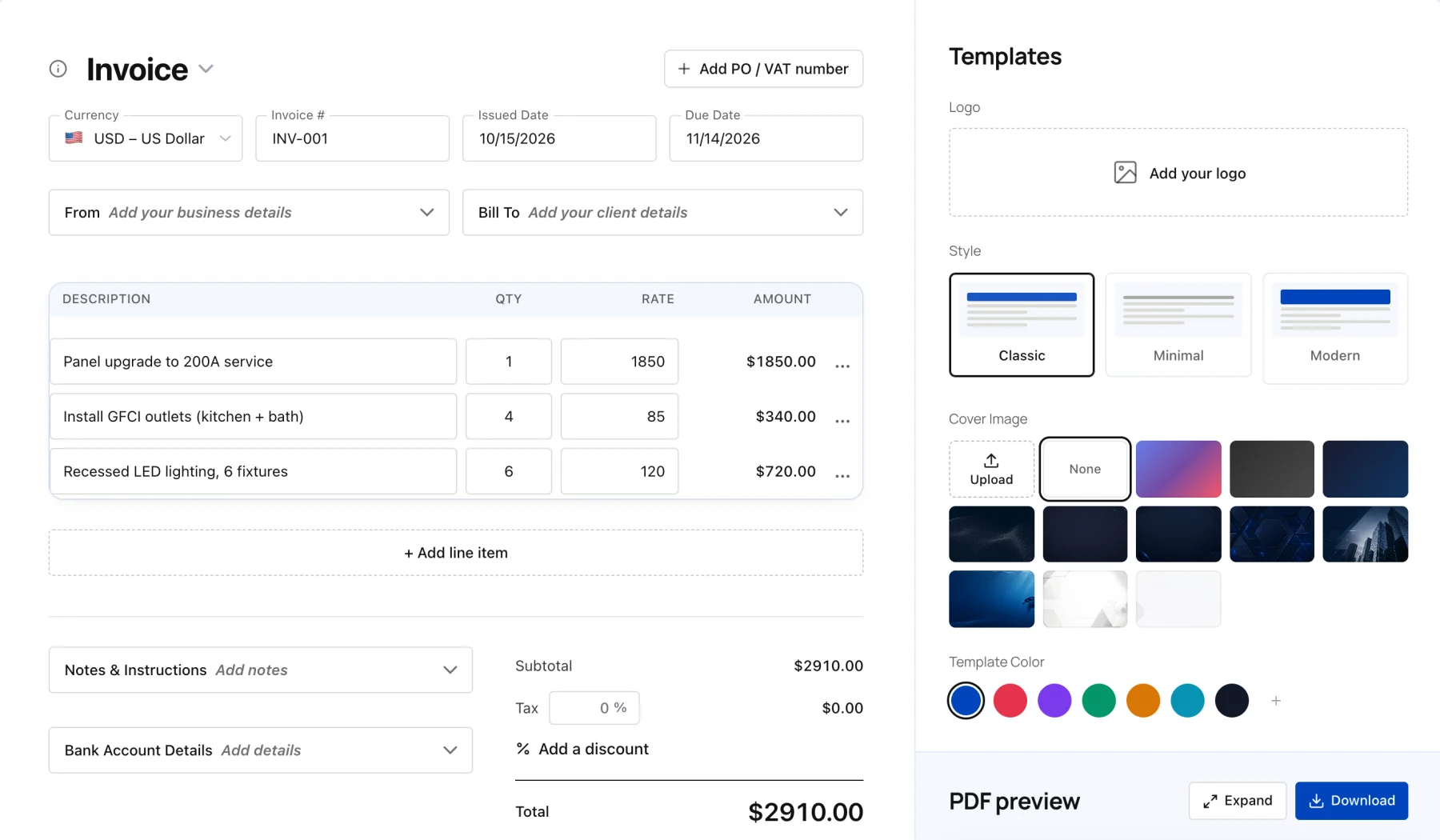
Create your first invoice free with our Online Invoice Generator.
Free Invoice Generator

Landscaping Invoice FAQs
Find answers to common questions about pricing landscaping services, billing for materials, handling additional work, and managing recurring payments.
Creating and sending a landscaping invoice is easier when you follow a consistent process. Use these steps to document completed work, confirm charges, and collect payment.
Review the Agreed Scope of Work
Before preparing your invoice, check the original estimate or work agreement to confirm which services were approved, what was completed, and whether any additional work was authorized.
Confirm the Job Costs
Review your labor hours, materials used, equipment expenses, delivery charges, and any disposal or permit fees. Compare these costs with the original estimate and document any approved changes.
Prepare an Itemized Invoice
Create a landscaping invoice that separates services, labor, materials, and additional charges. Include the agreed prices, applicable taxes, deposits already paid, and the remaining balance.
Send the Invoice to Your Client
Once the work is complete or a scheduled payment milestone is reached, send the invoice using your preferred delivery method. Keep a copy for your records and make the payment deadline clear.
Track Payment and Follow Up
Monitor outstanding invoices and follow up professionally if payment is overdue. For ongoing landscaping contracts, consider recurring invoices to simplify billing and maintain a consistent payment schedule.
Bill design and consultation services according to your agreed hourly rate or fixed fee. Describe the service separately on your invoice and clarify whether the consultation fee will be credited toward the installation project if the client proceeds.
For example: “Landscape design consultation - 3.5 hours at $95/hour = $332.50.” If the fee is credited toward a future project, show that credit separately when it is applied.
List each material with its description, quantity, unit price, and total. Include delivery as a separate line item so clients can see the difference between material costs and transportation charges.
If your pricing includes a material markup, calculate it consistently and make sure your quoted prices reflect your agreed terms.
For example: “Mulch - 6 cubic yards at $45/yard = $270; material markup at 15% = $40.50; delivery = $75.”
Separate the labor required to load and remove waste from disposal fees and transportation costs. Depending on the job, you may charge by the hour, weight, volume, or a fixed removal fee.
For example: “Green waste removal - 1.5 hours at $85/hour = $127.50; disposal fee - 0.6 tons at $72/ton = $43.20.”
Itemize irrigation repairs by listing the replacement parts, quantities, testing services, and labor charges. Include relevant part descriptions or model numbers when they help identify the materials used.
For example: “Rotor sprinkler heads - 6 at $14 each = $84; backflow testing = $65; labor - 2 hours at $95/hour = $190.”
For recurring landscaping services, state the agreed billing frequency and monthly fee. List additional work separately and explain how skipped visits, rescheduled appointments, or service credits affect the amount due.
For example: “Monthly maintenance plan = $180; approved skipped-visit credit = $45; additional trimming = $60.”
Make sure credits and adjustments follow the terms agreed with your client.
Permit fees and required inspection charges may be billed to the client when permitted by your contract and local rules. Explain whether these are pass-through costs or include an agreed service fee. Confirm whether utility locating services are free or chargeable in your area.
For example: “City permit fee = $120; utility locating = $0; additional inspection visit = $75.”
Requirements vary by location and project type, so verify applicable local regulations before billing these charges.
For larger projects such as patios, retaining walls, and paving, establish deposit and progress payment terms before work begins. Link progress payments to clearly defined project milestones and show previous payments when calculating the outstanding balance.
For example, an agreed $8,000 project might include a $4,000 deposit, a $2,400 payment after base preparation, and a $1,600 final payment after the walkthrough.
Use an Invoice Fly landscaping invoice template to organize charges and payment details clearly. Confirm that your payment schedule complies with applicable contract and local requirements.
When a client approves additional work, document the change, its cost, and any impact on the project timeline. Reference the approved change order on the invoice so the additional charges can be traced to the agreement.
For example: “Change order 2 - additional 120 square feet of paving at $18/square foot = $2,160.”
If weather delays affect the schedule or create additional costs, explain the adjustment and bill only for charges supported by the contract or approved change. Keep a written record of the revised completion date and any agreed cost changes.
Yes. Invoice Fly’s free online invoice generator automatically calculates invoice totals as you enter your services, prices, taxes, and discounts. This helps reduce manual calculations and makes it easier to prepare accurate invoices.
For more flexibility, download the Invoice Fly app to create and send invoices directly to clients, track payment status, accept online payments, and set up recurring invoices for ongoing landscaping contracts. This can help you spend less time on administration and more time running your business.
Invoice Fly Academy
Learn how to price roofing jobs, prepare accurate estimates, and manage your roofing business with practical guides from Invoice Fly Academy.
More Free Tools
Explore Invoice Fly’s free tools to estimate landscaping costs, prepare professional quotes, and simplify your business paperwork.
- PDFDOCXXLSX
- Service price calculatorHours8Rate$65Materials$480Job price$1,000
- Download PDFInvoice generatorINVOICE#1042Sod installation$1,800.00Shrub planting$840.00Total$2,640.00