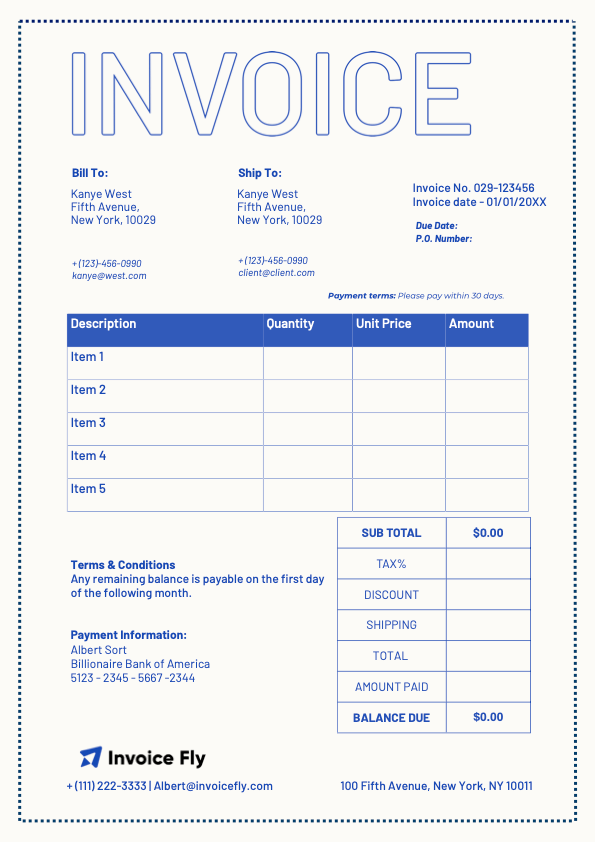
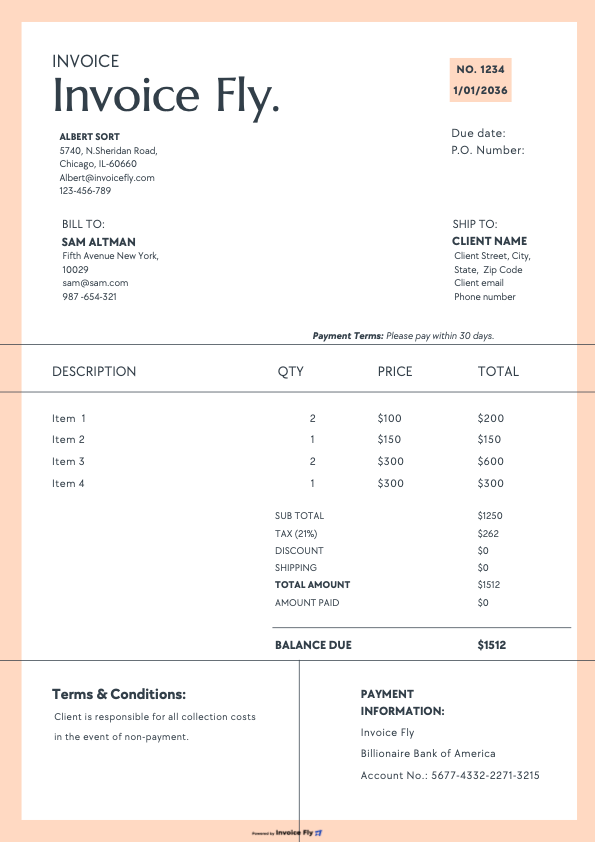
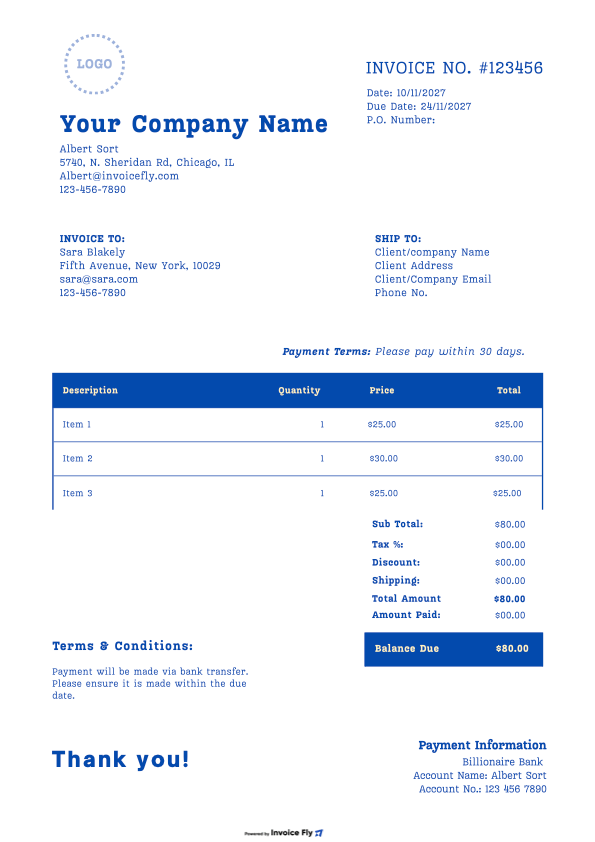
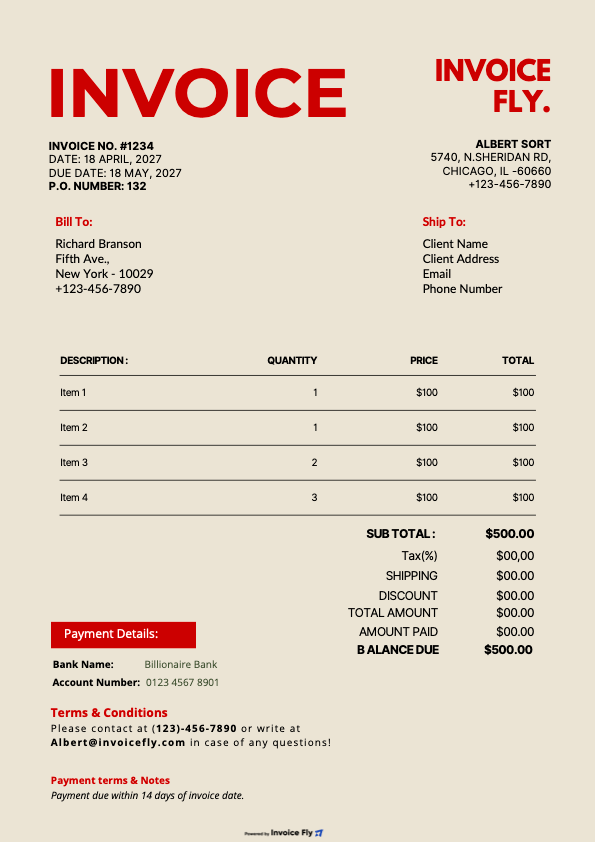
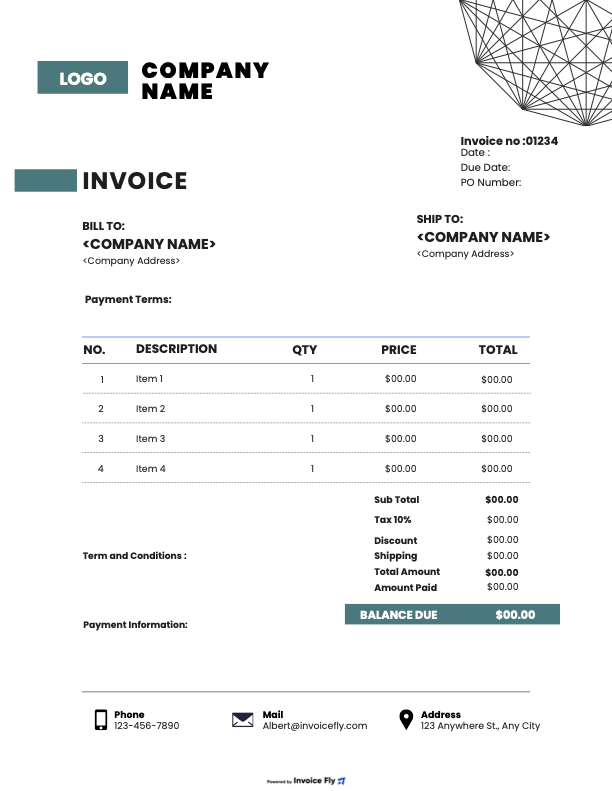
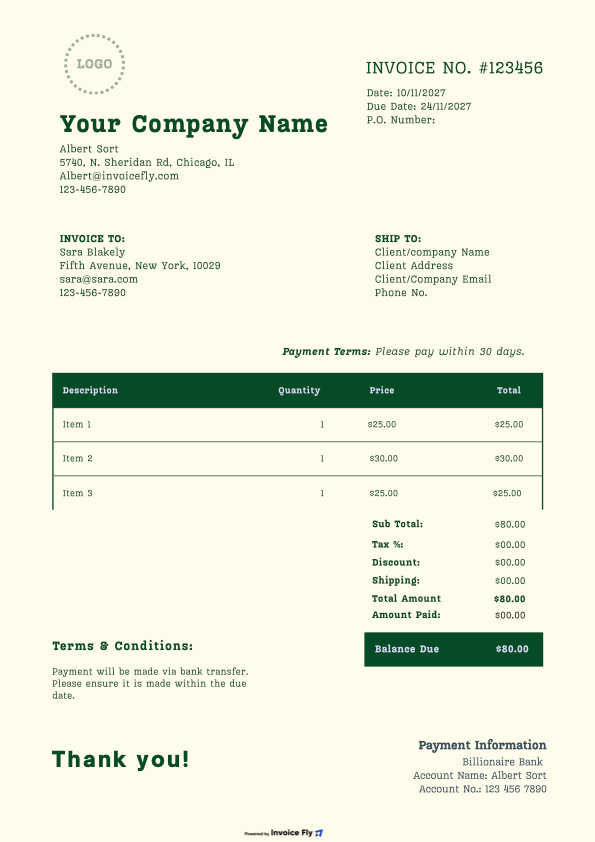
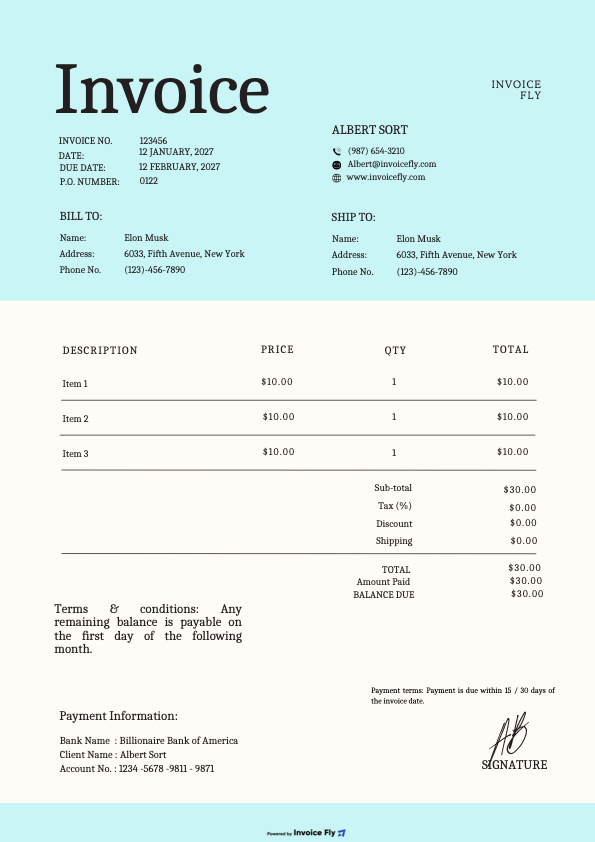
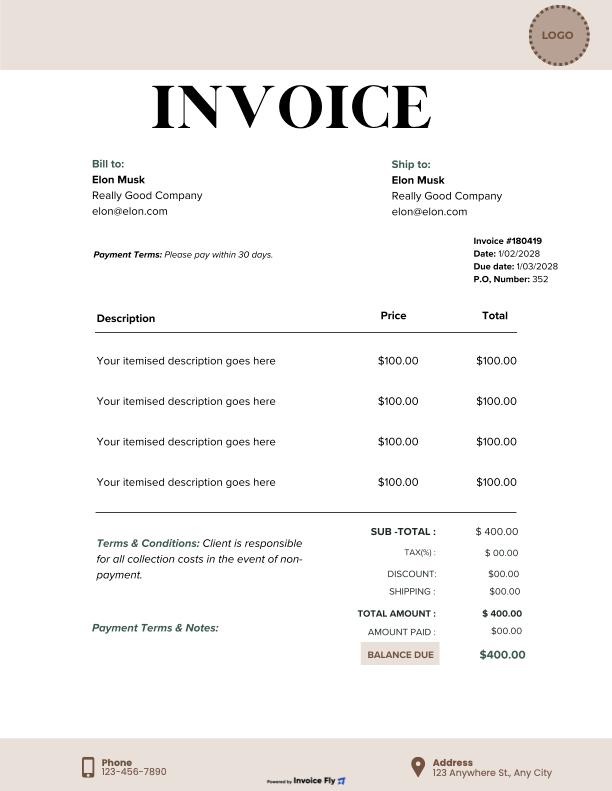
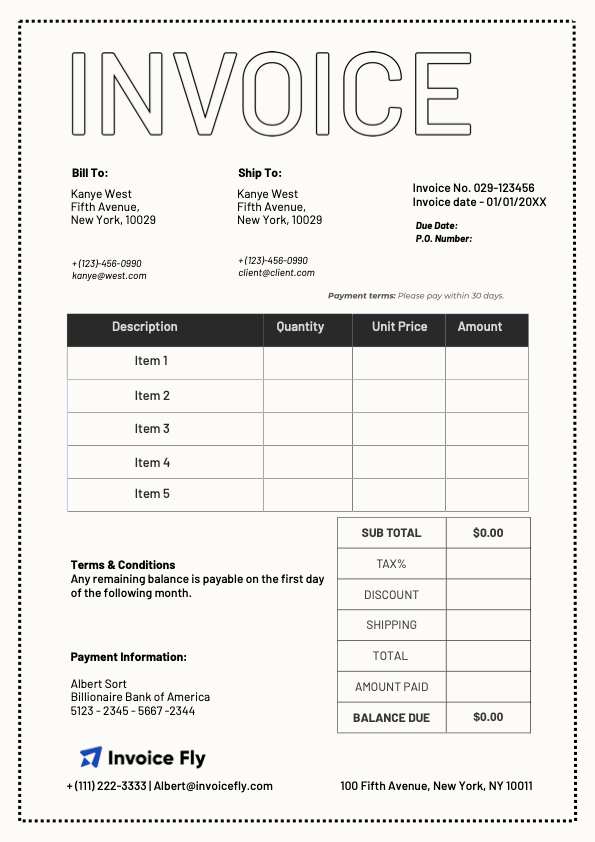
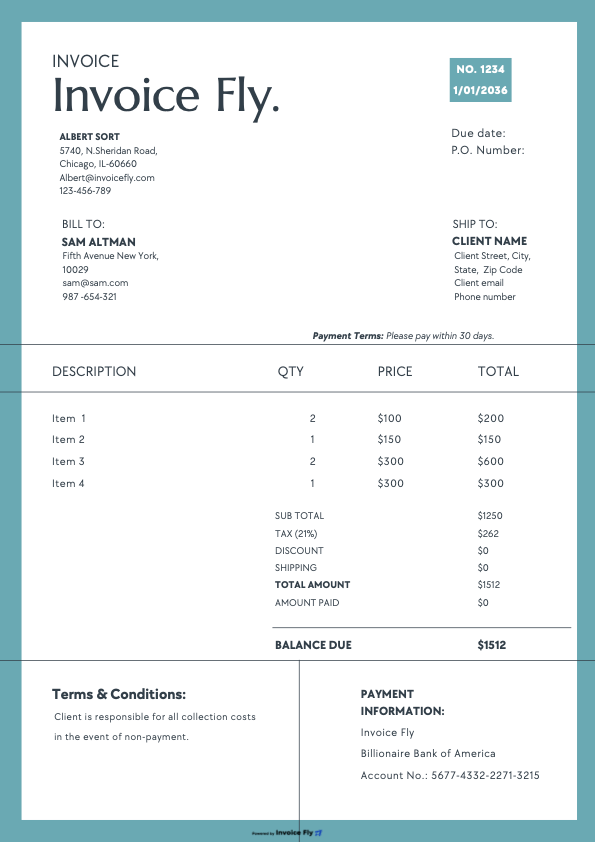
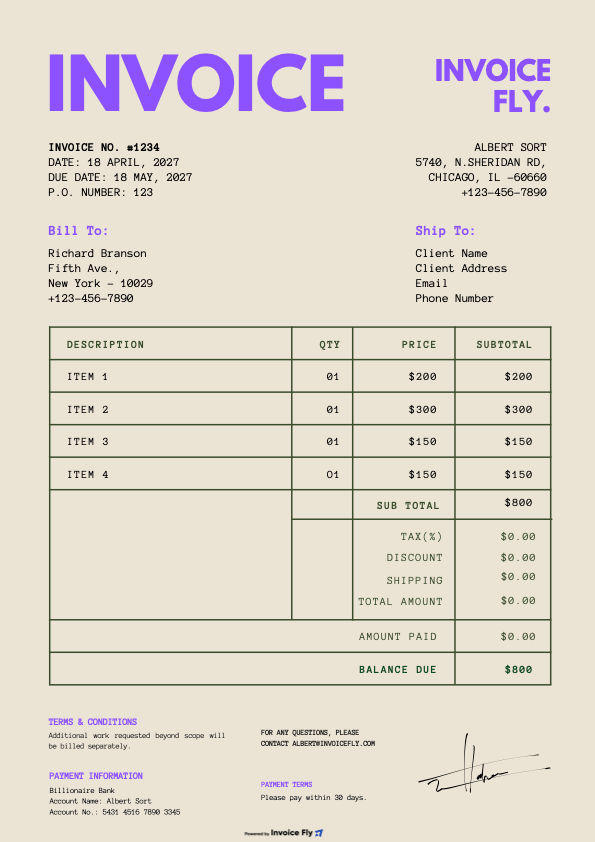
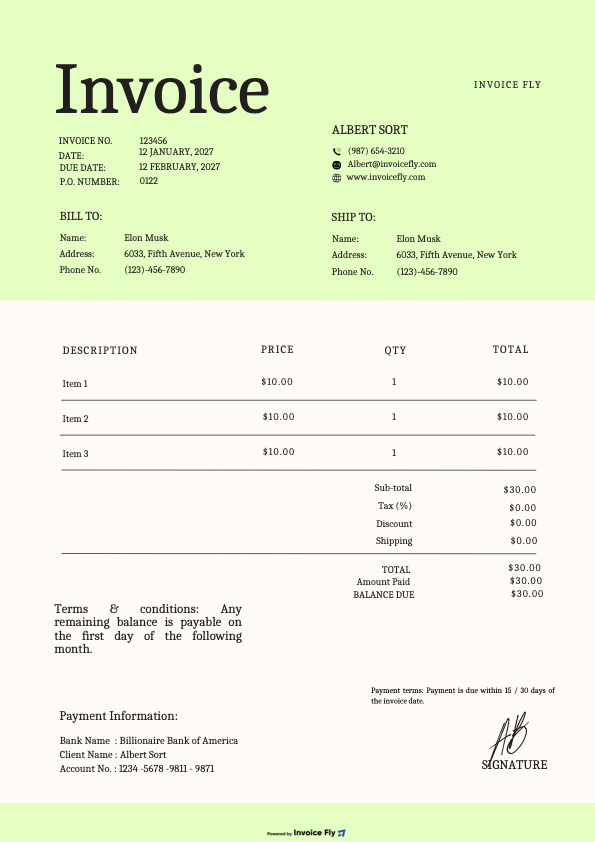
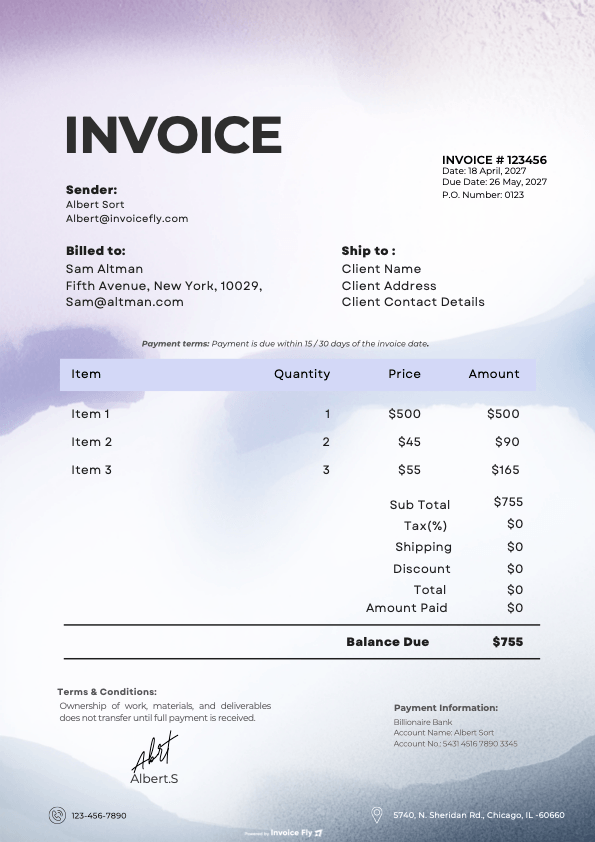
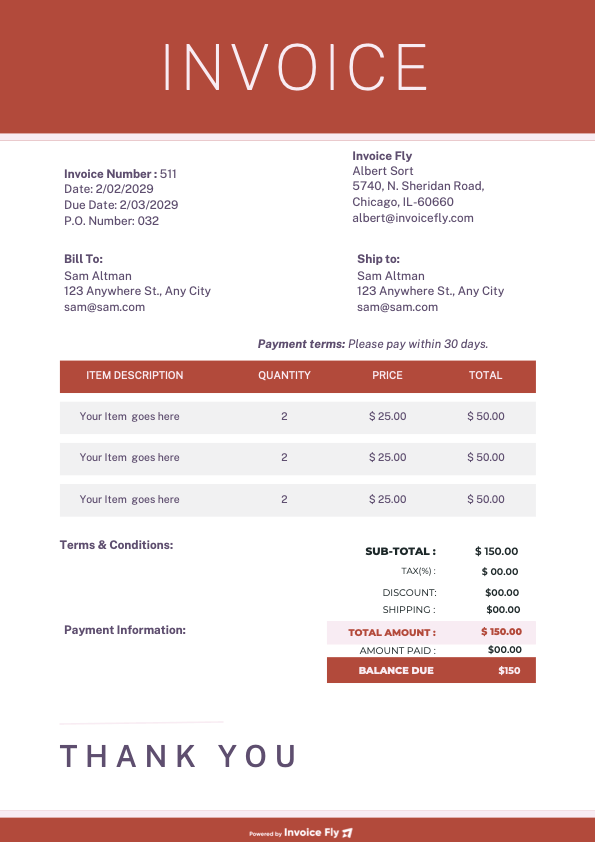
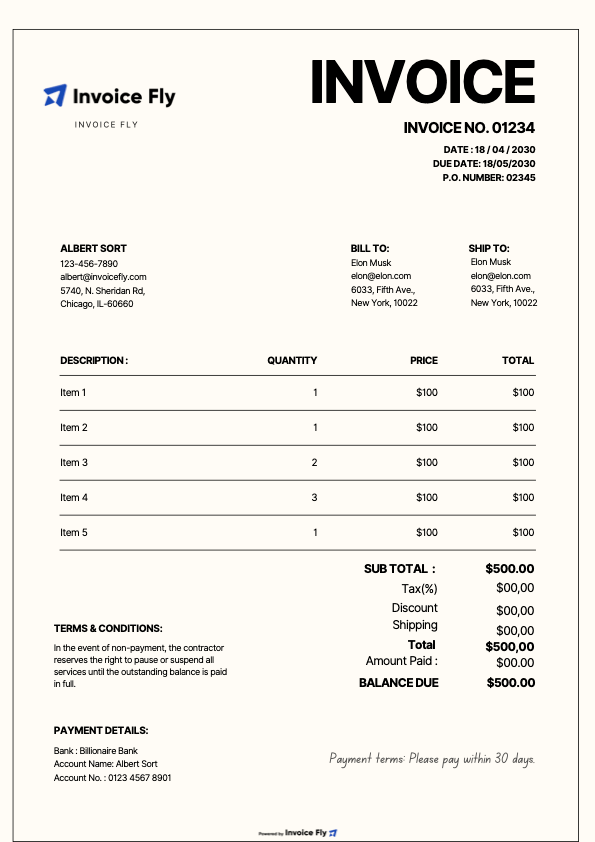
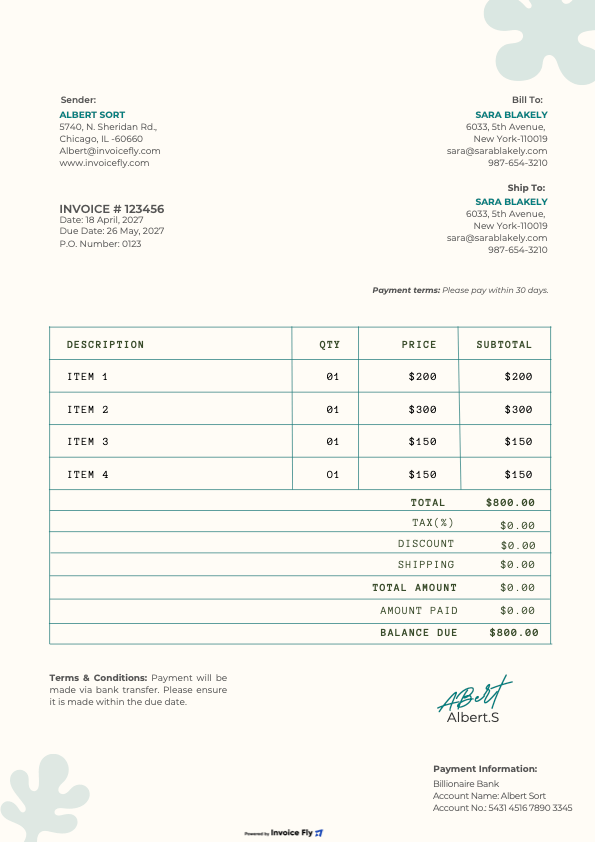
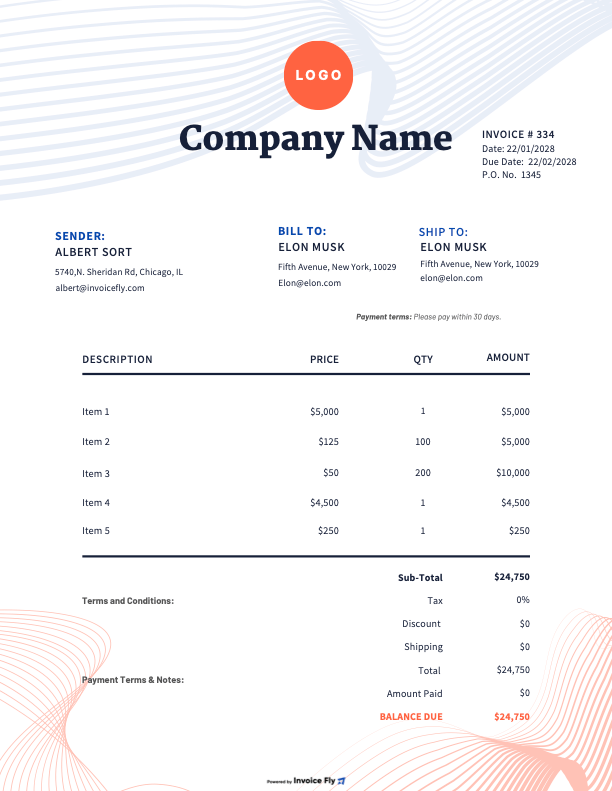
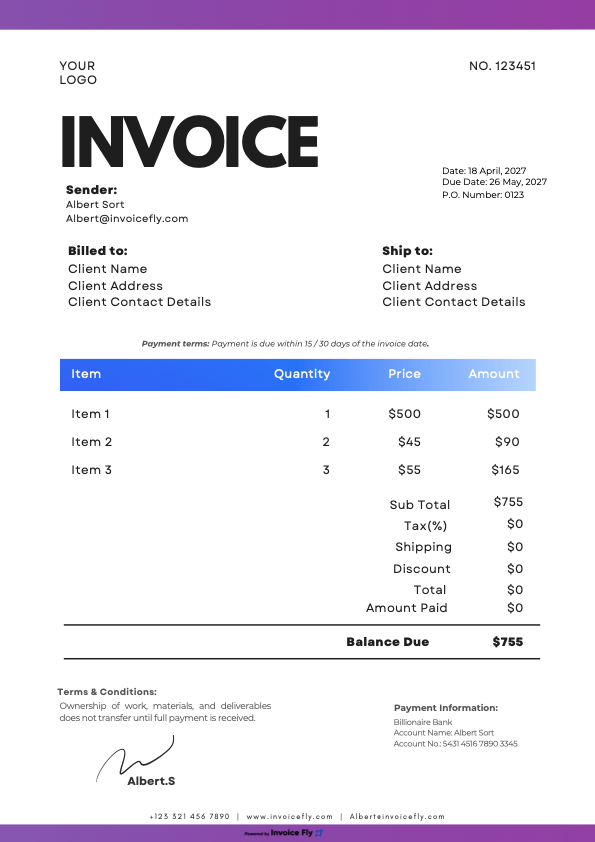
Free Photography Invoice Template

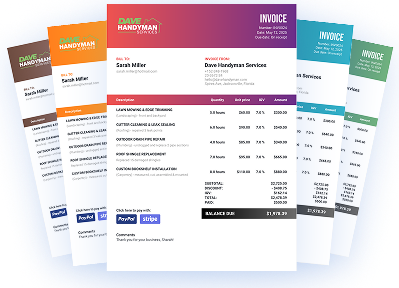
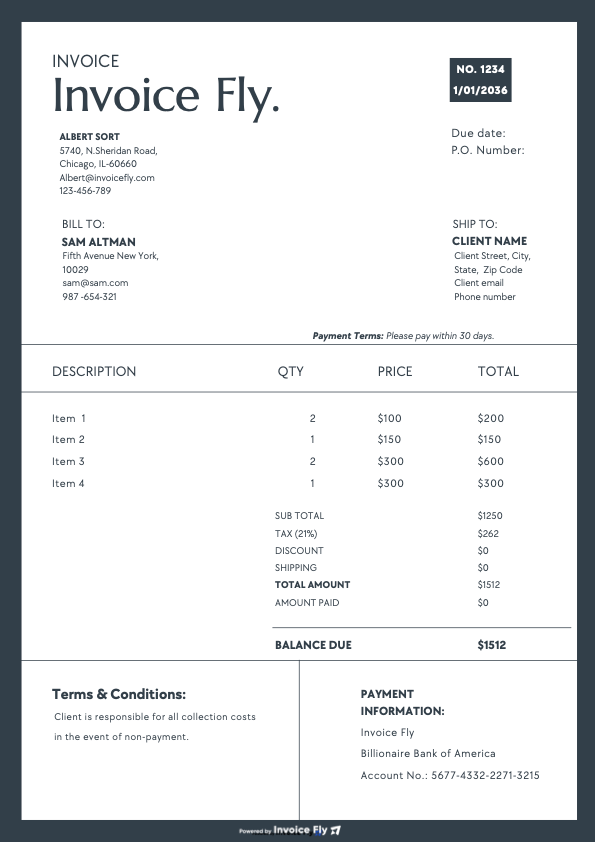
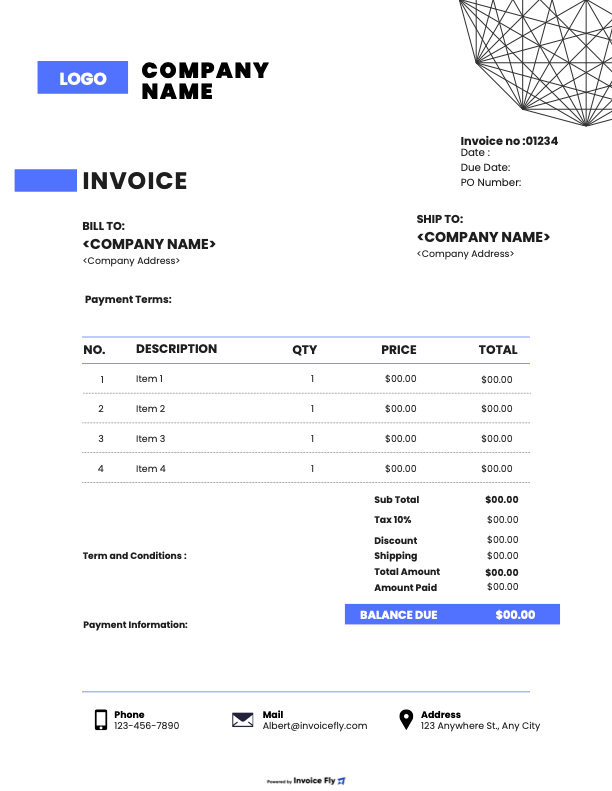
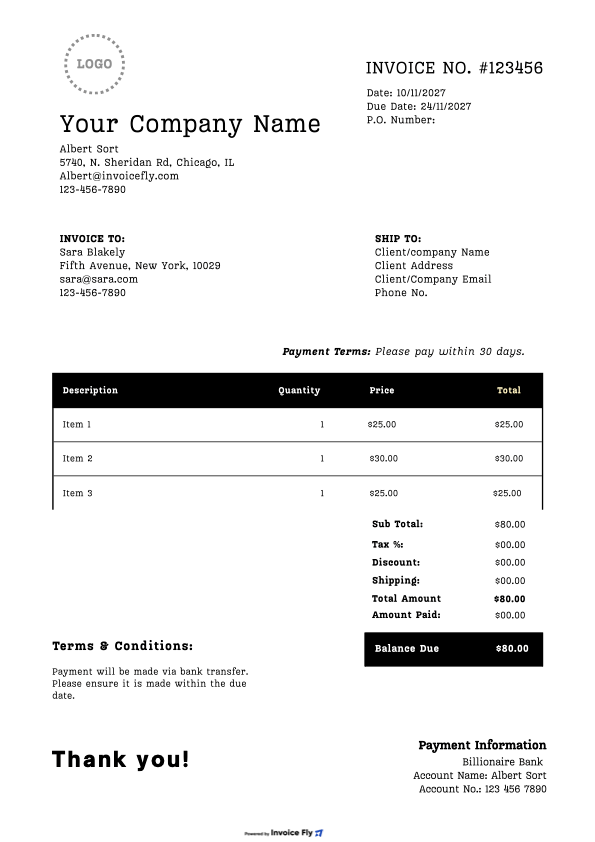
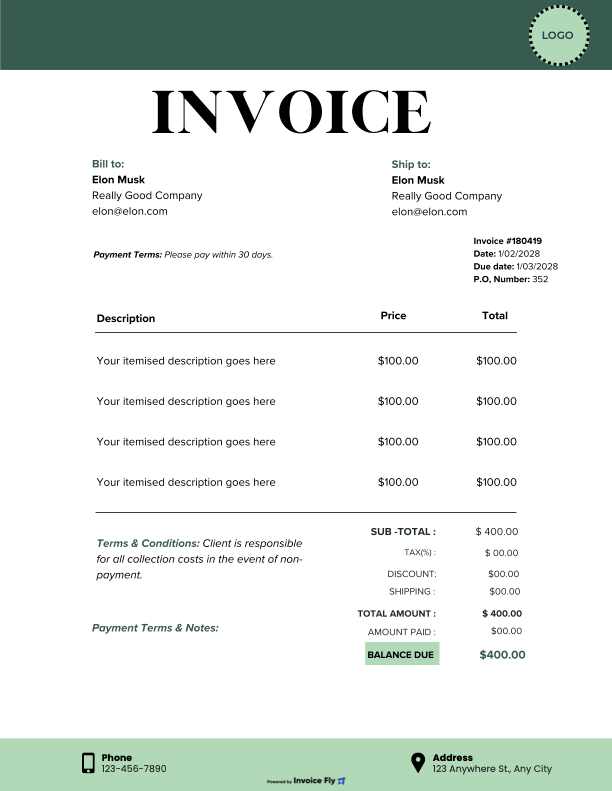
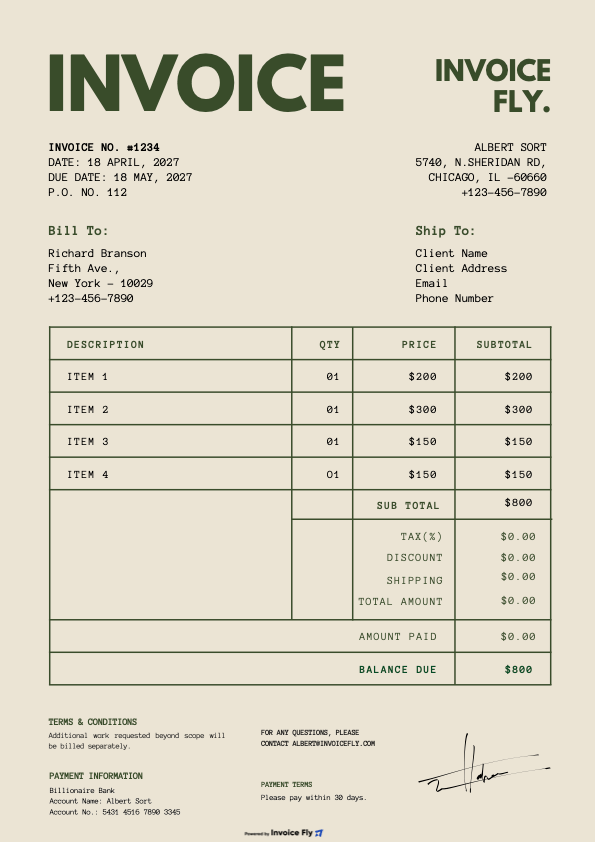
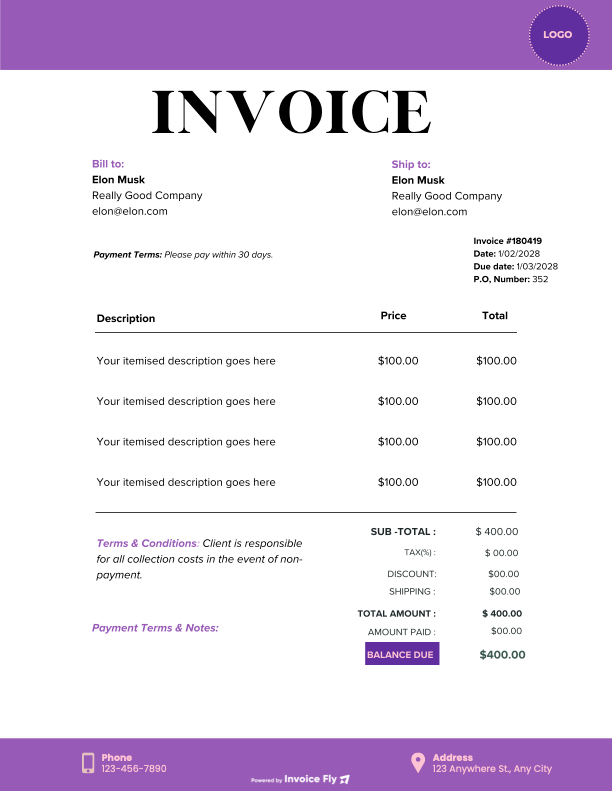
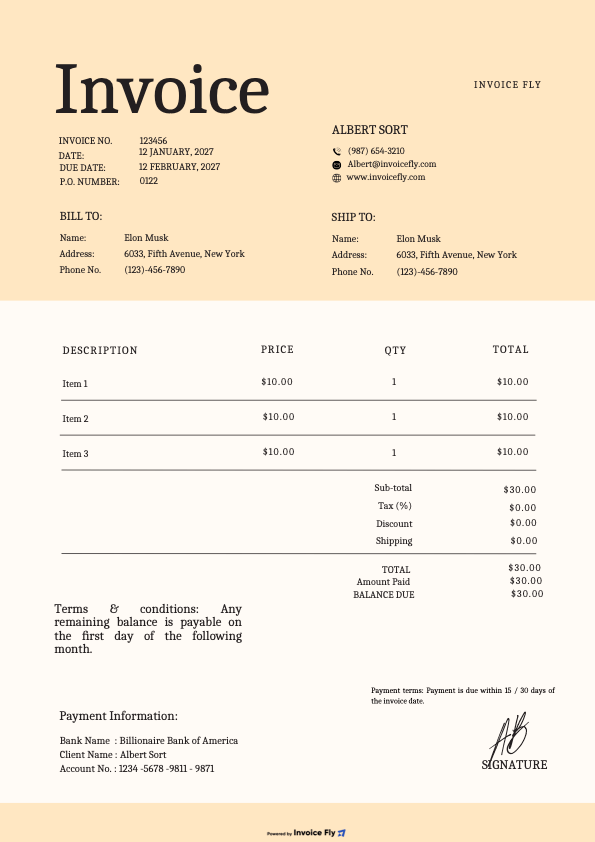
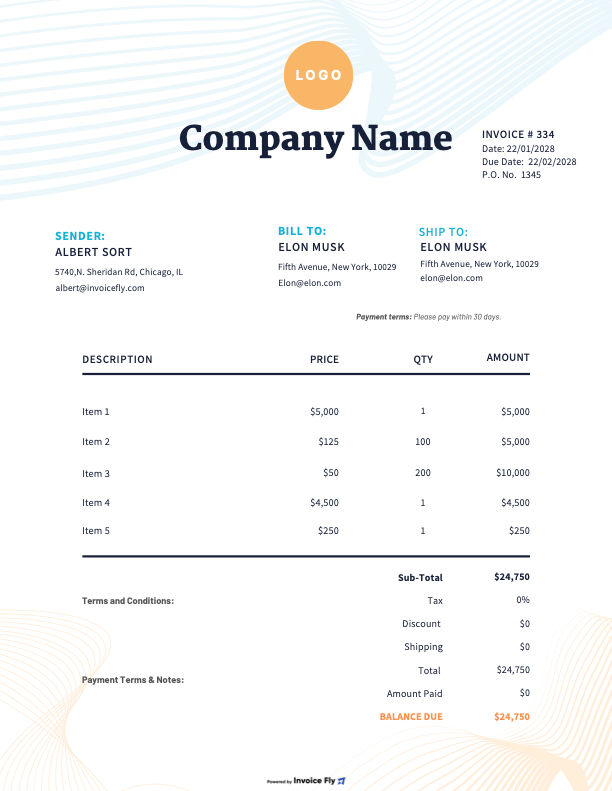
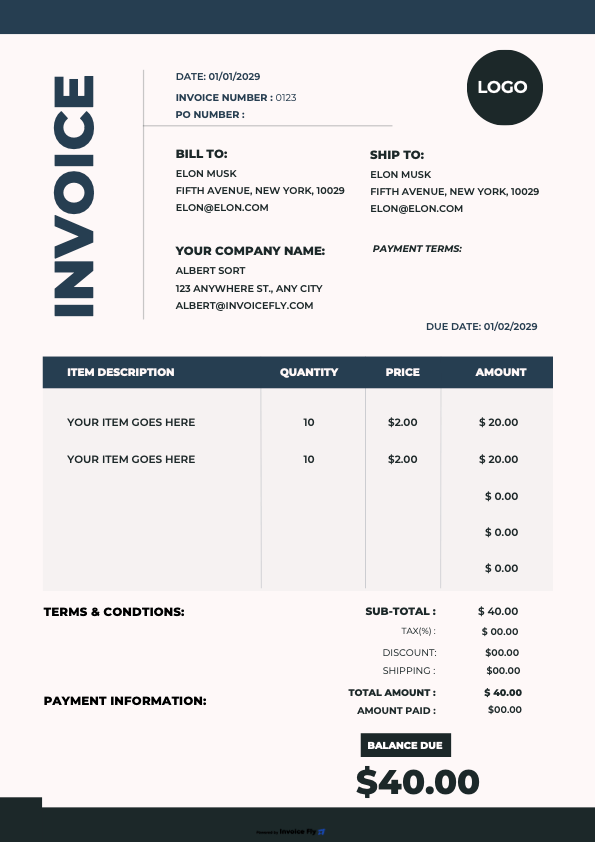
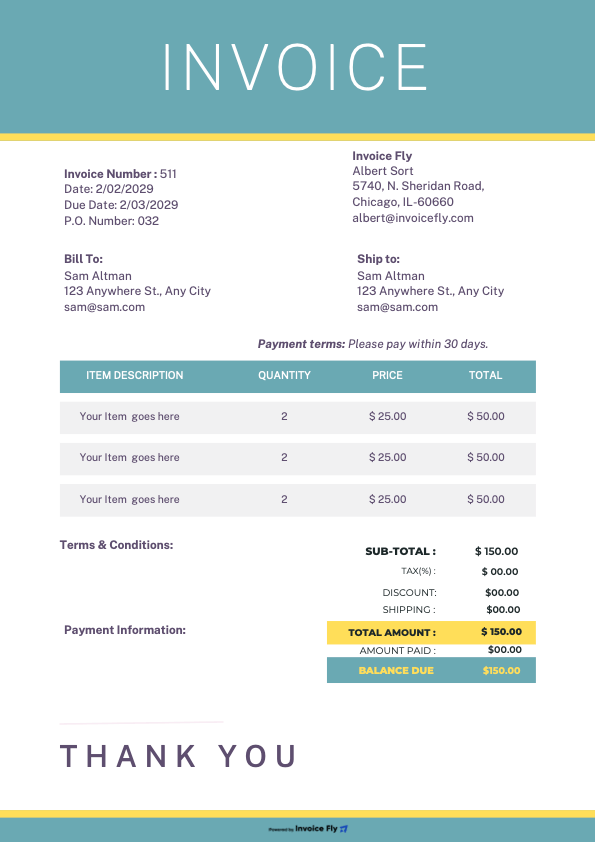
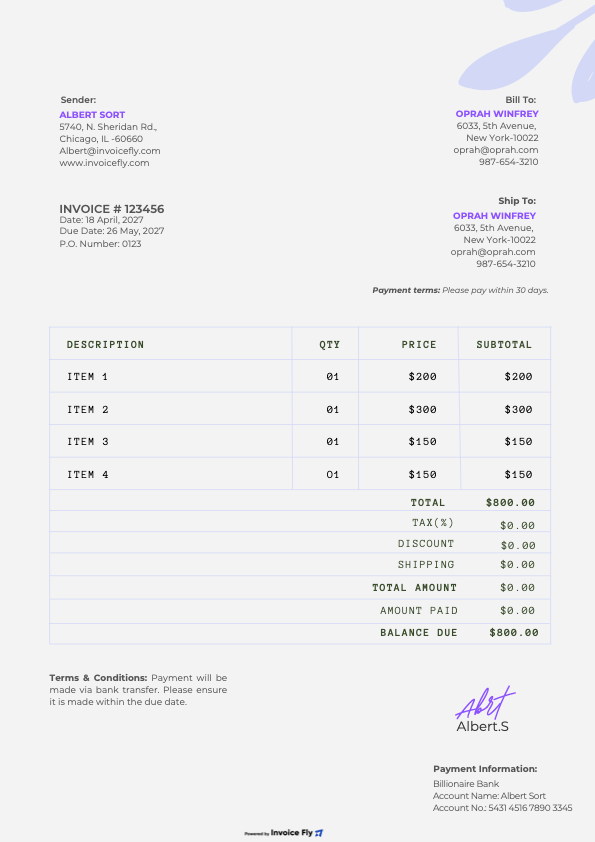
From photoshoots to editing and image licensing, make sure every part of your work gets paid. Use a free photography invoice template from Invoice Fly to add your rates, personalize it with your branding, and send a polished invoice in minutes. Download in Word, Excel, PDF, Google Docs, or Google Sheets.

Colors

Styles

Formats

Industry

Why Should Photographers Use a Photography Invoice Template?

A photography invoice template helps you bill clients professionally, keep track of payments, and spend less time on paperwork. Here’s how it makes running your photography business easier:

Photographer holding a phone with an Invoice Fly event photography invoice ready to send, next to a camera on a catering table at an outdoor event
  • Get paid faster

    Include payment terms, a due date, and payment options so clients know exactly how to pay.

  • Save time between shoots

    Reuse one invoice layout instead of starting from scratch for every client.

  • Show off your brand

    Add your logo and brand colors to give every invoice a polished, professional look.

  • Charge for every part of the job

    Separate photoshoots, editing, prints, travel, and extra services so nothing gets overlooked.

  • Track deposits and balances

    Show what clients have already paid and what’s still outstanding.

  • Choose your preferred format

    Edit your invoice in Word, Excel, Google Docs, or Google Sheets, then send it as a PDF.

What Should You Include on a Photography Invoice?

A photography invoice should include your business and client details, an itemized breakdown of services, additional charges, and clear payment terms. Whether you’re billing for a portrait session, wedding, or commercial shoot, use this checklist to make sure nothing gets missed:

  1. Business Details

    Add your business name, address, phone number, and email.

  2. Client Information

    Include the client’s name, contact details, and purchase order (PO) number, if required.

  3. Invoice Details

    Add a unique invoice number, invoice date, and payment due date.

  4. Itemized Photography Services

    List each service separately, including session fees, hourly coverage, second shooters, editing, retouching, prints, albums, and digital files. Show the quantity, rate, and line total for each.

  5. Additional Expenses

    Include extra costs for travel, location fees, or equipment rental.

  6. Image Licensing and Usage

    Add image licensing fees and usage terms when they’re part of the agreement.

  7. Taxes and Total

    Show applicable sales tax and the final amount due.

  8. Payment Details

    List accepted payment methods, any deposit already paid, and the remaining balance.
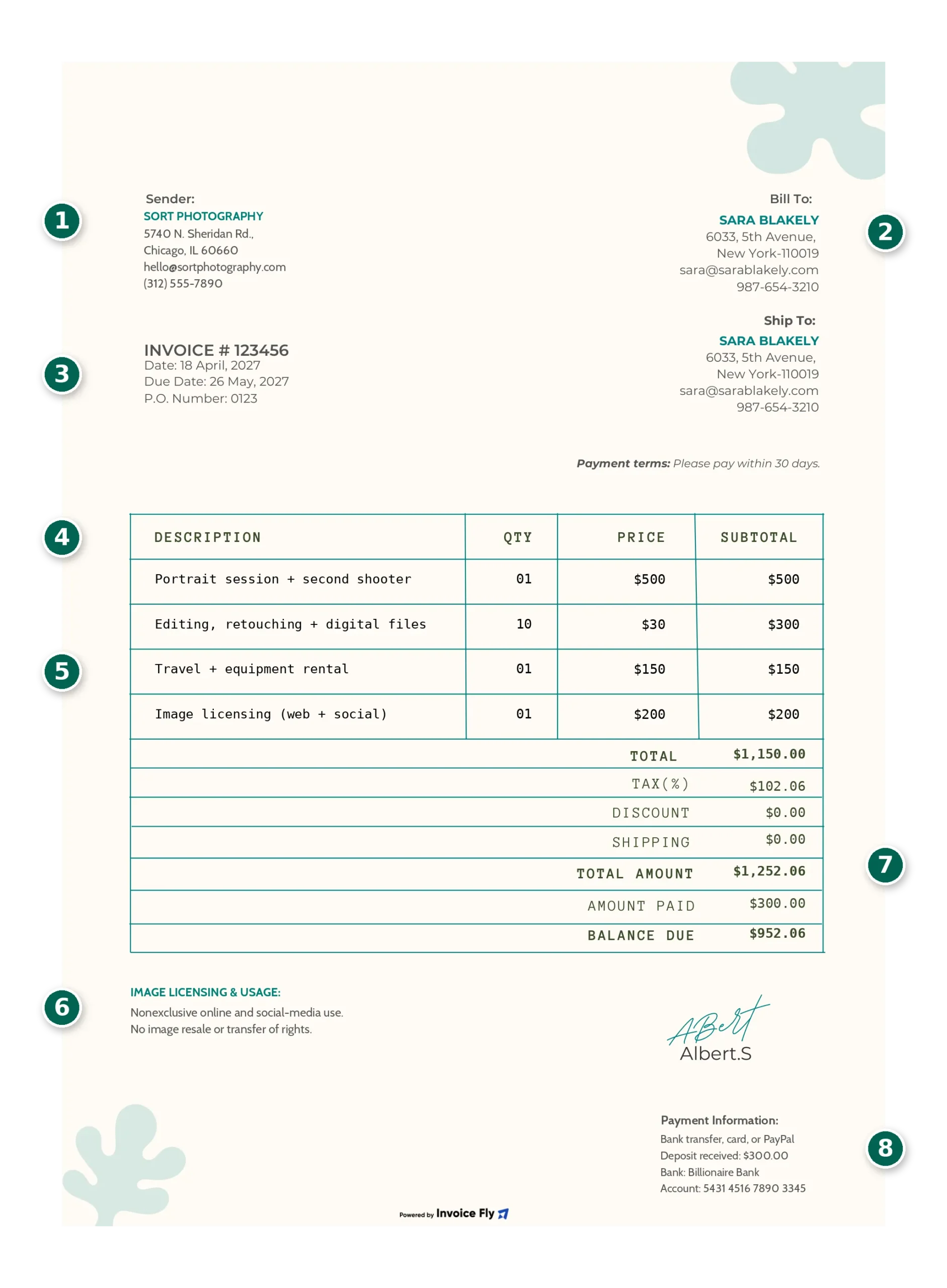
Photography invoice template with numbered elements: 1 business details, 2 client information, 3 invoice details, 4 itemized photography services, 5 additional expenses, 6 image licensing and usage, 7 taxes and total, 8 payment details

What Are Some Photography Invoice Examples by Type of Work?

Photography invoice examples vary depending on the type of shoot, services provided, and deliverables. Here’s what to include when billing for different photography jobs:

Photographer reviewing family portraits on her camera at a cafe table with printed photos, a laptop and the Invoice Fly app open on her phone
  • Wedding Photography Invoice

    Include the booking deposit, remaining balance, coverage hours, albums, and additional photographers as separate line items.

  • Portrait and Family Photography Invoice

    List the session fee, print packages, digital images, and any extra services.

  • Event and Corporate Photography Invoice

    Break down hourly or daily coverage, editing fees, and rush delivery charges.

  • Commercial and Real Estate Photography Invoice

    Specify whether you’re charging per project, property, or image, and clearly outline the image usage rights included.

Create Your First Photography Invoice with Our Free Invoice Generator

Turn those hours behind the camera into a professional invoice with Invoice Fly’s free invoice generator. Add your logo, list your photography services, editing fees, prints, and licensing charges, and let the generator calculate your totals. Download your finished invoice as a PDF or send it directly to your client.

Try Our Online Invoice Generator
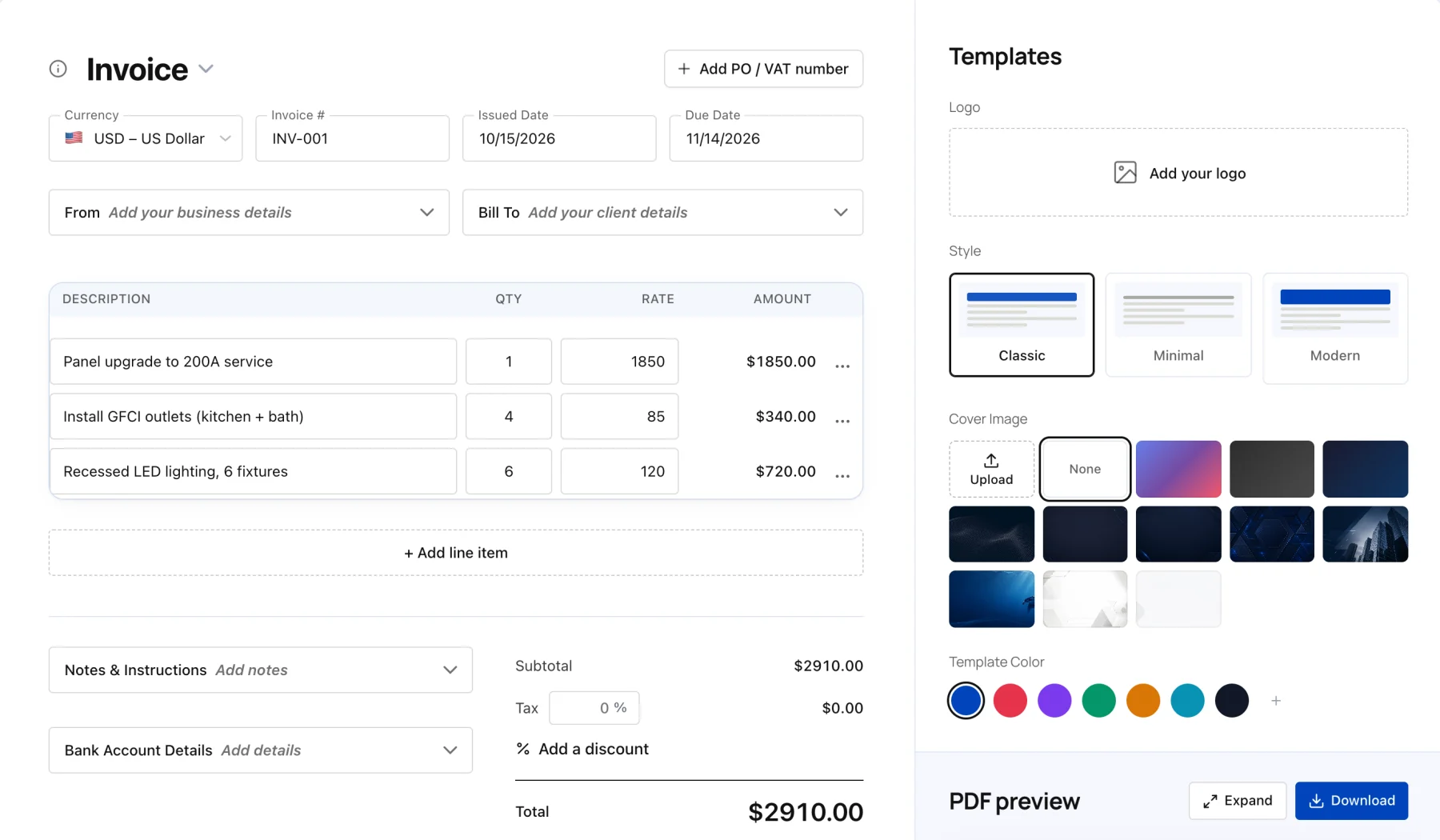

Invoice Fly free online invoice generator with line items, totals and template options

Frequently Asked Questions About Photography Invoices

A professional photography invoice should include your business details, client information, a breakdown of photography services, itemized costs, and payment terms. Make sure to include:

  • Your business name, logo, address, phone number, and email.

  • Client name and billing information.

  • A unique invoice number, issue date, and due date.

  • Photography services, such as shoot hours, editing, retouching, prints, or digital files.

  • Individual rates, quantities, and additional expenses.

  • Image licensing fees and usage terms, where applicable.

  • Subtotal, applicable sales tax, and total amount due.

  • Payment methods, deposits received, and outstanding balance.


A detailed invoice helps clients understand exactly what they're paying for and gives you a clear record of every project.

Yes! Invoice Fly offers a photography invoice template free to download and customize. It's a convenient option whether you need a one-time invoice or a reusable freelance photographer invoice template for regular client work.

Choose from Word, Excel, PDF, Google Docs, or Google Sheets. Add your photography business details, logo, services, rates, and payment terms, then save your completed invoice as a PDF to share with your client.

You can customize the template to suit wedding photography, portraits, commercial shoots, event coverage, and other photography services.

The best photography invoice template is one that's easy to customize, clearly itemizes your services, and gives clients straightforward payment instructions. Invoice Fly offers free templates in several formats, so freelance photographers can choose the layout that fits their workflow.

For invoice photography work, you can list session fees, hourly rates, editing, retouching, prints, travel, and image licensing separately. If you also offer video services, customize the same layout for a videography invoice by adding filming hours, video editing, equipment rental, and final deliverables.

Good photography invoicing should make it easy to reuse your layout, update project details, and keep your billing consistent from one client to the next.

You should list photography-related travel costs as separate line items rather than combining them with your session fee. This gives clients a clear view of what they're paying for and helps you recover your project expenses.

Depending on your agreement with the client, you can charge for:

  • Mileage: Show the distance traveled and your agreed rate per mile.

  • Transportation: Include airfare, train tickets, taxis, or rental cars.

  • Accommodation: List hotel costs for shoots that require overnight stays.

  • Other expenses: Add parking, tolls, or other approved travel costs.

For example, an invoice could show the photography session fee, 40 miles of travel, parking, and accommodation as separate charges. Agree on how travel expenses will be calculated before the shoot to avoid surprises when the invoice arrives.

If you're charging clients to use your photographs, your invoice should identify the image licensing fee and briefly explain what rights the client is paying for. This is especially important for commercial photography, advertising, editorial work, and stock images.

Depending on your agreement, include:

  • Usage purpose: Personal, editorial, commercial, or advertising use.

  • Usage channels: Website, social media, print, advertising, or other platforms.

  • License duration: How long the client can use the images.

  • Usage territory: Whether the license covers local, national, or worldwide use.

  • Exclusivity: Whether the client receives exclusive or non-exclusive usage rights.

  • Licensing fee: The agreed price for the permitted usage.

Keep the invoice description consistent with your photography contract. The invoice should summarize the agreed licensing terms, while the contract should provide the full details of the client's usage rights.

A wedding photography invoice template helps you organize deposits, remaining balances, and additional services for one of your biggest photography bookings. Wedding projects often involve several deliverables, so itemizing everything makes the costs easier for couples to understand.

Your invoice can include:

  • Wedding date and event location.

  • Booking or reservation deposit.

  • Photography coverage hours.

  • Additional photographers or second shooters.

  • Editing and retouching fees.

  • Albums, prints, and digital image packages.

  • Travel or accommodation expenses.

  • Remaining balance and payment due date.

You can customize an Invoice Fly photography invoice template with these details and reuse the layout for future wedding bookings.

A real estate photography invoice template helps you bill agents, property managers, and real estate businesses for photography services in a clear, consistent format. Whether you're photographing one property or covering several listings, itemized charges make the final cost easier to understand.

Depending on the project, include separate charges for:

  • Interior and exterior property photography.

  • Additional rooms or properties.

  • Aerial and drone photography.

  • Property videos and virtual tours.

  • Image editing and retouching.

  • Rush delivery or additional image packages.

  • Travel and equipment expenses.

You can also specify the image usage rights agreed with the client, particularly when photographs will be used in property listings, advertisements, or promotional materials.

A photography invoice is a document photographers send to clients to request payment for completed work, agreed services, or project milestones. It provides a breakdown of the services delivered, their costs, and the payment terms.

Photographers use invoices for many types of work, including:

  • Wedding and engagement photography.

  • Portrait and family photoshoots.

  • Professional headshots.

  • Baby and newborn photography.

  • Event and corporate photography.

  • Commercial and product photography.

  • Real estate and architectural photography.

  • Fashion and editorial photography.

  • Photojournalism and travel photography.

  • Pet and drone photography.

  • Photo editing and retouching.

  • Stock photography and image licensing.

You can also invoice for deposits before a shoot or milestone payments during a larger project. Whatever type of photography you offer, a detailed invoice helps keep your services, charges, and payment expectations clear.

To bill for image licensing, add a separate line item to your photography invoice showing the licensing fee and the usage rights included in the agreement. This keeps your creative service fees separate from the cost of allowing a client to use your images.

You can structure licensing charges in different ways depending on your agreement:

  • Per-image licensing: Charge a set fee for each photograph the client wants to use.

  • Per-project licensing: Apply one fee for the agreed use of a collection of images.

  • Time-based licensing: Set a fee based on how long the client can use the photographs.

  • Commercial usage licensing: Charge according to the agreed advertising, promotional, or business use.

For example, your invoice could list a commercial photography session fee separately from a license to use 10 edited images on a company's website and social media channels for one year.

Always make sure the invoice reflects the licensing terms in your contract. Clearly defining the permitted usage helps avoid misunderstandings about how clients can use your photographs.

Invoice Fly app

Get Paid with Invoice Fly

Turn completed photography jobs and approved estimates into professional invoices with the Invoice Fly app.