
How to Invoice as a House Cleaner
Before sending an invoice, you need to agree on the job, confirm the price, and complete the cleaning. Follow these five steps to keep everything organized.
5 Steps to Invoice for Cleaning Services
-
Understand the cleaning request
Confirm the property size, number of rooms, type of cleaning, and customer’s expectations.
-
Agree on the scope of work
Decide which cleaning tasks are included and whether the customer needs extras such as deep cleaning or interior windows.
-
Calculate your price
Set your rate based on the property’s size, cleaning time, labor, supplies, and travel costs.
-
Confirm the booking
Send a quote, agree on the price and appointment date, and collect a deposit if required.
-
Complete the cleaning job
Record the work performed, hours spent, and any additional services approved by the customer.
Benefits of Using Invoice Fly’s Cleaner Invoice Templates
Your cleaning work deserves an invoice that looks just as professional. Invoice Fly’s free cleaning invoice templates help you save time, make billing easier, and leave customers with a great impression.

-
Make a great first impression
Give your cleaning business a polished, professional look with a consistent invoice format.
-
Get paid with less hassle
Make billing straightforward for customers and avoid unnecessary payment confusion.
-
Keep your business organized
Stay on top of invoices, payments, and your cleaning business finances.
-
Build lasting customer relationships
Professional, consistent billing helps build trust and encourages repeat business.
-
Find the right fit for every job
Cus house cleaning invoice templates, window cleaning invoice templates, and carpet cleaning invoice templates.
-
Spend less time on paperwork
Start with a ready-to-fill cleaning service invoice template and get back to running your business.
What’s Included in a Cleaner Invoice?
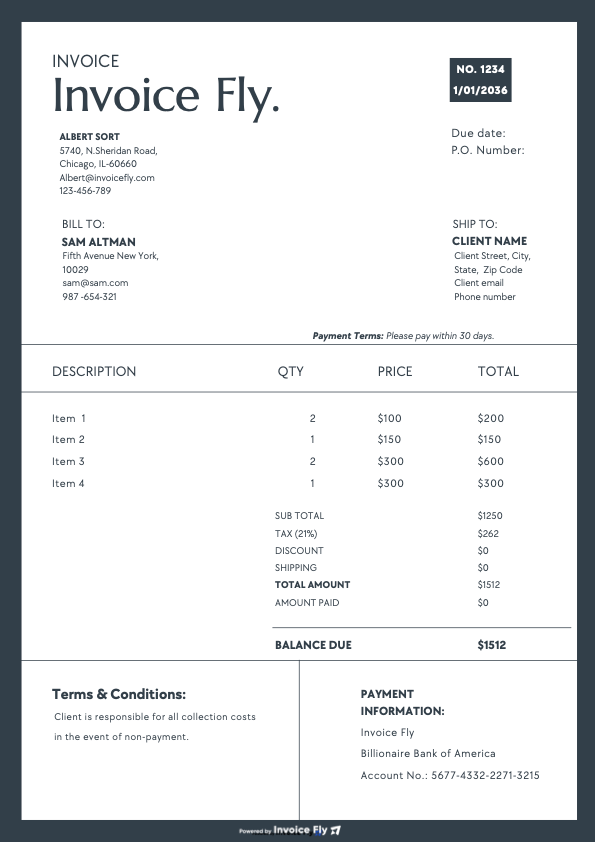
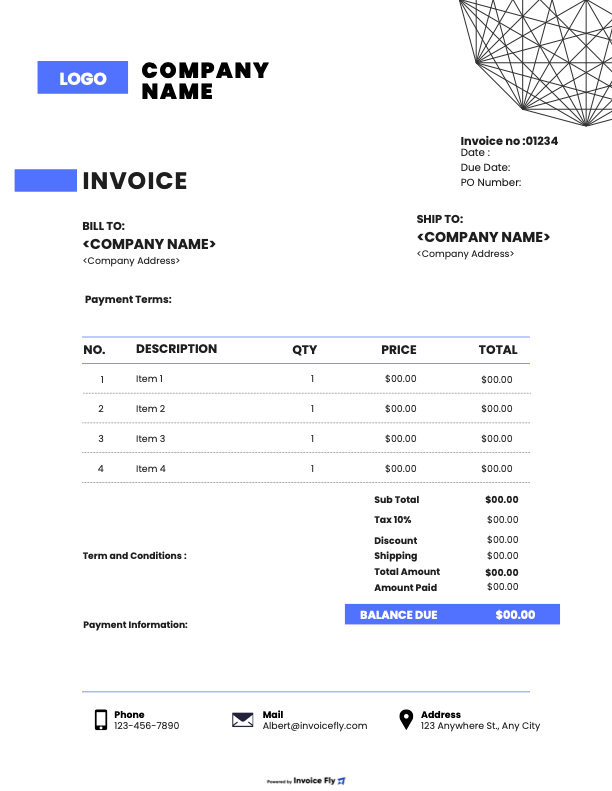
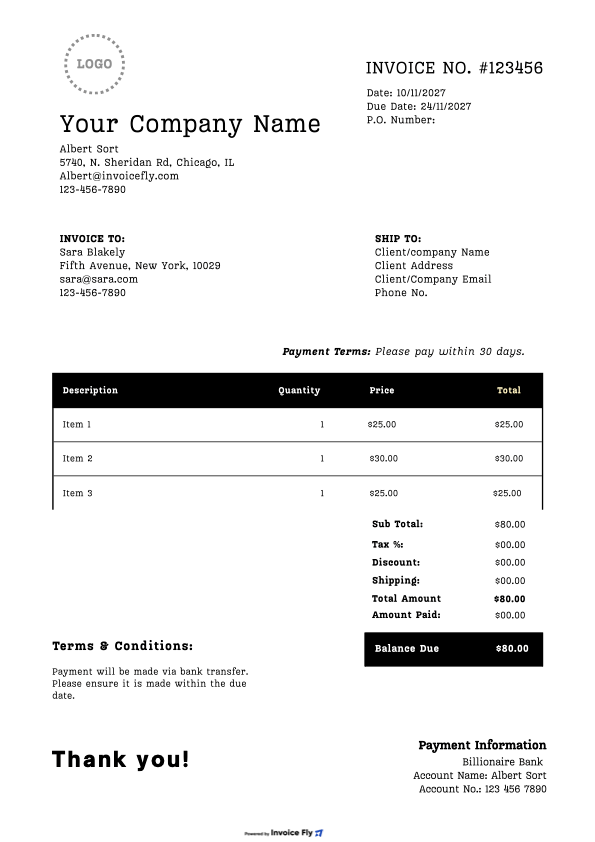
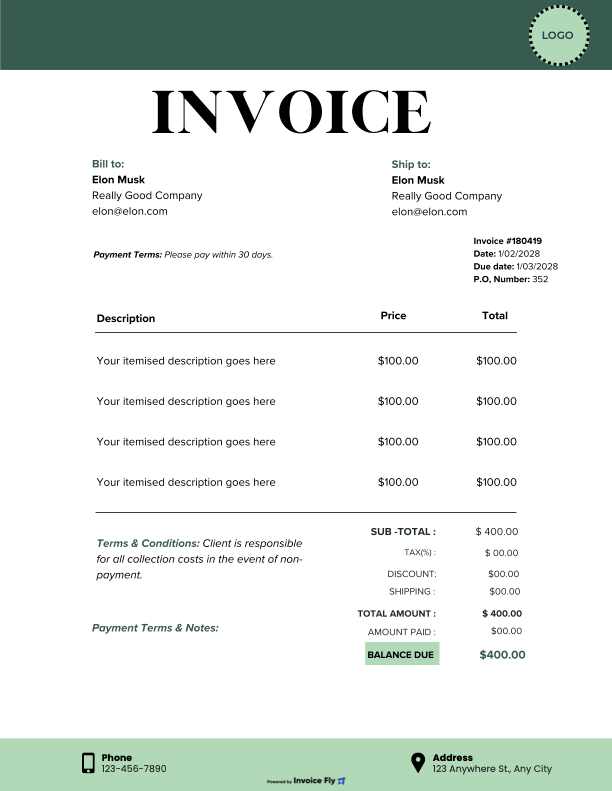
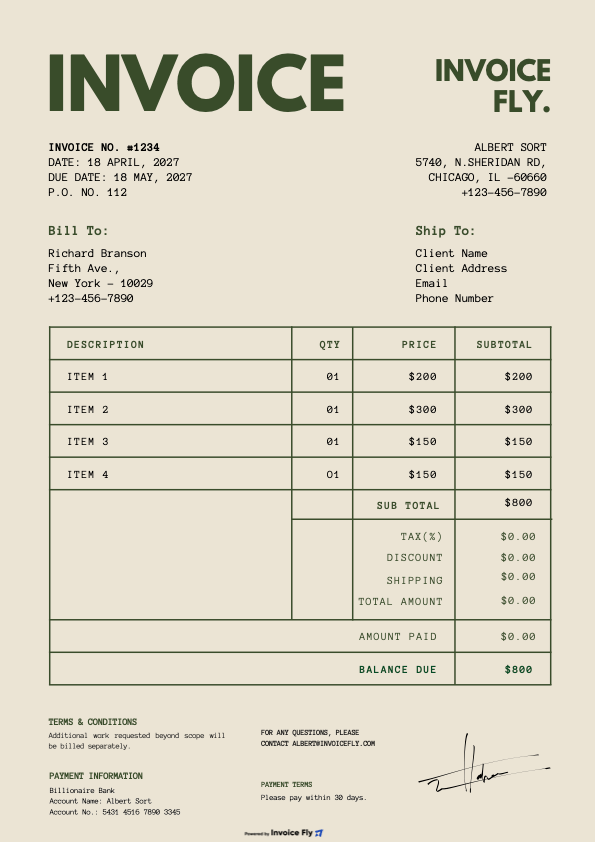
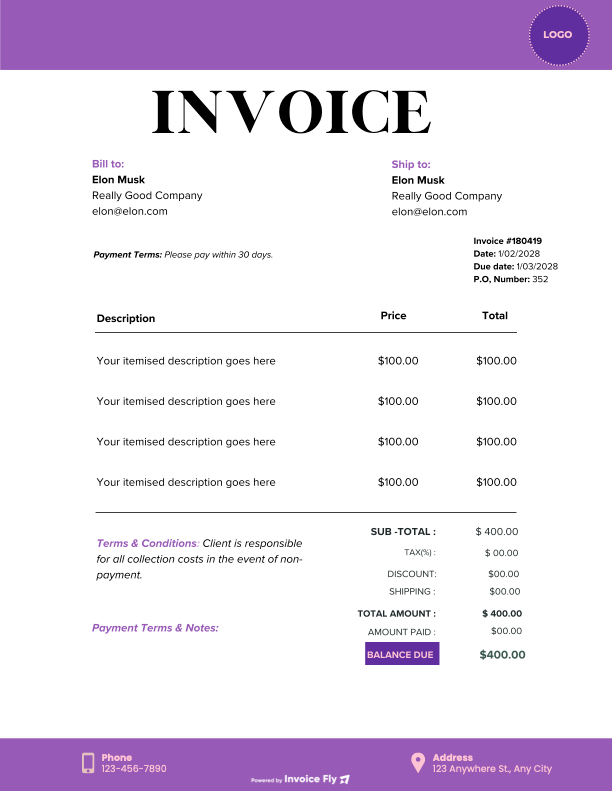
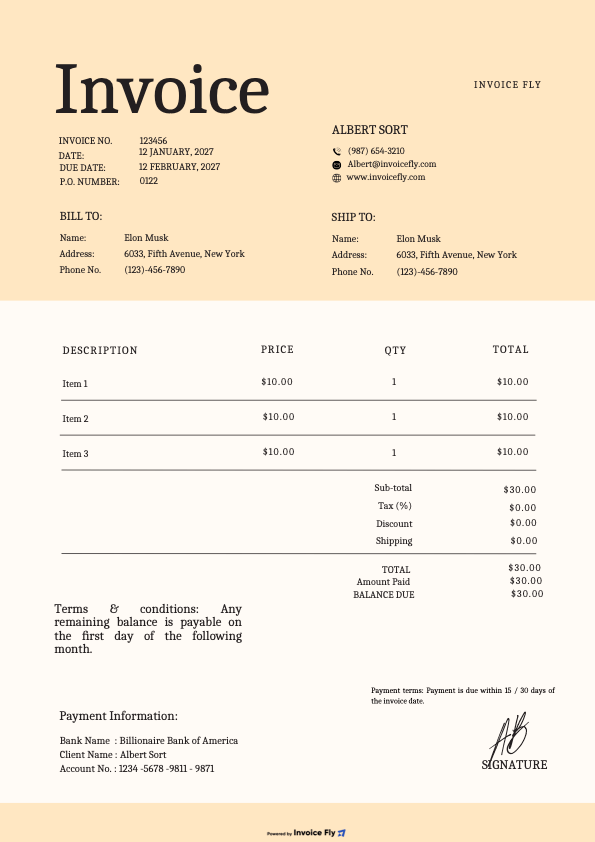
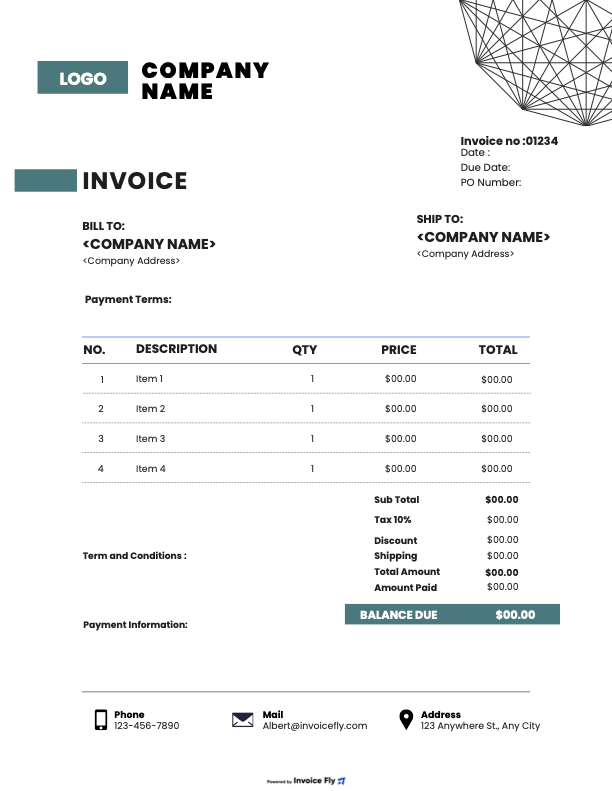
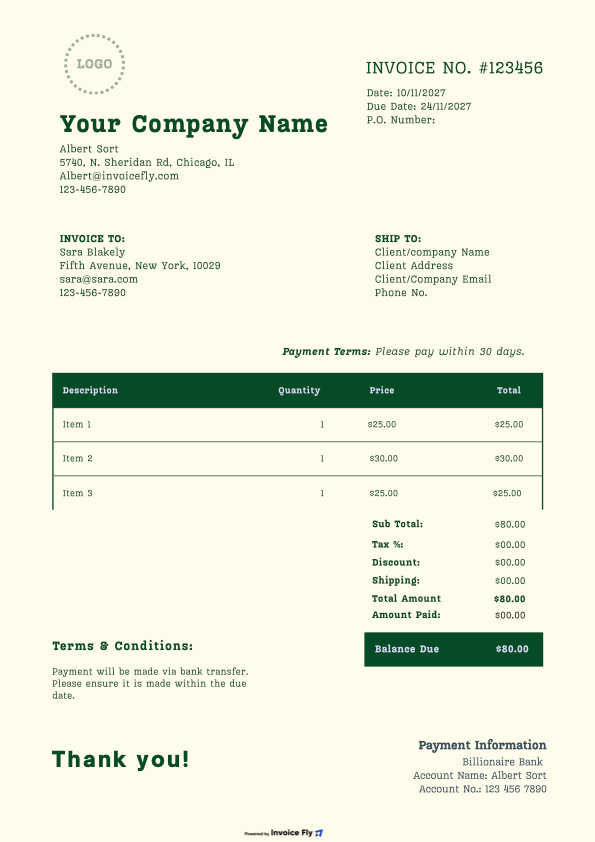
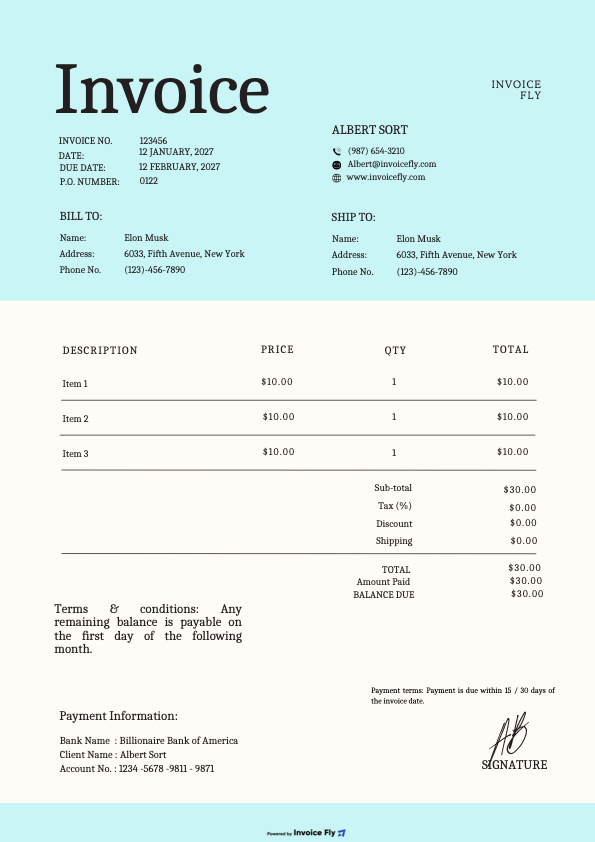
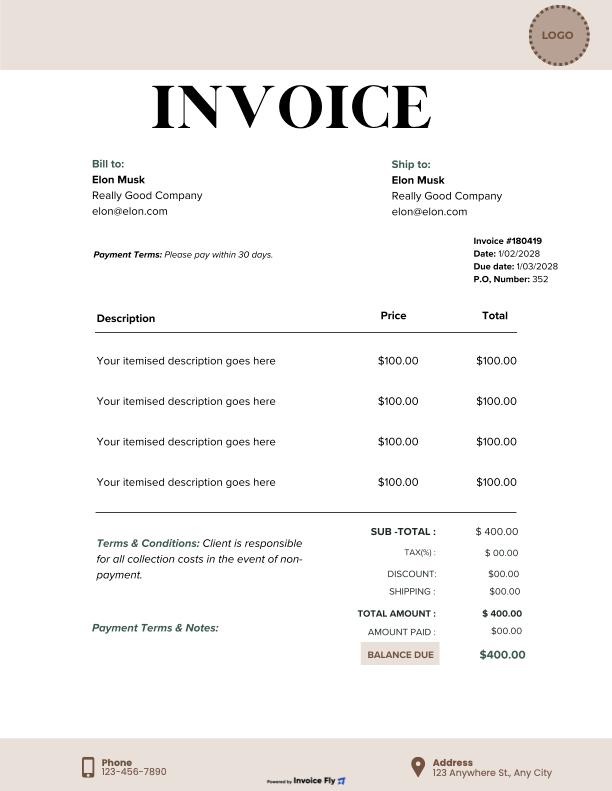
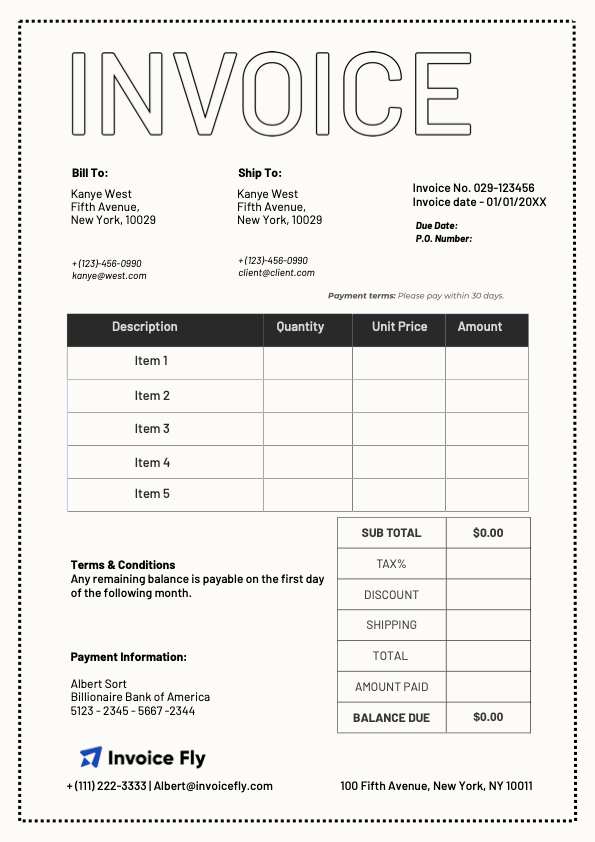
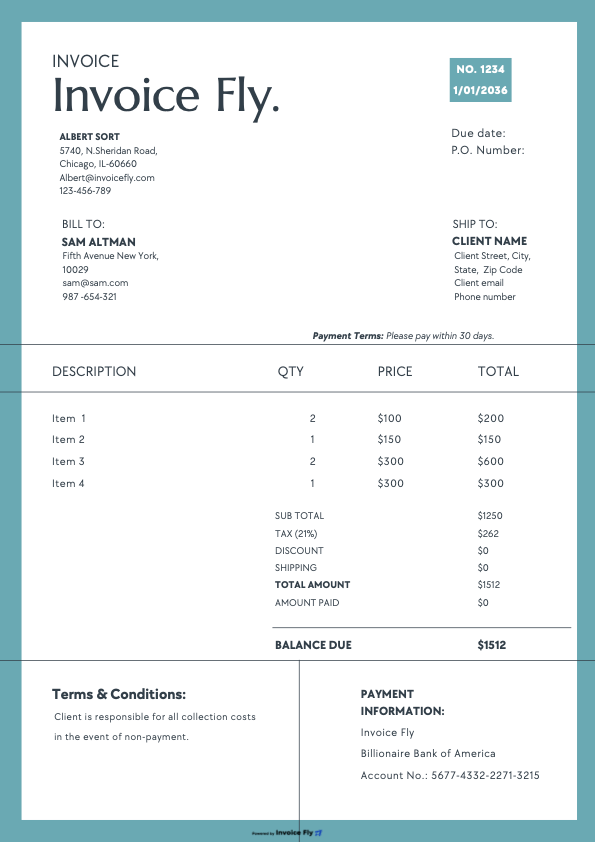
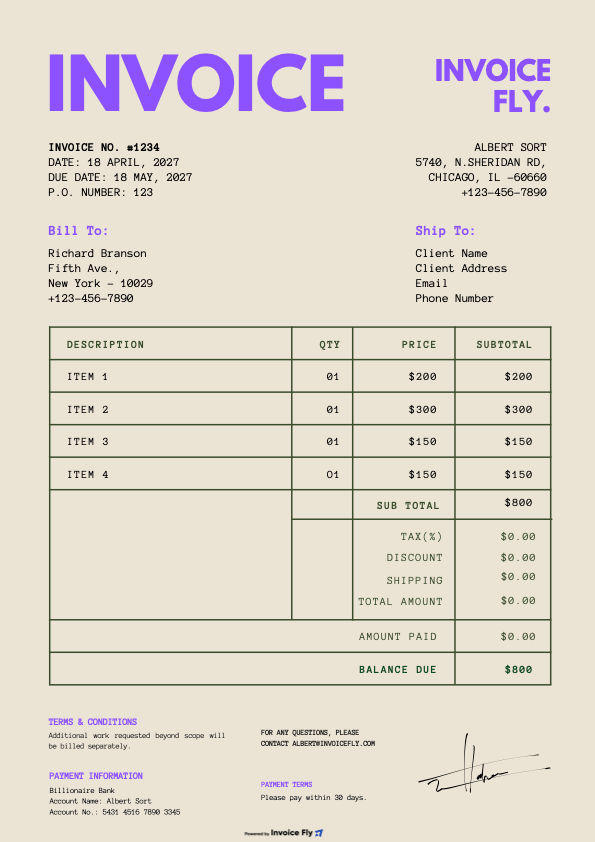
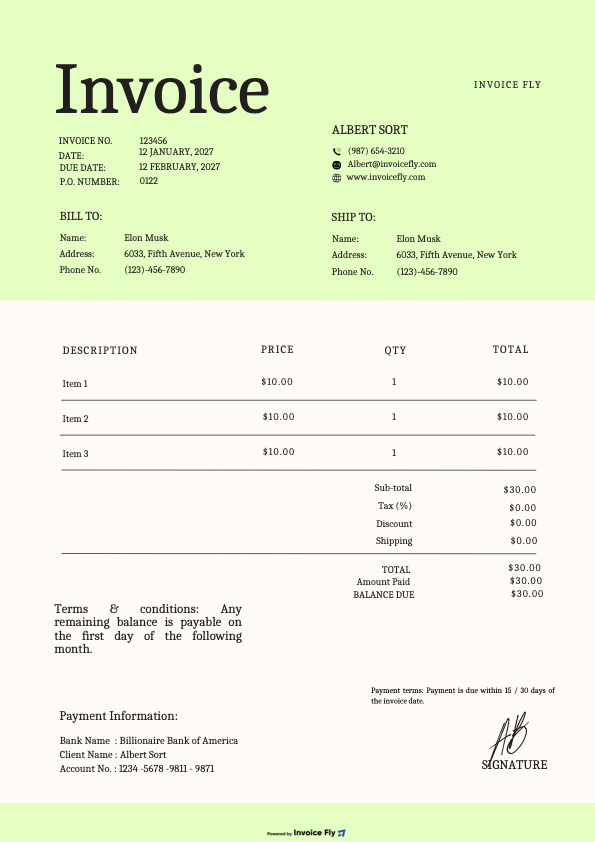
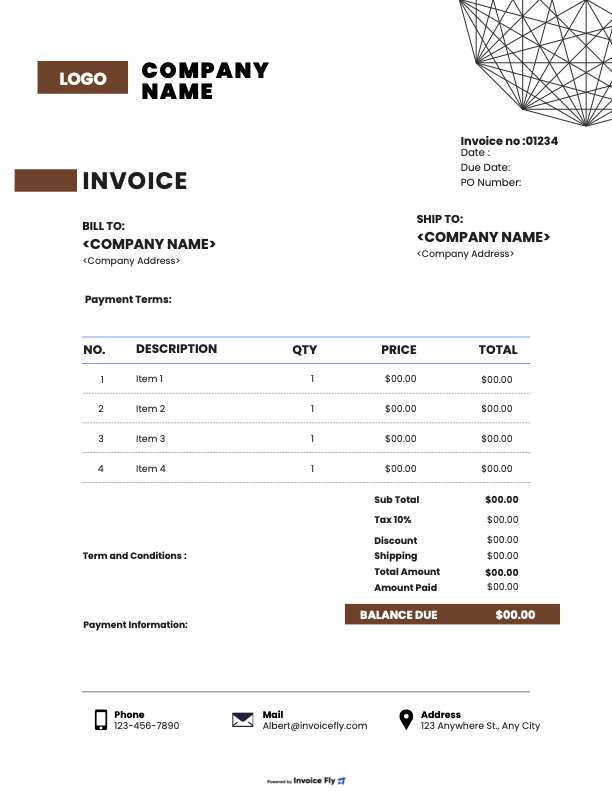
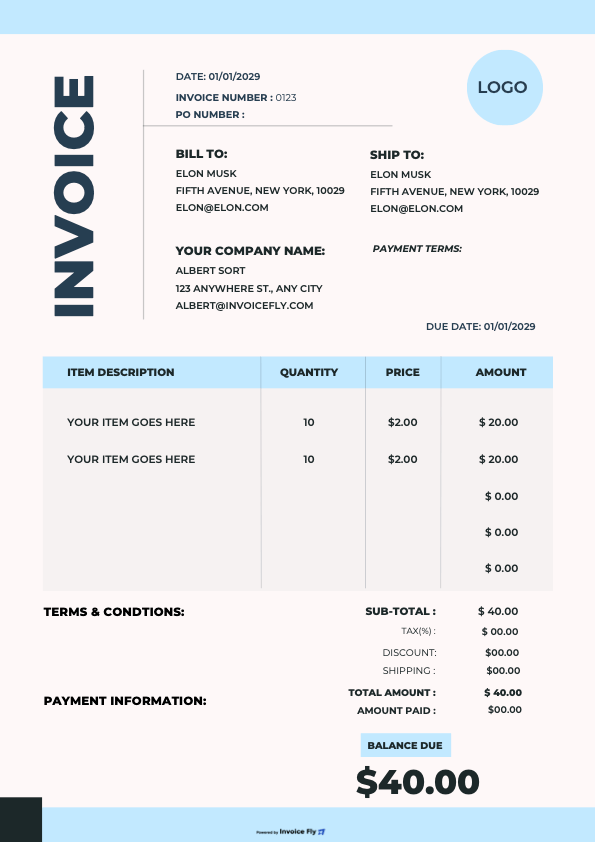
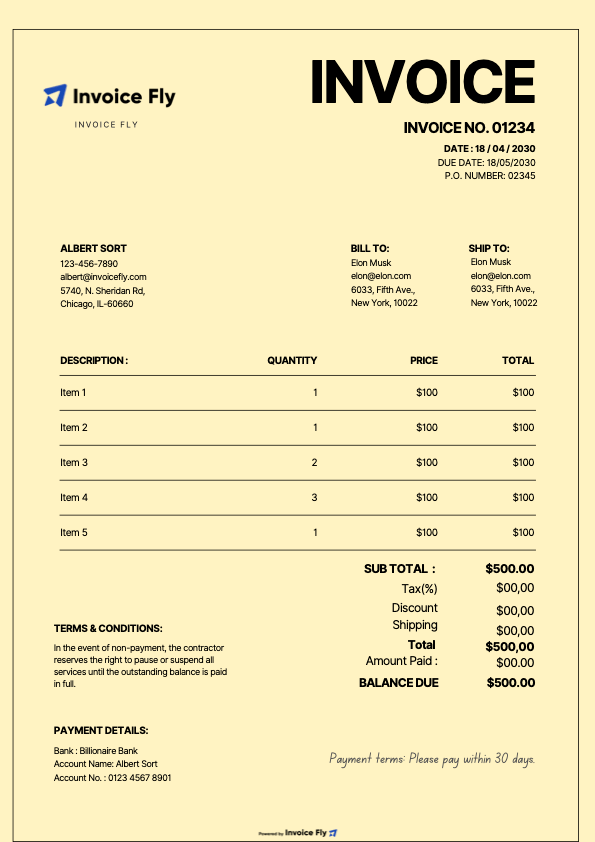
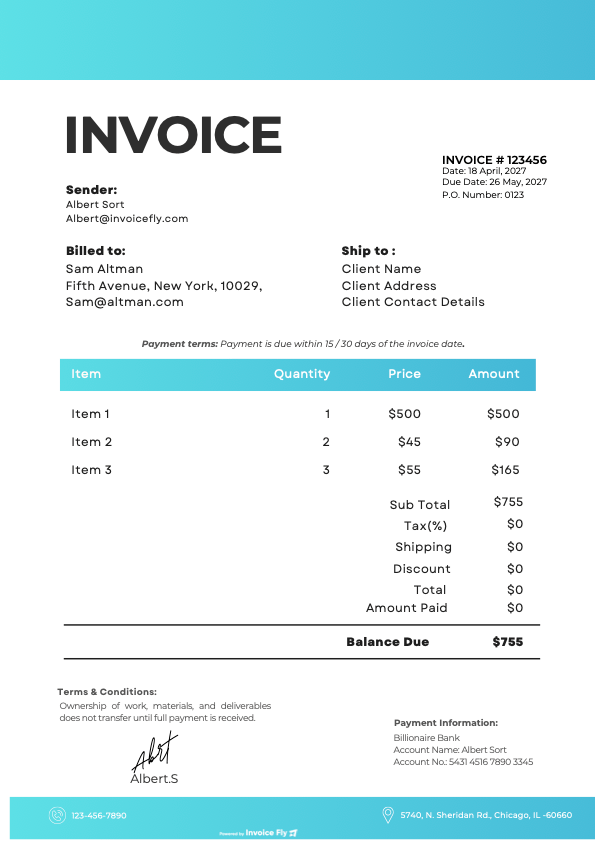
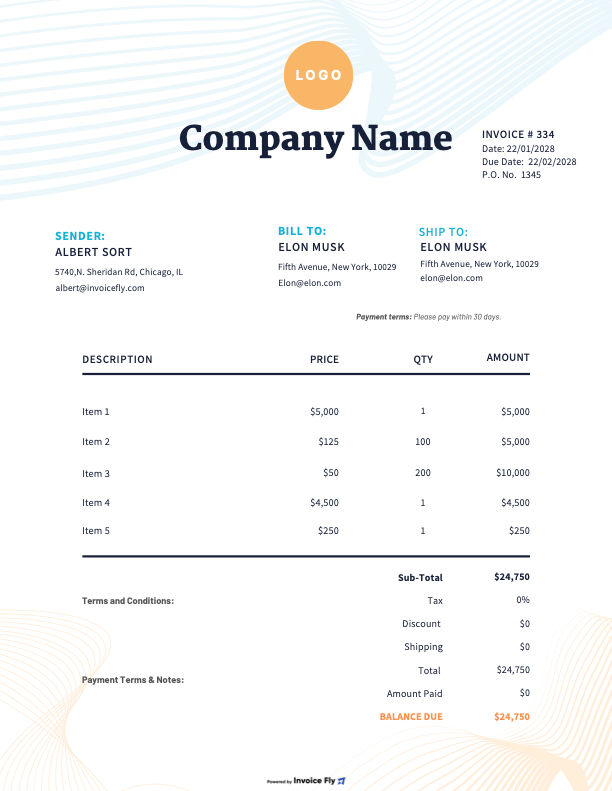
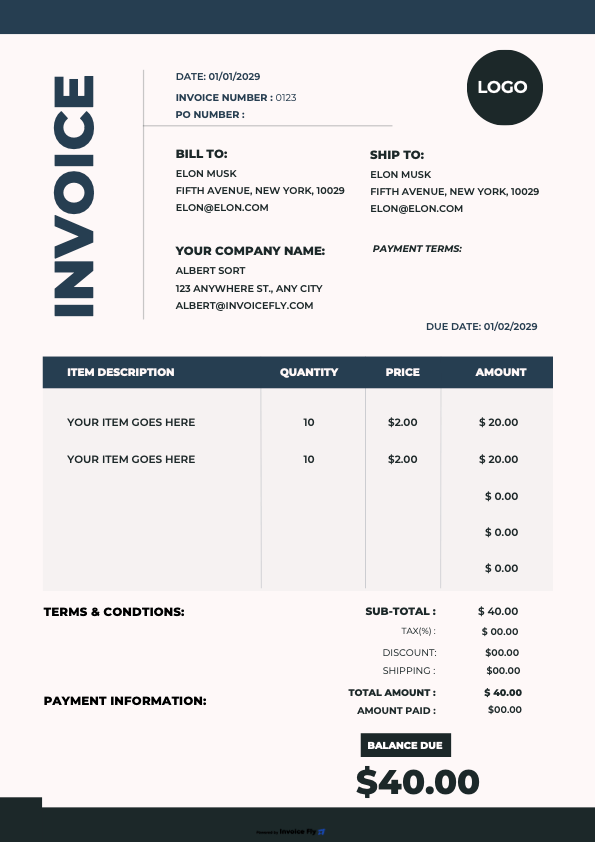
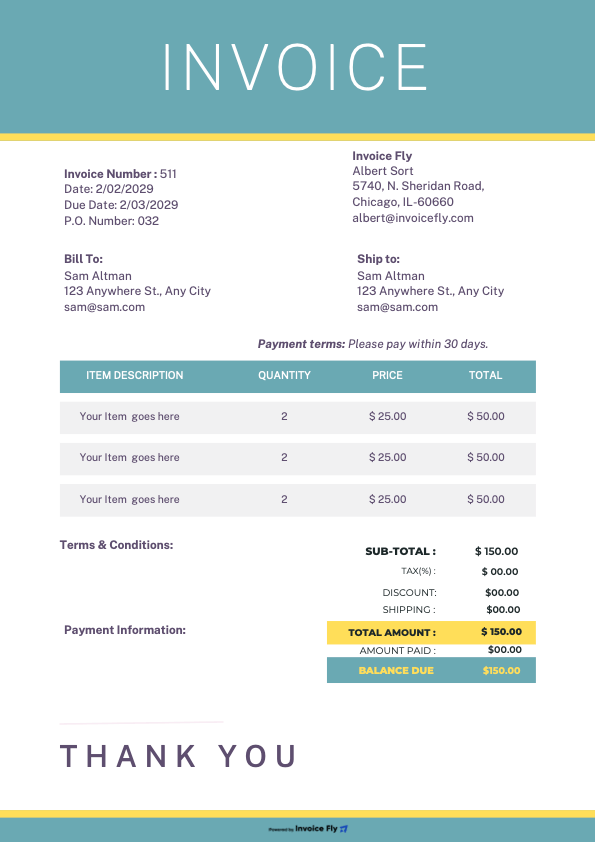
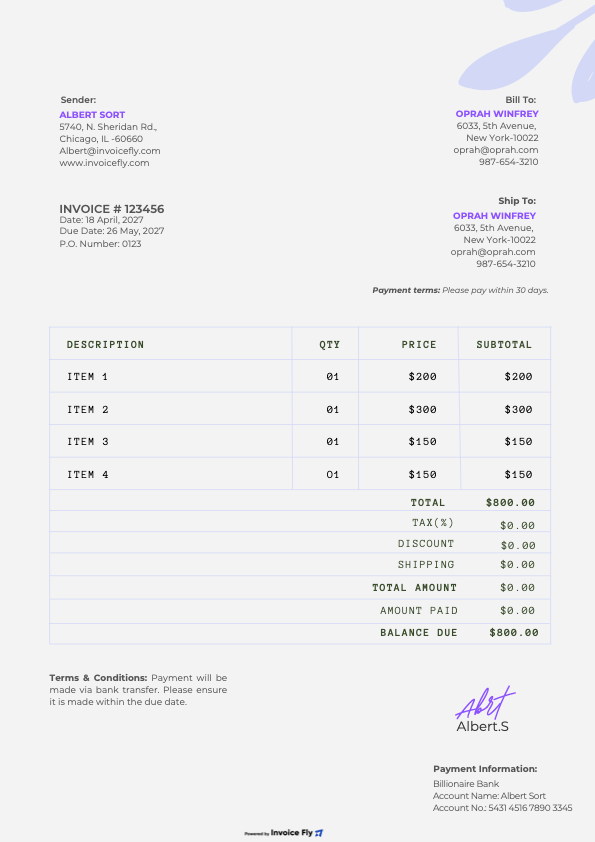
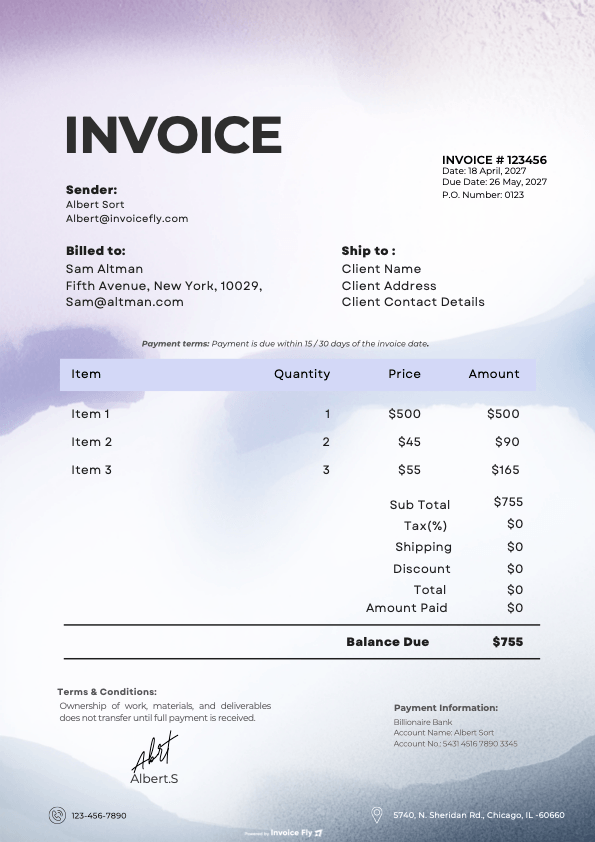
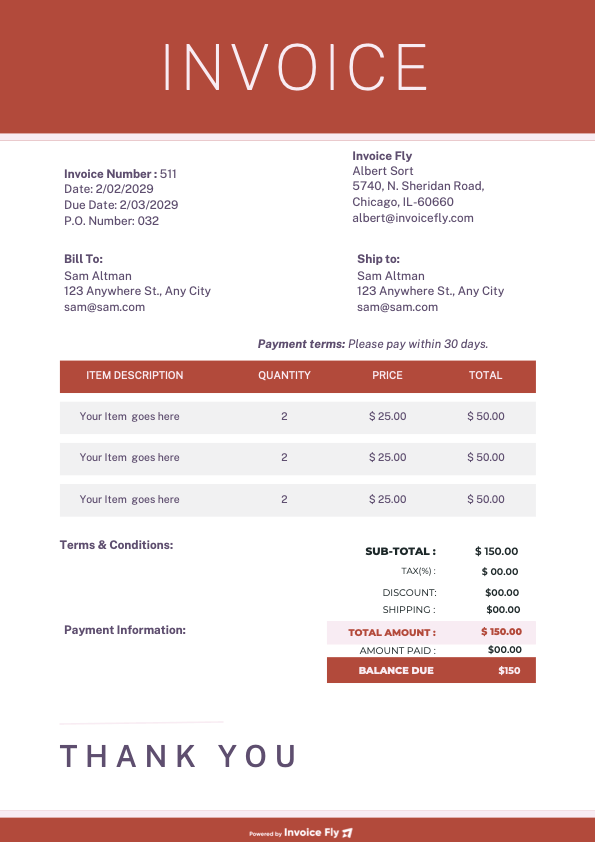
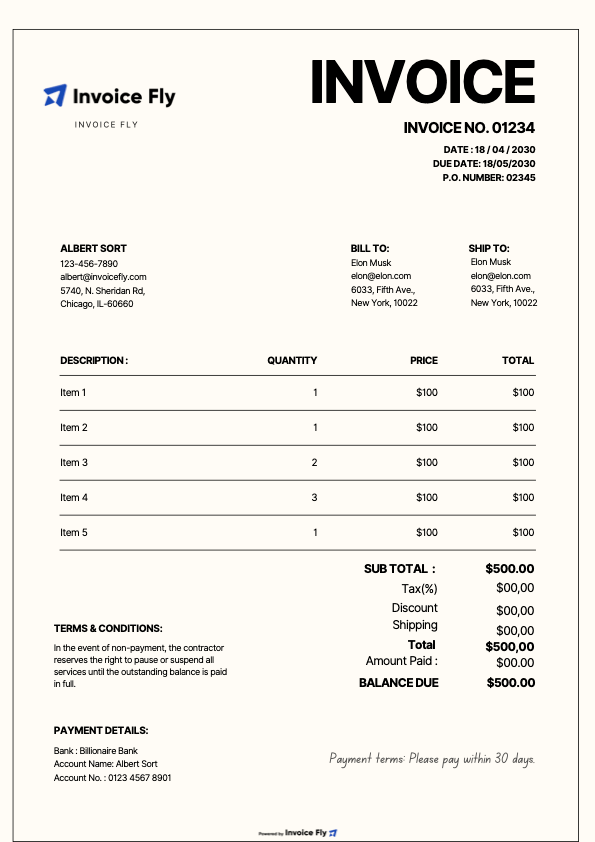
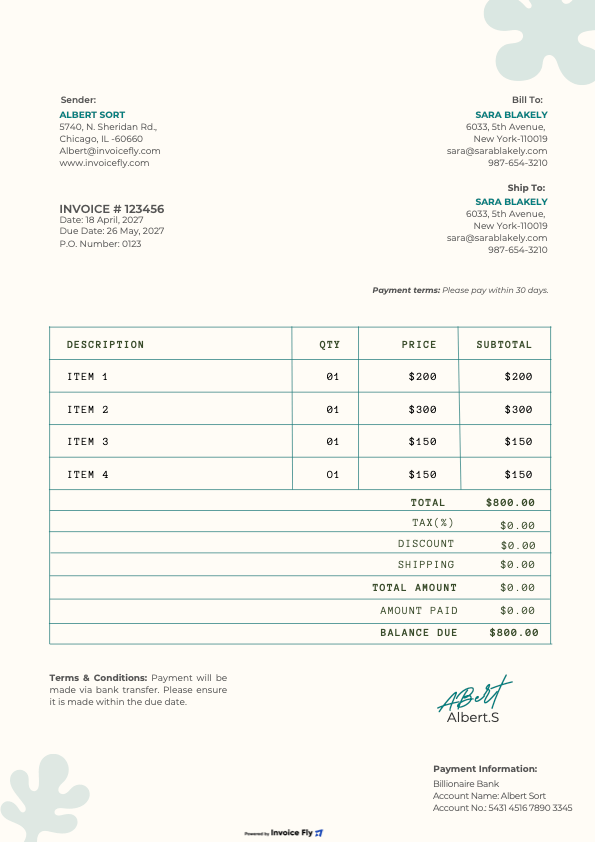
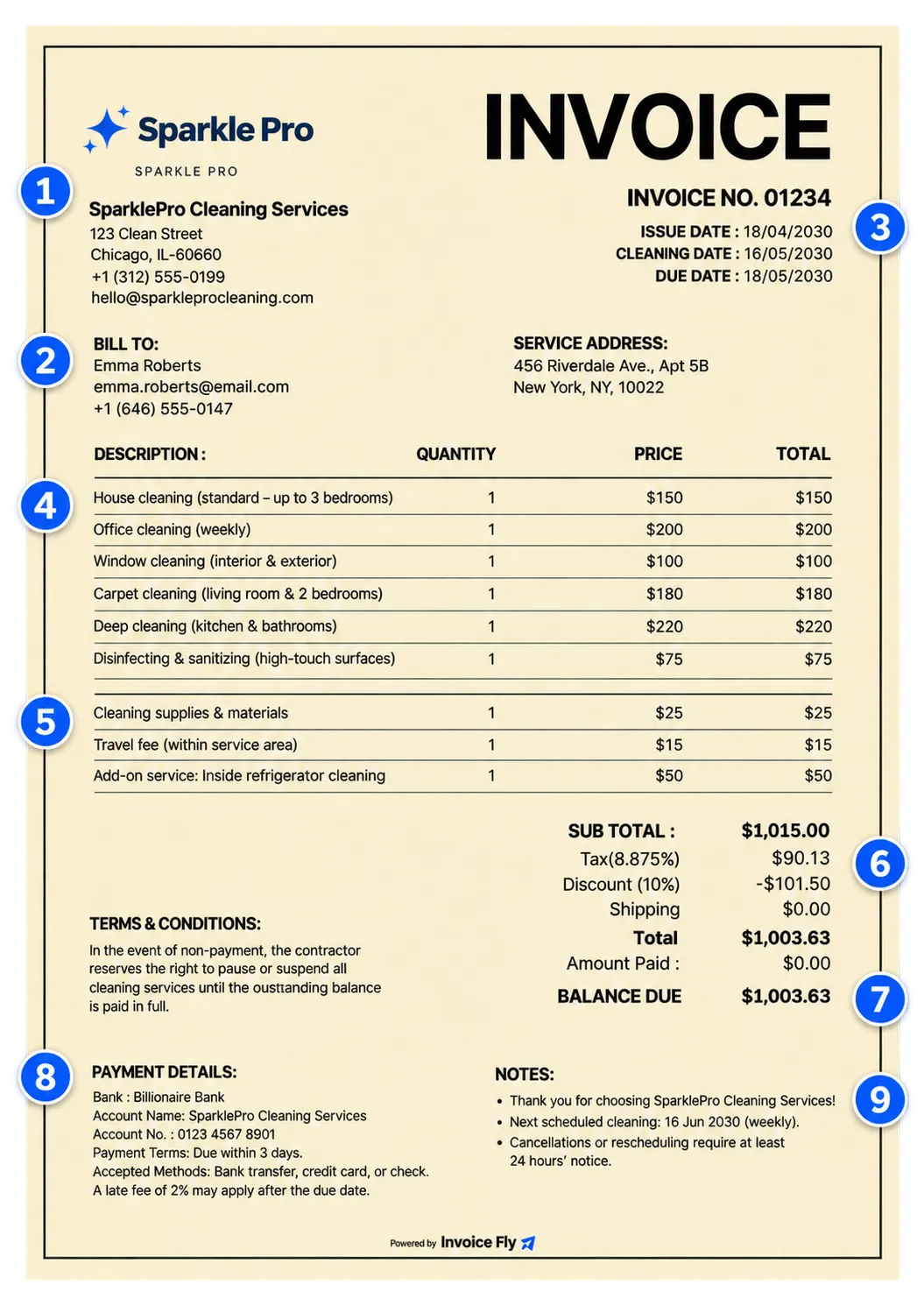
A professional cleaning invoice helps customers understand the services provided, charges, and final amount due. Use Invoice Fly’s cleaning service invoice template to keep your billing clear and organized.
-
Business Information
Add your cleaning company’s name, logo, address, phone number, and email.
-
Customer Details
Include the client’s name, contact information, and cleaning service address.
-
Invoice Number and Dates
Add a unique invoice number, issue date, cleaning date, and payment due date.
-
Cleaning Services
Describe each job, such as house cleaning, office cleaning, window cleaning, carpet cleaning, or deep cleaning. Include quantities, hours, and rates where applicable.
-
Supplies and Additional Charges
List cleaning products, materials, travel fees, and extra services separately.
-
Taxes and Discounts
Include applicable sales tax, promotional offers, or recurring-customer discounts.
-
Invoice Total
Show the subtotal, taxes, discounts, and final amount due.
-
Payment Details
State your payment terms, due date, accepted payment methods, and any applicable late fees.
-
Additional Notes
Add a thank-you message, cancellation policy, or details about the next scheduled cleaning.

How Can I Get Paid?
Once you’ve finished the cleaning job and sent your invoice, make it easy for customers to pay online. With the Invoice Fly app, you can connect your Stripe or PayPal account and collect payments directly through your invoices.
-
Make payments convenient
Let customers pay online without having to arrange a separate transaction.
-
Accept multiple payment methods
Give customers options including credit and debit cards, PayPal, Apple Pay, Google Pay, and ACH bank transfers, depending on your connected payment provider.
-
Track incoming payments
Check invoice statuses and receive notifications when customers view or pay their invoices.
-
Get paid from anywhere
Send invoices to customers and manage your payments right from your phone.
How do I create a cleaner service invoice?
Not sure how to create your own invoice for cleaner services? We will make it easy! With Invoice Fly, you can create a printer-friendly, fully customizable cleaning service invoice that includes all the essential invoicing elements. Our invoice generator automatically calculates subtotals and the total amount due, helping you reduce manual calculation errors. Download your completed invoice as a PDF, ready to print or send to customers.
Try Our Online Invoice Generator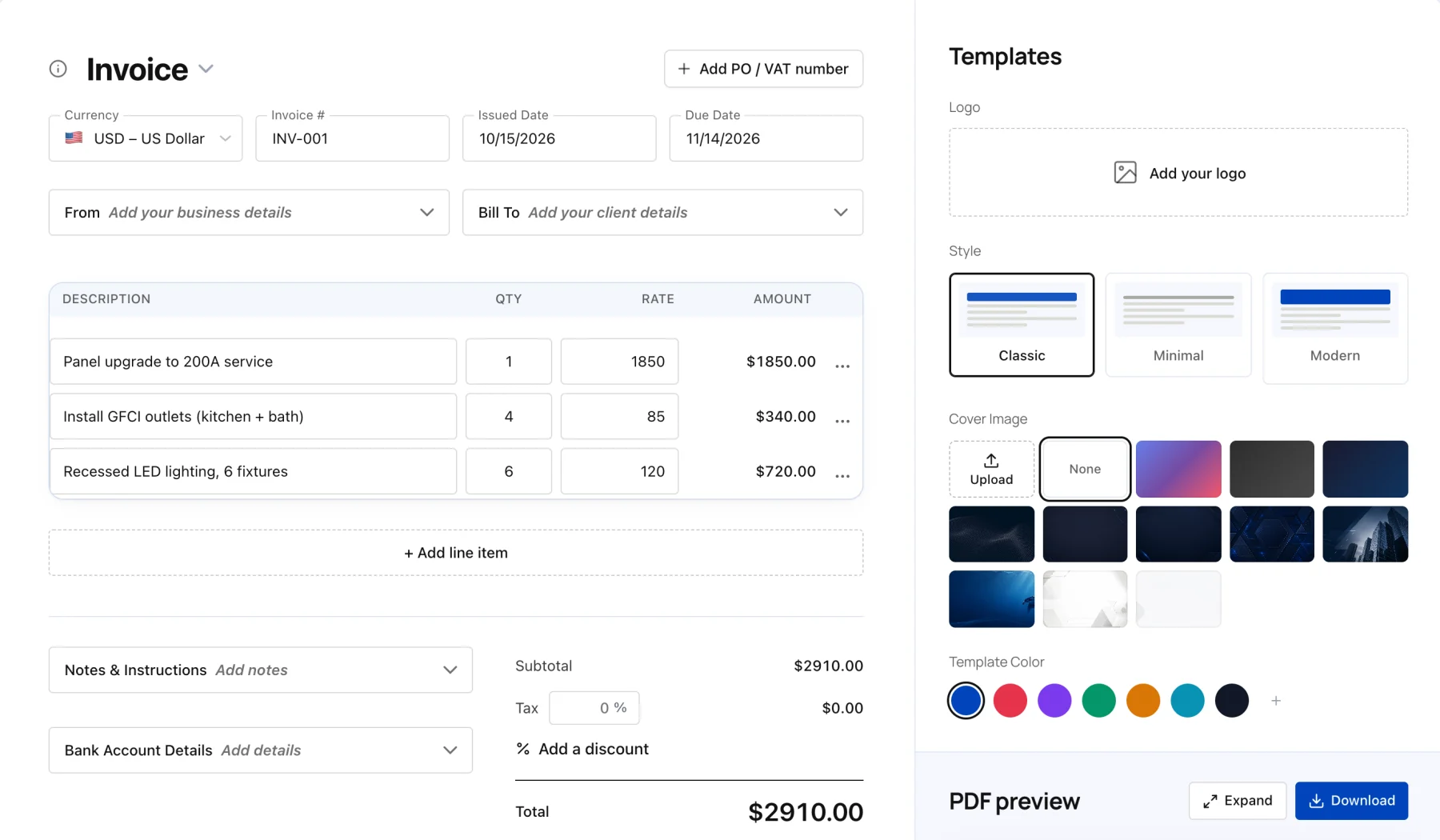
Start with an invoice template and customize it with your customer's details, cleaning services, and prices. A sample carpet cleaning invoice might include:
- Carpet cleaning by room or area
- Stain and spot treatment
- Upholstery or rug cleaning, if requested
- Additional cleaning products or treatments
- Applicable sales tax and final amount due
Keep each service separate so customers can understand the work completed and the total cost.
Yes! Invoice Fly's free online invoice generator lets you create professional cleaning invoices directly in your browser without signing up. Add your business and customer details, enter your cleaning services and prices, and let the generator calculate subtotals, taxes, and discounts automatically.
Download your completed invoice as a PDF, ready to print or send to customers.
A first-time deep clean usually costs more because it takes additional time, labor, and supplies to tackle built-up dirt and neglected areas. You can charge a higher flat rate or add a one-time deep cleaning fee.
Recurring visits, such as weekly or biweekly cleaning, can have a lower rate because the property is maintained regularly. Base your prices on the property's size, condition, cleaning requirements, labor, and supplies.
Show cleaning supplies as a separate charge when they're not already included in your service price. You can use a flat supply fee per visit or charge for specific materials used during the job.
For example, you could list:
Cleaning supplies fee
Eco-friendly product upgrade
Specialty cleaning products
Additional materials required for the job
Make optional upgrades clear before the appointment so customers know exactly what they're paying for.
It depends on where your cleaning business operates and which services you provide. Some states tax residential, commercial, janitorial, or carpet cleaning services, while others may exempt certain services.
Before adding sales tax to your cleaning invoice, check your state's Department of Revenue guidelines. When applicable, show the taxable amount, tax rate, and sales tax separately. Don't automatically apply the same rate to every cleaning job.
Set a price per square foot and multiply it by the property's total cleanable area. You can also establish a minimum service charge to make smaller jobs worthwhile.
For example, if your rate is $0.10 per square foot, cleaning a 1,500-square-foot property would cost $150. Adjust your rate based on the property's condition, number of rooms, bathrooms, and cleaning requirements. Remember to account for labor, supplies, travel, and business expenses.
Included services are the regular tasks covered by your cleaning package, such as dusting, vacuuming, mopping, and wiping down bathroom surfaces. Add-ons are extra tasks that require additional time, supplies, or specialized equipment.
Common cleaning add-ons include:
Inside oven cleaning
Inside refrigerator cleaning
Interior window washing
Baseboard detailing
Heavy pet hair removal
Carpet or upholstery spot treatment
List optional services separately and agree on their prices before starting the job. This helps customers understand what's included in their regular cleaning service and what costs extra.
Decide how you'll handle travel expenses before confirming the cleaning appointment. You can charge a flat travel fee, apply an agreed mileage rate, or pass on actual parking and toll costs.
For example, you could include:
Parking reimbursement
Toll charges
Long-distance travel fee
Mileage-based service charge
Explain these costs during booking and keep receipts for reimbursable expenses. This prevents unexpected charges from appearing on the final cleaning invoice.
Start with a ready-to-use cleaning invoice template or Invoice Fly's free online invoice generator. Add your business and customer information, describe the cleaning work, enter your rates, and calculate the amount due.
Review the invoice for accuracy, apply sales tax where required, and include your payment terms. Once everything looks right, download the completed invoice as a PDF and send it to your customer by email or shareable link.
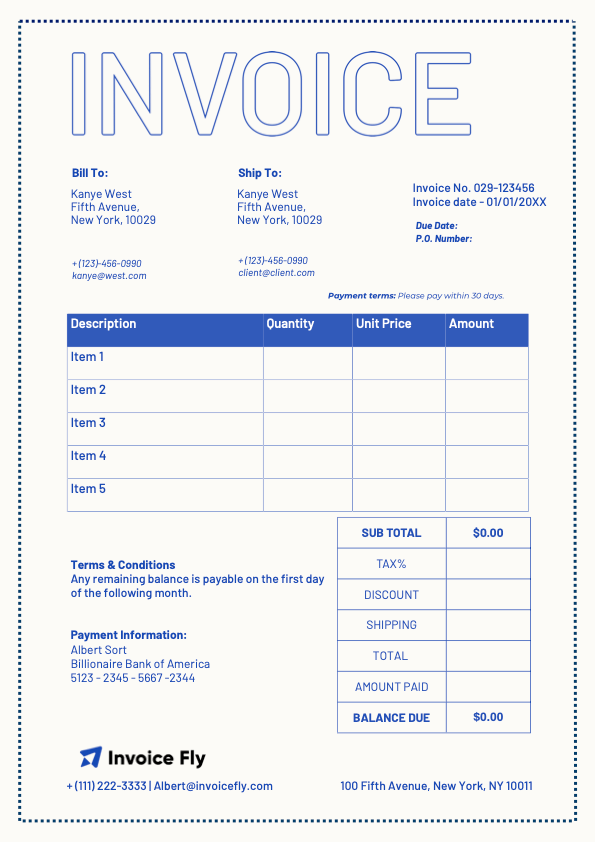
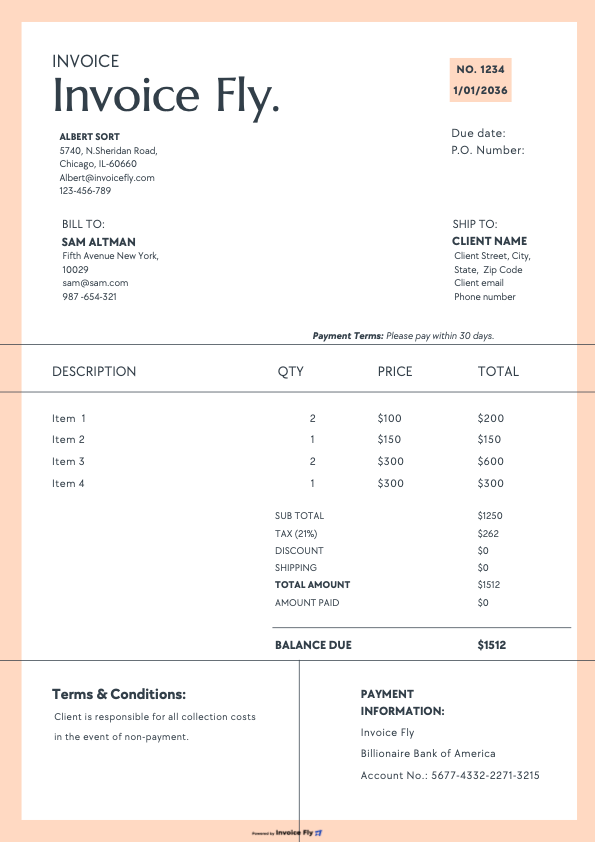
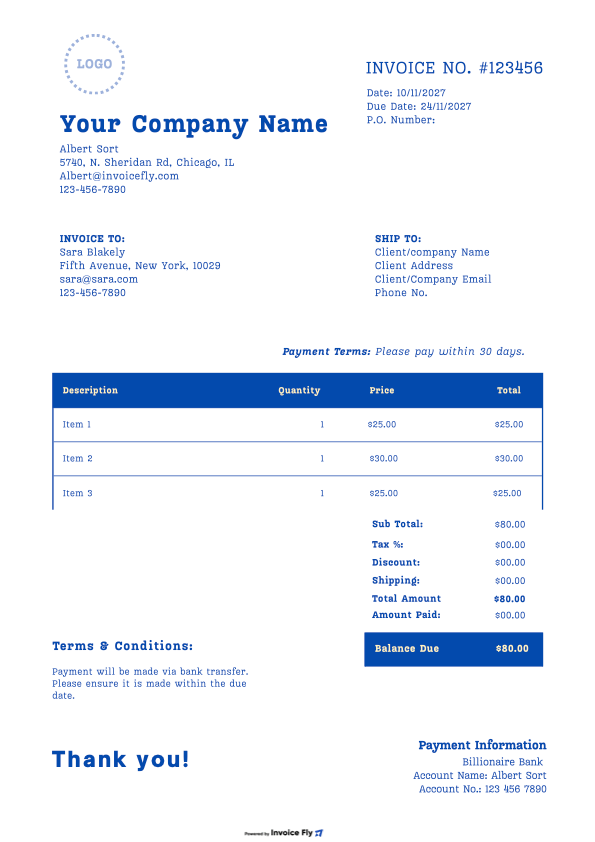
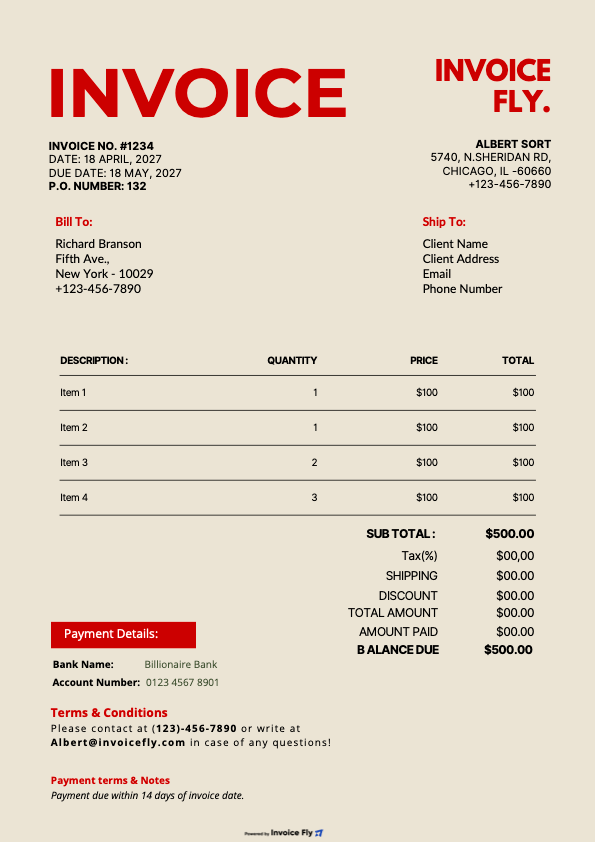
A professional cleaning service invoice is simple, organized, and easy to read. It typically includes: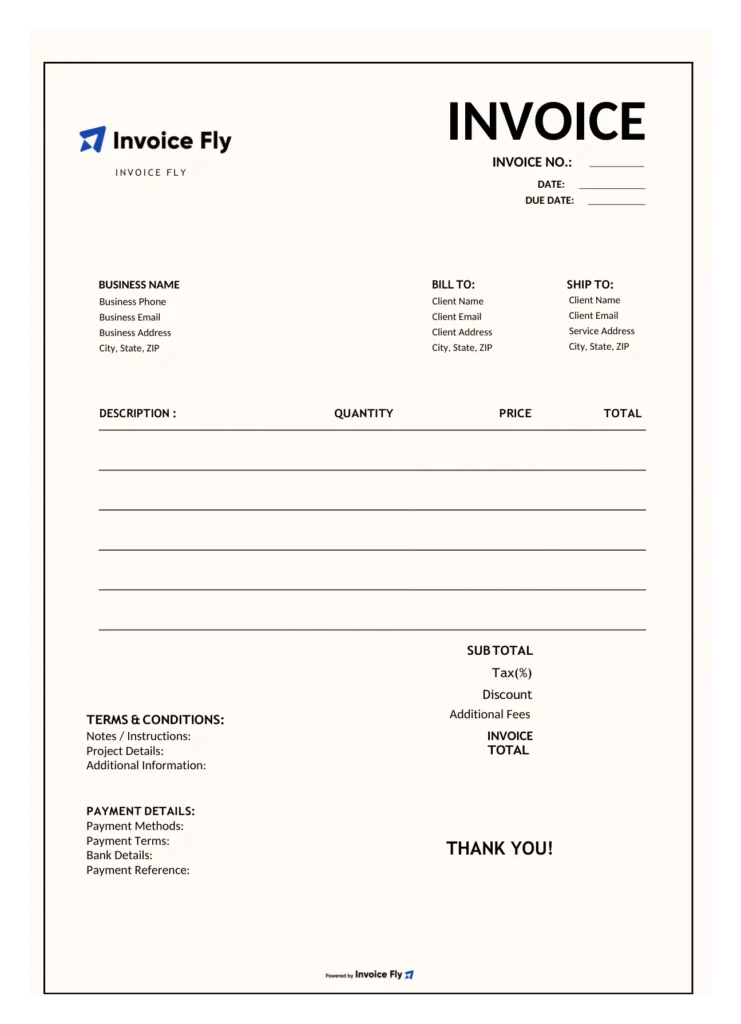
With Invoice Fly's cleaning invoice templates, you can customize the layout with your business branding and create a professional invoice for your customers.
You can charge a flat rate per visit, an hourly rate, or a price based on square footage, depending on the cleaning job. Recurring house cleaning may work well with a flat rate, while larger commercial jobs may require hourly or square-foot pricing.
List each service separately with its quantity, rate, and total so customers can easily review the charges. Remember to account for labor, supplies, travel, overhead, and your desired profit when setting prices.
Use Invoice Fly's Service Price Calculator to work out your costs and find a price that supports your cleaning business.



Get Paid with Invoice Fly App
Once you’ve finished the cleaning job and sent your invoice, make it easy for customers to pay online. Download Invoice Fly app and collect payments directly through your invoices.
