Free Cleaning Receipt Templates

Create professional cleaning receipts with your business and payment details. Choose from Google Docs, Google Sheets, Excel, or PDF templates. Keep payment records organized and track completed jobs with ease.

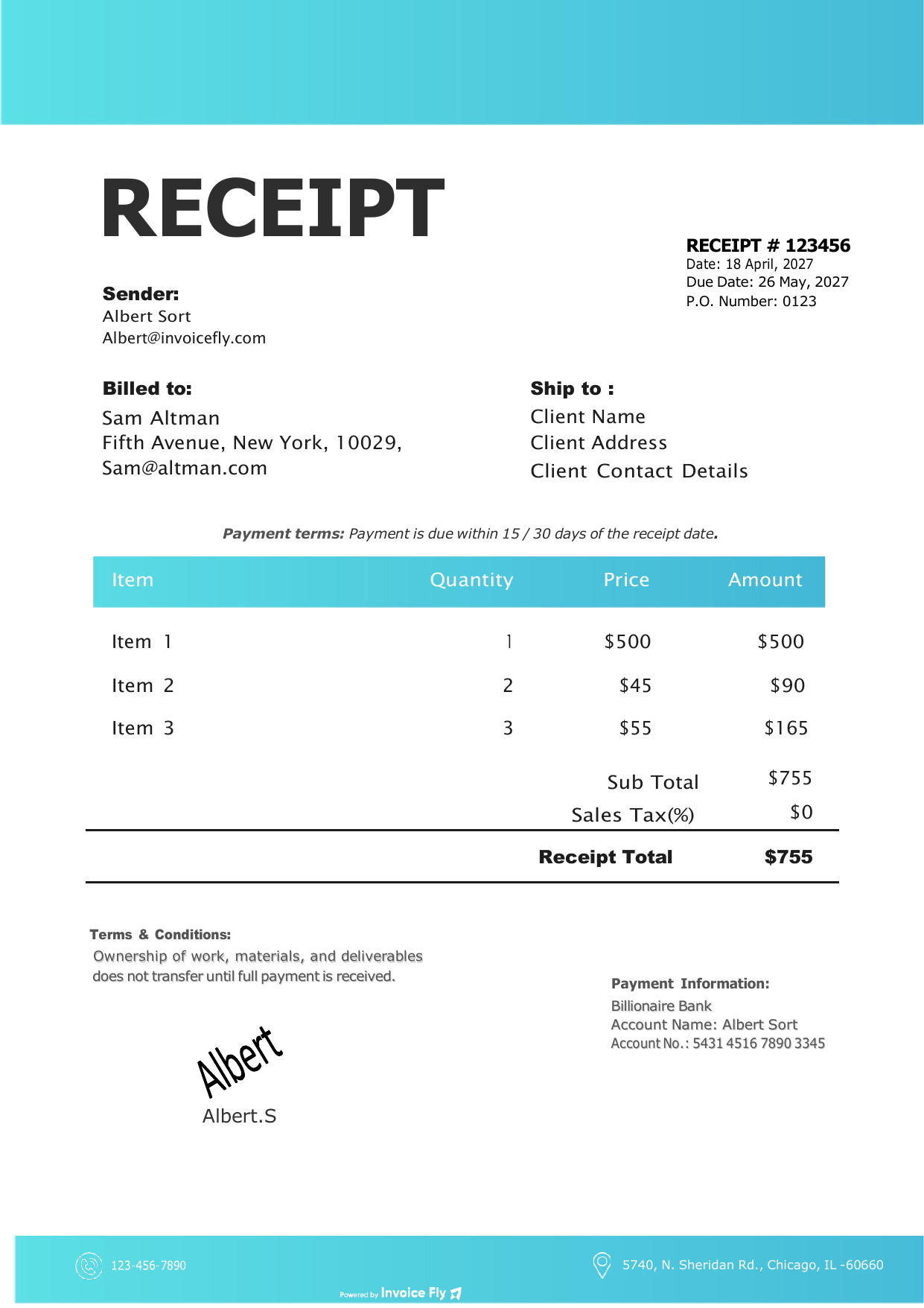
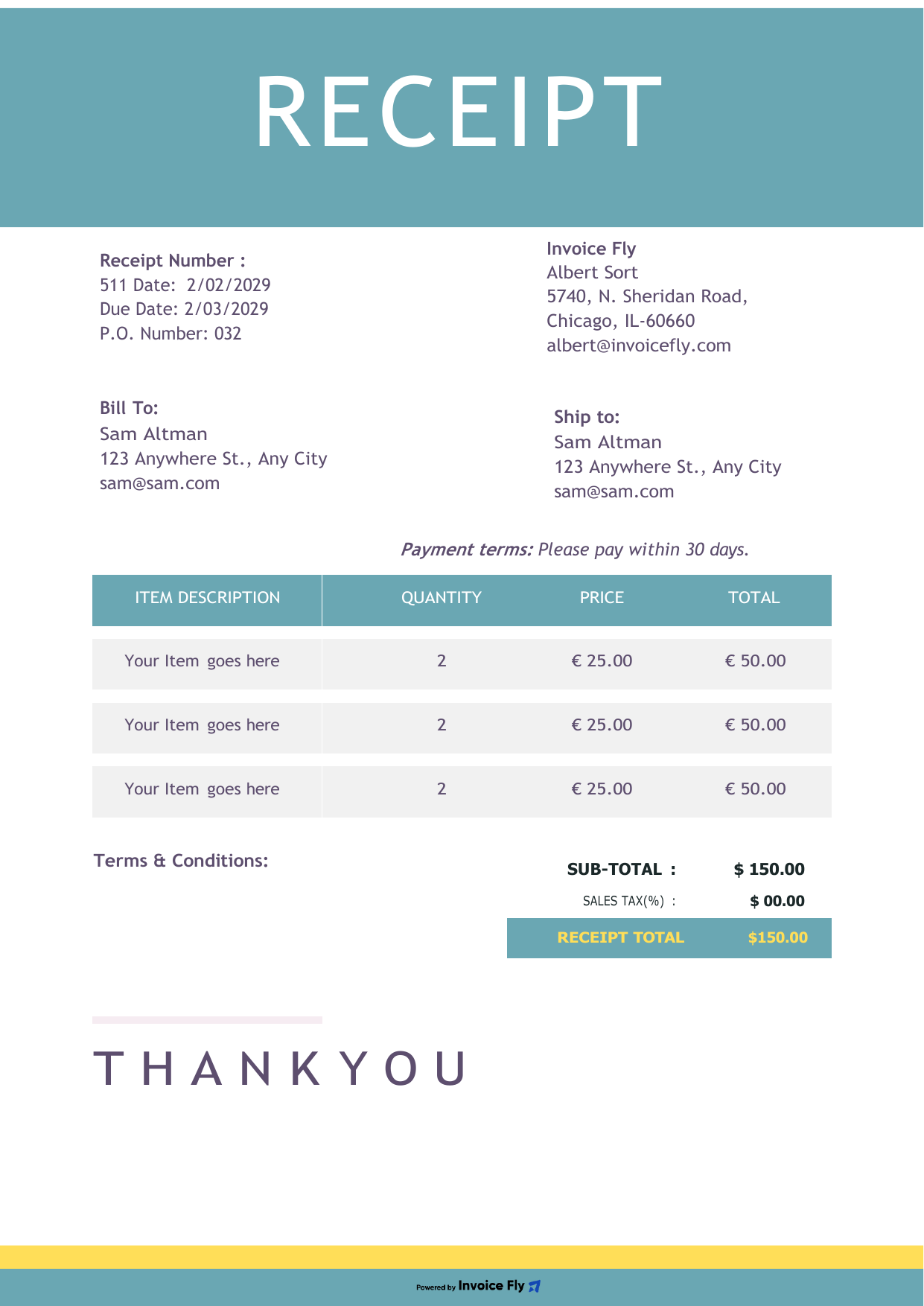
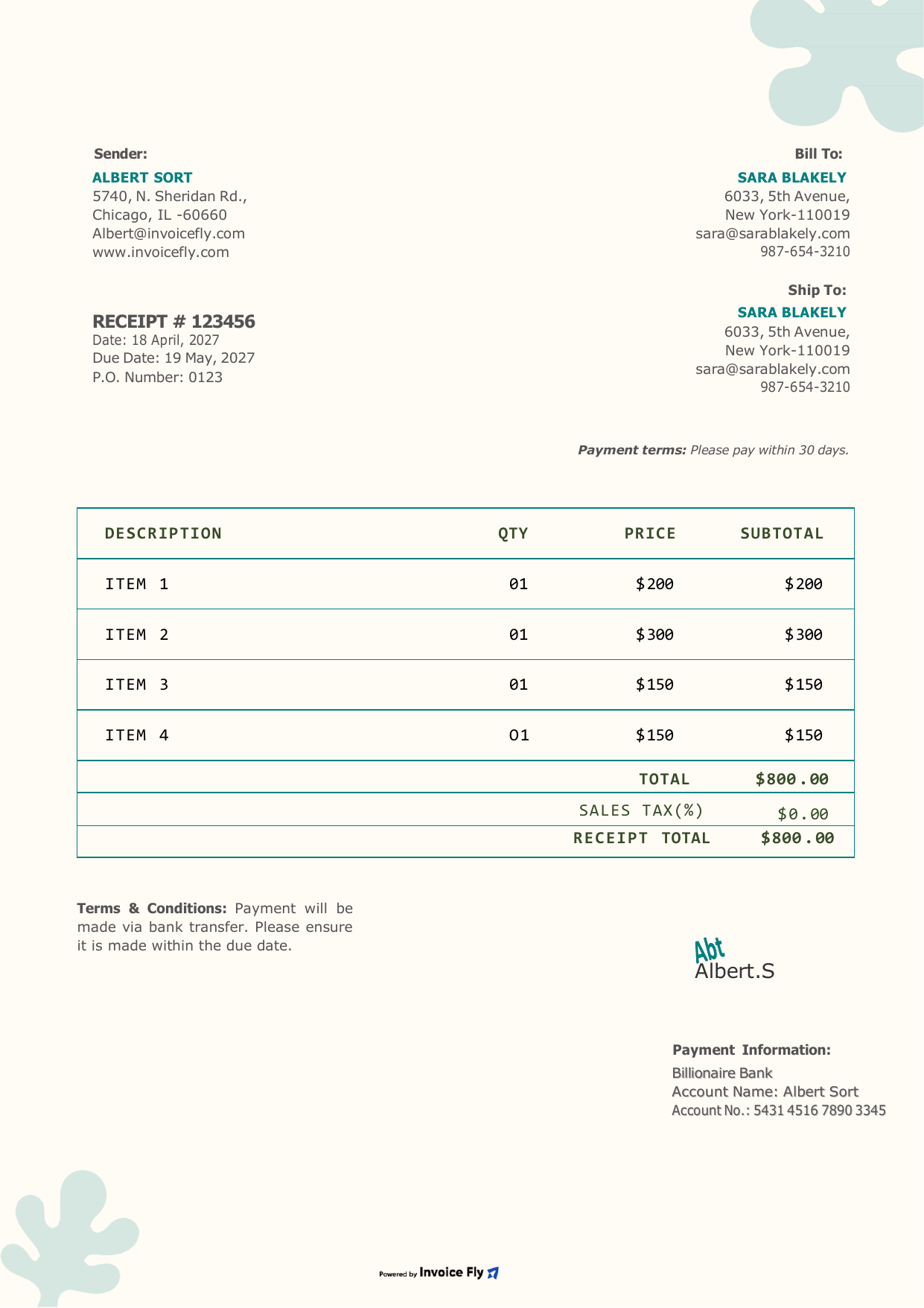
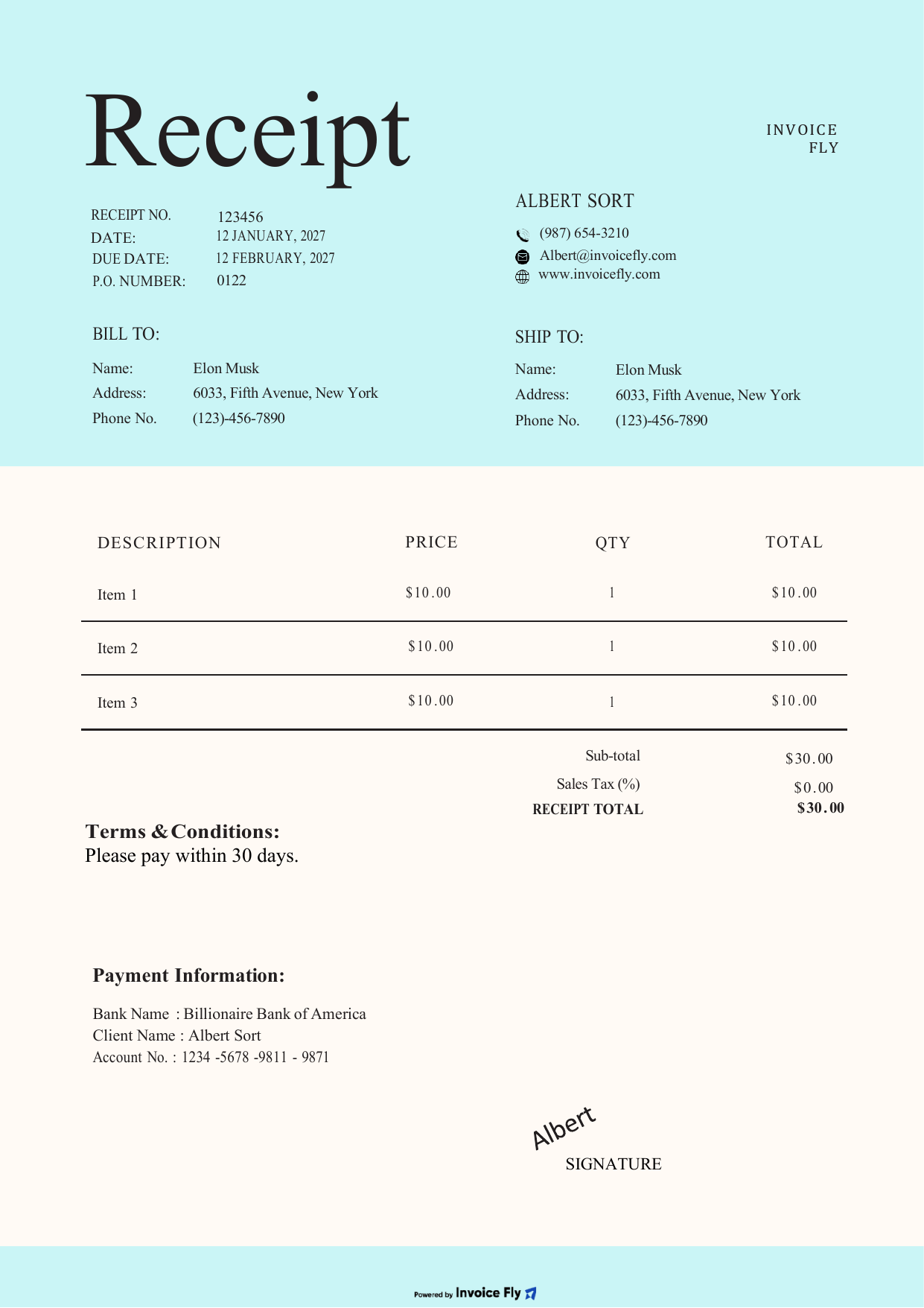
4 free cleaning receipt templates

Pick the layout that fits your cleaning business. Every template downloads instantly in PDF, Word and Excel, or opens as an editable copy in Google Docs and Google Sheets.

Prefer to fill it in online? Use our free Receipt Generator.

Why Use a Cleaning Receipt Template?

A cleaning receipt template helps cleaning businesses create professional receipts, record payments accurately, and keep financial records organized.
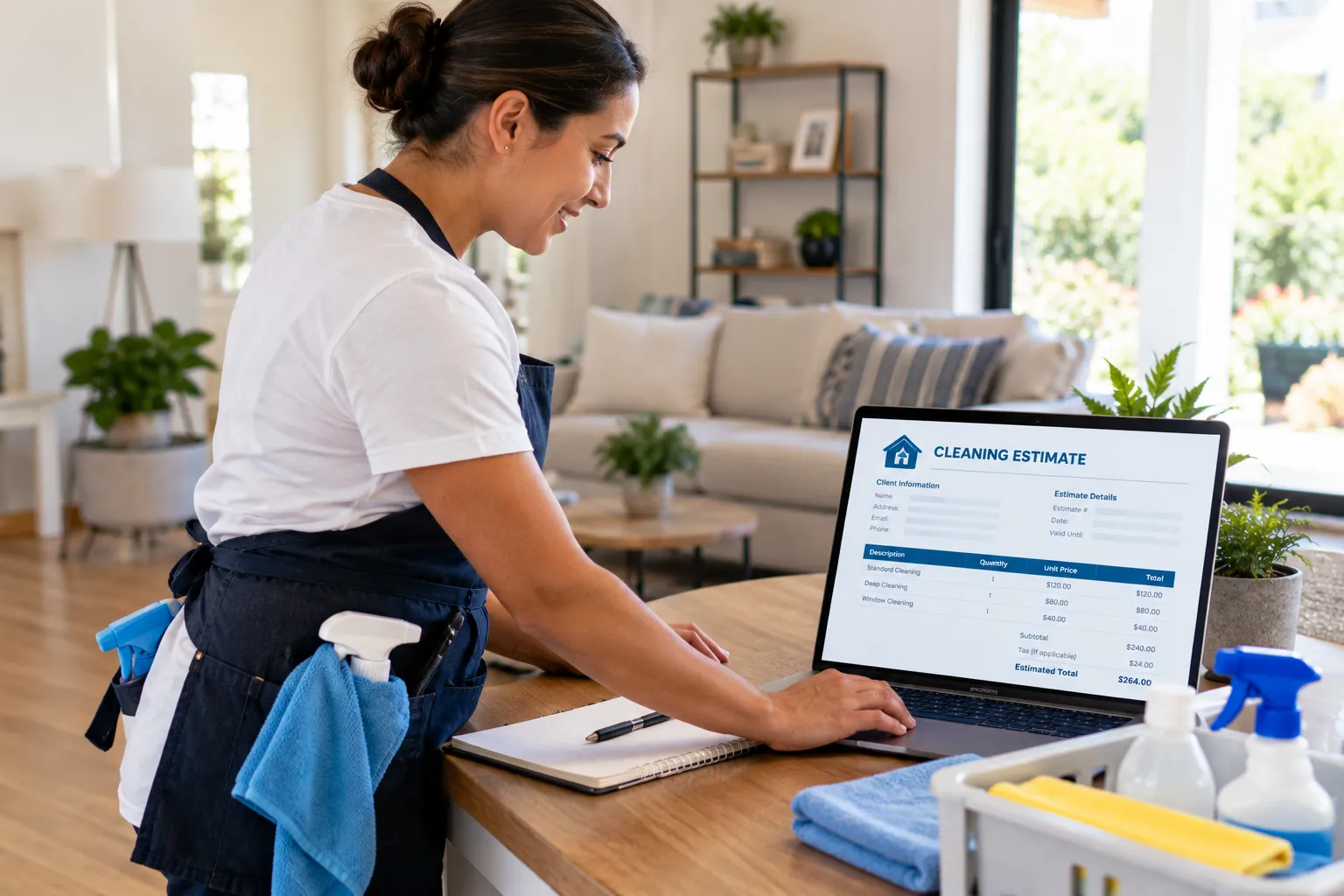
Cleaning professional reviewing a cleaning estimate on a laptop in a client’s living room
  • Save Time

    A cleaning receipt template gives you a ready-made format for recording payments, so you can create cleaning receipts without starting from scratch for every job.

  • Maintain Consistency

    Using a cleaning receipt template helps you record customer details, cleaning services, payment dates, and amounts in a consistent format.

  • Track Payments

    Cleaning receipt templates make it easier to document payments received for house cleaning, office cleaning, and other cleaning services.

  • Look Professional

    A professional cleaning receipt template gives customers a clear record of the services they’ve paid for and reinforces trust in your cleaning business.

  • Stay Organized

    Keep your cleaning receipts in one place to review transactions, track payments, and maintain organized financial records.

What Makes a Great Cleaning Receipt Template?

A good cleaning receipt template helps you document payments, itemize cleaning services, and give customers a clear record of the transaction. Include these essential details to keep your receipts professional and your payment records organized.

  1. Business Information

    Add your company name, address, phone number, email, and logo.

  2. Customer Information

    Include the customer’s name, company name, billing address, and contact details.

  3. Receipt Number and Date

    Record the receipt number and transaction date for easy reference.

  4. Cleaning Services

    List the cleaning services provided, with space for descriptions and quantities or hours.

  5. Rates and Line Items

    Enter service rates and individual amounts to show customers what they paid for.

  6. Subtotal, Taxes, and Discounts

    Break down the subtotal, applicable taxes, and discounts before calculating the final amount.

  7. Total Amount Paid

    Clearly display the final payment amount on the receipt.
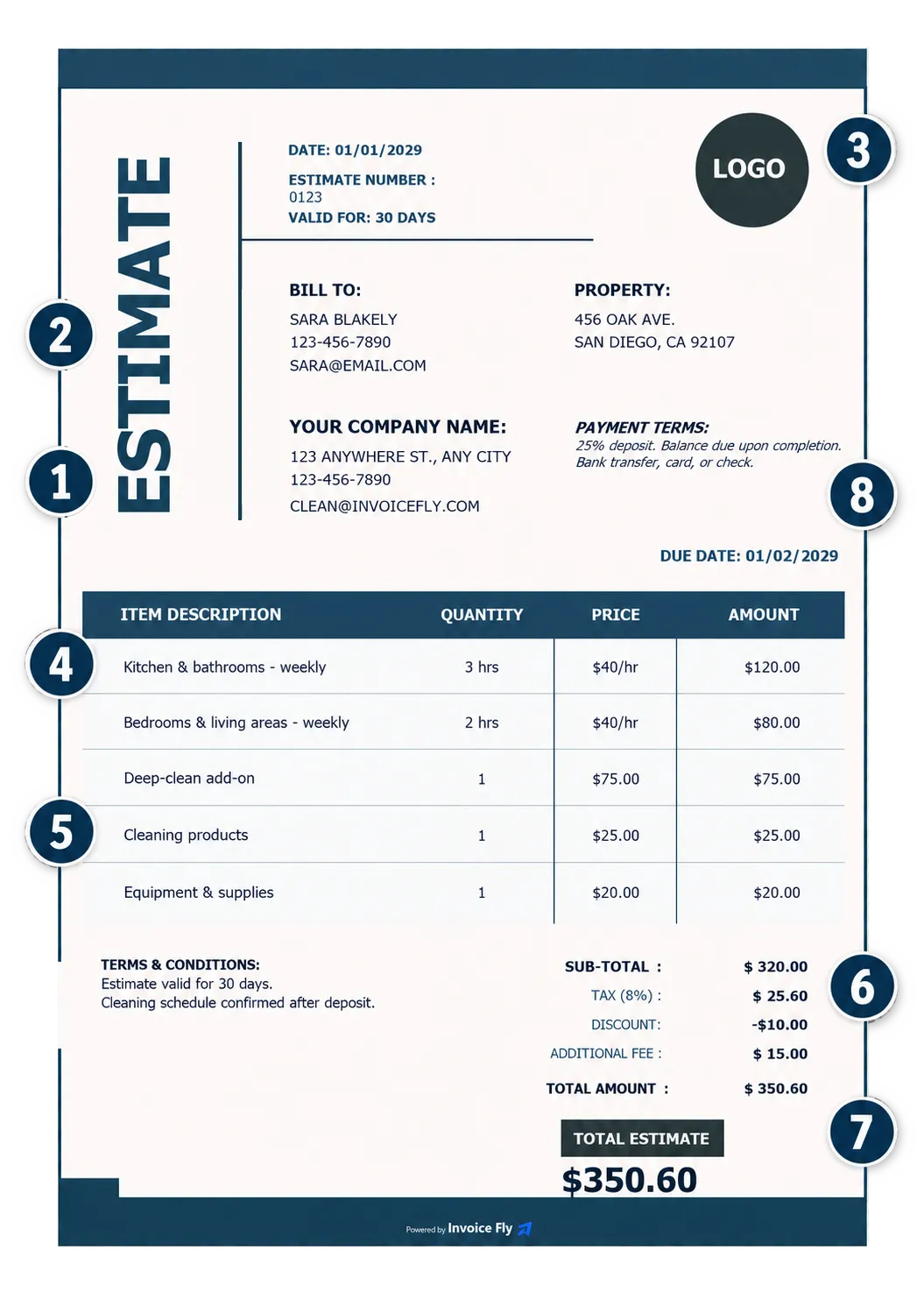
Cleaning billing template with numbered elements: 1 business information, 2 customer information, 3 document number and date, 4 cleaning services, 5 rates and line items, 6 subtotal, taxes, and discounts, 7 total amount

How Can I Get Paid for Cleaning Services?

Once you’ve prepared your cleaning invoice, the next step is collecting payment. Setting clear payment terms and offering convenient payment methods can help you get paid on time.

  1. Step 1: Choose a Payment Method

    Choose payment methods that work for your cleaning business and your customers. Depending on your location, you might accept credit or debit cards, bank transfers, digital wallets, or cash. Consider transaction fees and processing times when deciding which options to offer.

  2. Step 2: Set Your Payment Terms

    Make it clear when payment is due by including your payment terms on every cleaning invoice. You might request payment upon completion, set a due date, or agree on a deposit for larger cleaning jobs. Clear terms help customers understand when and how much they need to pay.

  3. Step 3: Offer Convenient Payment Options

    Make it easy for customers to pay for your cleaning services by offering convenient payment methods. With Invoice Fly Payments, you can explore payment options for your business and give customers a smoother way to settle their invoices. The easier you make the payment process, the simpler it is to manage incoming payments and keep your cleaning business organized.

Create your first receipt free with our Online Receipt Generator.

Free Receipt Generator
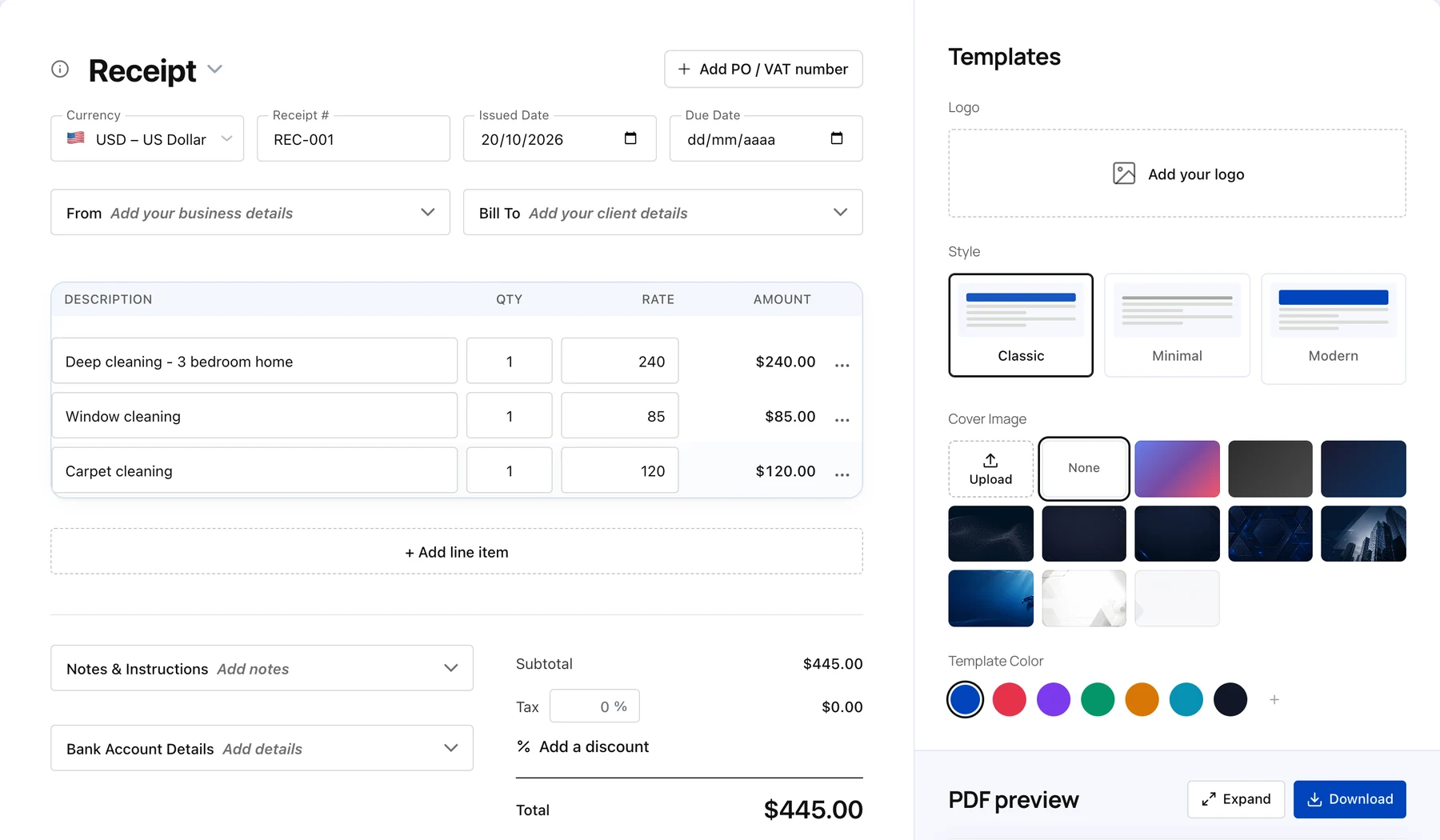

Invoice Fly free online receipt generator with deep cleaning, window cleaning and carpet cleaning line items, totals and template options

Cleaning Receipt Template FAQs

 A cleaning receipt is proof that a customer has paid for cleaning services. It records the amount received, the date of payment, and the services covered by the transaction. Whether you provide house cleaning, office cleaning, or commercial cleaning, a receipt gives both you and your customer a record of the payment.

With Invoice Fly’s free cleaning receipt template, you can create a professional receipt by adding your business details, customer information, cleaning services, and payment amount.

A cleaning receipt should include the essential details needed to document a payment accurately. Most cleaning receipt templates include:

  • Business information: Your cleaning company's name, address, phone number, and email.

  • Customer details: The customer's name and relevant contact information.

  • Receipt number and date: A unique reference number and the date of the transaction.

  • Services provided: A description of the cleaning work completed, including quantities or hours where relevant.

  • Itemized costs: Service rates, individual amounts, applicable taxes, and discounts.

  • Payment details: The total amount received and payment method, where applicable.

Including these details in your cleaning receipt template helps you maintain clear payment records and gives customers a useful record of their transaction.

You can create a cleaning receipt using a ready-made template rather than building one from scratch.

  1. Add your cleaning business name and contact information.

  2. Enter your customer's details.

  3. Include the receipt number and transaction date.

  4. List the cleaning services provided and their costs.

  5. Add the total amount paid and relevant payment details.

  6. Review the information, then save or download your receipt.

Invoice Fly's free cleaning receipt template gives you a ready-made format to customize for different cleaning jobs.

A cleaning invoice requests payment for services, while a cleaning receipt confirms that payment has been made. A cleaning invoice usually includes the services provided, their costs, the total amount due, and the payment deadline. A cleaning receipt records the transaction and amount received.

Use an Invoice Fly cleaning invoice template when you need to bill a customer, and a cleaning receipt template when you need to document a payment.

Yes. You can personalize your cleaning receipt template with your business name, logo, customer details, service descriptions, and payment amounts. Adding your branding helps customers recognize your cleaning business and gives your receipts a consistent, professional appearance.

Yes. A cleaning receipt template can be used for a range of residential and commercial cleaning services, including regular house cleaning, deep cleaning, office cleaning, and move-in or move-out cleaning. Simply adjust the service descriptions, quantities, rates, and payment details to reflect the work completed.

Invoice Fly offers cleaning receipt templates in Word, Excel, Google Docs, Google Sheets, and PDF formats. Choose the format that works best for your workflow, then customize your receipt with your business and transaction details. You can print your receipt or save the finished document for your records.

Provide a cleaning receipt after you receive payment for your cleaning services. Sending it promptly confirms the transaction and gives your customer proof of payment. Include the payment date, amount received, and services covered so both parties have a clear record.

If you're still waiting for payment, send a cleaning invoice instead of a receipt. You can also explore Invoice Fly's payment solutions to learn more about available ways to collect payments.

Keep digital or printed copies of your cleaning receipts organized by date, customer, or job. Include the receipt number and transaction details so you can find records when reviewing payments, preparing accounts, or handling customer questions.

How long you need to retain receipts depends on your location and tax requirements. Check your local rules to determine the correct retention period for your cleaning business.

Keep your cleaning receipts for the period required by your local tax laws. Retention periods vary by country:

  • United States: Generally, keep tax records for at least 3 years, although some situations require longer.
  • Canada: Generally, keep business records for 6 years after the end of the relevant tax year.
  • United Kingdom: Self-employed individuals generally need to keep records for at least 5 years after the 31 January submission deadline for the relevant tax year.
  • Australia: Generally, keep business records for 5 years after they are prepared or obtained, or the relevant transaction is completed, whichever is later.

Keep digital copies of your cleaning receipts organized by date or customer so you can find them when preparing taxes or reviewing payments. Check your local tax authority's guidance to confirm the requirements that apply to your cleaning business.

More Free Templates for Your Cleaning Business.

Explore More Free Tools

Invoice Fly app

Get Started for Free

Simplify Cleaning Business Billing with Invoice Fly (For Free!)