- Home
- »
- Free Resources for Small Businesses
- »
- Free Templates
- »
- Free Invoice Templates
- »
- Consulting Invoice Template
Free Consulting Invoice Template
Last updated:
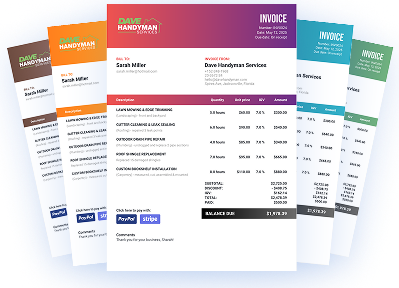
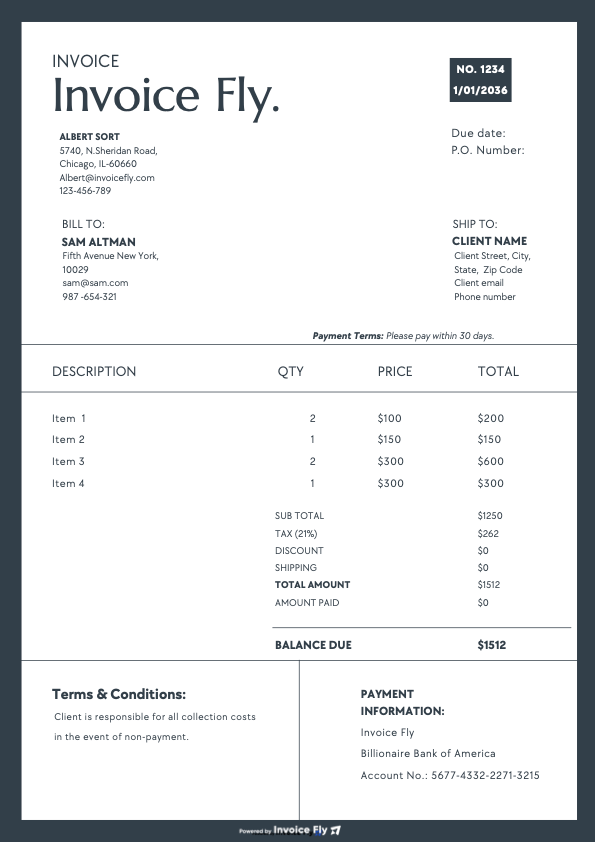
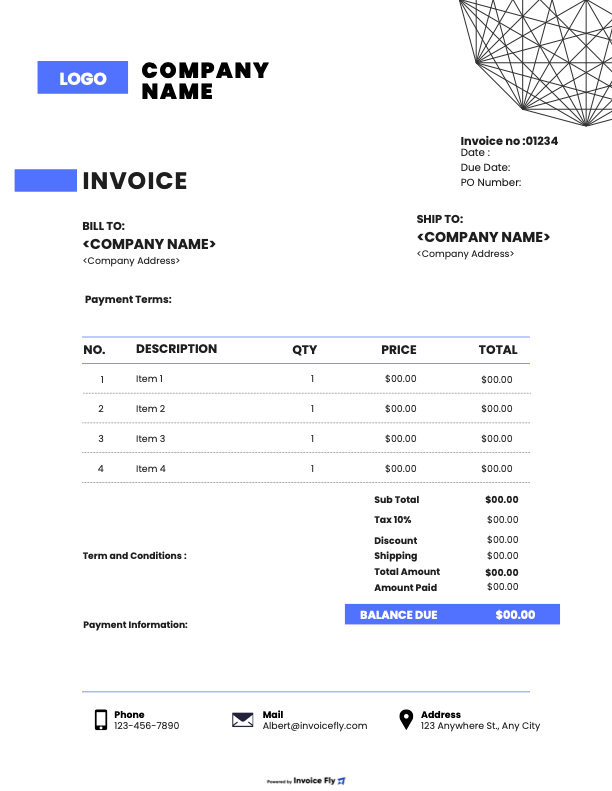
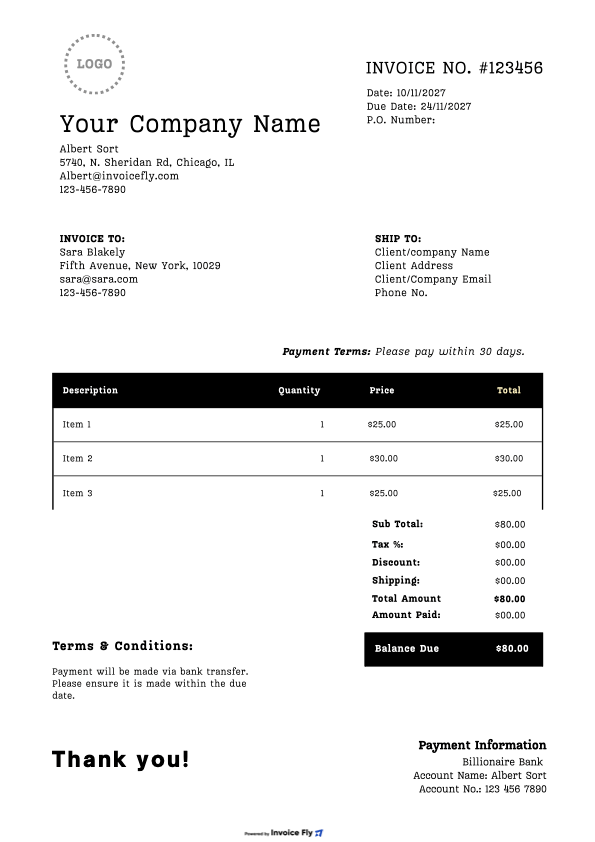
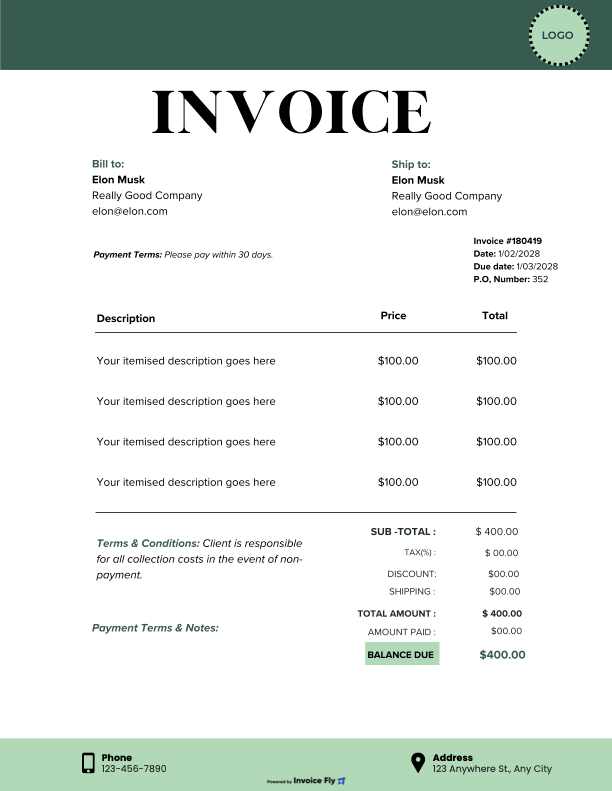
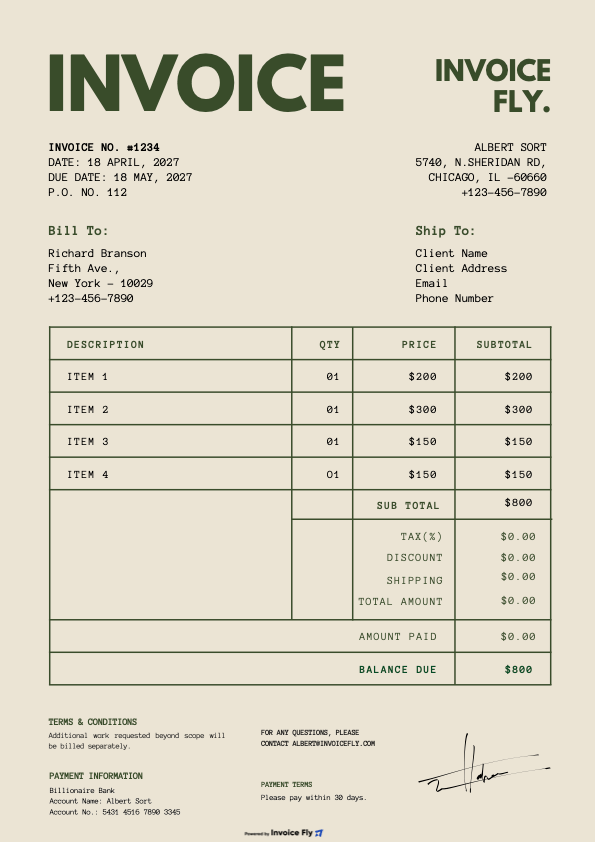
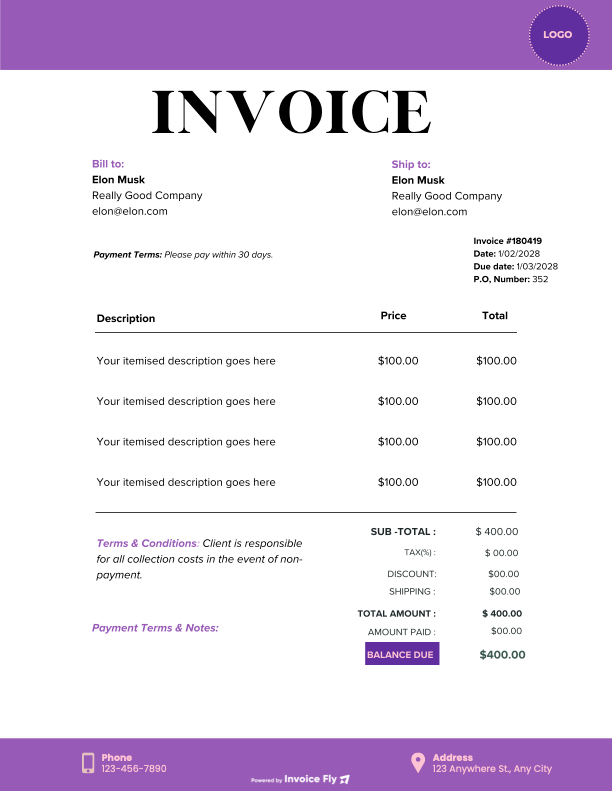
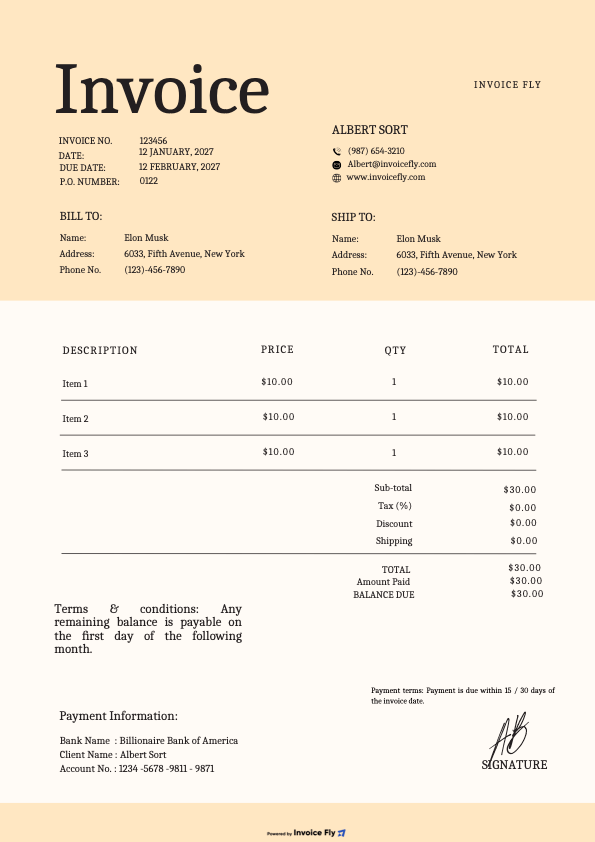
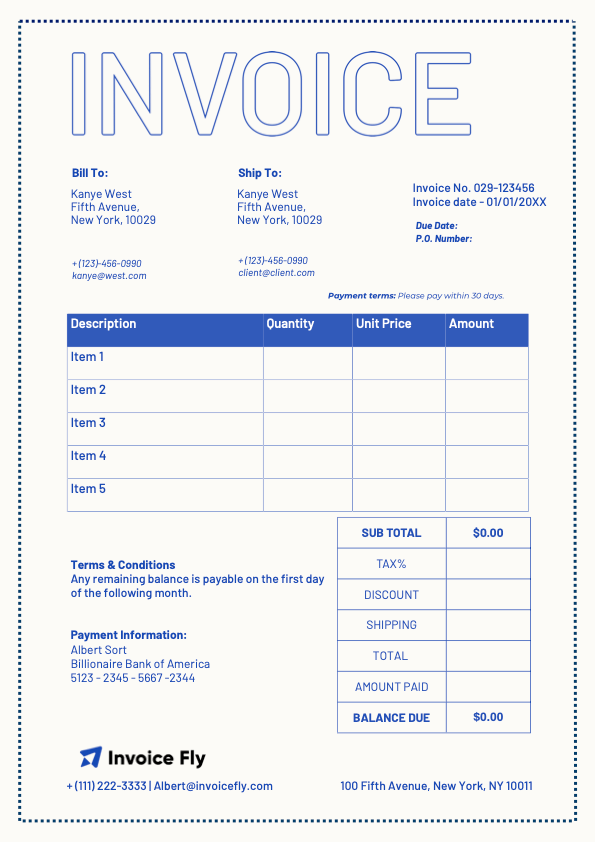
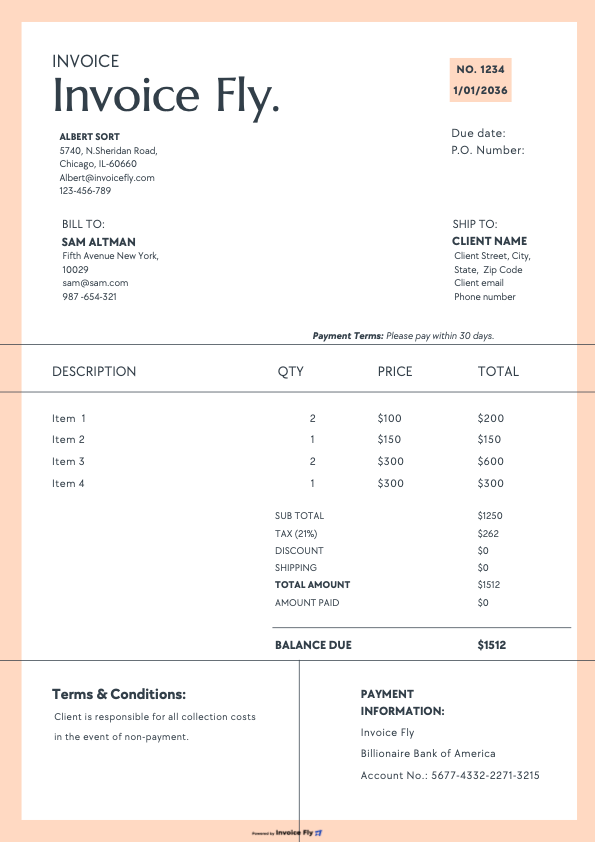
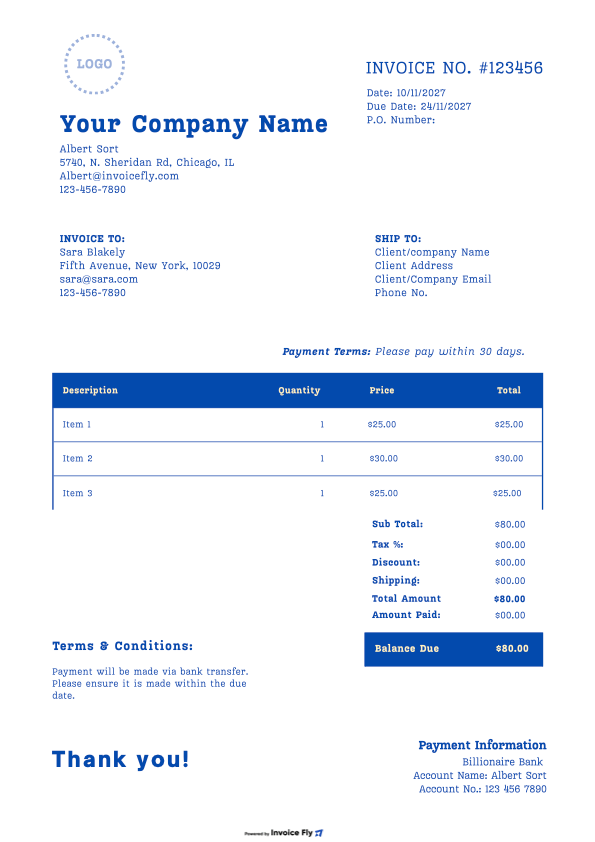
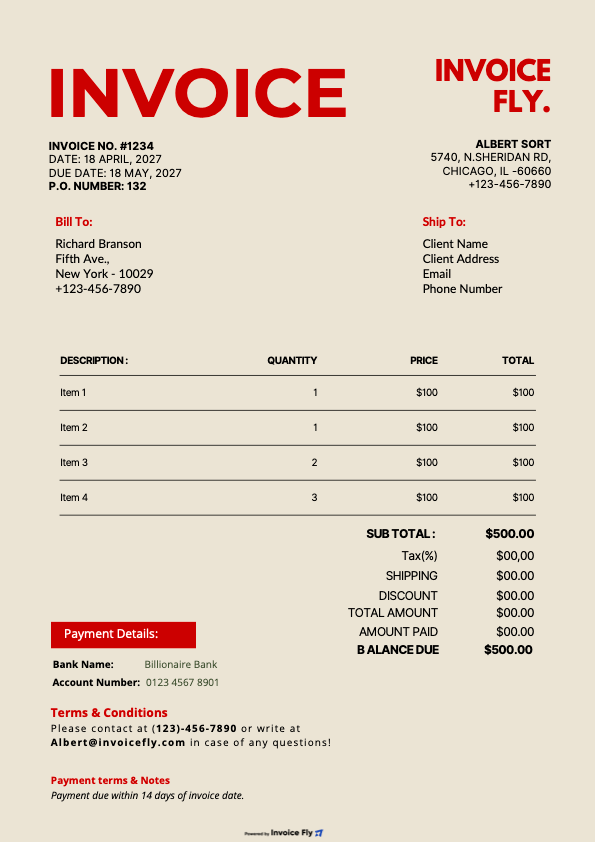
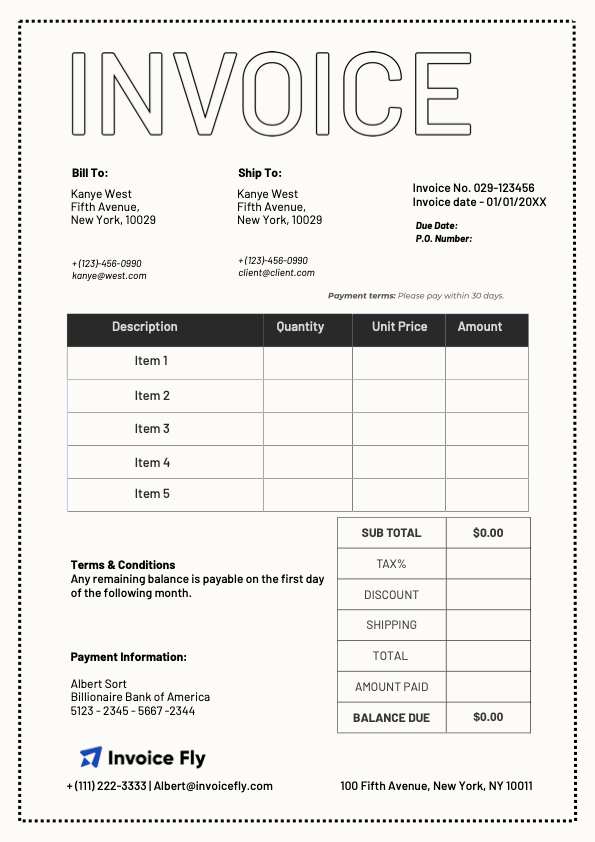
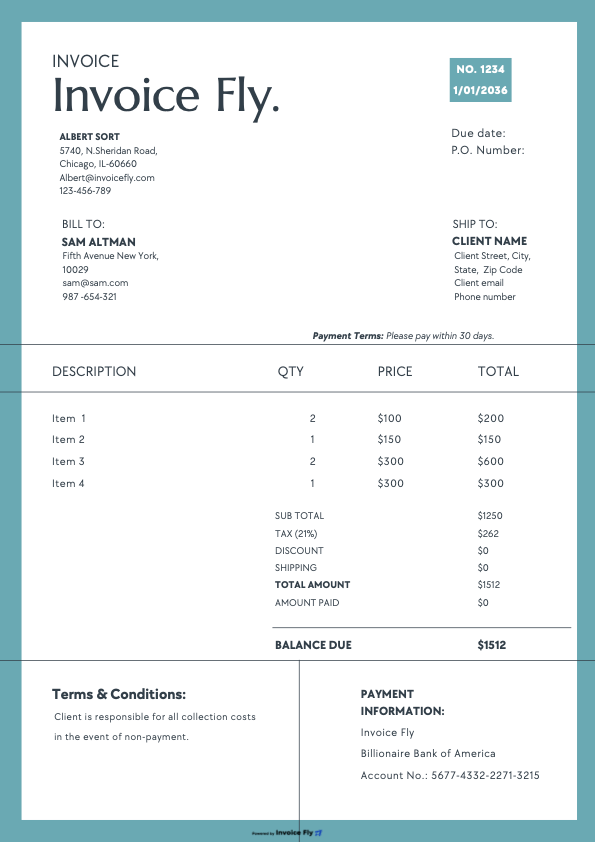
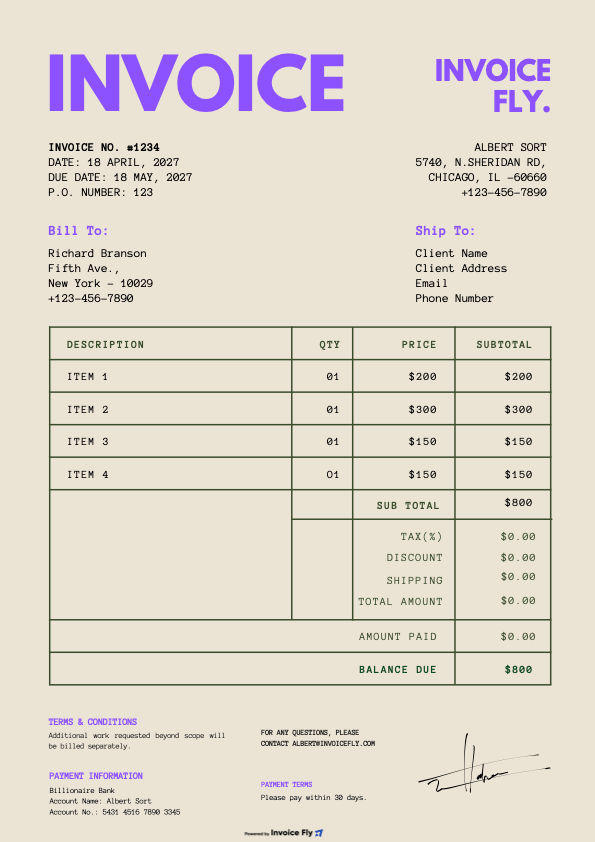
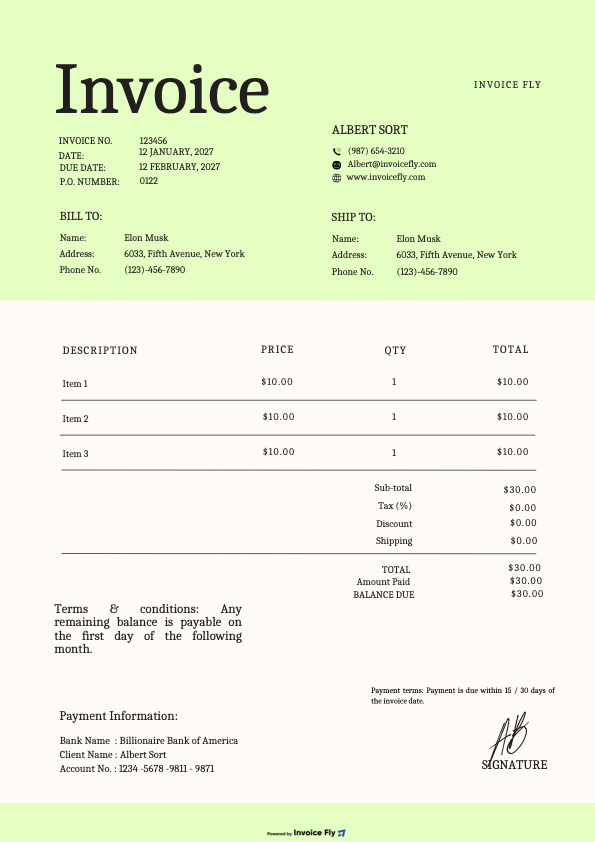
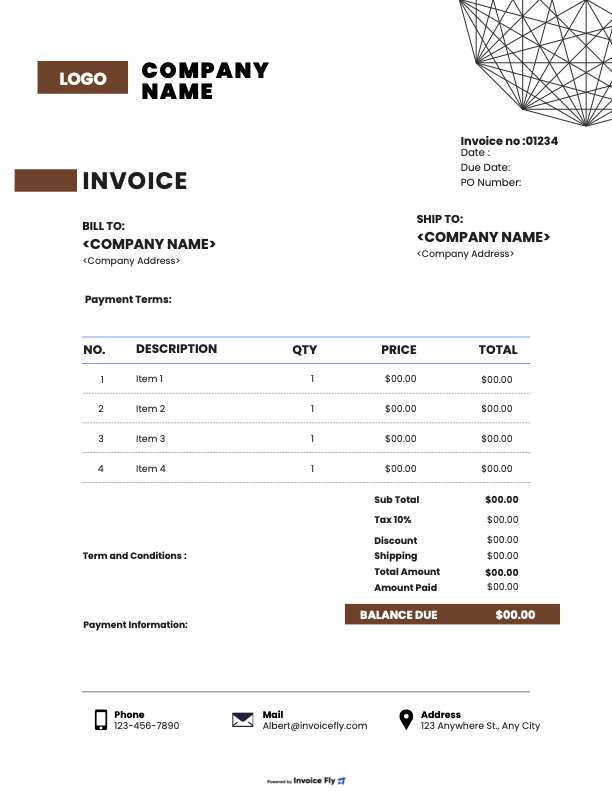
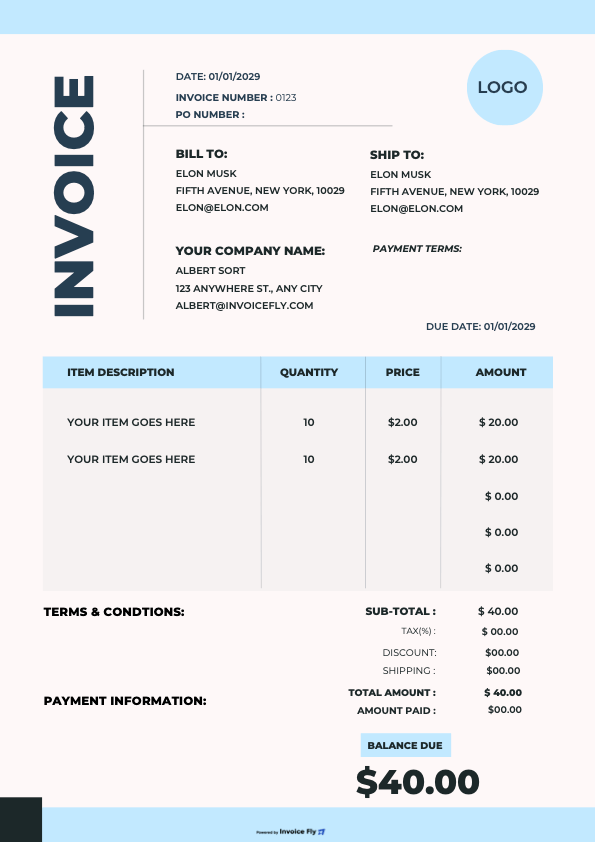
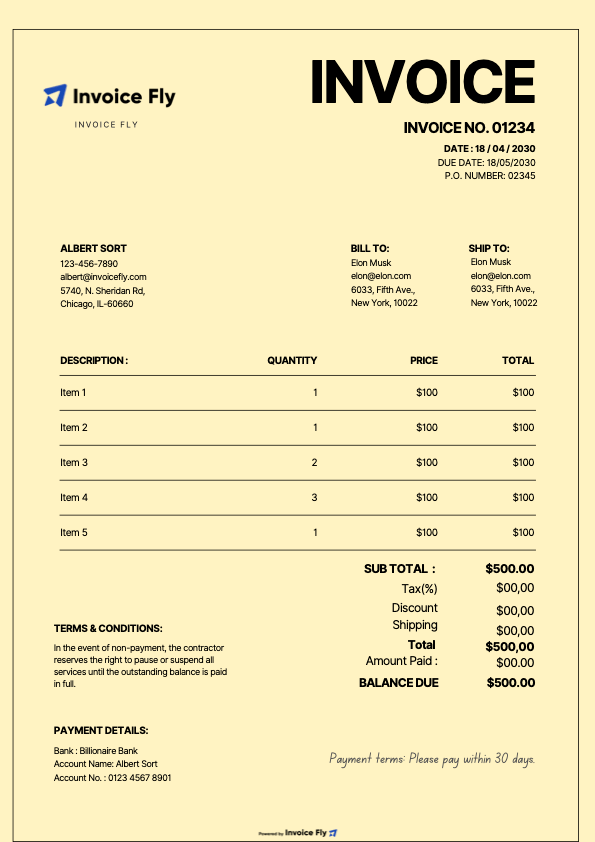
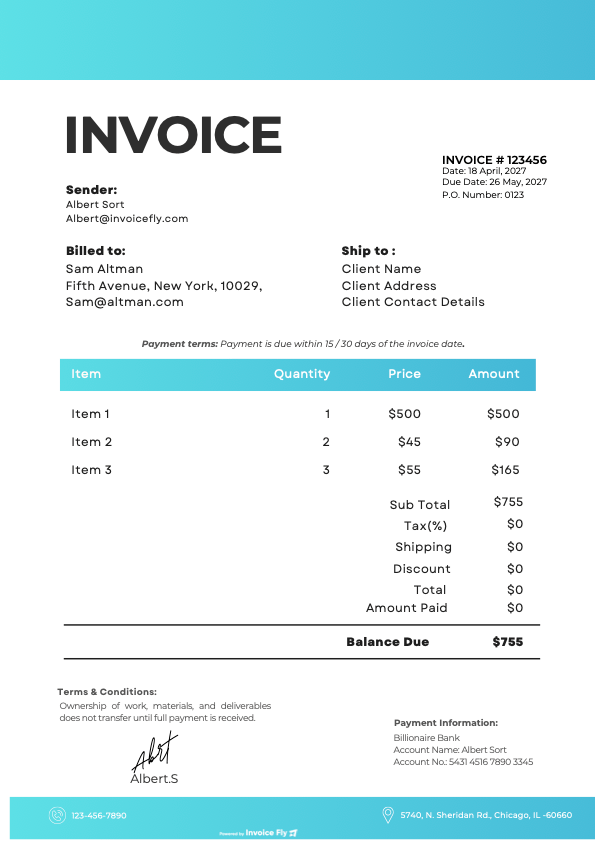
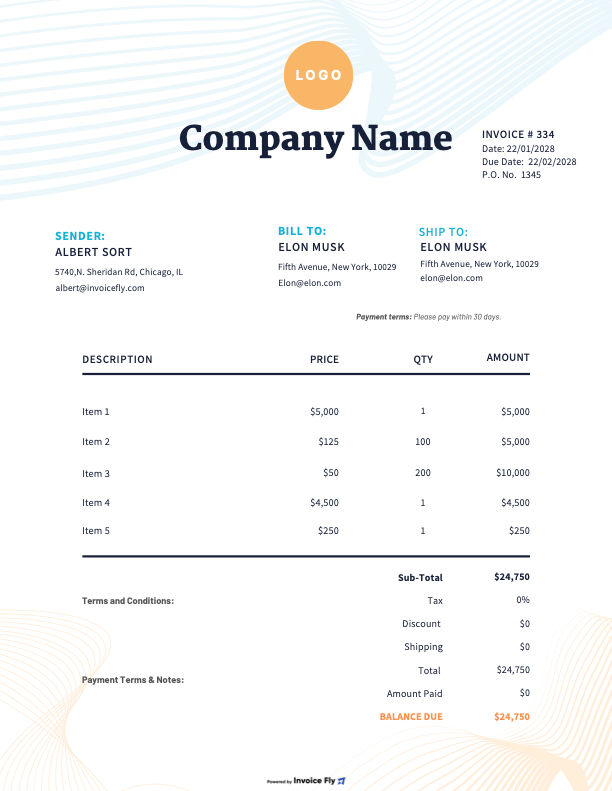
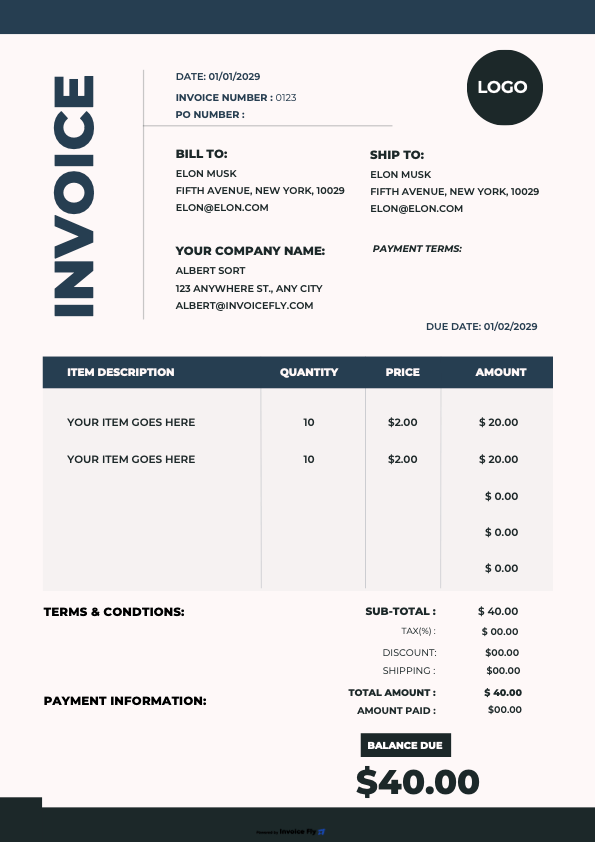
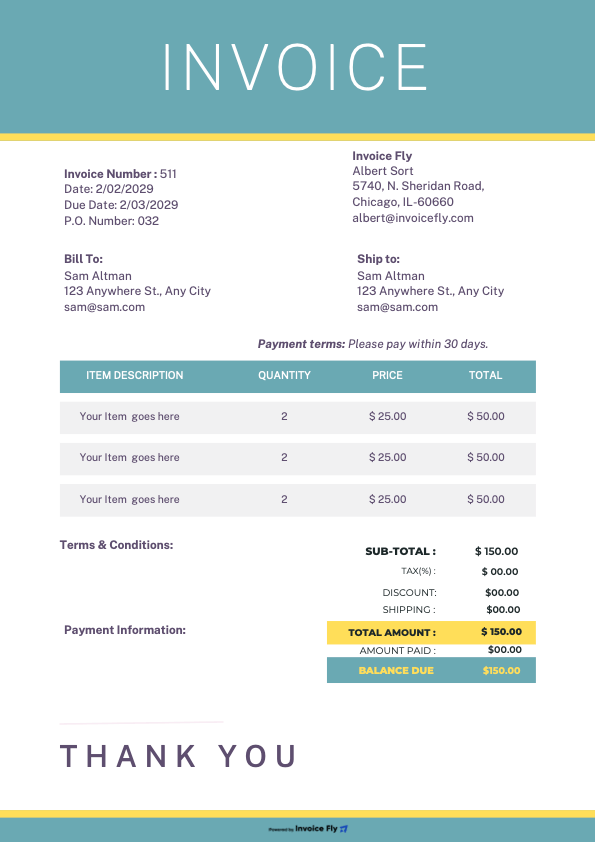
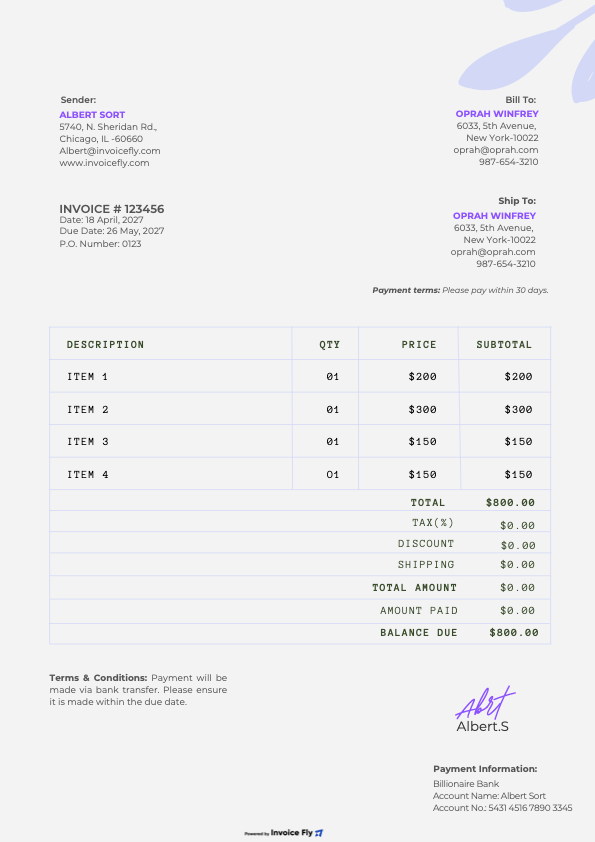
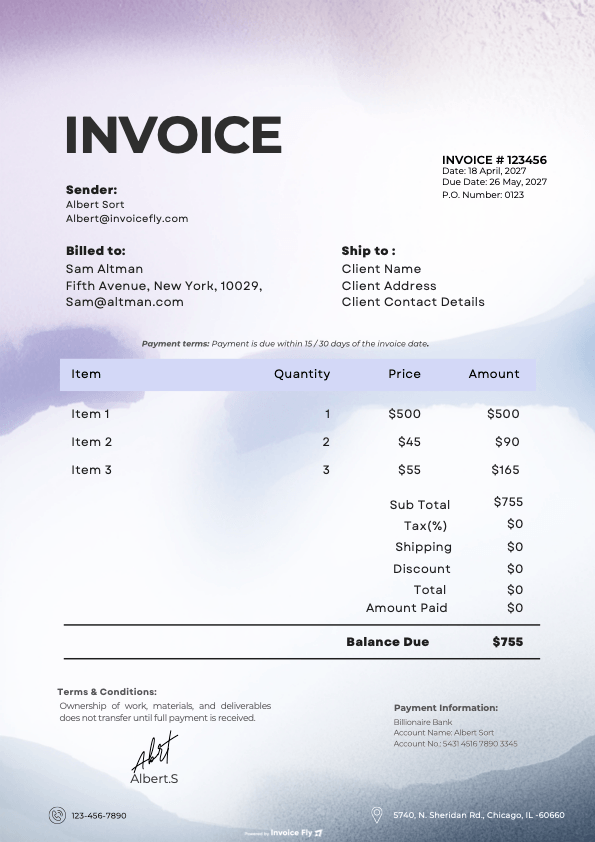
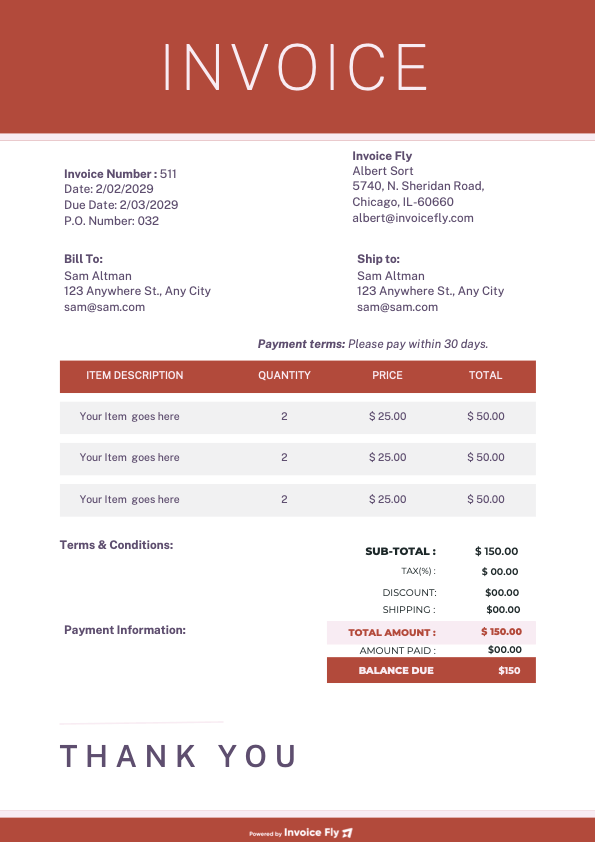
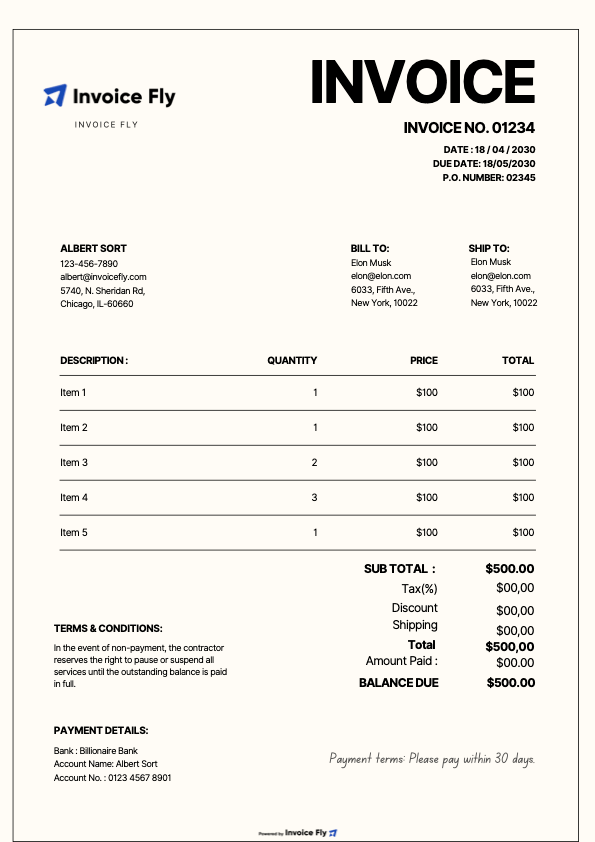
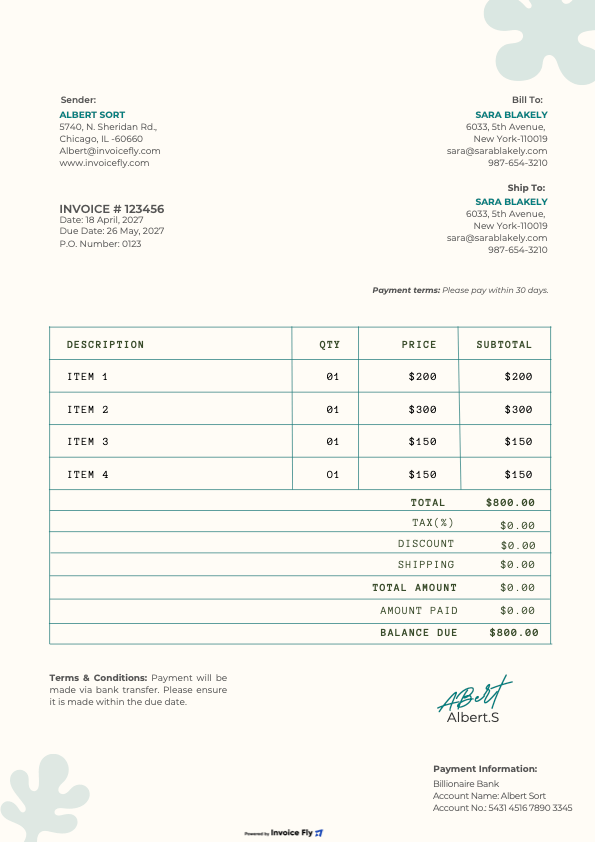
Bill clients for consulting services with Invoice Fly’s ready-to-fill consulting invoice templates. Add your business details, services, rates, and payment terms, then download in Google Docs, Google Sheets, Word, Excel, or PDF.
Make Every Consulting Invoice Count
Your consulting invoice is more than a request for payment. It’s a reflection of your business, your expertise, and the way you treat your clients. A well-designed consulting invoice template helps you build credibility, communicate your value, and create a better client experience.

-
Keep Your Brand Consistent
Think of your consulting invoice as another brand touchpoint. From your logo and brand colors to the fonts and layout, every detail of your consultant invoice template should reflect your business identity and leave clients with a polished, professional impression.
-
Make Every Charge Clear
Clarity makes billing easier for everyone. Use a clean consulting invoice format, straightforward descriptions, and an organized layout so clients can understand your consulting fees, review project costs, and know exactly what they owe.
-
Make Every Client Feel Valued
Your clients are more than another payment on your books. Personalize your consulting services invoice with their name, a thoughtful thank-you message, or a note about upcoming project milestones. Small gestures show that you value the relationship beyond the transaction and help build lasting business partnerships.
What’s Included in a Consulting Invoice Template?
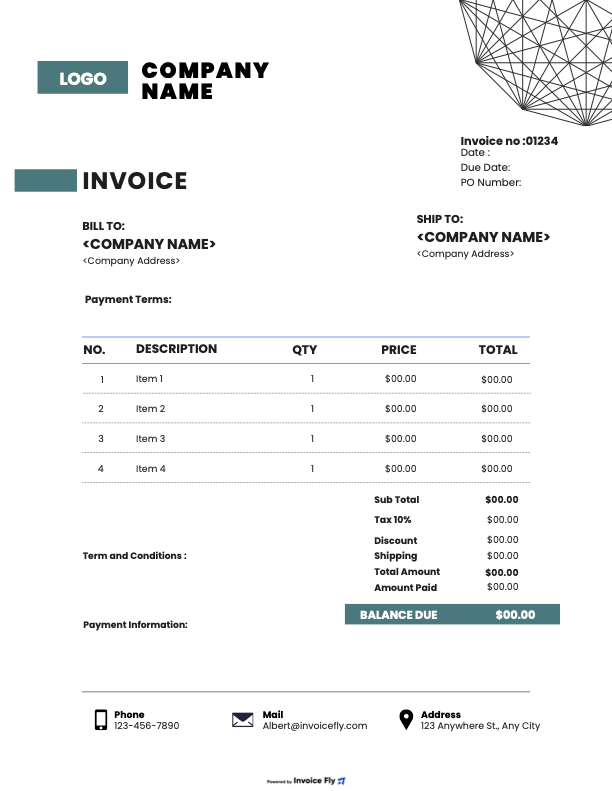
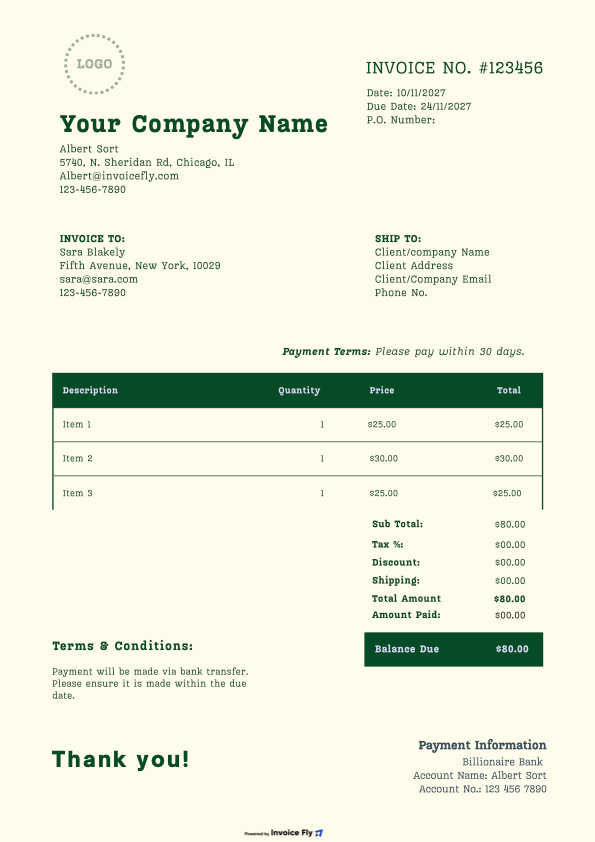
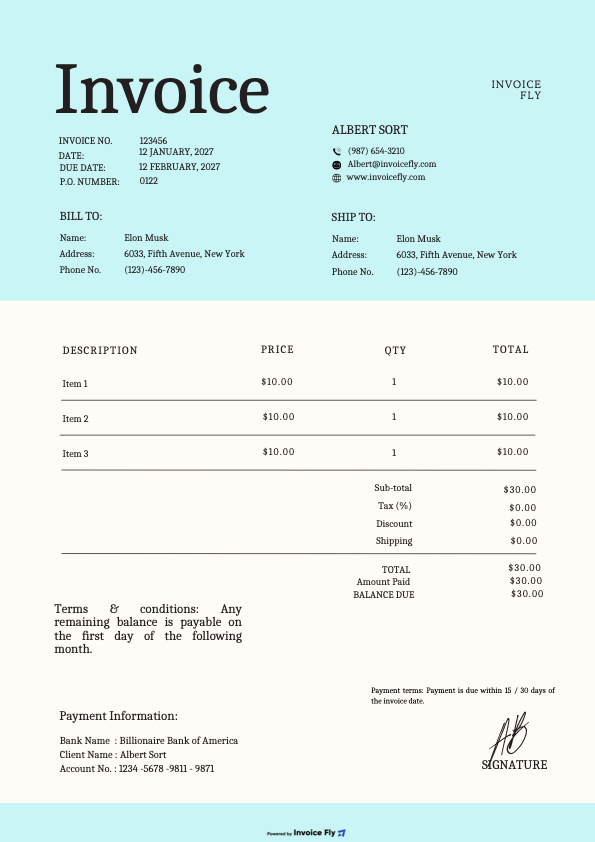
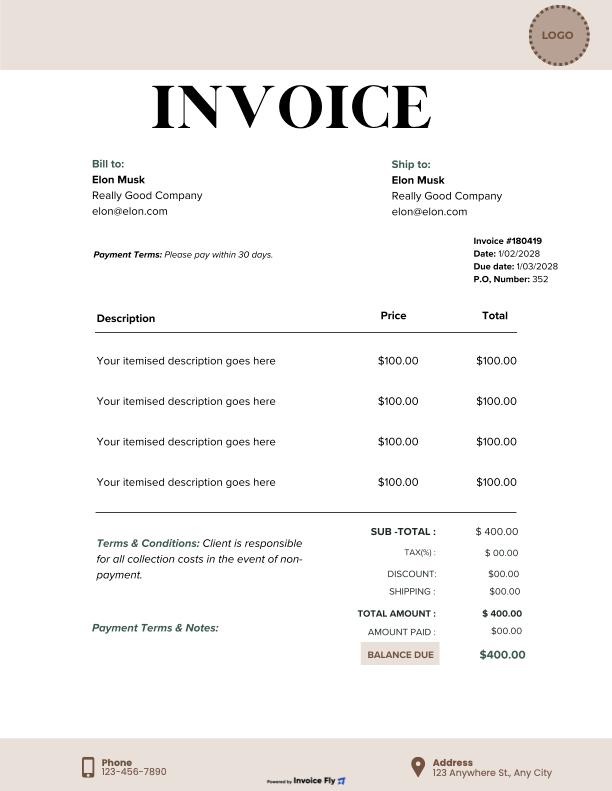
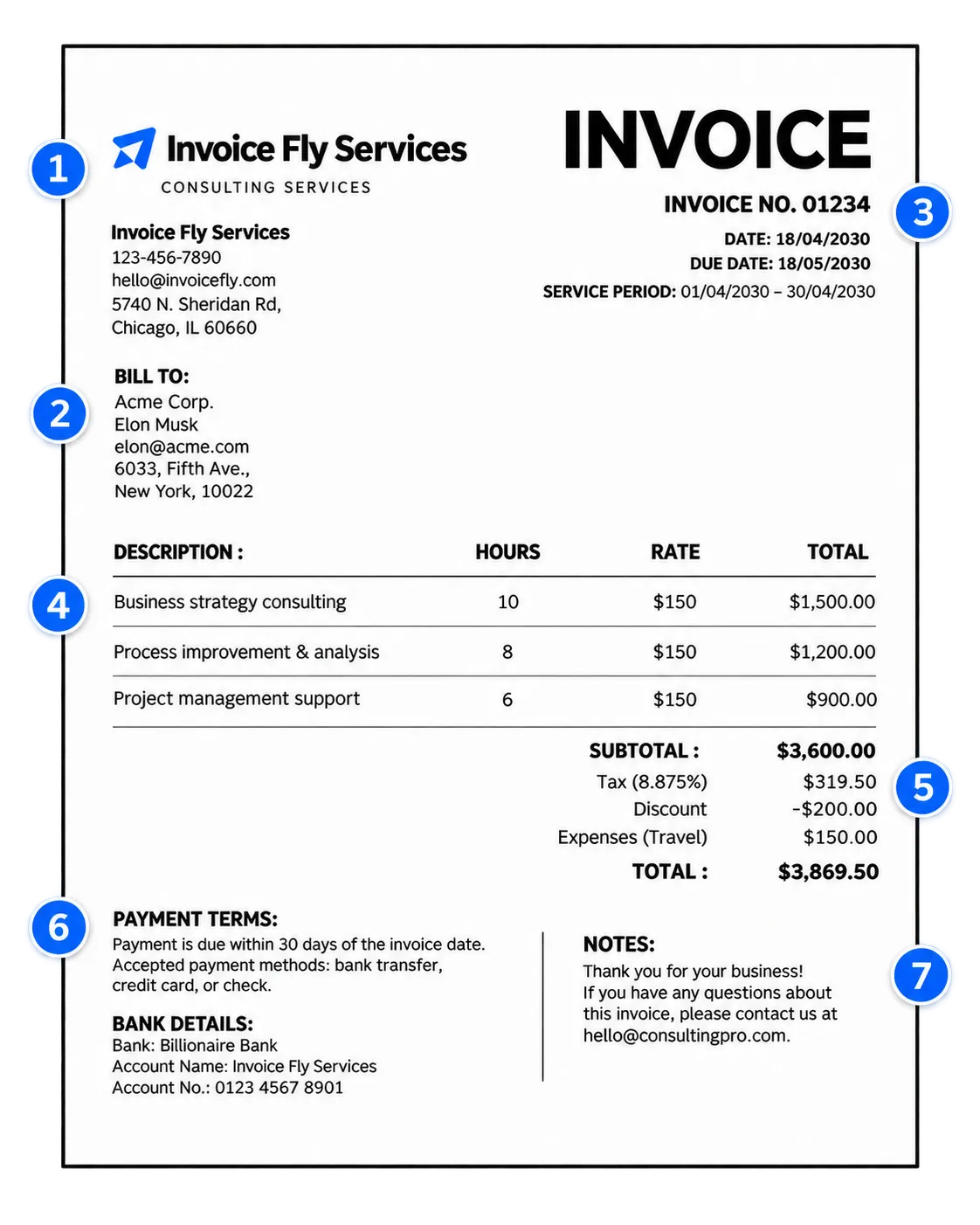
A professional consulting invoice should give clients a clear breakdown of your services, fees, and payment expectations. Invoice Fly’s consulting invoice templates help you organize all the essential details in one professional document.
-
1
Business Information
Add your consulting firm’s name, logo, business address, phone number, and email address. This identifies your business and gives clients a way to reach you with questions.
-
2
Client Information
Include your client’s name, company name, billing address, and contact details. Make sure the invoice is addressed to the correct person or department responsible for payment.
-
3
Invoice Number and Dates
Assign each consulting invoice a unique invoice number and include the issue date and payment due date. You can also specify the service period or project dates for reference.
-
4
Consulting Services and Project Details
Describe the consulting services provided, including project names, deliverables, service dates, and hours worked where applicable. This helps clients understand exactly what the invoice covers.
-
5
Consulting Rates, Expenses, and Total
Break down hourly rates, fixed project fees, retainer charges, and additional expenses such as travel or materials. Include applicable discounts and taxes, along with the subtotal and final amount due.
-
6
Payment Terms and Instructions
Specify payment deadlines, accepted payment methods, deposit requirements, and any applicable late payment fees. Include bank details or online payment instructions so clients know exactly how to pay.
-
7
Notes and Additional Information
Add a thank-you message, project reference, purchase order number, or details about upcoming milestones. A thoughtful note can make your consulting invoice feel more personal and strengthen client relationships.

Best Practices for Creating and Sending Consulting Invoices
Your expertise deserves to be paid for. But getting paid also takes good billing habits. From setting clear consulting fees to following up on unpaid invoices, a few simple practices can make a big difference to your cash flow and client relationships.
-
1
Send Invoices Promptly
Don’t let completed projects gather dust on your to-do list. Send your consulting invoice as soon as you finish an assignment or reach an agreed project milestone. Prompt billing keeps payments moving and your cash flow healthier.
-
2
Set Clear Payment Terms
Clear payment terms make for better business relationships. Agree on consulting fees, deposits, payment deadlines, and late payment policies upfront so you and your clients are always on the same page.
-
3
Follow Up on Unpaid Invoices
An unpaid invoice shouldn’t disappear into someone’s inbox. Send friendly payment reminders and follow up when invoices pass their due dates. A little persistence can help turn overdue consulting invoices into payments received.
-
4
Use Digital Invoicing
Digital invoicing makes creating, sending, and storing consulting invoices easier. Share documents by email or link, reduce paperwork, and give clients a convenient way to access their bills.
-
5
Keep Organized Records
Every invoice is part of your business history. Use unique invoice numbers and organized records to track consulting income, monitor outstanding payments, and keep your project finances in order.
-
6
Review Invoices Before Sending
Reviewing your consulting invoices isn’t just about catching errors. It’s about making sure every billable hour, project expense, and payment is accounted for before the invoice reaches your client.
-
7
Use Invoicing Software
Don’t spend valuable consulting hours wrestling with paperwork. Use Invoice Fly to create professional invoices, save client details, and manage your billing from your phone or computer.
Common Consulting Invoice Mistakes
Small billing mistakes can lead to payment delays and unnecessary client disputes. Here’s how to avoid them.
| Common mistake | How to avoid it |
|---|---|
| Vague service descriptions make it hard for clients to understand the work billed. | Clearly describe your consulting services and project deliverables. |
| Incorrect consulting rates can lead to billing disputes. | Check hourly fees, project rates, and retainers against your client agreement. |
| Forgetting project expenses can leave you covering costs yourself. | Include approved travel, materials, and other expenses separately. |
| Unclear payment terms can delay payments. | State the due date, payment methods, and agreed late fees. |
| Calculation and tax errors can create accounting problems. | Double-check invoice totals and apply applicable taxes correctly. |
Create Your First Invoice with Our Free Invoice Generator
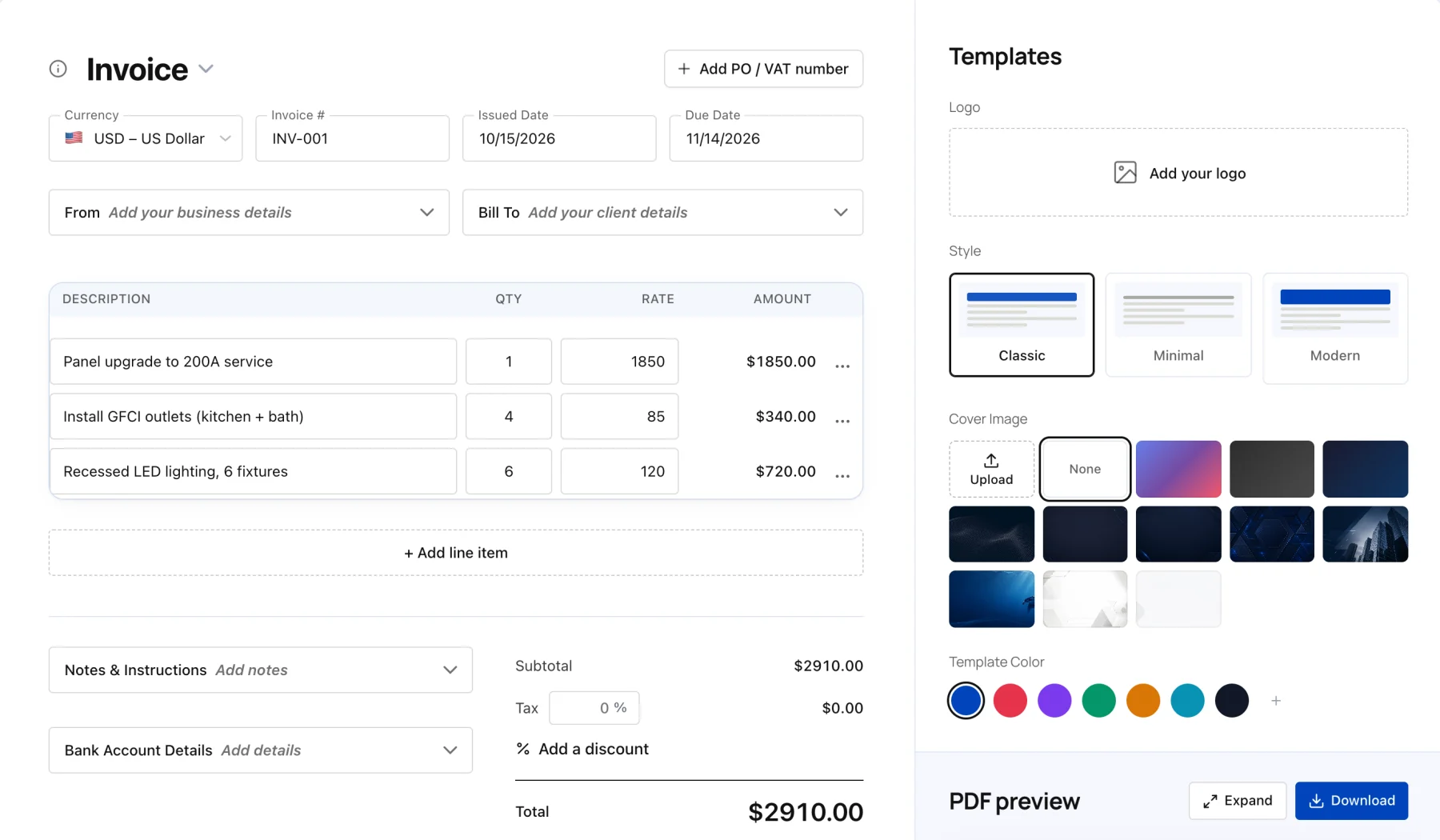
Create a professional consulting invoice in minutes. Add your logo and business details, customize colors, enter your consulting fees, and let Invoice Fly automatically calculate subtotals, taxes, and the total amount due. Download your finished invoice as a PDF, ready to send to clients.
Try Our Online Invoice Generator

FAQs about Consulting Invoices
A consulting invoice is a billing document used by professionals to charge clients for their expertise, advice, and services. It outlines the work performed, consulting fees, project expenses, applicable taxes, and payment terms.
Consulting invoices are commonly used by:
Freelance Consultants: Independent professionals who work with multiple clients on projects or assignments.
Self-Employed Consultants: Business owners who provide consulting services directly to individuals or companies.
Independent Contractors: Professionals hired for specific projects, contracts, or periods.
Part-Time Consultants: Specialists who provide consulting services alongside another job or business.
Consulting Firms: Companies that provide professional advice and services to business clients.
Consulting Agencies: Teams that manage client projects and bill for strategy, advisory, or implementation work.
Whether you work independently or run a consulting firm, Invoice Fly's consulting invoice templates help you bill clients professionally and keep your payments organized.
Absolutely! Invoice Fly's consulting invoice templates work for independent consultants, freelancers, solo professionals, and small consulting firms. Whether you bill by the hour, charge fixed project fees, or work with ongoing retainers, you can customize the template to match your services and billing needs. Keep your client invoices consistent, present your fees professionally, and spend less time creating billing documents.
A professional consulting invoice template includes the essential details clients need to review your work and process payment. Invoice Fly's templates provide space for:
Business and client information: Names, contact details, and billing addresses.
Invoice number and dates: A unique invoice number, issue date, and payment due date.
Consulting services: Project descriptions, deliverables, service dates, and billable hours.
Rates and expenses: Hourly fees, project charges, retainers, travel, and other expenses.
Payment summary: Subtotal, applicable taxes, discounts, and total amount due.
Payment terms and instructions: Accepted payment methods, payment deadlines, and relevant instructions.
You can also add your logo, project references, and a personalized note to make your consulting invoice more professional.
Invoice Fly offers consulting invoice templates in five convenient formats:
Microsoft Word: Edit text, customize the layout, and add your branding.
Microsoft Excel: Organize consulting fees, expenses, and invoice calculations in a spreadsheet.
Google Docs: Edit and share your invoice online.
Google Sheets: Customize your consulting billing spreadsheet in your browser.
PDF: Save a finished invoice for printing, emailing, or sharing.
Start with a ready-to-fill consulting invoice template and make it your own. Add your business logo, colors, company details, and client information to create an invoice that reflects your brand.
Next, tailor the service descriptions and pricing to your consulting work. For example, you might include:
Hourly consulting and advisory services
Fixed-price projects and deliverables
Monthly or quarterly retainer fees
Project milestones and progress payments
Travel, research, and other reimbursable expenses
Adjust the payment terms to match your client agreement, review the final amount, and download your customized invoice in your preferred format.
The best consulting invoice templates are easy to customize, professionally designed, and flexible enough to support different billing arrangements. Look for a template that accommodates hourly rates, fixed project fees, retainers, expenses, and clear payment terms.
Invoice Fly offers free consulting invoice templates for consultants and coaches, with options in Word, Excel, PDF, Google Docs, and Google Sheets. You can customize your chosen format with your branding and project details, then save the completed invoice as a PDF to send to your client.
Consultants typically use one of four pricing models, depending on the project, scope of work, and client agreement:
Hourly billing: Charge clients for each hour spent working on a project.
Project-based billing: Agree on a fixed fee for the entire consulting assignment or a specific deliverable.
Retainer billing: Charge a recurring fee for ongoing access to your expertise or a set amount of consulting work.
Milestone-based billing: Divide the project fee into payments due when specific stages or deliverables are completed.
Choose a billing method that reflects the value of your work and the time involved. Agree on the pricing, payment schedule, and project scope upfront, then use a consulting invoice to document each payment request.
Start with the income you want your consulting business to generate, then account for operating expenses, taxes, and your desired profit. Divide your annual revenue target by the number of hours you realistically expect to bill clients.
For example, if your annual revenue target is $120,000 and you expect to bill 1,000 hours throughout the year, your target hourly rate would be $120.
Remember that not every working hour is billable. Account for time spent on administration, marketing, client meetings, and business development. Also compare your rates with industry standards and consider the experience and value you bring to clients.
Use Invoice Fly's free Service Price Calculator to factor in labor, materials, overhead, and profit when setting your service prices.
A polite consulting invoice should sound professional, friendly, and confident. Keep your message short, mention the work completed, state the amount due, and let the client know when payment is expected.
You can use a simple email like this:
Subject: Invoice for Consulting Services – [Project Name]
Hi [Client Name],
I hope you're doing well!
Please find attached the invoice for the consulting services provided for [Project Name]. The total amount due is [Amount], with payment requested by [Due Date].
Thank you for your business and for the opportunity to work together. Please feel free to reach out if you have any questions about the invoice.
Best,
[Your Name]
A thoughtful message helps keep the client relationship positive while making the payment request clear.
You don't need complicated accounting software to create a professional consulting invoice. Start with a ready-made template or use an online invoice generator to prepare your document.
Follow these simple steps:
Choose a format: Start with a consulting invoice template in Word, Excel, Google Docs, Google Sheets, or PDF.
Add your details: Enter your business information and the client's billing details.
Describe your services: Include the consulting work completed, project fees, hours, or deliverables.
Calculate your charges: Add your rates, expenses, discounts, and applicable taxes.
Set payment terms: Include the due date and payment instructions.
Review and send: Check the calculations, save your finished invoice as a PDF, and email it to your client.
Prefer an even faster option? Use Invoice Fly's free online invoice generator to enter your details, calculate invoice totals automatically, and download a professional PDF without signing up.
A sample consulting invoice shows how professional services, project fees, and payment details come together in one document. Depending on your billing arrangement, it might include:
A business and client information section.
The consulting project name and service period.
A breakdown of consulting hours or agreed deliverables.
Hourly rates or fixed project fees.
Additional expenses and applicable taxes.
The final amount due and payment instructions.
For example, a management consultant might bill for strategy sessions, research, and a final recommendations report as separate project line items. A marketing consultant might charge for monthly advisory services or campaign deliverables.
The best consulting invoice example is one that reflects your actual agreement with the client and makes every charge easy to understand. Use Invoice Fly's consulting invoice templates to create your own professional version.
Grow Your Consulting Business with Invoice Fly Academy
Explore Invoice Fly Academy for practical guides to invoicing, payment terms, bookkeeping, and running your business.
Explore More Free Tools for Your Consulting Business
From preparing project estimates to setting your fees and tracking profitability, Invoice Fly’s free online tools help you handle everyday business tasks without complicated spreadsheets.
- PDFDOCXXLSX
- Service price calculatorHours10Rate$150Expenses$150Project price$1,650
- Download PDFInvoice generatorINVOICE#2036Strategy consulting$1,500.00Project support$900.00Total$2,400.00
Get Paid for Consulting Services with Invoice Fly
Once you’ve completed your consulting work and sent your invoice, make it easy for clients to pay online. Download the Invoice Fly app, connect your Stripe or PayPal account, and collect payments directly through your invoices.