











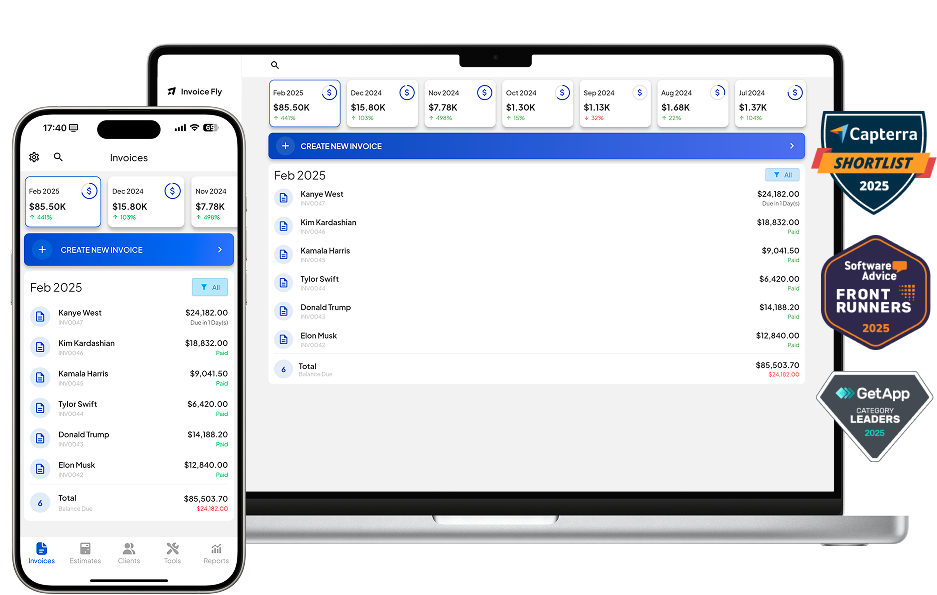
Run a smoother construction business with Invoice Fly. Send estimates and invoices, and save hours of work by automating your workflows. Take control of your construction projects, from takeoff to final payment — all in one simple app.
Fast estimates → Easy invoicing → Online approvals → Get paid anywhere
Trusted by 125,000+ contractors, builders, and tradespeople
Running a construction business means managing clients, costs, crews, and paperwork all at once. Invoice Fly helps keep everything organized so you can focus on the job, not the admin.
Create accurate estimates in minutes using reusable line items, labor rates, and material lists.
Track materials, labor hours, and change orders in one place so projects stay profitable and organized.
Collect instant online approvals with built-in e-signatures — no more waiting on emails or texts.
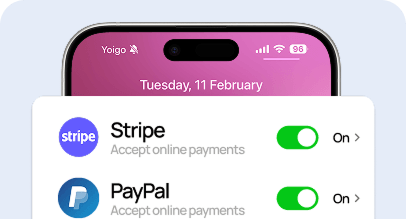
Let clients pay online right away with Stripe or PayPal to keep your cash flow moving.
Running a construction company comes with many daily challenges from managing bids and invoices to staying on top of costs. Invoice Fly automates your key tasks so you can focus on delivering quality work and growing your business with confidence.
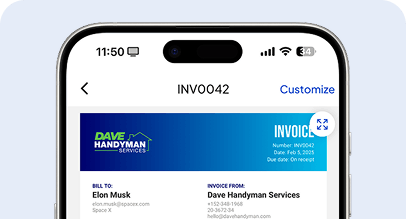
Send professional invoices in seconds and track every payment automatically. With precise construction cost estimating and clear line-item details, you’ll stay organized, keep your cash flow healthy, and build trust with clients on every project.
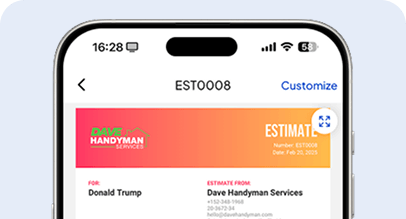
Create accurate, professional estimates in seconds with our easy-to-use construction estimator software. Calculate line items, labor, and materials, and generate polished estimates that help you win more bids and streamline your takeoff process.
Approve documents faster with integrated e-signatures built for contractors and engineers. Clients can review and sign estimates, invoices, and change orders online, eliminating delays and paperwork in your construction workflow.
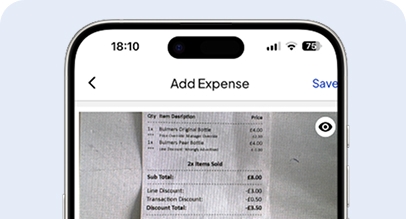
Scan and save receipts right from the field. Our construction estimate software automatically organizes expenses and keeps your financial records ready for review — no spreadsheets or manual data entry required.
Duplicate, edit and send invoices for repeat construction jobs in seconds. This tool helps you maintain consistency and accuracy across similar projects, saving hours of administrative work each week. Save time by duplicating your invoices.
Generate custom construction company logos in seconds with our AI-powered logo maker—built right into your construction estimating software. Elevate your contracting brand with professional, industry-tailored designs at no extra cost.
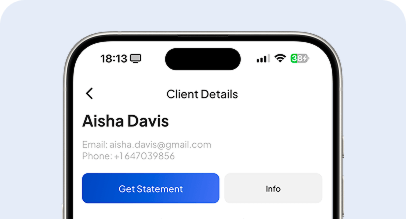
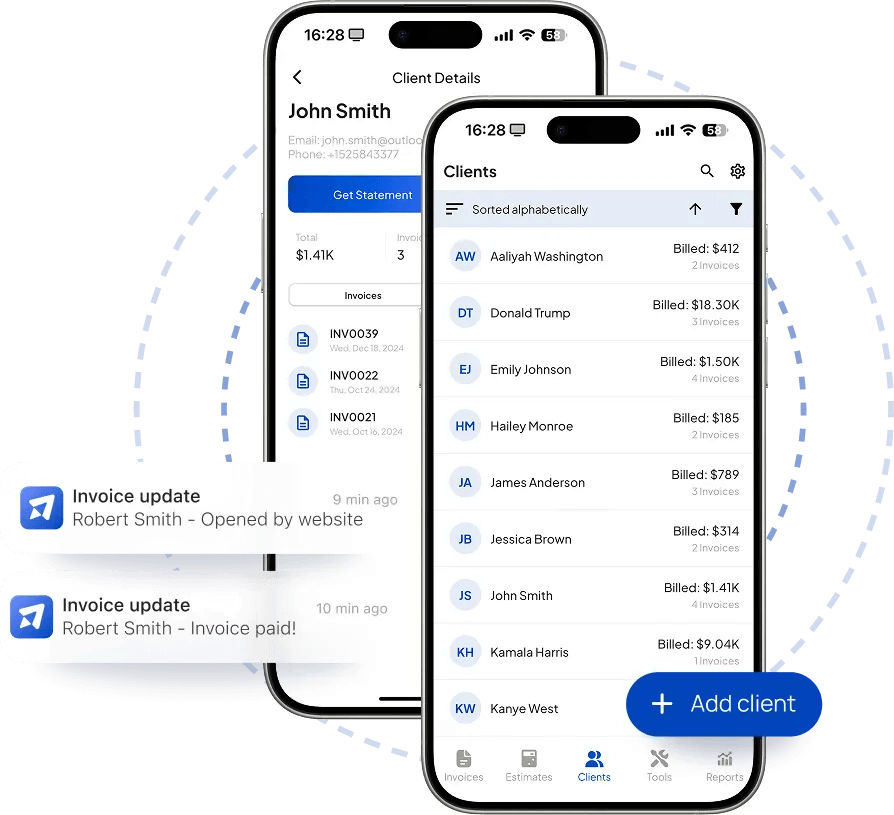
Access all client data, invoices, estimates, and takeoff details from one secure portal. Keep all of your construction projects organized and strengthen communication with your clients and subcontractors.
Track billable hours across your entire construction team and link them directly to specific estimates or invoices. Ensure every minute of work from on-site inspections to civil engineering analysis is properly billed.
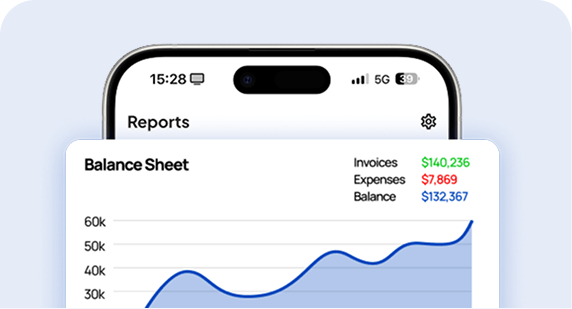
Generate detailed business reports that highlight your construction costs, project performance, and profitability. Analyze trends, manage budgets more efficiently, and plan future projects with data-driven precision.
Construction estimating software helps contractors create fast, accurate quotes by organizing labor, materials, and project costs in one place. With Invoice Fly, you can build estimates quickly, send them to clients, and convert approvals into invoices instantly — all from your phone or desktop.
TEMPLATES
Save customer details once and reuse them across estimates and invoices. Avoid manual entry and keep your projects moving.
TEMPLATES
Save customer details once and reuse them across estimates and invoices. Avoid manual entry and keep your projects moving.
TEMPLATES
Save customer details once and reuse them across estimates and invoices. Avoid manual entry and keep your projects moving.
TEMPLATES
Save customer details once and reuse them across estimates and invoices. Avoid manual entry and keep your projects moving.
TEMPLATES
Save customer details once and reuse them across estimates and invoices. Avoid manual entry and keep your projects moving.
TEMPLATES
Save customer details once and reuse them across estimates and invoices. Avoid manual entry and keep your projects moving.
See how construction pros use Invoice Fly to save time, win more jobs, and get paid faster.
In construction, it’s important to bill separately for materials and labor to provide clear and detailed invoices. To do this:
Open the invoice you want to create or edit.
Add each material and labor entry as separate line items on the invoice.
Specify the costs for materials and labor separately, allowing your clients to see a clear breakdown of project expenses.
Handling change orders and additional work is a common part of construction projects. Here’s how to manage these within your invoices:
Create a new invoice or modify an existing one to include the additional work.
Clearly label the line items as "Change Order" or "Additional Work."
Specify the costs associated with the change order, including both materials and labor, so the client understands the added expenses.
Send the updated invoice or estimate for approval, ensuring the client is aware of and agrees to the additional charges.
Requesting a deposit is often necessary in construction to cover upfront costs for materials and initial labor. To request a deposit when creating or editing an estimate:
Open the estimate for the construction project.
Scroll down to find the "Deposit Request" option.
Enable this option to specify the deposit amount required before starting the project.
Ensure that you have Stripe or PayPal enabled to process the deposit payment securely.
Yes, adding progress photos to your construction invoices can provide clients with a clear view of the work being done. To add photos:
Open the invoice related to the construction project.
Scroll to the section under the payment info and before the notes section.
Add photos documenting key stages of the construction project, such as site preparation, framing, or completed milestones.
This helps clients see the value of the work and can serve as proof of progress.
By clicking “Accept All”, you consent to the placement of cookies on your device to improve site navigation, analyze how you use our site, and support our marketing efforts. To learn more click on privacy police.
We use cookies to enhance your browsing experience, serve personalised ads or content, and analyse our traffic. By clicking "Accept All", you consent to our use of cookies.