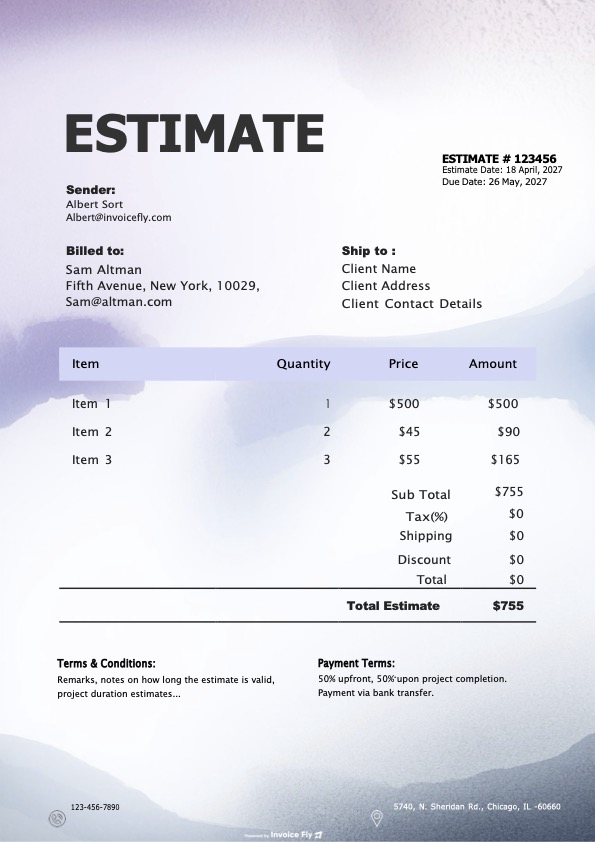
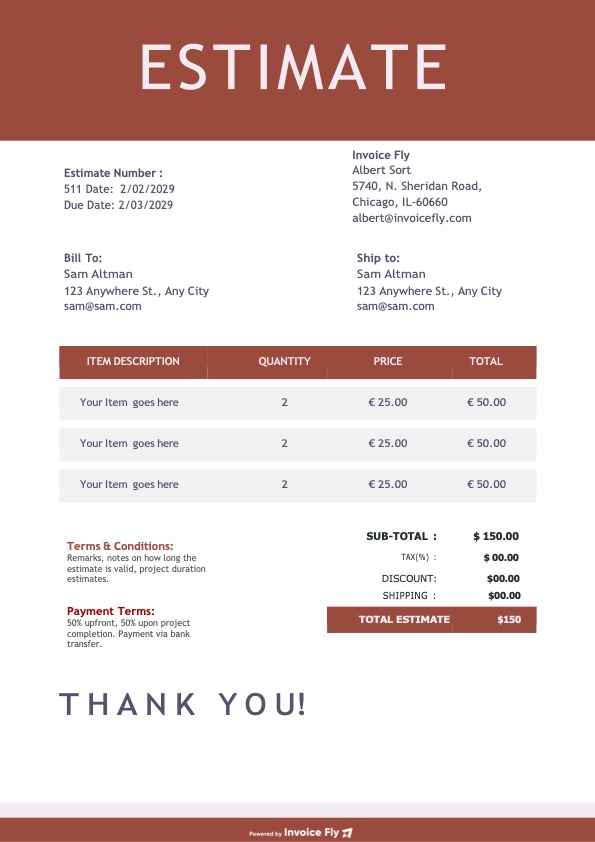
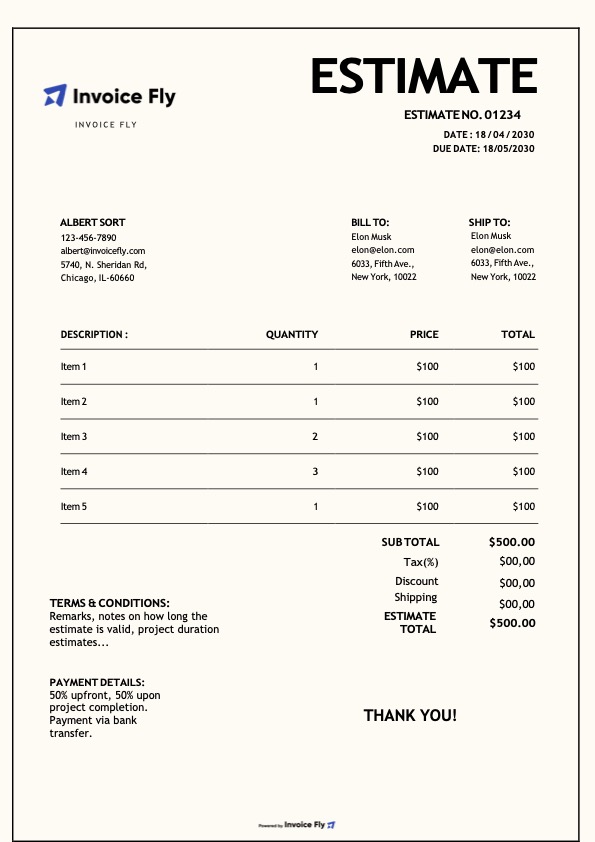
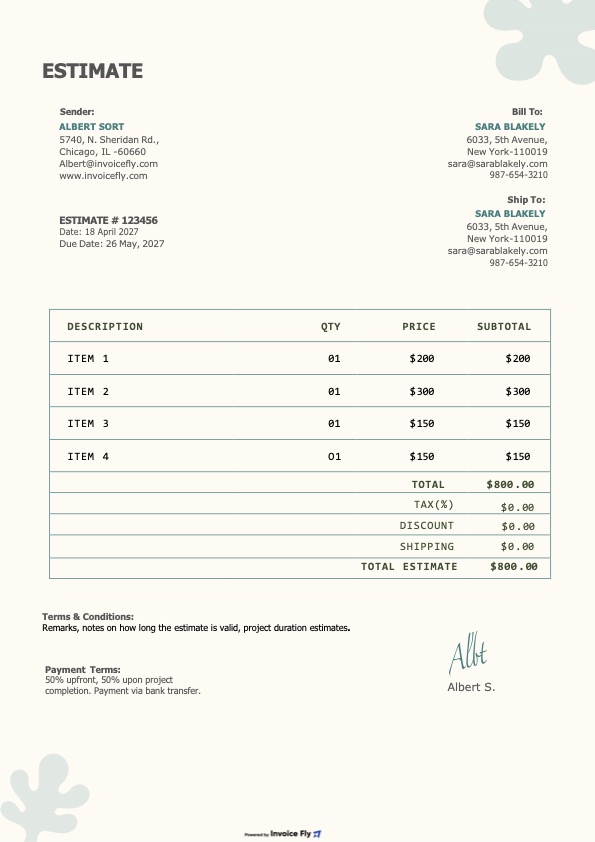
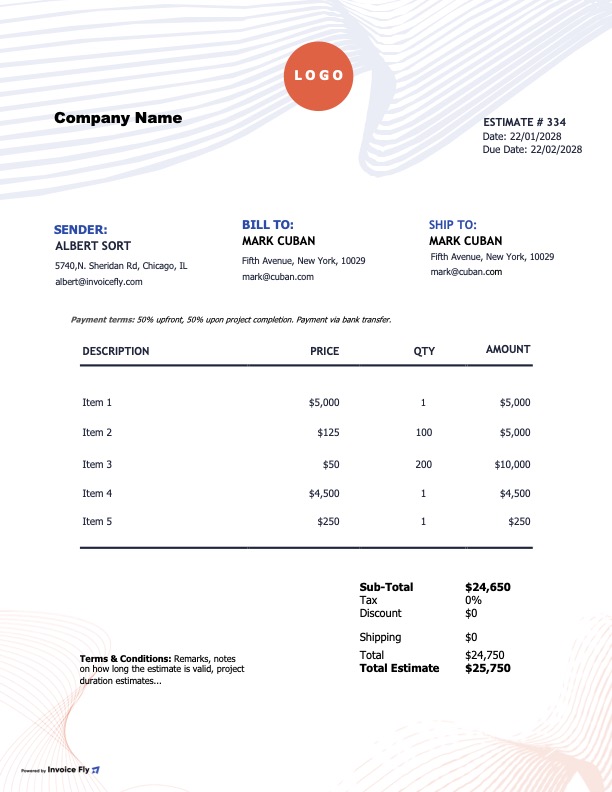
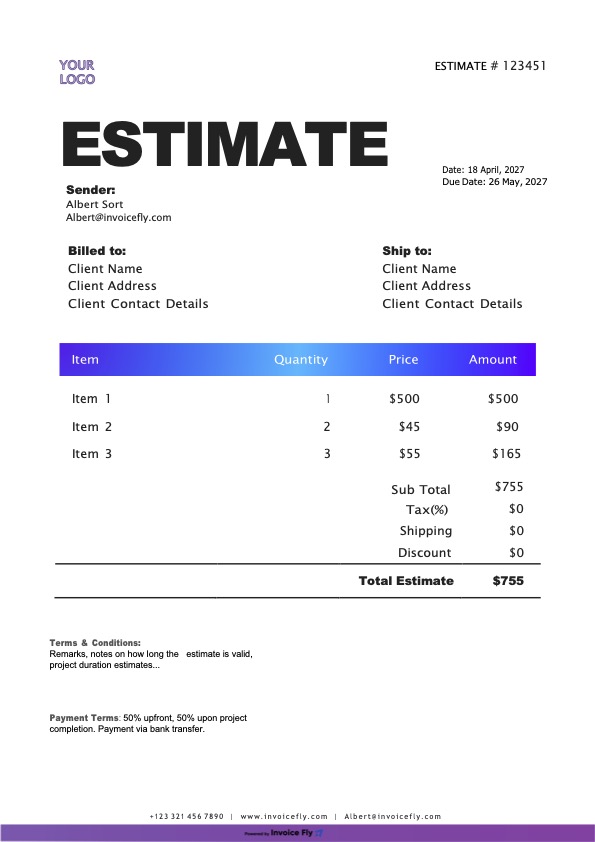
Free Construction Estimate Template

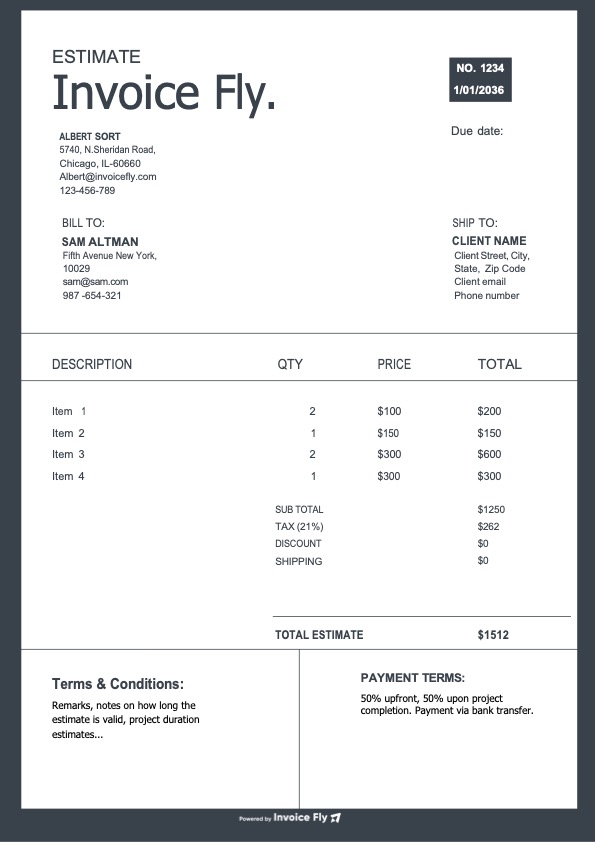
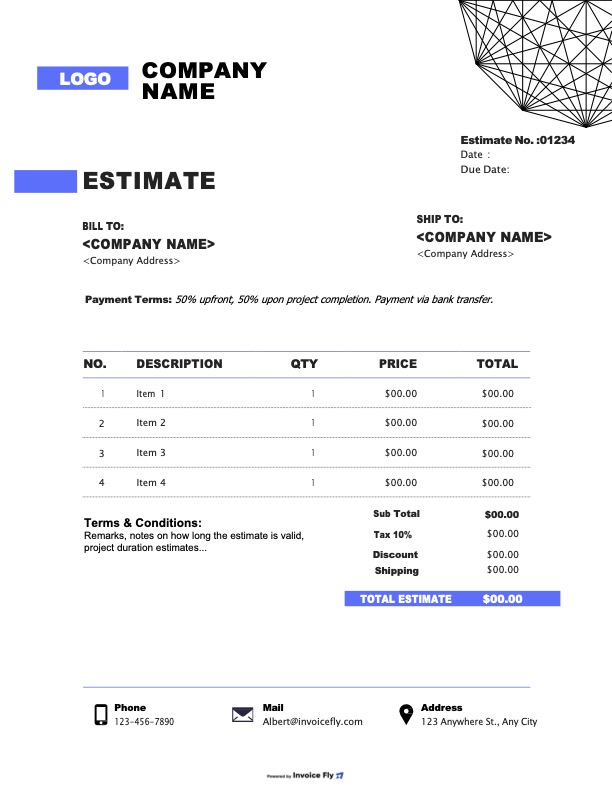
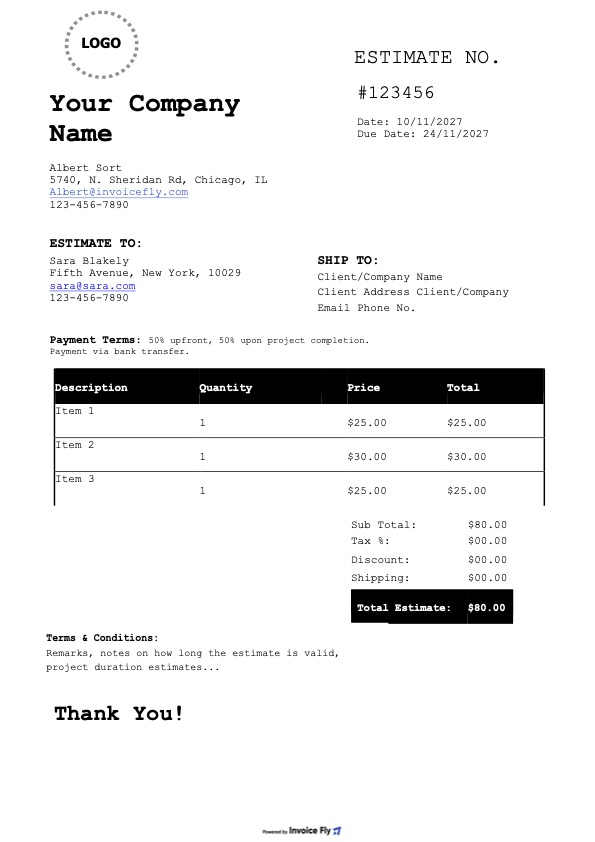
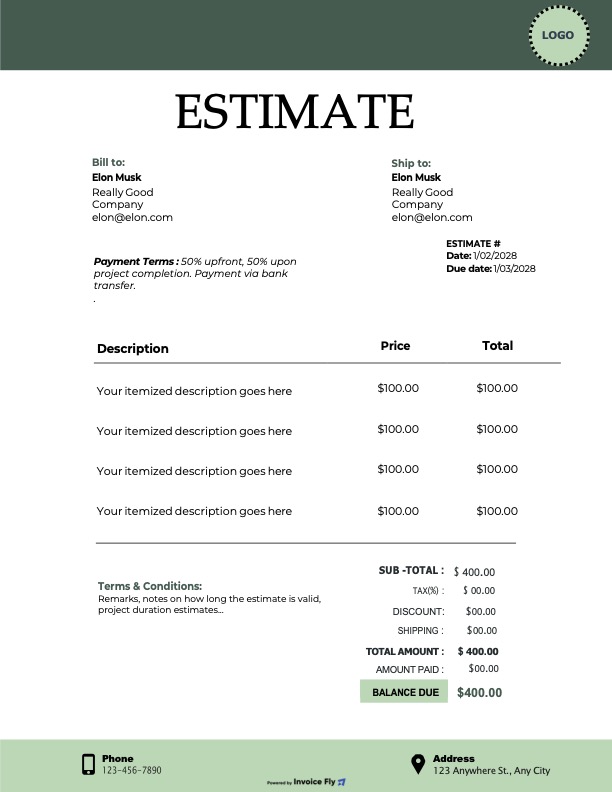
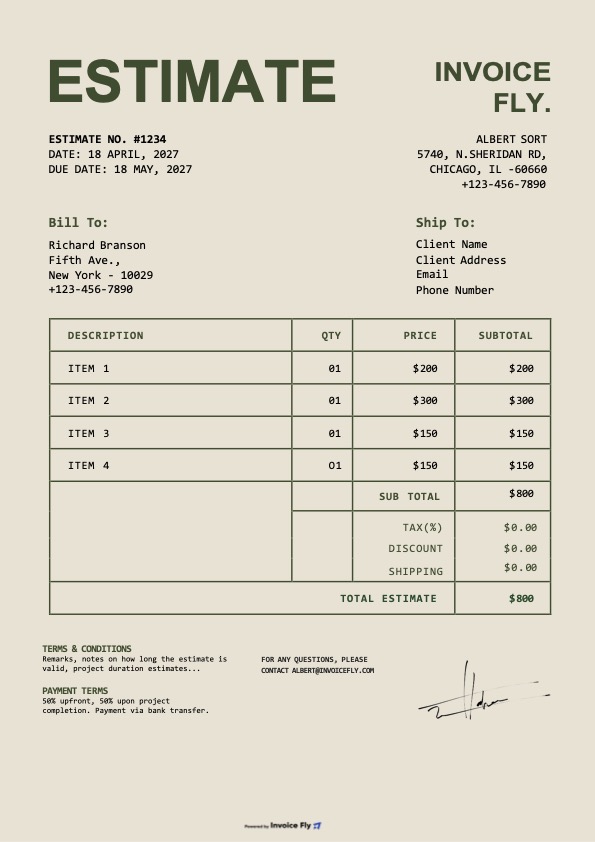
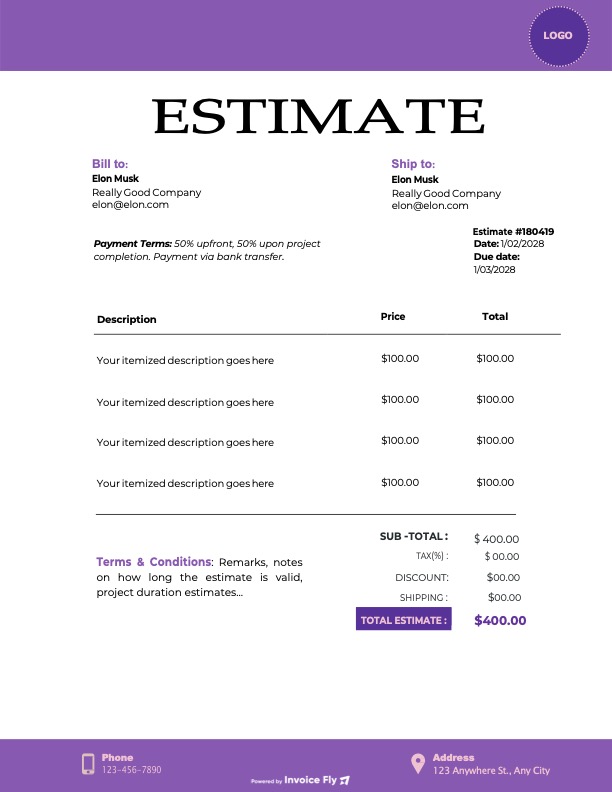
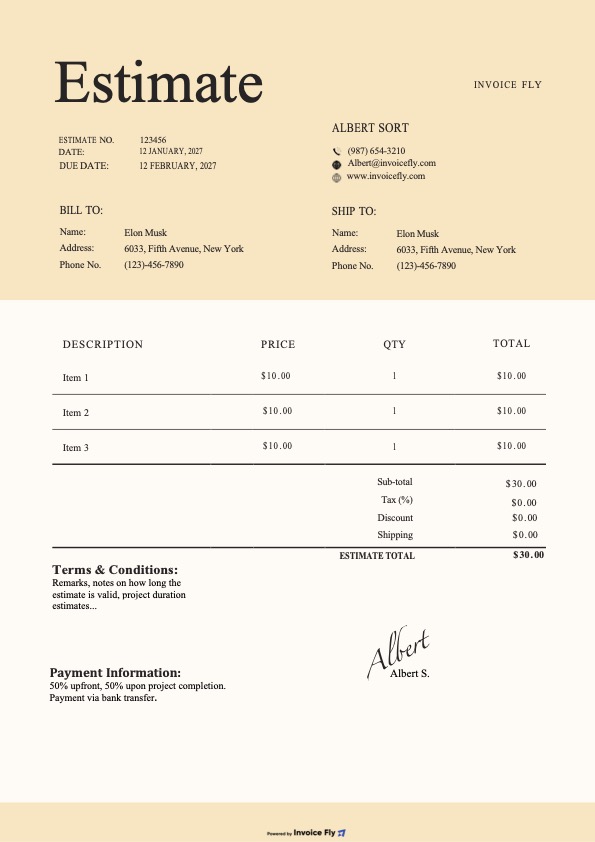
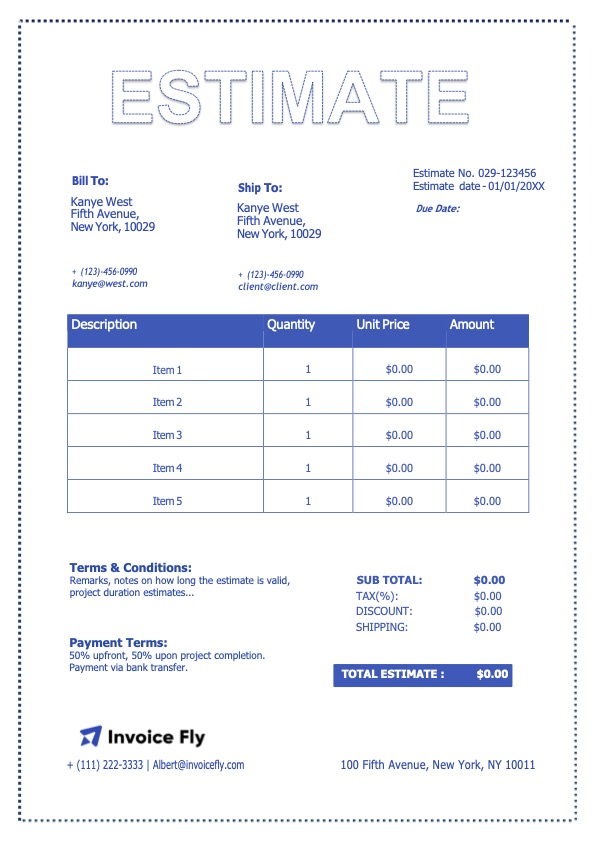
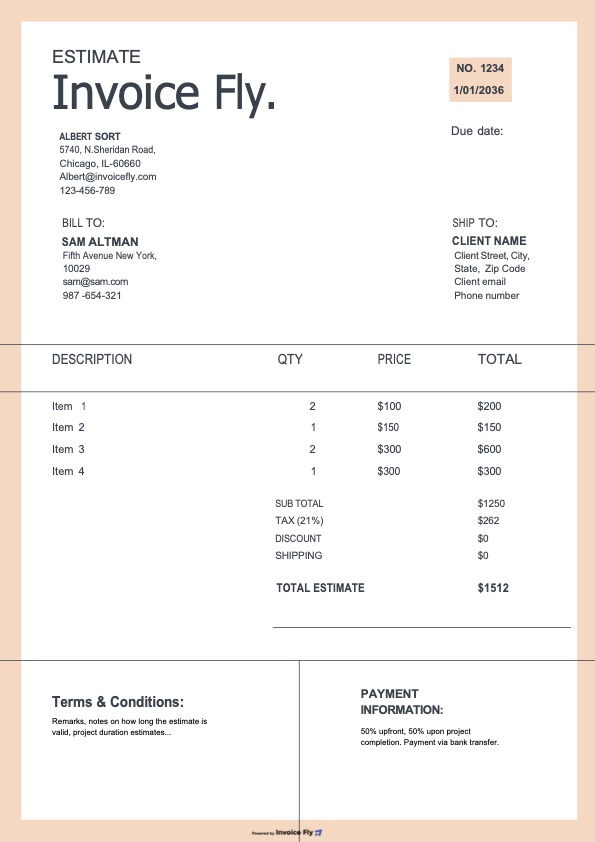
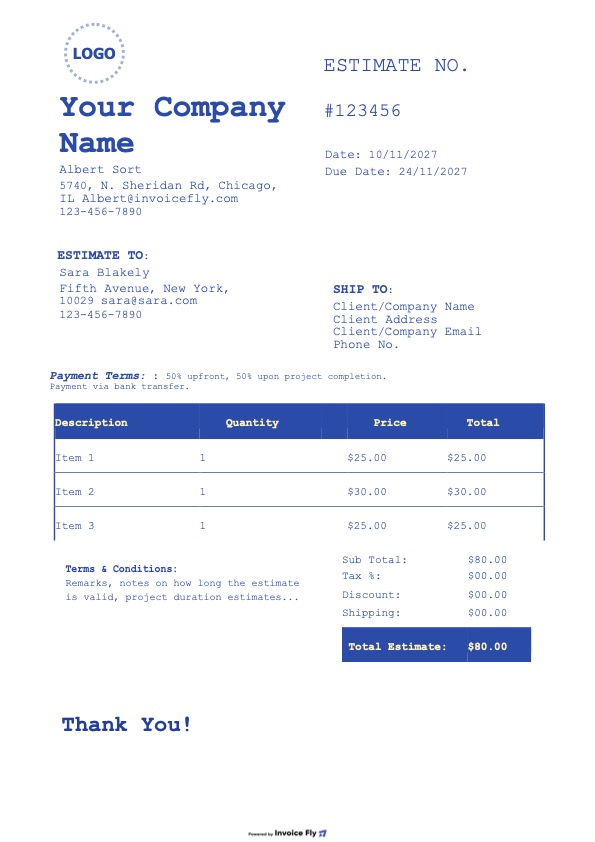
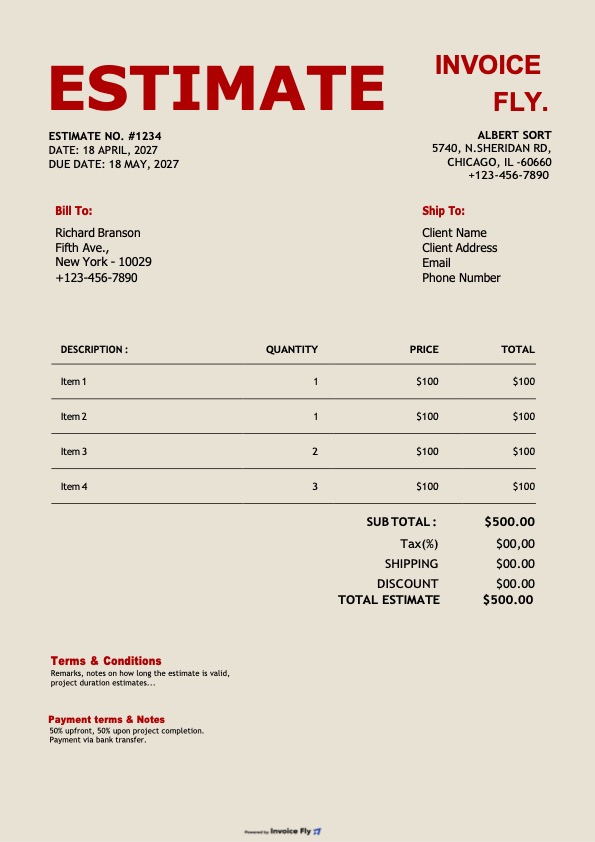
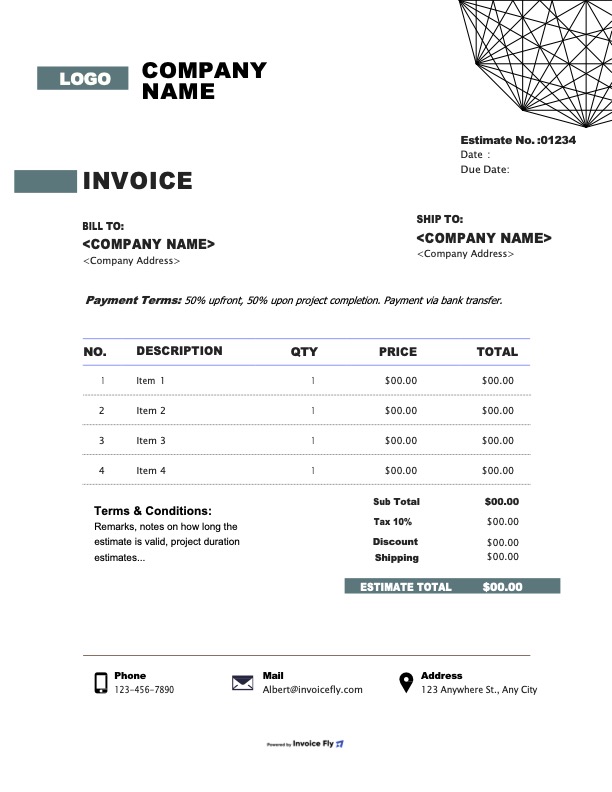
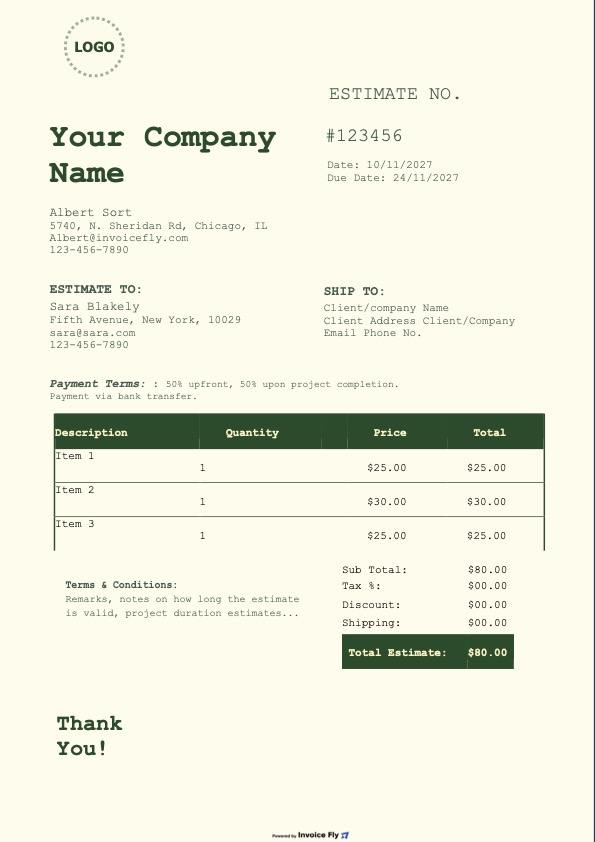
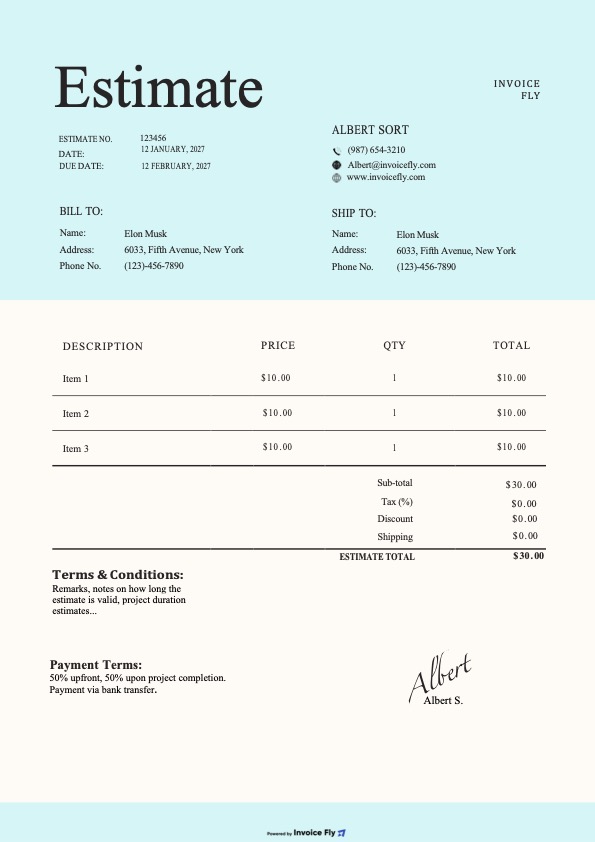
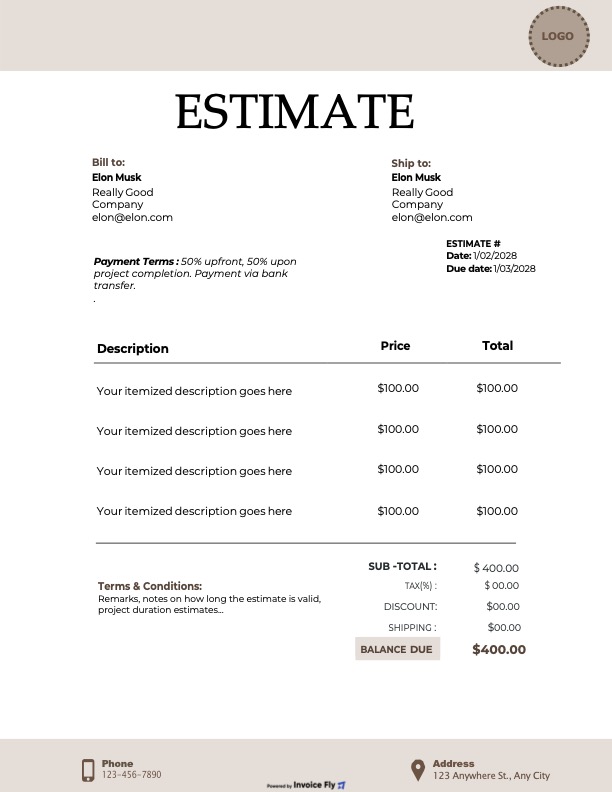
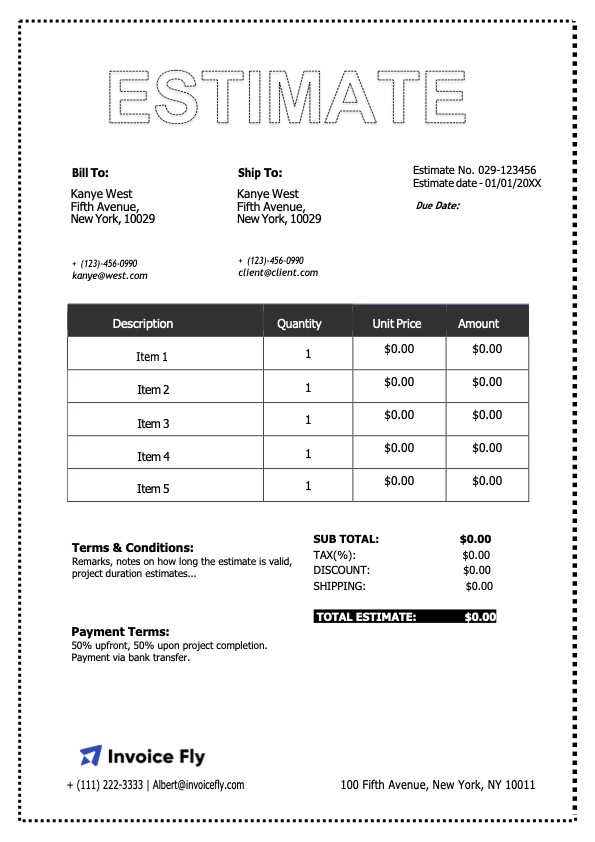
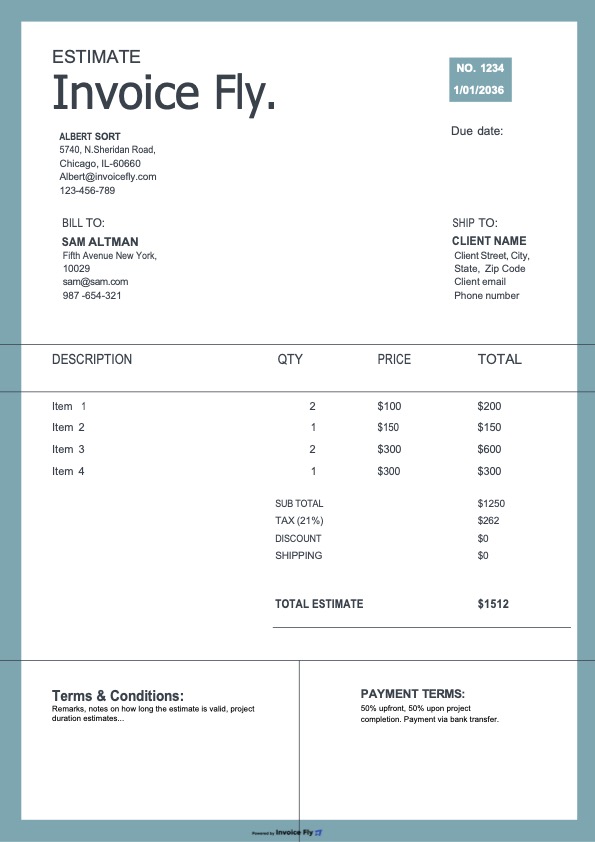
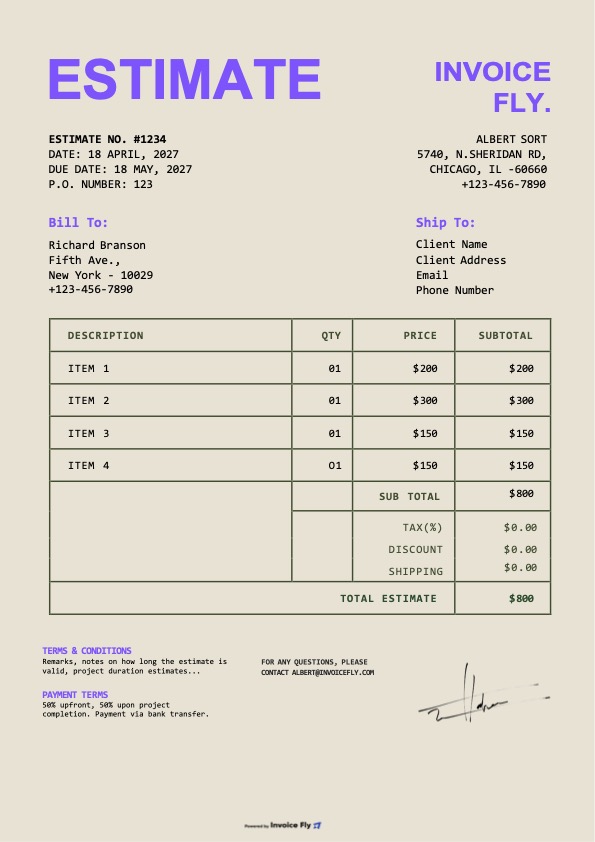
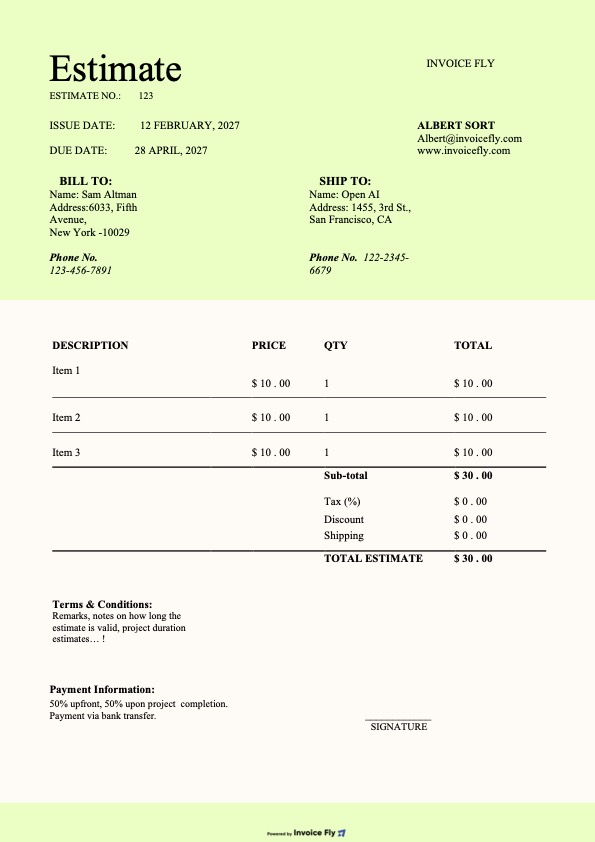
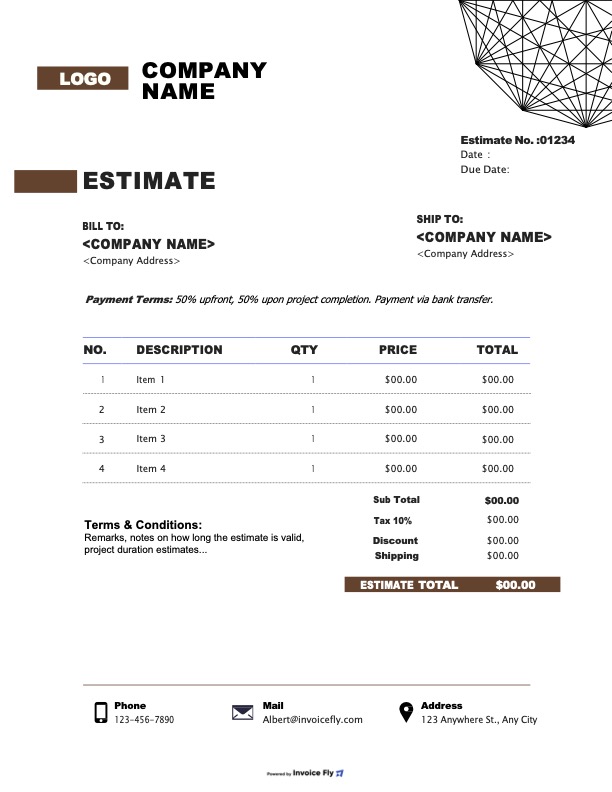
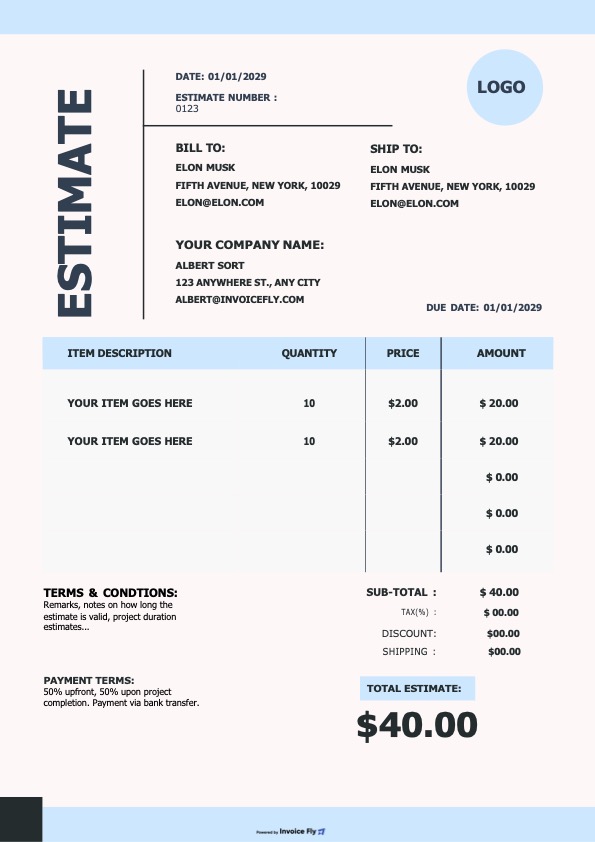
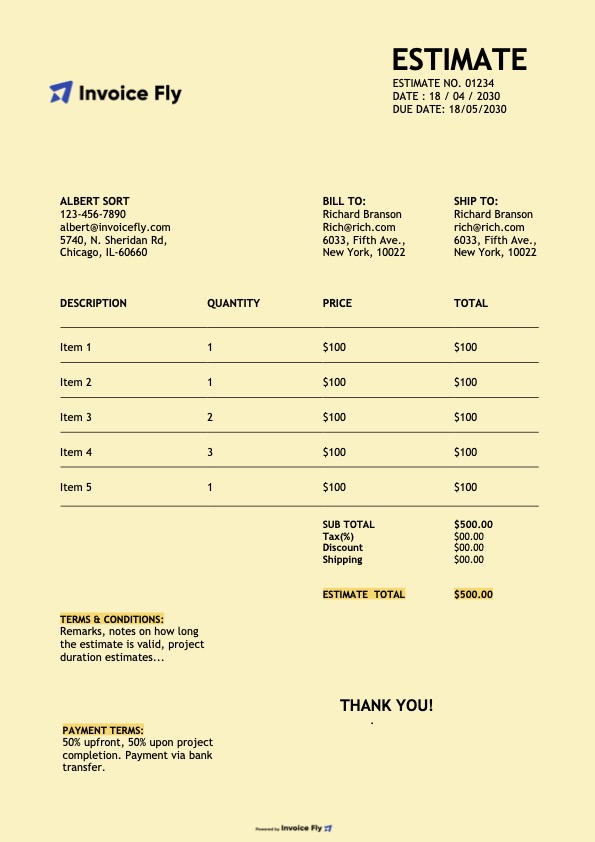
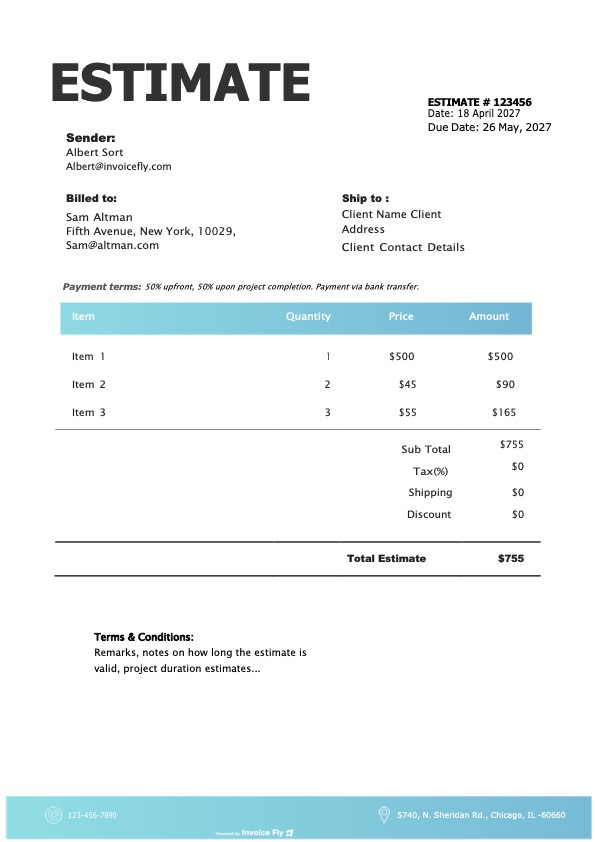
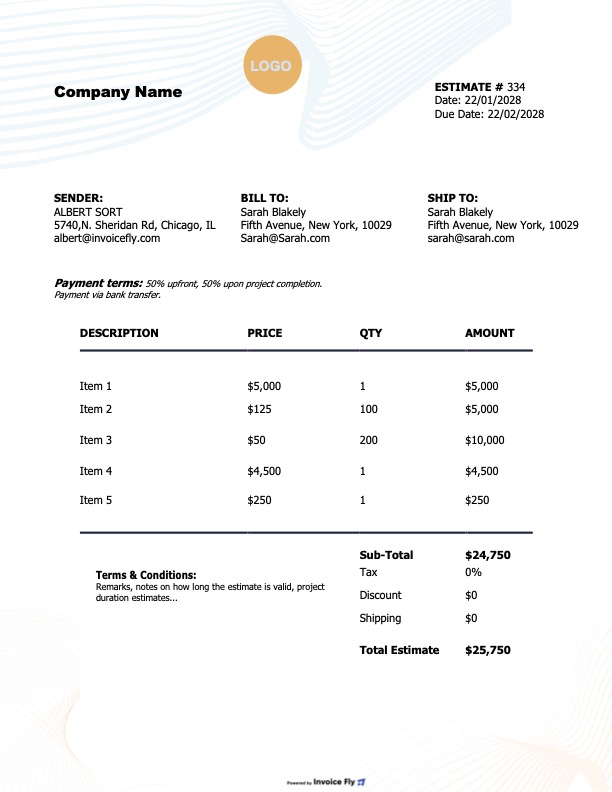
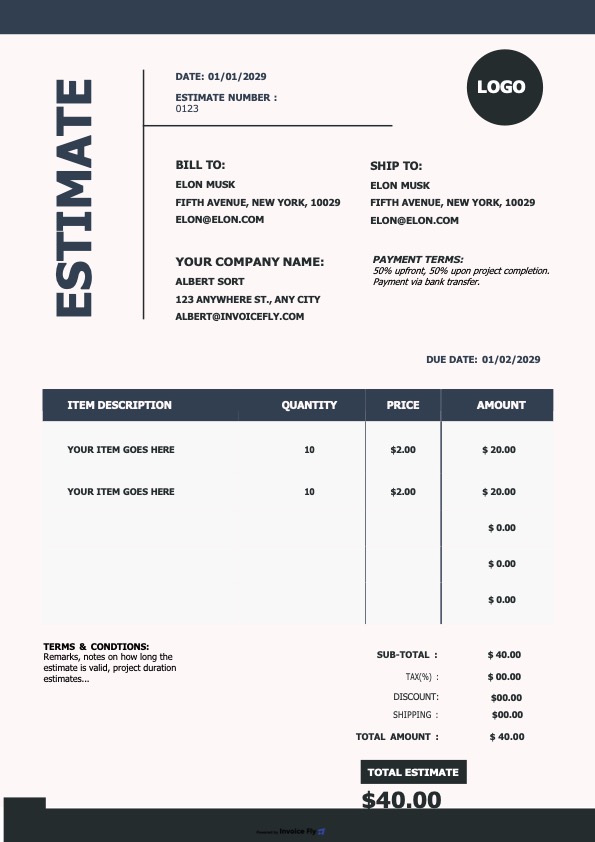
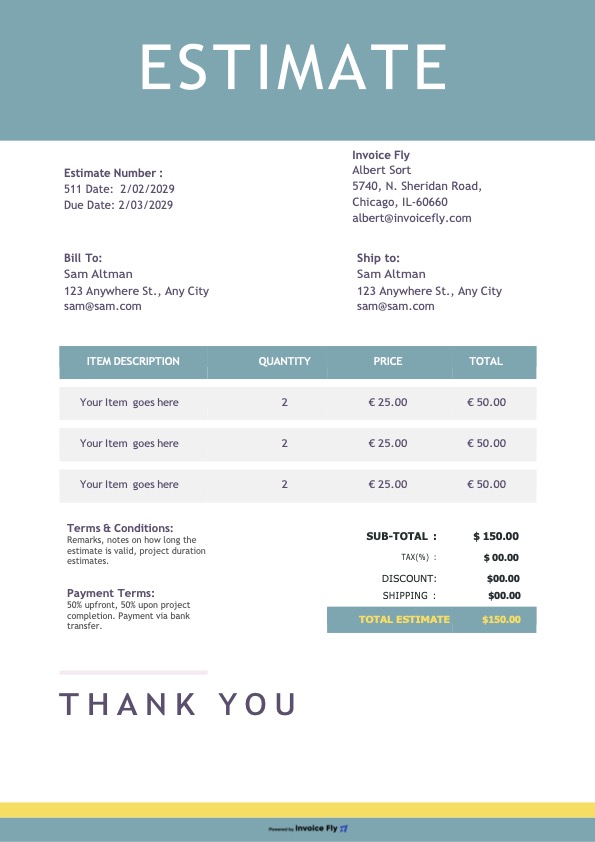
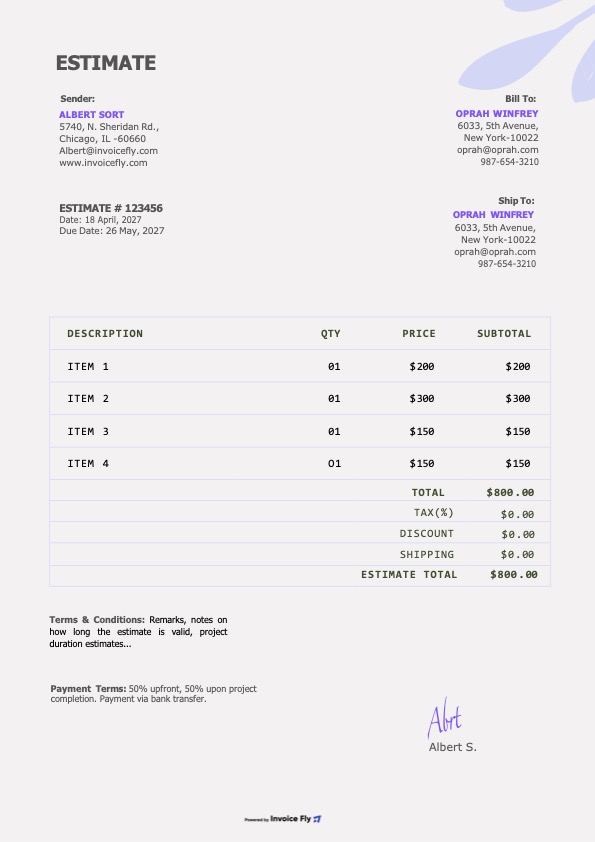
Choose a free construction estimate template from Invoice Fly’s collection below. Customize it with your project details, labor costs, materials, and other expenses, then download it in Excel, Word, or PDF format to share professional estimates with clients.

Colors

Styles

Formats

Why Use a Construction Estimate Template?

Creating estimates from scratch takes time and increases the risk of missed costs. A construction estimate template helps you organize labor, materials, equipment, and other expenses while outlining payment terms and estimate validity. Customize each estimate to plan project costs and present clear, professional quotes to clients.
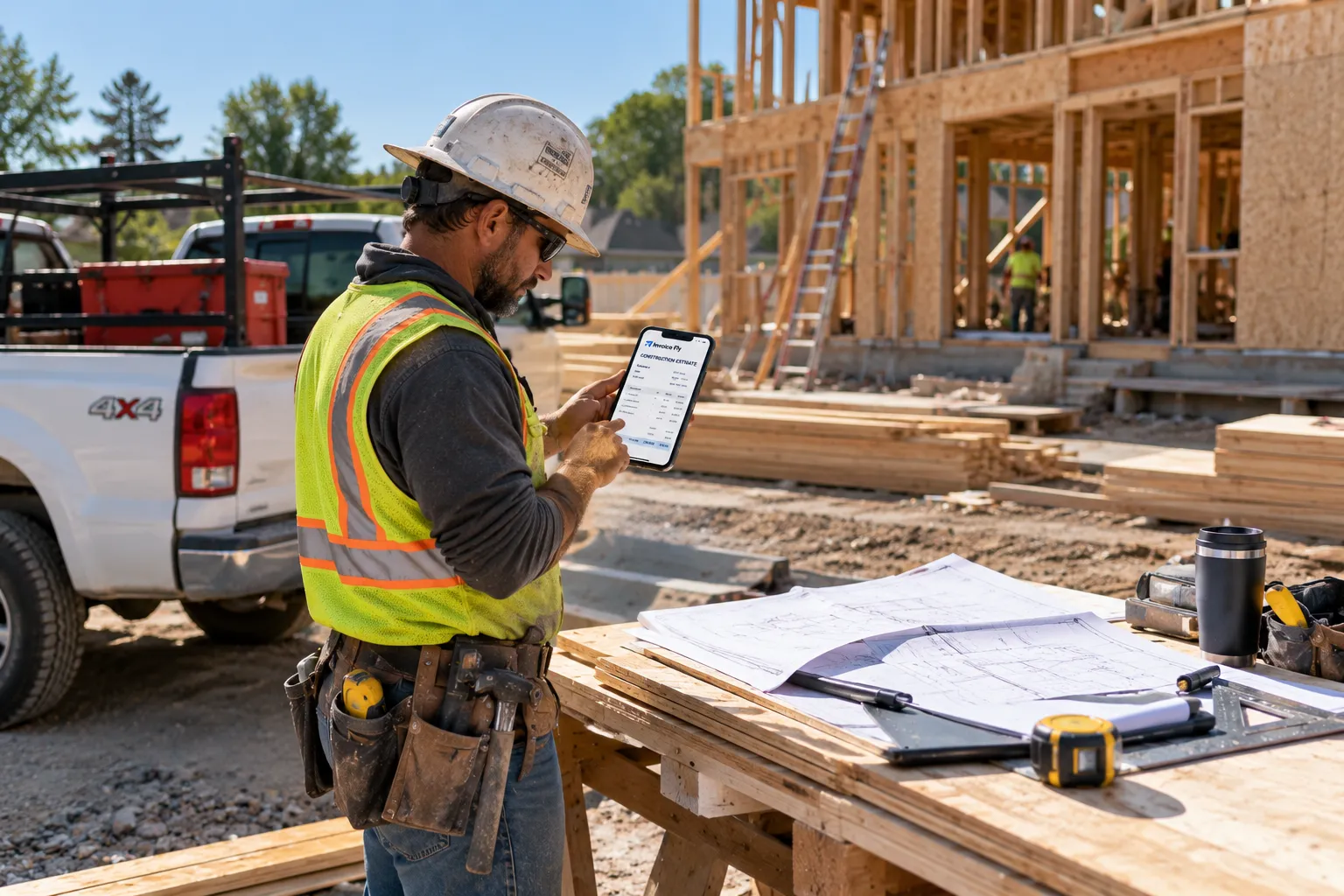
Construction worker in a hard hat and safety vest reviewing an Invoice Fly construction estimate on a tablet at a framing site
  • Present professional estimates

    Give clients a clear breakdown of labor, materials, equipment, and total project costs.

  • Calculate costs faster

    Use spreadsheet formulas to total expenses and reduce manual calculations.

  • Save time

    Reuse a ready-made construction estimate format instead of creating spreadsheets from scratch.

  • Stay organized

    Keep quantities, unit prices, expenses, and estimated totals in one document.

  • Avoid missed costs

    Include labor, materials, equipment rental, permits, and other applicable fees.

  • Optimize project costs

    Identify potential savings and make informed pricing decisions to keep projects within budget.

What to Include in a Construction Estimate

A construction estimate template helps you itemize project costs, define the scope of work, and present clients with a clear breakdown of the estimated price before construction begins.

  1. Project and Client Details

    Include your business name, contact information, client details, project address, estimate number, and issue date.

  2. Scope of Work

    Describe the construction work, project specifications, and deliverables to clarify what is included in the estimate.

  3. Materials and Supplies

    List construction materials, quantities, unit prices, and total costs to keep material expenses transparent.

  4. Labor Costs

    Break down labor by task, including estimated hours, hourly rates, and total labor costs.

  5. Equipment and Additional Expenses

    Account for equipment rental, subcontractors, delivery fees, permits, transportation, and other project-related expenses.

  6. Cost Breakdown and Estimated Total

    Show the subtotal, applicable taxes, discounts, contingency allowance if applicable, and total estimated construction cost.

  7. Payment Terms and Schedule

    Specify deposit requirements, payment milestones, due dates, and accepted payment methods to set clear payment expectations.

  8. Estimate Validity and Approval

    State the estimate’s expiration date and include space for client approval or a signature before work begins.
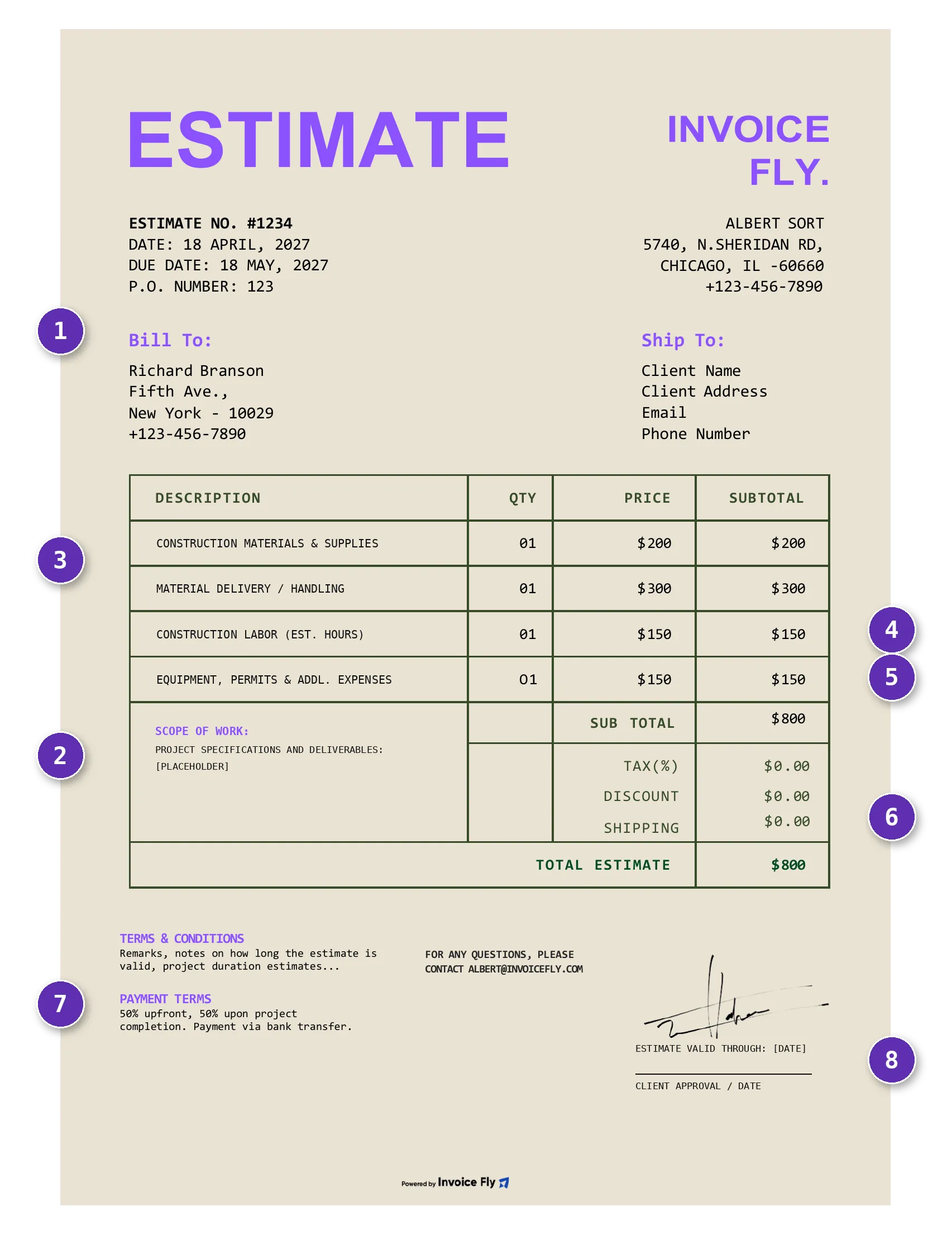
Construction estimate template with eight numbered elements: 1 project and client details, 2 scope of work, 3 materials and supplies, 4 labor costs, 5 equipment and additional expenses, 6 cost breakdown and estimated total, 7 payment terms and schedule, 8 estimate validity and approval

Create your first estimate free with our Online Estimate Generator.

Free Estimate Generator
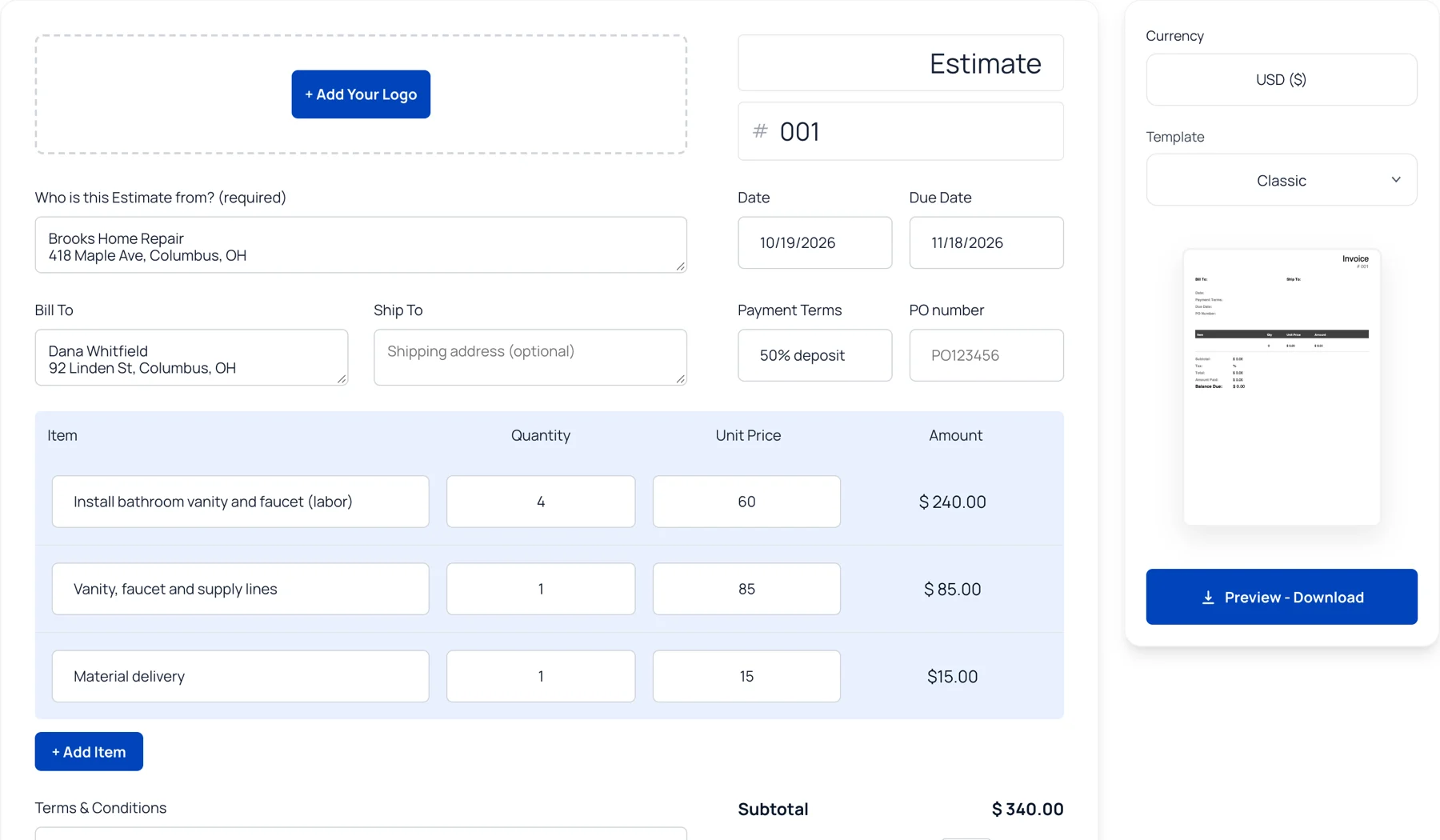
Invoice Fly free online estimate generator with line items, totals and template options

Frequently Asked Questions About
Construction Estimate Templates

A construction estimate template is a preformatted document or spreadsheet used to calculate and present the expected cost of a construction project. It typically includes labor, materials, equipment, additional expenses, and the estimated total.

Common types include preliminary estimates for early planning, detailed estimates for defined project scopes, quantity-based estimates for material calculations, and bid estimates for submitting prices to clients or project owners.

Choose a construction estimate template based on your project scope, required cost breakdown, and intended use. Smaller jobs may need a simple format, while larger projects often require detailed labor, material, equipment, and subcontractor calculations.

  • Itemized cost fields: Choose a construction estimate format that separates labor, materials, equipment, subcontractors, and other expenses.

  • Easy-to-update calculations: Use a construction estimate template in Excel to adjust quantities, rates, and totals as project details change.

  • Project-specific information: Include the job address, scope of work, assumptions, and exclusions that may affect the final price.

  • Clear pricing and terms: Make the estimated total, payment schedule, and expiration date easy for clients to understand.

  • Break down the work: Divide the project into tasks and estimate the labor, materials, equipment, and subcontractor costs for each.

  • Define what is included: Document the agreed scope, exclusions, and any assumptions that could affect pricing.

  • Verify every calculation: Check quantities, unit prices, supplier quotes, and applicable taxes before sending the estimate.

  • Account for potential risks: Add a reasonable contingency when project conditions or costs are uncertain.

  • Track estimate revisions: Save updated versions when pricing or project requirements change, so you can identify the latest estimate and approved costs.

Excel is useful for calculations and cost updates, Word works well for estimates with detailed descriptions, and PDF is convenient for sharing finalized estimates with clients. Choose the format that best fits your estimating workflow.

A construction estimate should include business and client details, the project address, scope of work, material quantities and costs, labor, equipment, additional expenses, applicable taxes, the estimated total, payment terms, and estimate validity.

Include enough detail to explain the work and justify the estimated price. Break down labor, materials, equipment, and other expenses, adjusting the level of detail to the project's size, complexity, and contract requirements.

Update your estimate whenever project specifications, quantities, supplier prices, labor rates, or other costs change. Before sending it to a client, verify that the figures reflect current pricing and the agreed scope of work.

You can reuse the same basic format, but customize it for each project. Commercial construction estimates may need more detailed cost categories, subcontractor breakdowns, compliance requirements, and payment milestones.

Your estimated price should account for project costs, overhead, and your desired profit margin. Whether you show the margin separately or incorporate it into your pricing depends on your quoting approach and contract requirements.

Use a construction estimate template with organized cost fields and spreadsheet formulas to reduce repetitive work. For projects based on architectural drawings, takeoff software can also help measure quantities before you transfer them into your estimate.

Yes. The Invoice Fly app helps you create and send estimates and invoices directly to clients. It also supports invoice tracking and payment management, helping you handle estimates and billing in one workflow.

Invoice Fly Academy

Explore practical guides on invoicing, estimating, and managing construction projects. Learn how to prepare accurate quotes, organize project costs, and streamline billing as your construction business grows.

Invoice Fly app

Create Your Construction Estimate with Invoice Fly for Free