- Home
- »
- Free Resources for Small Businesses
- »
- Free Templates
- »
- Free Estimate Templates
- »
- Auto Repair Estimate Template
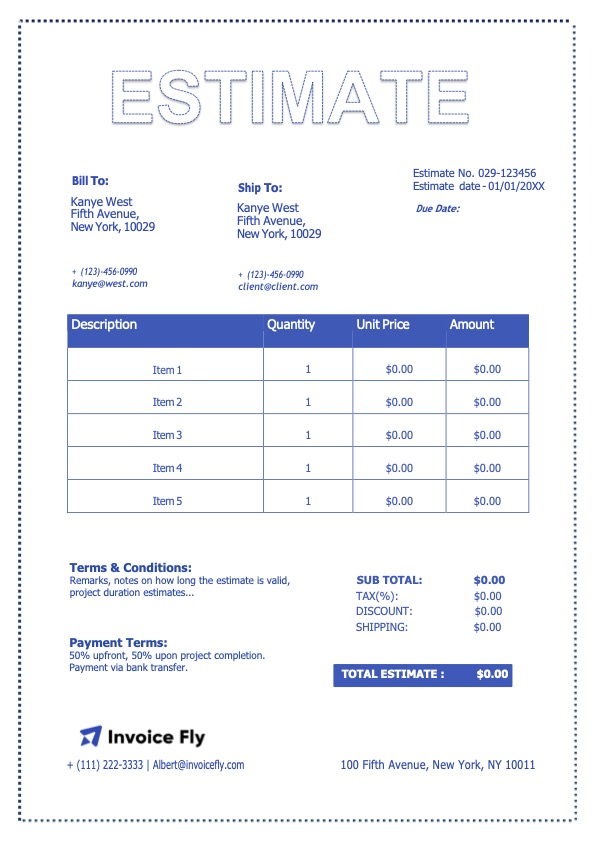
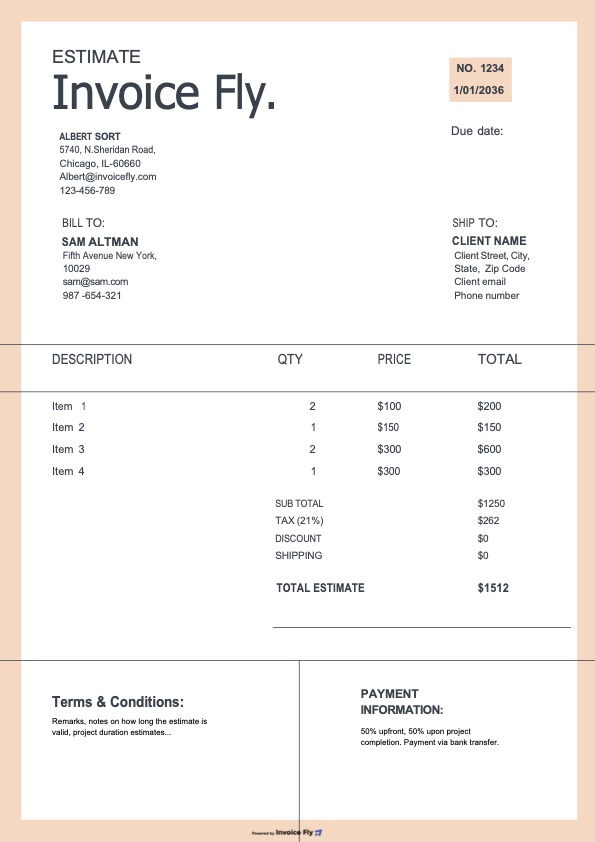
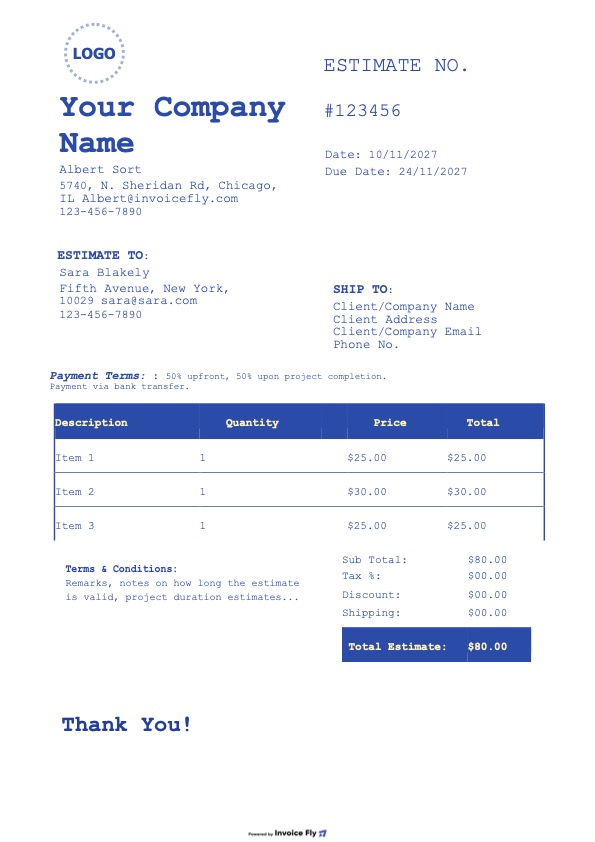
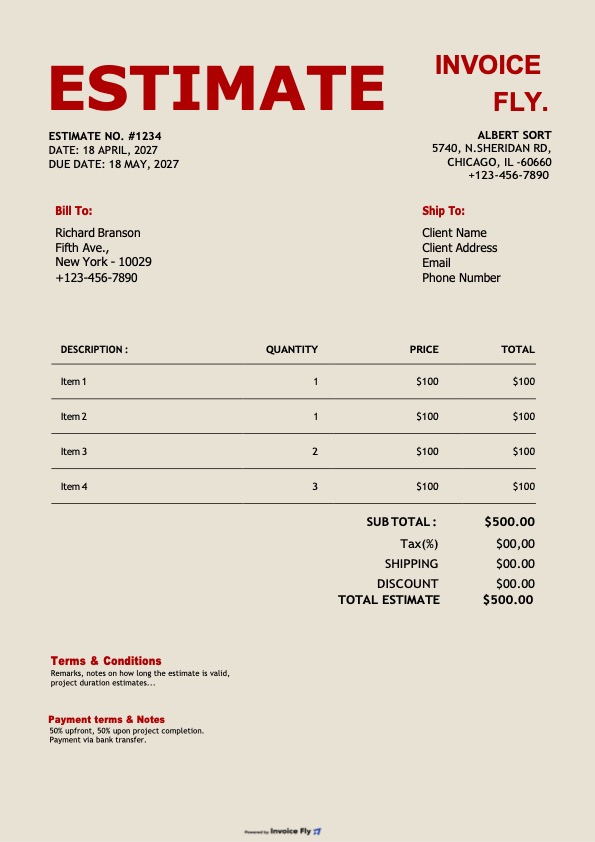
Free Auto Repair Estimate Templates
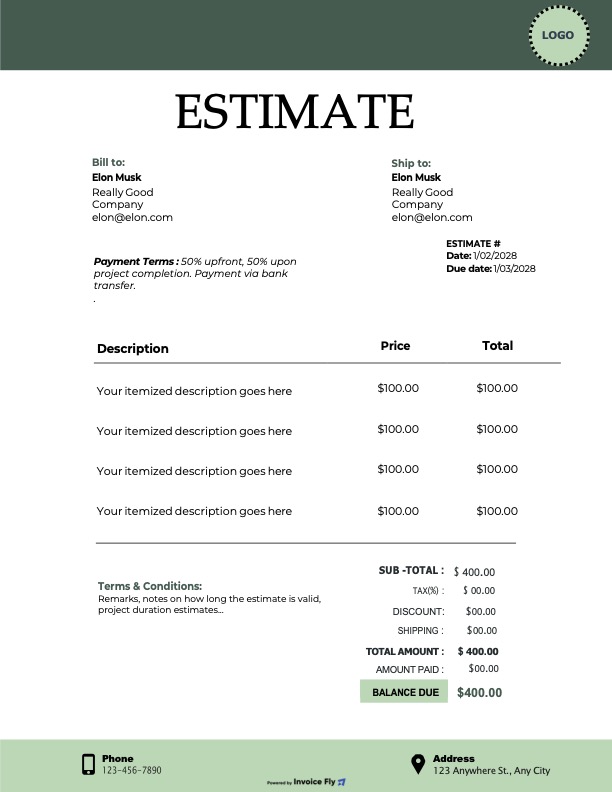
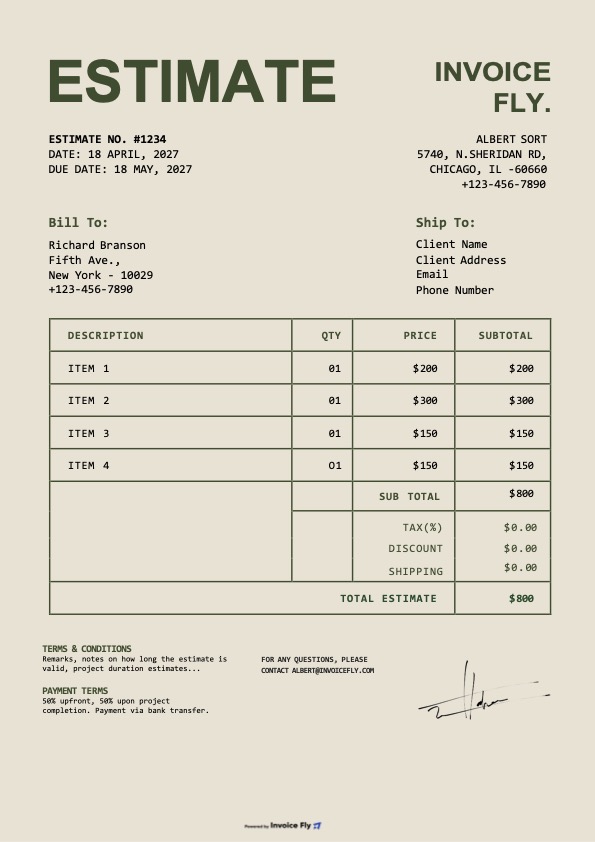
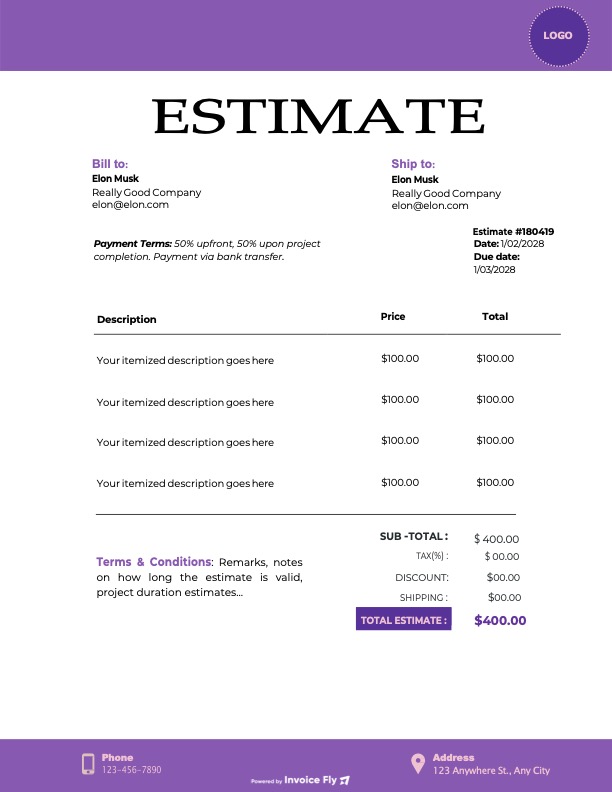
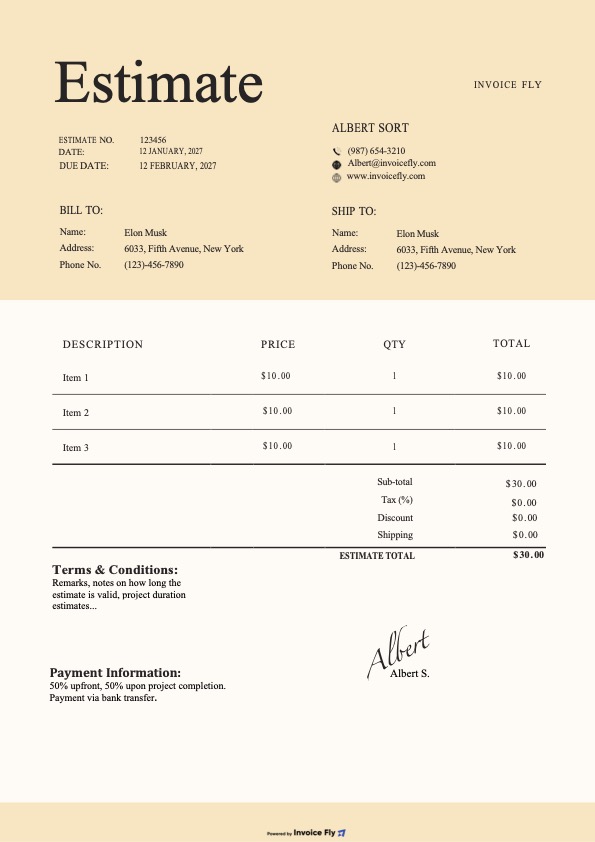
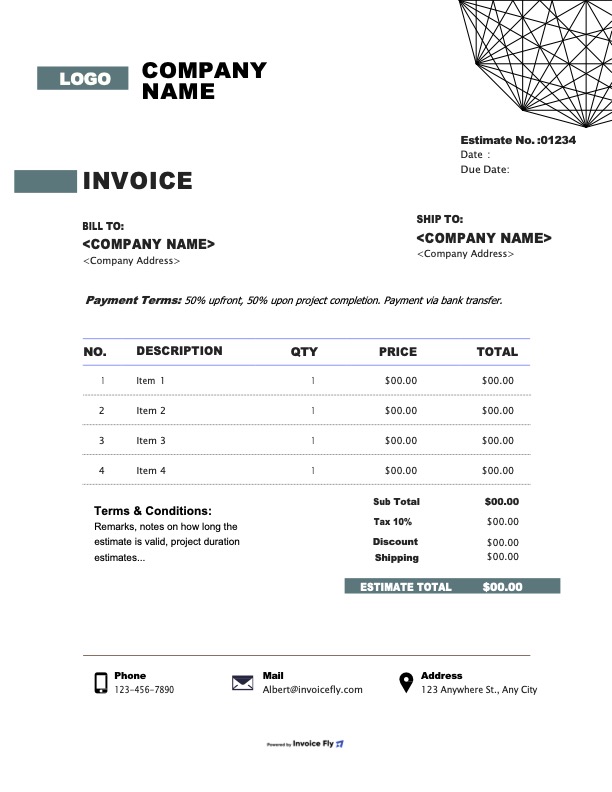
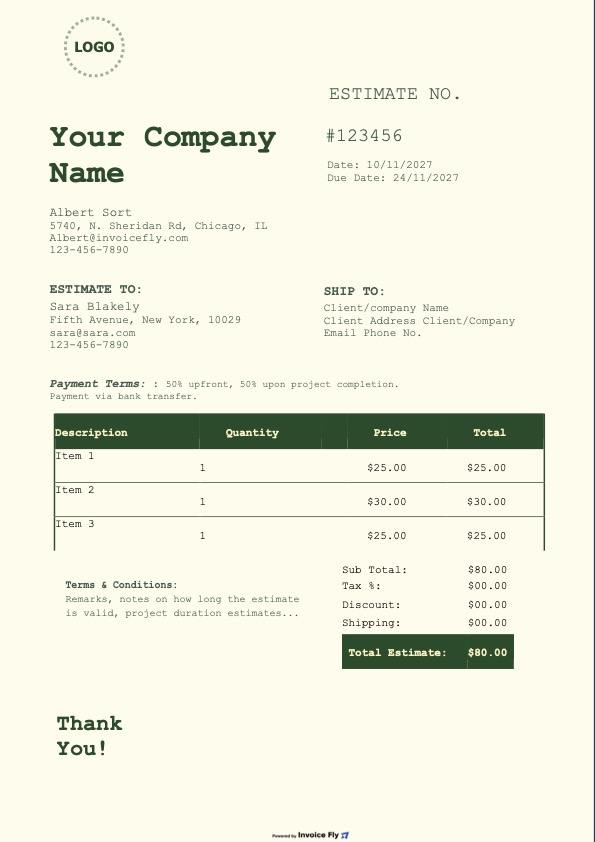
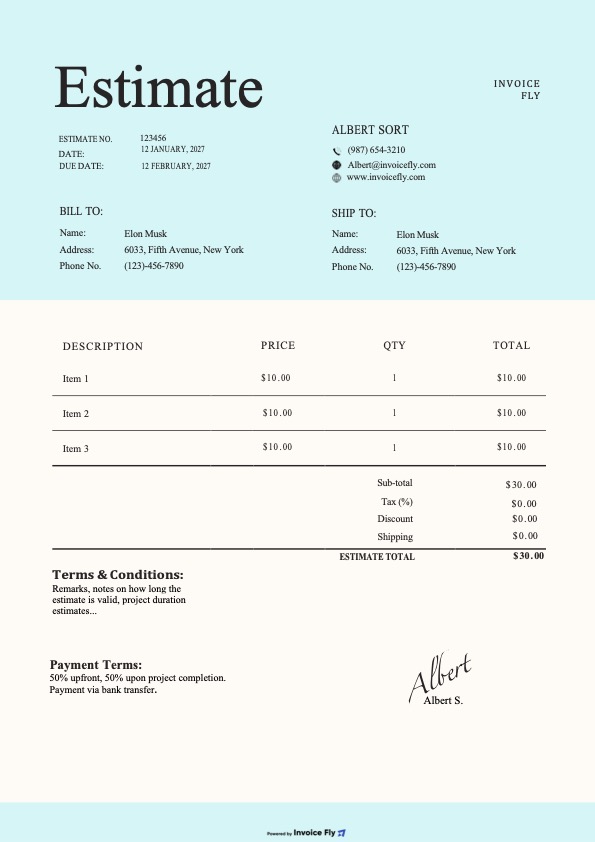
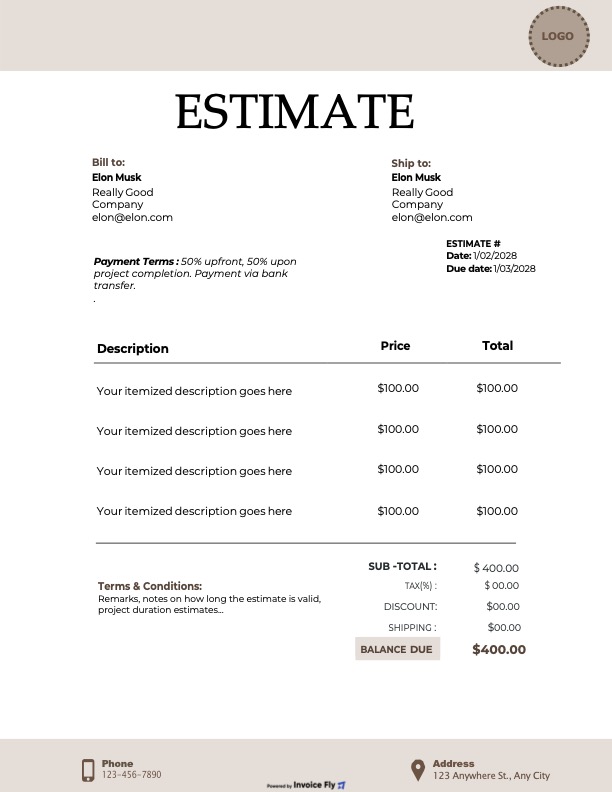
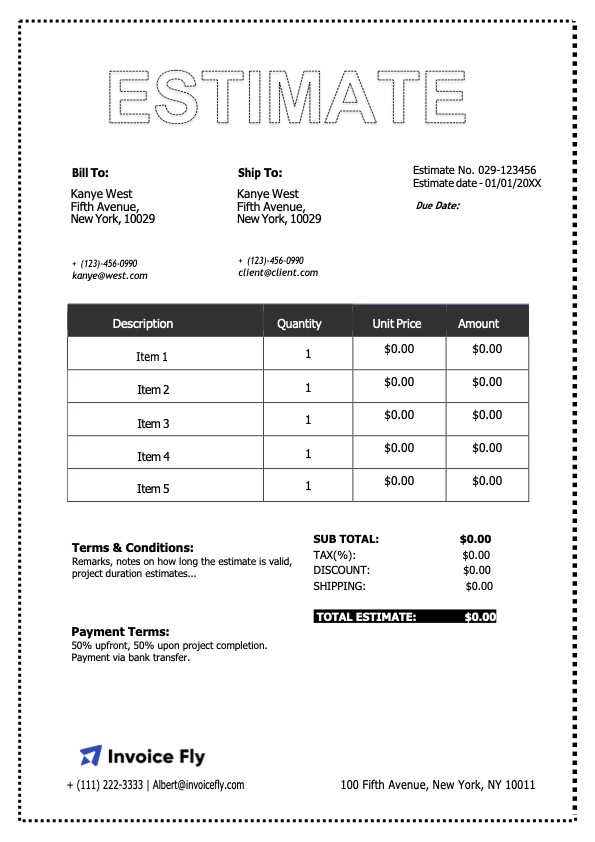
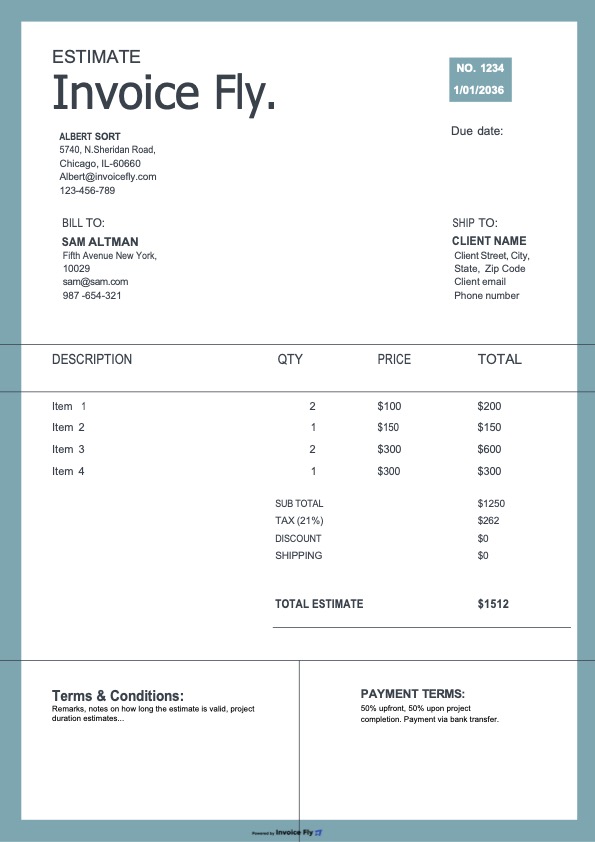
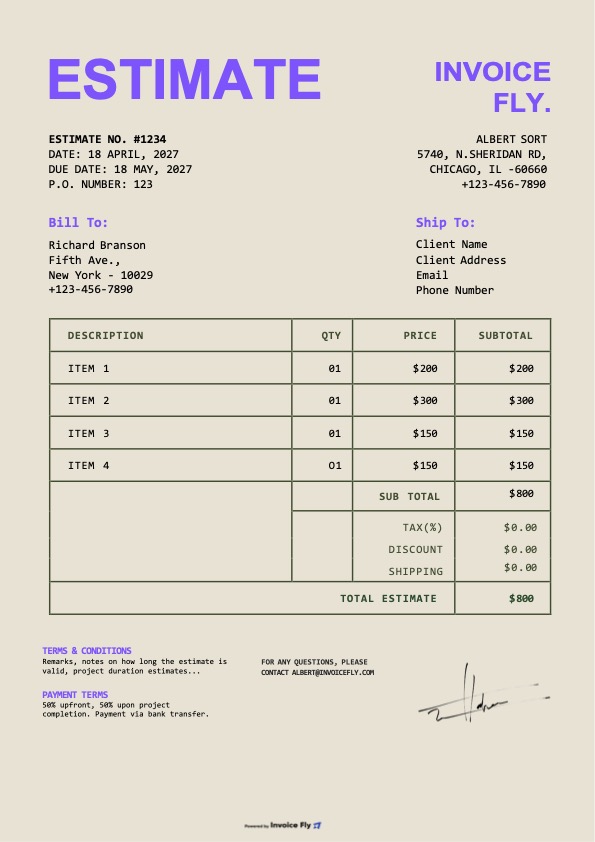
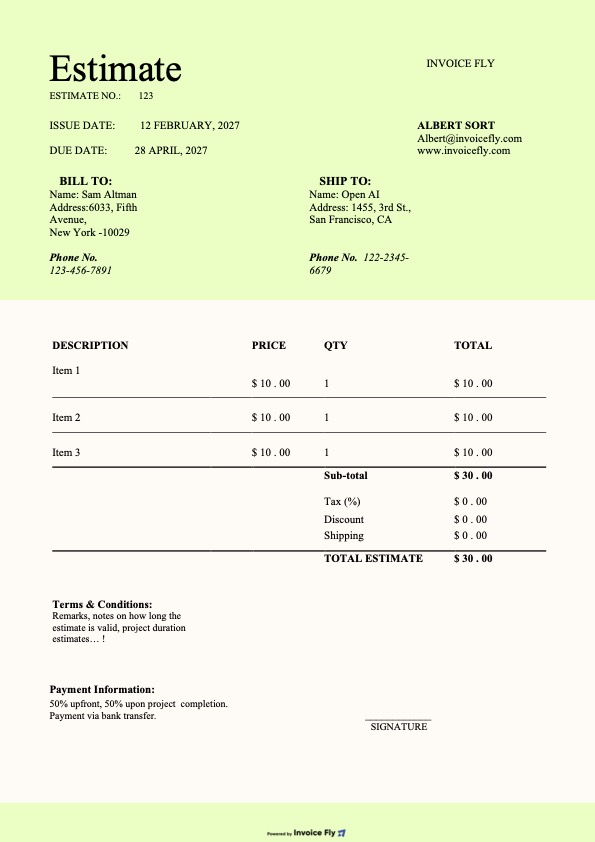
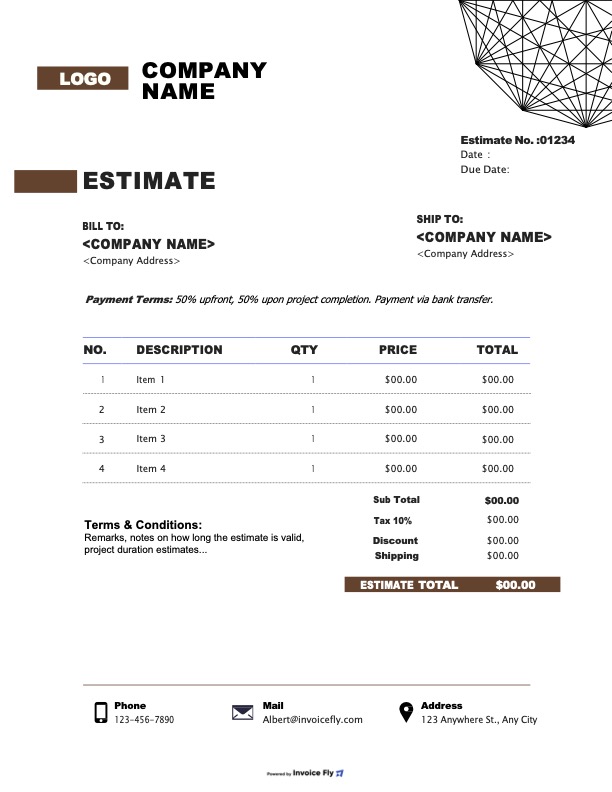
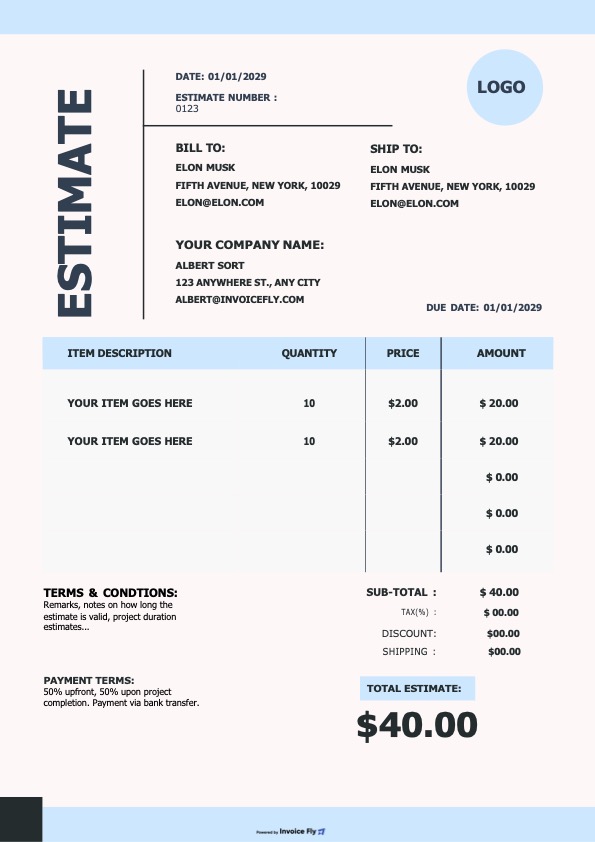
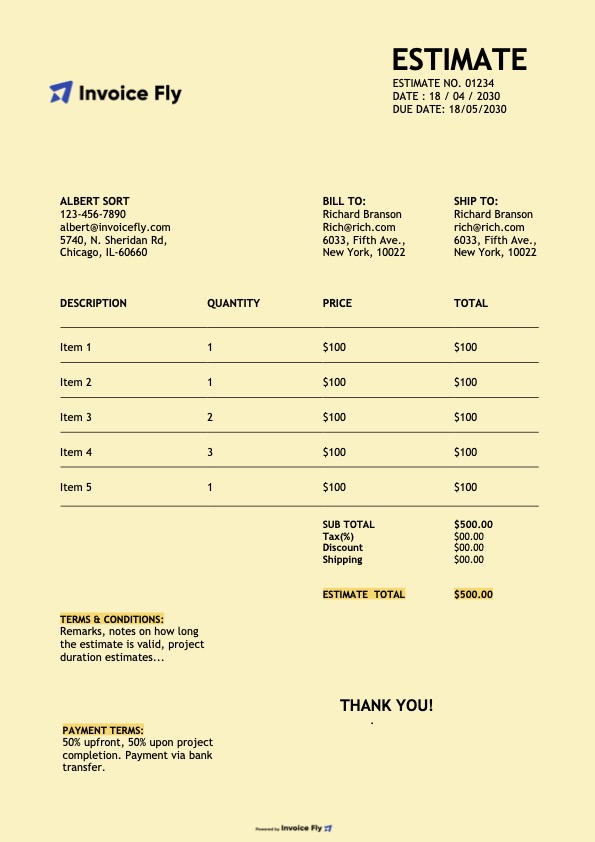
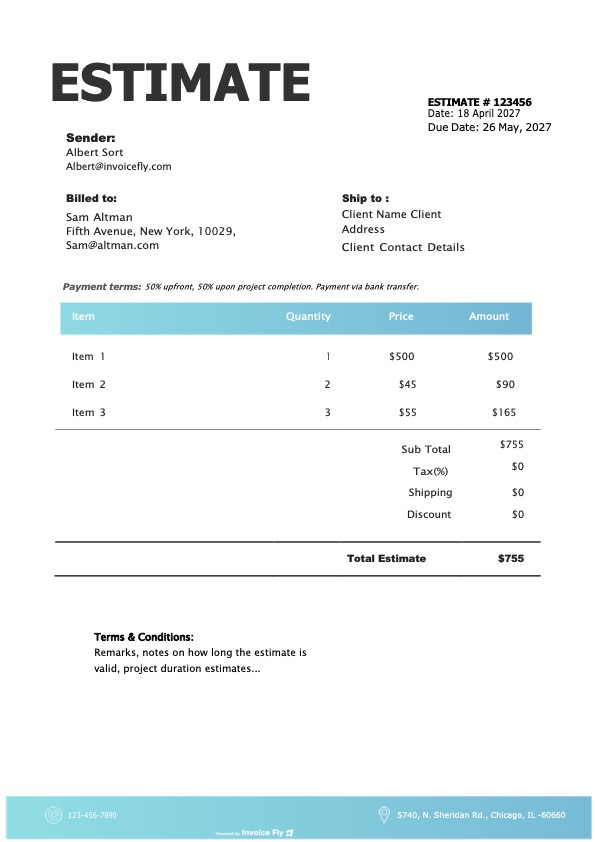
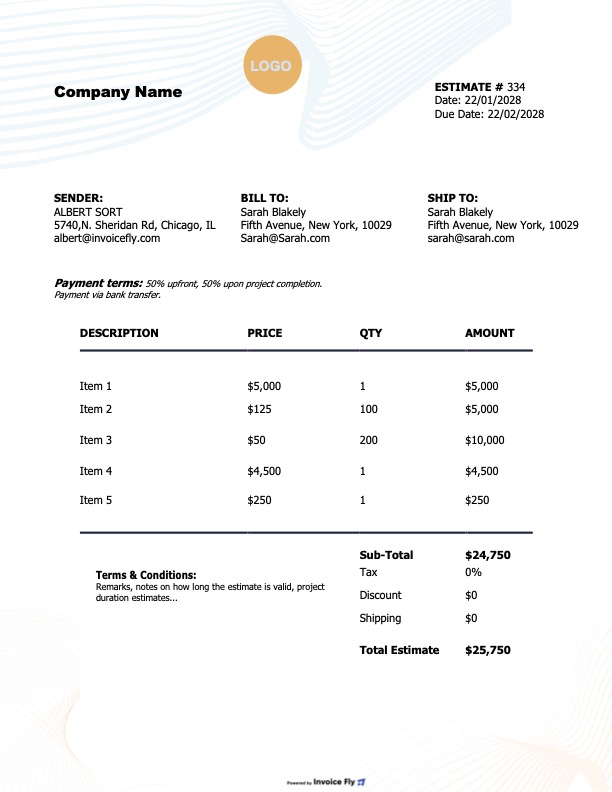
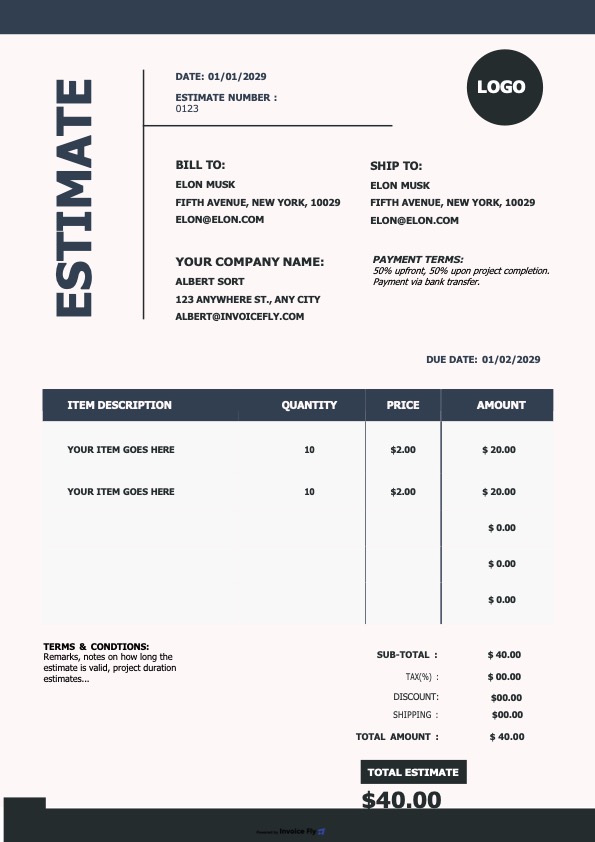
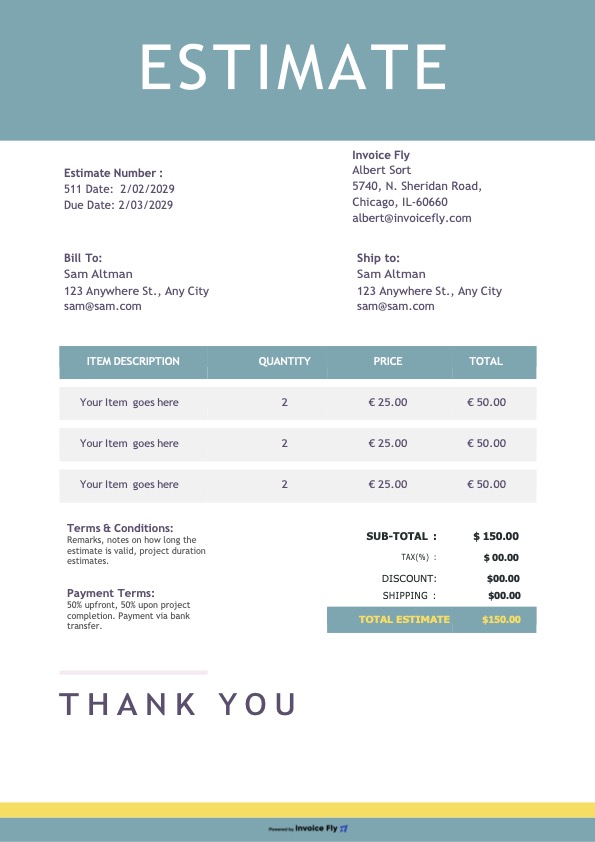
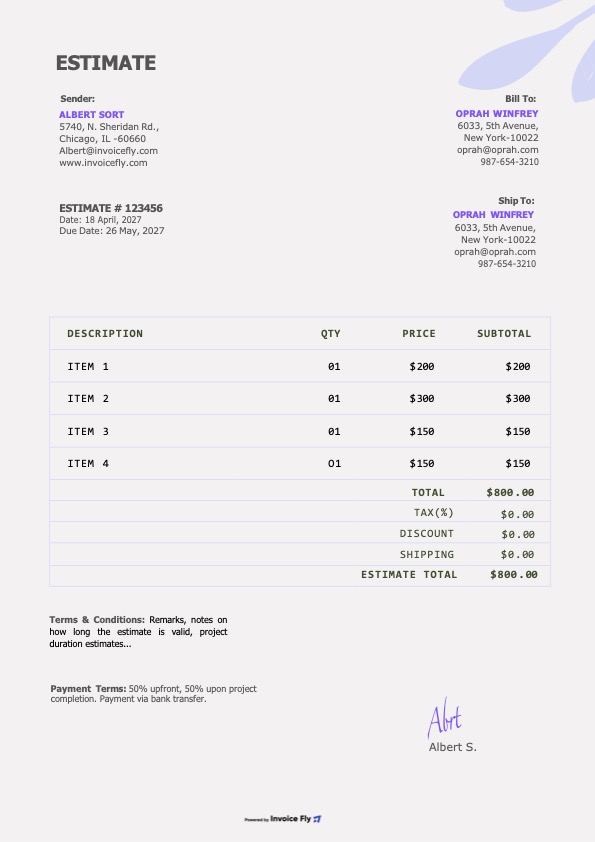
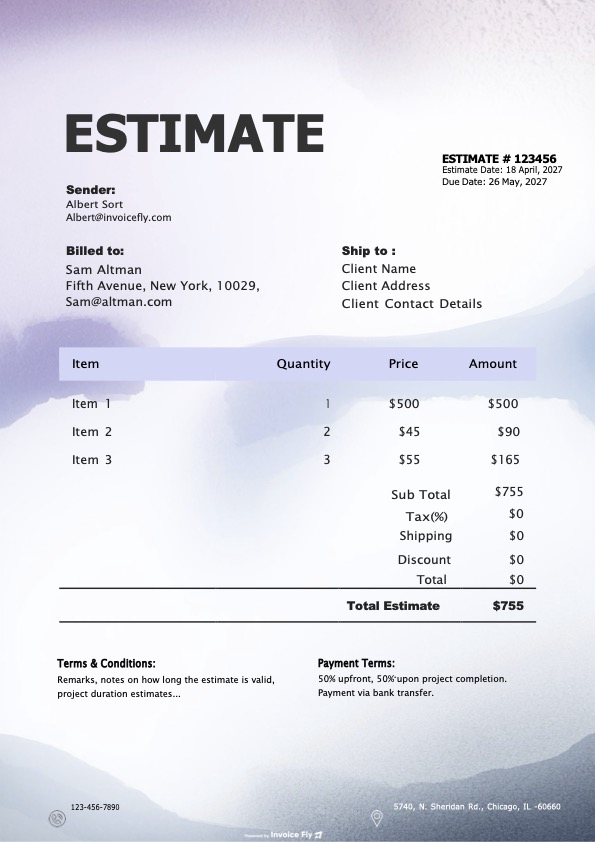
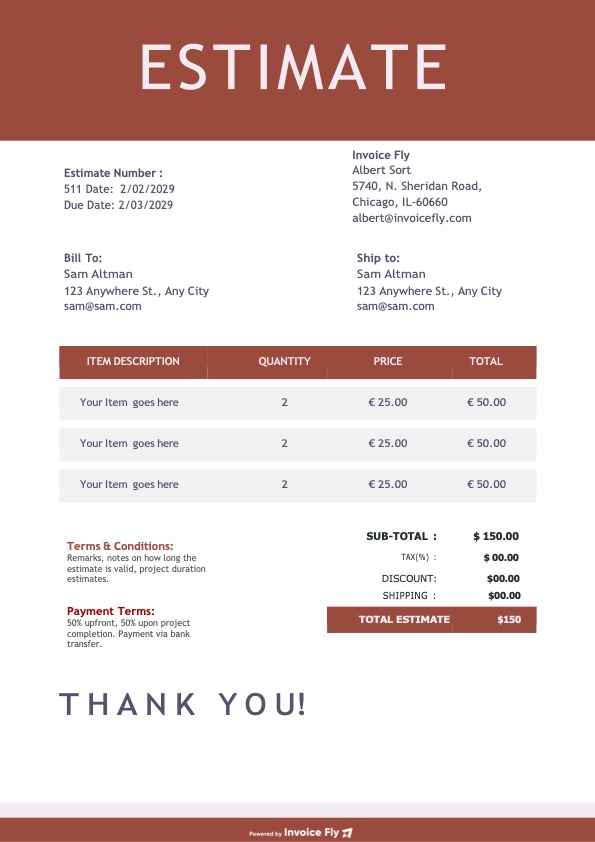
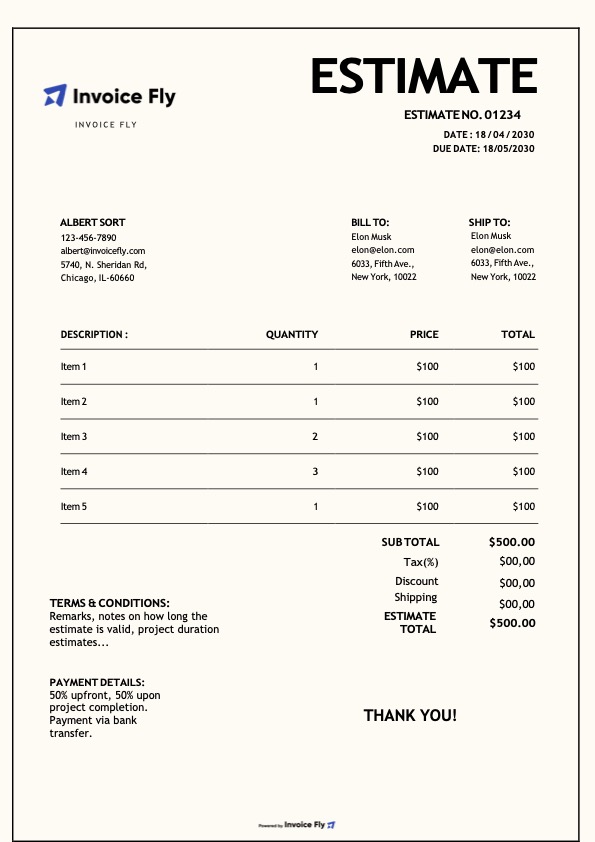
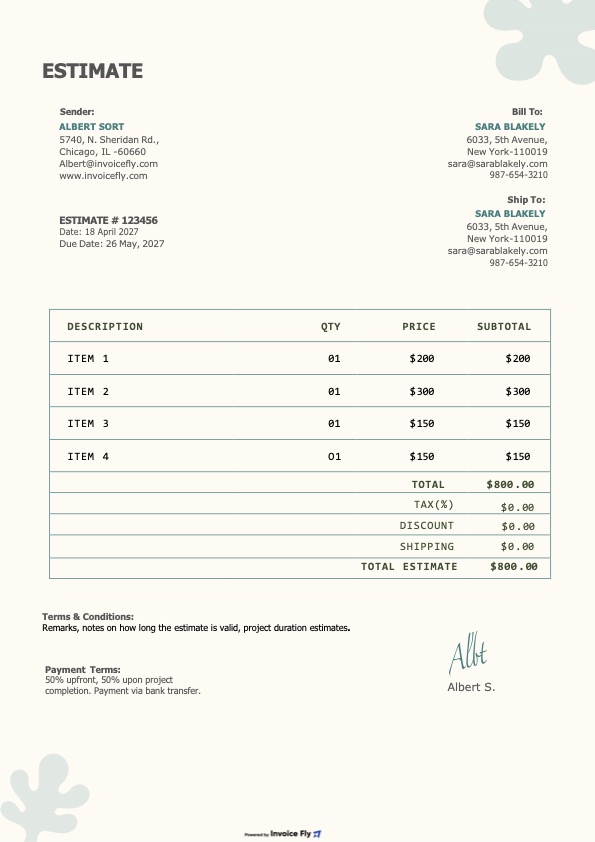
Show customers what needs fixing and how much it will cost before you start the repair. Use Invoice Fly’s free auto repair estimate templates to list parts, labor, and repair costs, add vehicle and customer details, and customize your estimate. Download it in Word, Excel, PDF, Google Docs, or Google Sheets and share a clear breakdown with your customer.
Why Use an Auto Repair Estimate Template?
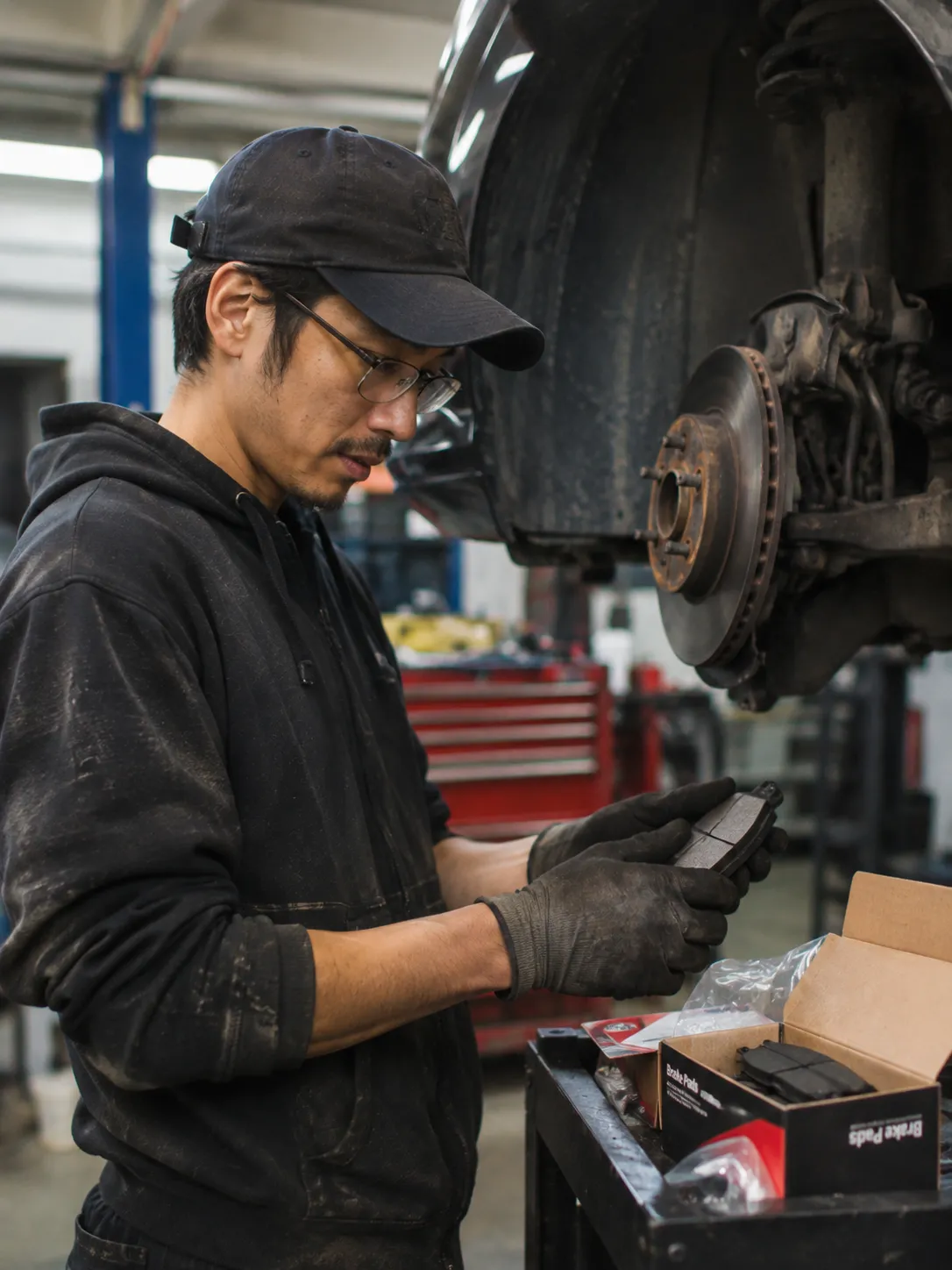
Give customers a clear breakdown of repair costs before picking up the tools. Invoice Fly’s free auto repair estimate templates help you organize parts, labor, and service charges, explain the work needed, and get customer approval before repairs begin.
-
Break Down Parts and Labor Costs
List replacement parts, labor charges, and additional services separately so customers can see exactly what goes into their vehicle repair estimate.
-
Get Customer Approval Before Repairs
Show customers the estimated repair costs upfront so they can review the work, understand the price, and approve the repairs before you get started.
-
Keep Repair Costs Clear and Transparent
Explain what needs fixing and how much each repair will cost. A detailed auto repair estimate helps avoid pricing confusion and sets clear expectations.
-
Create Professional Repair Estimates Faster
Start with a ready-made estimate form instead of building one from scratch. Add your shop details, customer information, vehicle details, and repair costs to prepare an estimate for every job.
-
Build Customer Trust
Give customers a clear, itemized estimate they can review before making a decision. Keeping repair details and expected costs in writing helps build confidence in your work.
What Should a Car Repair Estimate Include?
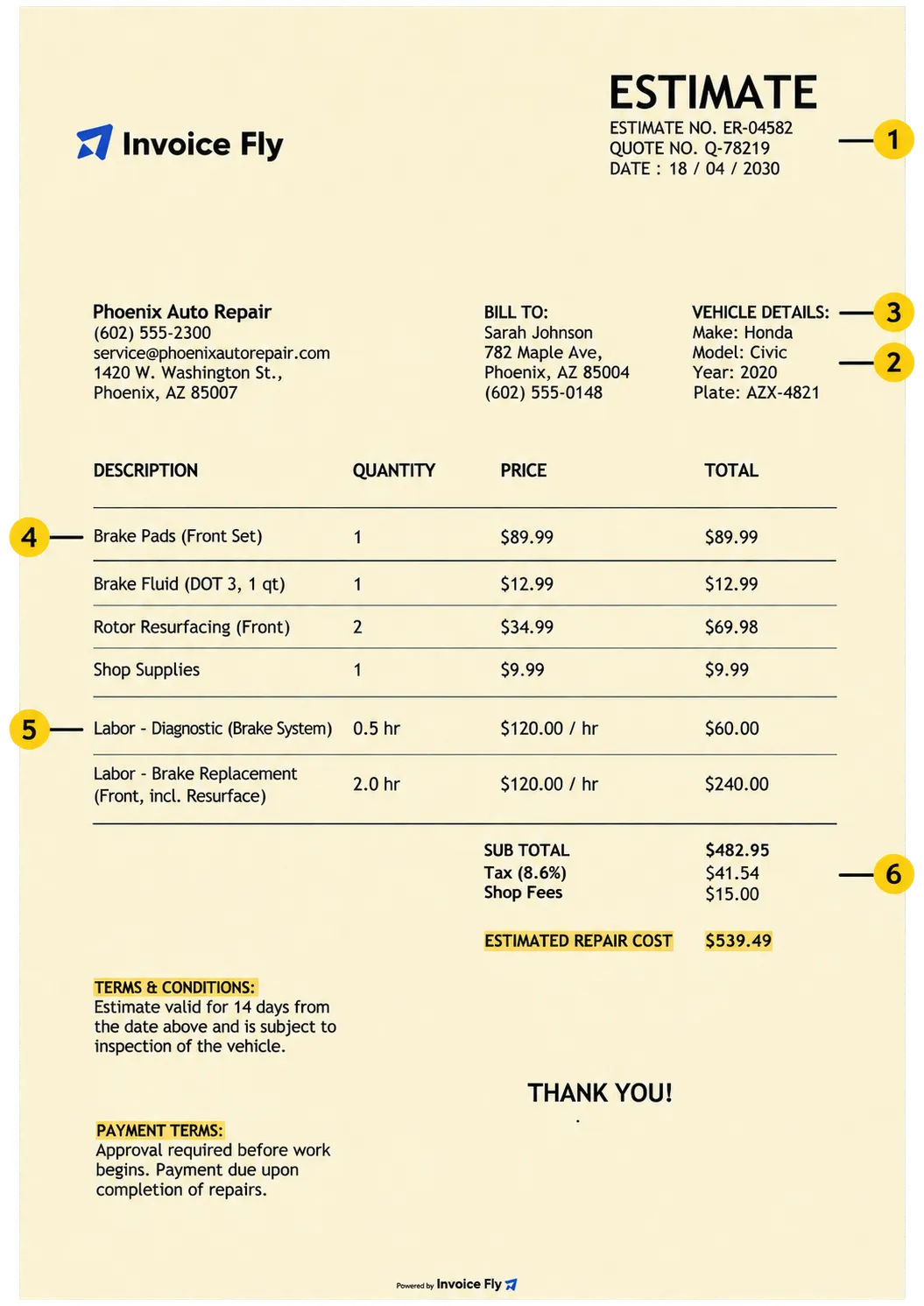
A complete auto repair estimate should identify the customer, describe the vehicle, and break down the expected cost of repairs. Include these essential details to give customers a clear picture of the work and its cost before you begin.
-
1
Estimate and Quote Number
Add a unique estimate number to identify and track each repair estimate. Include a quote number if your shop uses separate references for customer quotes.
-
2
Customer Information
Enter the customer’s name, address, and contact number so you can identify who the estimate is for and follow up when needed.
-
3
Vehicle Details
Record the vehicle’s make, model, and license plate number. Check that the information is accurate so the estimate is linked to the correct vehicle.
-
4
Parts and Materials
List the parts required for the repair, including their descriptions, quantities, and individual costs. This helps customers understand which replacement parts are included in the estimate.
-
5
Labor Costs and Hours
Break down the labor required for the repair. Include your hourly labor rate and the estimated number of hours so customers can see how the service charges are calculated.
-
6
Estimated Repair Cost
Include all relevant parts and labor costs to present a clear estimate of the expected repair expenses.
1
2
3
4
5
6Frequently Asked Questions About Auto Repair Estimate Templates
Find answers to common questions about preparing vehicle repair estimates, calculating parts and labor costs, and sharing repair quotes with customers.
An auto repair estimate form is a document that outlines the expected cost of repairing or servicing a vehicle. Auto repair shops and mechanics use it to explain what needs fixing, which parts are required, how much labor will cost, and what the customer can expect to pay.
For example, if a customer brings in a car with damaged brakes, your estimate might include replacement brake pads, brake rotors, labor hours, and any additional service charges. This gives the customer a clear breakdown before you begin the repair.
An auto repair estimate also gives your shop a written record of the proposed work and expected costs. It helps you explain the repair, answer customer questions, and get approval before ordering parts or starting the job.
An auto repair estimate helps you explain repair costs before the work begins. Instead of giving customers one overall price, you can break down the parts, labor, and additional charges so they understand exactly what they're paying for.
For repair shops, a detailed estimate can:
Build customer trust: Show customers which repairs are needed and how much each item costs.
Prevent misunderstandings: Put the agreed work and estimated costs in writing before repairs start.
Speed up approvals: Give customers the information they need to review the repair and approve the work.
Organize repair jobs: Keep vehicle details, replacement parts, labor hours, and pricing together.
Support better cost planning: Estimate parts and labor before committing to a repair job.
Using a consistent auto repair estimate template also makes it easier to prepare quotes for different vehicles and repair services.
A professional vehicle repair estimate should identify the customer and vehicle, explain the work required, and provide a clear breakdown of expected costs. Include these details when preparing an estimate:
Estimate number and date: Assign a unique estimate number and record when the quote was prepared.
Customer information: Add the customer's name, address, phone number, and email.
Vehicle details: Include the vehicle make, model, year, and license plate number. You can also record the VIN where needed.
Repair descriptions: Explain what needs fixing, replacing, or servicing.
Parts and materials: List replacement parts, item numbers, quantities, and individual prices.
Labor costs: Include the labor rate and estimated hours required for each repair.
Additional charges: Add shop supplies, diagnostic fees, disposal charges, or other applicable costs.
Taxes and total estimate: Show the subtotal, applicable taxes, and final estimated amount.
Approval and notes: Include space for customer authorization, signatures, and any additional repair instructions.
A complete estimate helps customers understand the proposed work and gives your repair shop a clear reference throughout the job.
An auto repair estimate template is useful for anyone who provides vehicle repairs, maintenance, or bodywork. It helps organize repair details and present costs in a consistent format.
Common users include:
Auto repair shop owners: Prepare customer estimates for routine maintenance, mechanical repairs, and replacement parts.
Mechanics and technicians: Break down labor hours, repair tasks, and materials needed for each job.
Auto body and collision repair shops: Document damaged panels, replacement parts, paintwork, labor, and expected repair costs.
Vehicle maintenance businesses: Quote services such as brake repairs, oil changes, tire replacements, and engine maintenance.
Independent automotive professionals: Prepare vehicle repair quotes and share costs with customers before beginning work.
Collision repair shops and insurance professionals may also need specialized estimating systems or insurer-specific documentation when handling insurance claims.
You can prepare a vehicle repair estimate using a ready-made template rather than formatting a document from scratch. Start with an Invoice Fly auto repair estimate template and customize it with your shop, customer, vehicle, and repair details.
Follow these steps:
Choose an auto repair estimate template: Select a layout that suits your repair shop and the type of work you're quoting.
Add customer and vehicle information: Enter the customer's contact details, vehicle make, model, year, and registration number.
Describe the repairs: List the work required, from diagnostics and mechanical repairs to replacement parts and bodywork.
Break down parts and labor: Add quantities, unit prices, labor rates, and estimated hours.
Calculate the repair costs: Include additional charges, applicable taxes, and the estimated total.
Review and share your estimate: Check the details, save your completed document, and send it to the customer for approval.
A clear, itemized estimate helps customers understand the proposed repairs before you book the vehicle in or begin work.
Even a small mistake in a repair estimate can lead to confusion about pricing, parts, or the work being carried out. Review these details before sending your estimate:
Leaving out vehicle information: Always check the make, model, year, and registration details so the estimate relates to the correct vehicle.
Using vague repair descriptions: Explain the work clearly instead of writing general descriptions such as "engine repair" or "bodywork."
Forgetting parts and quantities: List each replacement part and the quantity required to avoid confusion about what is included.
Underestimating labor: Include realistic labor hours and your shop's hourly rate when calculating repair costs.
Missing additional charges: Account for applicable diagnostic fees, shop supplies, disposal charges, and taxes.
Not checking the totals: Review the calculations to make sure the subtotal, taxes, and final estimate add up correctly.
Starting without approval: Make sure the customer understands and authorizes the proposed work before proceeding, in line with your shop's procedures and applicable requirements.
It's also a good idea to keep a copy of every estimate so you can refer to the original pricing if the scope of repairs changes.
Invoice Fly offers free auto repair estimate templates in PDF, Word, Excel, Google Docs, and Google Sheets. Choose a design, download your preferred format, and fill in your shop, customer, vehicle, and repair details.
Here's how:
Browse Invoice Fly's free auto repair estimate templates and choose your preferred design.
Download the template in PDF, Word, Excel, or your preferred Google format.
Add your customer and vehicle details, repair descriptions, parts, labor, and estimated costs.
Edit PDF templates using a compatible PDF editor, or customize Word, Excel, and Google templates in their respective applications.
Review your repair costs and save your completed estimate.
Download or export your finished document as a PDF to email or share with your customer.
Whether you prefer editing a PDF directly or working in Word or Excel, Invoice Fly gives you a ready-made starting point for every repair estimate.
Auto repair estimates can contain personal information such as customer names, phone numbers, email addresses, vehicle registration numbers, and repair details. Keep this information protected when preparing, storing, and sharing estimates.
Use individual business accounts where possible, restrict access to authorized staff, and store completed documents in secure locations. When emailing a repair estimate, check the recipient's email address before sending it and avoid sharing customer information with people who don't need access.
If you handle insurance-related estimates or sensitive customer records, follow the privacy and data protection requirements that apply to your business.
Yes! You can find free auto repair invoice templates online to bill customers after completing vehicle repairs. An invoice is different from an estimate: an estimate shows the expected repair costs before work begins, while an invoice requests payment for completed work or an agreed billing stage.
A good auto repair invoice should include your shop details, customer and vehicle information, invoice number, repair descriptions, replacement parts, labor charges, applicable taxes, and total amount due.
With Invoice Fly, you can explore free invoice templates in different formats and choose a layout that suits your repair business. You can also use the free Invoice Generator to create a completed invoice online and download it as a PDF when you're ready to bill your customer.
Yes. Repair estimates may need to be updated when you discover additional damage, identify faulty components, or find that more labor or replacement parts are required.
For example, you might initially quote a customer for a bumper replacement, but discover additional damage to the brackets or surrounding panels once the vehicle is inspected. The original estimate may no longer reflect the complete repair.
Prepare an updated estimate showing the additional work, parts, and revised costs. Explain what has changed and share the revised amount with the customer before proceeding with additional repairs. Keep a copy of the original and updated estimates so both parties have a clear record of the changes.
More Free Templates and Tools for Your Auto Repair Business
Find ready-made templates to quote repairs, bill customers, record payments, and keep your shop paperwork organized. Then prepare repair estimates, create invoices, and calculate job costs with more free Invoice Fly tools.
- PDFDOCXXLSX
- Download PDFEstimate generatorESTIMATE#ER-4582Brake pads (front)$89.99Labor (2 h)$240.00Total$329.99
- Markup calculatorPart cost$80Markup35%Qty1Sell price$108.00
Make Smarter Business Decisions with Invoice Fly Academy
Explore practical guides on estimating repair costs, pricing parts and labor, preparing invoices, and managing your auto repair business. Get useful tips to handle every job with confidence.
Level Up Your Business Invoicing
Create and send estimates and invoices, save client details, collect e-signatures, and accept online payments with Invoice Fly. Manage your client billing from your phone.