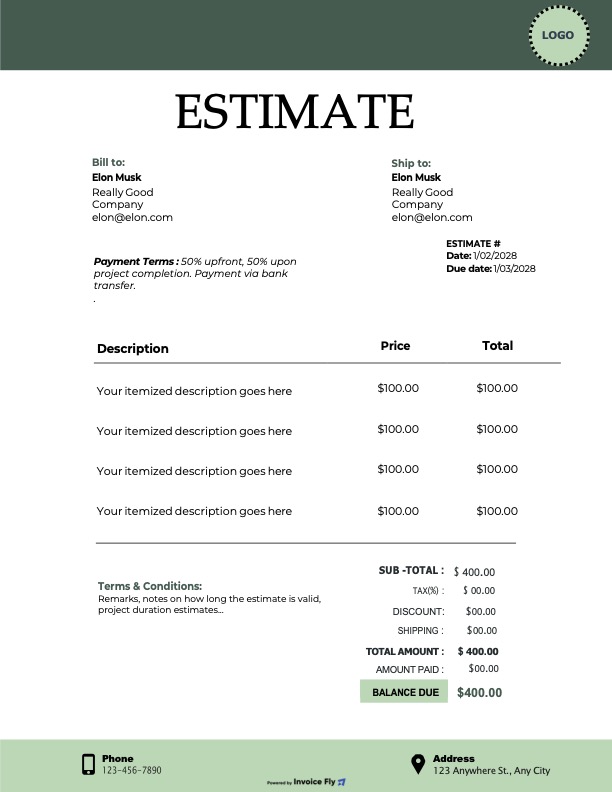
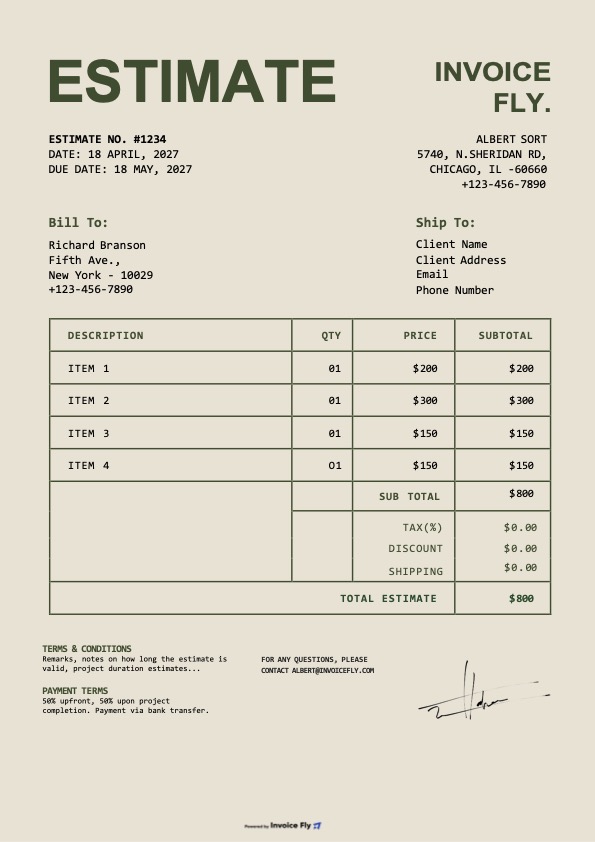
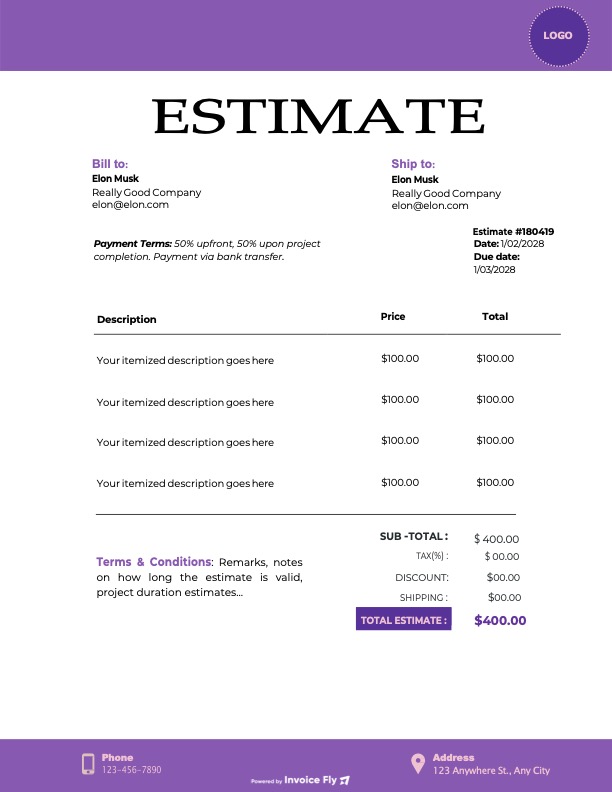
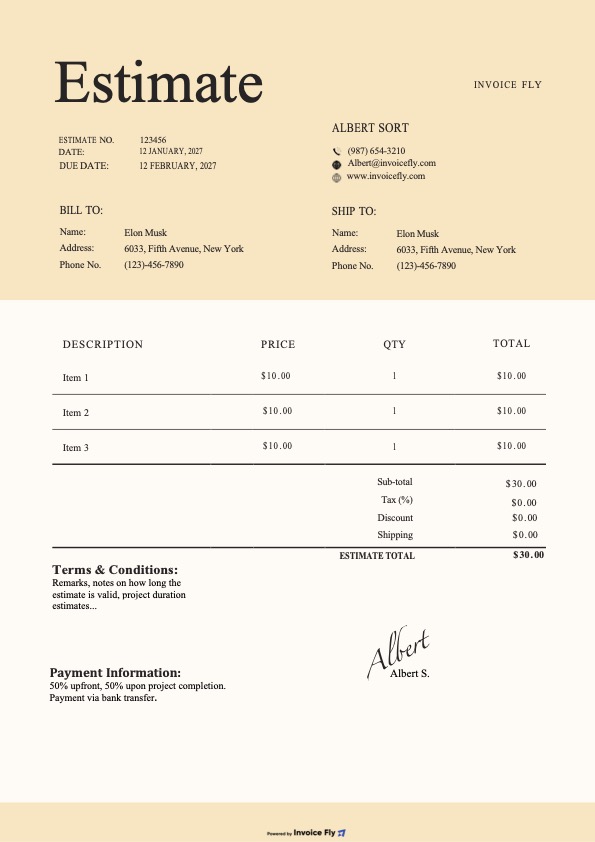
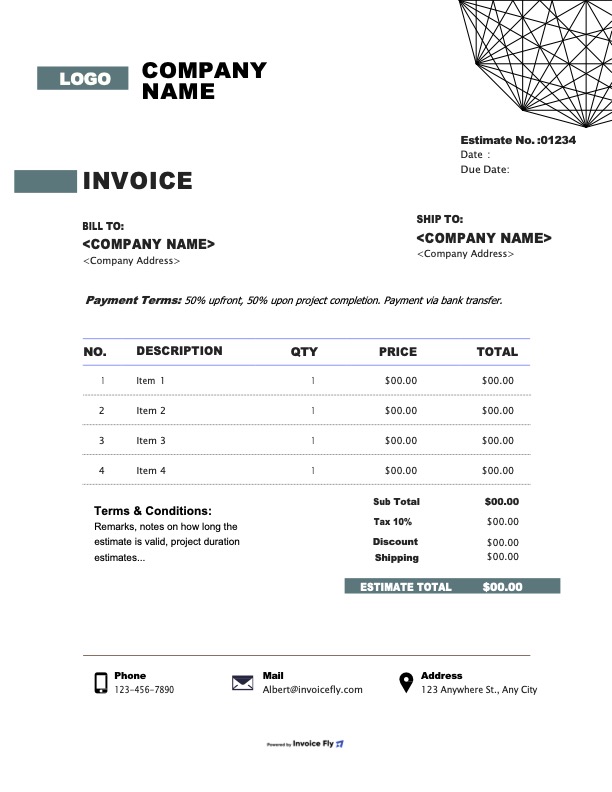
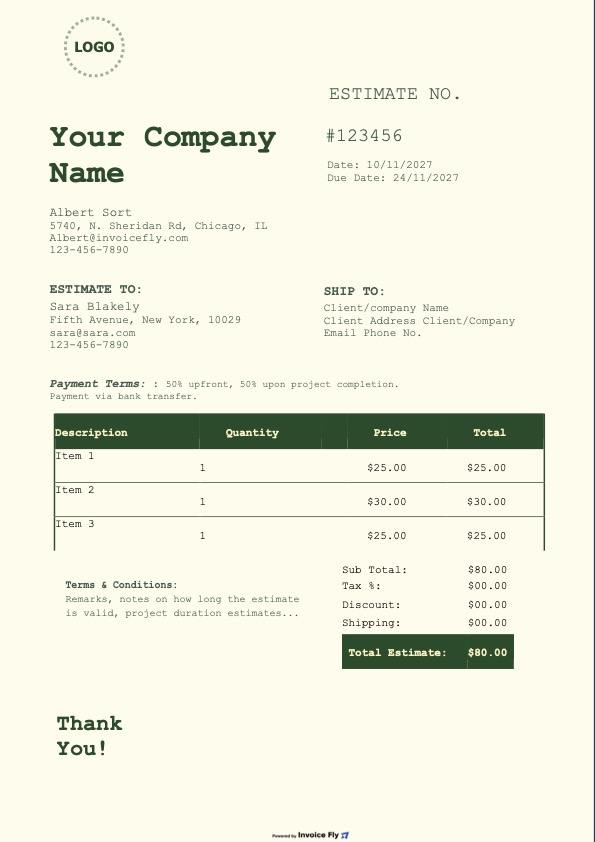
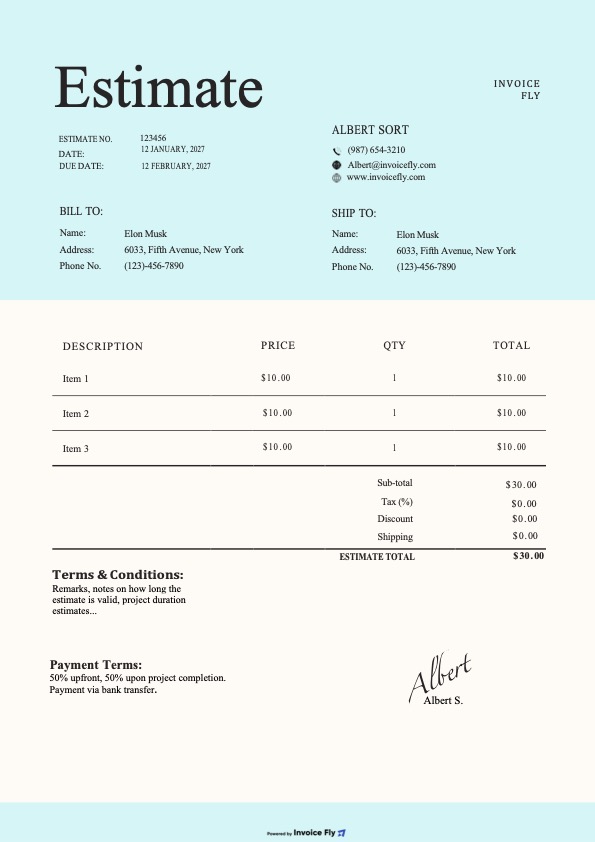
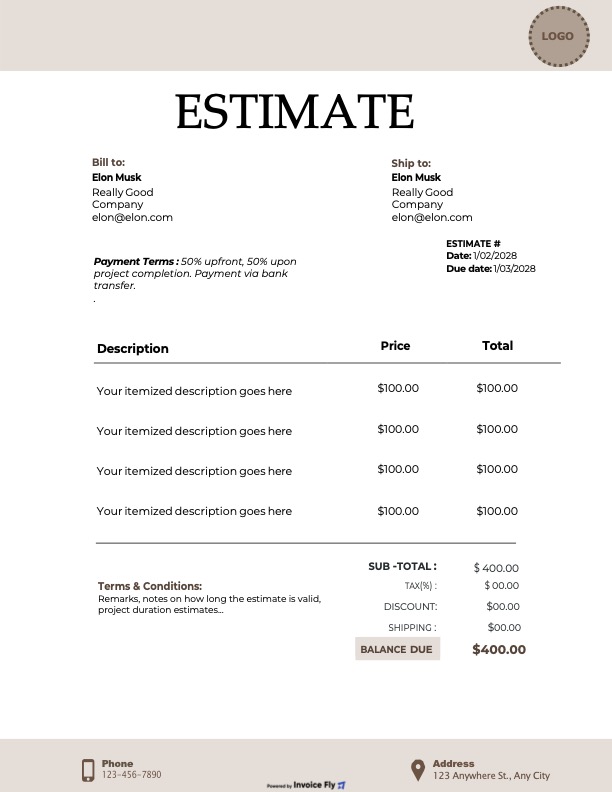
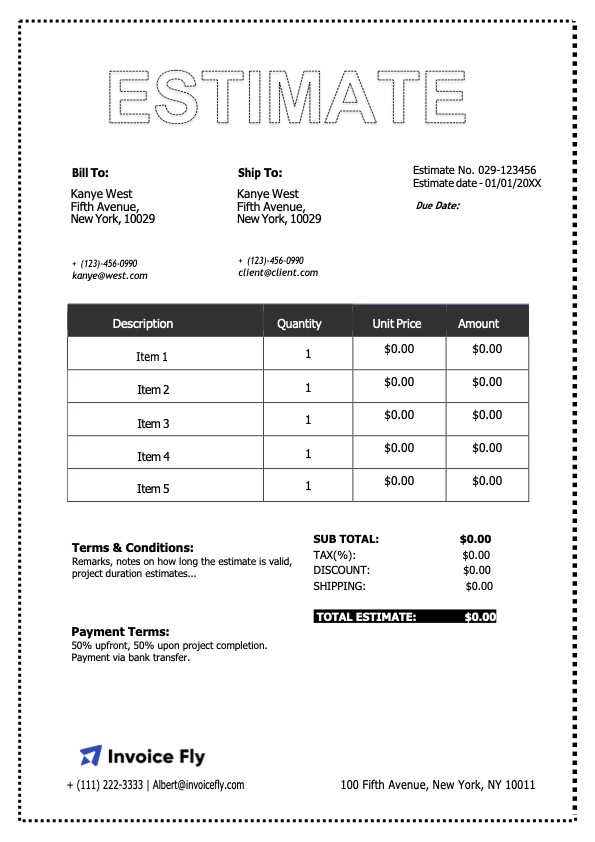
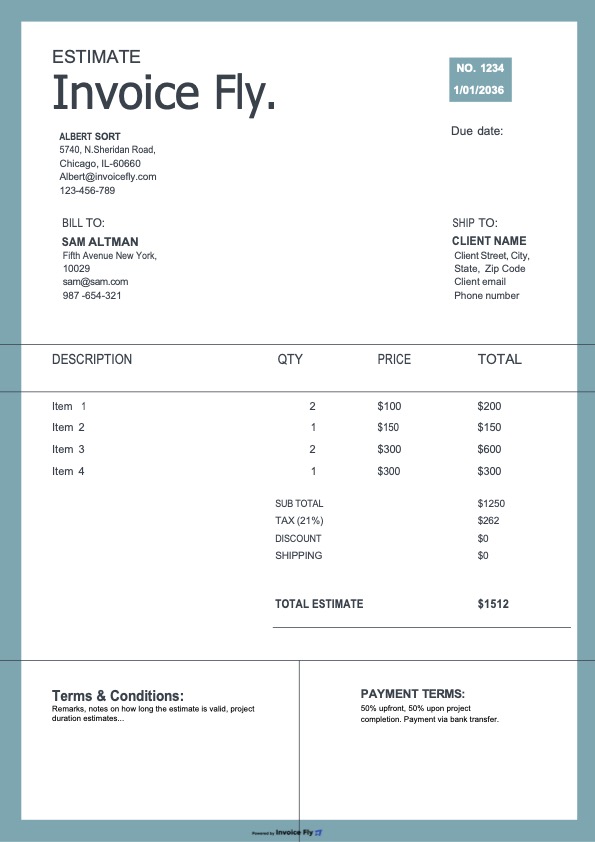
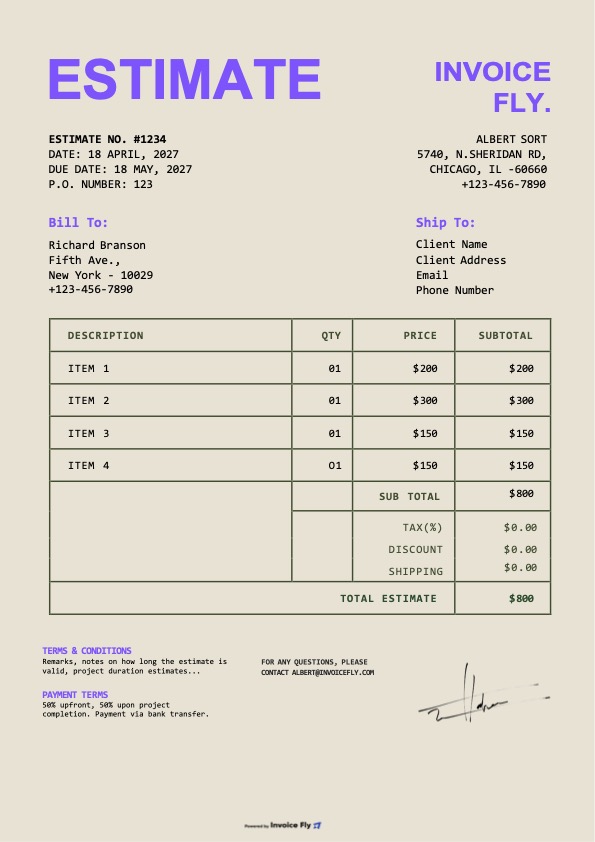
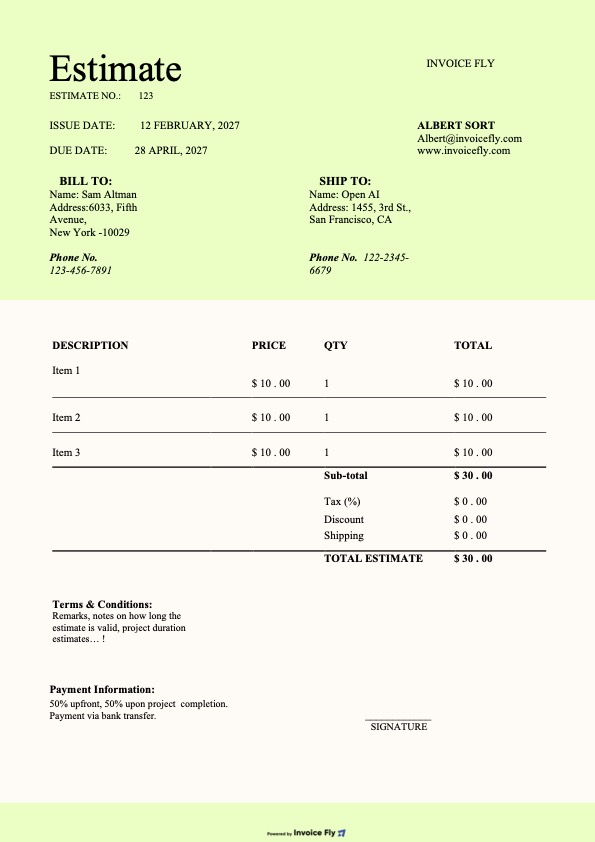
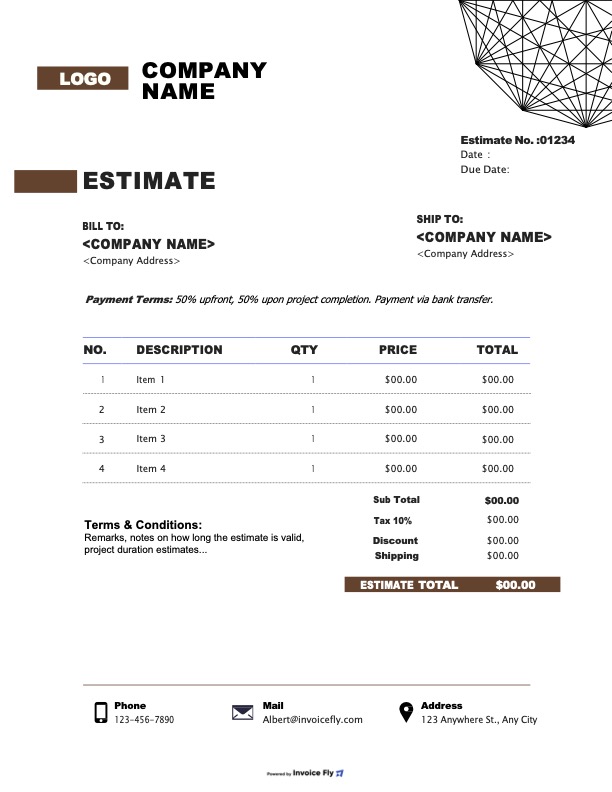
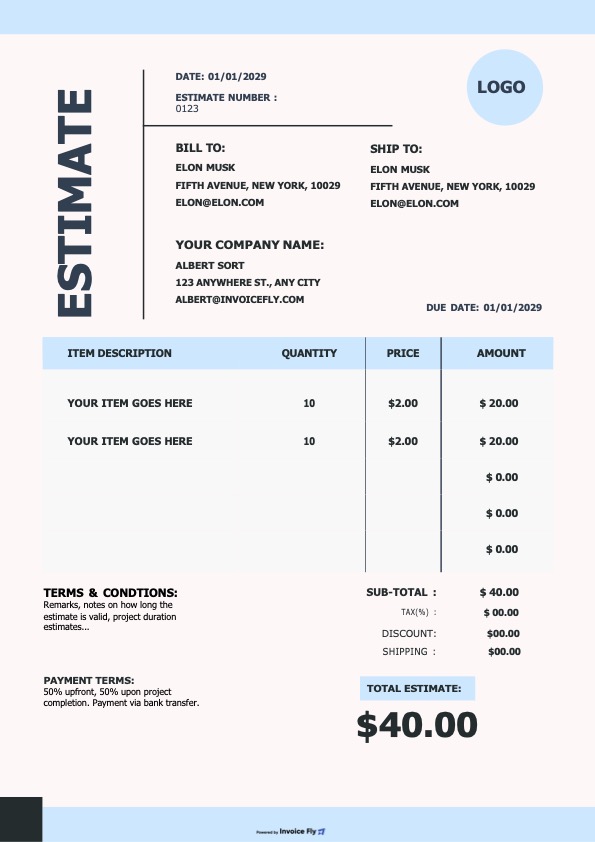
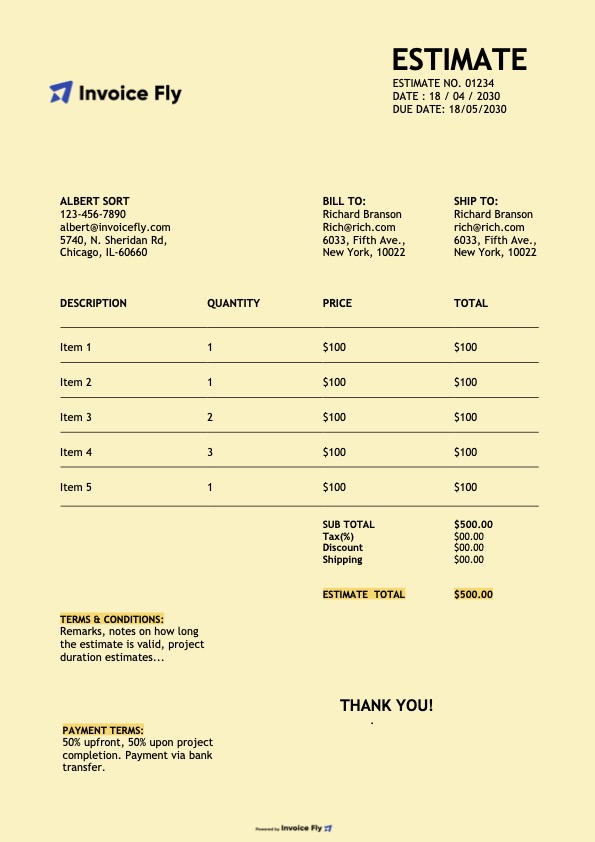
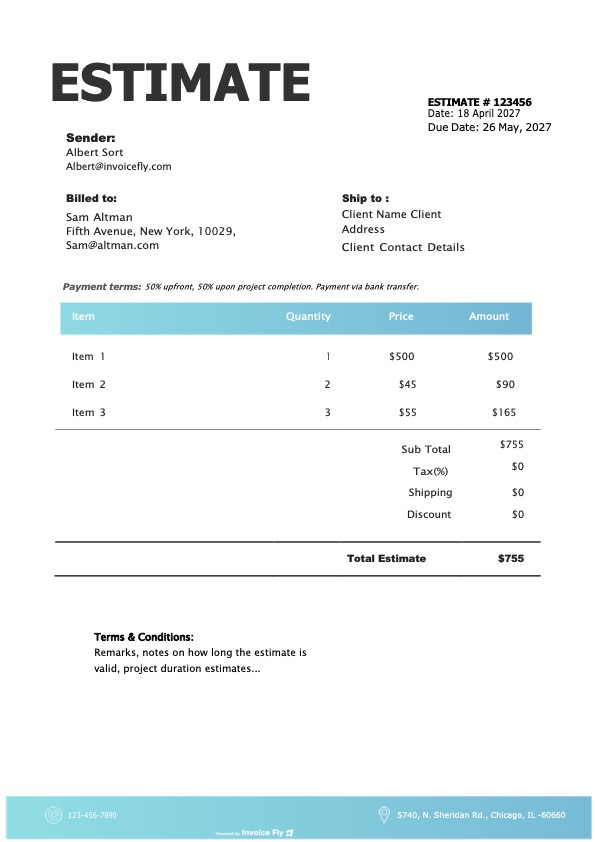
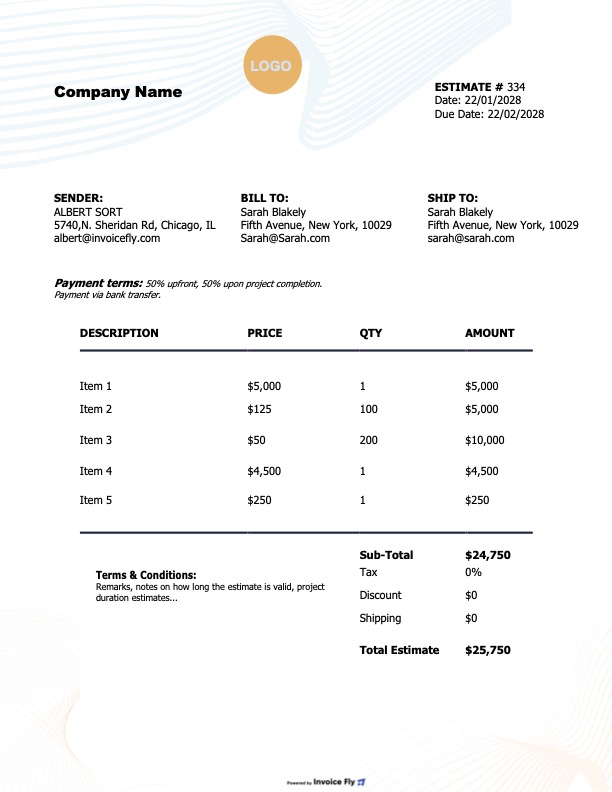
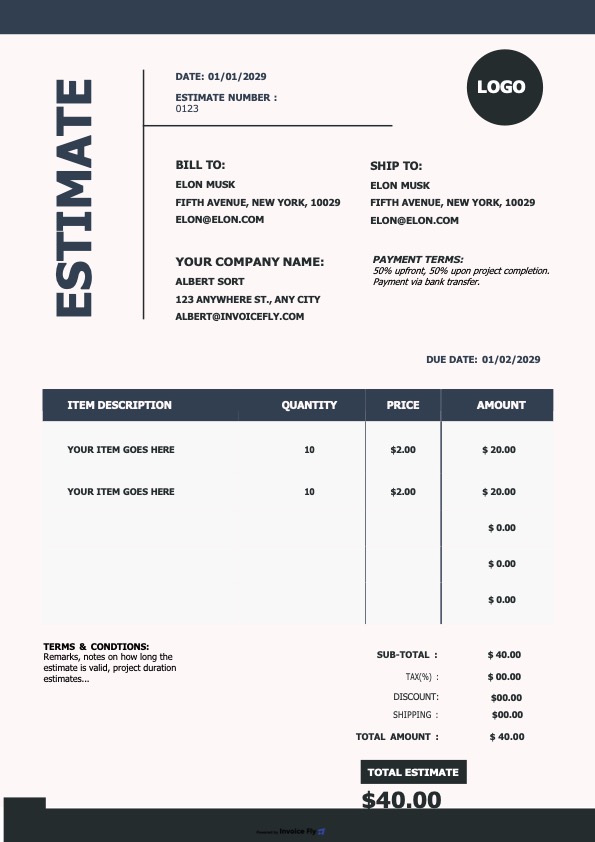
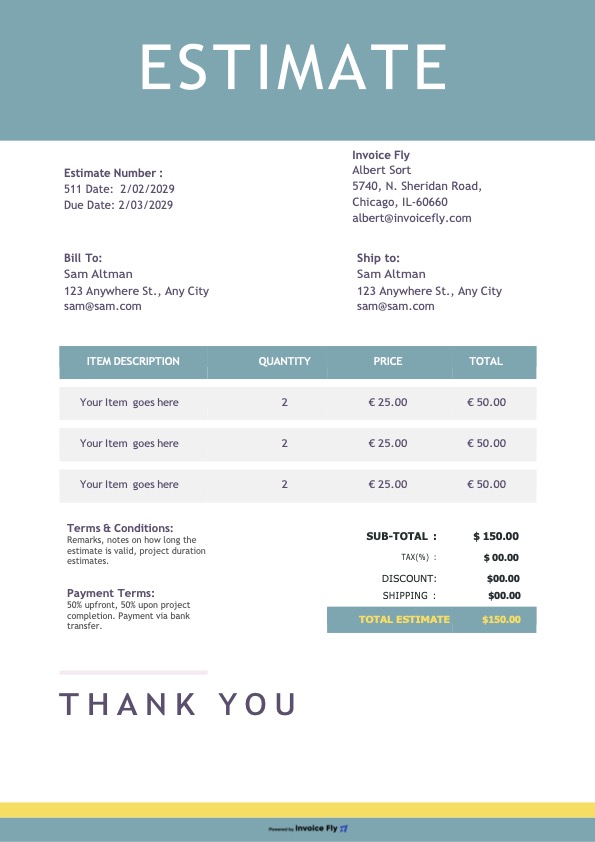
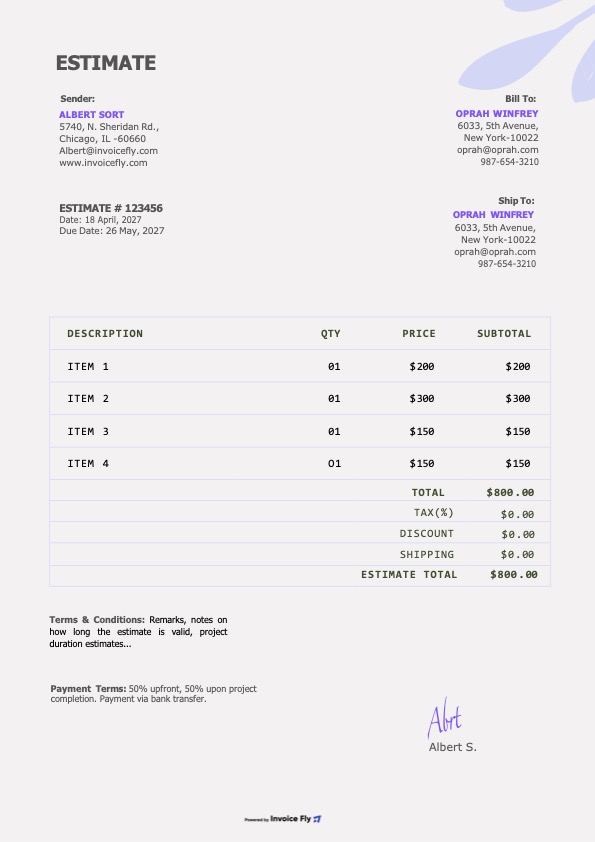
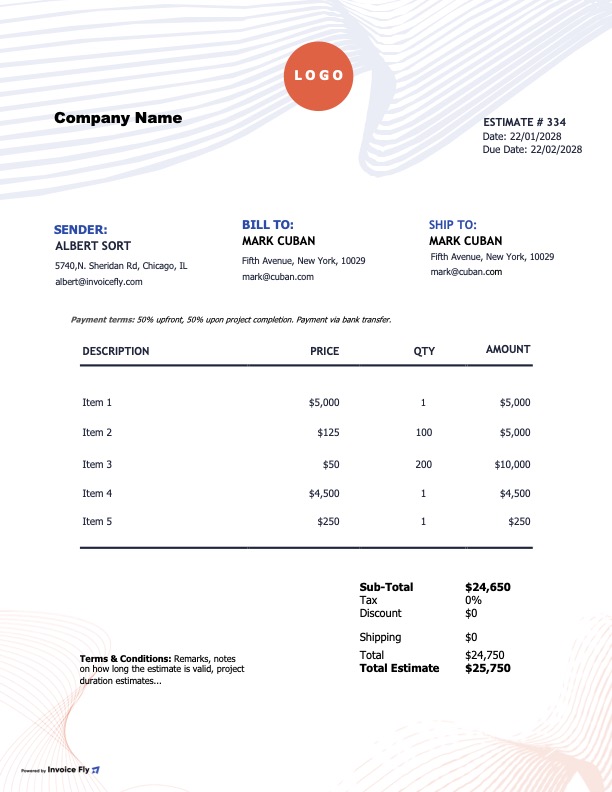
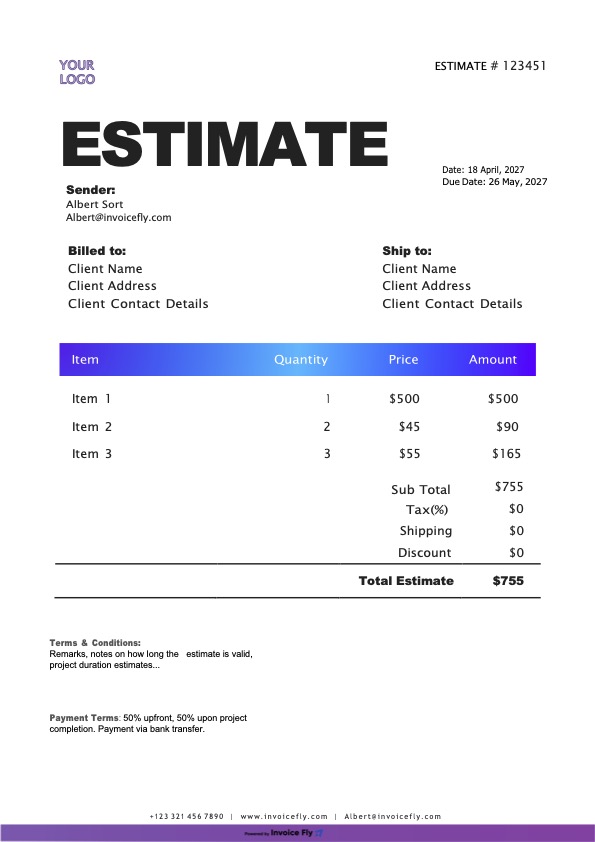
Free Estimate Templates for Excel

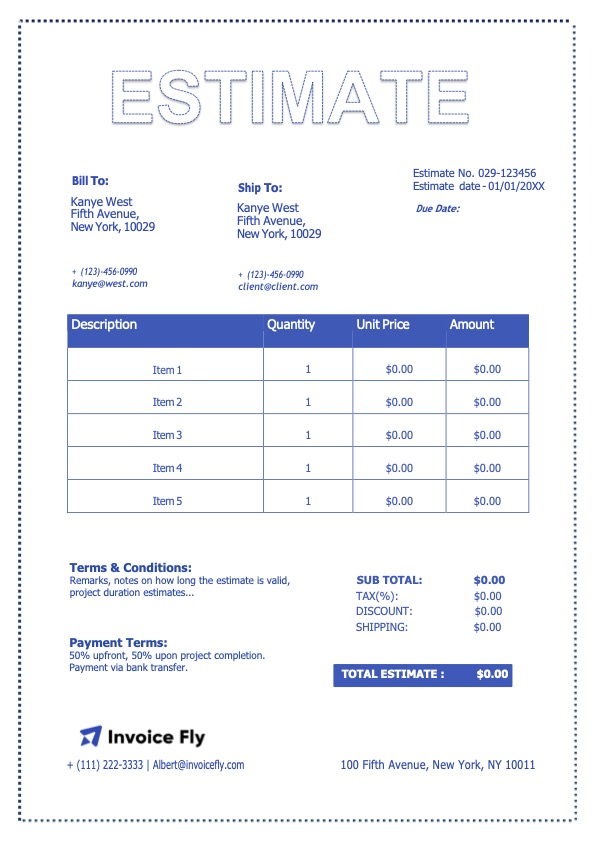
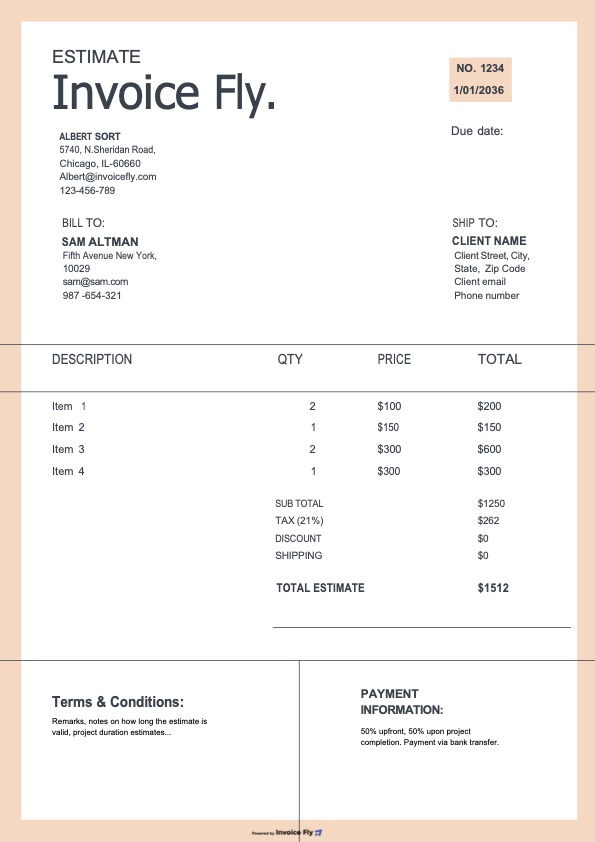
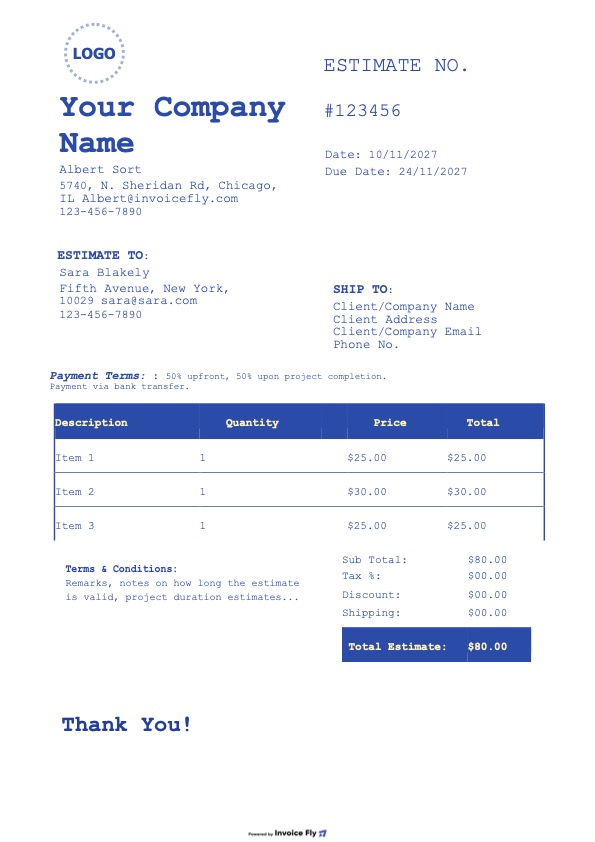
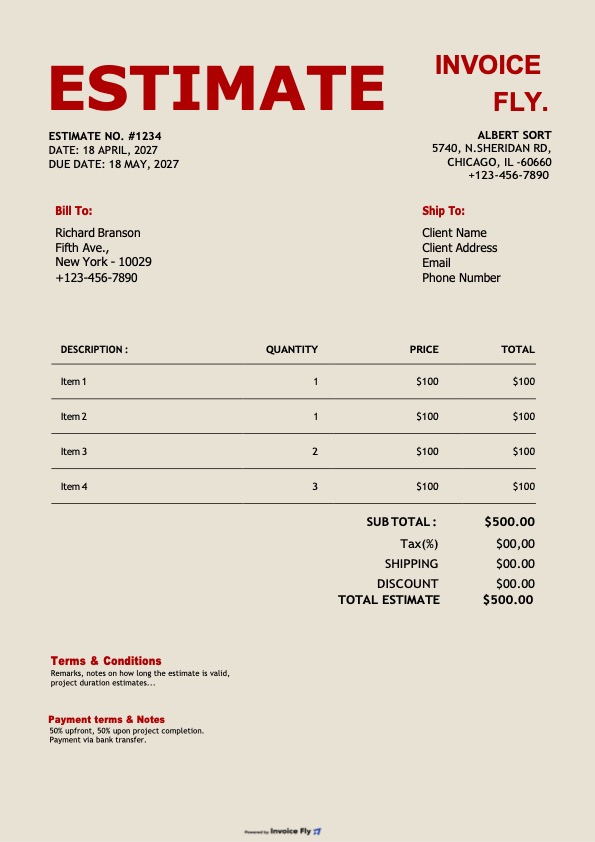
Create professional estimates without building a spreadsheet from scratch. Download Invoice Fly’s ready-made Excel templates and edit them directly in Microsoft Excel, or open a copy in Google Sheets to customize online. Add your business details, update your prices, and get your estimate ready to send. No design skills needed!

Colors

Styles

Industry

Why Use Invoice Fly’s Excel Estimate Templates?

Skip the blank spreadsheet and start with a ready-made Excel estimate template. Organize project costs, calculate labor and materials, prepare quotations, and create clear estimates without designing your own document.
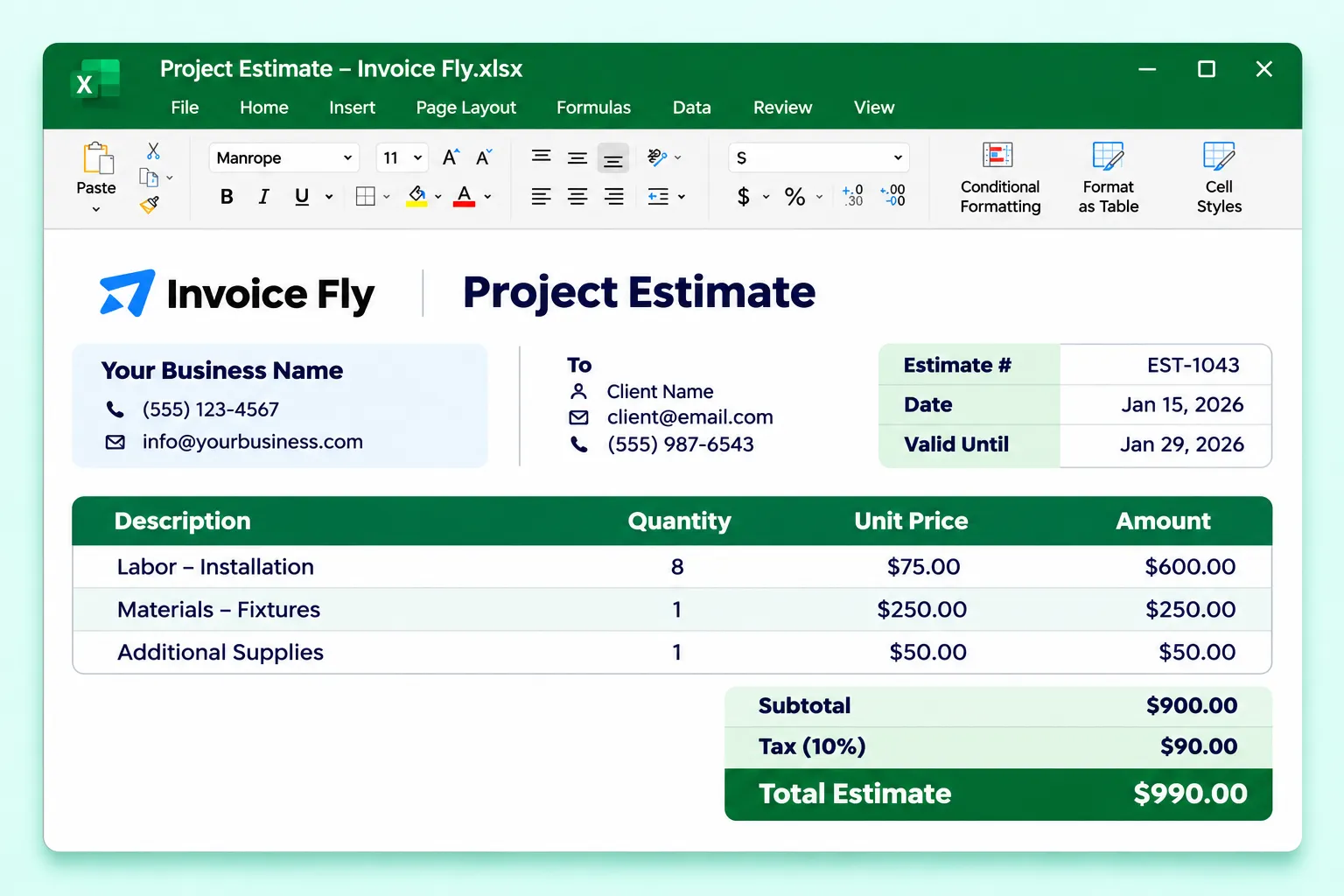
Project estimate open in Microsoft Excel with business and client details, estimate number and dates, labor and materials line items, and a total estimate of $990.00
  • Start with a Ready-Made Excel Estimate Form

    Use a pre-formatted Excel spreadsheet to prepare estimates without building columns and layouts from scratch. Add your business details, enter project information, and customize the form for each job.

  • Calculate Project Costs More Easily

    Organize labor, materials, quantities, and unit prices in one Excel sheet. Break down your project costs and work out what to charge before sending an estimate to your client.

  • Prepare Estimates for Every Type of Job

    Customize your Excel estimate template for construction, auto repair, maintenance, and other service projects. Adjust the descriptions, quantities, and prices to match the work you’re quoting.

  • Create Clear Project Estimates and Quotations

    Present your estimated costs, services, and pricing in a structured format. Give customers a clear picture of the project budget before they approve the work.

  • Save Time and Reuse Your Excel Templates

    Keep your favorite estimate format and update it for each new customer or project. Change the job details, adjust your prices, and prepare your next estimate without starting over.

  • Edit in Excel or Google Sheets

    Download your estimate template and edit it directly in Microsoft Excel, or open a copy in Google Sheets to customize online. No spreadsheet design skills needed.

What’s Included in Each Excel Estimate Template?

Invoice Fly’s Excel estimate templates provide a ready-made format for project cost estimation. Organize customer details, job descriptions, labor, materials, and pricing in one spreadsheet. Whether you’re preparing a construction estimate, an auto repair estimate, or a service quote, customize the fields to suit your project.

  1. Business and Customer Details

    Add your business name, logo, address, and contact information, along with your customer’s details. Keep your estimate document professional and make it clear who is preparing and receiving the project estimate.

  2. Estimate Number and Date

    Assign a unique estimate number and include the issue date and validity period. Track each job estimate, organize your records, and make it easier to reference previous quotations.

  3. Project Description and Scope of Work

    Describe the job, services, or repairs you’re estimating. Outline the work involved, whether you’re preparing a construction estimate, an auto repair estimate, or a service quotation, so customers know exactly what’s included.

  4. Labor, Materials, and Quantities

    List the materials, parts, quantities, labor hours, and hourly rates required for the job. Use these fields for construction estimating, material calculations, and effort estimation to account for the time and resources each project needs.

  5. Unit Prices and Project Cost Breakdown

    Enter unit prices, quantities, and individual costs to calculate your estimated project total. Use this Excel template for construction estimates or other project cost calculations to give customers a clear breakdown of labor and materials. The itemized layout can also serve as a useful price quotation sample for similar jobs.

  6. Taxes, Payment Terms, and Additional Notes

    Include applicable taxes, payment terms, estimate expiry dates, and special instructions. Customize the Excel quotation format to present your pricing clearly, whether you’re preparing a detailed estimate form or a customer-facing bill form.
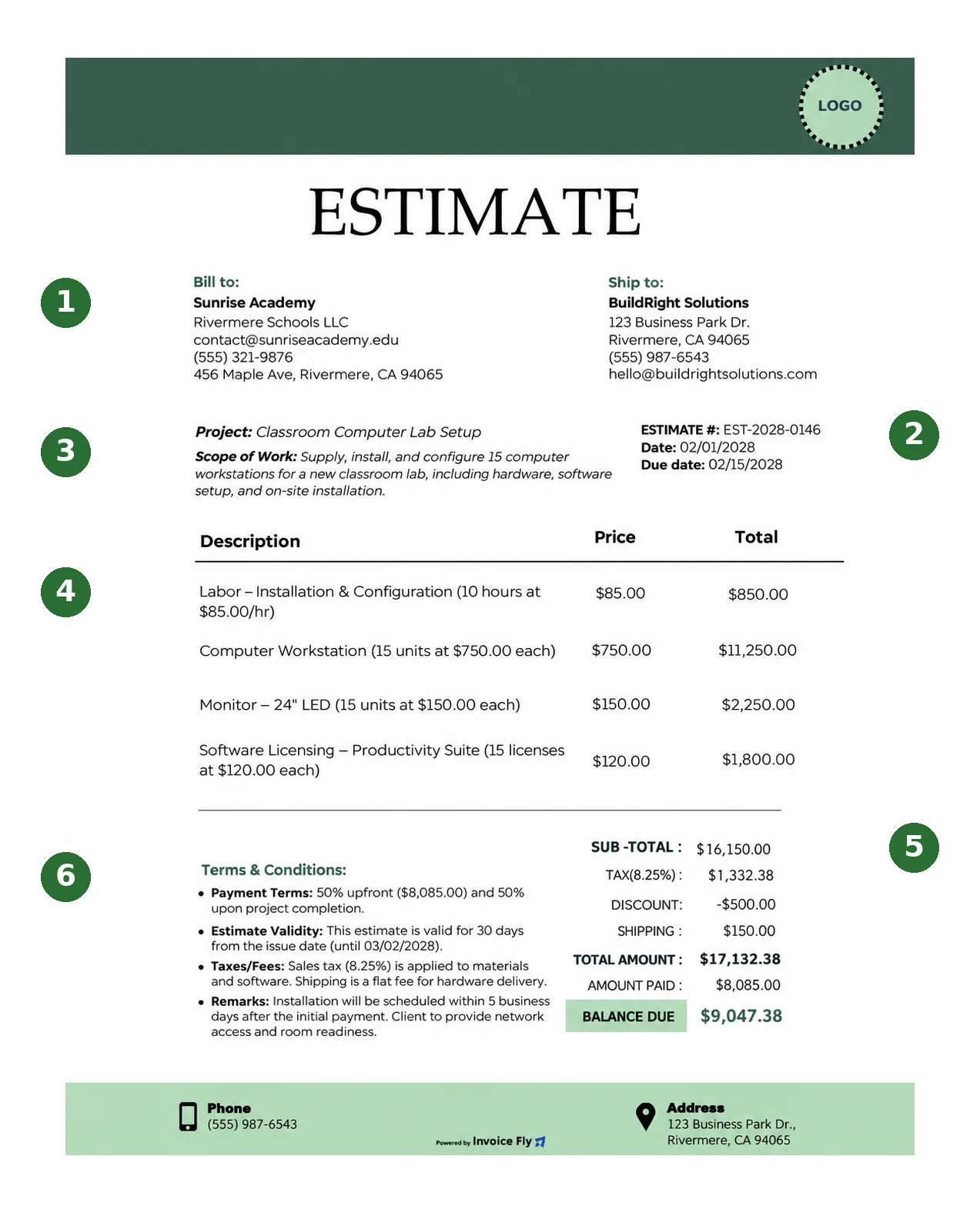

Excel estimate template with six numbered elements: 1 bill to and ship to details, 2 estimate number and dates, 3 project and scope of work, 4 labor and material line items, 5 subtotal, tax, discount and balance due, 6 terms and conditions

Excel Estimate Template FAQs

An Excel estimate template helps you work out project costs, organize pricing, and prepare estimates for your customers. Instead of creating a spreadsheet from scratch, you can use a ready-made layout to list labor, materials, quantities, hourly rates, and other project expenses.

Contractors can use an Excel template for construction estimates, home improvement projects, repairs, and service jobs. For example, a roofing contractor can list materials, labor hours, equipment costs, and other expenses to calculate the estimated project cost before sending a quote.

You can also use an Excel quotation format to present itemized prices, compare project costs, and keep a record of estimates you've prepared for different clients.

Getting started is simple. Download one of Invoice Fly's free estimate templates for Excel and open the spreadsheet in Microsoft Excel. The layout is already prepared, so you don't need to design columns or format the document yourself.

Follow these steps:

  1. Choose your template: Browse Invoice Fly's estimate templates and select a design that suits your business or industry.
  2. Download the Excel file: Save the spreadsheet to your computer.
  3. Open it in Microsoft Excel: Open the downloaded file and enable editing if prompted.
  4. Add your business details: Enter your company name, contact information, and customer details.
  5. Enter your project costs: Add job descriptions, quantities, labor rates, materials, and prices.
  6. Review your estimate: Check the itemized costs, calculations, and estimated total before sharing it.
  7. Save and send: Save your completed estimate or export it as a PDF to send to your customer.

You can reuse the Excel estimate template for future jobs by saving a separate copy and updating the project and customer details.

You don't need to build an estimate spreadsheet from scratch. Start with an Invoice Fly Excel estimate template and customize the existing layout to suit your business.

Add your company logo, business and customer information, estimate number, project description, and pricing details. Organize the spreadsheet into columns for item descriptions, quantities, unit prices, labor, materials, and totals.

You can also customize the formatting by adjusting column widths, fonts, headings, and cell borders to match your branding. If your spreadsheet includes calculation formulas, check that they reference the correct cells whenever you add or change items.

Once you've finished customizing the document, save it as an Excel workbook. To reuse the design for future projects without overwriting your original, keep a master copy or save it as an Excel template file (.xltx).

Yes! Construction estimating templates for Excel help contractors organize the different costs involved in a building or renovation project. You can list materials, labor hours, equipment, subcontractor charges, and other project expenses in one spreadsheet.

For example, a construction contractor preparing a kitchen renovation estimate can separate the costs of flooring, cabinets, electrical work, plumbing, materials, and labor. This makes it easier to review individual expenses and calculate the estimated project cost.

An Excel template for construction estimating also gives you a consistent format to reuse across different projects. Update the quantities, prices, and job details for each new customer instead of preparing a new spreadsheet every time.

Yes. You can customize an Excel estimate template for vehicle repairs by listing replacement parts, labor hours, diagnostic fees, and additional service charges.

For example, an auto repair shop can prepare an auto repair estimate covering brake pads, replacement rotors, labor rates, and estimated repair hours. An itemized breakdown helps customers understand what needs fixing and how much each repair is expected to cost.

You can also adapt the spreadsheet for collision repair, vehicle maintenance, and other automotive services by changing the descriptions and pricing fields to match your work.

Yes. An Excel template for cost estimation helps you break a project into individual expenses and calculate how much the work is expected to cost.

Start by listing the tasks involved, then add the estimated quantities, unit prices, labor hours, materials, equipment, and other expenses. Organizing these figures in a spreadsheet makes it easier to review the project budget and identify costs you might have overlooked.

You can use this format for construction estimates, renovation projects, vehicle repairs, and service jobs. For more detailed planning, separate direct costs such as labor and materials from indirect expenses such as overhead.

Yes. You can upload an Invoice Fly Excel estimate template to Google Drive and open it with Google Sheets. This lets you edit the spreadsheet online, update customer details, change quantities and prices, and customize the layout.

Once you've finished, you can download the completed document in Excel format or export it as a PDF to share with your customer.

If you prefer working in Microsoft Excel, you can download the original spreadsheet and edit it directly in the desktop application.

Yes. Once you've completed your estimate in Microsoft Excel, you can save or export the spreadsheet as a PDF. This preserves the document layout and makes it easier to email, print, or share with customers.

In Excel, open your completed estimate, select File, choose Save As or Export, and select PDF as the file format. Review the print preview first to make sure your item descriptions, quantities, prices, and totals fit neatly on the page.

Invoice Fly also provides free downloadable PDF estimate templates if you'd rather start with a PDF instead of an Excel spreadsheet.

An estimate template helps you calculate and present the expected cost of a job. It usually includes projected labor, materials, quantities, and other expenses. The final amount may change if the scope of work or requirements change.

A quotation template presents a price for an agreed scope of work. It outlines the services, itemized costs, and terms offered to the customer for approval.

For example, a contractor might use an Excel estimate template to calculate the expected cost of a bathroom renovation, then prepare a formal price quotation once the work and pricing have been agreed.

Both documents help customers understand project costs, but the main difference is whether you're presenting an approximate cost or offering a defined price.

Invoice Fly app

Level Up Your Business Invoicing

Turn estimates into approved jobs and completed payments with Invoice Fly. Create and send estimates and invoices, save client details, collect e-signatures, and accept online payments. Manage your client billing from your phone or computer.