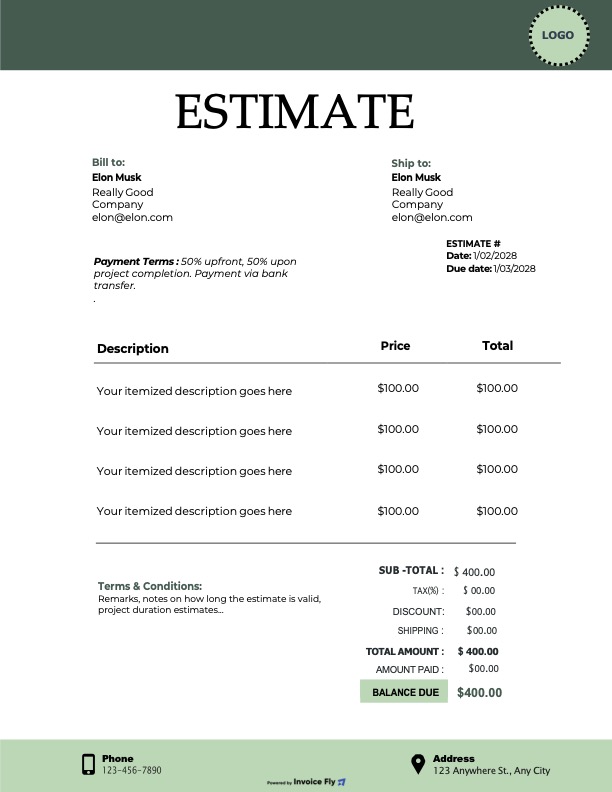
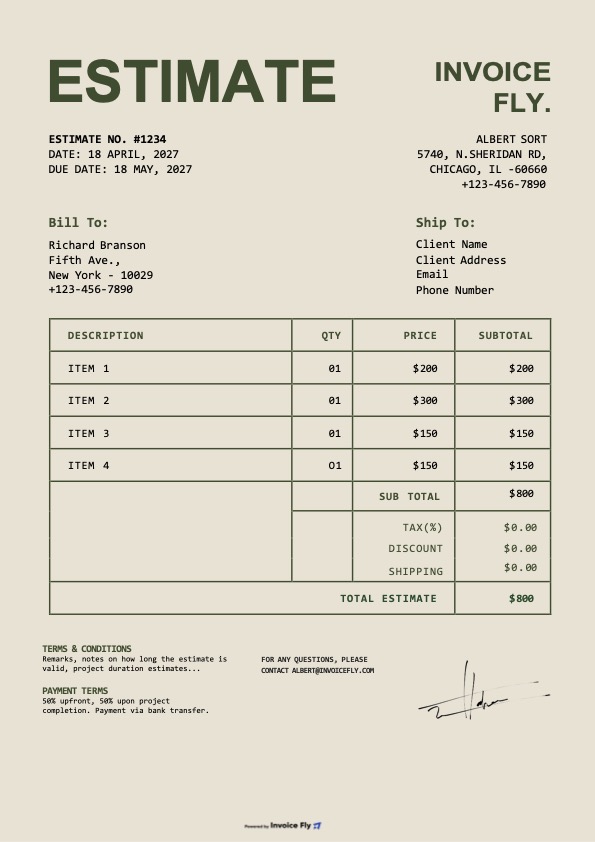
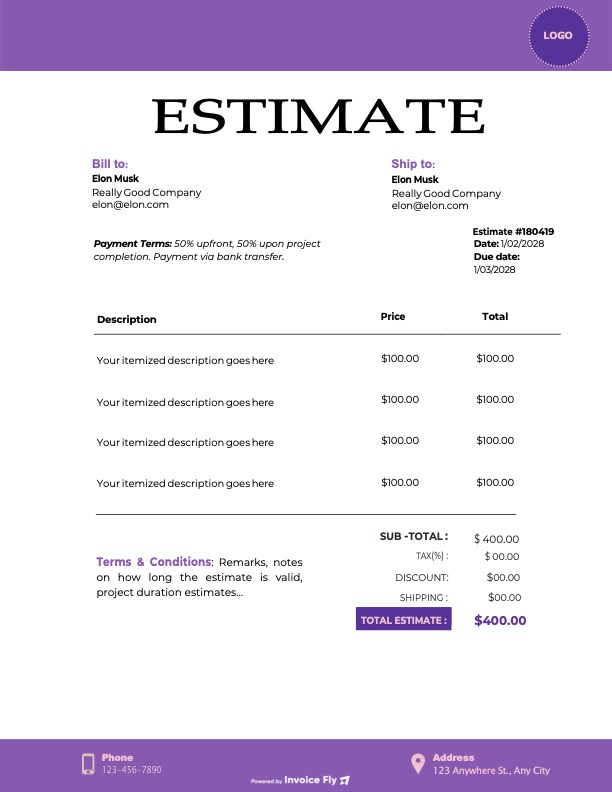
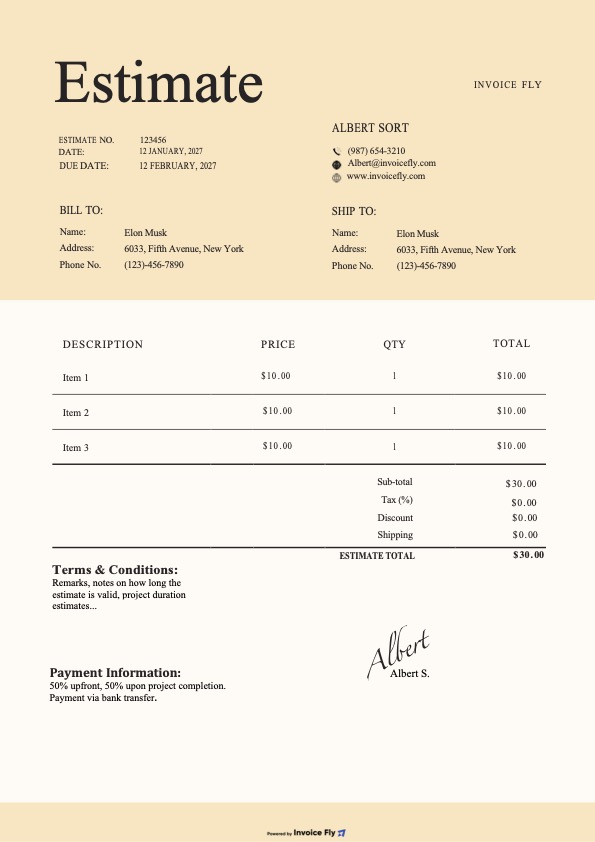
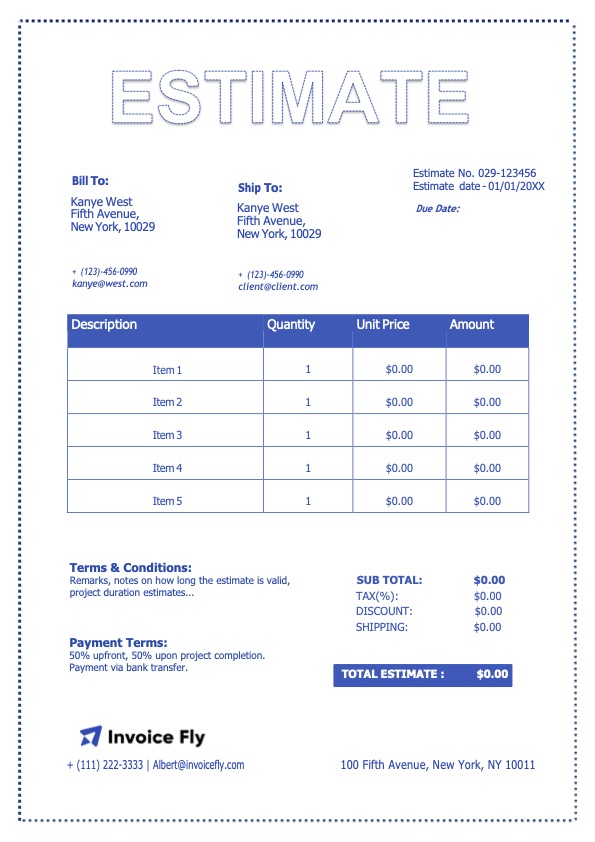
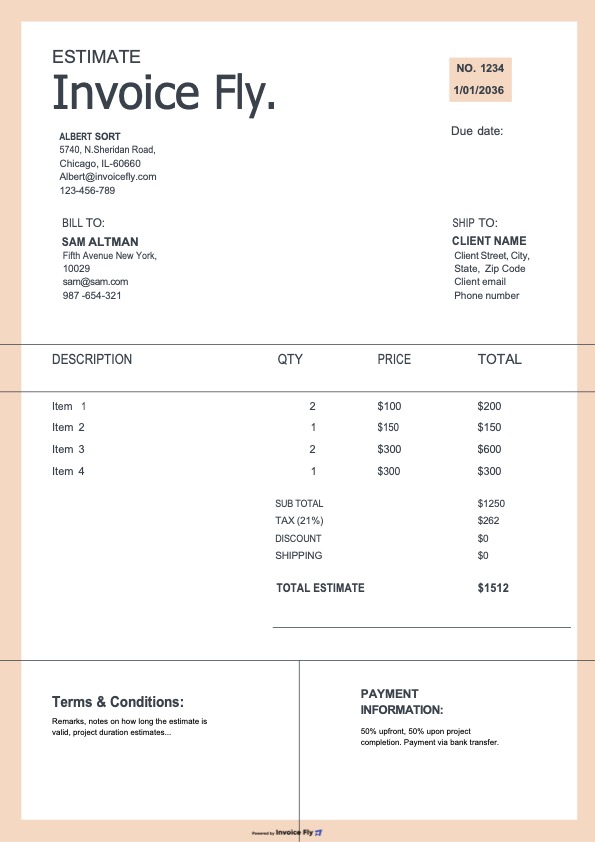
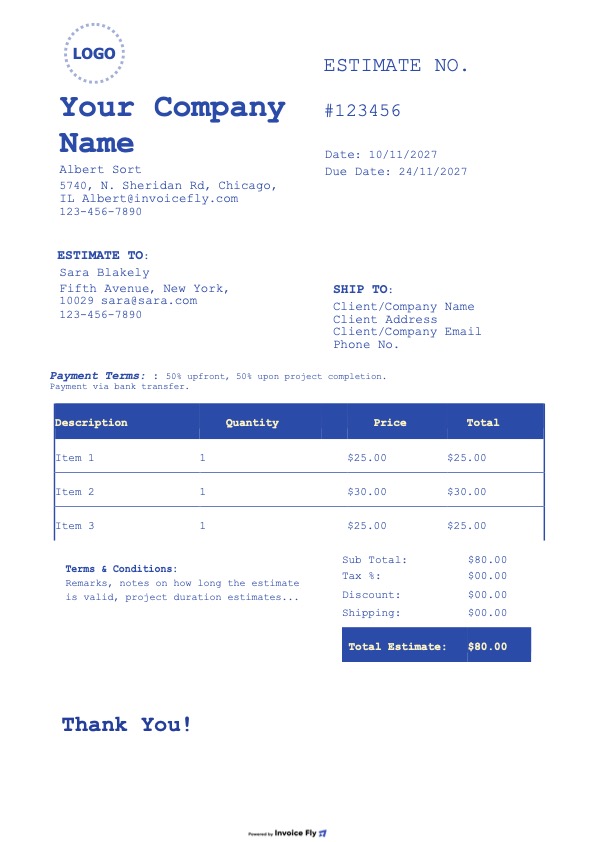
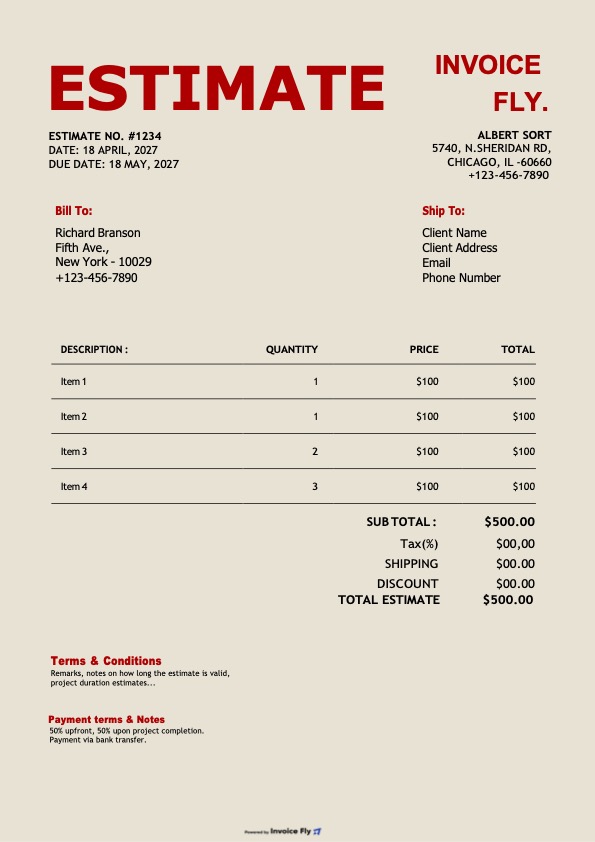
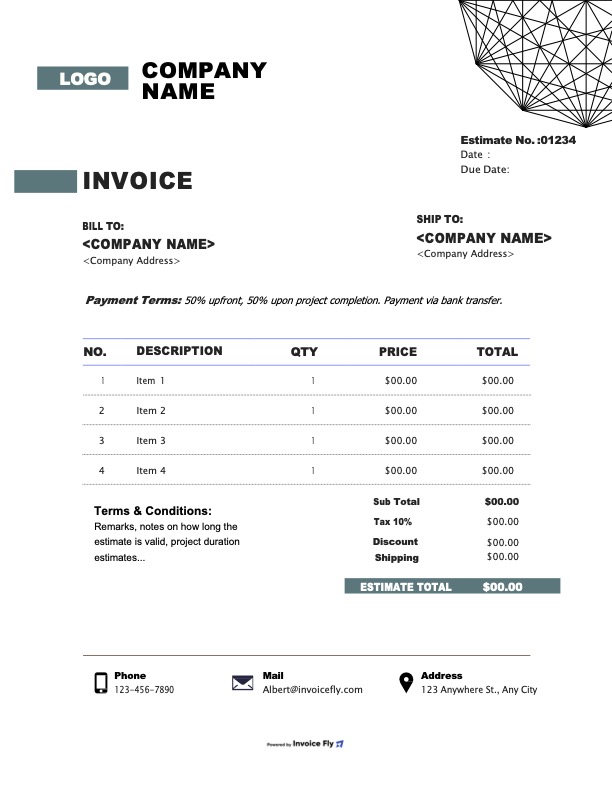
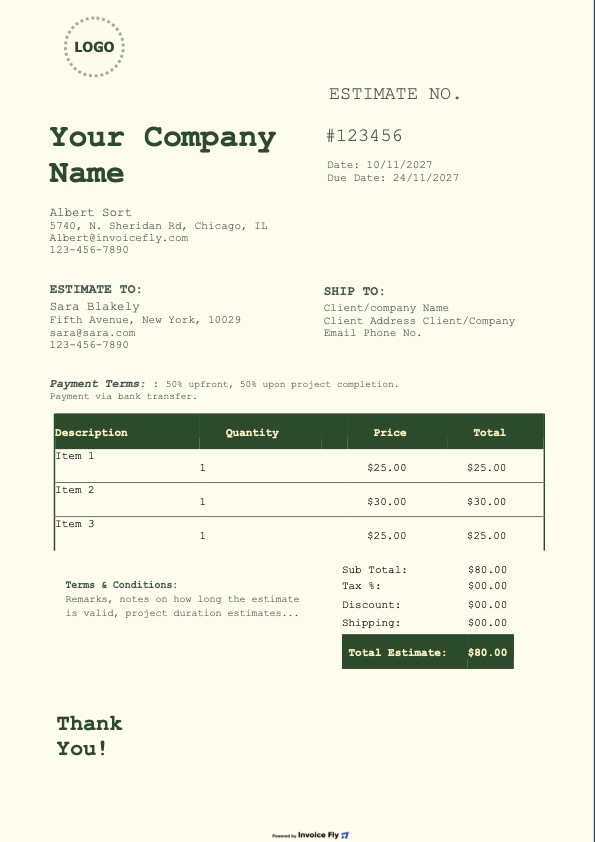
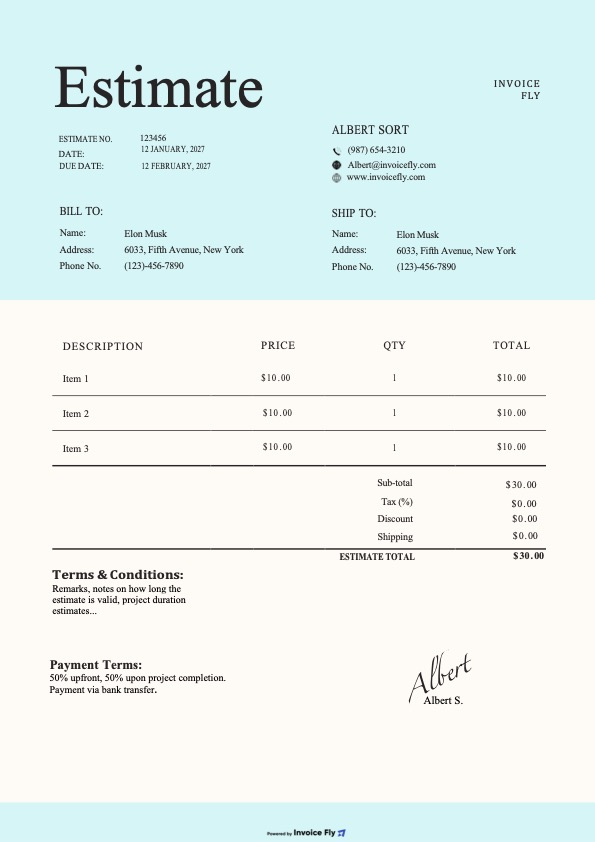
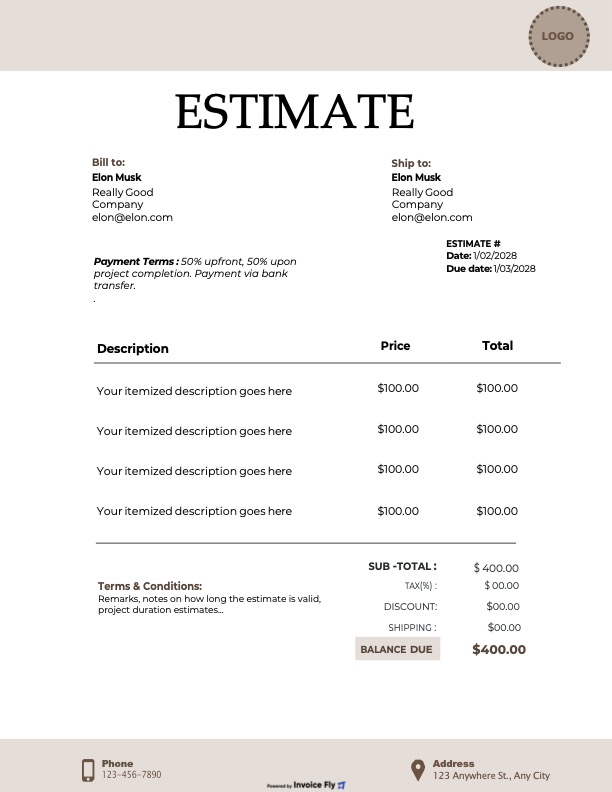
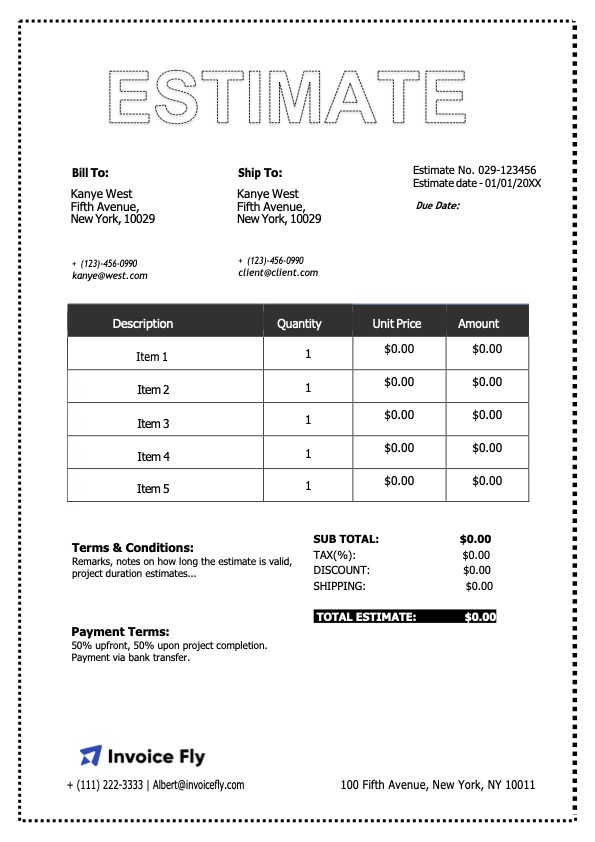
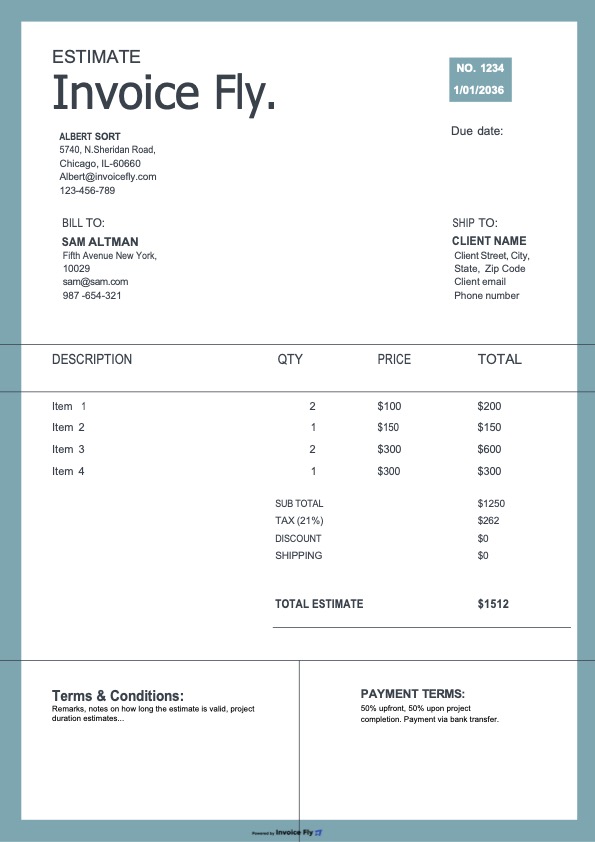
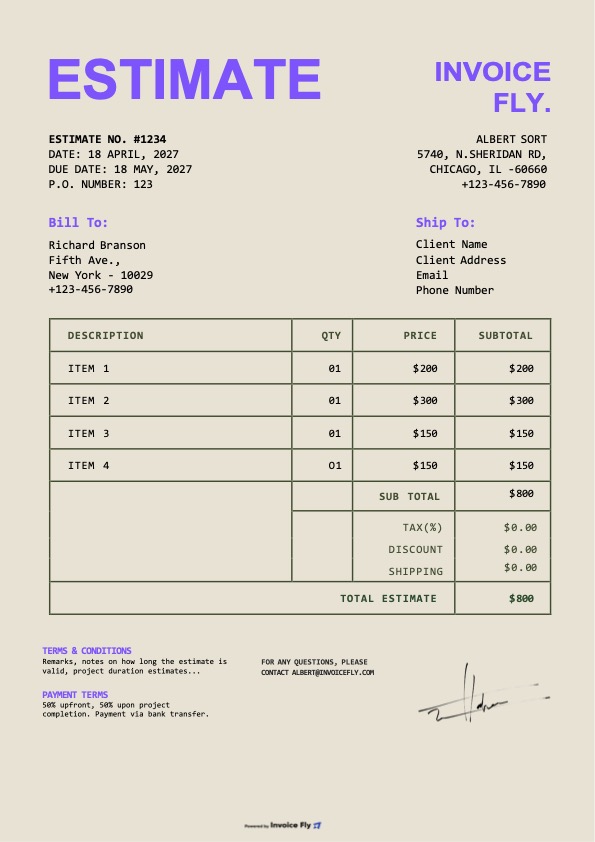
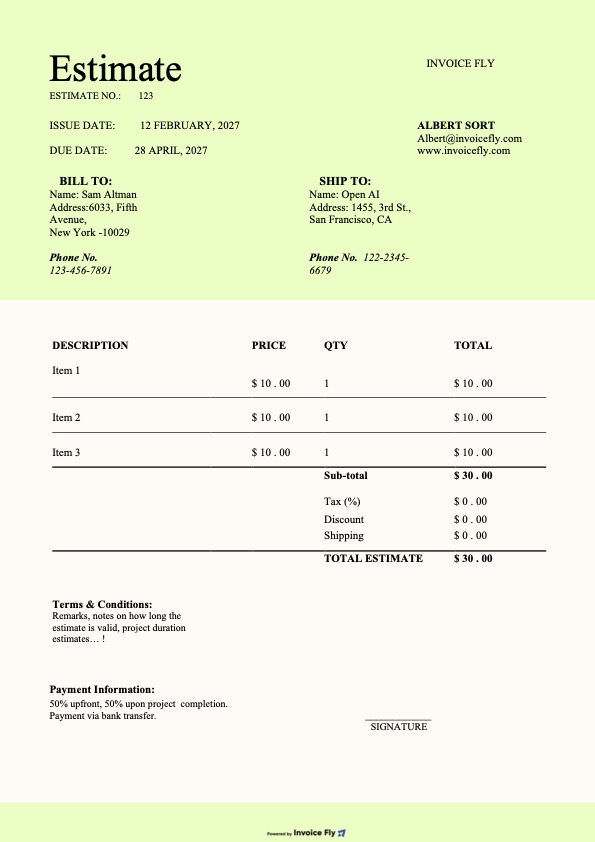
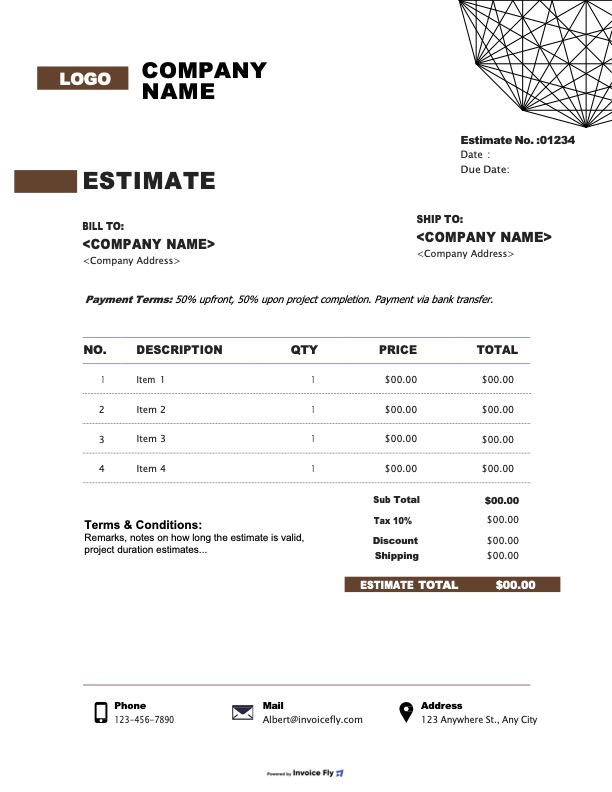
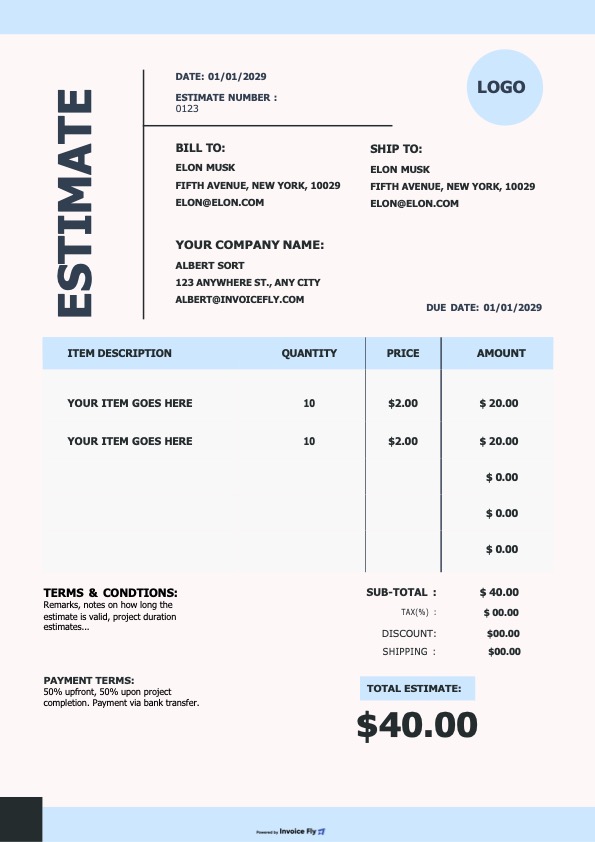
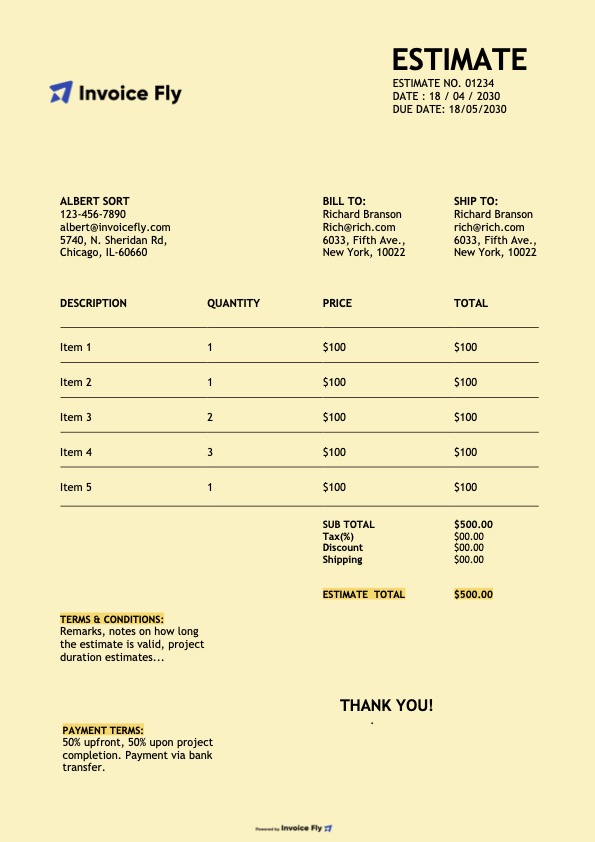
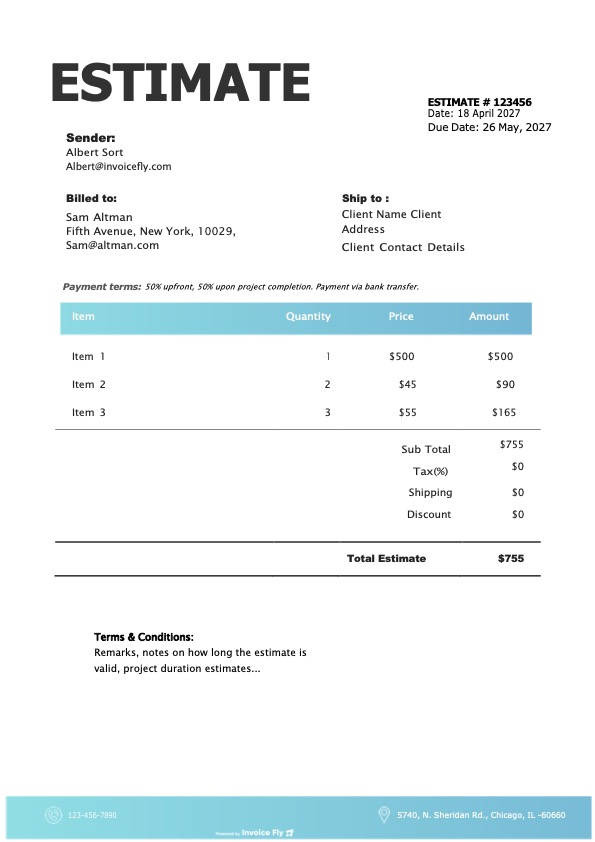
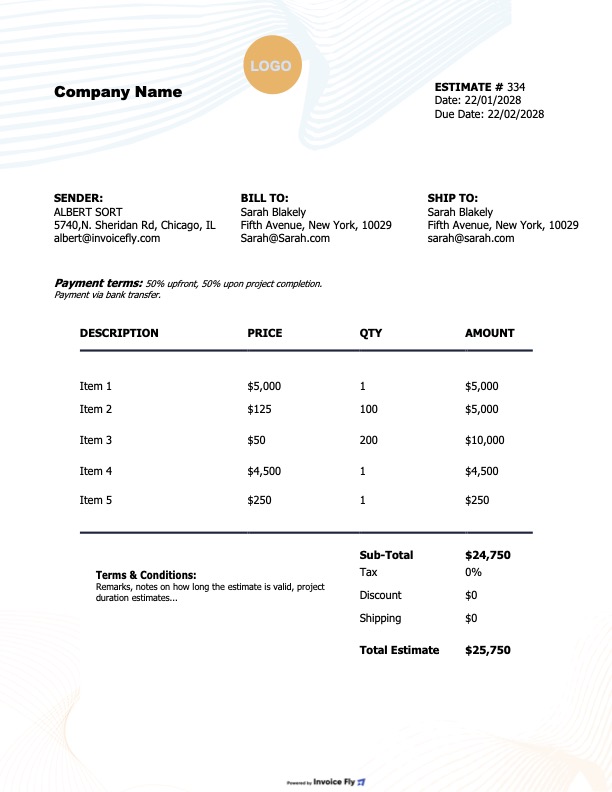
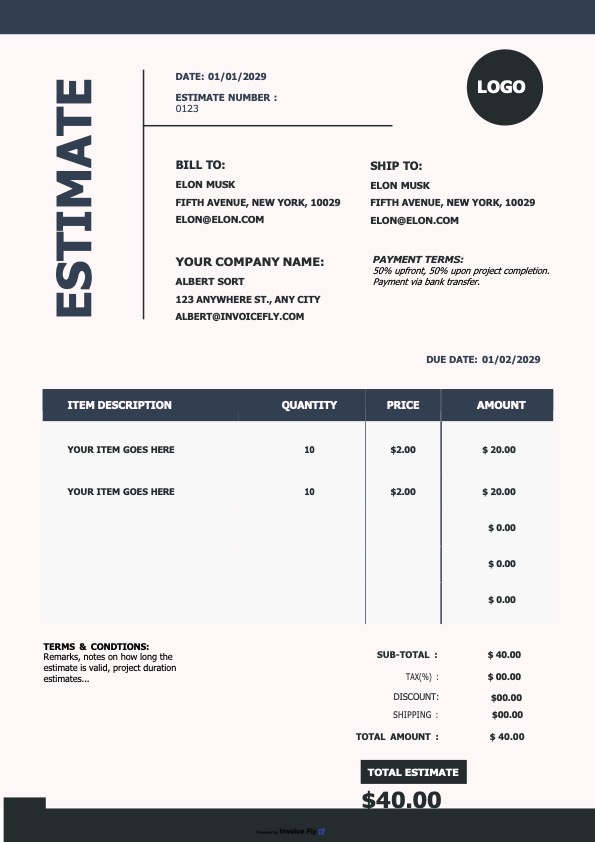
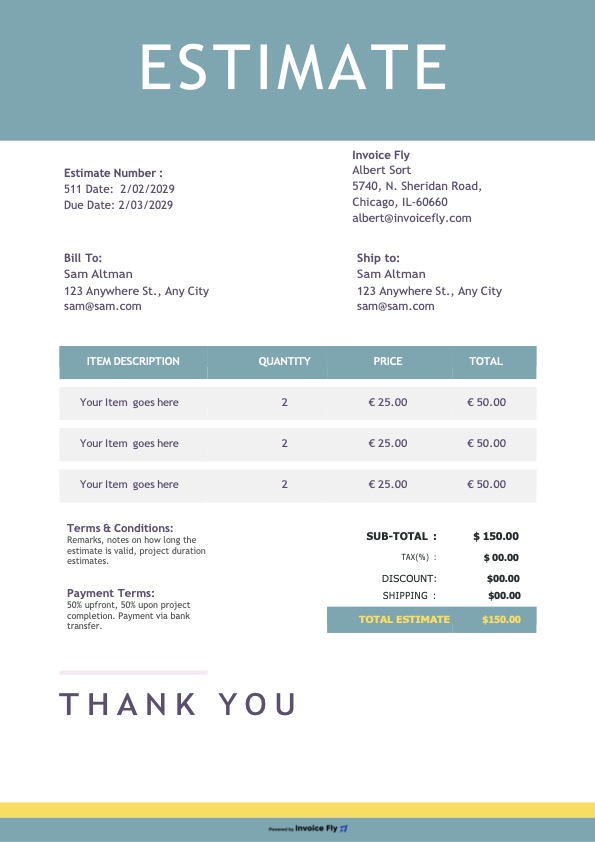
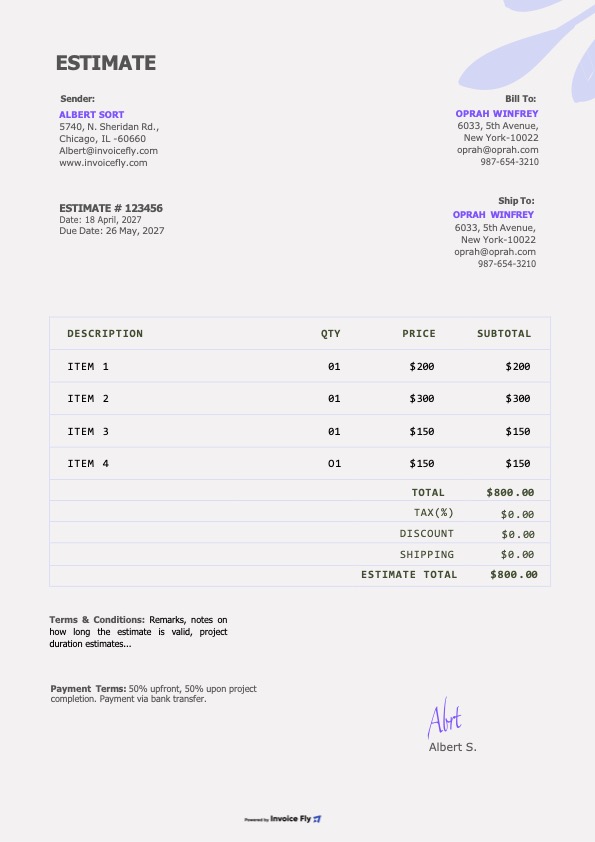
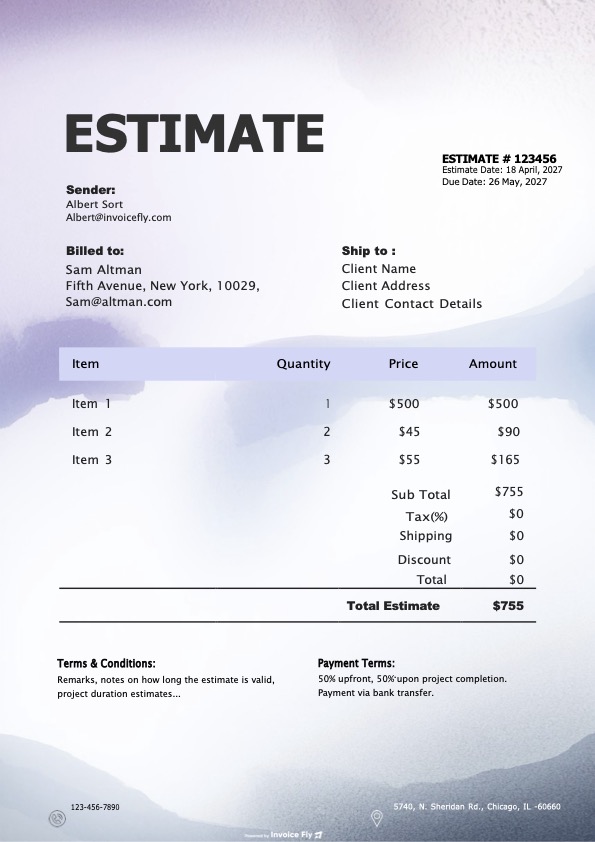
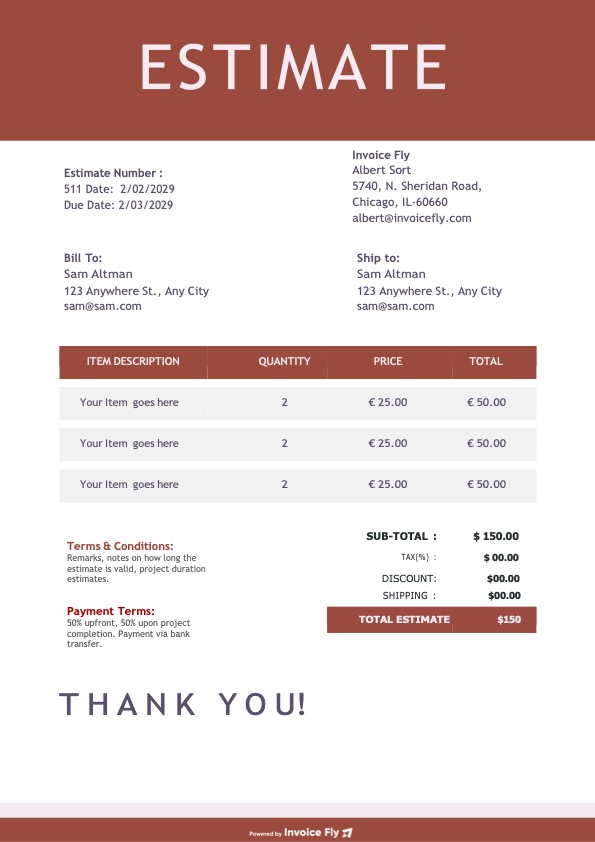
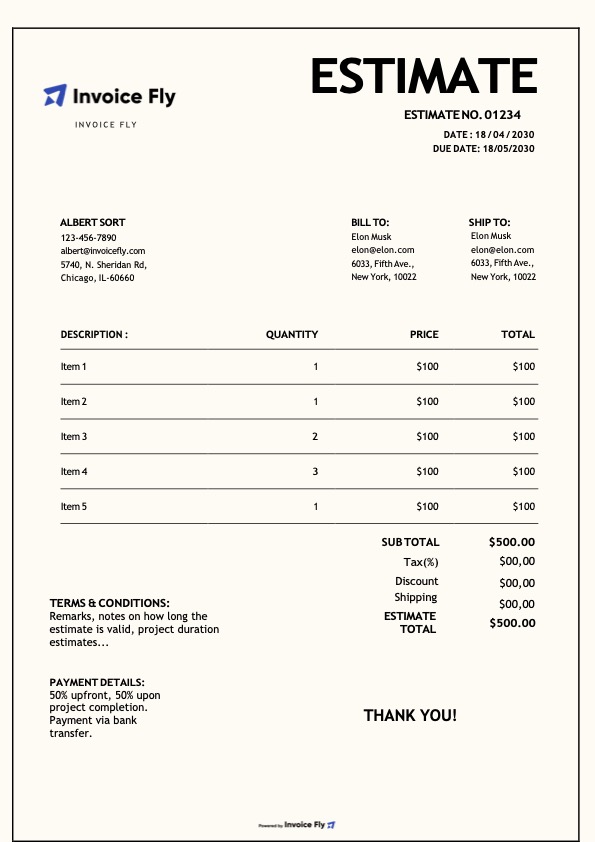
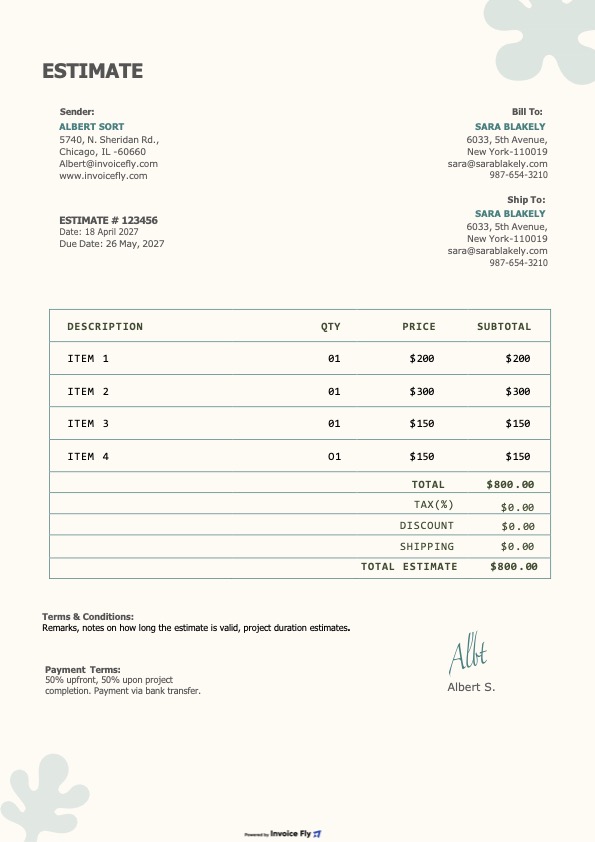
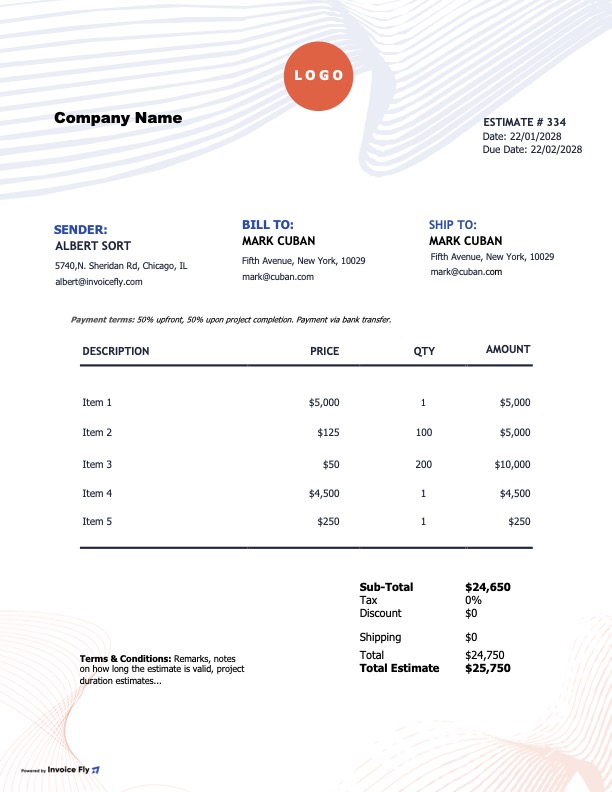
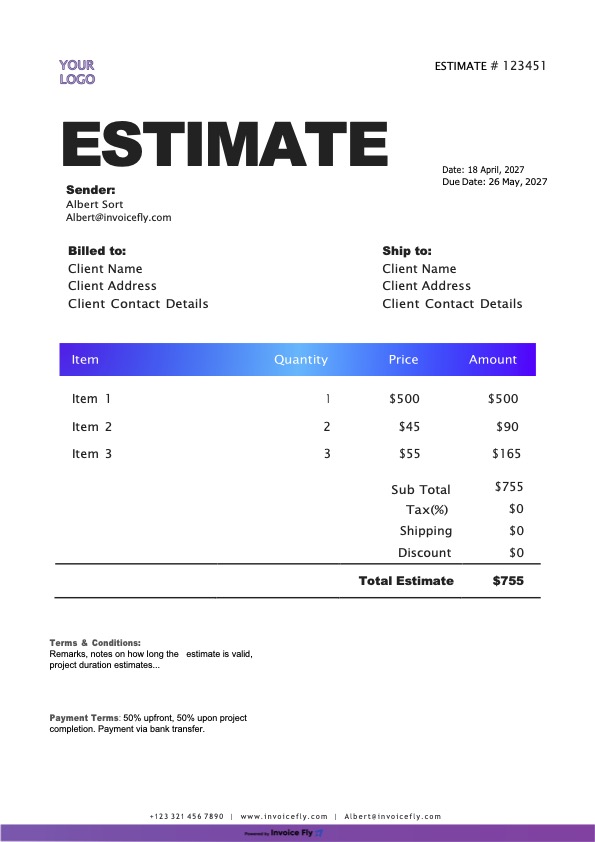
Free Estimate Template for PDF

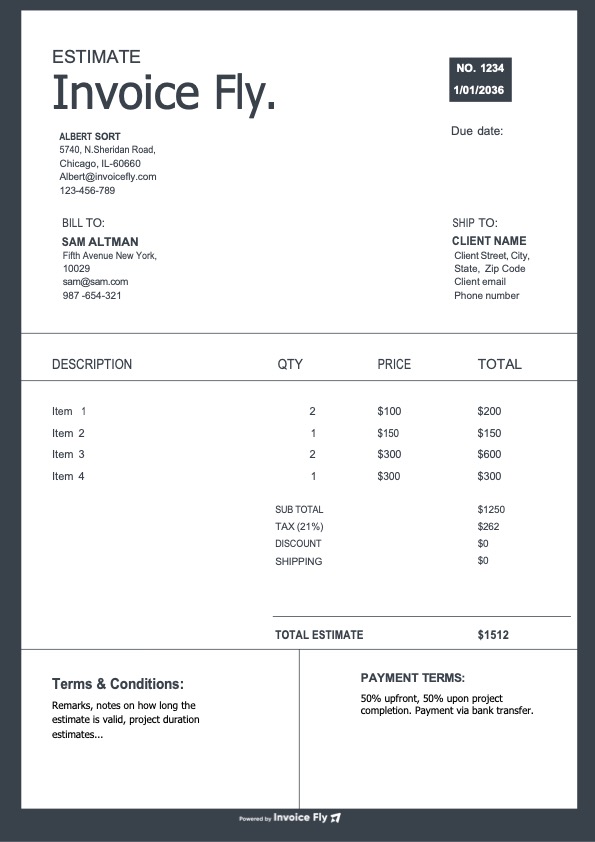
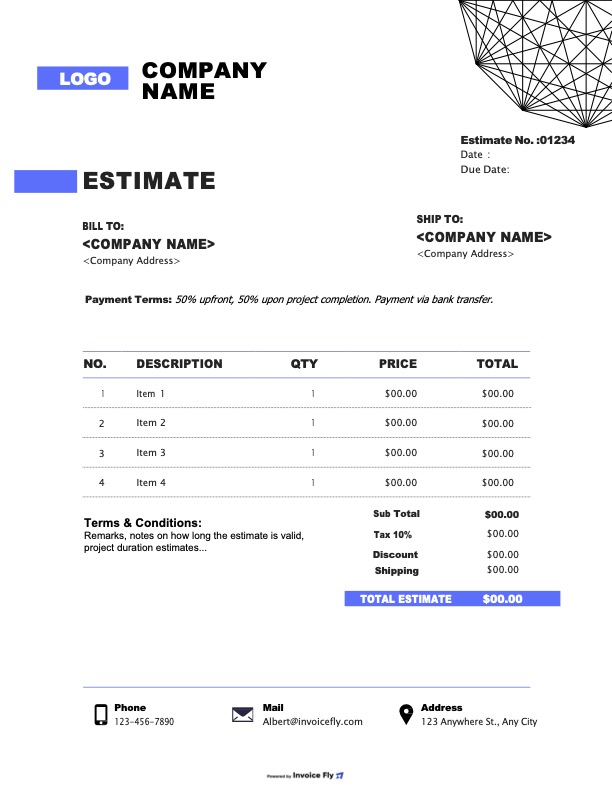
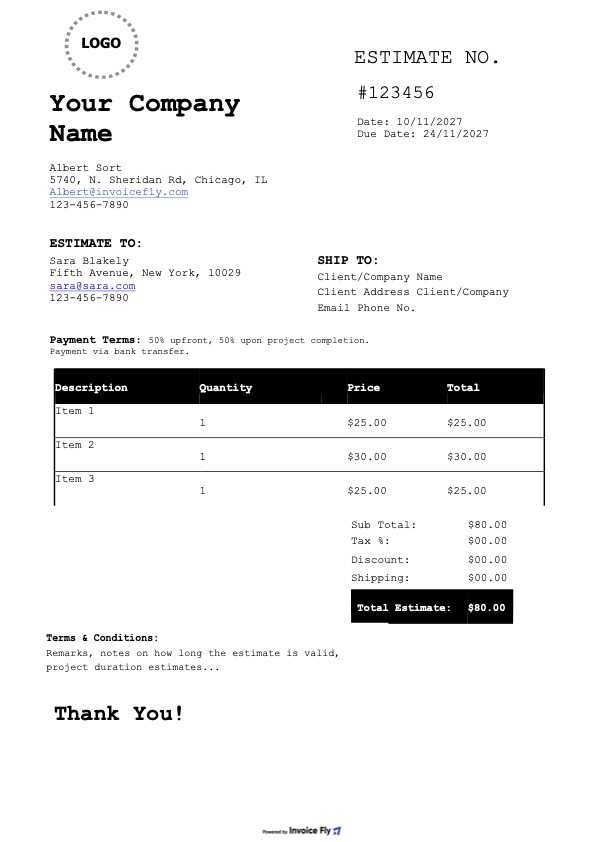
Create professional estimates in minutes with Invoice Fly’s free PDF estimate templates. Add your business name, logo, client details, line items, and payment terms, then print your estimate or send it by email or shareable link. Need another format? The same templates are available in Word, Excel, Google Docs, and Google Sheets.

Colors

Styles

Industry

Why Use a PDF Estimate Template?

A good estimate sets the tone before the job even begins. Invoice Fly’s free PDF estimate templates help you present your prices professionally, send quotes with confidence, and keep your job estimates organized.
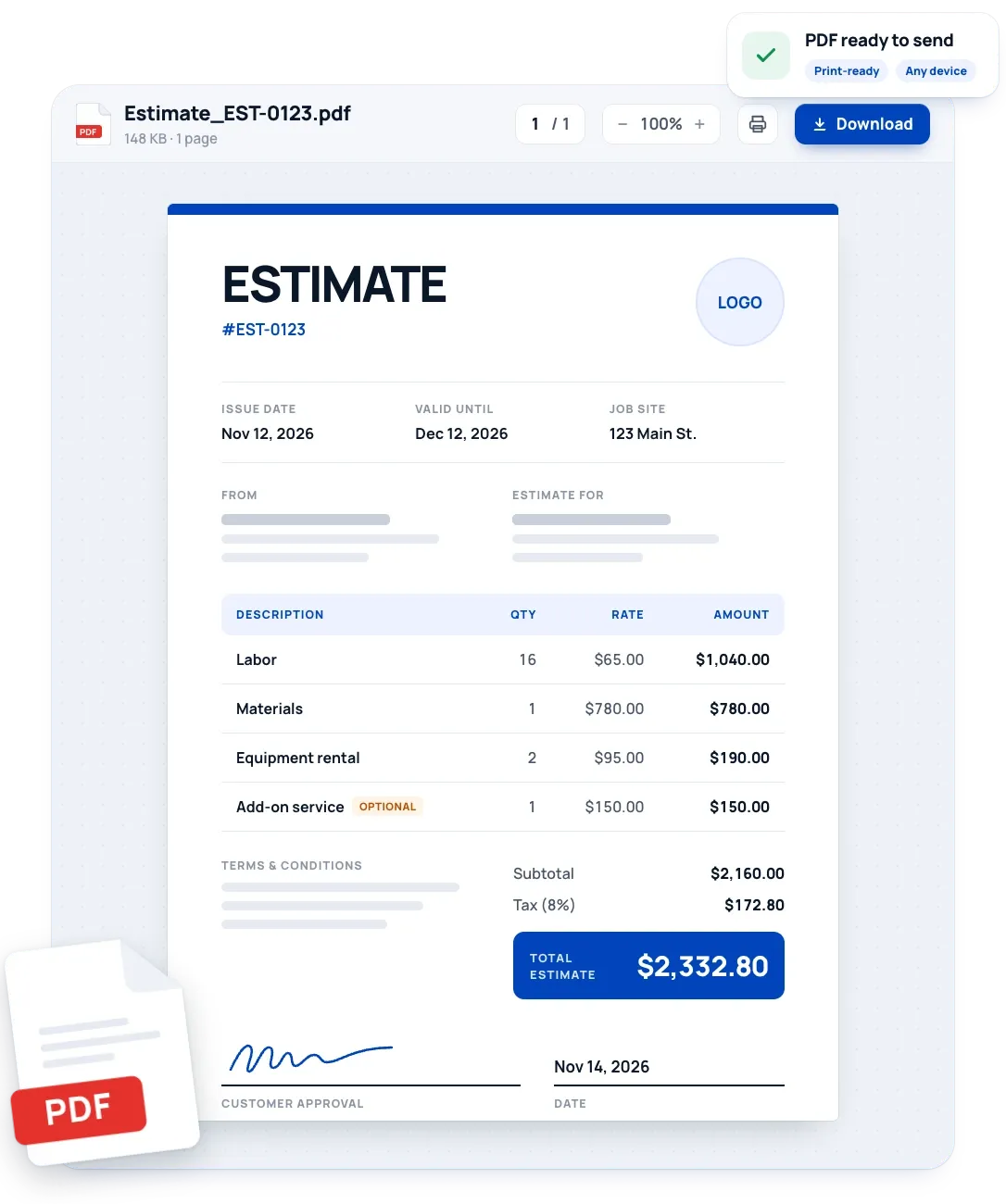
PDF estimate template open in a PDF viewer with download and print options, showing an itemized estimate with labor, materials, optional add-on, total estimate, and customer approval signature
  • Consistent layout

    Fonts, columns, and logo placement do not shift when the client opens the file on a phone, tablet, or computer.

  • Easy to share

    A PDF opens on almost any device, so clients can review, save, and forward it without special software.

  • Print-ready

    The layout is fixed, which suits clients who want a paper copy or a signature line.

  • A professional impression

    A clean, branded estimate shows clients you run a reliable business.

  • Faster quoting

    Reuse the same layout for each job and change only the client and line items.

  • Fewer disputes

    Listing the scope, what is included, and how long the price is valid sets expectations before work starts.

  • Complete estimates

    Fixed lines for labor, materials, tax, and total reduce missed charges and math errors.

What’s Included in an Estimate Template?

A good estimate gives customers a clear picture of the job, expected costs, and what’s included before work begins. Use Invoice Fly’s estimate templates to organize your pricing and create a professional quote for every project.

  1. Business Information

    Add your business name, logo, address, phone number, email, and license details where applicable.

  2. Customer Information

    Include the client’s name or company name, billing address, phone number, and email address.

  3. Estimate Number and Dates

    Assign a unique estimate number and include the issue date and expiration date so you can track quotes and show customers how long your pricing is valid.

  4. Scope of Work and Itemized Costs

    Describe the proposed work, job site address, and project requirements. Break down each task, product, or service with its quantity, rate, and estimated amount. List labor and materials separately so customers can see exactly what the job involves and costs.

  5. Optional Services and Add-ons

    Include additional services as separate line items with individual prices. Let customers review optional upgrades and decide what they’d like to add.

  6. Subtotal, Taxes, and Estimated Total

    Show the subtotal, applicable sales tax, discounts, and final estimated cost so customers know what to budget for.

  7. Terms and Conditions

    Explain deposit requirements, payment terms, what’s included or excluded, and any circumstances that could change the final price.

  8. Customer Approval

    Leave space for the customer’s signature and date to confirm acceptance of the proposed work and pricing before the project begins.
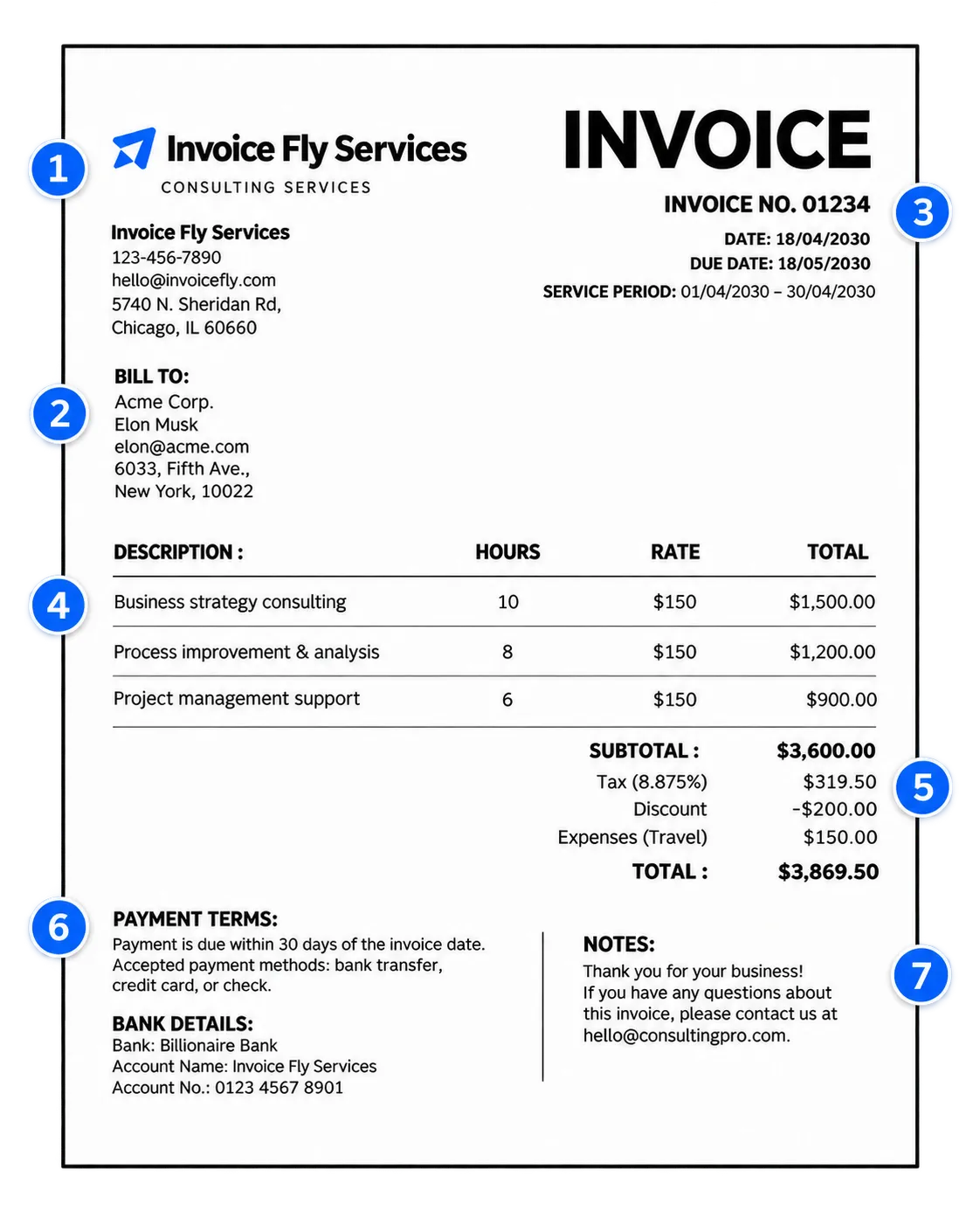
PDF template with numbered elements: 1 business information, 2 customer information, 3 document number and dates, 4 itemized costs, 5 subtotal, taxes, and total, 6 payment terms, 7 notes

Create Your First Estimate with Our Free Estimate Generator

Create a professional job estimate in minutes with Invoice Fly’s free online estimate maker. Add your business and customer details, enter services, quantities, and prices, and let automatic calculations handle subtotals and totals. Download your completed estimate as a PDF, ready to print or send to customers.

Try Our Online Estimate Generator
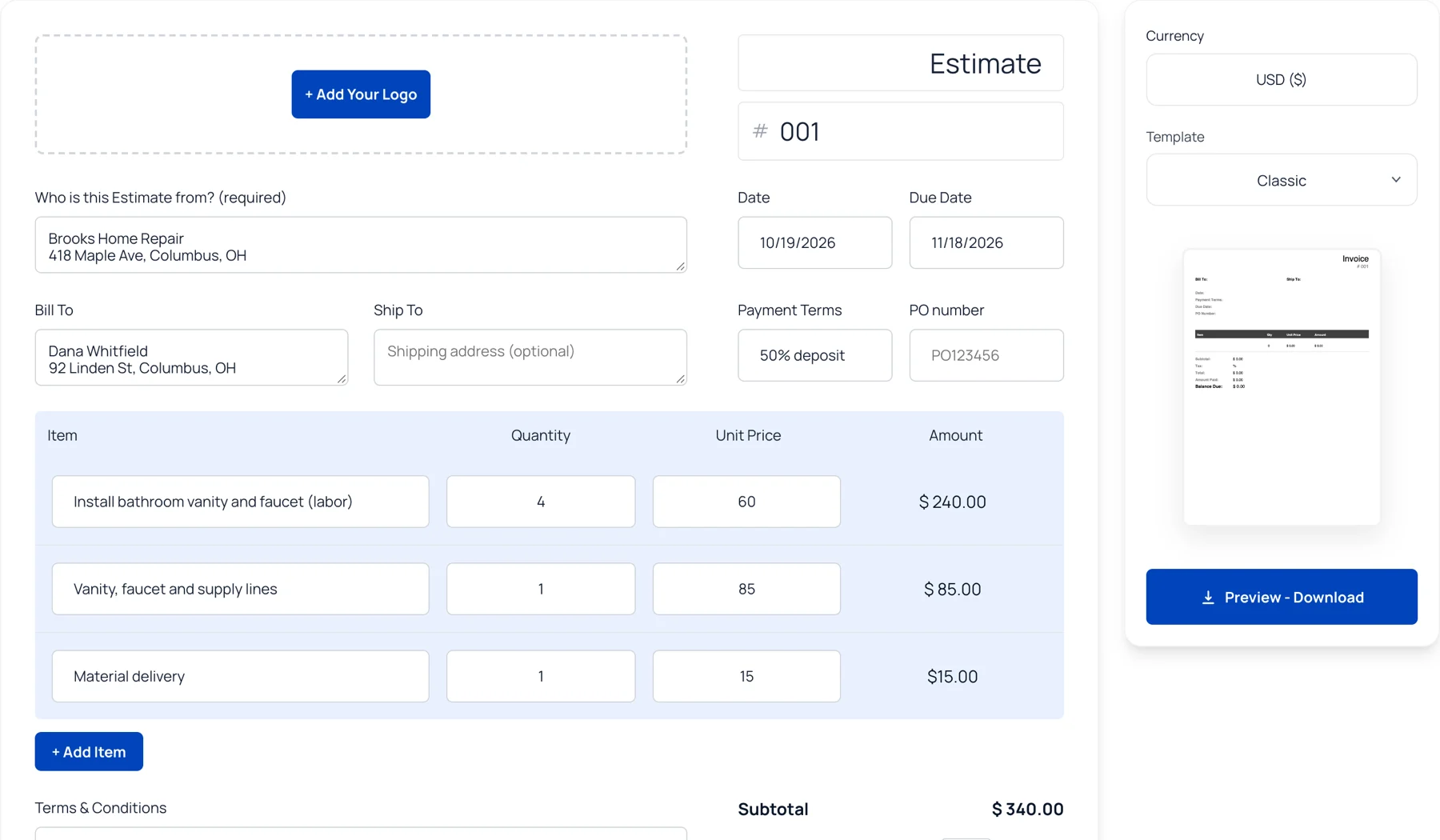

Invoice Fly free online estimate generator with line items, totals and template options

FAQs about Estimate Templates for PDF

A PDF estimate template is a ready-made document that helps businesses prepare and share professional job estimates. Add your business information, customer details, services, quantities, and estimated costs, then download the completed document as a PDF.

Whether you're an independent contractor, construction professional, or small business owner, a PDF estimate gives you a consistent format for presenting prices and explaining the work before a customer approves the job.

You can find free PDF estimate templates at Invoice Fly. Choose a blank estimate template, customize it with your business details and job costs, and download your finished estimate to print or share with customers.

Invoice Fly also offers editable estimate templates in Word, Excel, Google Docs, and Google Sheets. Whether you need a simple job estimate or a detailed contractor estimate, you can choose the format that works for your business.

Creating a professional estimate doesn't have to take hours. Start with Invoice Fly templates.

Follow these simple steps:

  1. Add your business name, logo, and customer details.

  2. Enter the job description, services, products, and quantities.

  3. Add your rates, labor costs, and materials.

  4. Include applicable taxes, discounts, and payment terms.

  5. Review your estimate and download the finished PDF.

Prefer a faster way? Invoice Fly's free online estimate generator automatically calculates subtotals and totals as you enter your items and prices. No need to work everything out manually!

Absolutely! A construction estimate template helps contractors break down the expected costs of a project before work begins. You can include labor, building materials, equipment rentals, subcontractor fees, and other job expenses.

For example, a contractor preparing a kitchen renovation estimate might separate demolition, plumbing, electrical work, materials, and installation costs. This creates a clear cost estimate format that customers can review before approving the project.

You can customize a blank contractor estimate template for different jobs, from small repairs to larger construction projects.

Although these documents are closely related, each serves a different purpose in the billing process:

  • Estimate: Provides an approximate cost for a job before work begins. The final amount may change if the scope or requirements change.

  • Quote: Presents a proposed price for a specific scope of work. Once accepted, it establishes the agreed pricing for the job.

  • Invoice: Requests payment for products or services provided and shows the amount the customer owes.

For example, a contractor might send an estimate for a home renovation, provide a finalized quote after discussing the project, and issue an invoice once payment is due.

You can use an estimate generator to prepare job estimates and explore Invoice Fly's free invoice templates when it's time to bill your customer.

The best format depends on how you plan to prepare, edit, and share your job estimate.

  • PDF: Best for sending finished estimates, printing, and keeping the layout consistent.

  • Word or Google Docs: Useful for editing descriptions, project scope, and terms.

  • Excel or Google Sheets: Ideal for estimates with multiple line items, quantities, rates, and calculations.

For example, a contractor might use an Excel estimate template to calculate construction costs, then save the completed document as a PDF to send to a customer. You can also customize a Word estimate template or work with Google Docs if you prefer editing online.

Yes! Invoice Fly's free online estimate maker automatically calculates subtotals and totals as you enter your services, quantities, and prices. This makes it easier to prepare estimates without manually adding every line item.

Add your business and customer details, enter the job costs, review the calculations, and download your completed estimate as a PDF. It's especially useful for contractors and service businesses that prepare estimates regularly.

Try the Free Online Estimate Generator →

A job estimate example shows how a business breaks down the expected costs of a project before work begins. Depending on the type of work, it may include:

  • Business and customer information.

  • Job description and project scope.

  • Products, materials, and labor costs.

  • Quantities, rates, and individual line totals.

  • Equipment rentals and additional expenses.

  • Discounts and applicable taxes.

  • Estimated total and payment terms.

For example, a home improvement contractor might list labor, drywall, paint, equipment rentals, and installation as separate charges. A well-organized job estimate makes the proposed costs easier to review and helps customers understand what they're paying for.

Learn to Create Better Estimates with Invoice Fly Academy

Explore Invoice Fly Academy for practical guides, business tips, and advice to help you quote jobs, manage projects, and grow your company.

Invoice Fly app

Elevate Your Estimates with Invoice Fly

Got customer approval? Turn your estimates into professional invoices with the Invoice Fly app. Keep job details, pricing, and customer information together, then send invoices and collect payments with ease.