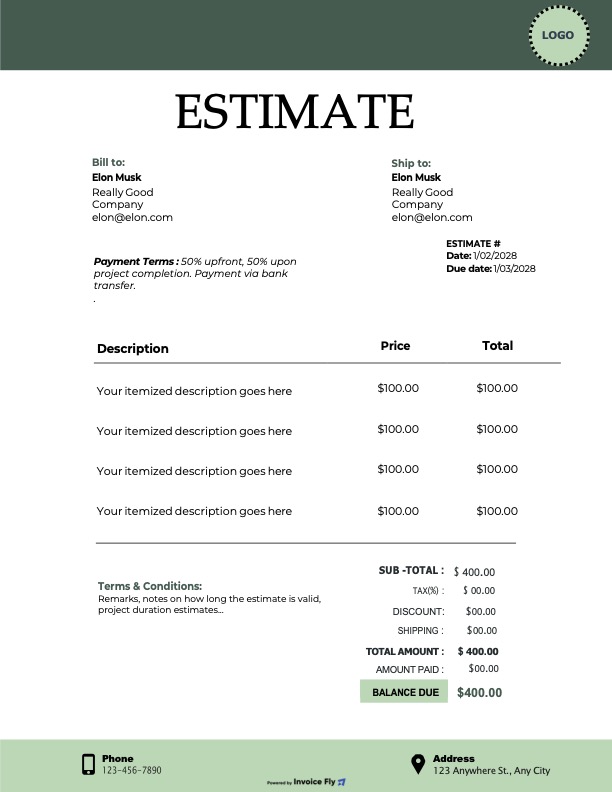
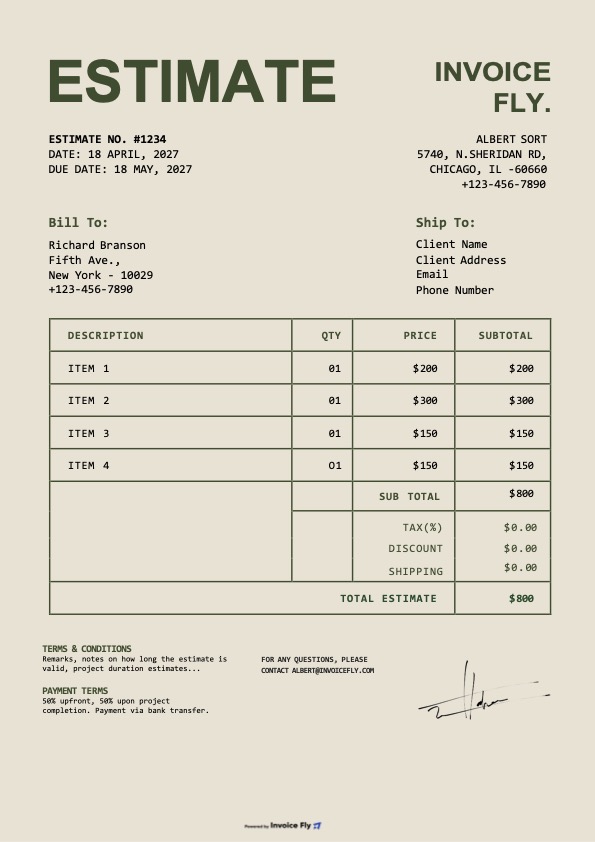
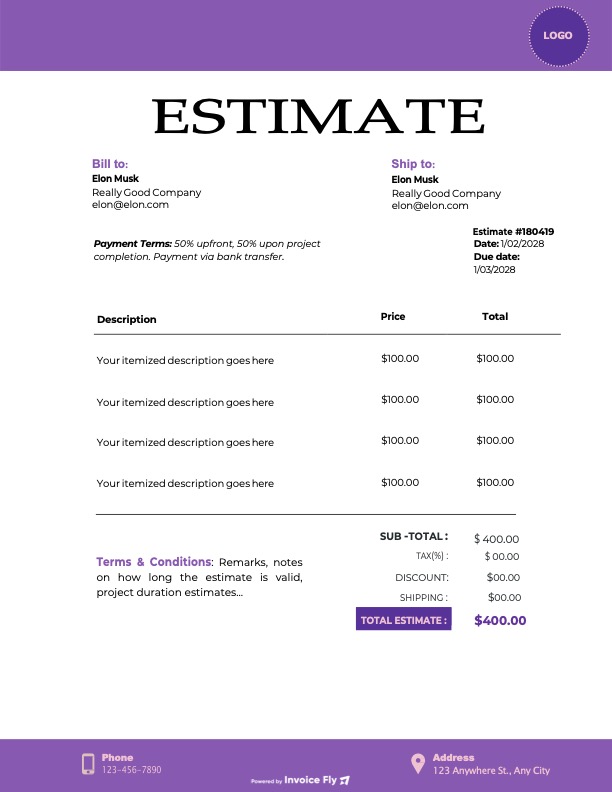
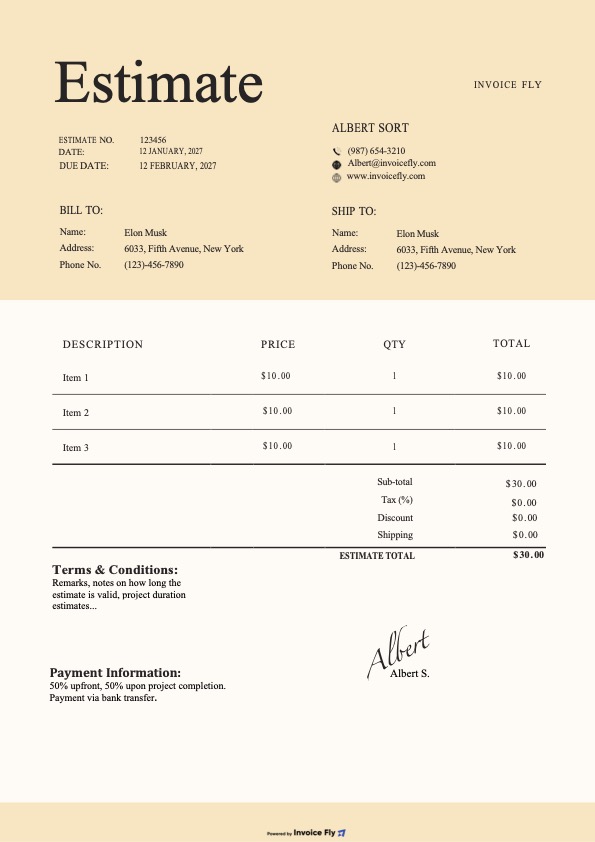
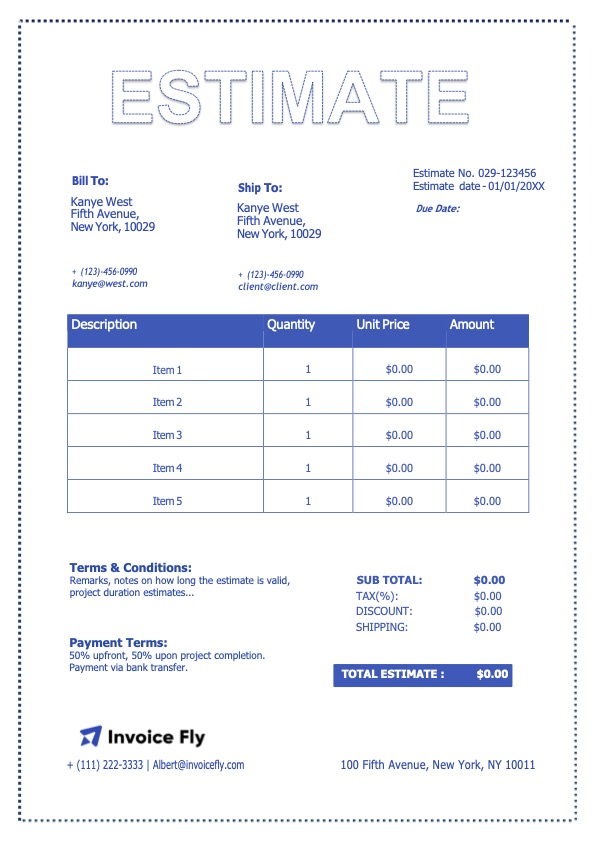
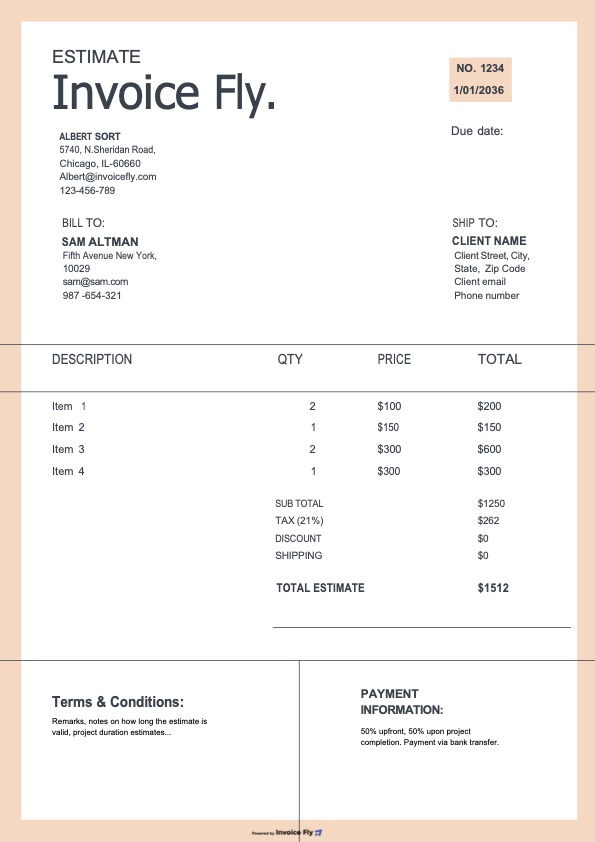
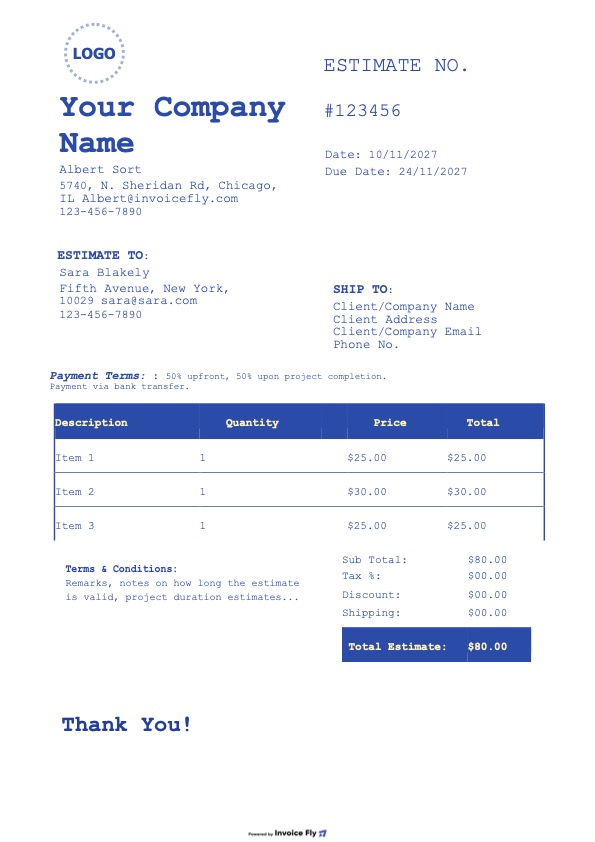
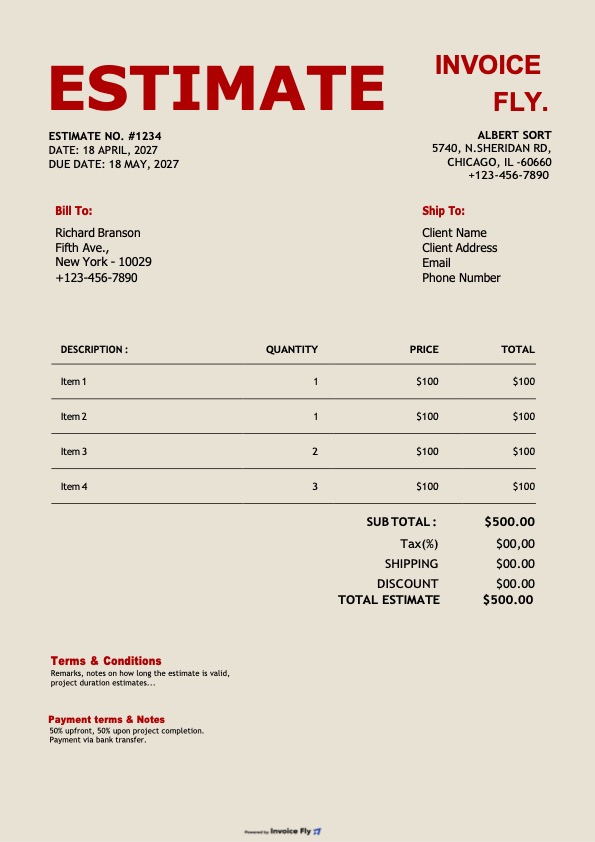
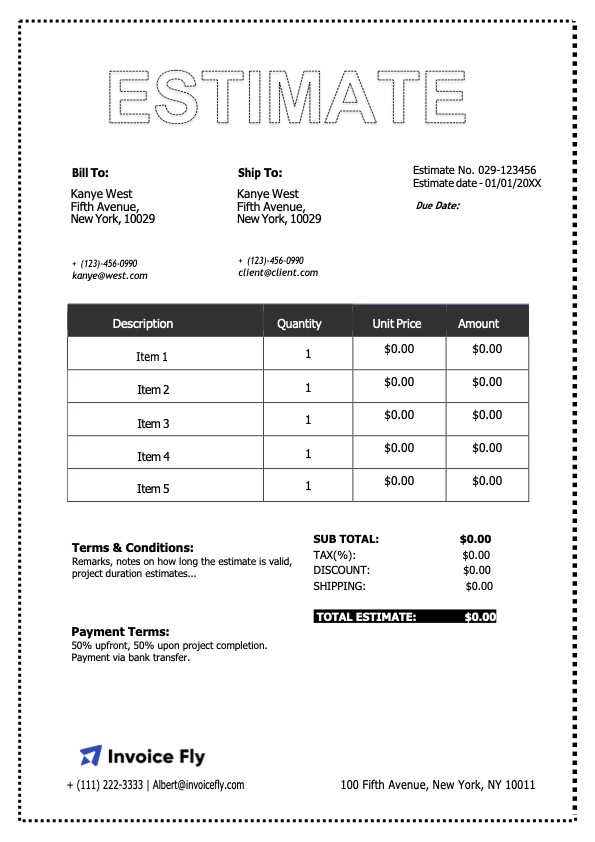
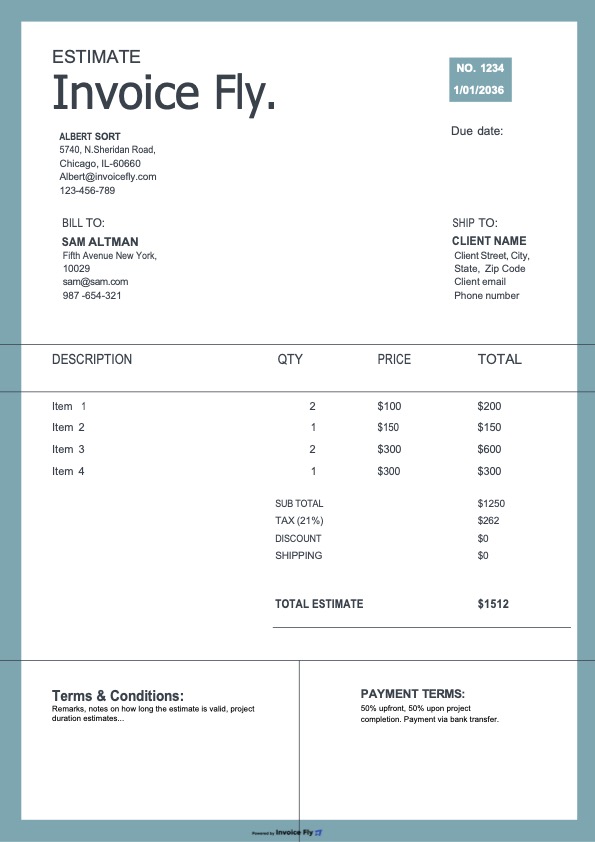
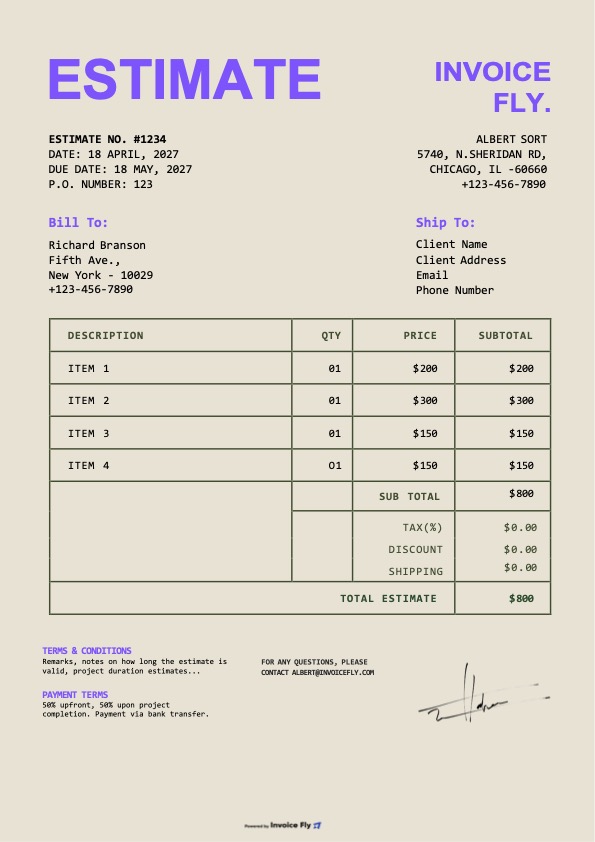
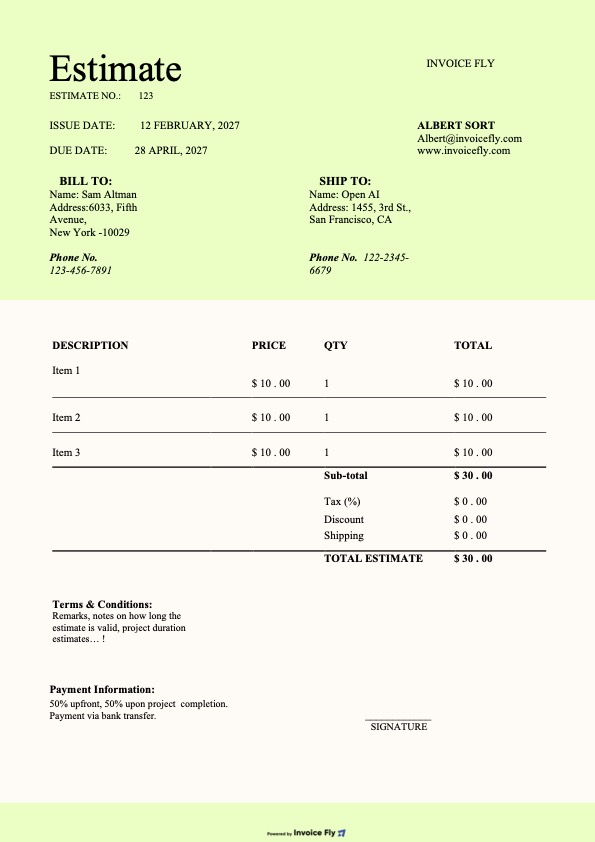
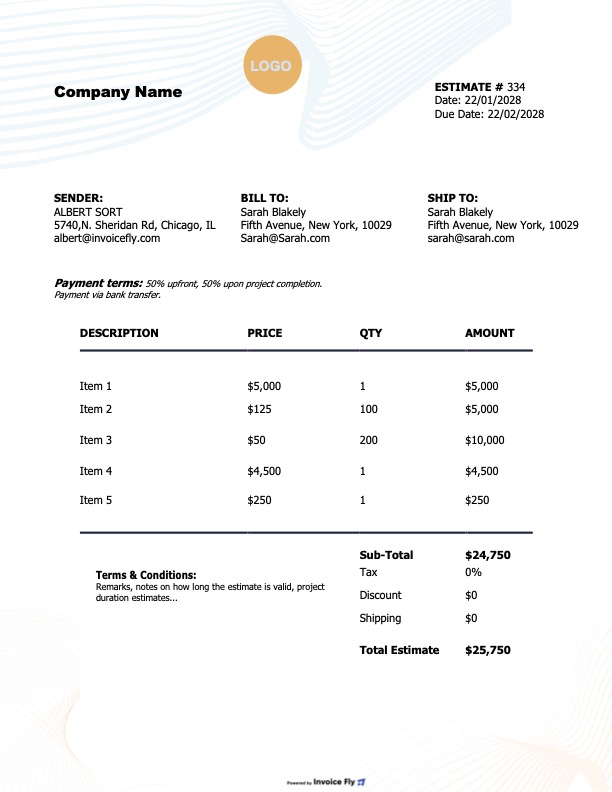
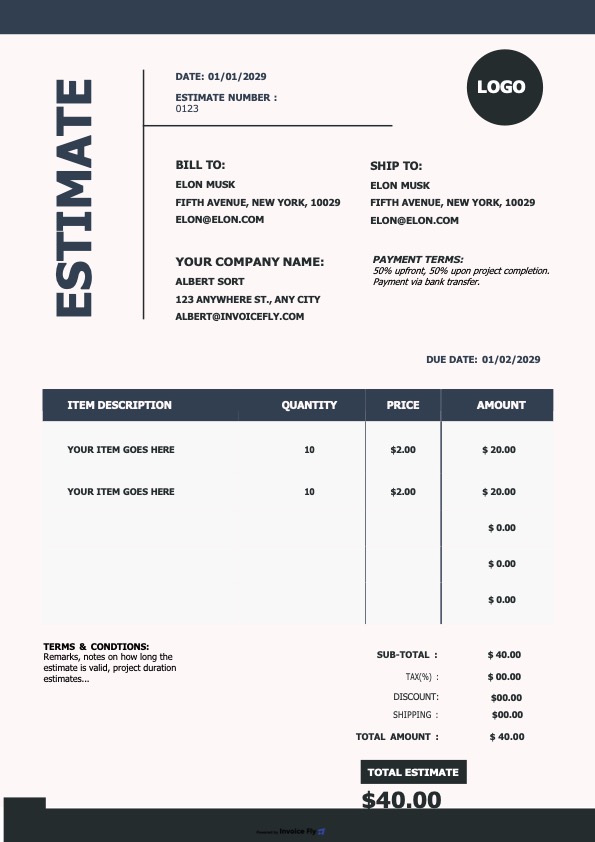
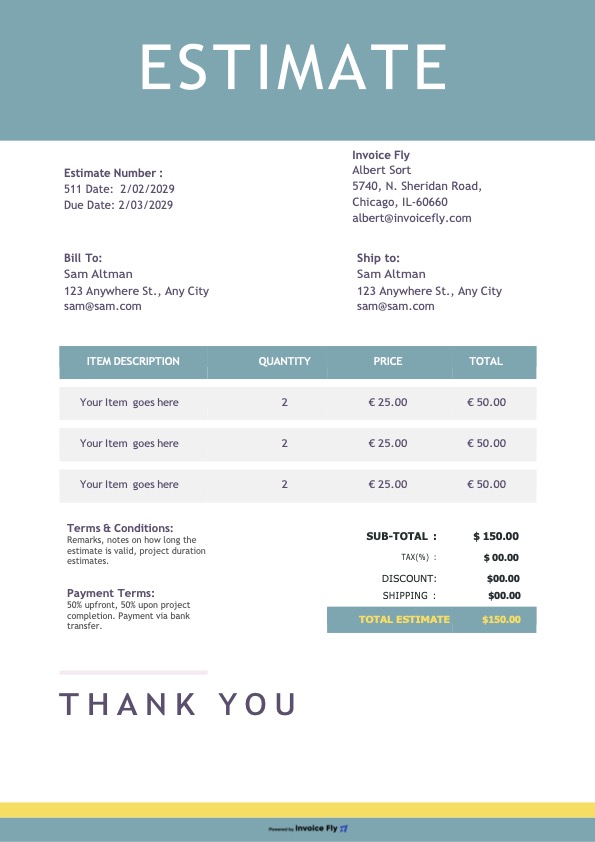
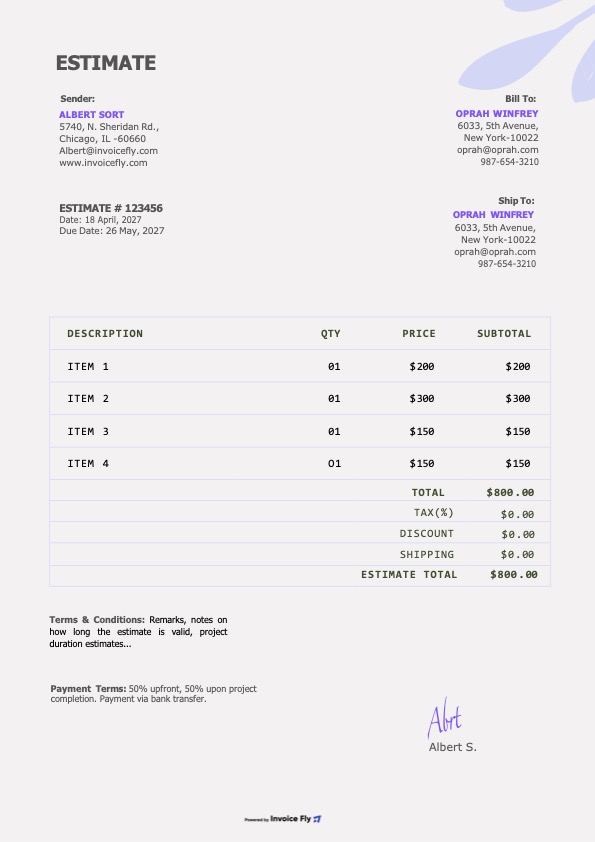
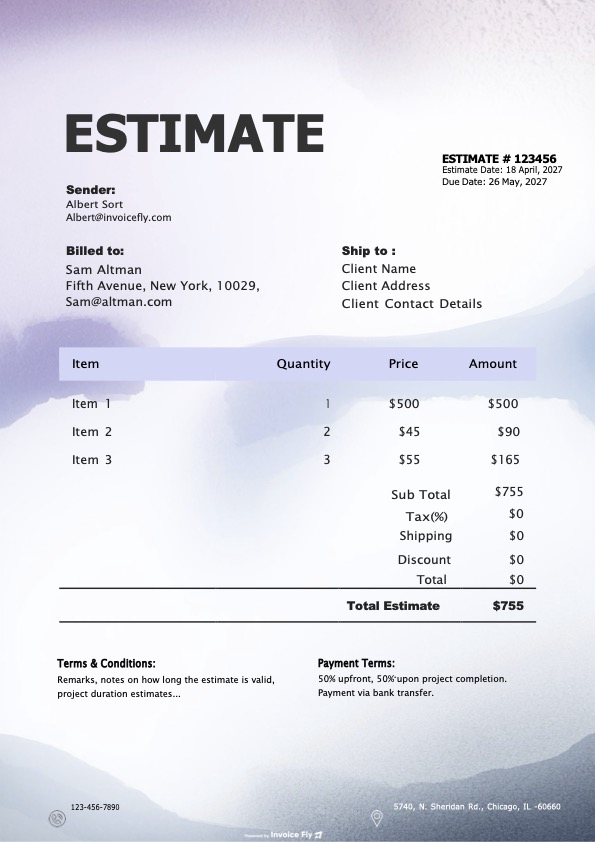
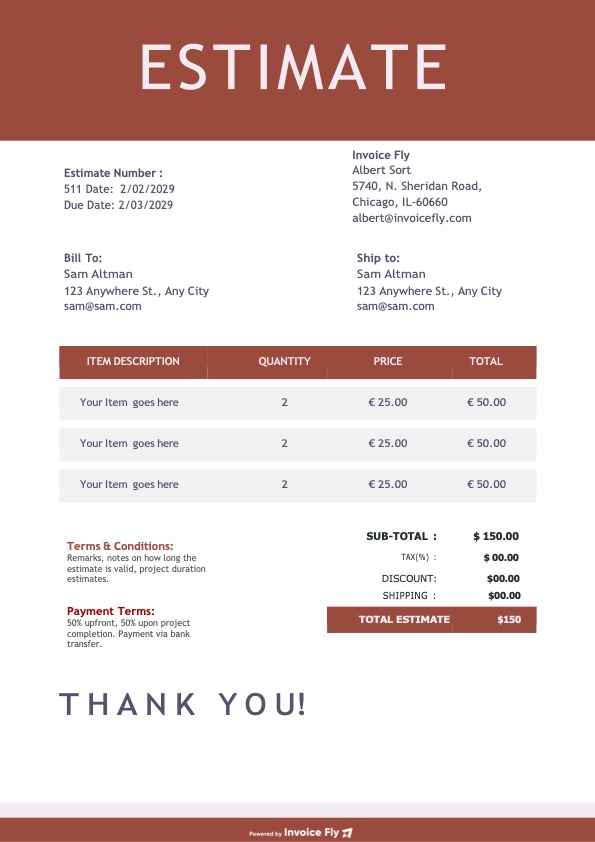
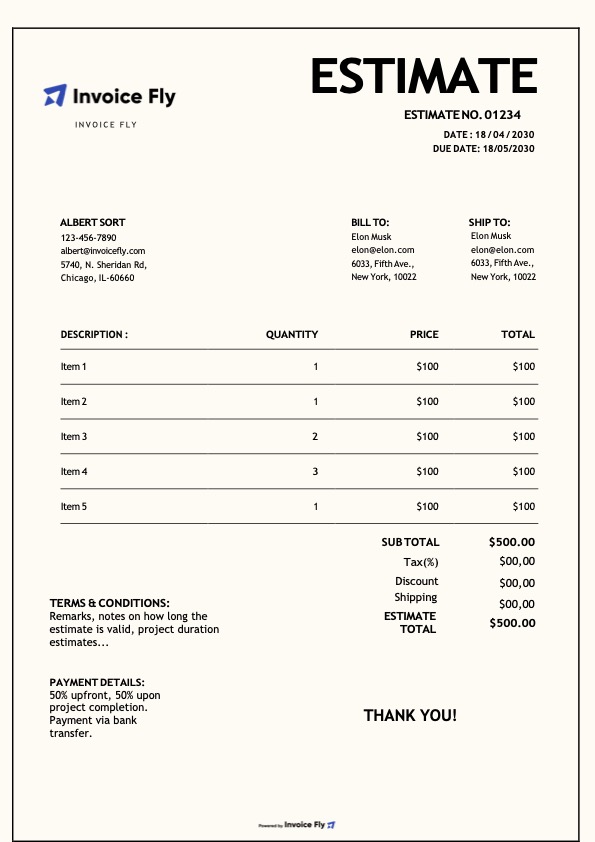
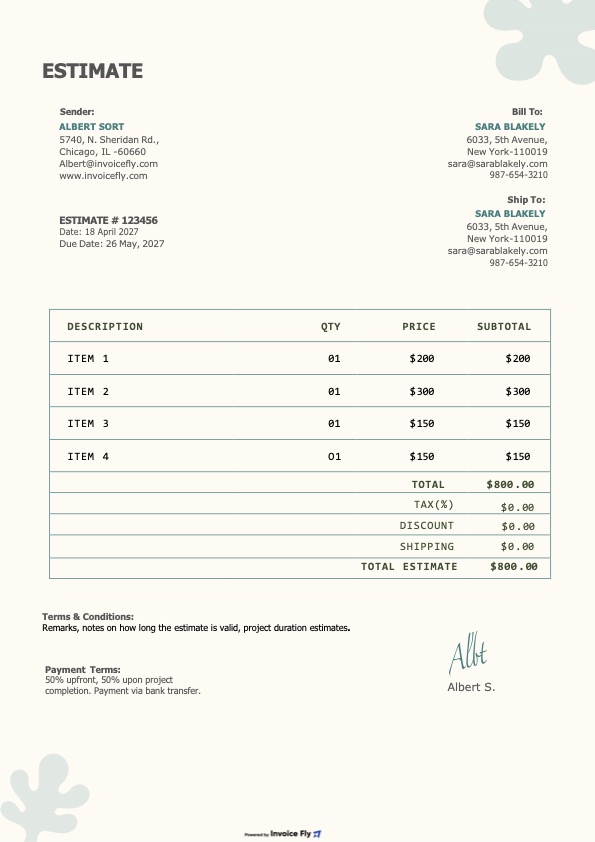
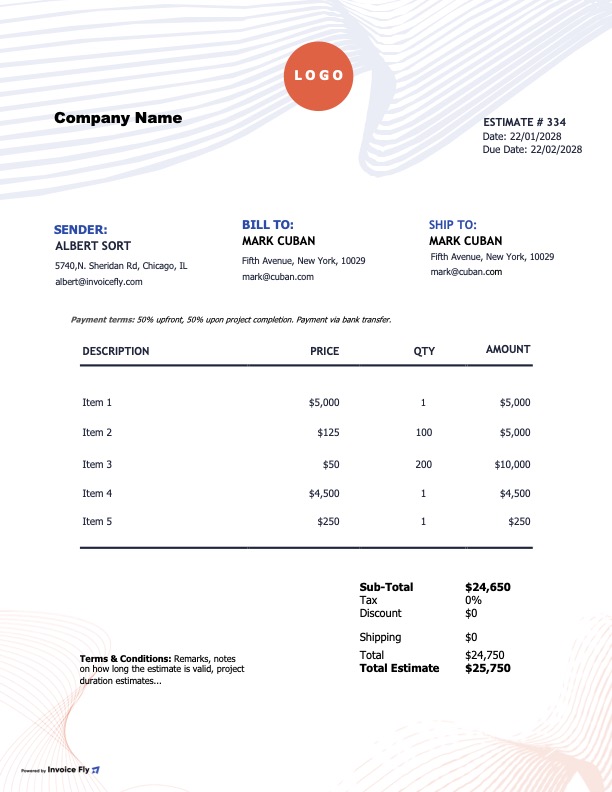
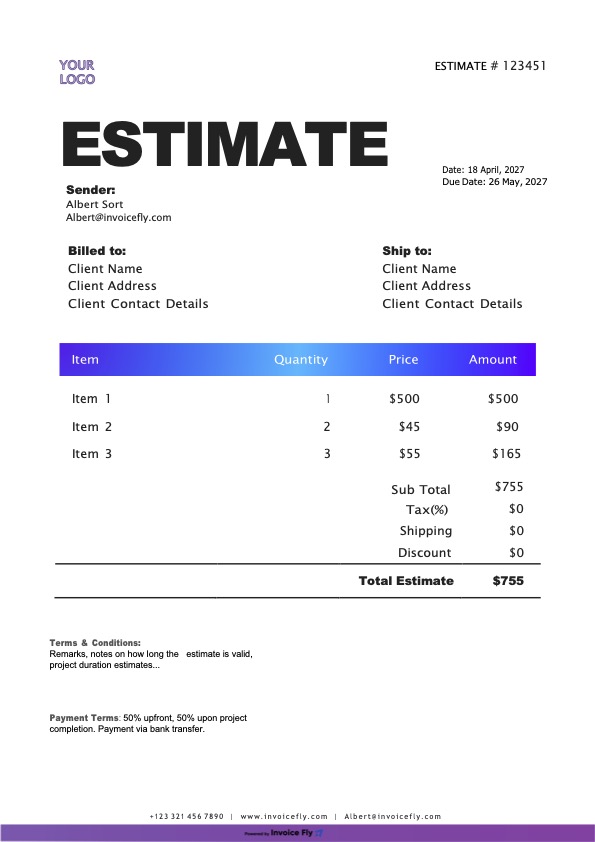
Free Contractor Estimate Template

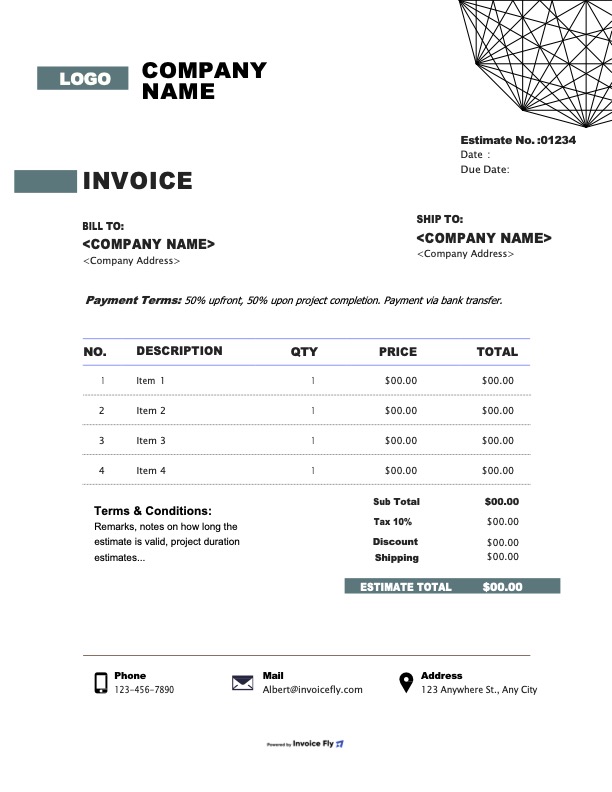
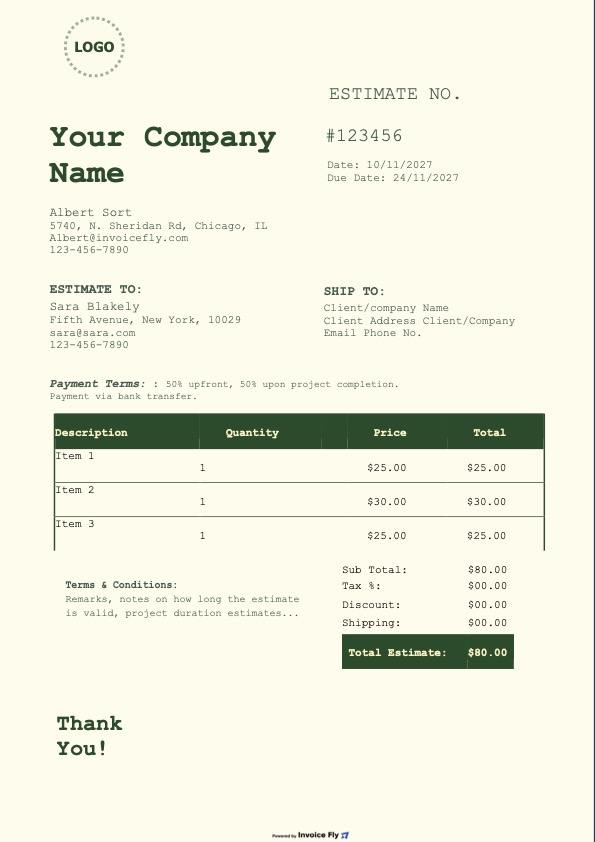
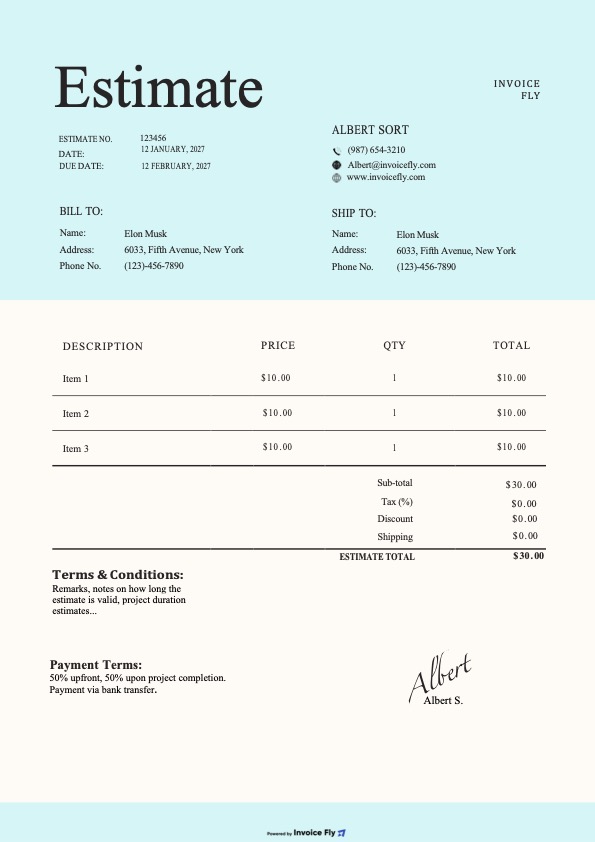
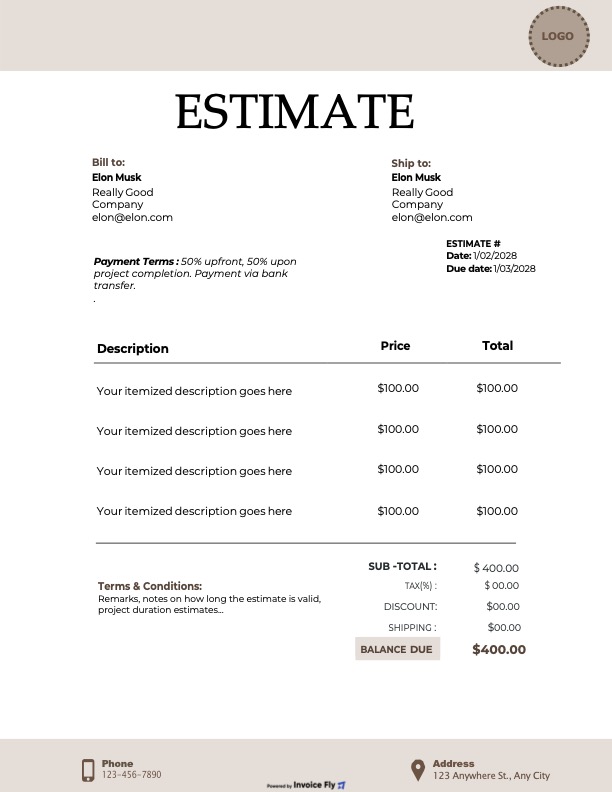
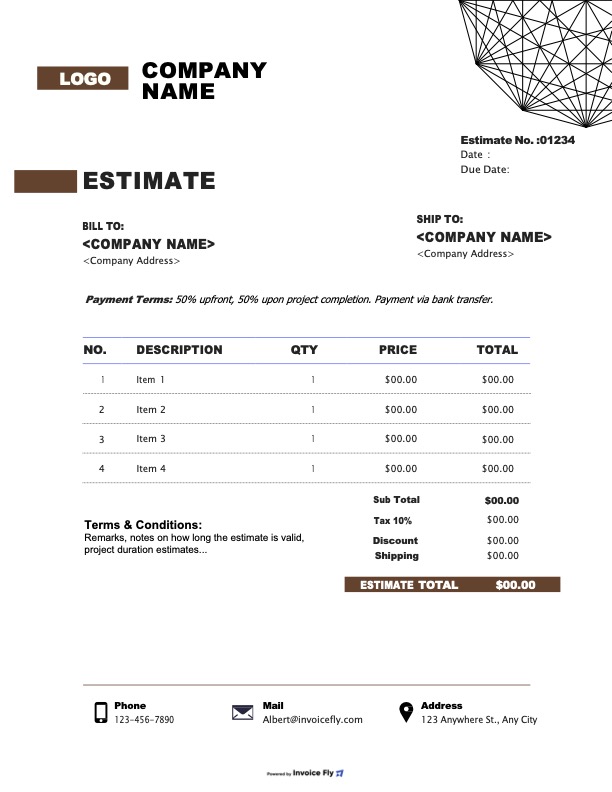
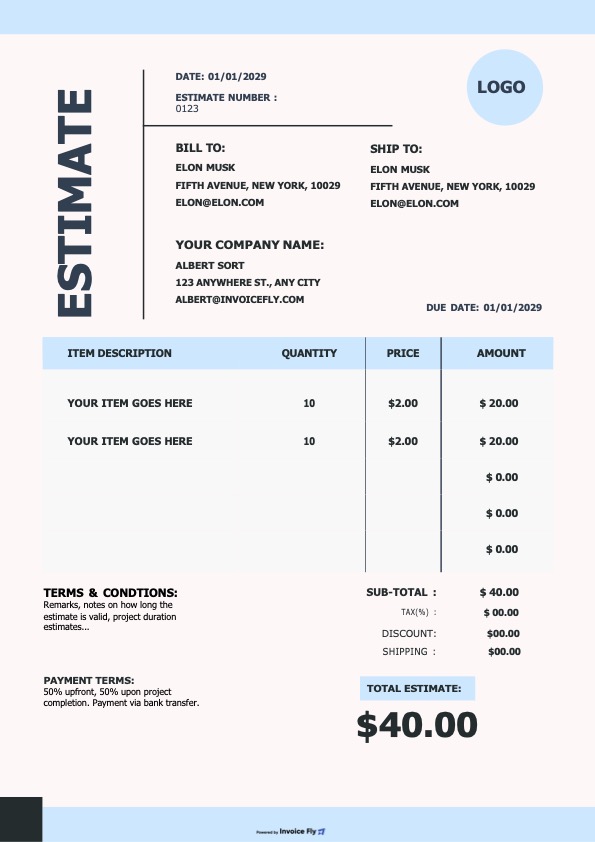
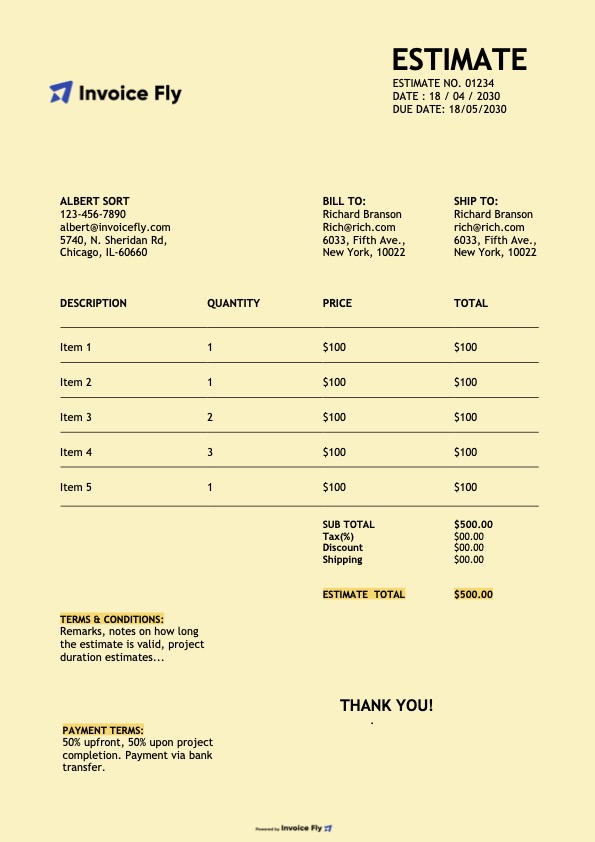
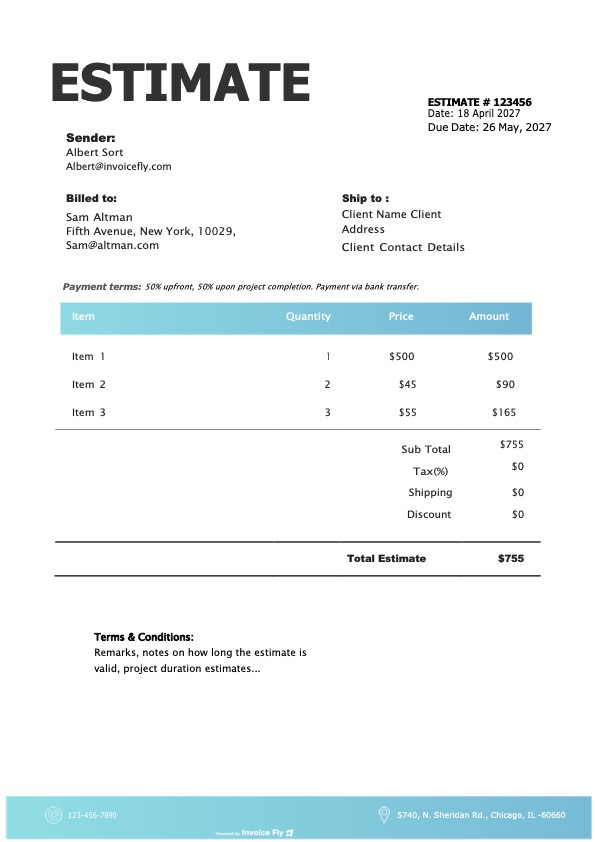
Customize our contractor estimate templates with your company name and logo, client information, line items, final price, terms and conditions, and more.

Colors

Styles

Formats

Benefits of Using a Contractor Estimate Template

A contractor estimate template helps you price jobs, organize project costs, and show clients exactly what they’re paying for. Create clear, professional estimates without starting from scratch every time.

Contractor measuring lumber on sawhorses at a residential job site
  • Break Down Project Costs

    List labor, materials, equipment, and other job expenses to calculate your estimated total.

  • Build Client Trust

    Present a professional estimate that clearly outlines your pricing and the work included.

  • Save Time on Paperwork

    Use a free contractor estimate template to prepare estimates faster for new projects.

  • Avoid Unexpected Costs

    Account for additional charges, taxes, and materials before sending your estimate.

  • Keep Projects Organized

    Use a consistent estimate format to track proposed costs and keep project details in one place.
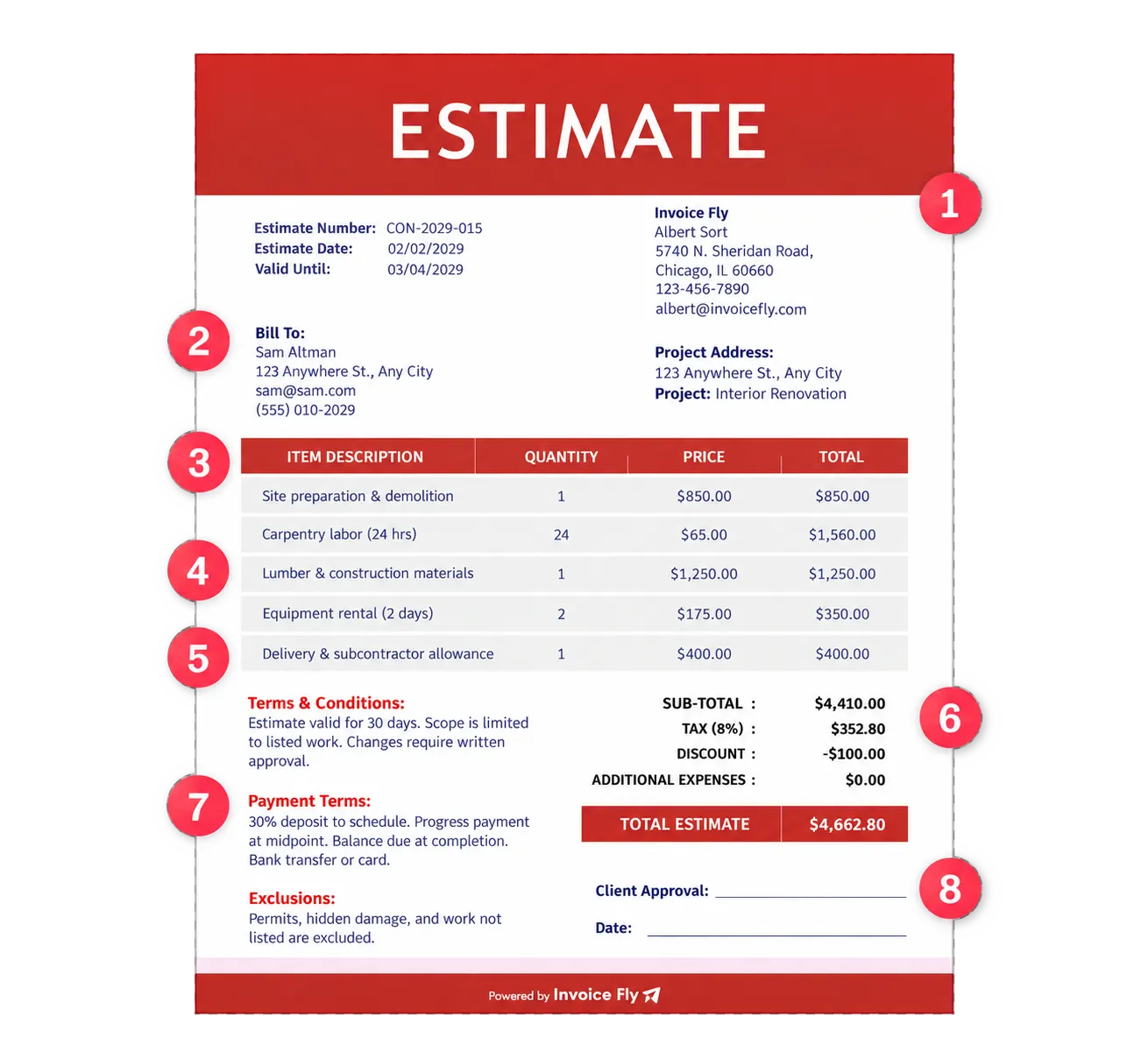
Contractor estimate template with eight numbered elements: 1 business information, 2 client and project details, 3 description of work, 4 labor and material costs, 5 equipment and additional expenses, 6 subtotal, taxes, and total, 7 payment terms and estimate validity, 8 scope, exclusions, and approval

What Should a Contractor Estimate Template Include?

A contractor estimate template helps you outline project details, calculate estimated costs, and show clients exactly what’s included before work begins. Make sure your estimate covers these eight essentials.

  1. Business Information

    Your business name, logo, address, phone number, and email.

  2. Client and Project Details

    Client contact information, project address, estimate number, and date.

  3. Description of Work

    A breakdown of the services, tasks, and project scope included in the estimate.

  4. Labor and Material Costs

    Estimated labor hours, rates, materials, quantities, and unit prices.

  5. Equipment and Additional Expenses

    Equipment rentals, delivery fees, subcontractor costs, and other project expenses.

  6. Subtotal, Taxes, and Total

    Itemized costs, applicable taxes, discounts, and estimated project total.

  7. Payment Terms and Estimate Validity

    Deposit requirements, payment schedule, and how long the estimate remains valid.

  8. Scope, Exclusions, and Approval

    Work not included, conditions that may affect costs, and client approval before work begins.

Create your first estimate free with our Online Estimate Generator.

Free Estimate Generator
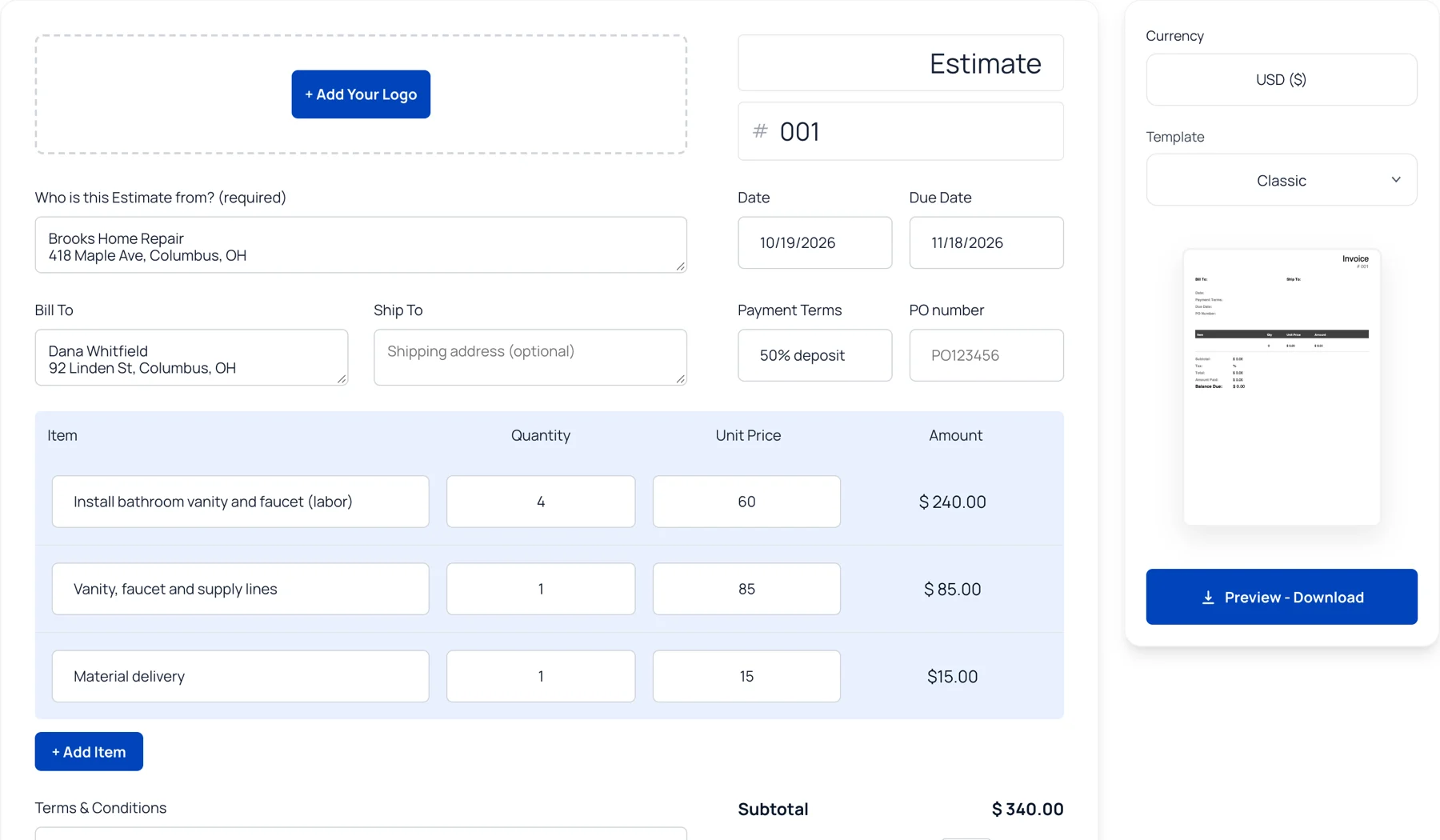

Invoice Fly free online estimate generator with contractor labor and material line items, totals and template options

Contractor Estimate Template FAQs

A contractor estimate is a document that outlines the expected cost of a construction, repair, installation, or renovation project. It typically includes the scope of work, labor costs, materials, equipment, additional expenses, and estimated total. Contractors use estimates to explain pricing to clients before work begins. With Invoice Fly’s free contractor estimate templates, you can organize project details and present costs in a clear, professional format.

A contractor estimate template saves time by giving you a ready-made format for outlining project costs. Instead of creating a new document for every job, you can reuse a template and update the client details, scope of work, labor, and materials. A well-organized estimate also helps clients understand your pricing, reduces misunderstandings, and sets expectations before work starts. Choose an Invoice Fly estimate template to prepare estimates for different types of contracting jobs.

Contractor estimate templates are useful for general contractors, construction professionals, remodelers, electricians, plumbers, roofers, painters, and other tradespeople who provide project-based services. Whether you're estimating a small home repair or a larger renovation, a template helps you itemize costs and explain the work involved. You can customize the details to suit the project, your pricing structure, and your client's needs.

A contractor estimate template should include the essential details needed to explain the work and its expected cost, such as:

  • Business information: Business name, logo, address, phone number, and email.
  • Client and project details: Client contact information, job site address, estimate number, and date.
  • Scope of work: A description of the tasks, services, and deliverables included.
  • Labor and materials: Estimated labor hours, rates, material quantities, and unit prices.
  • Additional expenses: Equipment rentals, delivery fees, subcontractor costs, and other applicable charges.
  • Estimated costs: Subtotal, applicable taxes, discounts, and estimated total.
  • Payment terms: Deposit requirements, payment schedule, and estimate validity.
  • Exclusions and approval: Work not included, potential additional costs, and space for client acceptance.

Start by understanding the project requirements and confirming the work your client expects. Break down labor, materials, equipment, and other expenses rather than listing only one total price. Clearly explain what is included and excluded, note any assumptions that could affect the final cost, and specify how long the estimate remains valid. Before sending it, double-check your calculations and make sure the document is easy to read. An Invoice Fly estimate template gives you a consistent format to present these details professionally.

With Invoice Fly, you can download your contractor estimate in a suitable format, print a copy, or share it digitally with your client. For a more streamlined workflow, download the Invoice Fly app to create and share estimates directly with clients, send invoices, and manage payments in one place. Review your estimate before sending it so your client has a clear breakdown of the work and expected costs.

A contractor estimate is generally an approximation of the expected project cost, but whether it creates a binding obligation depends on the document's wording, the agreement between the parties, and applicable law. A quote or signed contract may establish different obligations from a preliminary estimate. Clearly state the scope of work, pricing assumptions, exclusions, validity period, and process for approving changes. For significant projects, consider having the relevant agreement reviewed by a qualified legal professional.

Invoice Fly provides contractor estimate templates in Google Docs, Google Sheets, Excel, and PDF formats. Google Docs and Excel-compatible formats can be useful when you need to edit project details and costs, while PDF is convenient for sharing a finalized estimate. Choose the format that fits your workflow, customize the template with your business information, and check the final document before sending it to your client.

Yes. You can use Invoice Fly’s estimate generator to prepare an estimate online rather than building a document from scratch. Add your business and client details, list the work involved, enter labor and material costs, and review the estimated total. An estimate generator can make it easier to organize project pricing and prepare a document to share with your client. You can also start with an Invoice Fly contractor estimate template if you prefer to work from an editable template.

Invoice Fly Academy

Learn how to price contractor jobs, prepare accurate estimates, and manage project costs with practical tips and guides from Invoice Fly Academy.

Invoice Fly app

Get Started for Free

Ready to price your next job? Create a professional contractor estimate with Invoice Fly, add your labor and material costs, and share a clear breakdown with your client.