
Receipt Organizers and Other Small Business Tips for Receipt Organization
Table of Contents
If you’re a freelancer, sole trader, or small business owner, disorganized receipts are more than just another business need — they can cost you real money come tax time. A reliable receipt organizer system helps you track every deductible expense, stay audit-ready, and take the stress out of bookkeeping.
Whether you prefer a physical receipt organizer box, a binder system, or a digital receipt organizer app, the key is consistency and structure. In this guide, you’ll learn how to organize receipts for your business — from paper systems to digital tools — and build habits that make the whole process simple and reliable.
This guide will cover:
- Why receipt organization matters for small businesses
- Physical vs digital receipt organization systems
- Step-by-step methods to organize receipts
- Categories and systems that actually work
- How to separate business and personal receipts
- Tools and apps to simplify receipt organization
Why you need to organize your business receipts

Keeping your receipts organized is not just about tidiness. It directly impacts your finances, taxes, and overall business efficiency.
- Organized receipts help you track expenses accurately. If you spend $4,000 per month on supplies, fuel, and tools but fail to record everything, you could miss hundreds in tax deductions. Over a year, that can mean losing thousands of dollars.
- Receipt organization keeps you prepared for tax season. Instead of scrambling to find paperwork in April, you already have everything sorted. This reduces stress and speeds up filing.
- It protects you during an audit. If the IRS asks for proof of a $1,200 equipment purchase, you need to produce that receipt quickly. Without it, the deduction could be denied.
- It improves your daily workflow. Knowing exactly where your receipts are saves time when reviewing expenses or checking payments.
To understand what qualifies as proper documentation, review this guide on how to write a receipt of payment.
If you want to simplify your process from day one, using structured tools like free receipt templates helps you standardize every receipt and avoid missing key details.

Organizing physical vs digital receipts
There are two main ways to organize receipts: physical systems and digital systems. Most businesses use a mix of both.
Physical receipt organizers include:
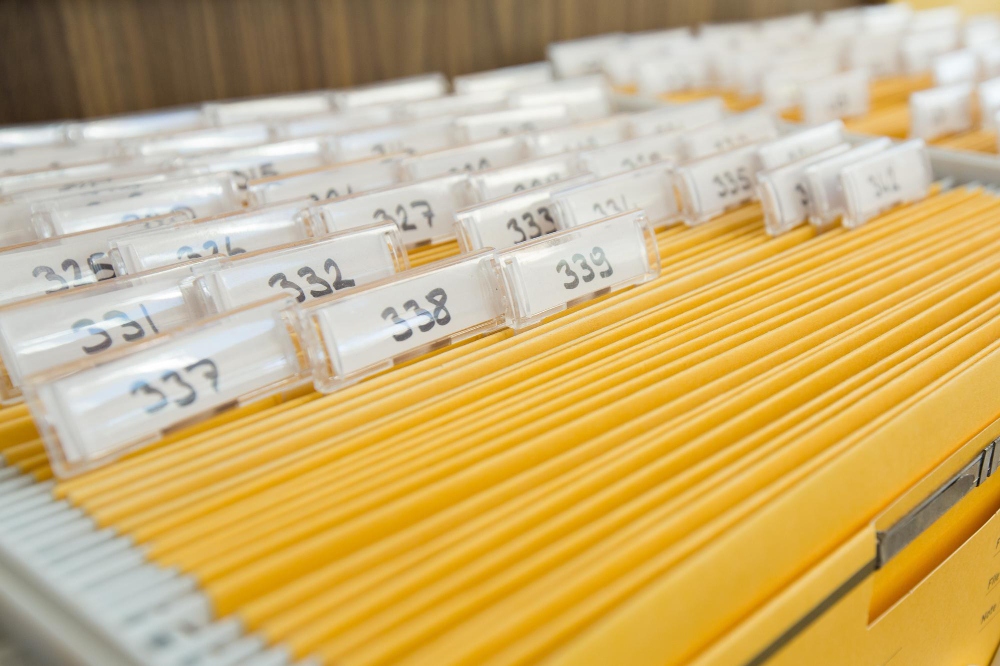
- Accordion folders
- Binders with labeled sections
- Receipt organizer boxes
- Envelopes or folders
For example, a contractor might keep a truck folder for daily receipts and transfer them weekly into a labeled binder. This works well for those who deal with cash or paper receipts often.
Digital receipt organizers include:
- Receipt scanner apps
- Cloud storage folders
- Accounting software
A freelancer who receives most payments online may scan receipts using a phone app and store them in folders by month or category. This reduces clutter and makes searching easier.
The best approach is often hybrid. For instance, collect receipts physically during the day, then scan and upload them weekly. This gives you both a backup and a clean digital system.
How to organize business receipts
Let’s take a look at how to keep your receipts in order for recordkeeping and taxes.
Understand the types of business receipts
Before organizing, you need to know what you’re dealing with. Not all receipts serve the same purpose.
Common types include:
- Expense receipts (fuel, tools, supplies)
- Income receipts (customer payments)
- Tax-related receipts (deductible purchases)
- Travel and meal receipts
For example, a freelance photographer may have receipts for camera gear ($2,500), travel expenses ($300), and client payments ($1,200). Each type should be tracked differently.
What receipts to keep
- Receipts for all business expenses
- Large purchases (equipment, tools, machinery)
- Travel, meals, and mileage-related costs
- Client payment confirmations
- Tax-deductible items
As a rule, if a receipt supports income or a deduction, keep it.
How to organize receipts in categories
Categorizing receipts is one of the most effective ways to stay organized.
Common categories include:
- Office supplies
- Equipment
- Travel
- Meals
- Utilities
- Marketing
For example, if you spend $600 on marketing ads and $1,200 on tools, separating these categories helps you quickly calculate totals at tax time.
A practical system is to label folders or digital tags by category. Within each category, sort receipts by date. This makes it easy to find a specific transaction later.
Many small business owners review categories monthly. This helps catch missing receipts and ensures expenses are tracked correctly.
Set up a system to organize your receipts
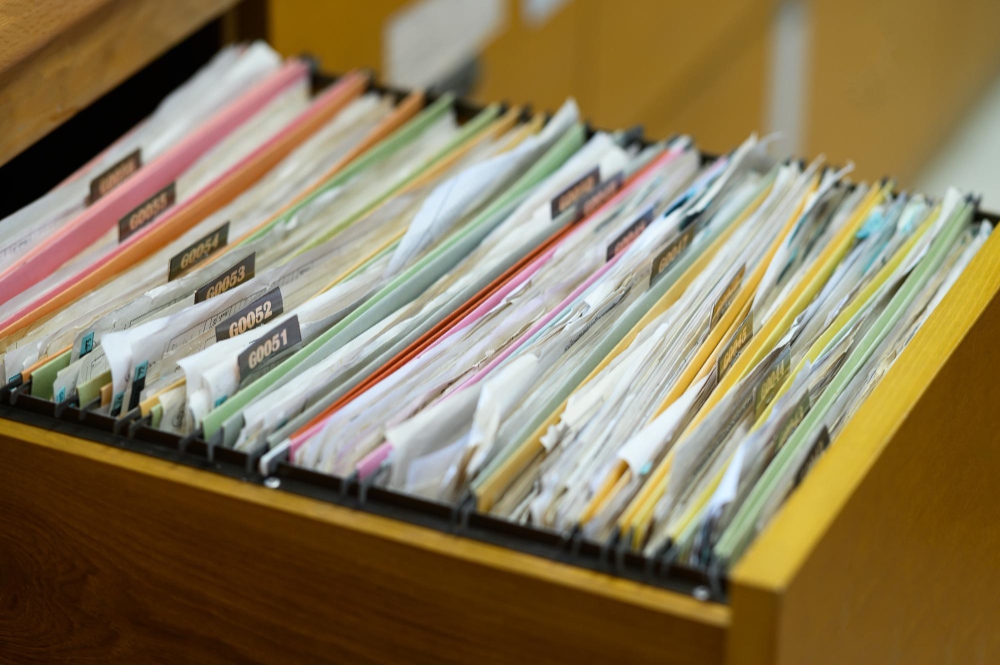
A system only works if you use it consistently. The goal is to make receipt organization part of your routine.
Start with a daily habit. When you receive a receipt, place it in a designated spot like a wallet pocket, envelope, or small box.
Then create a weekly routine. Spend 15–30 minutes sorting receipts into categories and storing them properly. For example, every Friday afternoon, review and file the week’s receipts.
Finally, maintain a monthly check. Compare receipts with your bank statements to ensure nothing is missing.
A simple system like this prevents backlog. Instead of dealing with 300 receipts at once, you handle 20–30 per week.
Organize receipts in a binder
A binder is one of the most reliable physical receipt organizer systems.
Here’s how it works:
- Use a three-ring binder
- Add dividers for categories (travel, supplies, etc.)
- Insert plastic sleeves or pockets
- Label each section clearly
For example, a small business owner might have 10 sections in a binder. Each section contains receipts for that category, sorted by date.
This method works especially well for tax preparation. When your accountant asks for travel expenses, you can turn directly to that section.
Binders are also durable and easy to store. Many business owners keep one binder per year.
Keep personal and business receipts separate
Mixing personal and business receipts is a common mistake that leads to confusion.
For example, if you buy groceries and office supplies in the same trip, only the business portion should be tracked. Without separation, you may overestimate expenses or struggle to justify deductions.
The easiest solution is to:
- Use separate payment methods (business card vs personal card)
- Store receipts in different folders or apps
- Label receipts clearly
A freelancer who uses one card for everything often spends hours sorting transactions later. In contrast, using separate accounts makes tracking almost automatic.
Clear separation also protects you during audits. It shows that your records are accurate and professional.
If you want to improve how you document payments, revisit this guide on how to write a receipt of payment to strengthen your overall system.
Organize receipts with a receipts app

Digital tools have made receipt organization faster and more efficient than ever.
A receipt organizer app allows you to:
- Scan receipts instantly
- Extract data automatically
- Categorize expenses
- Store receipts in the cloud
For example, a consultant traveling for work can scan a $45 meal receipt immediately after paying. The app saves it under “Meals” with the date and amount. No paperwork required.
Many apps also generate reports. At the end of the month, you can see totals for each category without manual calculations.
Another advantage is backup. If you lose a paper receipt, the digital copy is still available.
For best results:
- Scan receipts as soon as you receive them
- Use consistent categories
- Back up files in cloud storage
A digital system reduces clutter and saves hours of manual work over time. You can also speed up documentation by using a free receipt generator to create and store receipts in one place.
Take control of your receipt organization
A solid receipt organizer system is essential for any small business. It helps you track expenses, stay prepared for taxes, and avoid costly mistakes. Whether you prefer a binder, accordion folder, or digital receipt organizer app, the key is consistency.
By building simple habits like daily collection, weekly sorting, and monthly checks, you can keep your receipts under control without stress. Over time, this leads to better financial visibility and smoother business operations.
Using a free receipt generator helps you instantly create professional, consistent receipts while keeping everything organized in one place. Pair that with an invoice maker to manage incoming payments, and your entire workflow becomes easier to track.
