Service Area: Definition, How It Works & SEO Tips
Table of Contents
A service area is the geographic area where your business provides its services. If you run a service-based business like plumbing, cleaning, or electrical work, you usually serve customers within a specific location rather than everywhere.
Setting a clear service area helps you run your business more efficiently. It reduces travel time, keeps costs under control, and makes scheduling easier. It also helps customers quickly see if you operate in their area, which makes booking your services faster and more likely.
For customers, location is key. When something urgent happens, like a burst pipe or a broken heater, they want a local service provider who can respond quickly. A well-defined service area helps you show up in local searches and connect with nearby customers when they need you most.
In this guide, we’ll explain why service areas matter and how to set one up for your business.
What Is a Service Area?

A service area is the geographic region where your business provides services, delivers products, or supports clients. Unlike a physical storefront, your service area defines everywhere you travel to or serve, even if you don’t have a walk-in location.
The serviceable area meaning includes:
- Cities or towns you cover
- Zip codes you operate in
- Neighbourhoods you frequently visit
- Regions listed on your website or Google Business Profile
In short, if you’ve ever seen a business list “Areas We Serve,” “Areas Served,” or “Serviceable Locations,” that’s their service area.

What Businesses Need to Define a Service area?
A Service Area Business (SAB) is a company that operates in the field, not from a storefront customers visit. Examples include:
- Electricians
- Plumbers
- Landscapers
- Cleaners
- HVAC techs
- Home renovation contractors
SABs don’t display their physical address publicly on Google Business Profile (GBP). Instead, they list the areas of service, such as surrounding cities, zip codes, or regions.
Pro Tip: According to Google’s official guidance for SABs you should not list a physical address if customers don’t visit it.
Why They Matter for Local SEO

Your area of service determines:
- Which customers find you in local search results
- How high you rank on Google Maps
- Whether your business appears for “near me” searches
- Your visibility across zip codes and neighbourhoods
Google uses your:
- listed zip codes
- declared service areas
- website content
- landing pages
- and customer reviews
…to decide where your business should show up.
If your service area isn’t defined clearly, Google might not rank you at all.
Examples of Industries That Use Service Areas
Every industry uses service areas differently. Here’s how it works across the most common small-business categories.
Service Areas for Home & Residential Services
These businesses rely heavily on zip-specific coverage. Typical service area terms include:
- “Residential services in [City], [City], and [City]”
- “Servicing areas across [County]”
- “Full-service home repairs in zip codes 63101–63115”
Connecting to related topics like home service and specific services you offer helps customers understand your expertise.
Still not sure what a service business is? Check out our simple guide on service business definition.
Restaurants & Food Businesses
Restaurants usually serve customers at their physical location, but they may also have:
- Areas they deliver food
- Places they do catering
- Outdoor dining zones
- Locations the do events
Hotels and restaurants often list:
- neighbourhoods they deliver to
- minimum order zones
- radius-based delivery coverage
Keywords like restaurant, food, outdoor, commercial, hotel, and physical location all improve contextual relevance.
Architecture, Design & Construction
Design-based service areas may include:
- cities where you offer architecture services
- neighbourhoods you specialise in
- residential and commercial project zones
- areas where you have completed past projects
Example wording:
- “Architecture and design for residential, commercial, and hotel builds in [Area]”
- “Kitchen design and house layout services in [Area]”
Architecture firms often use terms like floor plan, building, layout, house, apartment, room, kitchen, outdoor, and commercial design.
Thinking of starting your own construction company? Make sure to read How To Start A Construction Company.
Hospitality, Real Estate & Rentals
Hotels, apartment complexes, and rental agencies often list:
- building locations
- nearby attractions
- commercial zones
- areas they manage
While not SABs, they still use “area served” pages for local visibility.
How To Define Your Service Area
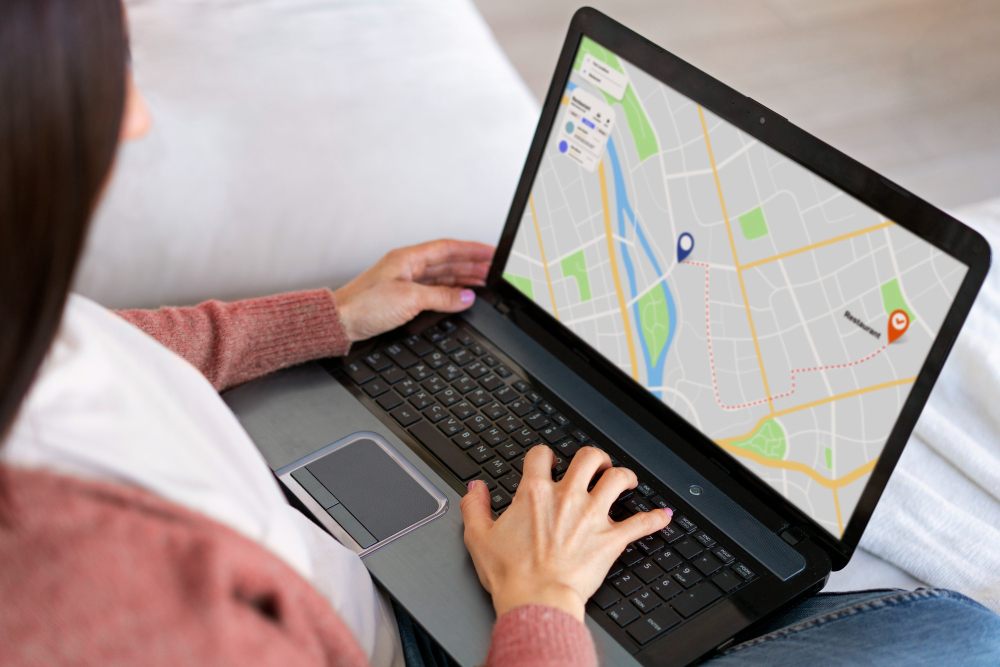
In order to define your service area, there are a few things that you should consider.
Set by Cities, Counties, or Zip Codes
You can define your serviceable area using:
- Zip codes
- City lists
- Radius-based ranges (e.g., “15 miles from downtown”)
- County-level regions
Avoid listing more than 20 service areas on Google as it can dilute ranking power.
Using Google My Business / Google Business Profile
Your GBP service area helps Google understand:
- where your business operates
- where customers can hire you
- which regions you should appear in for local searches
Google recommends listing up to 20 cities or zip codes for best results.
If you’re setting up your coverage regions for the first time, it also helps to understand which business structure suits you best, since rules can vary based on whether you operate as a sole proprietor, LLC, or corporation.
Add “Areas Served” to Your Website
Your website should reflect your service area clearly with:
- a dedicated Areas We Serve page
- internal linking to city landing pages
- zip-code specific descriptions
- location-based service sections
This is essential for business SEO rankings, especially for competitive home-service industries.
Pro Tip: Before listing your services, read more about marketing for small businesses here.
How to Use Service Area for SEO
Another benefit of setting up your service area is showing up for local search results when people search Google for services that you offer. Here’s how you can use this to your advantage in order to generate more business.
1. Add Keywords Naturally
Use keywords to optimize your website to show up for certain keywords.
Use variations like:
- “servicing areas”
- “serviceable area meaning”
- “areas of service for our business”
- “local business serving [City]”
Include them in:
- page titles
- H2 headings
- body copy
- footers
- maps or coverage explanations
Always remember that SEO is not only about adding keywords, it is also about providing value to people using your website. Don’t overstuff your content with keywords just for the sake of it.
2. Create Location-Based Landing Pages
Landing pages that mention your service area can help you show up for certain search results and target potential customers.
For example:
- “Plumbing in Austin, TX”
- “Restaurant delivery in Miami Beach”
- “Kitchen design services in Phoenix”
- “Residential apartment maintenance in Denver”
3. Maintain Consistent NAP Information
Name + Address + Phone must match across:
- Yelp
- Your website
- Local directories
Pro Tip: Keep it the same across all platforms as Inconsistency hurts rankings.
4. Use Schema Markup
LocalBusiness schema helps Google understand structured data like:
- business hours
- service areas
- services you offer
- physical location or SAB status
5. Use Internal Linking
Examples:
- Link your “service areas” page to “kitchen design services”
- Link “plumbing in Dallas” to “water heater installation”
- Link city pages back to a main service page
This strengthens SEO authority and improves crawlability.
Best Practices for Setting Your Service Area
Here are a few tips to make sure you set up your service area in the best possible way.
- Don’t list a physical address if customers can’t visit it
- Use high-quality content about your specific services and covered regions
- Keep your Google Business Profile updated
- Upload photos related to your local work
- Encourage reviews from customers in your service area
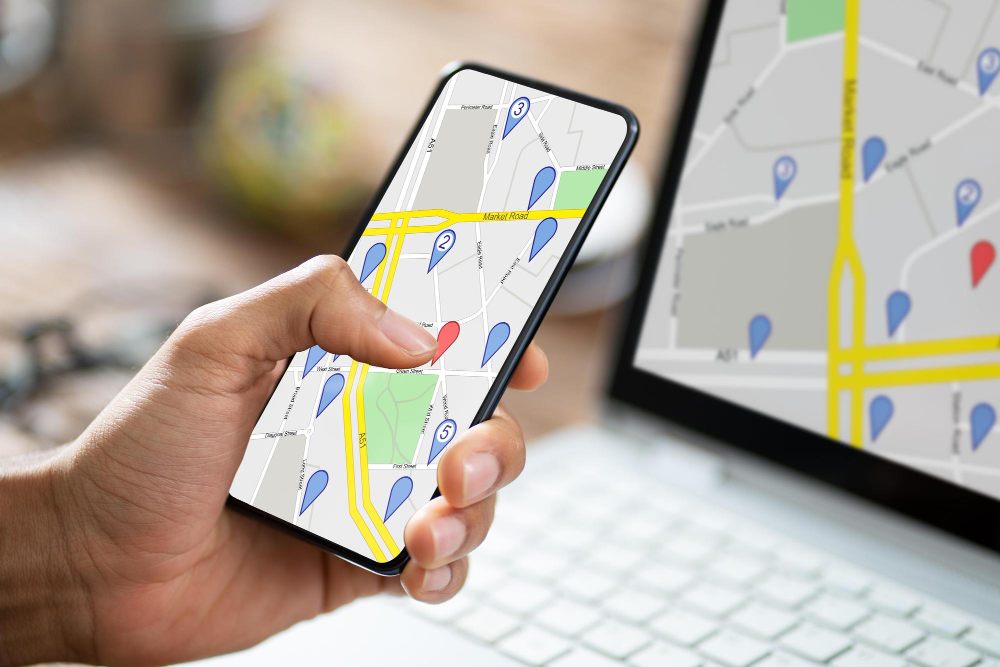
- Add coverage maps to landing pages
Pro Tip: Before starting, undertake detailed market research to find out what and where your competitors are listing to understand best practice in your specific industry.
Common Mistakes To Avoid
When setting up your service area, make sure to avoid these common mistakes businesses make.
- Listing too many cities or zip codes (it dilutes ranking)
- Ignoring GBP optimization
- Not tracking local keyword performance
- Not updating changed coverage areas
- Using one general service page (instead of multiple, specific landing pages)
- No internal linking between area pages#
Set Your Area of Service With Confidence
So now you know that having a clear service area isn’t just a formality, it’s a core part of your local SEO, customer trust, and marketing strategy. Whether you’re a home-service contractor, restaurant, architectural design firm, or local business, defining and optimizing your service area helps customers know where you operate and improves your visibility across multiple zip codes and neighbourhoods.
Better visibility = more local customers. To manage those customers efficiently, use tools designed for small service businesses like Invoice Fly’s Invoice Maker. Send invoices, track payments, and manage customers across every area you serve.