- Home
- »
- Free Resources for Small Businesses
- »
- Free Business Tools
- »
- Free Invoice Generator V2
Free Invoice Generator
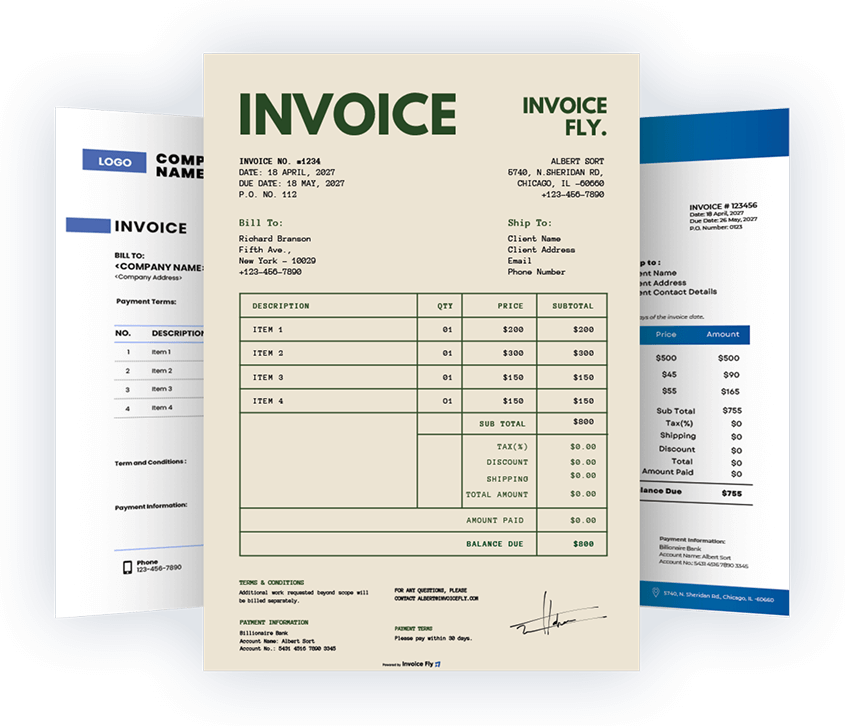
Now create professional invoice templates using Invoice Fly’s free invoice maker. Simply add your details and create as many invoices as you need. Save, print, or send invoices online, and get paid by clients, wherever your work takes you.
Item list
How to make an invoice
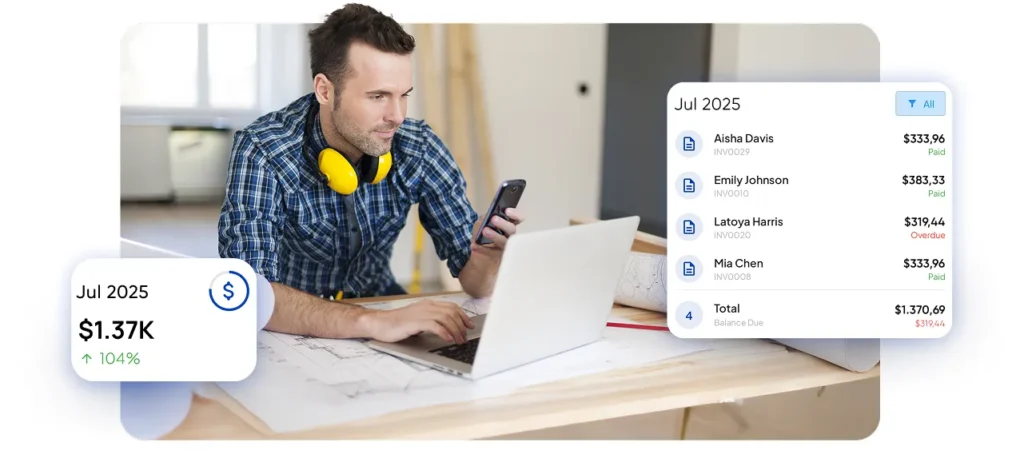
Bill Confidently with Invoice Fly´s Invoice Maker

Save time on every invoice
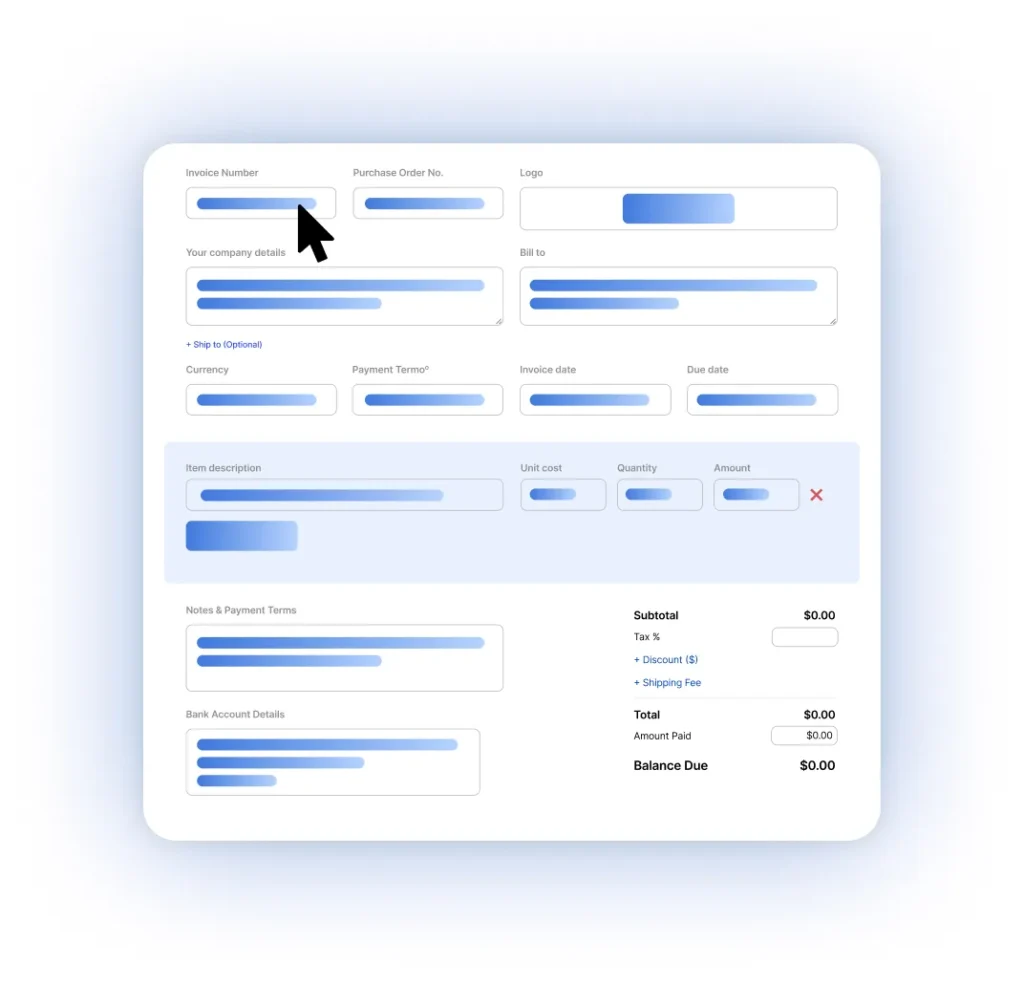
The first time you use our invoice generator, you start with a clean invoice template. After that, the invoice maker remembers your business details, clients, and items, so future invoices take just a few clicks.

Create once, reuse forever
Our invoice maker automatically fills in saved business info, customer details, and item descriptions as you type. No retyping, no copy-pasting — just faster online invoicing.

Share and print invoices instantly
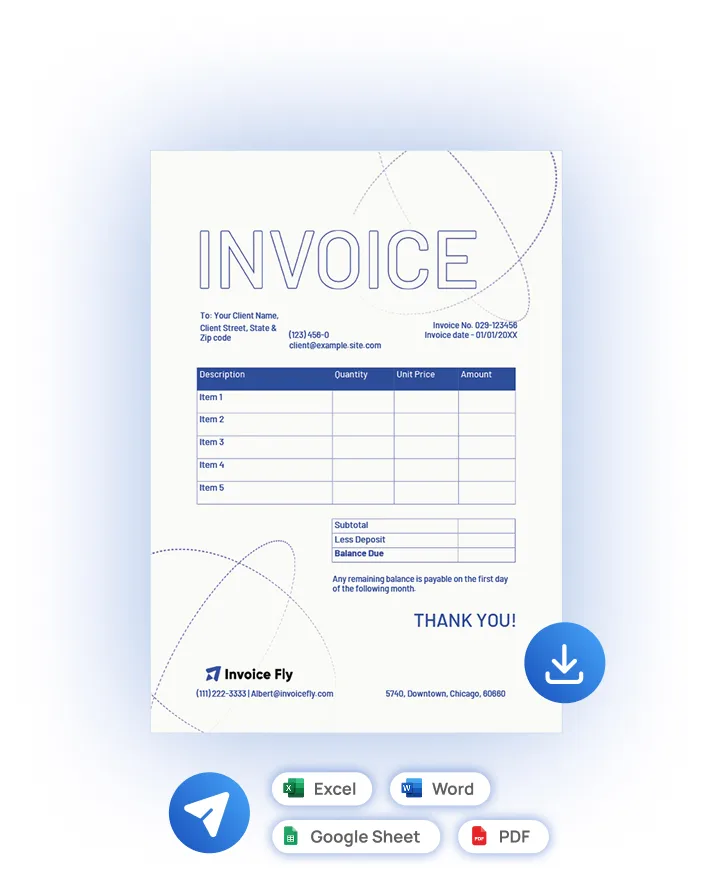
Create one invoice and use it everywhere. With our invoice generator, you can email invoices, share a secure link, or download a printable invoice in PDF, Word, Excel, or Google Sheets.
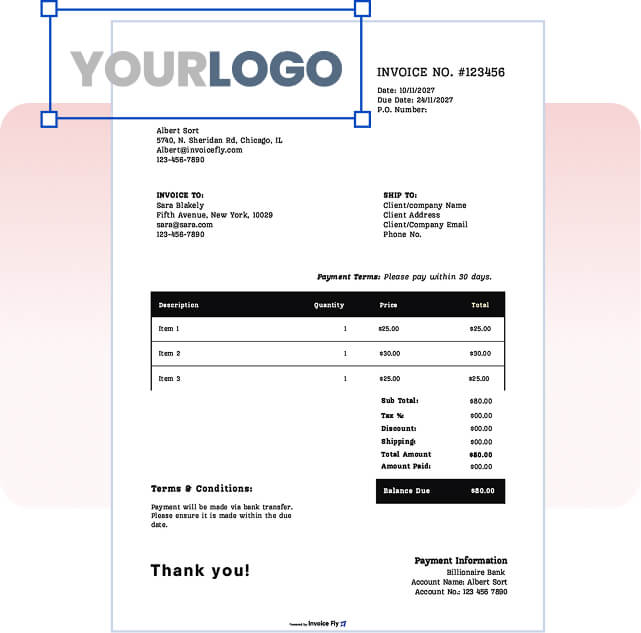
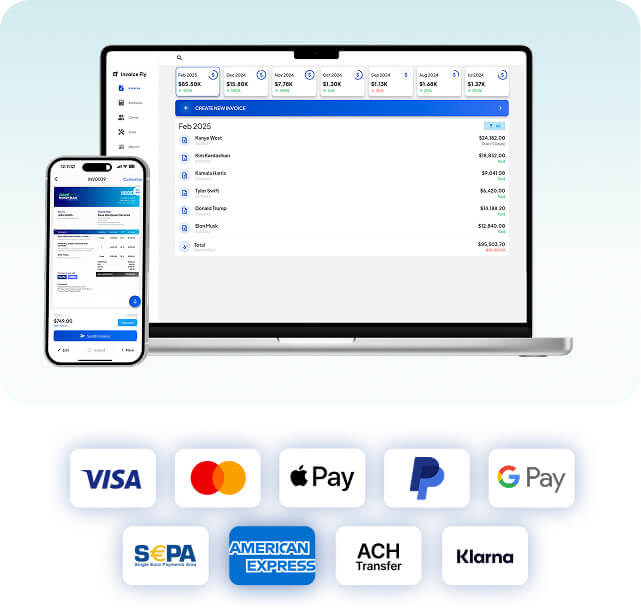

Look professional on every device
Invoices created with the Invoice Fly invoice generator are designed to look clean on screen and in print, whether your client opens them on a phone, tablet, or desktop.

Get paid with less follow-up
Clear layouts, accurate totals, and professional invoice templates help clients understand invoices quickly. With the Invoice Fly app, you can also track invoice status and payments.

Smart invoicing, without complexity
Invoice Fly’s invoice maker is used by contractors, freelancers, consultants, creatives, and small businesses that need a flexible online invoice generator that adapts to their work.

Works across industries
Invoice Fly’s invoice maker is used by contractors, freelancers, consultants, creatives, and small businesses that need a flexible online invoice generator that adapts to their work.
"We went from $3.000 up to $3.800 - $4.200 per day"
By automating all administrative tasks, we spend less time in the office and can serve more customers, resulting in a roughly 40% increase in our daily revenue.

William Taylor
Plumber @ USA Plumbing
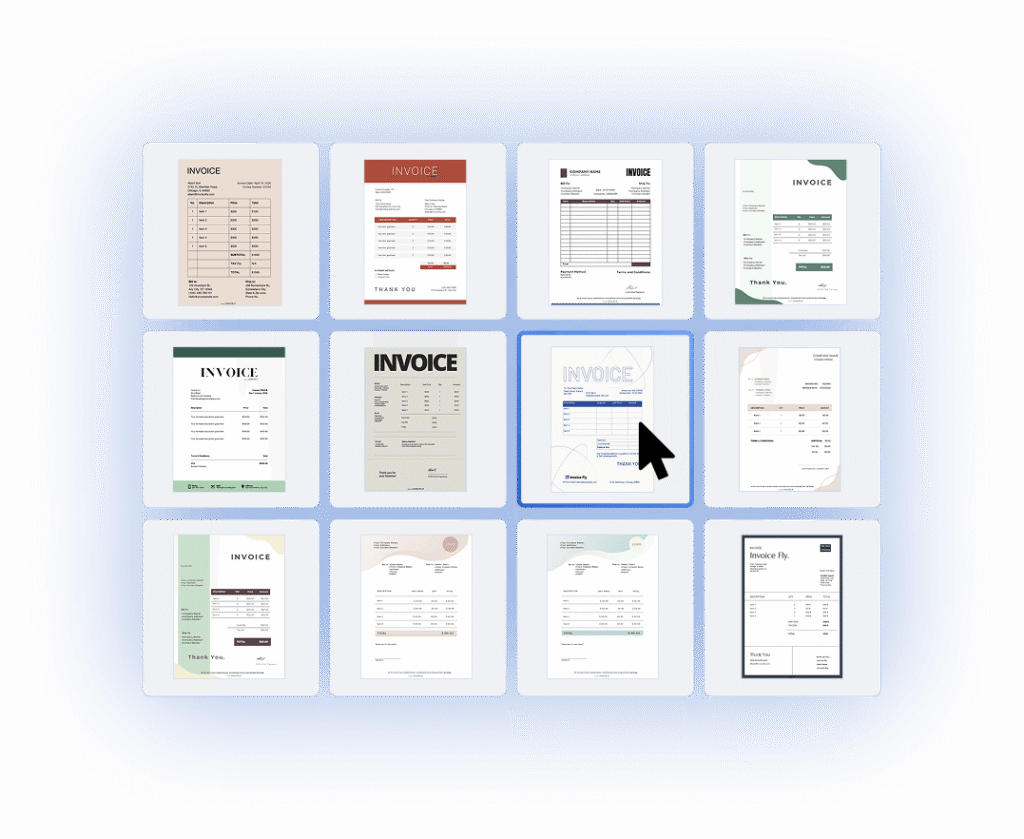
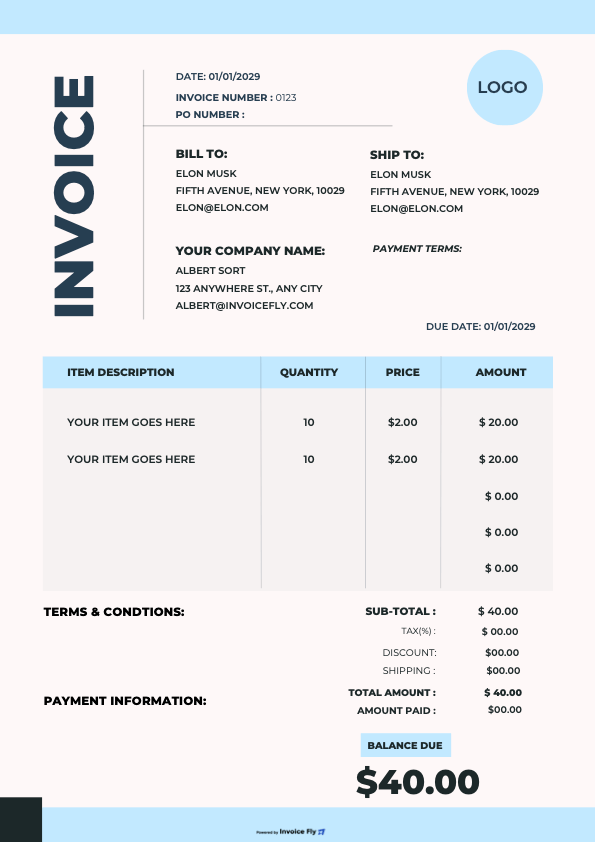
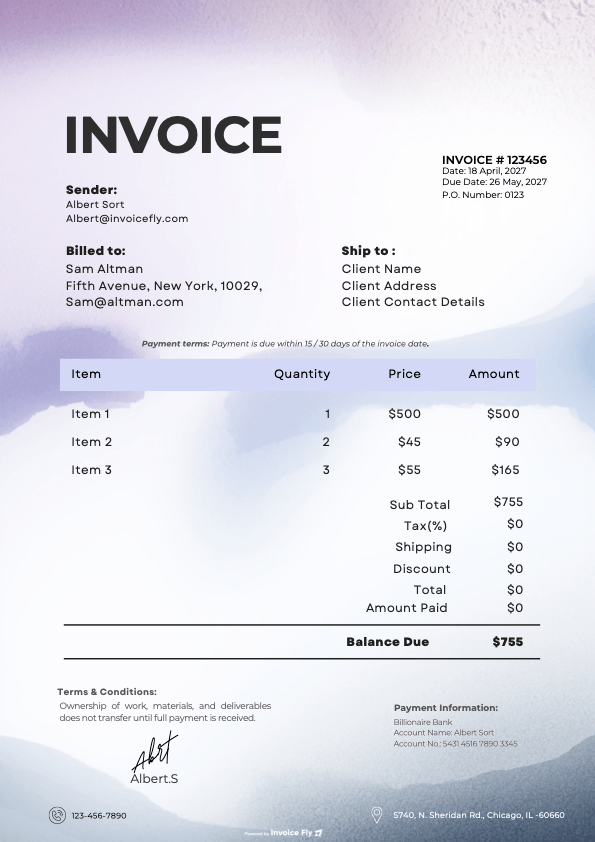
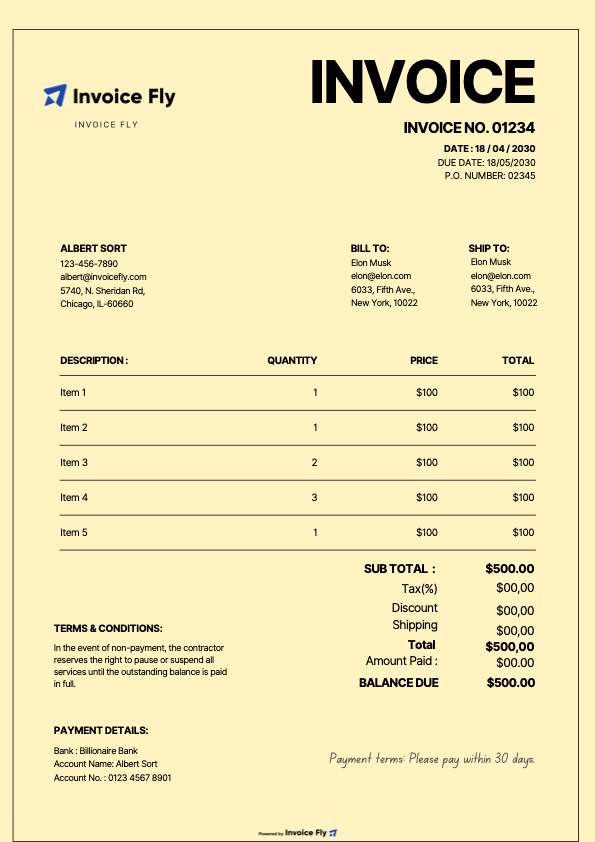
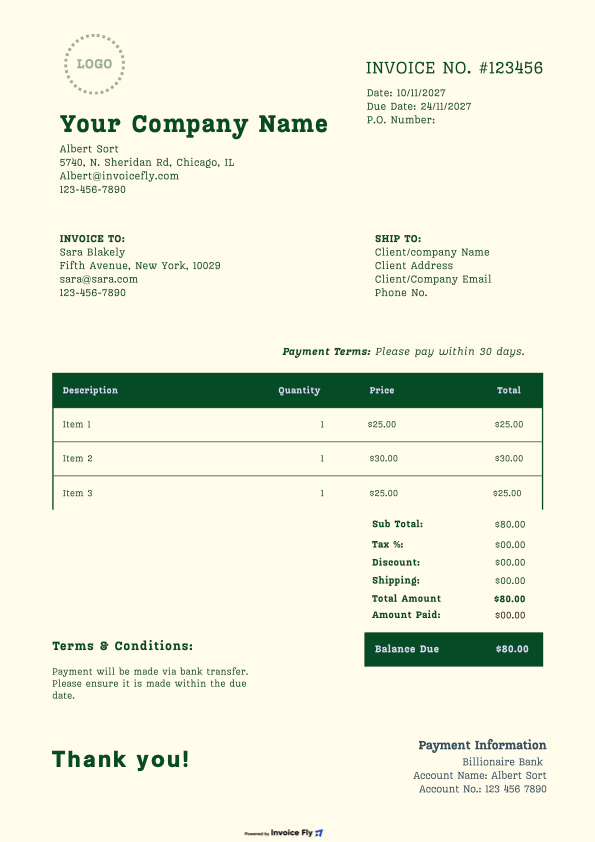
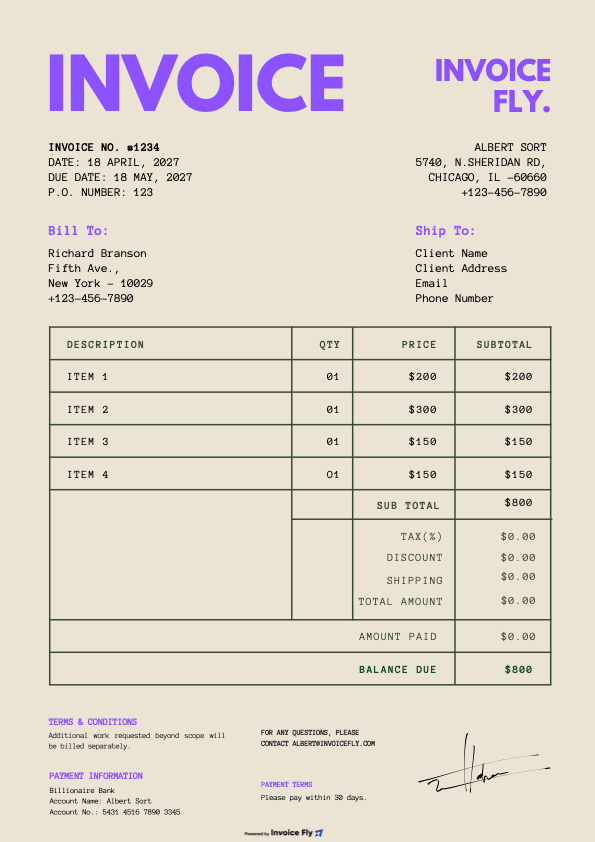
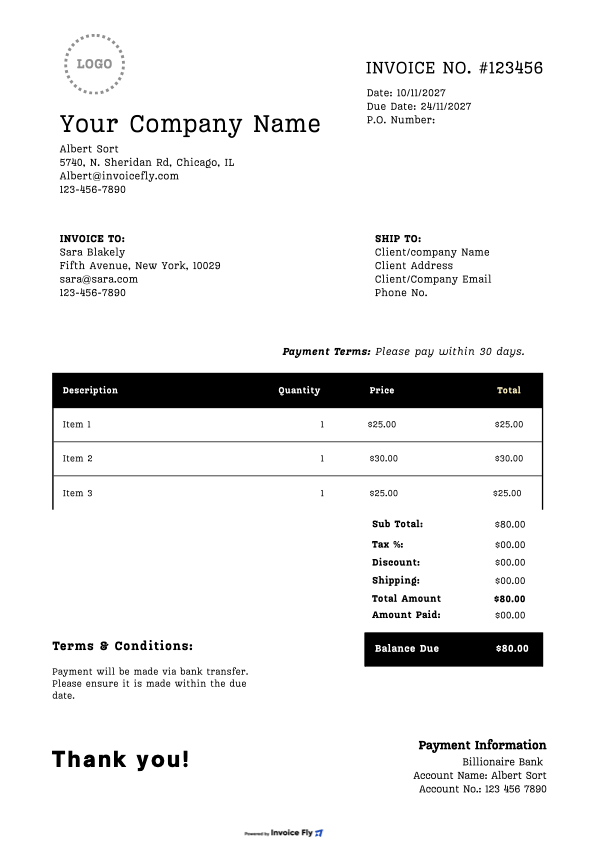
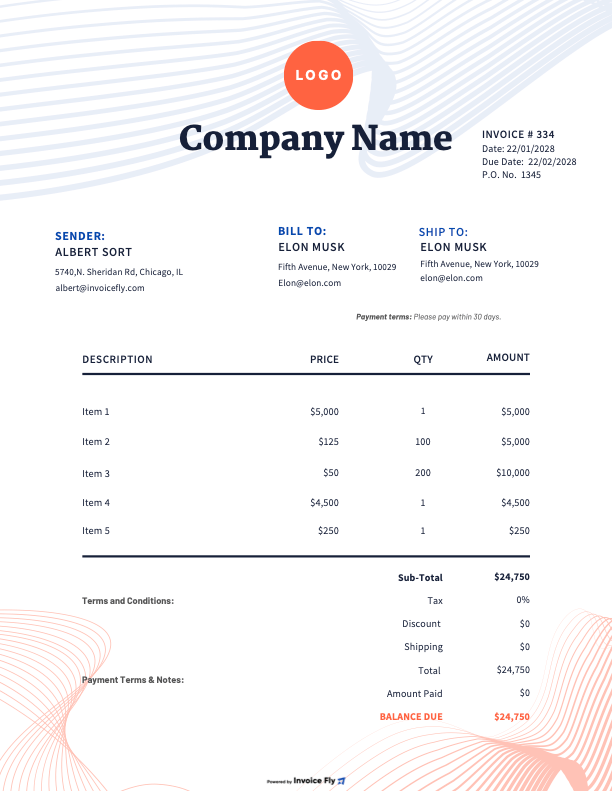
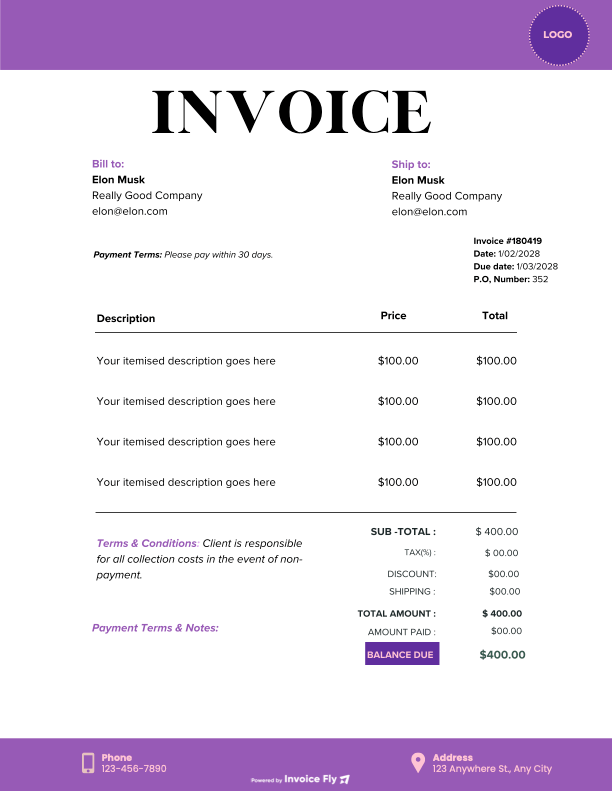
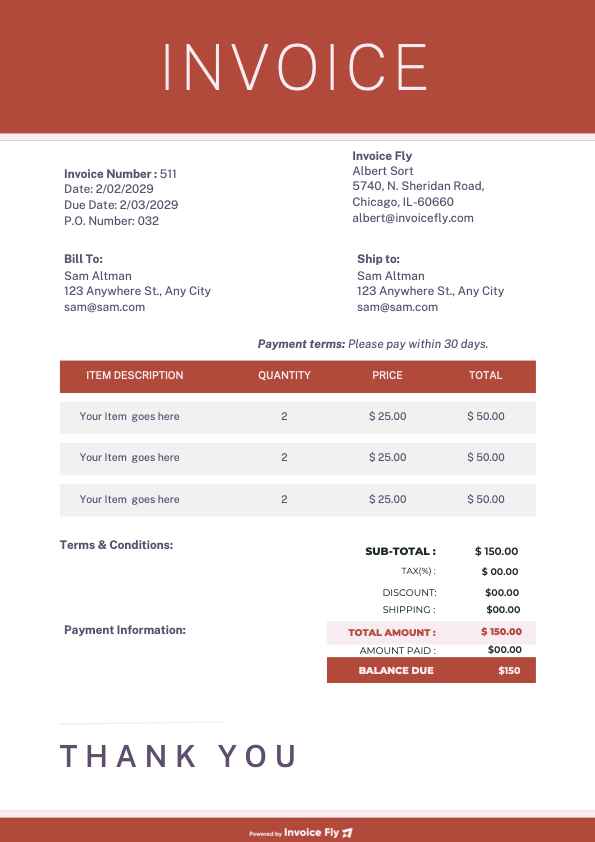
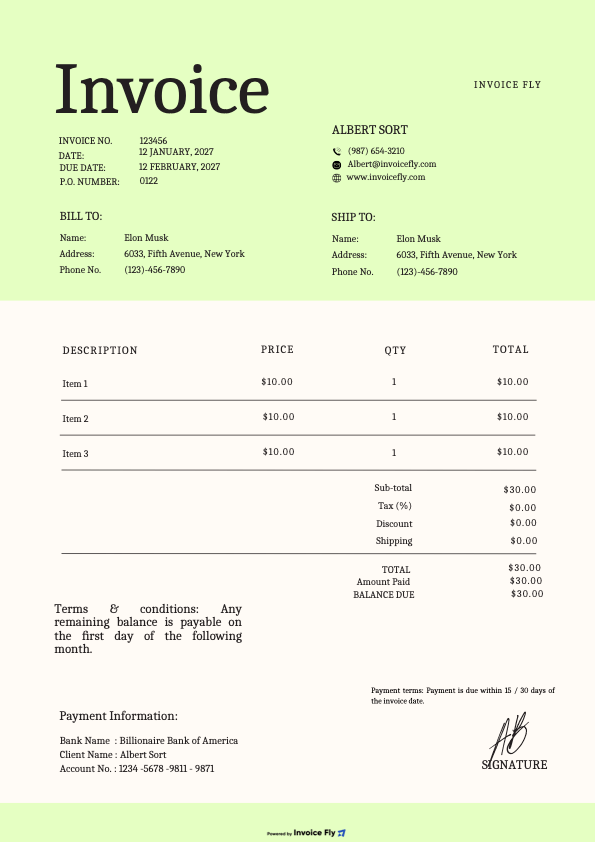
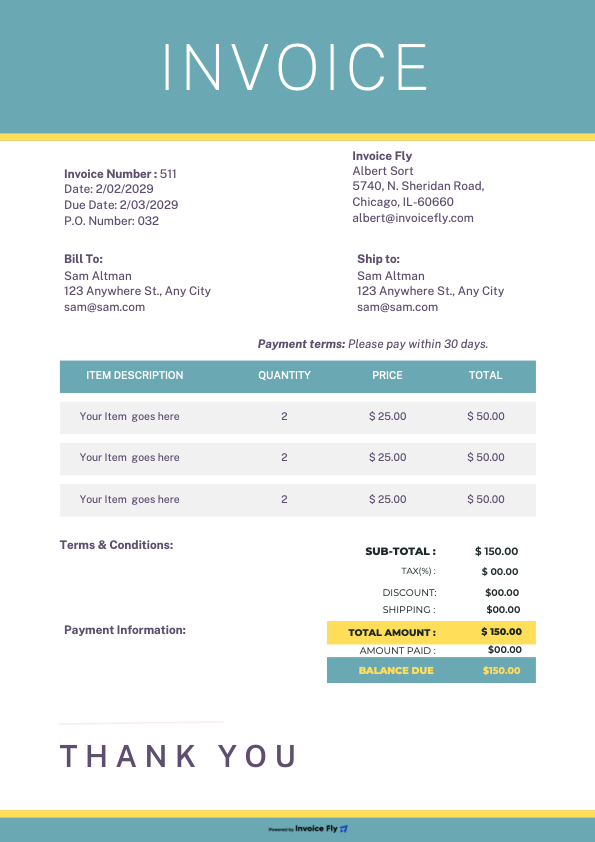
Ready-to-use Invoice Templates for every Industry
Unlock the power of scalability with our plans tailored to accommodate teams of any size, providing the flexibility you need to grow and succeed
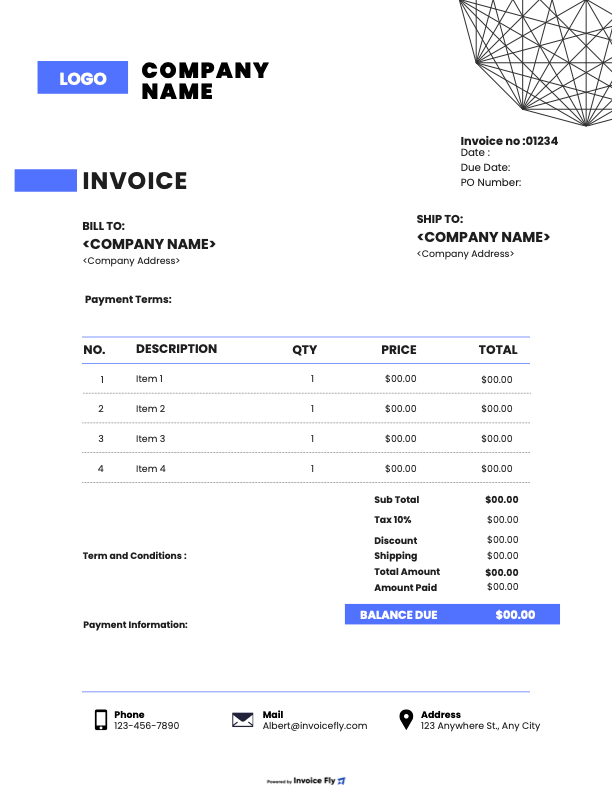
Need an invoice in another format?
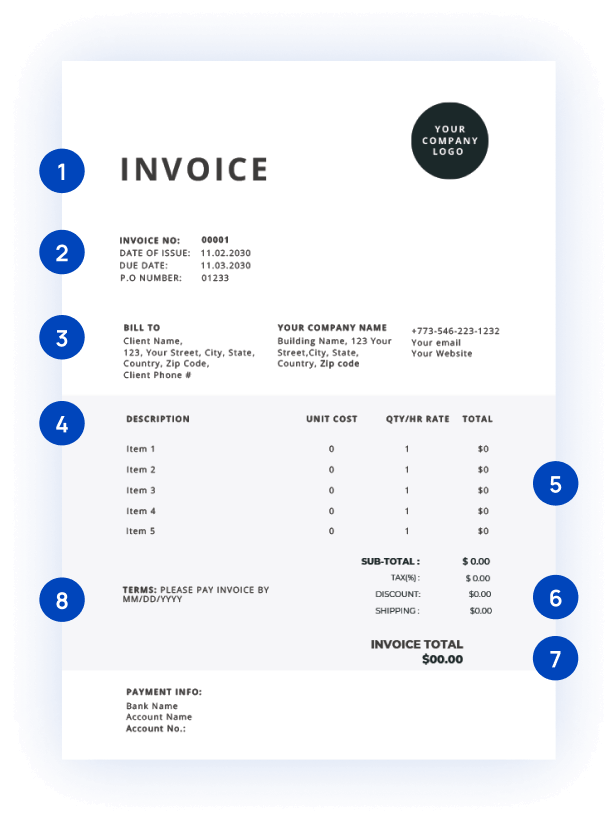
Key Sections to have on an Invoice
Invoicing shouldn’t slow you down. Invoice Fly makes it simple, fast, and professional. Whether you’re a freelancer, contractor, plumber or a handyman, our invoice maker helps you create invoices that look great and get you paid on time.
1
Invoice Header
Start with a clear invoice title at the top of your document. This removes any confusion between an invoice, quote, or receipt and signals that payment is due.
2
Invoice number and issue date
Include a unique invoice number and clear issue date so both you and your client can track the invoice easily.
3
Your business and client details
Include your business name, logo, and contact information, along with your client’s billing details, clear, complete, and professional.
4
Description of services or products
List the services or goods you provided with clear descriptions, quantities, and prices, so clients know exactly what they’re paying for.
5
Prices and totals
Enter your rates or item prices, and let the invoice generator calculate subtotals and totals automatically.
6
Taxes, discounts, and fees
Add taxes or discounts if needed. The invoice generator handles the math and shows the final amount due clearly.
7
Total Amount with currency selection
Choose the currency you want to bill in. Our invoice maker lets you create invoices for local or international clients.
8
Payment terms and due date
Set payment terms, due dates, and notes upfront. Clear expectations mean fewer follow-ups and faster payments.
FAQs About Online Invoice Generator
Got questions about online invoicing? Here’s everything you need to know about using Invoice Fly’s invoice maker to create, send, and manage professional invoices.
An invoice is an itemized billing document issued by a business or individual when selling goods or providing services. It clearly details the products or services delivered, the agreed prices or fees, and the total amount due. In simple terms, an invoice is a transaction record sent to a client or customer to formally request payment.
Invoices serve a practical and essential purpose: they ensure you get paid for the goods or services you have provided. Upon receiving the invoice, the buyer reviews the details and proceeds with payment according to the agreed terms.
Beyond requesting payment, invoices also play a key role in maintaining organized financial records. They act as a legal record of sales transactions, helping businesses track income, manage accounting, and comply with tax requirements. Additionally, a clear, professional invoice helps create a positive impression, strengthens client relationships, and reflects the credibility of your business.
For this reason, invoices should always be clear, simple, and easy to understand, ensuring transparency between the seller and the customer while supporting smooth and efficient payment processing.
Invoices created with Invoice Fly include all essential elements required for business record-keeping, such as invoice numbers, dates, itemized charges, and totals. Always check local regulations for specific legal requirements.
An invoice is a document that lists the services or products you provided and the amount your client owes you. It’s used to request payment and usually includes dates, item details, totals, and business information.
You can create invoices for free using Invoice Fly’s free invoice generator. There’s no signup required and no cost to generate or download invoices.
To generate an invoice online, select an invoice template, enter your invoice details, review the totals, and download or send the invoice. Invoice Fly’s invoice maker handles the calculations automatically.
Most invoices include your business details, client information, an invoice number, issue and due dates, a list of services or products, prices, taxes, and the total amount due.
A valid invoice typically includes an invoice number, dates, business and client details, itemized charges, taxes (if applicable), and the total amount due. Requirements can vary by country, so it’s best to check local regulations.
A good invoice generator should include customizable invoice templates, automatic calculations, multiple download formats, and options to send or print invoices easily.
An invoice generator automates calculations, keeps invoices organized, and makes it easier to create professional invoices without manual work or spreadsheets.
A good invoice generator should include customizable invoice templates, automatic calculations, multiple download formats, and options to send or print invoices easily.
Yes. When you use the Invoice Fly app, you can track invoice statuses and payments in one place. This helps you see which invoices have been sent, viewed, or paid, and follow up when needed.
Word works well for simple layouts, while Excel is useful for calculations. An online invoice generator combines both, giving you clean designs with automatic totals.
You can generate an e-invoice for free by using Invoice Fly’s online invoice maker. Create your invoice digitally and send it by email or download it as a PDF.
With Invoice Fly’s free invoice maker, you can create as many invoices as you need, without limits.