
1. Home
  2. »
  3. Product
  4. »
  5. Invoicing Software
Blue Brush Separator

Invoicing Software to Send Invoices and Get Paid Faster

Send invoices. Accept payments. Get paid. Invoice Fly’s invoicing software keeps your billing simple and organized.

  1. Home
  2. »
  3. Product
  4. »
  5. Invoicing Software
Blue Brush Separator

125,000+ American pros trust Invoice Fly

4.8 from 5 valoration in app store reviews
4.9 from 5 valoration in google play reviews

Everything You Need to Invoice with Confidence

Invoice Fly brings together powerful billing tools and smart automation in one streamlined platform, so you can focus on your work, not your admin.

Create and Send Professional Invoices icon

Create and Send
Professional Invoices

Create and Send
Professional Invoices

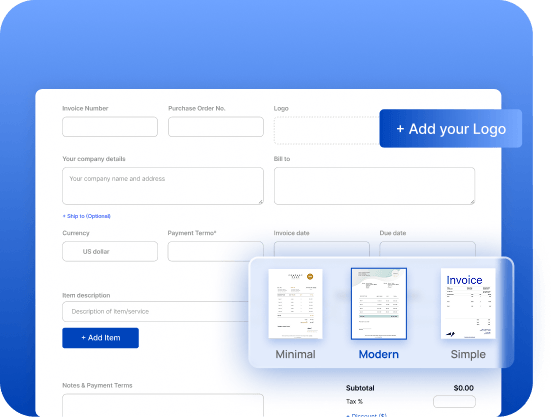
Build branded invoice templates in minutes. Customize services, taxes, and totals with automatic calculations, no spreadsheets required.

Automate Billing and Reminders icon

Automate Billing
and Reminders

Automate Billing
and Reminders

Schedule recurring invoices and set automatic reminders to reduce follow-ups and keep projects moving without manual effort.

Track Invoice Status in Real Time icon

Track Invoice
Status in Real Time

Track Invoice Status in
Real Time

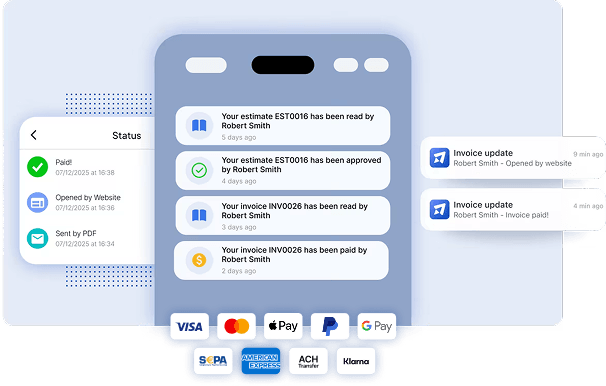
See when invoices are sent, viewed, paid, or overdue from your live dashboard screen, keeping your accounting accurate and up to date.

Manage Clients in One Dashboard icon

Manage Clients
in One Dashboard

Manage Clientsin One
Dashboard

Store client details, payment history, and service records in one organized invoicing dashboard ,built for service professionals and small business owners.
Get Paid Without the Back-and-Forth

Stop chasing payments and juggling Excel files. Invoice Fly’s online invoicing system makes it simple for clients to pay you quickly and securely, without complicated accounting software or ERP systems.

get paid fast with our invoicing software Invoice Fly

Accept Payments Online

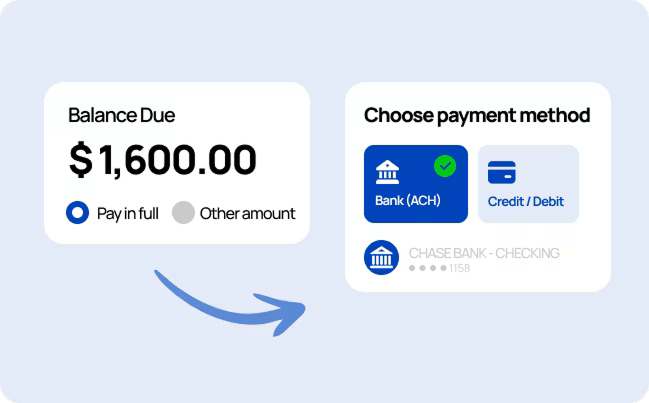
Let clients pay directly from their invoice using secure digital payment methods, no third-party tools required.

Smart Payment Reminders

Automate follow-ups and reduce overdue invoices with built-in billing automation.

Recurring Billing

Automatically invoice repeat clients for ongoing services without recreating invoices each month.

Faster Checkout Experience

Clear totals, simple payment instructions, and streamlined checkout reduce confusion and speed up payment processing.

Stay on Top of Your Accounts Receivable

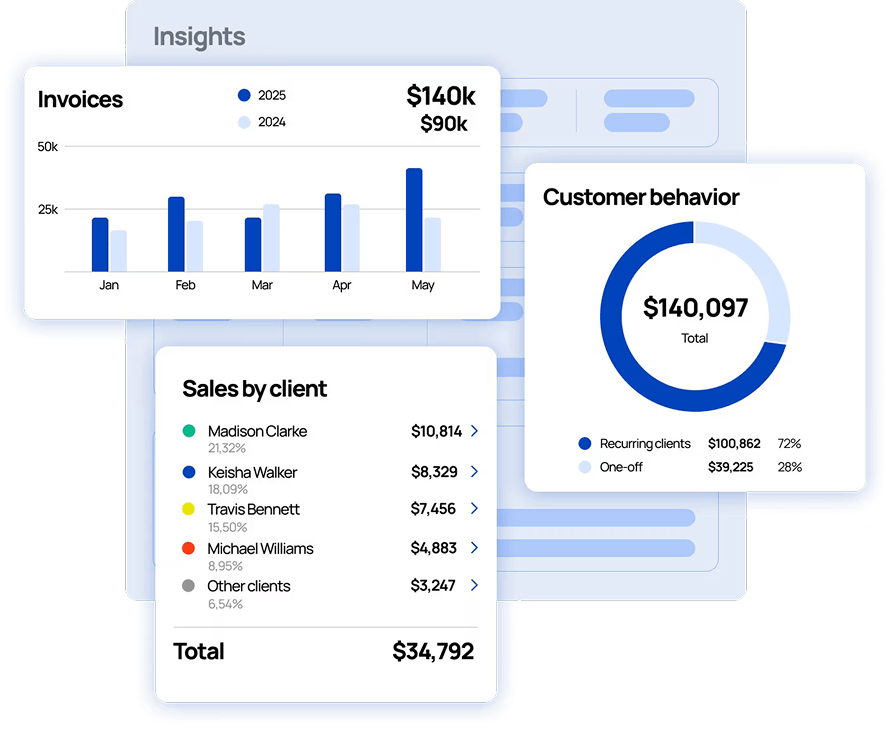
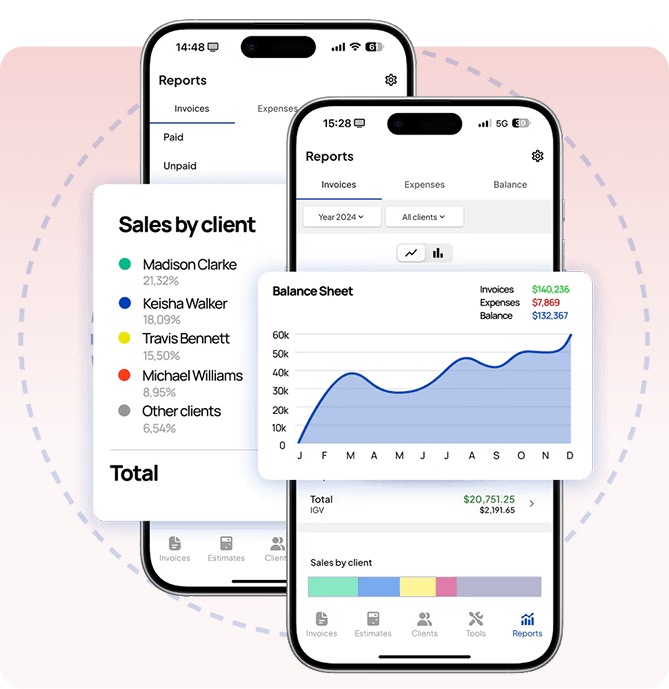
Keep your cash flow organized and predictable. Invoice Fly gives you a clear overview of outstanding invoices, payments, and client balances from one centralized invoicing dashboard.

Outstanding Balances at a Glance

View unpaid invoices, overdue accounts, and open balances in one real-time dashboard screen.

Aging Outstanding Reports

Identify overdue invoices quickly with built-in aging reports designed for service-based businesses.

Client Payment History

Access a complete record of invoices and payments per client to spot patterns and manage relationships more strategically.

Clear Financial Visibility

Understand what’s paid, pending, and overdue so your accounting stays accurate without spreadsheets or manual tracking.

stay oin top with our invoicing software Invoice Fly

Invoicing That Moves With You

Run your business from anywhere. The Invoice Fly invoice app gives you full access to your billing tools — right from your phone.

an invoicing software that adapts to your business and your industry

Create Invoices on the Go

Generate and send professional invoices directly from your mobile device; whether you’re on-site, in a meeting, or on the move.

Stay Notified in Real Time

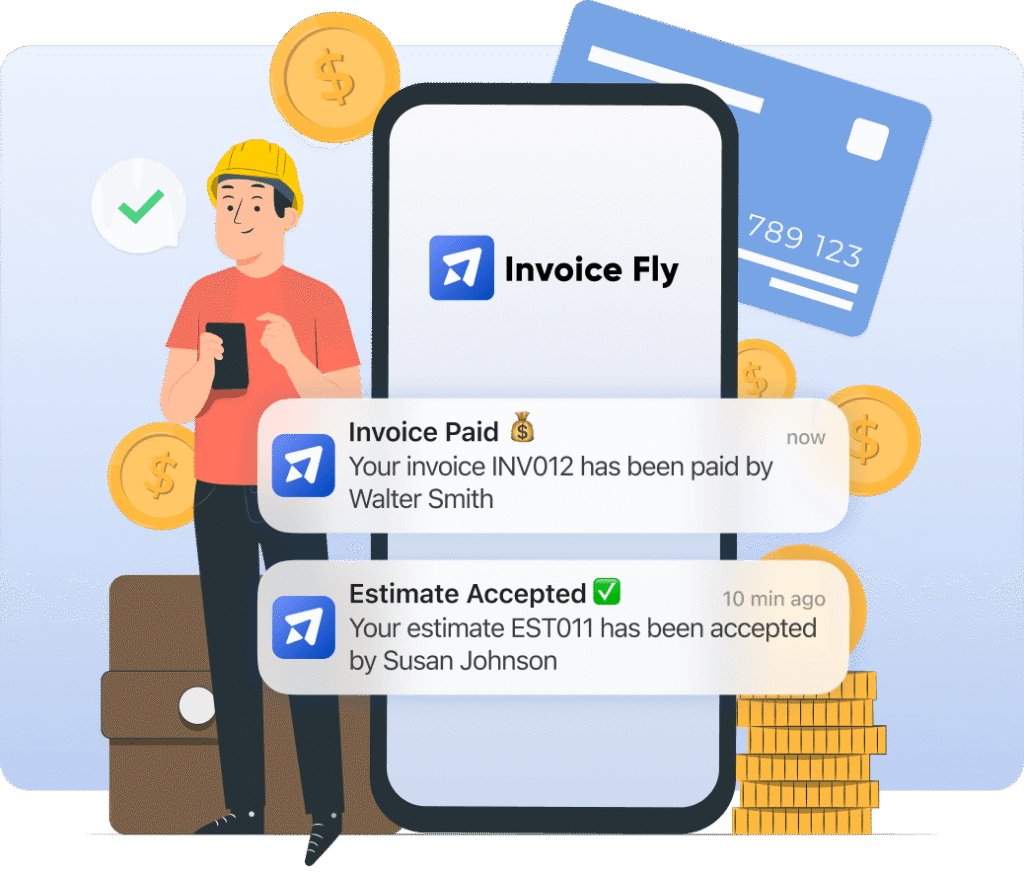
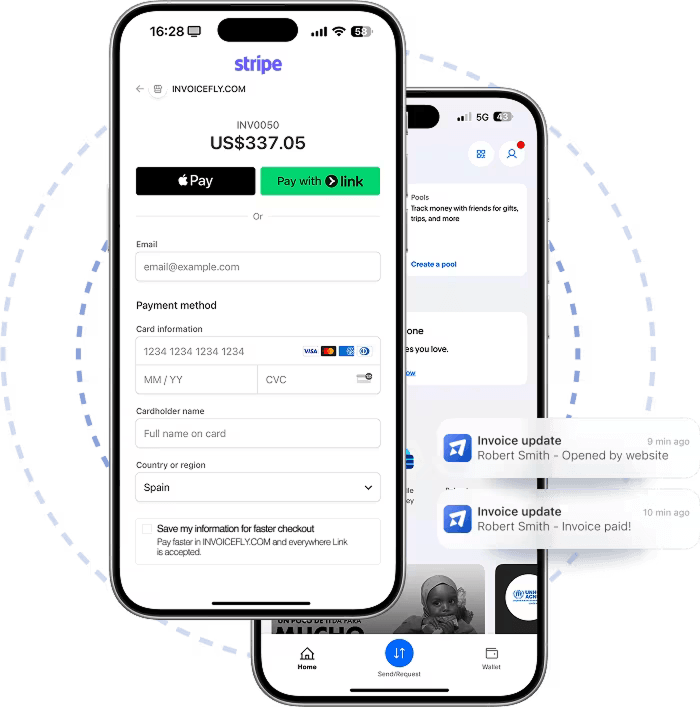
Get instant updates when invoices are viewed or paid so you stay informed without logging into a desktop dashboard.

Let Automation Handle Reminders

Access clients, invoices, and payment activity through one streamlined invoicing app designed for flexibility.

Accept Payments Online. Get Paid Faster.

accept payments with our invoicing software Invoice Fly
secure payments with invoicing software Invoice Fly
automate faster payment cycles with our invoicing software Invoice Fly
control your cashflows with our invoicing software Invoice Fly

FAQs About Our Invoice Software

Got questions about online invoicing? Here’s everything you need to know about using Invoice Fly’s invoice maker to create, send, and manage professional invoices.

Invoicing software is a digital billing system that allows businesses to create, send, and track invoices online. It automatically calculates totals, taxes, and due dates while storing client and payment data in one dashboard. Platforms like Invoice Fly also include online payment processing, recurring billing, and automation features to help businesses get paid faster.

Invoice software helps small businesses send professional invoices, accept online payments, automate reminders, and track cash flow in real time. It reduces manual errors, eliminates spreadsheets, and keeps accounting organized in one billing system. With Invoice Fly, everything is managed from a simple, centralized dashboard.

Yes, you can create invoices in Excel using templates. However, Excel does not automate payment tracking, reminders, or online payments. Invoicing software like Invoice Fly provides a complete digital billing system with dashboards, automation, and secure payment integration.

If you mainly need professional invoicing, payment tracking, and billing automation, Invoice Fly offers a simpler and more focused solution than full accounting softwares. It delivers essential invoicing features without the complexity of traditional ERP or accounting systems.

Yes. With the Invoice Fly mobile app, you can create digital invoices, send them instantly, and track payments from anywhere. Your invoicing dashboard stays synced across desktop and mobile devices in real time.

Yes. Invoice Fly allows you to set up recurring billing for repeat clients or subscription services. The system automatically generates and sends invoices based on your schedule, reducing manual billing tasks.

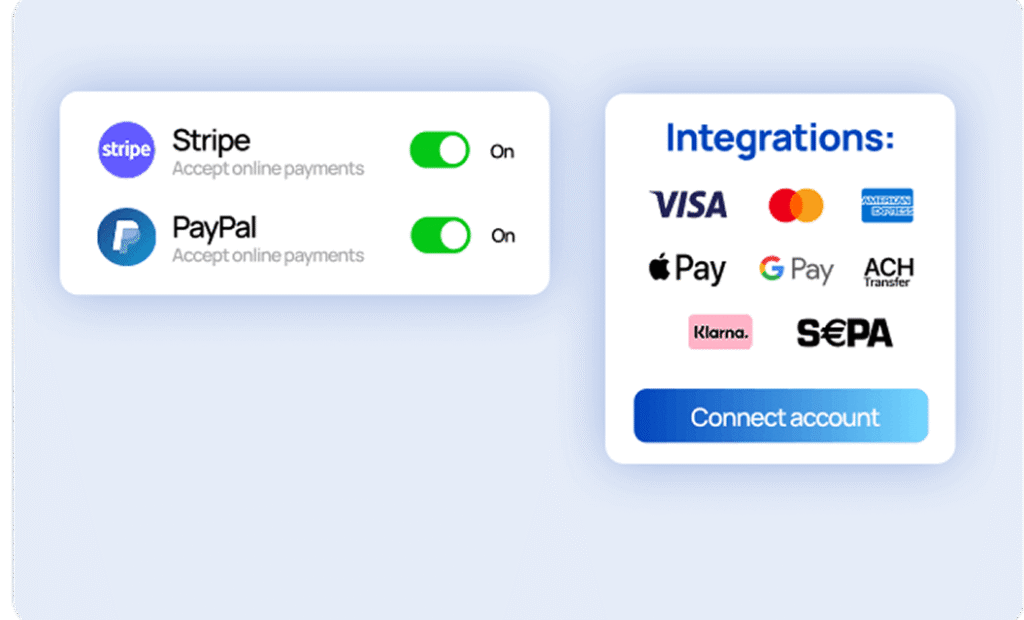
With Invoice Fly, clients can pay invoices securely using credit cards, debit cards, Apple Pay, Google Pay, and bank transfers through integrated online payment processing. This flexibility helps improve payment speed and cash flow.

Yes. Invoice Fly uses secure payment processing and encrypted data storage to protect business and customer information. Modern digital invoicing platforms are designed to meet high security and privacy standards.

To create an invoice in Invoice Fly, simply add your client details, services, pricing, and tax information in the dashboard. The software automatically calculates totals and generates a professional invoice template ready to send online.

All Invoice Fly Features

Discover how Invoice Fly’s features can help you run your business easily

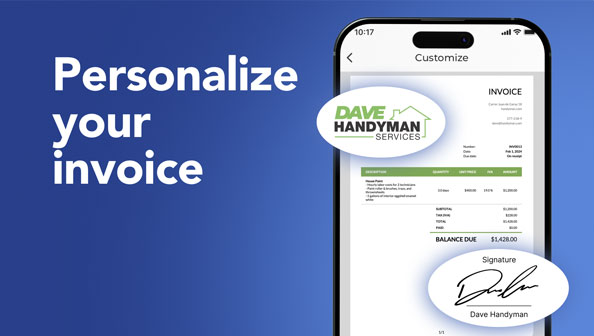
Use different templates, add your logo and signature, choose colors, fonts and more.

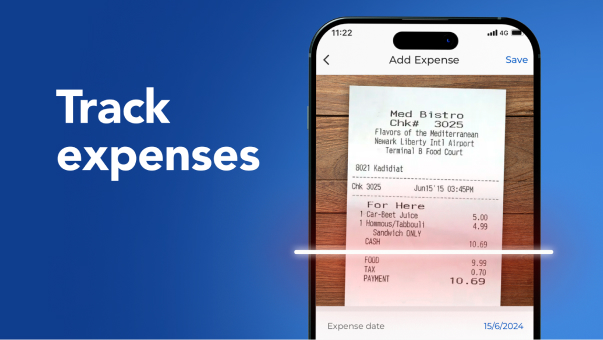
Scan your receipts and keep track of all business expenses. You can also add expenses manually.

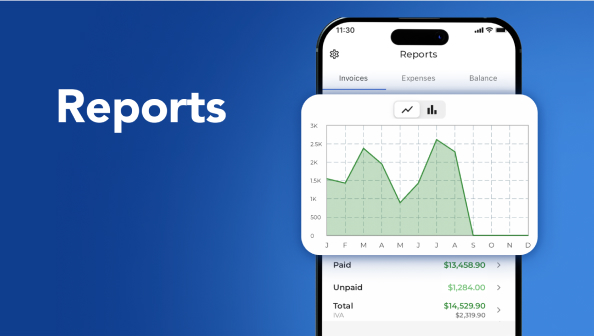
Track invoices and receipts to build insightfull reports and control the growth of your business.

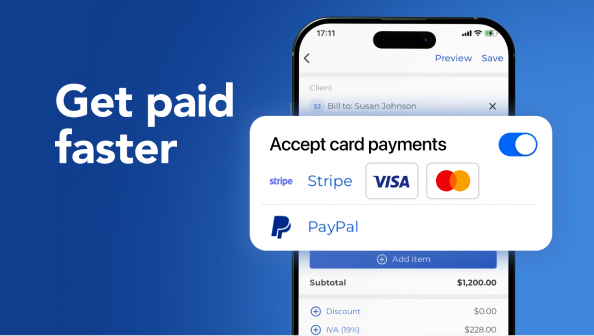
Receive digital card payments in different methods: Stripe, Visa, MasterCard or PayPal.

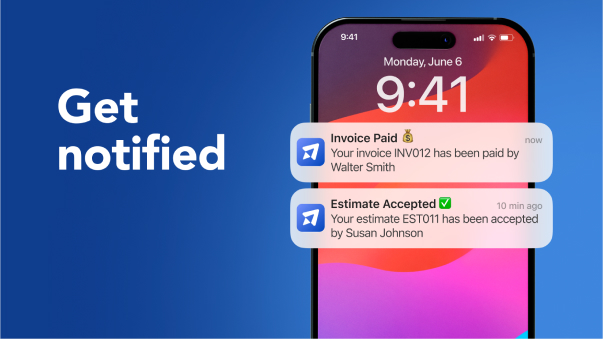
Don’t miss any details. Get notified every time a client accepts an estimate or pays an invoice.

Create business logos, unique brand names, custom visuals, marketing copy, —all powered by AI, instantly.

crm shape

Send Invoices. Get Paid. Stay in Control

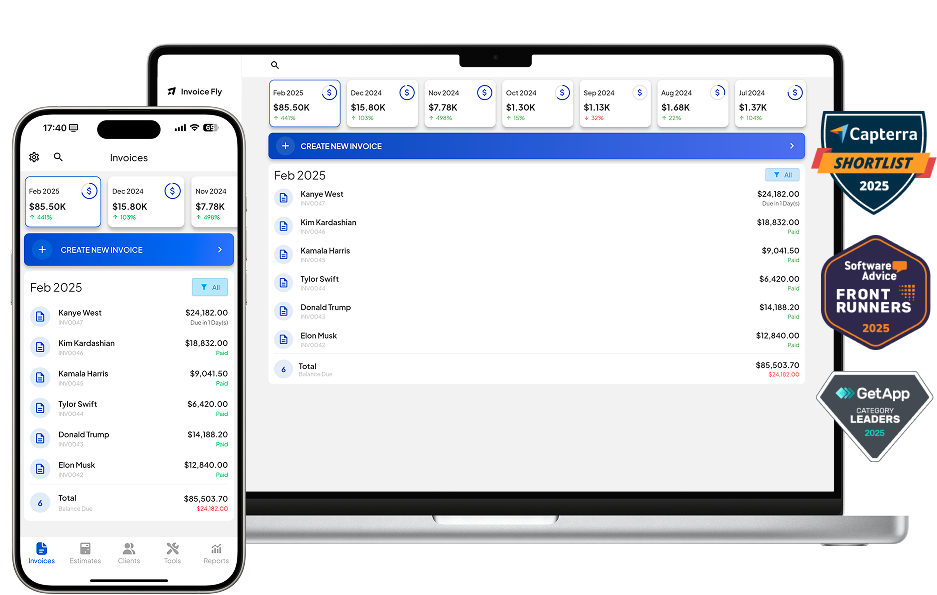
Invoice Fly footer banner with Gartner Badges (GetApp, Capterra & Software Advice)