
- Home
- »
- test free template
Free Invoice Template for Google Docs
Create professional invoices in minutes with our free Google Docs invoice templates.
Would you prefer a template?
Scroll down to find the free invoice template for Google Docs.
Download a Free Invoice Template for
Google Sheets, Google Docs, Excel, Word & PDF
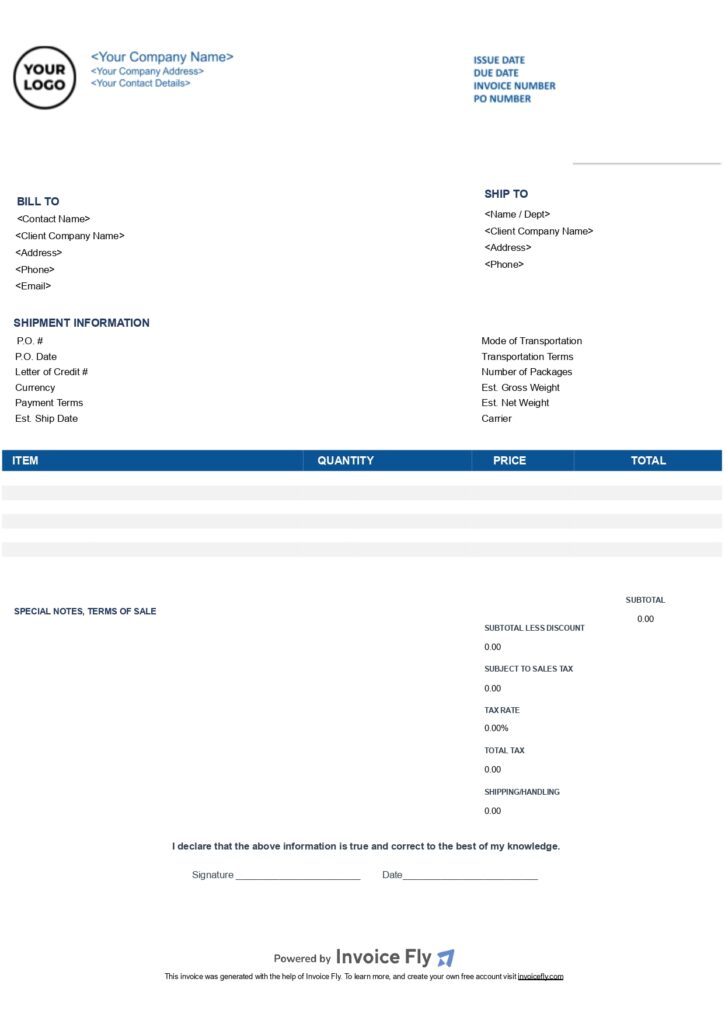
Contractor Free Invoice Template Dark Blue
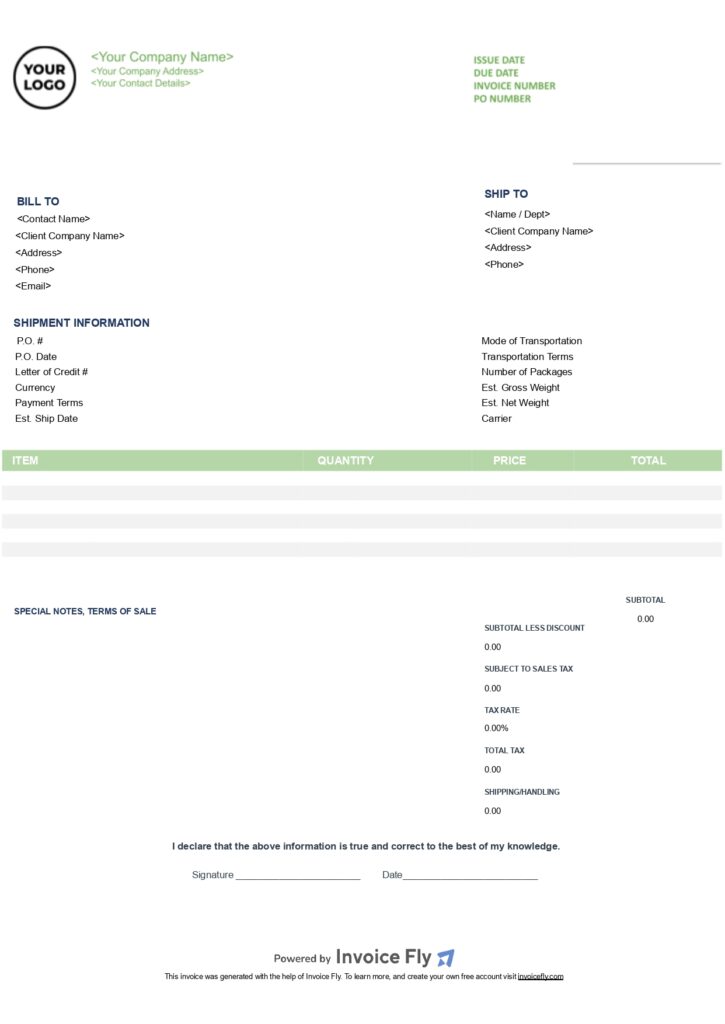
Contractor Free Invoice Template Green
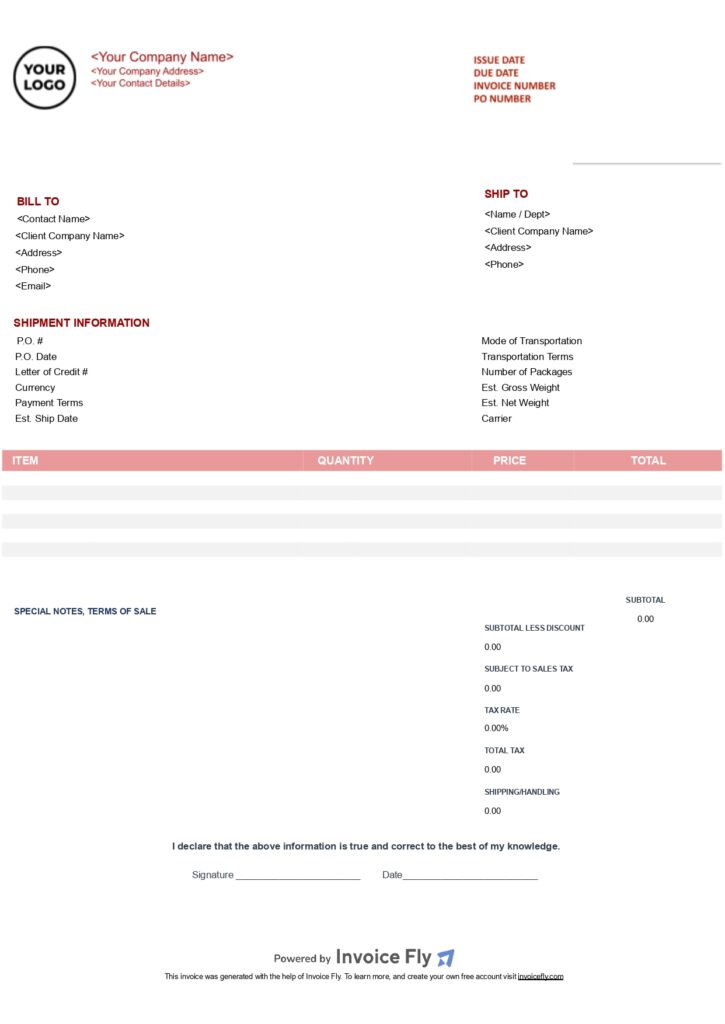
Contractor Free Invoice Template Red
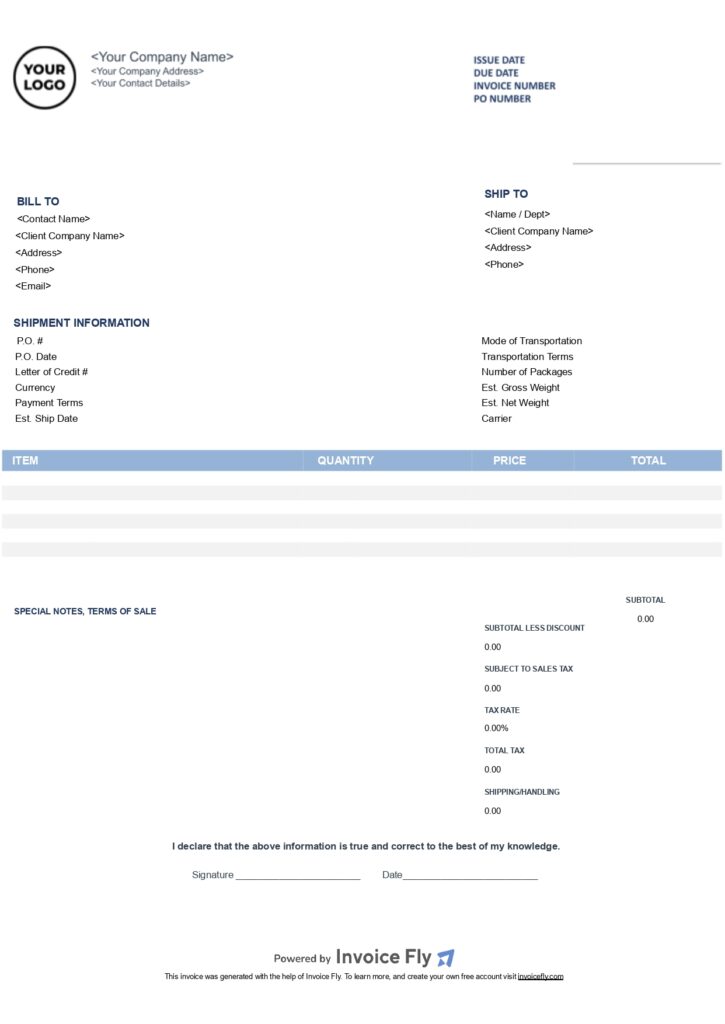
Contractor Invoice Free Template Light Blue
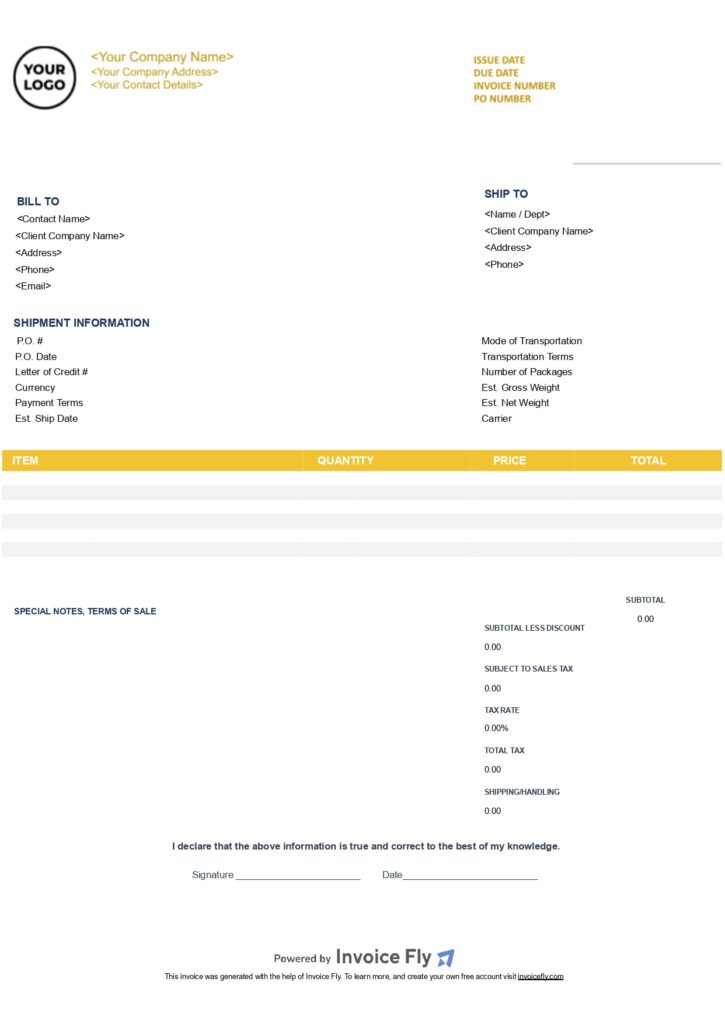
Contractor Free Invoice Template Yellow
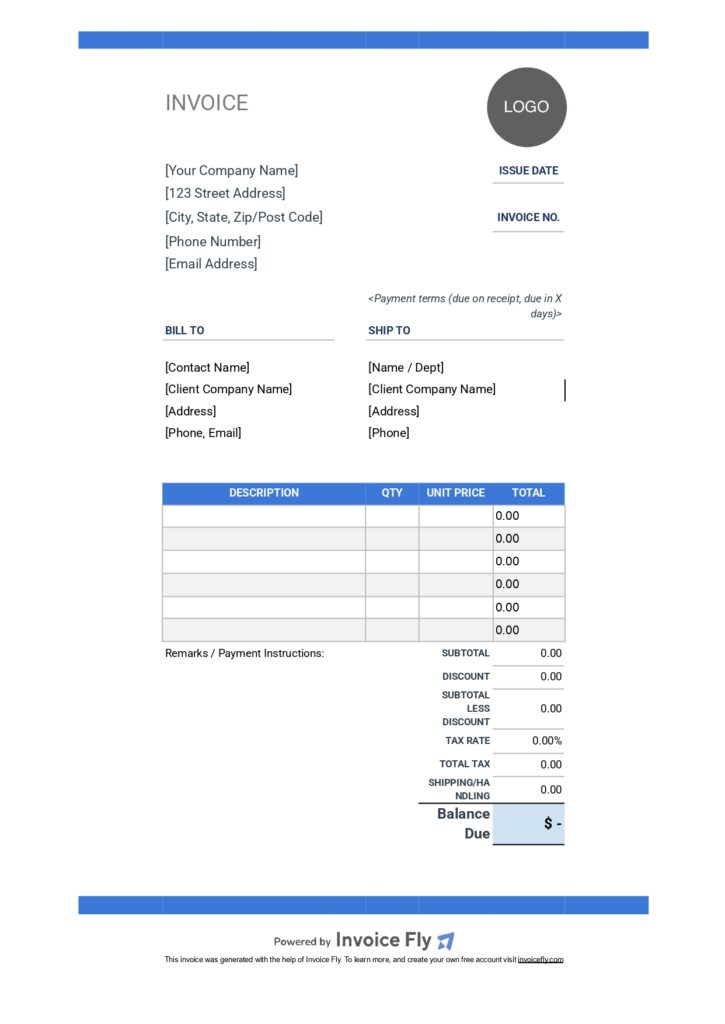
Freelancer Free Invoice Template Dark Blue
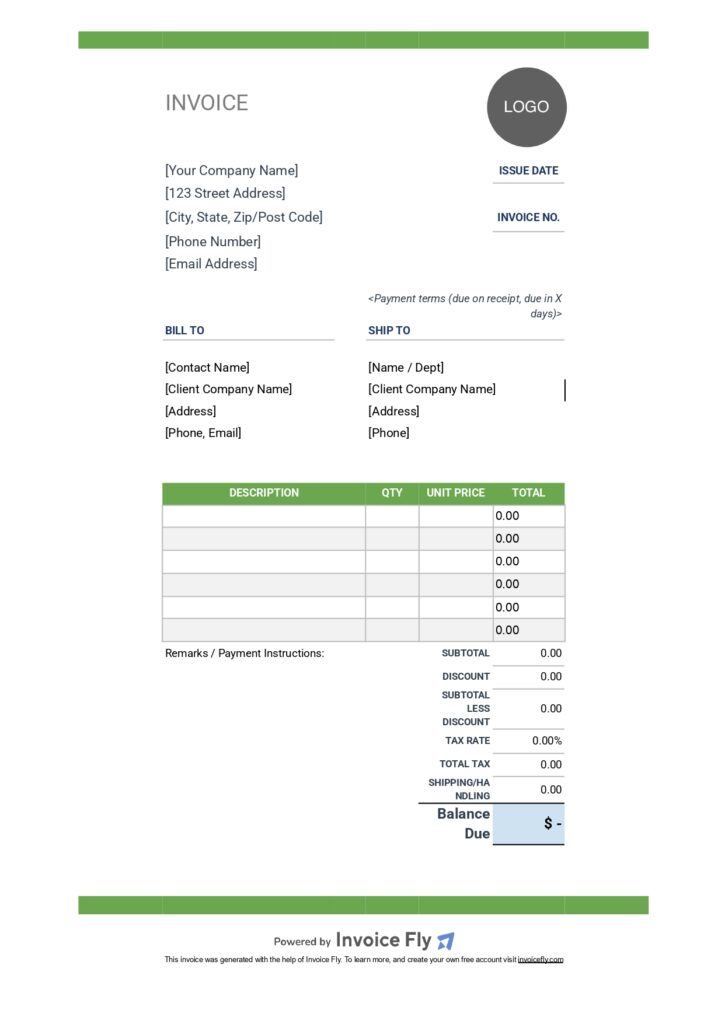
Freelancer Free Invoice Template Green
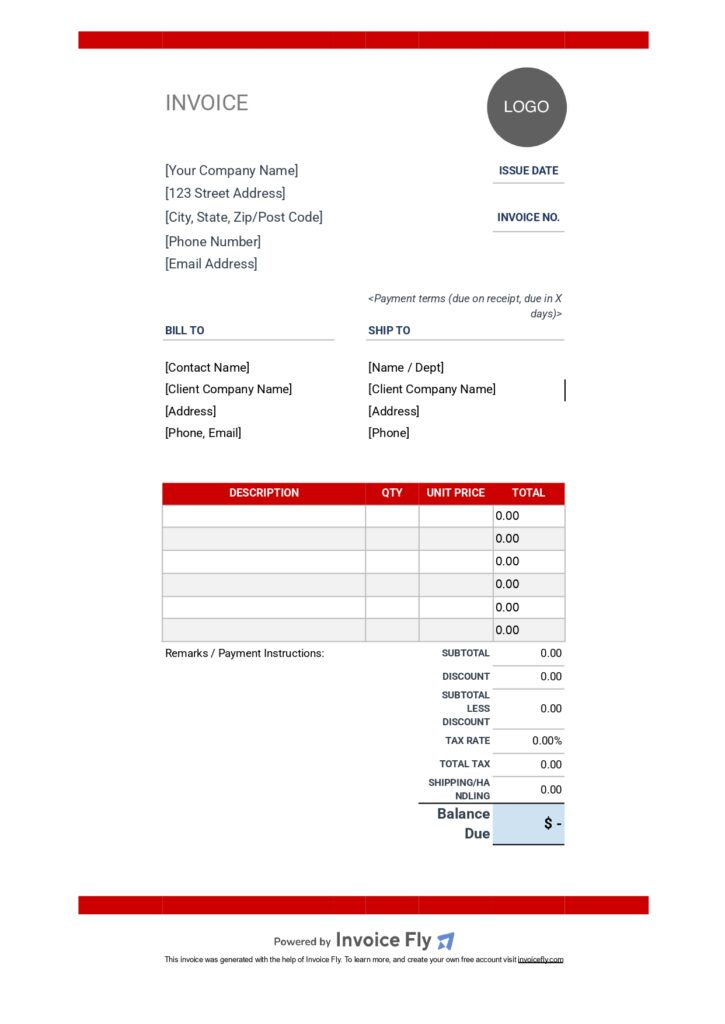
Freelancer Free Invoice Template Red
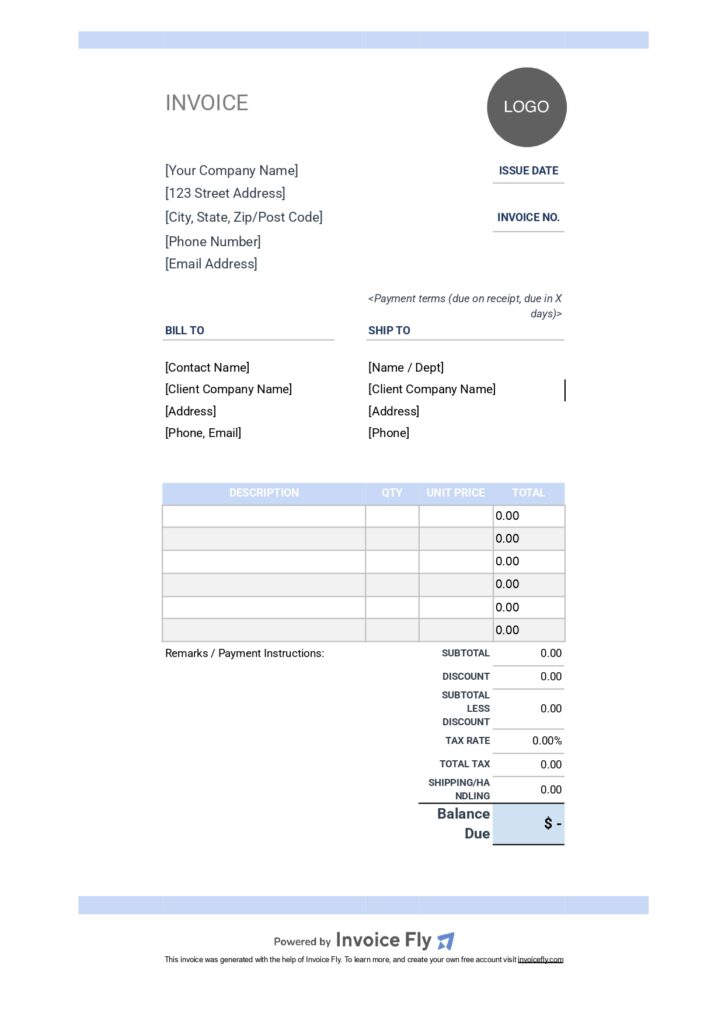
Freelancer Free Invoice Template Light Blue
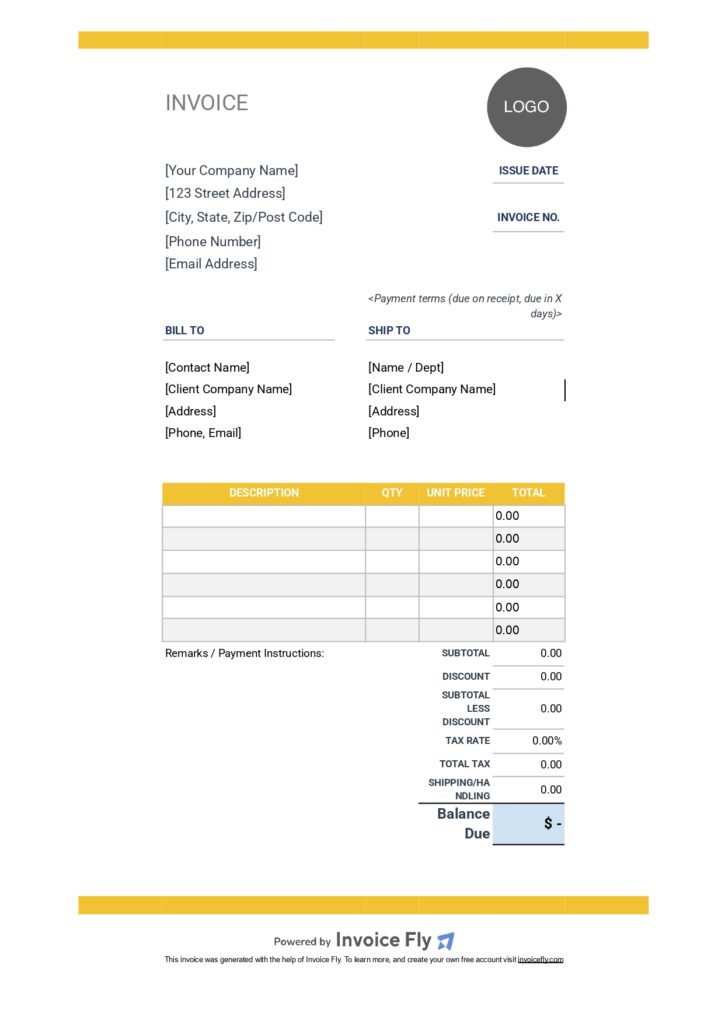
Freelancer Free Invoice Template Yellow
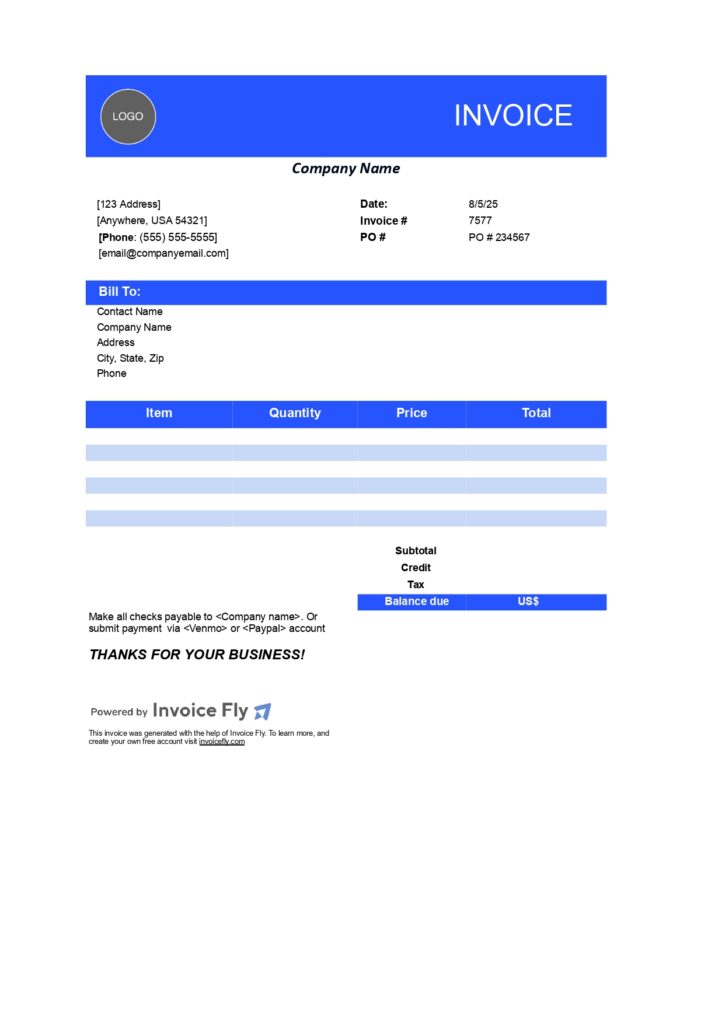
Small Business Free Invoice Template Dark Blue
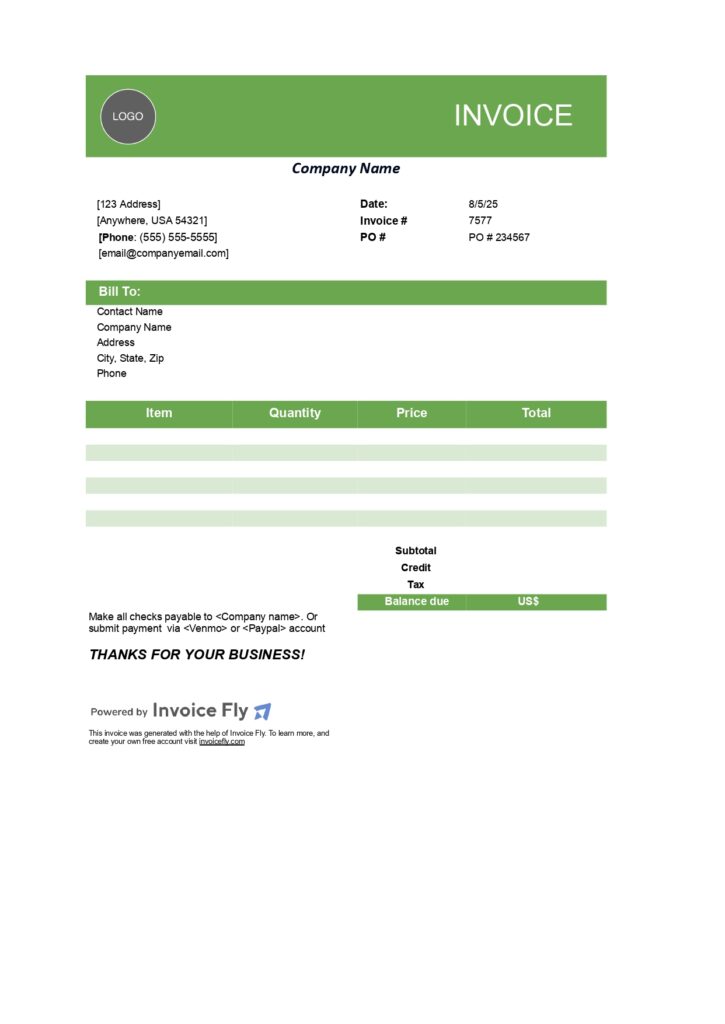
Small Business Free Invoice Template Green
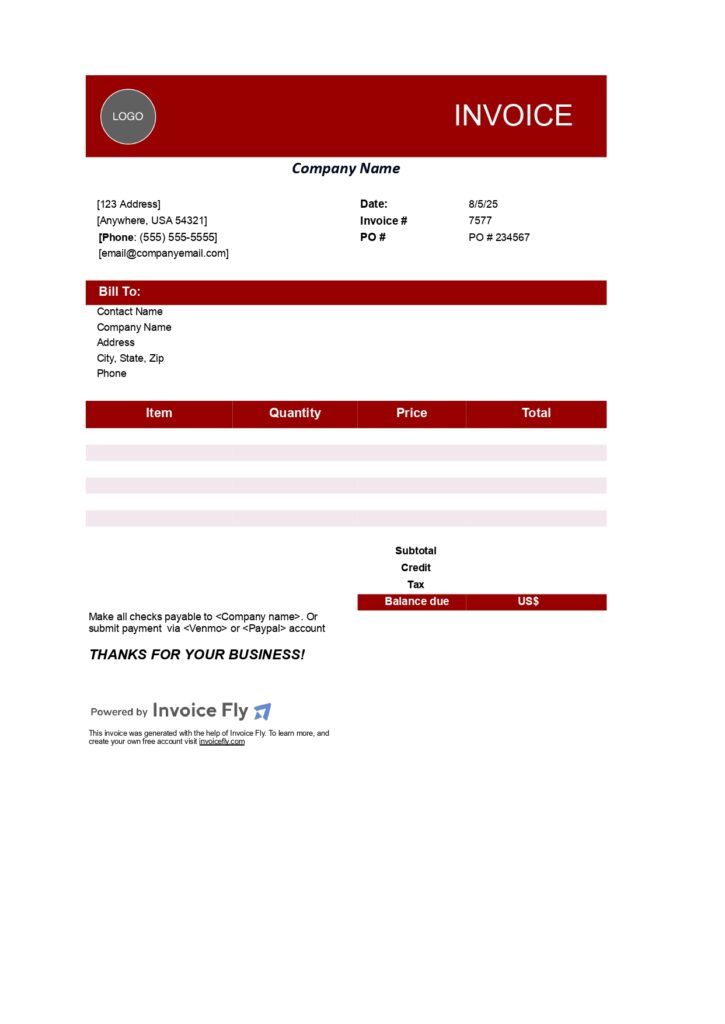
Small Business Free Invoice Template Red
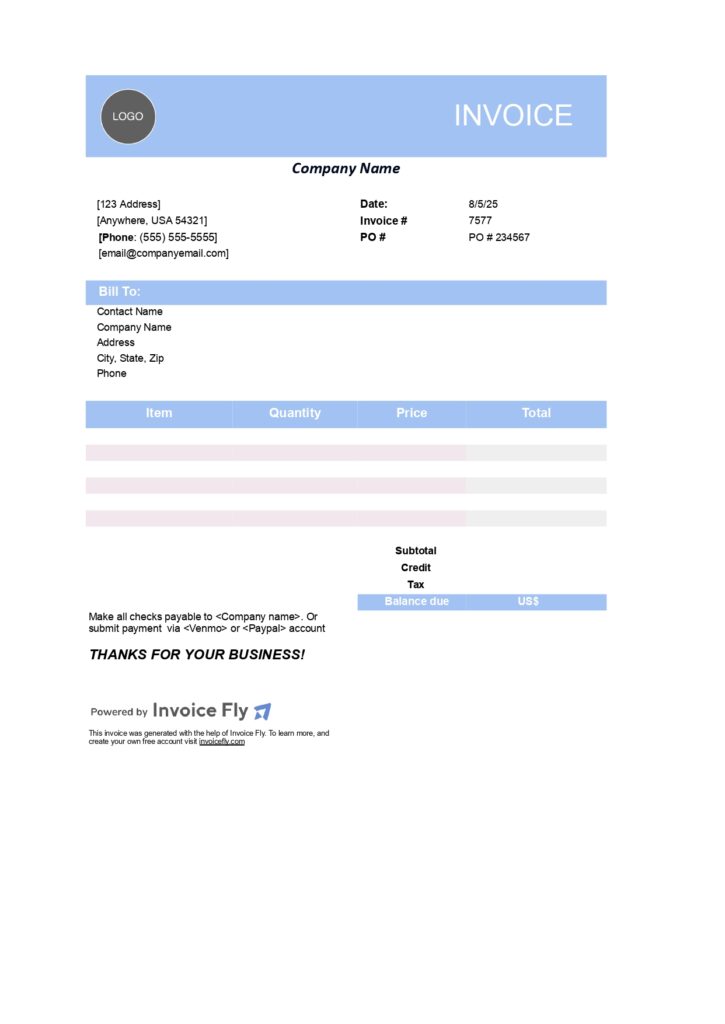
Small Business Free Invoice Template Light Blue
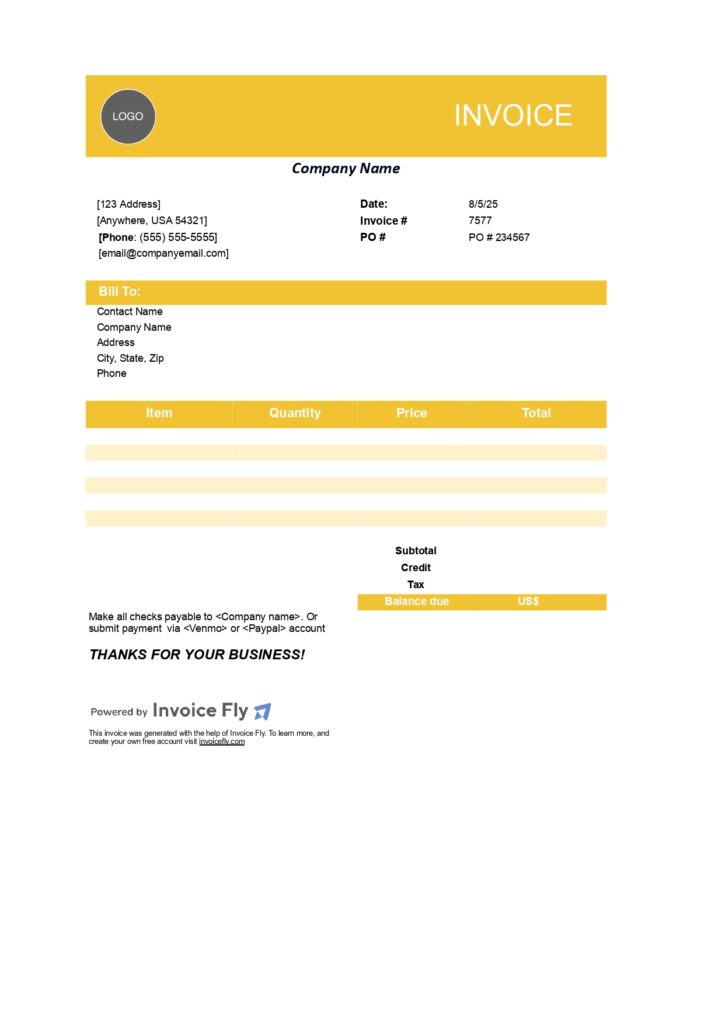
Small Business Free Invoice Template Yellow
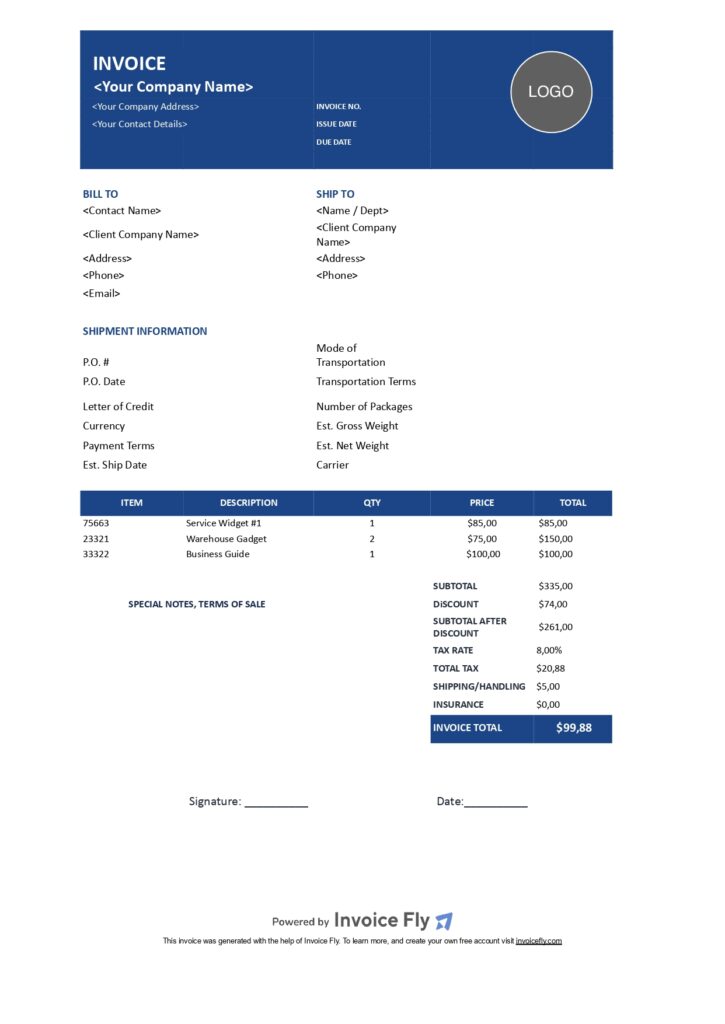
Commercial Free Invoice Template Dark Blue
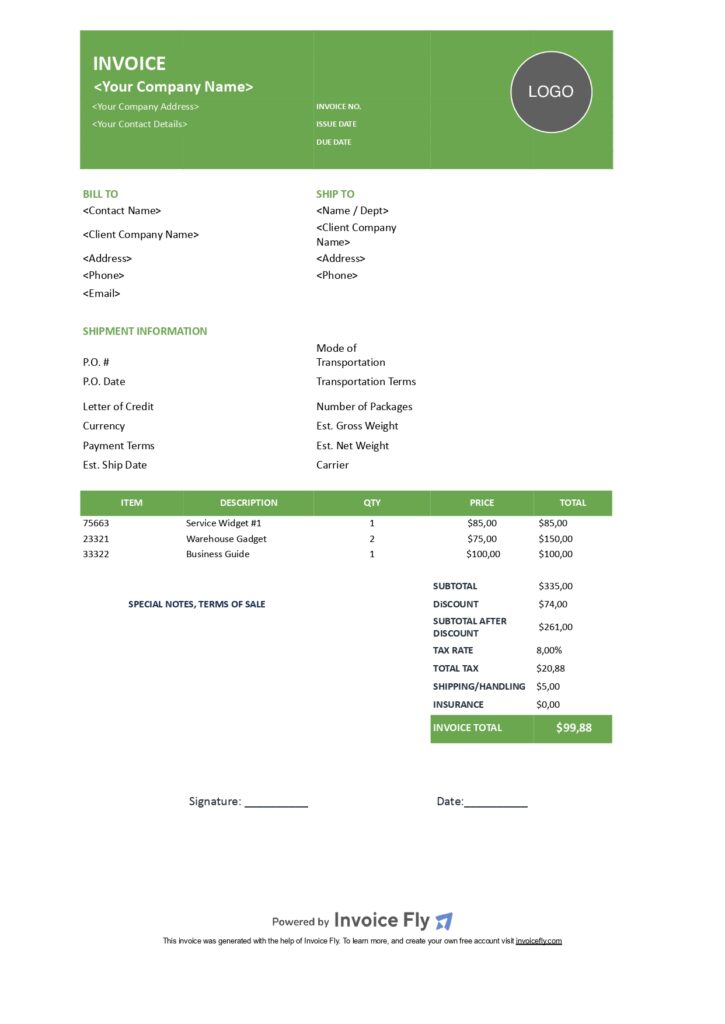
Commercial Free Invoice Template Green
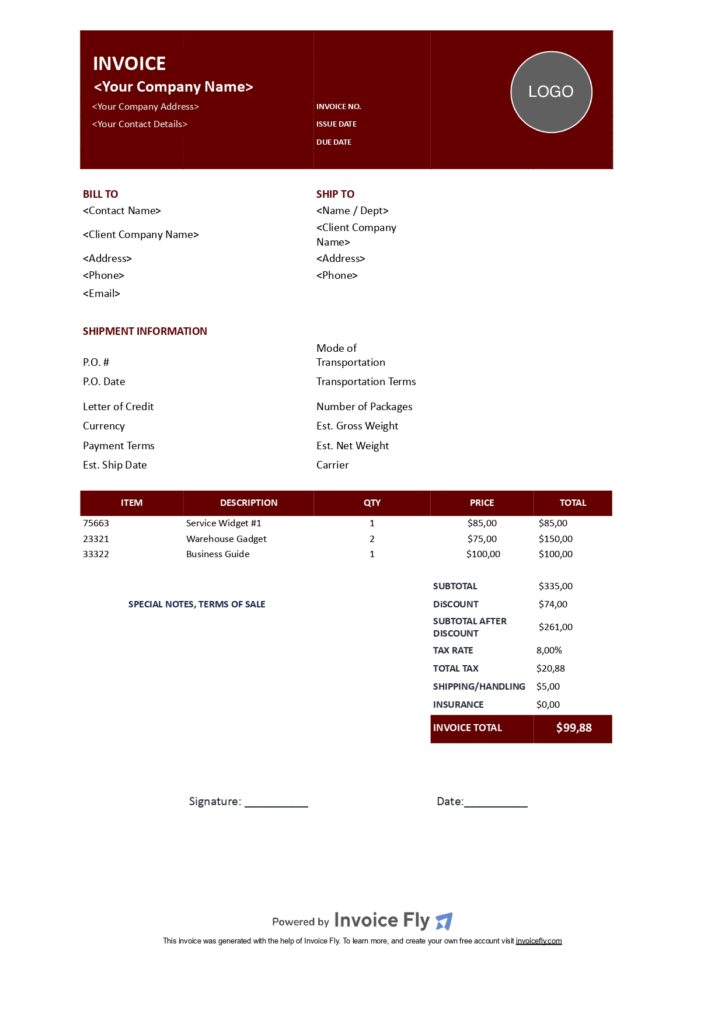
Commercial Free Invoice Template Red
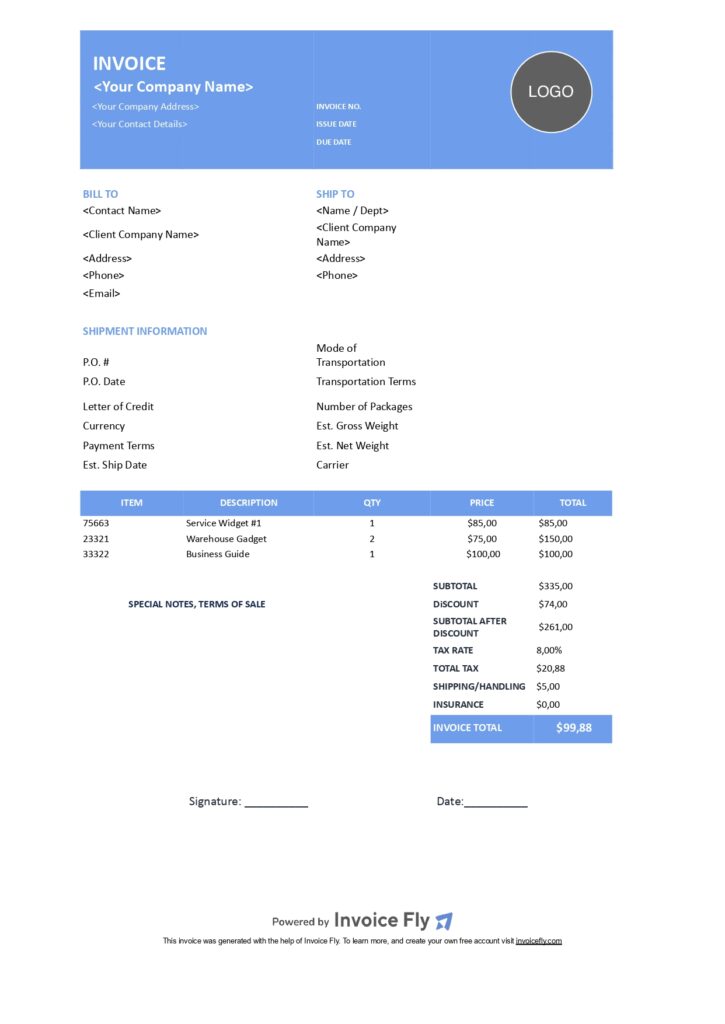
Commercial Free Invoice Template Light Blue
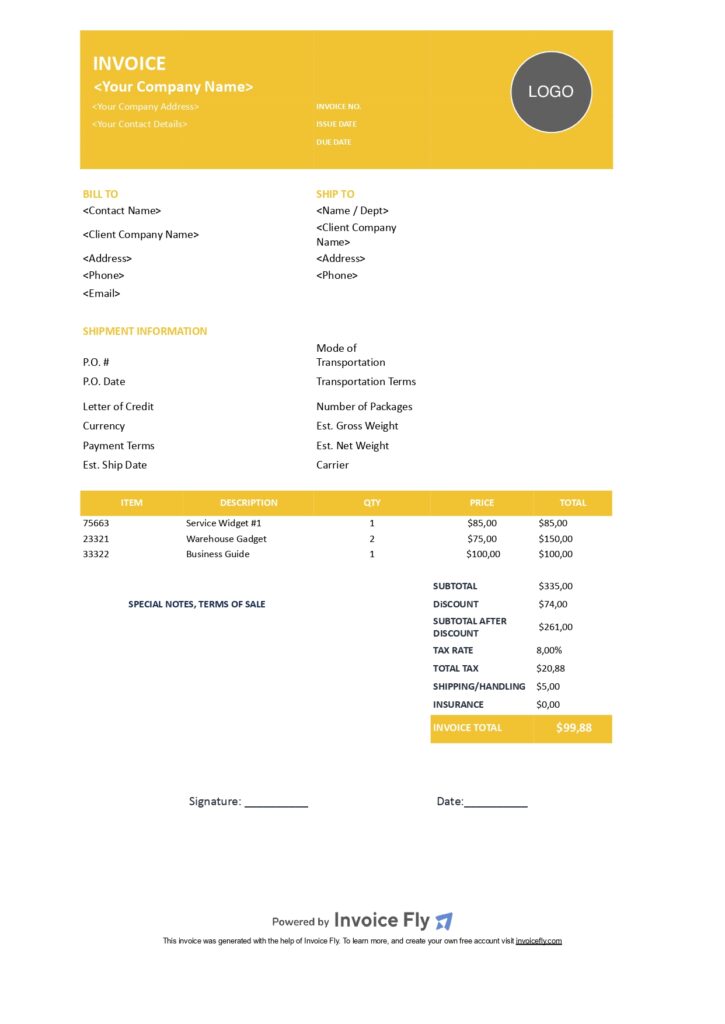
Commercial Free Invoice Template Yellow
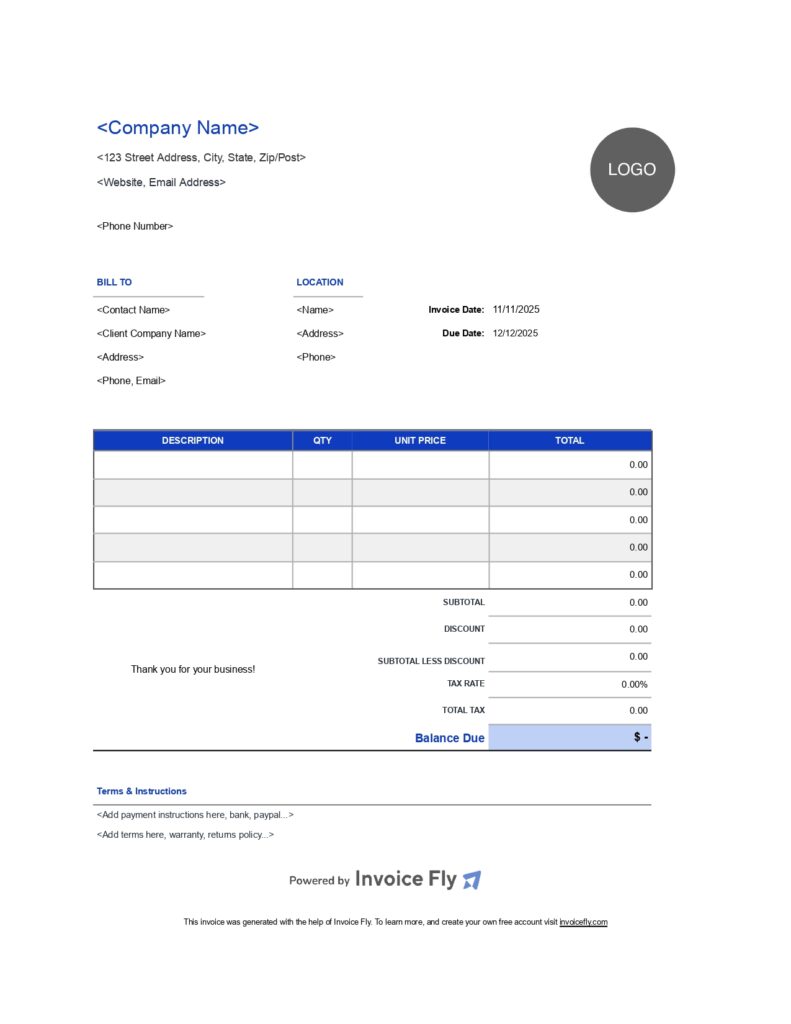
Modern Free Invoice Template Dark Blue
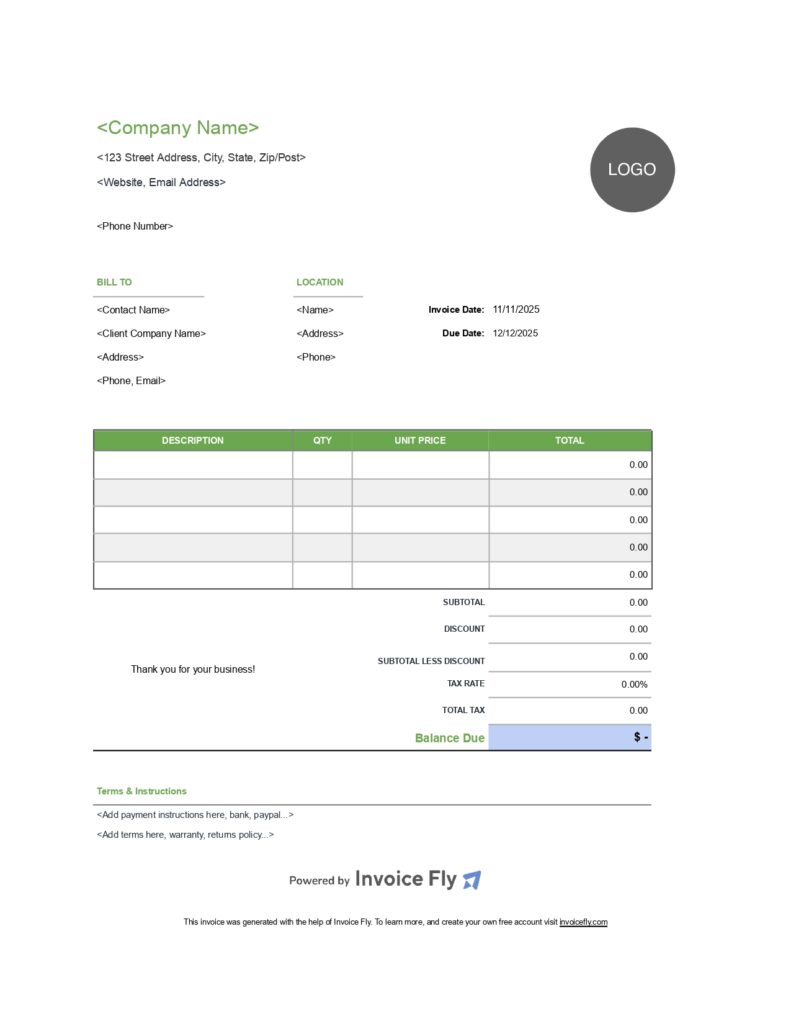
Modern Free Invoice Template Green
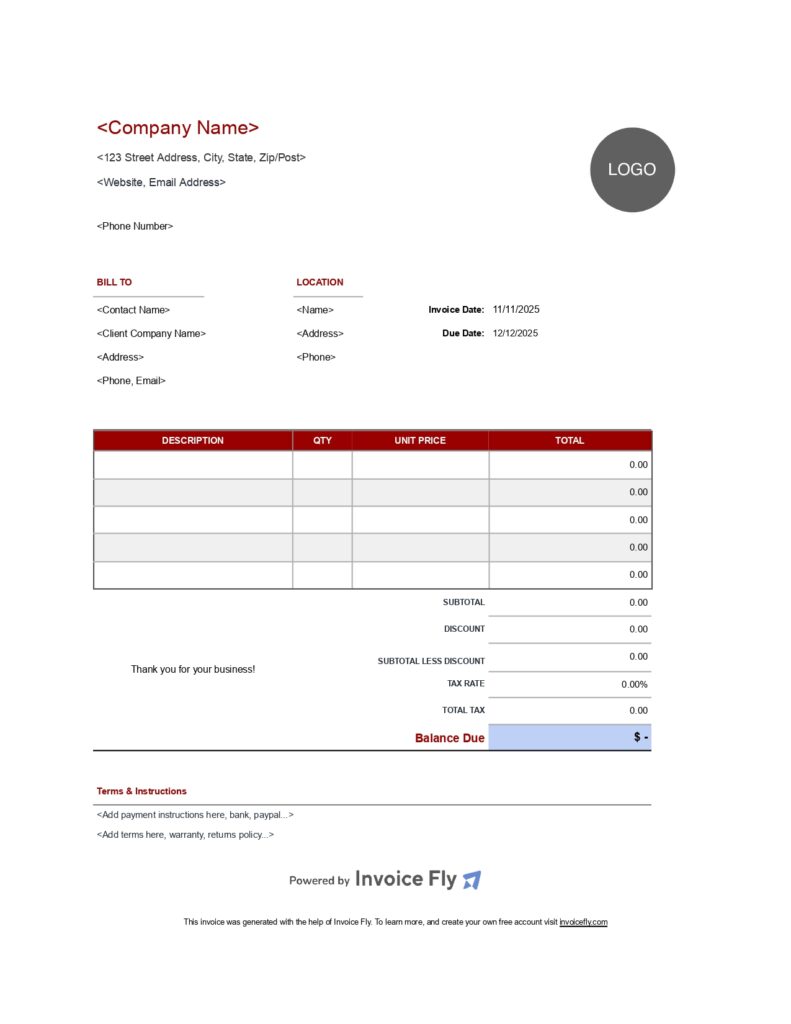
Modern Free Invoice Template Red
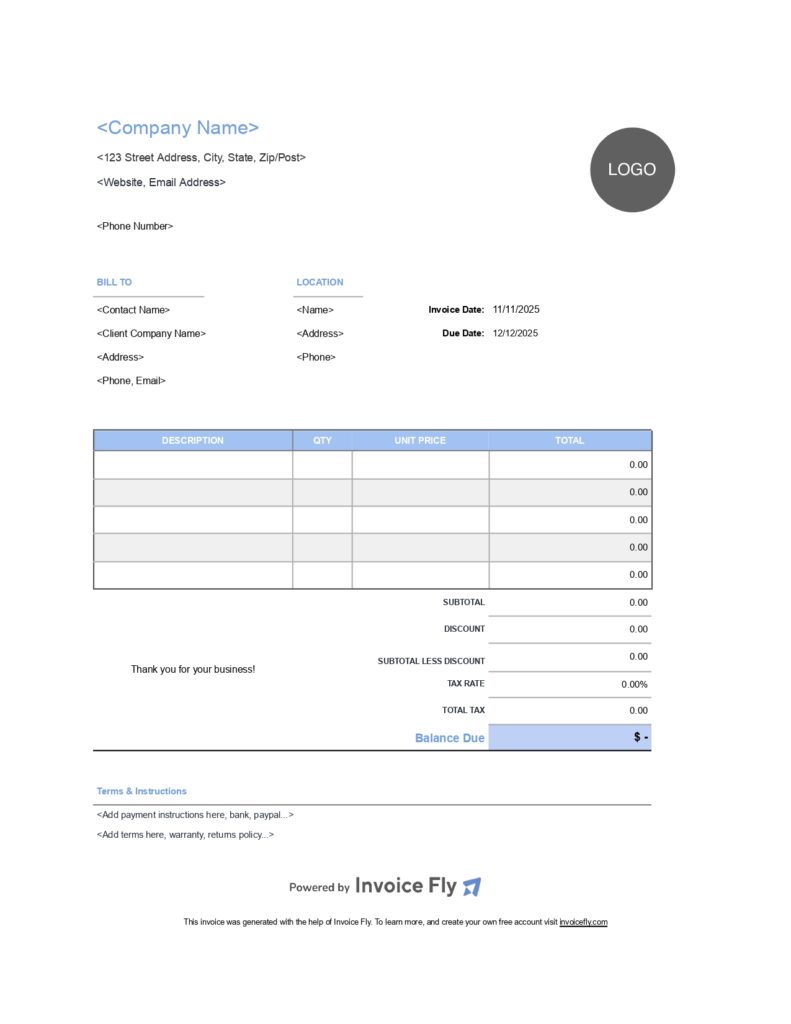
Modern Free Invoice Template Light Blue
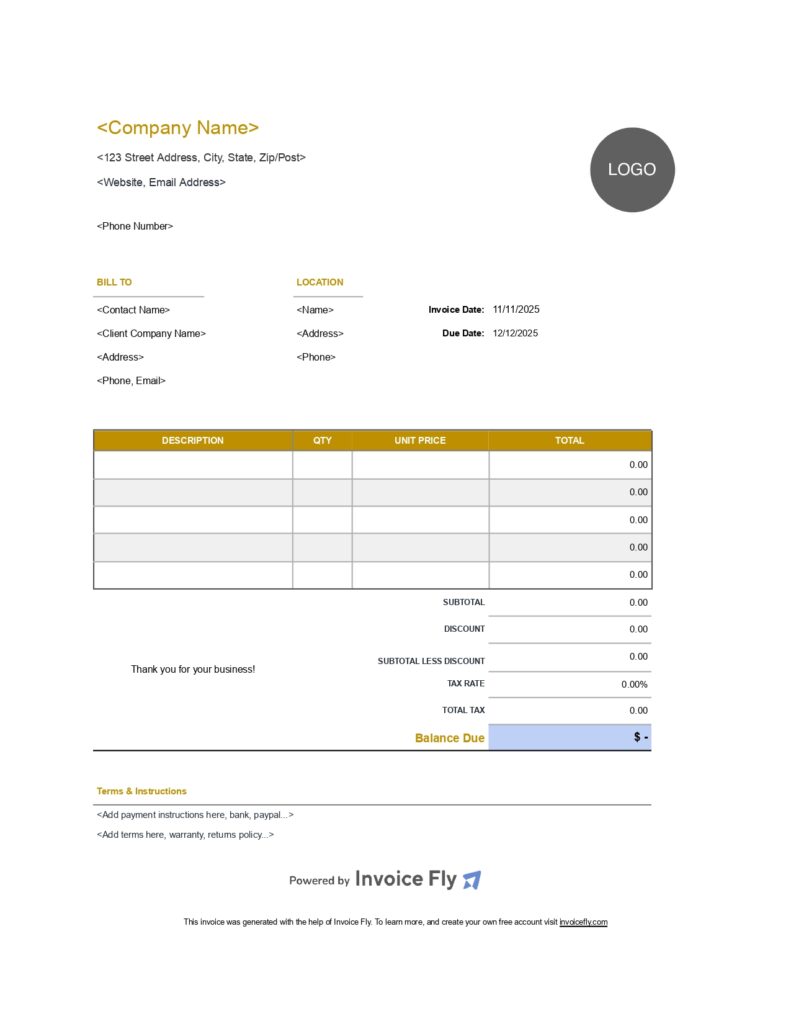
Modern Free Invoice Template Yellow
Why Choose Google Docs Invoice Templates?

If you’re a contractor, freelancer, consultant, or small business owner, you need an invoice format that’s easy to edit, accessible from anywhere, and professional-looking. That’s why our Google Docs invoice templates are a top choice.
- Cloud-Based Convenience: Access and edit your invoices from any device.
- 100% Free & Editable: Download, customize, and send in minutes.
- Compatible with Google & Microsoft: Choose the format that works best for you (you can export the templates in Google Sheets or Google Docs and convert them to Microsoft Excel or Microsft Word & PDF.
- Great for Branding: Add your logo, brand colors, and company details effortlessly. You can edit the Google Docs Invoice Template so fast.
Who should use these Google Docs Invoice Templates?
- Consultants: For professionals offering business advice or strategy, presentation matters. Use these templates to outline services rendered, consultation hours, deliverables, and detailed notes that build transparency.
- Freelancers: Whether you're billing hourly or per project, freelancers often need to invoice regularly and quickly. Our templates are designed to let you input line items, track payment due dates, and customize fields.
- Contractors: Whether you’re in construction, home improvement, or specialized trade services, contractors need to show costs clearly. Use our templates to itemize labor, materials, milestones, and taxes.
- Small Businesses: Use templates for any industry, from design to plumbing.
How to Use a Google Docs Invoice Template
- Click the download link: Choose your preferred template based on your profession or industry.
- Make a copy in your Google Drive: Open the file and go to File > Make a copy to start editing your personal version.
- Edit your business info, services, and client details: Add your logo, update the invoice number, modify item descriptions, and adjust pricing. Make it yours.
- Save, print, or email directly from Google Docs: Once done, you can download it as a PDF, print it for physical delivery, or share it instantly with your client via email or Google Drive link.
FAQs about our Google Docs Invoice Templates
A job estimation is a file that outlines the scope and projected costs of an assignment. Its intended audience is the client who requested the service. A representative of a small business is responsible for creating the document and discussing it with the client.
Estimation serves as a foundational tool for businesses and contractors to communicate the expected scope, timeline, and cost of a job before any work begins. It helps set clear expectations with clients, allowing them to make informed decisions, compare service providers, and plan budgets accordingly.
A well-crafted estimate demonstrates professionalism and transparency — both essential for building trust and winning new work.
- Preliminary Estimate: A rough, early-stage estimate typically created before detailed project information is available. It helps stakeholders decide whether to pursue the project further and allocate an initial budget.
- Detailed Estimate: A comprehensive estimate that breaks down all aspects of a job — materials, labor, time, permits, and overhead. It's used when the full scope is known and is often the version presented to clients or decision-makers.
Quantity Estimate (Quantity Takeoff): Focuses on the specific quantities of materials and labor required for a job. Common in construction, it helps calculate direct costs based on itemized components.
Analogous Estimate (Top-Down): Based on historical data from similar past projects. It uses expert judgment and comparative analysis rather than precise data, making it useful when speed is more important than accuracy.
An estimating software is an online tool or mobile app that helps businesses, contractors, and freelancers create accurate job estimates or quotes quickly and efficiently.
Instead of building an estimate manually, estimating software automates the process—calculating costs, adding markups, including taxes, and organizing itemized details in a professional, printable format.
Some common features are:
- Templates: for different job types (construction, repairs, cleaning).
- Item libraries: for labor, materials, and service costs.
- Tax and markup calculators.
- Customization: with logos, business info, and client details.
- Conversion to invoice: once the estimate is approved.
1. Unit Price Estimating: This method breaks down the job into individual tasks or components (units), each with a specific cost. You calculate the total by multiplying the number of units by the unit price. It's commonly used in construction, where pricing per square foot or per item (like outlets or fixtures) is standard.
2. Lump Sum Estimating: Also known as a fixed-price estimate, this method provides a single total price for the entire job based on a detailed scope of work. It’s useful when the job scope is well-defined and unlikely to change, making it ideal for smaller projects or clients who prefer knowing the full cost upfront.
3. Time and Materials (T&M) Estimating: This approach calculates the estimate based on the expected labor hours and material costs. The client is typically billed for actual time spent and materials used. It offers flexibility and is commonly used when project scopes are uncertain or may change during execution.