
- Home
- »
- Industries
- »
- Handyman Software
Handyman Software
Run a smoother handyman service business with Invoice Fly. Send estimates and invoices, and save hours of work by automating your workflows.


- Home
- »
- Industries
- »
- Handyman Software

Invoicing tools to grow your retail business
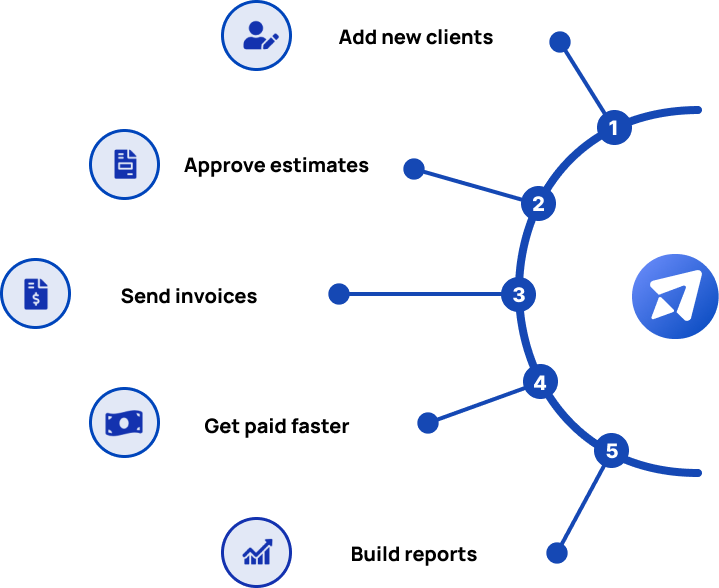
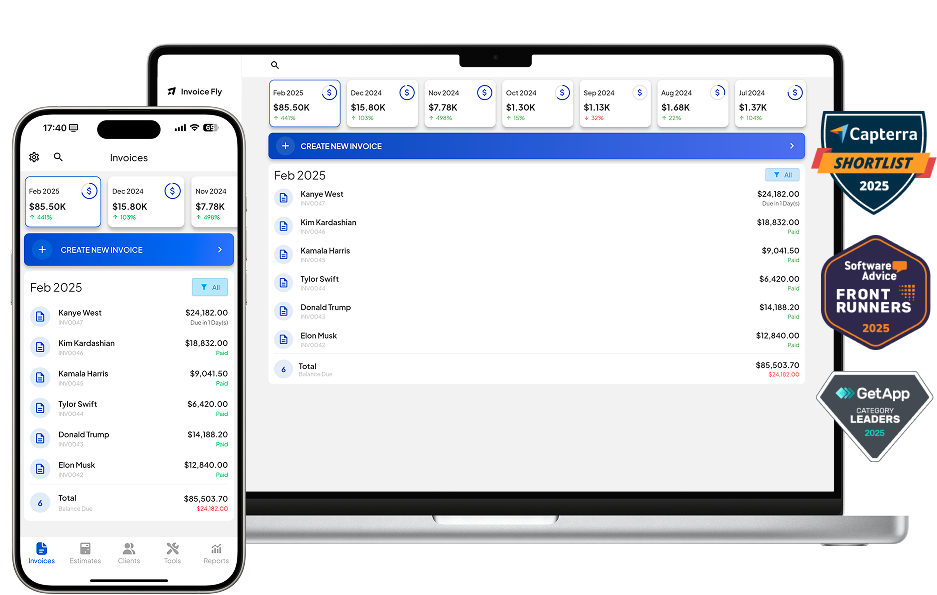
With Invoice Fly you will have precise control of your clients either from your office or on site. Send quotes or estimates, invoices and download quick statements about your customers.
Run your business

Invoices
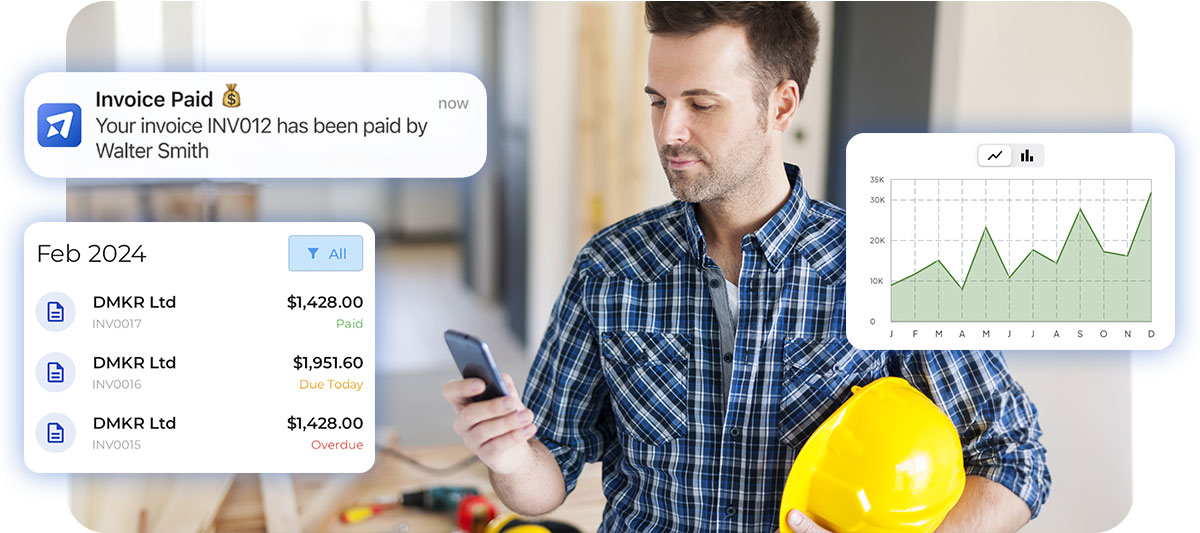
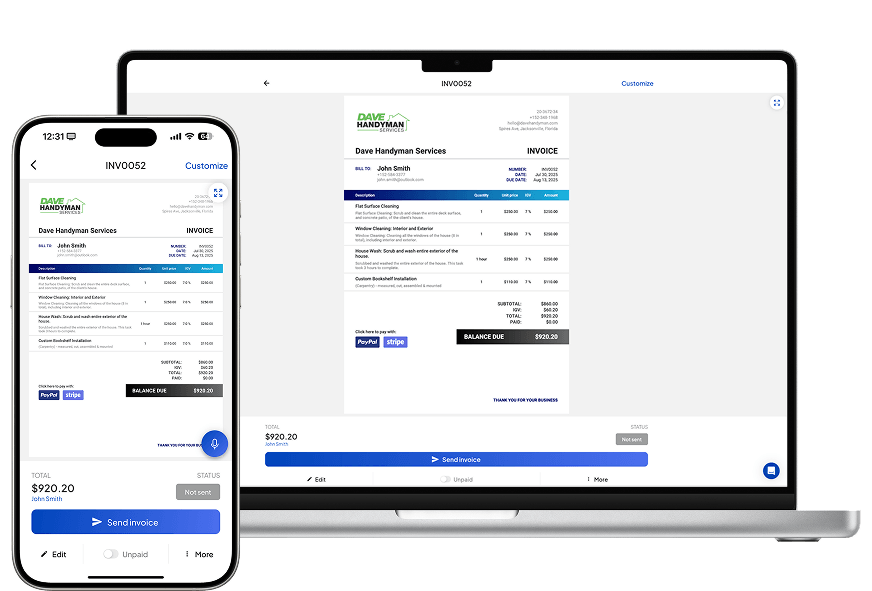
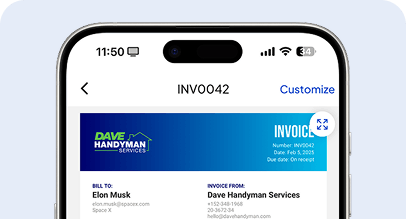
Send professional invoices in seconds, track payments automatically, and stay organized. Keep your cash flow healthy and your clients happy with smooth, reliable billing every time.

Estimates
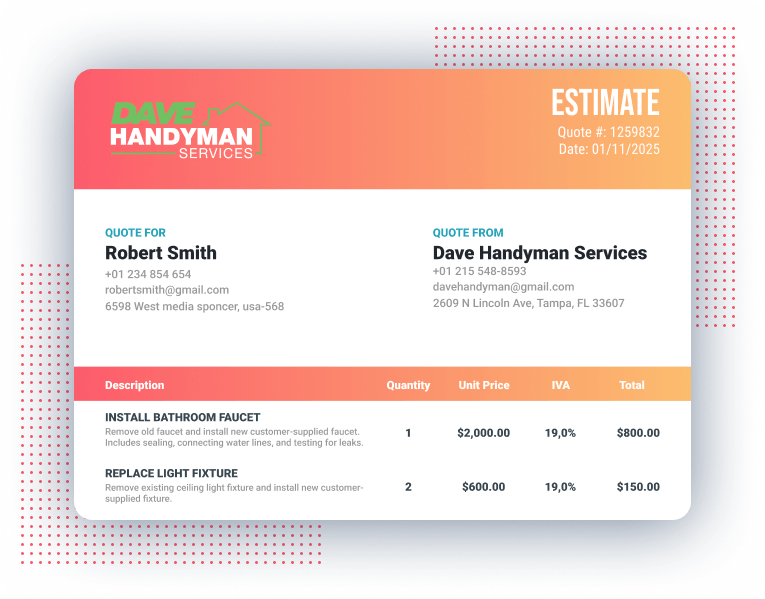
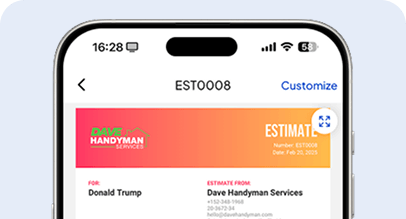
Create accurate, polished estimates in minutes. Send clear, detailed quotes, get faster approvals, and convert every opportunity into a project with confidence and a strong first impression.

Payments
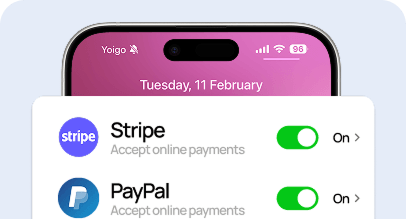
Accept online payments right from your invoices. Offer flexible options, track every transaction easily, and spend less time chasing overdue bills and more time growing your business.
Work faster

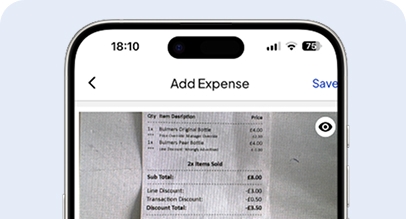
Scan Your Receipts
Scan and store your business receipts in seconds. Keep your records clean, organized, and always ready for reports or tax time.

Duplicate Invoices
Save time by duplicating existing invoices. Reuse layouts and client details instantly to simplify repeat billing.

AI Logo Maker
Create unique business logos with AI in seconds. Strengthen your brand identity with professional-looking designs at zero cost.
Operate smarter

Client Portal
Give clients easy access to their invoices and payments. Simplify communication and build trust through transparent collaboration.

Time Tracking
Track billable hours with precision. Manage your projects efficiently and make sure every minute of work gets paid.

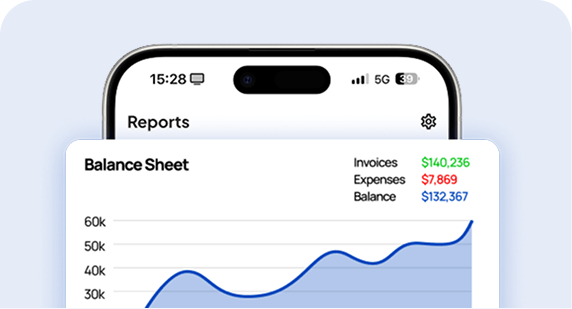
Business Report
Get instant insights with clear business reports. Understand your earnings, expenses, and trends to make smarter decisions.

Invoices
Send professional invoices in seconds, track payments automatically, and stay organized. Keep your cash flow healthy and your clients happy with smooth, reliable billing every time.

Estimates
Create accurate, polished estimates in minutes. Send clear, detailed quotes, get faster approvals, and convert every opportunity into a project with confidence and a strong first impression.

Payments
Accept online payments right from your invoices. Offer flexible options, track every transaction easily, and spend less time chasing overdue bills and more time growing your business.

Scan Your Receipts
Scan and store your business receipts in seconds. Keep your records clean, organized, and always ready for reports or tax time.

Duplicate Invoices
Save time by duplicating existing invoices. Reuse layouts and client details instantly to simplify repeat billing.

AI Logo Maker
Create unique business logos with AI in seconds. Strengthen your brand identity with professional-looking designs at zero cost.

Client Portal
Give clients easy access to their invoices and payments. Simplify communication and build trust through transparent collaboration.

Time Tracking
Track billable hours with precision. Manage your projects efficiently and make sure every minute of work gets paid.

Business Report
Get instant insights with clear business reports. Understand your earnings, expenses, and trends to make smarter decisions.
Get your Handyman Business working smoothly
With Invoice Fly you will have precise control of your clients either from your office or on site. Send quotes or estimates, invoices and download quick statements about your customers.


What is a Handyman Software?
Running a Handyman Business comes with its own set of rewards and challenges. As a handyman, you take pride in solving problems and delivering high-quality work to your clients. But with the daily demands of the job—managing schedules, handling customer requests, purchasing materials, and keeping track of payments—staying organized can be tough. That’s where handyman business software comes in.
A Handyman Software like Invoice Fly is a digital tool designed to simplify the operational side of your business. It helps you create and send professional invoices, track payments, manage expenses, and keep your job schedules in check—all in one place.

Why do Handymen prefer using Invoice Fly over other software?
Handyman contractors prefer using Invoice Fly over other software due to features that align with the unique needs of the home service industry.
Here’s how Invoice Fly stands out:
Project Based Invoicing and Tracking
Complex Billing Structures: Construction projects often involve various phases, subcontractors, materials, and labor costs. Invoice Fly offers customizable invoicing tailored to the needs of each project, making it easier to track expenses and bill clients accordingly.
Progress Billing: Construction companies frequently bill clients based on project milestones (e.g., 30% upon completion of foundation work, 50% for framing). Invoice Fly might provide features that simplify progress billing and manage partial payments.

Material and Labor Cost Tracking
Detailed Cost Breakdown: Construction businesses often have to invoice for different types of materials, equipment, and labor. Invoice Fly enables itemized billing, ensuring that every expense is clearly documented and tracked, reducing the risk of missed charges.
Integration with Purchase Orders: For large construction projects, it’s important to tie invoices to purchase orders. Invoice Fly likely integrates purchase orders directly into invoices, making cost management and documentation seamless.

Time Tracking and Payroll Integration
Labor Tracking: Construction work is often paid hourly, and Invoice Fly could offer integrated time tracking that simplifies billing for labor. This ensures accurate payments and simplifies reporting for payroll.
Subcontractor Management: Managing subcontractor payments can be complex. Invoice Fly’s functionality may include easy ways to manage subcontractor invoices, ensuring that payments align with contractual terms.
Mobile & Desktop App
Ease of Use in the Field: Handyman professionals frequently work on-site and need immediate access to invoicing tools. Invoice Fly’s mobile features allow for quick invoicing and expense tracking directly from the job location.
Real-Time Updates: In a fast-paced field like handyman services, real-time updates on invoicing, payment status, and project expenses are crucial. Invoice Fly’s cloud-based system can provide instant access to key financial information.

Handyman Software
Manage your handyman jobs effortlessly — from estimates to final invoices. With powerful handyman software, stay organized, save time, and impress clients with fast, reliable, and professional service on every project.
Smart Estimates
Create fast, accurate quotes and win more carpentry jobs.
Auto Calculations
Let the app handle taxes and totals automatically.
Custom Design
Personalize invoices with your logo and brand colors.
Time Tracking
Track your work hours and bill clients easily.

How much does a Handyman make in 2024? Taxes & Wages
In 2024, Handymen in the United States earn an average salary of around $47,891 per year.
However, salaries can vary significantly depending on location and experience.
For example, in San Jose, California, construction workers can earn as much as $94,555, which is about 97% higher than the national average.
The actual take-home pay will depend on federal and state taxes, with federal tax rates ranging from 10% to 37% based on income brackets.
State taxes also vary, with states like California having higher income tax rates compared to others like Texas, which has no state income tax.
After deductions for taxes, social security, and Medicare, a handyman making $47,891 could expect to take home around $38,000 to $40,000 annually, depending on their state of residence

What are our users saying about us?
Invoicing tools to grow your retail business
Boost your business efficiency with smart invoicing tools. Save time, get paid faster, and manage every project with confidence from quote to payment.
3x
faster payment collection
After approval thanks to built-in payment options
25%
increase in job win rate
Specially competing with slower responders
4-5h
Saved every week
By eliminating manual paper-work and follow-ups
Pick the best plan for you.
Get the tools you need to work smarter, stay in control, and grow with confidence.
Explore all industries:
- Appliance Repair
- Auto Detailing
- Carpentry
- Carpet Cleaning
- Cleaning
- Concrete
- Construction
- Deck Builder
- Demolition
- Dog Walking
- Drywall
- Electrical
- Elevator Service
- Excavation
- Fence Installation
- Flooring
- Garage Door Services
- Landscaping
- Lawn Care
- Masonry
- Mechanical
- Painting
- Pest Control
- Paving
- Plastering
- Plumbing
- Pressure Washing
- Remodeling
- Restoration
- Roofing
- Snow Removal
- Tree Service
- Waterproofing
- Window Installation
What is a Handyman Software?
Handyman Software, like Invoice Fly, is an all-in-one digital tool built to help handymen, contractors, and small business owners manage jobs, create invoices, and improve overall efficiency.
- Create accurate estimates and invoices in minutes using easy-to-use tools made for handyman professionals—no spreadsheets or manual work required.
- Track jobs, parts, and schedules in real time to stay organized, avoid delays, and complete every repair or project on time.
- Impress clients with professional reports and quick updates using built-in tools for communication, documentation, and payment tracking.

Free Handyman Business Resources
Handyman Software
FAQs
Handyman jobs often involve multiple small tasks within a single visit, such as fixing a leaky faucet, hanging shelves, or repairing drywall. To manage and track these tasks on a single invoice:
Open the invoice you want to create or edit.
Add each task as a separate line item, specifying the details of each job performed.
This allows you to provide a clear breakdown of services, ensuring your clients understand exactly what they are paying for.
Accurately tracking the time spent on each task is crucial for ensuring fair billing and efficient time management. To track time spent on handyman jobs:
Go to the Tools section in the menu at the bottom of the screen.
Click on "Client Time Tracking."
Log the hours spent on each specific task, whether it’s a small repair or a larger project, ensuring that all time worked is accounted for and billed accurately.
For larger handyman projects, requesting a deposit can help cover upfront costs and secure the job. To request a deposit:
Open the estimate that you want to create or edit.
Scroll down to find the "Deposit Request" option.
Enable this option to specify the deposit amount required before starting the job.
Ensure that you have Stripe or PayPal enabled to process the deposit payment securely, making it easier for your clients to pay and for you to manage the project.
When performing handyman services, it’s common to bill separately for materials and labor. To manage this in your invoices:
Open the invoice you want to create or edit.
Add each material (e.g., paint, screws, lumber) and labor entry as separate line items.
Specify the costs for materials and labor individually, so your clients can see a transparent breakdown of the total charges.

Try Invoice Fly Today
- Send quotes & invoices in seconds
- Collect card & online payments
- Receive instant notifications
- Win more jobs