- Home
- »
- Free Resources for Small Businesses
- »
- Free Templates
- »
- Free Invoice Templates
- »
- Free Auto Repair Invoice Template
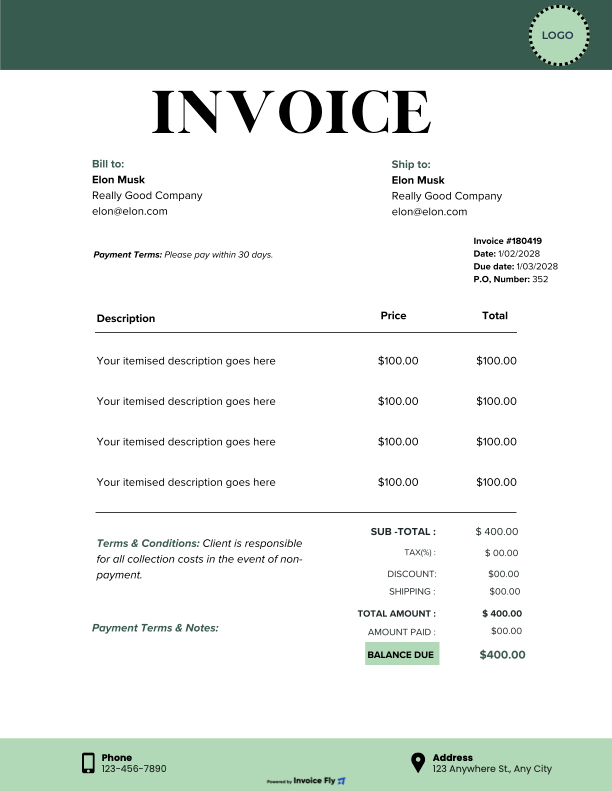
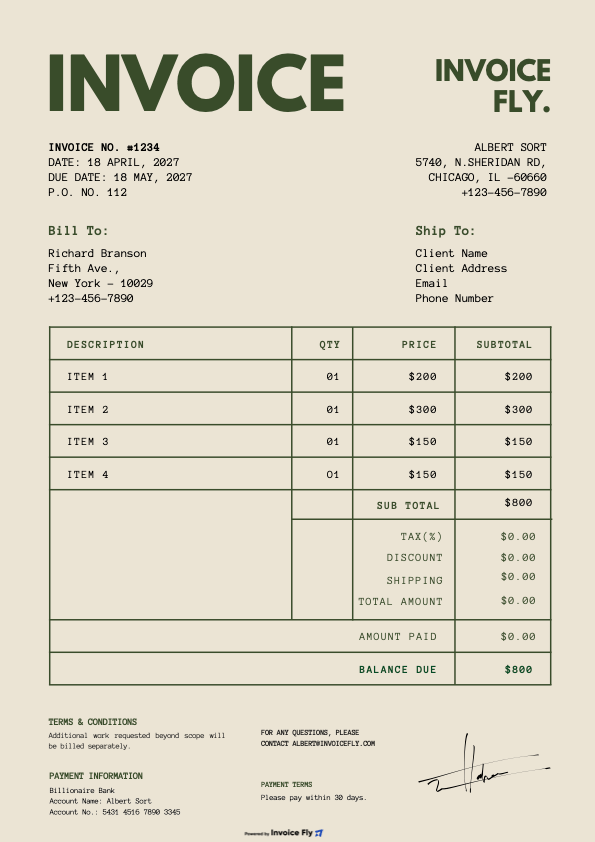
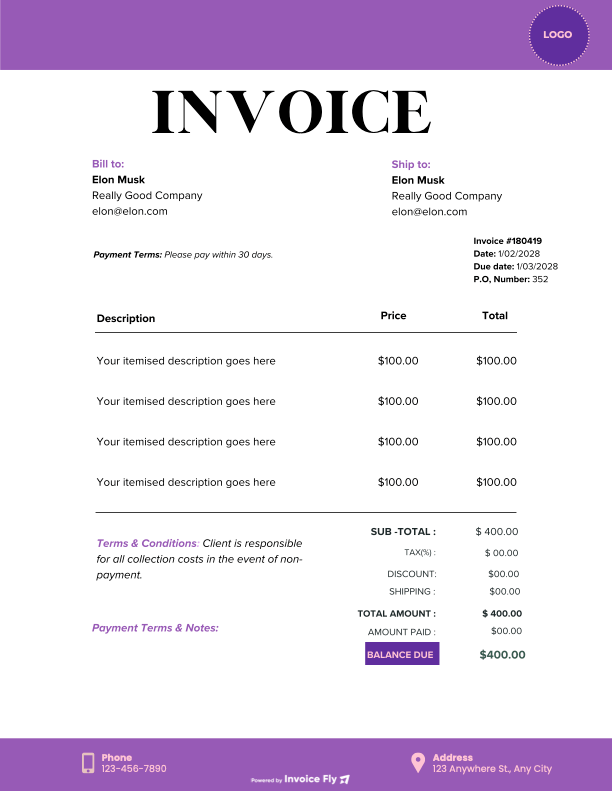
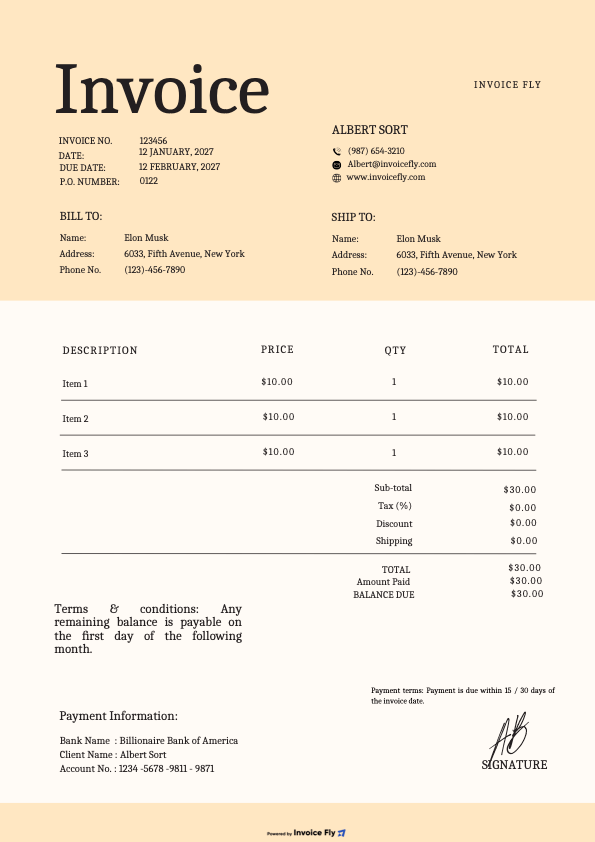
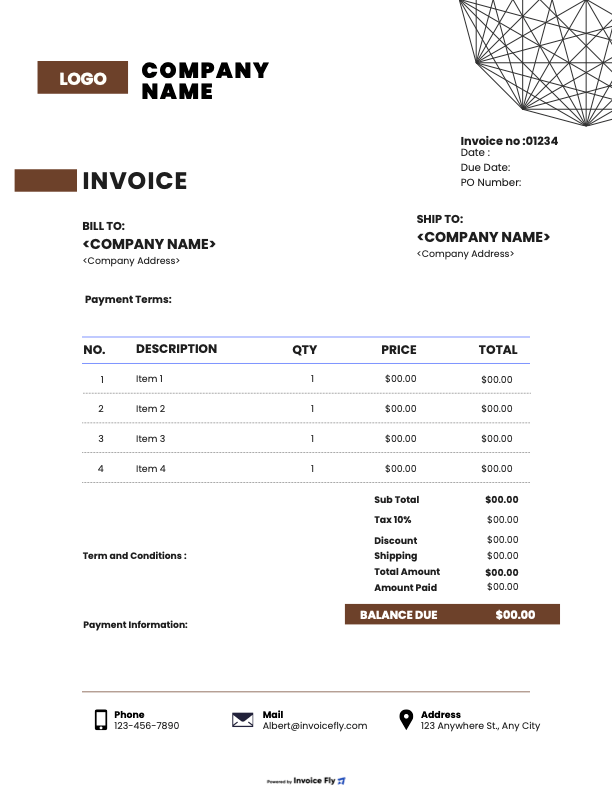
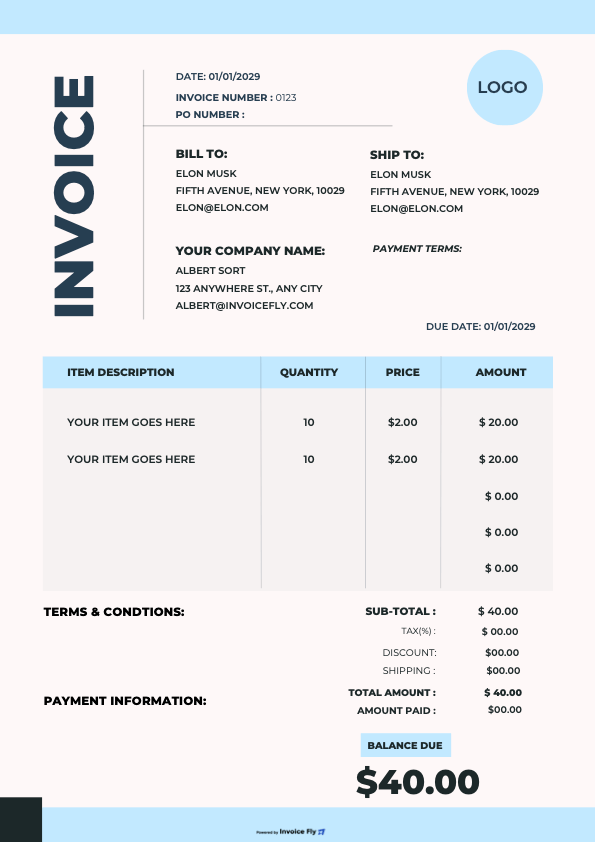
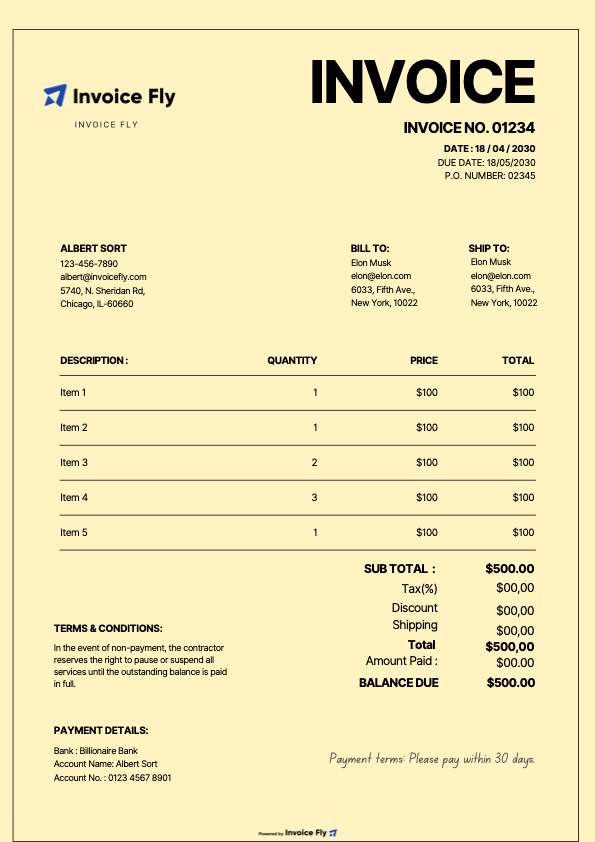
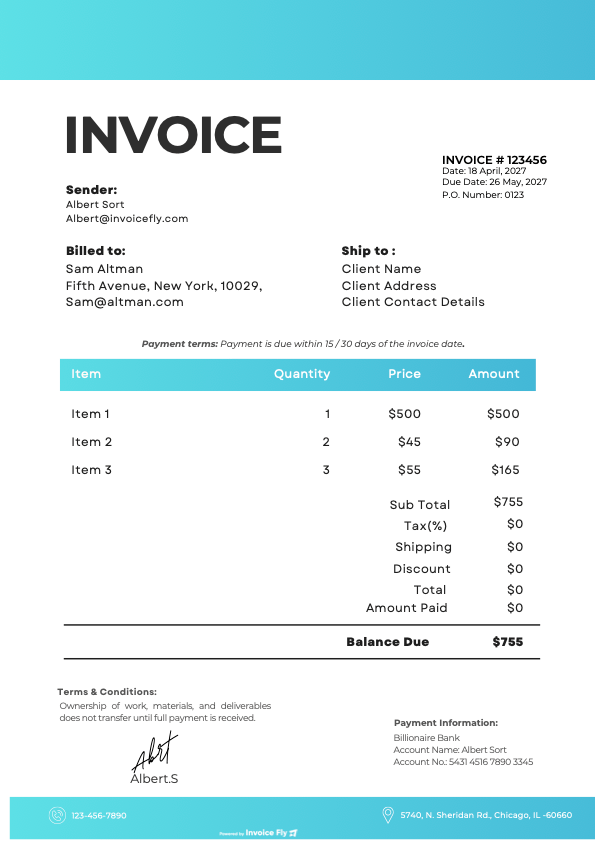
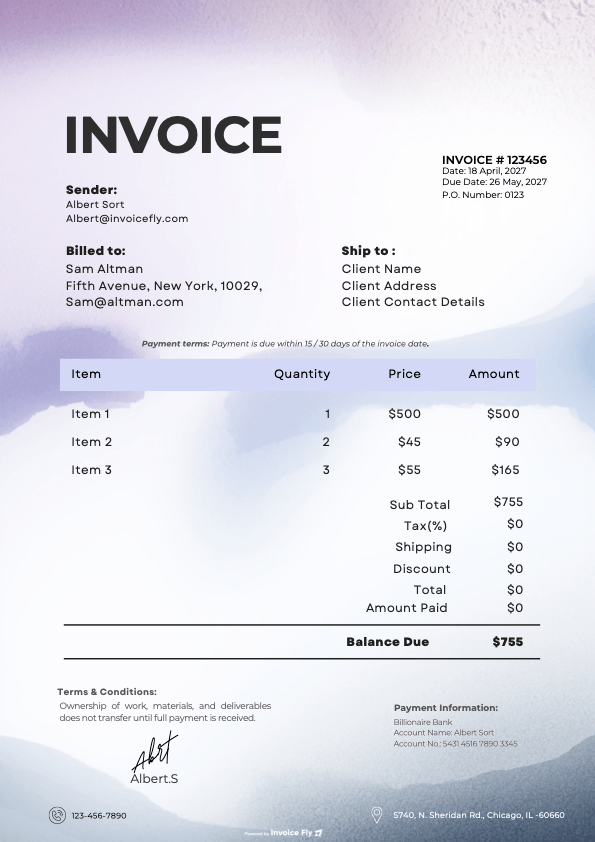
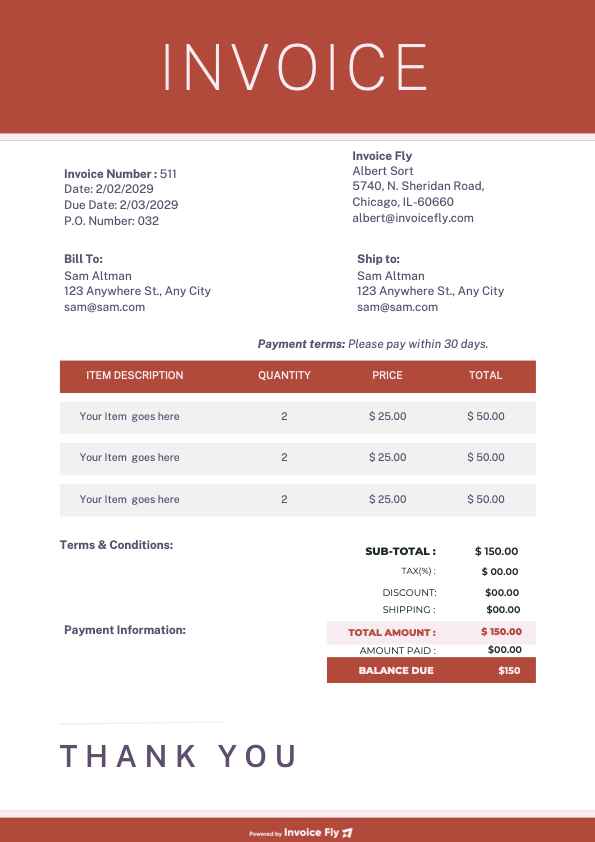
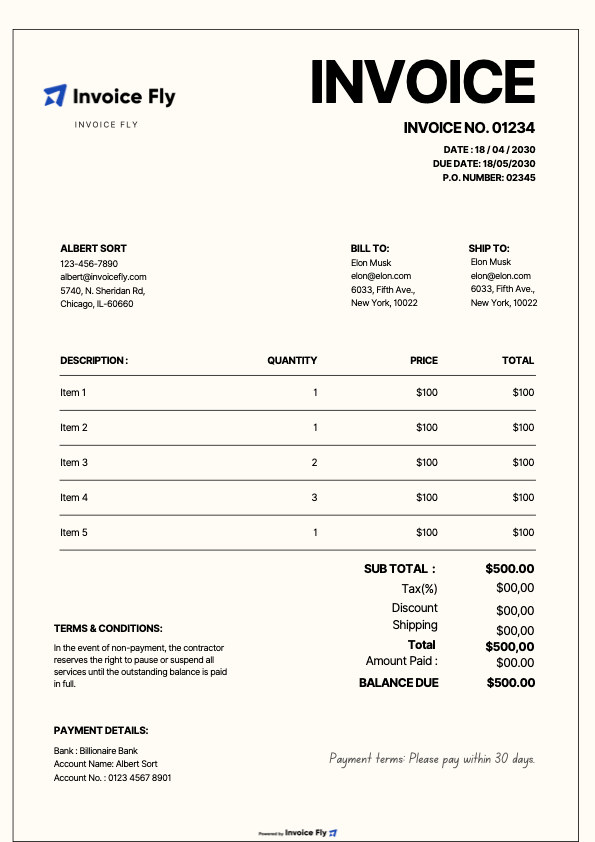
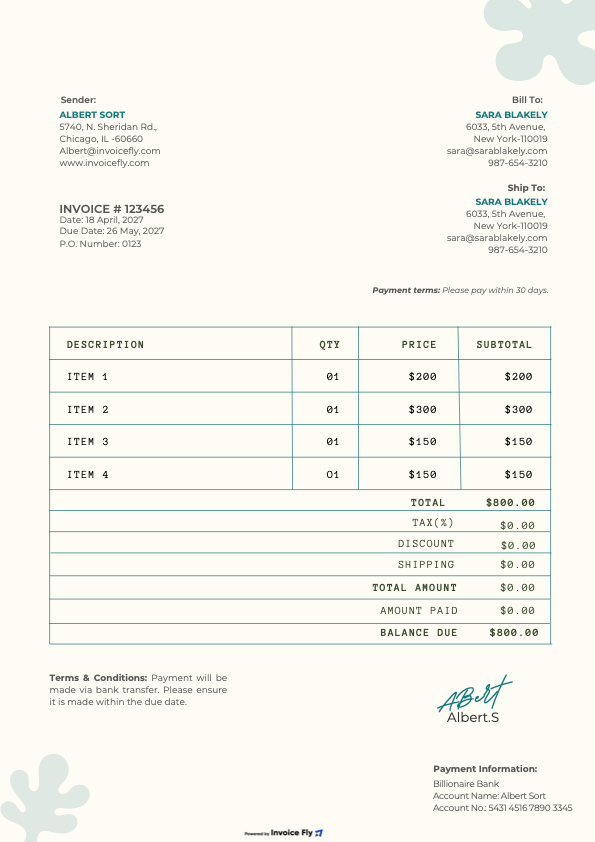
Auto Repair Invoice Template (Free Download)
Create professional mechanic invoices in minutes — PDF, Word, Excel, Google Sheets or Google Docs.
Invoice Fly Pro
Try Invoice Fly today without credit card
Start for free
Browse by format
Browse by industry
Other Invoice Templates
Problem → Solution
Running an auto shop is hands-on. Paperwork shouldn’t slow you down.
Manually building bills for parts, labor, taxes, and shop supplies leads to errors and late payments.
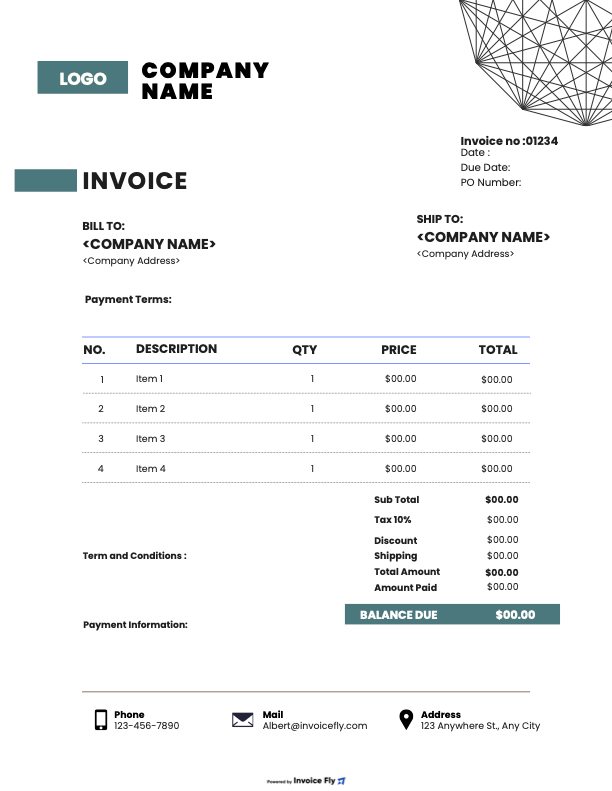
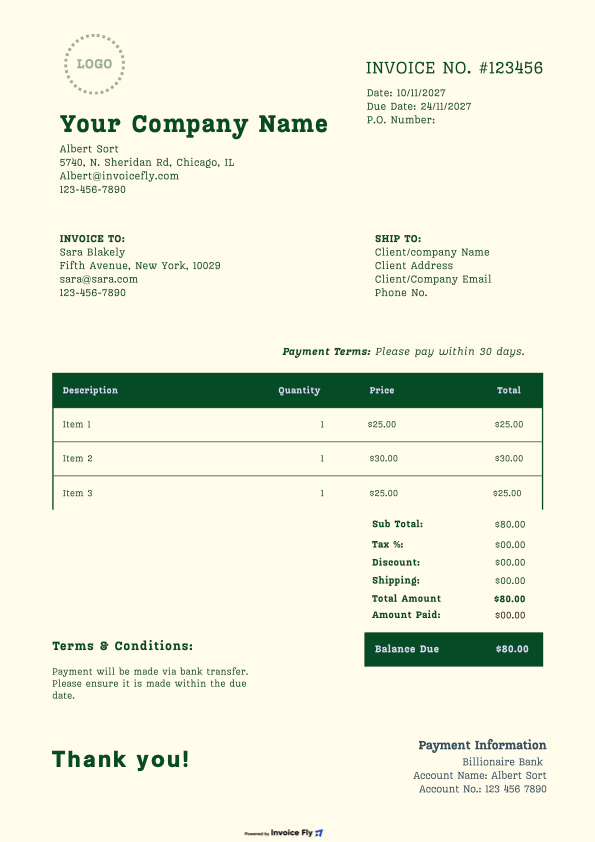
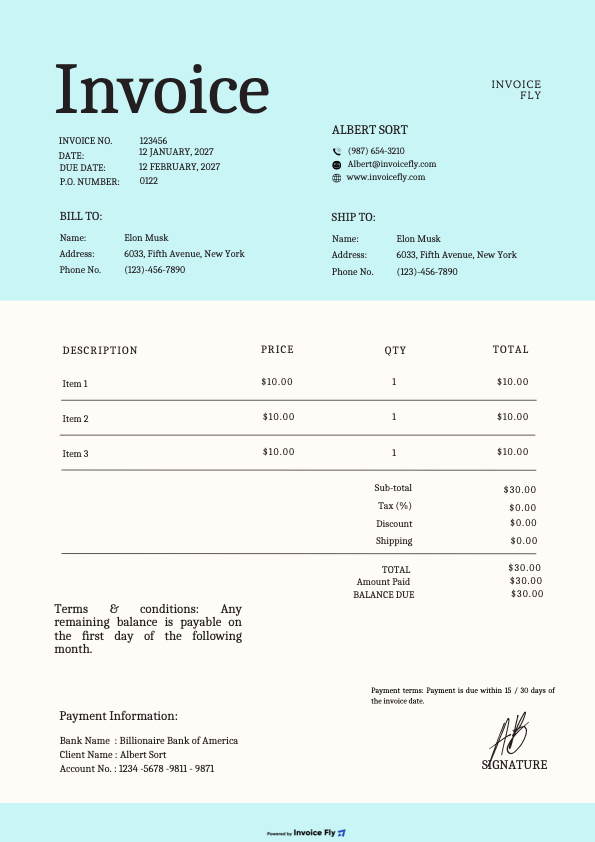
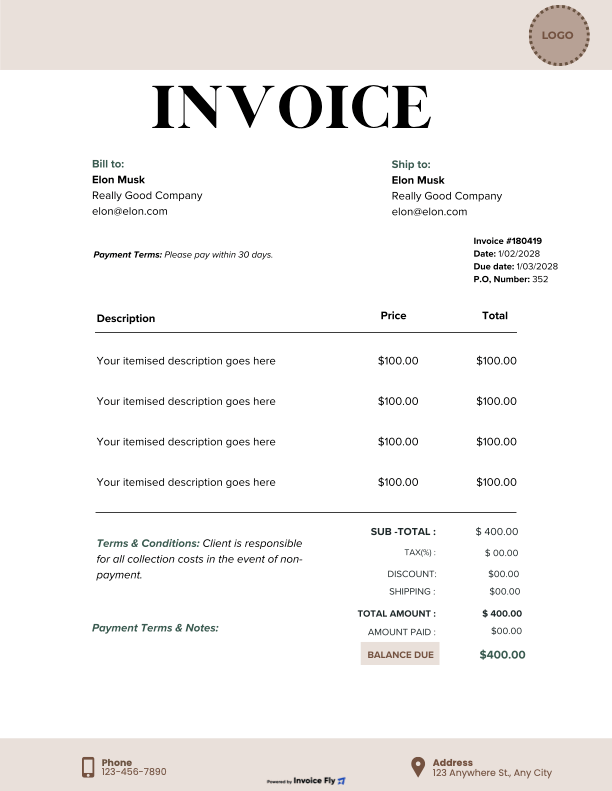
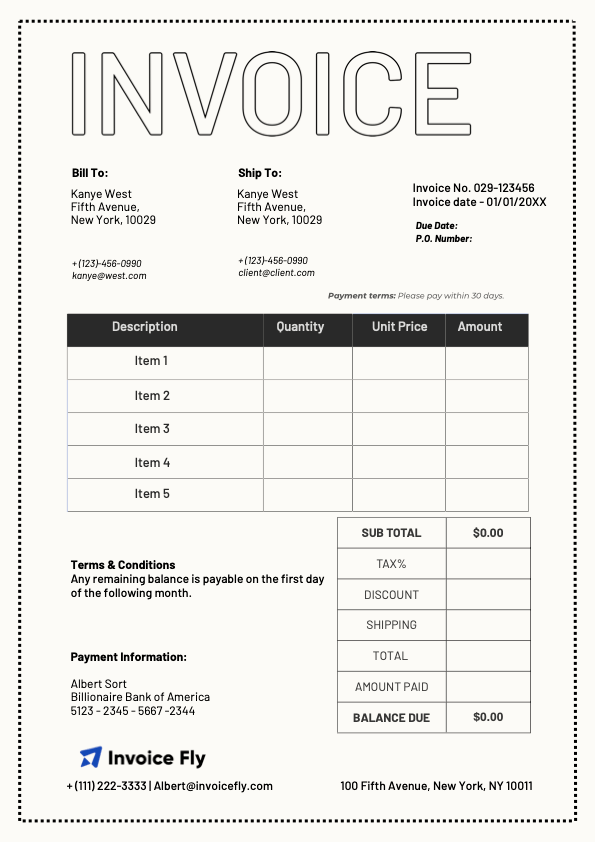
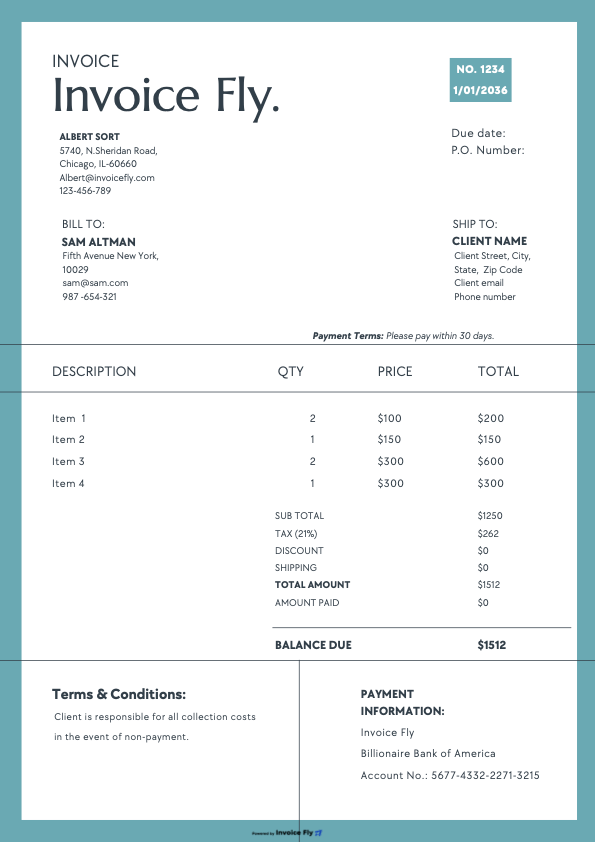
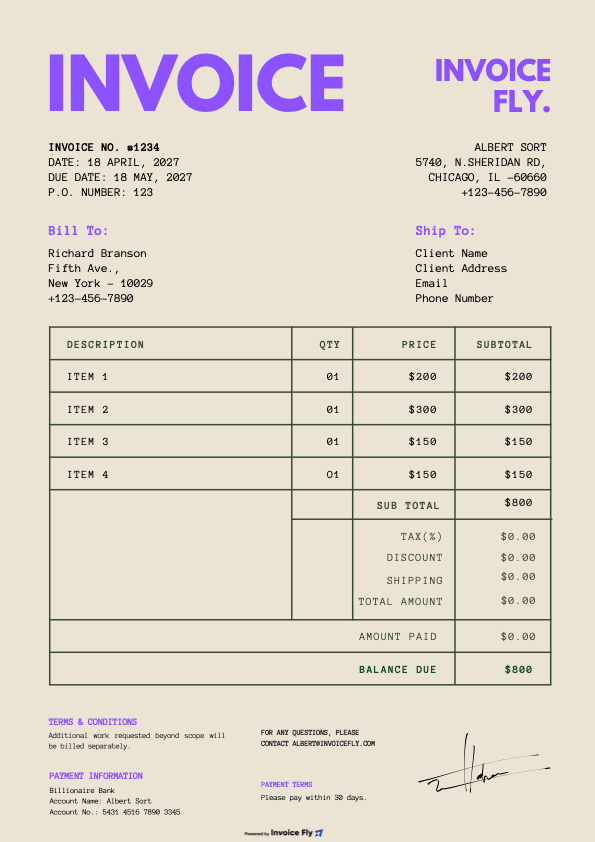
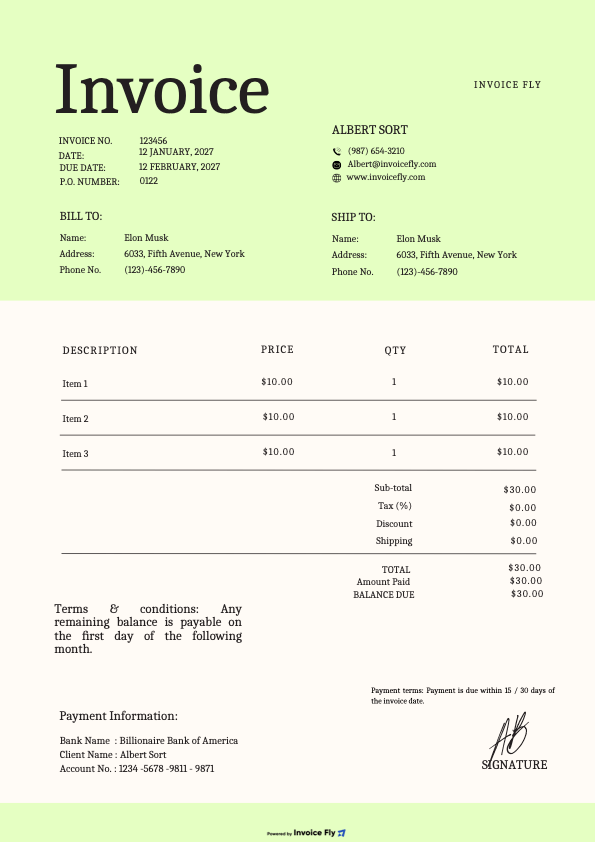
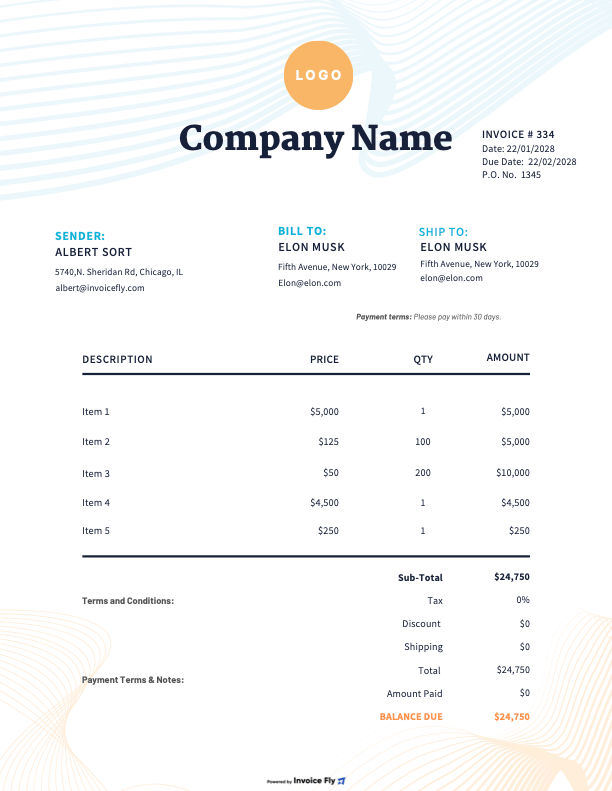
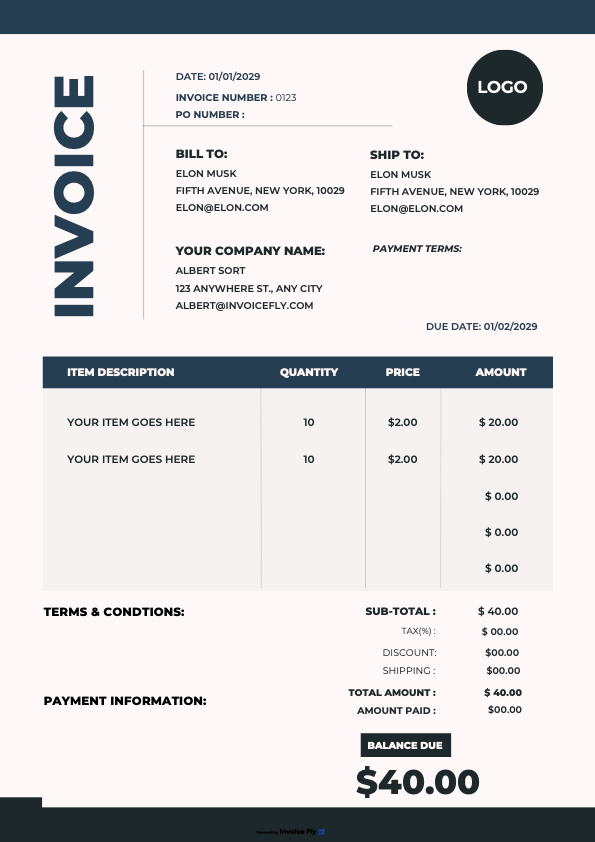
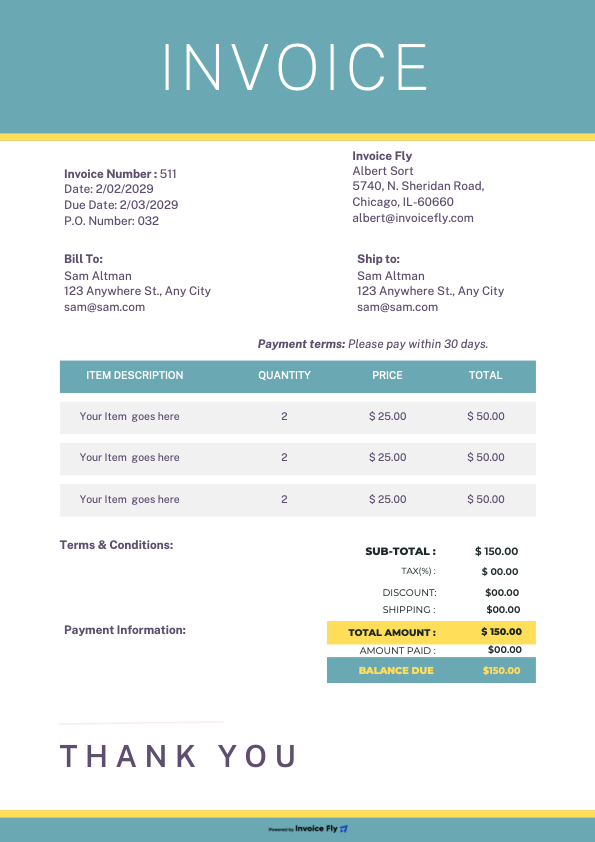
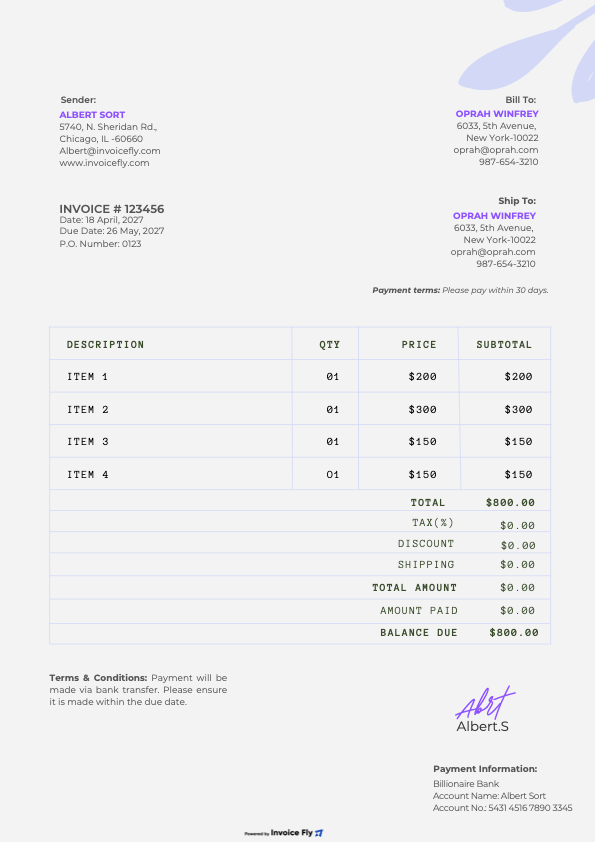
The fix: our free auto repair invoice templates—pre-formatted for mechanics and auto body shops. Customize fields for parts & labor, add vehicle details, and print or email in one go. Prefer faster billing? Use InvoiceFly’s online invoice generator to save items, track payments, and get paid quicker.
What’s Included (and Why It Matters)
- Vehicle & customer info: Owner, VIN, plate, mileage, service advisor.
- Parts & materials: SKU/part #, qty, unit price, line totals.
- Labor entries: Job codes, hours, rates—perfect for diagnostics, brakes, tires, A/C, and more.
- Taxes & shop fees: Sales tax, environmental/disposal fees, shop supplies.
- Totals that make sense: Subtotal, discounts, tax, deposits, balance due.
- Authorization & warranty notes: Sign-off lines and terms to protect your shop.
- Payment methods: Cash, card, bank transfer—plus online payments via InvoiceFly.
Formats: PDF (fillable), Word, Excel, Google Sheets, Google Docs — plus an online invoice generator.
Download Your Free Templates
- PDF: Clean, printable auto repair invoice (fillable fields).
- Microsoft Word / Google Docs: Easy to brand; great for simple edits.
- Microsoft Excel / Google Sheets: Built-in formulas for parts & labor totals.
- Blank Invoice (printable): For quick, handwritten jobs.
& start growing
your business!
Auto Repair
Invoice Template FAQs
Start from an auto repair invoice template. Add customer and vehicle details (name, phone, VIN, plate, mileage), your shop info, and a unique invoice/RO number. Itemize labor (job code, hours × rate) and parts (part #, qty, unit price), plus shop supplies, disposal/environmental fees, and sales tax. Show subtotal, deposits, discounts, tax, and Total Due. Include warranty/authorization notes and payment methods, then export to PDF or send online.

Concern, Cause, Correction. Document the customer’s Concern (“A/C not cooling”), the diagnosed Cause (low refrigerant due to leaking condenser), and the Correction (replace condenser, evacuate/recharge, verify performance). Using the 3 C’s keeps invoices clear for customers, insurers, and future warranty claims.
Use a template with separate Labor and Parts sections. Charge labor by your hourly rate or a flat-rate time guide, include diagnostic time if applicable, and list parts with part numbers and warranties. Add shop fees (if used), taxes, and concise terms (for example, Net 15, late-fee policy). Attach estimate/RO references and before-and-after notes or photos for transparency.
Common approach: labor rate × billed hours (or flat-rate guide), parts at retail (with clear markup policy), plus shop supplies (flat fee or capped percentage), disposal/environmental fees, and sales tax where applicable. Provide a written estimate, get pre-authorization, and note any change orders. Always show a final itemized invoice.

Yes. Any legitimate shop or mobile mechanic can issue invoices—no special license for the document itself. Ensure invoices are accurate, sequentially numbered, and include required details (seller/buyer info, description of work, totals, terms). Keep copies for your records and taxes.
A professional automotive invoice includes: shop logo/contact, customer & vehicle details (VIN/plate/mileage), RO/invoice number and dates, 3 C’s write-up, labor lines (hours/rate), parts lines (part #/qty/price), shop fees, taxes, totals, payment info, and warranty/authorization notes. Many shops also include technician IDs and test-drive verification.
Use a blank template in Word/Google Docs or an Excel spreadsheet with formulas. Add your shop info, client/vehicle details, unique invoice number, itemized parts and labor, fees/tax, and Total Due. Save a branded master copy, number invoices sequentially, and export to PDF before sending.
Yes—itemization builds trust, speeds insurance/warranty approvals, and reduces disputes. It also helps customers understand parts vs. labor and supports future service history.
If you paid an independent contractor (not your employee) for services and meet IRS reporting thresholds, you generally issue Form 1099-NEC. Payments made by credit card are typically reported by the processor (1099-K), so you wouldn’t duplicate them. Ask the payee for a Form W-9 to determine their tax status (e.g., individual/sole prop vs. corporation) and confirm requirements with your tax advisor. (This is general information, not tax advice.)
Other Free Resources