
6 Best Billing Software for Small Businesses: Top Tools to Get Paid Faster
Table of Contents
- What Is Billing Software?
- Send Invoices in Seconds
- Top 6 Billing Software Solutions For Small Businesses
- Send Invoices in Seconds
- Small Business Billing Software Comparison Chart
- How To Choose The Best Billing Software For Small Business
- Ready To Set Up a Billing System That Gets You Paid Faster?
- SMB billing software FAQs
The best billing software for small business owners helps you send accurate invoices, accept payments, and keep up with who owes what without chasing details across spreadsheets.
If you invoice for services, bill by time, or manage staged payments (like construction progress billing), the right small business billing software can shorten your cash cycle and reduce billing errors.
This guide will cover:
- What billing software is and what it does
- Different types of billing small businesses use
- How to automate billing without losing control
- The top 6 billing software tools to compare
- A simple comparison chart
- FAQs to help you pick the right tool
What Is Billing Software?

Billing software is a tool that helps you create invoices, calculate totals, track due dates, accept online payments, and record invoice status (sent, viewed, paid, overdue). The best billing software for small businesses also reduces manual work by automating reminders and recurring invoices.
If you’re trying to decide whether you need “billing software” or “invoicing software,” start with this guide on best invoicing software for small business. It explains the difference and what to prioritize based on how you get paid.
Billing tools often connect to your broader operations, including bookkeeping and reporting.
According to the IRS guidance on electronic accounting records, digital systems must store information in a way that preserves transaction details, dates, and audit trails. Using structured billing software helps ensure your invoices are organized, retrievable, and compliant if you’re ever asked to substantiate income or deductions.
Types of Billing Small Businesses Use
Most small businesses fall into one (or a mix) of these billing approaches:
- Recurring billing for retainers, subscriptions, and maintenance clients
- Time-based billing for hourly services
- Flat-rate billing for fixed-scope projects
- Staged or milestone billing, including progress billing
- Vendor arrangements like self-billing
- Repeating schedules using a periodic invoice
If you work in trades or construction, staged billing often depends on tracking real job inputs like material costs.
How to Automate Billing Without Losing Accuracy
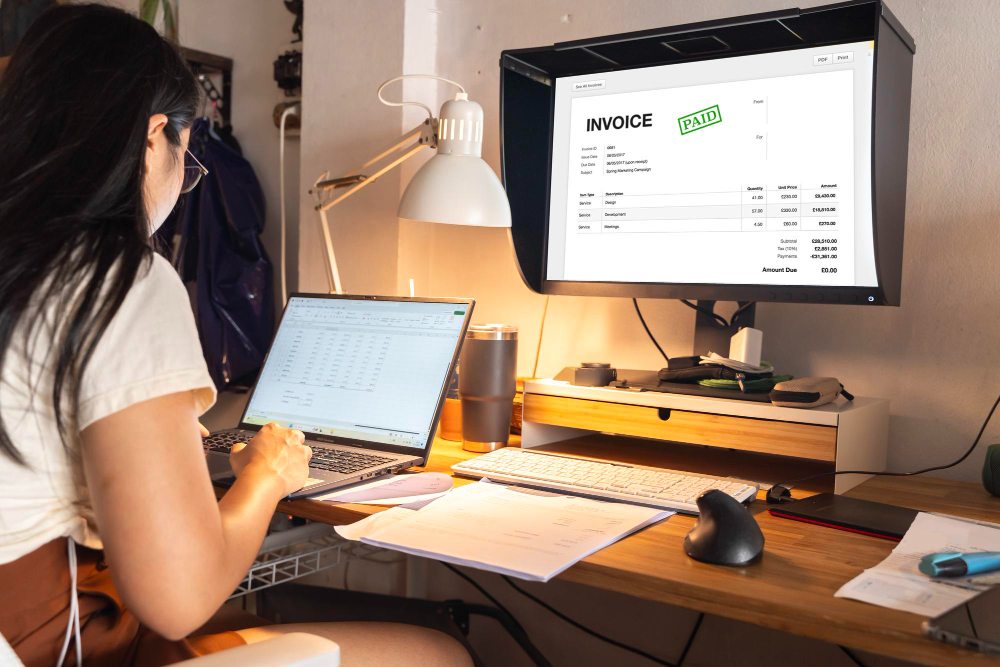
Automation reduces late payments and eliminates repetitive follow-ups. According to the Federal Reserve’s 2024 report on payments, many small businesses continue to experience delays that disrupt cash flow and require additional collection effort.
Online billing software for small business owners can automate:
- Recurring invoices
- Due date calculations
- Reminder emails
- Late fees
- Payment confirmations
If your billing process involves capturing receipts or paperwork, features like optical character recognition can reduce data-entry work.

If you need a simple starting point, use free bill templates so every invoice includes the same fields and payment expectations.
Top 6 Billing Software Solutions For Small Businesses

Below are six commonly used options. The “best” one depends on whether you need simple billing, built-in payments, or accounting depth.
1. Invoice Fly
Invoice Fly is built for service entrepreneurs who want billing, invoicing, and estimates in one workflow without heavy accounting complexity.
What it’s best at:
- Estimate-to-invoice workflow (helpful when scope changes mid-job)
- Automated reminders and payment tracking
- Clean templates for client-facing invoices
- Faster billing for repeat work
If you send estimates often, pairing billing with an estimates app reduces back-and-forth and helps you standardize pricing.
2. Stripe
Stripe is best known for online payments and subscription billing. It’s a strong fit if you sell digital services or need automated recurring billing with card payments.
What it’s best at:
- Subscription and recurring billing logic
- Payment links and checkout flows
- Integrations with online platforms
Where it can be weaker:
- Traditional service invoicing workflows may require add-ons or integrations.
3. Zoho Invoice
Zoho Invoice is a popular choice for businesses that want a capable invoicing tool with a strong free option.
What it’s best at:
- Clean invoicing features for small teams
- Time tracking and basic expense tracking
- Good value for simple billing needs
Where it can be weaker:
- If you want deeper accounting and automation across departments, you may need additional Zoho products.
4. FreshBooks
FreshBooks works well for service-based businesses that bill hourly, manage clients, and want an accounting-light environment.
What it’s best at:
- Time tracking and project-based billing
- Client-friendly invoices and payment options
- Basic expense tracking for service teams
If you’re deciding between accounting ecosystems, this comparison of FreshBooks vs QuickBooks can help you evaluate what you gain or lose.
5. Square
Square is a strong fit for in-person sales and hybrid businesses (retail + services). It’s often used when payments and POS matter as much as invoicing.
What it’s best at:
- In-person payments and point-of-sale workflows
- Simple invoicing paired with payment collection
- Fast setup for local businesses
Where it can be weaker:
- If you need advanced billing rules, it may feel limited.
6. Xero
Xero is best for small businesses that want billing tied closely to accounting and reporting. It’s often chosen by businesses that need strong financial structure as they grow.
What it’s best at:
- Accounting + invoicing connected in one system
- Reporting and reconciliation
- Fit for scaling teams
Where it can be weaker:
- Some businesses find it more than they need if they only want lightweight billing.
If you want to generate a billing document immediately (without setting up a full system first), the free bill generator is a fast way to create a clean bill you can send today.
Small Business Billing Software Comparison Chart
| Software | Top features | Best for | Pricing style |
| Invoice Fly | Estimates + invoicing workflow, reminders, templates | Service businesses and contractors | Subscription |
| Stripe | Payments + subscriptions, recurring billing logic | Online and subscription businesses | Transaction-based |
| Zoho Invoice | Invoicing, time tracking, free option | Small teams needing simple billing | Free + tiers |
| FreshBooks | Time tracking, client billing, expenses | Service businesses billing hourly | Subscription |
| Square | POS + payments, simple invoicing | Retail and in-person sales | Free + fees |
| Xero | Accounting + invoicing, reporting | Growing businesses needing accounting | Subscription |
If you’re still weighing those differences, the guide to the best invoicing software breaks down feature depth, automation capabilities, and pricing structures so you can evaluate each option with clearer expectations.
How To Choose The Best Billing Software For Small Business
Use these filters to narrow your shortlist quickly:
- Billing model fit: hourly, flat, recurring, or staged (see hourly vs flat rate pricing)
- Business setup: your business structure can affect reporting and tax workflows
- Client experience: easy invoice viewing, payment links, reminders
- Operations fit: if you run multiple tools, evaluate broader business management software needs
- Team and device control: remote teams may need mobile device management for security and access control
A practical rule: choose the simplest tool that covers your billing model today and won’t break when you add more clients next quarter.
Ready To Set Up a Billing System That Gets You Paid Faster?
Billing works best when your process is consistent: clear invoices, defined payment terms, and reminders sent on time. Standardizing those steps reduces delays and makes payments more predictable.
If you want to build that workflow without starting from scratch, Invoice Fly’s invoice maker lets you create professional invoices, track payment status, and automate reminders in one simple system.
