
How to Accept Mobile Payments as a Business
Table of Contents
Mobile payments have changed how people and businesses pay for things, and quietly become the new normal. They let you use your smartphone, apps, or digital wallets instead of cash or cards. Mobile payments are fast, easy, and secure.
In this guide, we’ll walk you through everything you need to know about mobile payment systems: how they work, which types fit your business best, what they cost, and how to set them up safely. By the end, you’ll be ready to tap into this payment evolution and give your customers the seamless checkout experience they’re looking for.
What is Mobile Payment?
Mobile payment refers to any transaction completed using a mobile device like a smartphone or tablet. What is mobile pay? It’s simply paying through your phone using secure digital technology instead of using cash or swiping a physical card.
These payments happen through apps, digital wallets, QR codes, or contactless “tap” technology. The money moves from the customer’s account to your business account using encrypted tokenization to protect financial information during transmission.
According to the FDIC, mobile payment adoption has grown quickly as smartphones and mobile banking tools have become standard. Not accepting these payment methods may mean losing customers who prefer fast, contactless checkout options.
6 Types of Mobile Payment Systems
Understanding the main types of mobile payments helps you choose the right mobile pay options for your business.
| Type | Description | Examples / Use Cases |
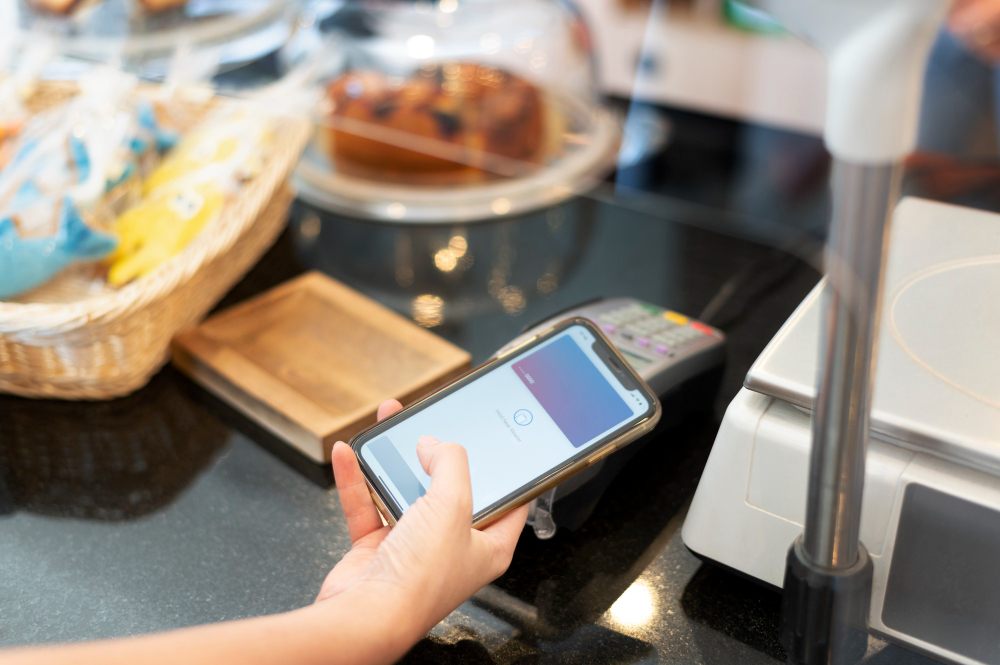
| 1. Mobile Wallets | Stores payment info digitally on a smartphone. Customers authenticate with fingerprint/face ID, and the wallet sends encrypted data to the terminal. | Apple Pay, Google Pay, Samsung Pay |
| 2. Mobile Commerce (mCommerce) | Purchasing goods and services through mobile apps or mobile-optimized websites. | Food delivery apps (DoorDash), ridesharing apps (Uber) |
| 3. Mobile Point of Sale (mPOS) | Turns a smartphone into a portable payment terminal via a small card reader and app. | Great for food trucks, pop-ups, tradespeople, on-site service pros. |
| 4. Peer-to-Peer (P2P) Mobile Payments | Allows individuals to send money directly to each other using an app. Some small businesses accept these, but fees may apply. | Venmo, Zelle, Cash App. |
| 5. SMS Payments | Processes payments via text messages. Less common in the U.S., but still used in certain scenarios. | Donations, parking, event fees. |
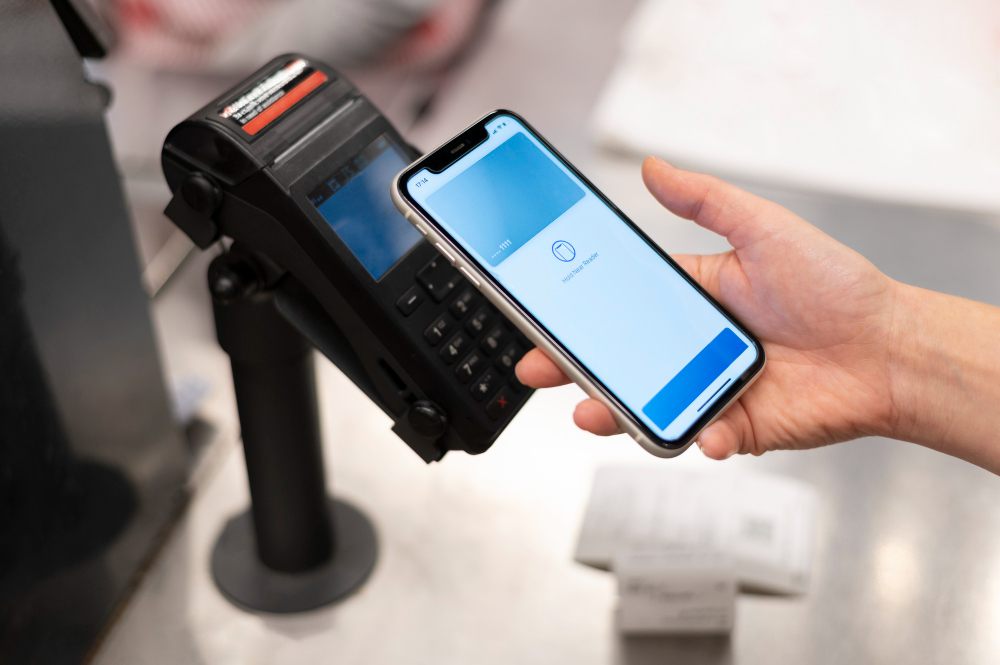
| 6. Near Field Communication (NFC) Payments | Enables fast, contactless “tap to pay” transactions by holding a phone near a payment terminal. | Retail stores, cafes, transit terminals. |
How Mobile Payment Works
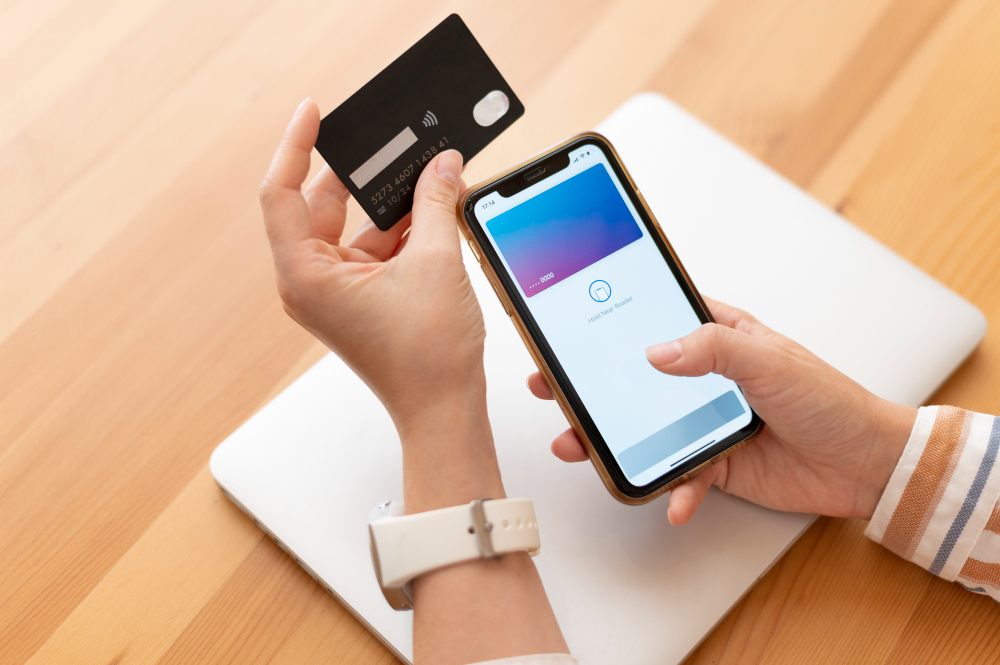
Here’s the simple version of what happens during a contactless transaction:
- The customer taps or scans their phone at your terminal (either through NFC or an internet connection).
- Their device sends encrypted, tokenized payment data—never the real card number.
- Your payment processor contacts the customer’s bank to confirm funds.
- The bank approves or declines the transaction.
- The customer receives a digital receipt, and the funds begin transferring to your account.
This process takes about 2–5 seconds thanks to modern payment technology.
How to Take Mobile Payments
Ready to accept mobile payments? Here’s what to do:
- Pick your payment processor. Compare transaction fees, monthly costs, and features. Popular options include Square, PayPal, Stripe, and Clover. Look for one that accepts credit card payments efficiently and fits your business size and industry.
- Get the right hardware. For in-person payments, you’ll need an NFC-enabled terminal or card reader. These range from small smartphone attachments to full countertop systems.
- Set up your merchant account. Your processor will walk you through this. You’ll need basic business info and bank account details.
- Connect it to your point of sale system. Most modern POS systems integrate easily with mobile payment processors.
- Train your team. Show employees how to process payments and handle common issues like failed transactions.
- Let customers know you accept mobile payments. Put up signs or stickers showing Apple Pay, Google Pay, and other accepted methods.
Mobile Pay Solutions for Businesses
Different business types need different mobile payment solutions:
- Service pros working on-site
A pocket-sized card reader is ideal. It runs on your phone’s data, so you don’t need Wi-Fi. - Retail stores and restaurants
Integrated systems that sync with inventory, receipts, and order history work best. - Consultants and online service providers
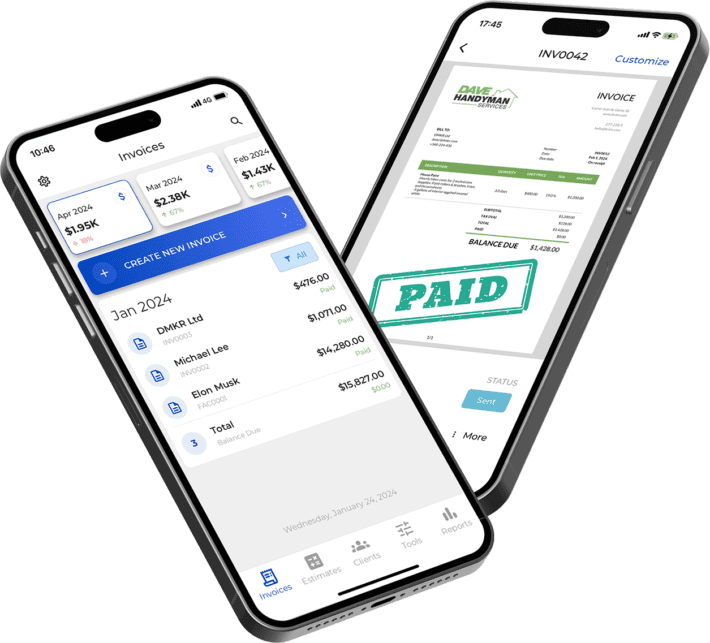
Online payment systems are ideal. You can send digital invoices with a payment link, letting clients pay using digital wallets, cards, or bank transfers.
Tip! To make online checkout easier, consider offering online payment systems through your invoicing system.
Advantages of Mobile Payment for Businesses
Mobile payments offer significant benefits:
- Faster checkout: Tap-to-pay transactions take seconds, reducing wait times and increasing throughput during busy hours.
- Improved security: Encryption and tokenization mean your system never sees actual card numbers, lowering fraud risk.
- Less handling of cash: Fewer bank trips, fewer counting errors, and lower theft risk.
- Better convenience for customers: Many shoppers prefer contactless checkout. Businesses that don’t accept digital payments risk losing customers.
- Automatic record-keeping: Digital transactions create clean electronic records that sync with accounting or small business bookkeeping tools. Every transaction is documented electronically.
Drawbacks and Security Considerations
Mobile payments are safe when managed correctly, but you should be aware of a few challenges:
- Transaction fees: Most processors charge 2–3% per transaction, plus a small flat fee.
- Technology dependence: Mobile payment systems require internet access. Have a backup plan in case of outages.
- Customer adoption varies: Some customers still prefer cash or cards. Don’t rely on mobile payments alone.
- Security expectations: The Consumer Financial Protection Bureau (CFPB) monitors digital payment apps for consumer protection concerns. To reduce risks, keep devices updated and follow FTC payment security guidelines.
Industry groups also provide guidance, such as the NATCA mobile payment app guidelines.
Types of Mobile Payment Apps
Here’s a quick rundown of the major types of mobile payment apps your customers might use:
| Description | Key Features / Notes | |
| PayPal | Supports both online checkout and in-person mobile payments. | Widely used globally; integrates easily with ecommerce platforms. |
| Google Pay | Works on Android devices and connects to cards and bank accounts. Learn more on the official Google Pay site. | Supports NFC payments; strong online and in-app checkout options. |
| Apple Pay | Uses NFC technology for secure in-store payments and integrates with Safari for online purchases. | Popular among iPhone users; fast and secure contactless checkout. |
| Alipay | Major international payment app, especially for Chinese customers. | Essential for businesses serving global or tourist-heavy markets. |
| Samsung Pay | Works with NFC terminals and older magnetic stripe readers. | Broad device compatibility makes it useful for legacy hardware. |
Most payment processors support all major platforms automatically.

Choosing the Right System for Your Business
When selecting a mobile payment system, consider:
- How and where you work: In-store businesses need countertop terminals; mobile pros need portable readers.
- Your monthly volume: High-volume businesses can negotiate lower rates.
- Portability: On-site service providers need devices that work without Wi-Fi.
- Compatibility: Make sure your payment system integrates with your accounting, POS, or invoicing tools.
- Your customer base: Younger customers often prefer digital payment methods.
- Trial options: Many processors offer free trials—test before committing.
Cost of Mobile Payment Systems
Here’s what you’ll typically pay:
Transaction Fees: This is the big one. Expect to pay 2.5-3.5% of each sale plus $0.10-$0.30 per transaction. On a $100 sale, that’s roughly $2.50-$3.50 going to your processor.
Monthly Fees: Some processors charge $10-$50 monthly for software access or premium features. Others skip monthly fees entirely but make up for it with higher per-transaction rates. Do the math based on your volume to see which model saves you money.
Hardware Costs: Basic mobile card readers run $0-$50—sometimes free when you sign up. More advanced countertop terminals with screens and receipt printers cost $100-$300.
Chargeback Fees: When a customer disputes a charge, you’ll pay $15-$25 per chargeback, whether you win the dispute or not.
Here’s a quick way to estimate your costs:
Multiply your monthly sales by the percentage fee (usually around 3%), add about $0.20 per transaction, then add any monthly charges. A business processing $10,000 monthly at 2.9% + $0.30 per transaction (with 100 transactions) would pay roughly $320 in fees.
Final Thoughts
Mobile payments represent the present and future of commerce. For business owners, accepting mobile payments means meeting customer expectations and streamlining operations. The faster checkout process, improved security, and detailed transaction records benefit both you and your customers.
Start by choosing a reputable payment processor that fits your business type and budget. Whether you’re running a retail shop or providing services on-site, mobile payment capabilities help you get paid faster and more efficiently.
