
What is Optical Character Recognition? OCR Explained
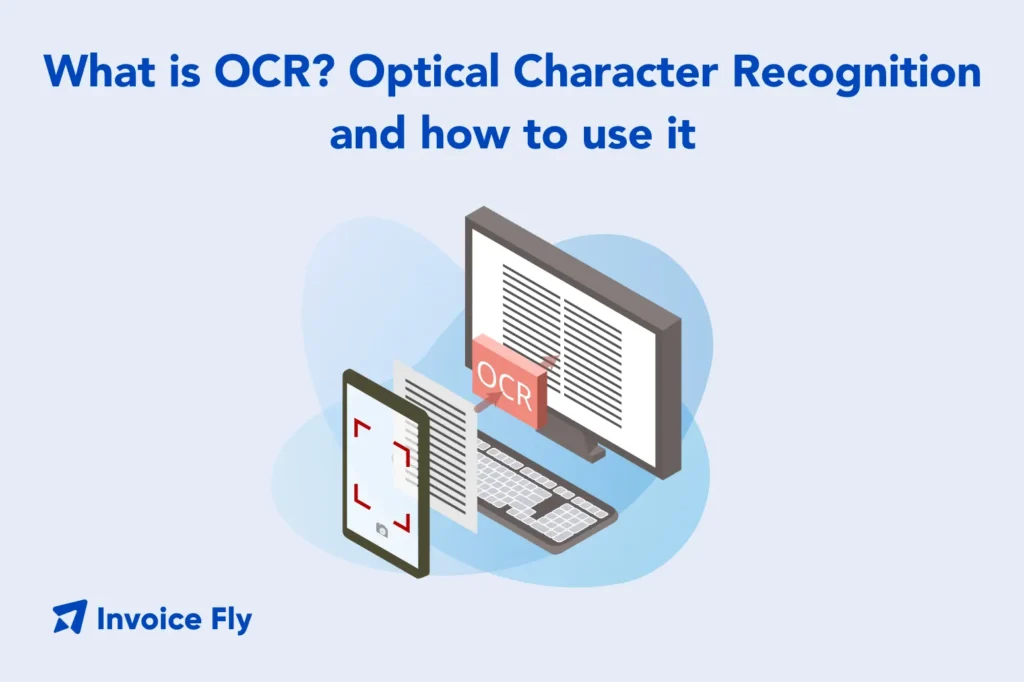
Table of Contents
Optical character recognition (OCR) is a technology that helps computers read text from scanned papers, images, or PDFs. It turns printed or handwritten words into text you can search, copy, and edit on your computer.
For businesses, OCR saves time by removing the need to type information by hand. It also helps reduce mistakes and makes it easier to store and find important documents. In this guide, you’ll learn what OCR is, how it works, where it’s used, and how it can help your business work faster and smarter.
What is OCR?
OCR optical character recognition is a technology that transforms text in images—whether from scanned paper documents, photos, or PDF files—into digital text that computers can read, search, and edit. What is an optical character recognition system in practical terms? It’s software that looks at a picture of text and figures out what letters, numbers, and symbols are present, then converts them into actual text data.
When you scan a paper receipt, invoice, or contract, your scanner creates an image file—essentially a photograph of the document. Without OCR, that image is just a picture. Your computer can’t search the text, copy specific numbers, or extract data from it. The text is “locked” inside the image. OCR unlocks that text by recognizing each character and converting the entire document into editable, searchable content.
What is optical character recognition used for?
- Converting scanned paper documents into searchable digital files
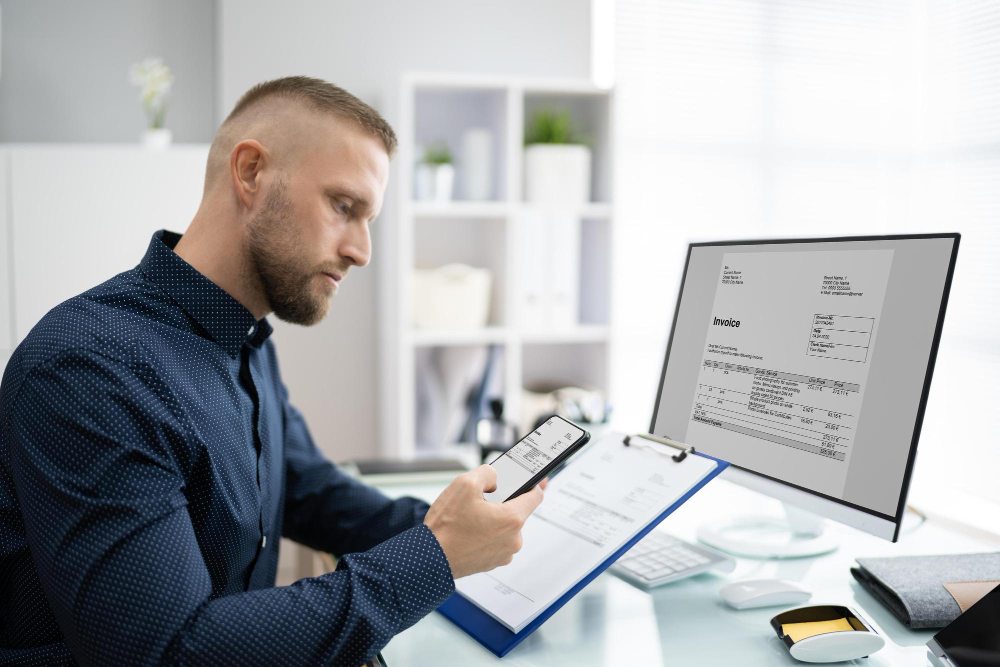
- Extracting data from receipts, invoices, and forms automatically
- Digitizing old books, newspapers, and historical records
- Reading text from photographs for translation or accessibility
- Automating data entry from business documents
- Converting PDF files into editable Word documents
- Enabling text-to-speech for visually impaired users
The optical character recognition OCR process has become essential for modern business operations, helping organizations move from paper-based to digital workflows.
How does OCR work?
The OCR process involves several technological steps that work together to identify and convert text:
Step 1: Image acquisition
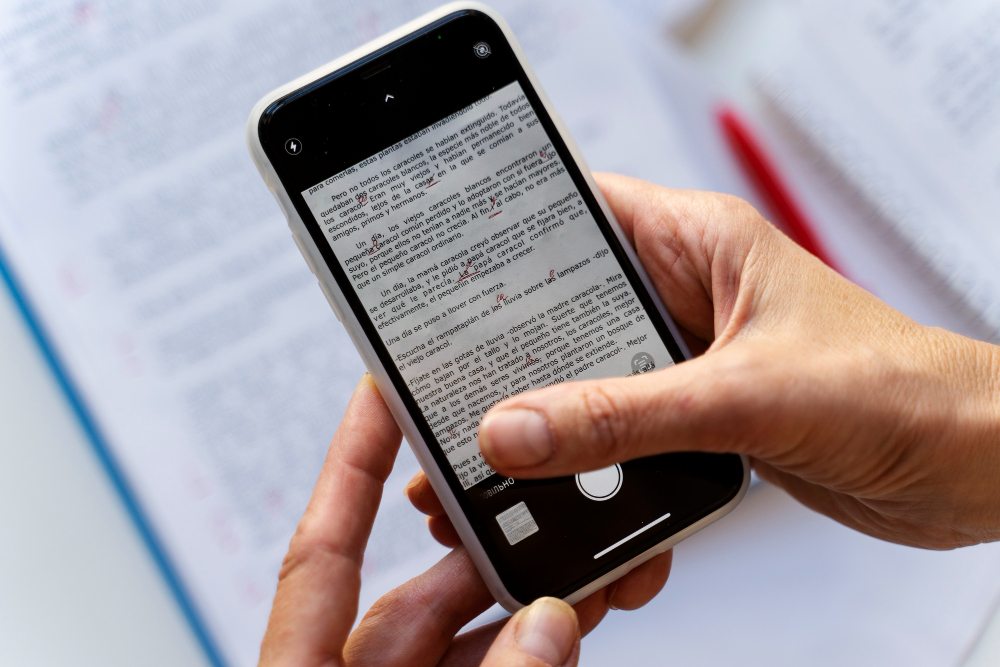
An input device like a scanner, smartphone camera, or existing digital image captures the document. The quality of this initial image significantly affects OCR accuracy—clear, high-resolution images produce better results than blurry or low-contrast images.
Step 2: Preprocessing
The OCR engine cleans and prepares the image by removing noise, straightening skewed pages (deskewing), adjusting contrast and brightness, and separating text from graphics.
Step 3: Character segmentation
The software divides the processed image into blocks, then lines, then individual characters. This segmentation identifies where each letter, number, or symbol begins and ends.
Step 4: Character recognition
The recognizer uses one of two main approaches:
- Template matching: Compares each character shape to stored templates of known characters, finding the closest match.
- Feature extraction: Identifies specific features like lines, curves, loops, and intersections that define each character. Modern OCR systems use machine learning and artificial intelligence to improve recognition accuracy.
Step 5: Post-processing
The OCR platform applies language rules, dictionaries, and context to correct errors and form proper words and sentences. This step catches recognition mistakes that create impossible or unlikely word combinations.
Step 6: Output
The final result is machine-readable text that you can edit, search, copy, and use in other applications.
What technology lies behind OCR?
Modern OCR technology combines computer vision, artificial intelligence, and machine learning to achieve high accuracy.
- Computer vision algorithms analyze images to identify text regions and distinguish text from other visual elements like photos or logos.
- Pattern recognition compares character shapes against known patterns using statistical methods to determine the most likely match even when characters are partially obscured.
- AI optical character recognition leverages deep learning neural networks to recognize characters with far greater accuracy than older methods. These networks learn from millions of examples, improving their ability to handle different fonts, sizes, and writing styles.
- Natural language processing helps OCR systems understand context, correct recognition errors based on word probabilities, and maintain document structure including paragraphs, columns, and tables.
According to Google Cloud, modern cloud-based OCR systems can process documents in hundreds of languages with accuracy rates exceeding 99% for high-quality printed text.
History of OCR
OCR technology has evolved dramatically since its invention nearly a century ago.
Early development (1920s-1950s): The first OCR machines appeared in the 1920s, designed to help visually impaired people read printed text. These early devices could recognize one font at a time and were extremely limited.
Commercial adoption (1960s-1970s): Banks began using OCR to read the special magnetic ink character recognition (MICR) numbers on checks. This specialized OCR technology processed millions of checks daily, driving significant technological improvements.
Personal computer era (1980s-1990s): OCR software became available for personal computers, allowing businesses and individuals to scan and digitize documents. Accuracy improved but still required significant manual correction.
Modern AI-powered OCR (2000s-present): Machine learning and artificial intelligence transformed OCR accuracy and capabilities. Modern OCR systems handle multiple fonts, languages, handwriting, and even degraded historical documents with minimal errors.
Types of OCR
Not all OCR tools work the same way. Some are better at reading clean, typed text, while others can handle handwriting, checkboxes, or complex documents like invoices. Below are the main types of OCR and how each one is commonly used.
| Type of OCR | What It Does | Best Used For |
| Simple OCR (Template Matching) | Reads printed text by matching characters to stored templates. Works best with clear, typed documents in common fonts. | Clean, high-quality scans of printed documents |
| Intelligent Character Recognition (ICR) | Reads handwritten text using machine learning and improves accuracy over time. | Forms, notes, and documents with handwriting |
| Optical Mark Recognition (OMR) | Detects marks like checkboxes or filled-in bubbles instead of letters or numbers. | Surveys, exams, and multiple-choice forms |
| Optical Word Recognition (OWR) | Recognizes whole words instead of individual letters, making processing faster. | Large documents with repeated words or phrases |
| Intelligent Document Processing (IDP) | Uses AI to read text, understand document layout, extract key data, and sort documents automatically. | Invoices, contracts, and complex business documents |
How is OCR used in different industries?
OCR technology has transformed workflows across numerous industries by automating document processing and data extraction.
Banking
Banks use OCR systems to process check deposits by reading account numbers and amounts, extract data from loan applications, verify identity documents during account opening, and automate invoice processing for accounts payable. Financial institutions process millions of documents daily, making OCR essential for operational efficiency and cost control.
Healthcare
Healthcare providers leverage OCR document technology to digitize patient medical records, extract prescription information from handwritten notes, process insurance claim forms automatically, and convert paper charts to electronic health records (EHR). Medical OCR must handle complex terminology and often poor handwriting quality, requiring specialized training and high accuracy standards.
Logistics
Logistics and shipping companies use OCR scanning to read package labels and tracking numbers automatically, process customs and shipping documents, extract addresses for automated sorting, and track inventory through barcode and text recognition. The speed and accuracy of OCR directly impacts delivery times and customer satisfaction in logistics operations.
How to use OCR software for your business?
Implementing OCR in your business workflows involves selecting appropriate tools and integrating them into your processes.
- Identify use cases: Determine which document types you process frequently. Common business applications include invoice and receipt processing for expense tracking, contract digitization, customer form processing, and historical record digitization.
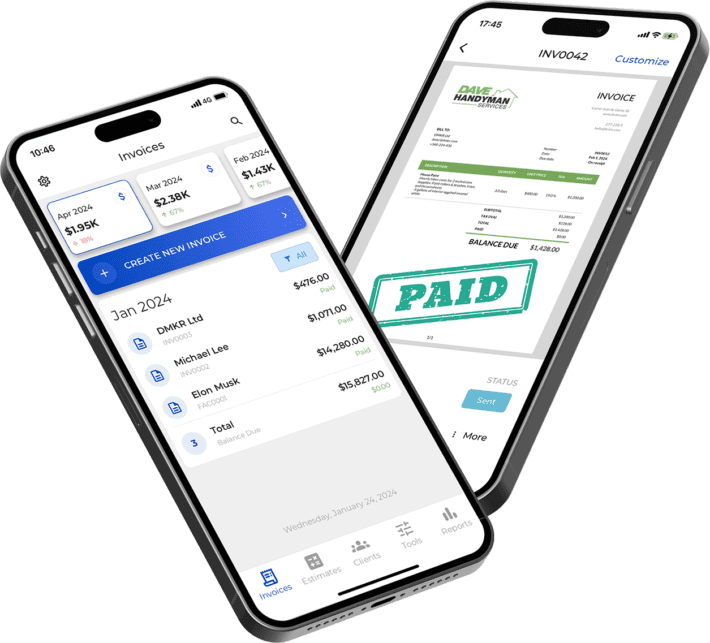
- Choose OCR software: Select tools appropriate for your needs. Adobe Acrobat optical character recognition works well for optical character recognition PDF files, Google optical character recognition through Google Drive provides free cloud-based OCR, and Microsoft Word optical character recognition offers basic OCR for document conversion. Specialized OCR program options handle specific industries or languages like Chinese optical character recognition.
- Set up scanning workflows: Configure scanners or device cameras to capture high-quality images. Better input quality directly improves OCR accuracy. Standardize document handling procedures to ensure consistent results.
- Integrate with existing systems: Connect OCR tools to your document management, accounting, or business systems. For example, using a receipt scanner integrated with your expense tracking system eliminates manual data entry for business expenses.
- Test and refine: Run pilot projects to test accuracy and identify problem areas. Adjust image quality, preprocessing settings, or post-processing rules to improve results.

What are the benefits of using OCR?
OCR technology provides numerous advantages that justify implementation costs and effort.
Searchable text
The most immediate benefit of OCR is making text searchable. When you scan 1,000 invoices as images, finding a specific supplier or invoice number requires manually reviewing each document. After applying OCR, you can instantly search across all documents using keywords, dates, amounts, or any other text element.
This searchability extends to email attachments, scanned documents, historical archives digitized from paper, digital invoices stored as images, and photo-captured receipts and forms.
According to Penn State Libraries, searchable documents save researchers and business professionals countless hours that would otherwise be spent manually locating information.
Operational efficiency
OCR dramatically reduces time spent on manual data entry. Instead of typing information from invoices, receipts, or forms into your systems, OCR extracts the data automatically.
- Time savings example: Manually entering data from a single invoice might take 2-3 minutes. Processing 100 invoices monthly means 200-300 minutes (3-5 hours) of data entry work. OCR reduces this to minutes of verification time, freeing staff for higher-value work.
- Error reduction: Manual data entry introduces typing errors, transposition mistakes, and missed fields. OCR eliminates most of these errors, particularly when combined with validation rules that flag suspicious or unusual values.
- Cost savings: Reducing manual labor directly decreases operational costs. Organizations can process more documents with fewer staff or redeploy staff to customer-facing or strategic activities.
AI solutions for OCR
AI optical character recognition systems offer capabilities far beyond simple text extraction.
- Intelligent data extraction: AI-powered OCR doesn’t just recognize text—it understands document structure and extracts specific fields automatically. For invoices, this means identifying vendor names, amounts, dates, and line items without manual configuration for each vendor’s invoice format.
- Multilingual recognition: AI models trained on multiple languages can recognize and translate text simultaneously, supporting global operations without separate tools for each language.
- Handwriting recognition: Advanced optical character recognition Python libraries and commercial tools use deep learning to read handwritten text with increasing accuracy, opening handwritten forms and notes to digitization.
- Continuous improvement: Machine learning systems improve accuracy over time as they process more documents, learning from corrections and adapting to your specific document types and terminology.
Conclusion
Optical character recognition (OCR) has come a long way. What started as basic tools for reading simple text is now powerful technology that can quickly turn almost any document into searchable, digital data. For businesses, OCR reduces manual data entry, cuts down on errors, and makes it possible to move away from paper-based workflows.
Whether you’re scanning old records, processing invoices, or making PDFs searchable, OCR is the foundation of modern document management. As AI and machine learning improve, OCR tools keep getting more accurate, faster, and more affordable.
Getting started with OCR doesn’t have to be complicated or expensive. Free tools like Google OCR or Microsoft Word’s built-in features work well for many small businesses. As your needs grow, more advanced OCR software can handle large volumes, extract data automatically, and connect with invoice management systems and other business tools.
The best results come from starting with a clear goal, choosing the right tools for your documents, and checking accuracy as you go. Over time, the time savings and efficiency gains make OCR well worth the effort.
