Professional Estimate Templates for Every Industry
Download free estimate templates in PDF, Word, Excel, Google Docs, and Google Sheets, or create and send estimates online with Invoice Fly.
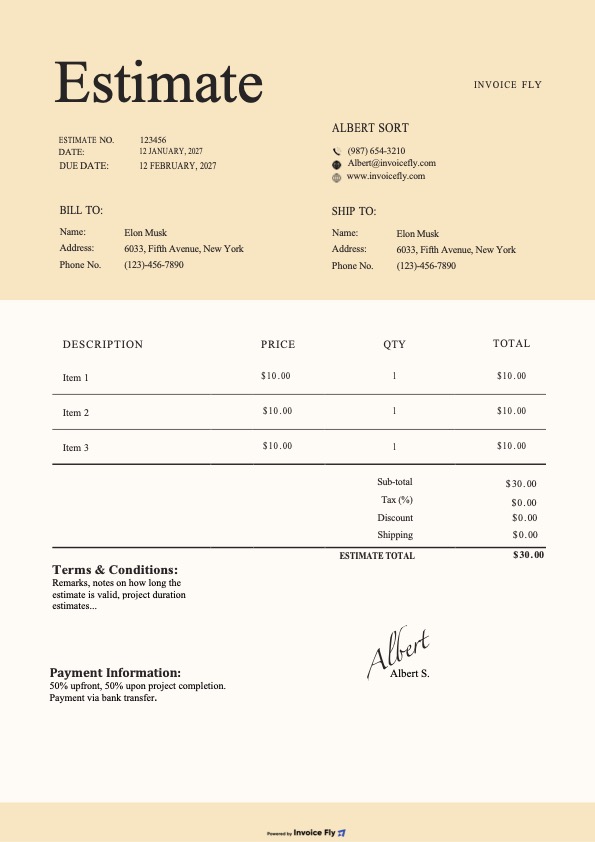
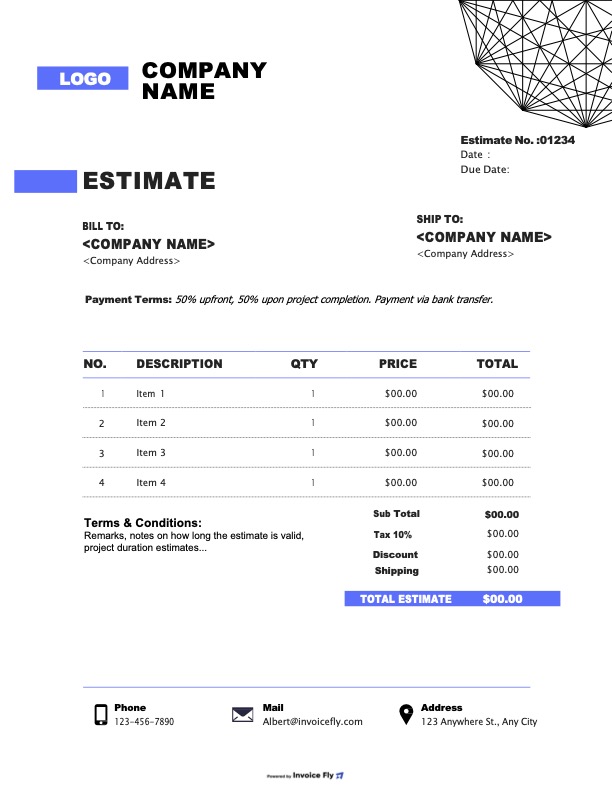
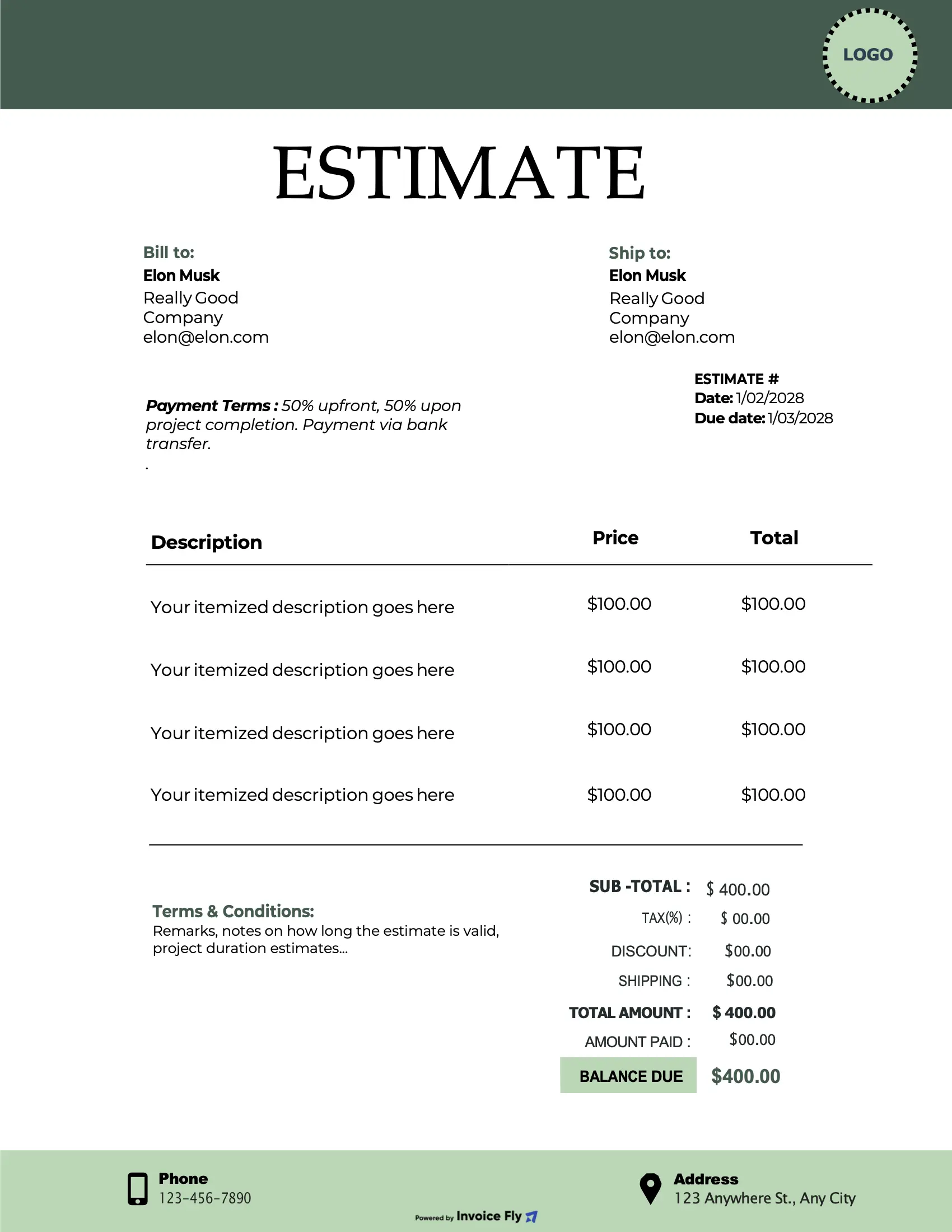
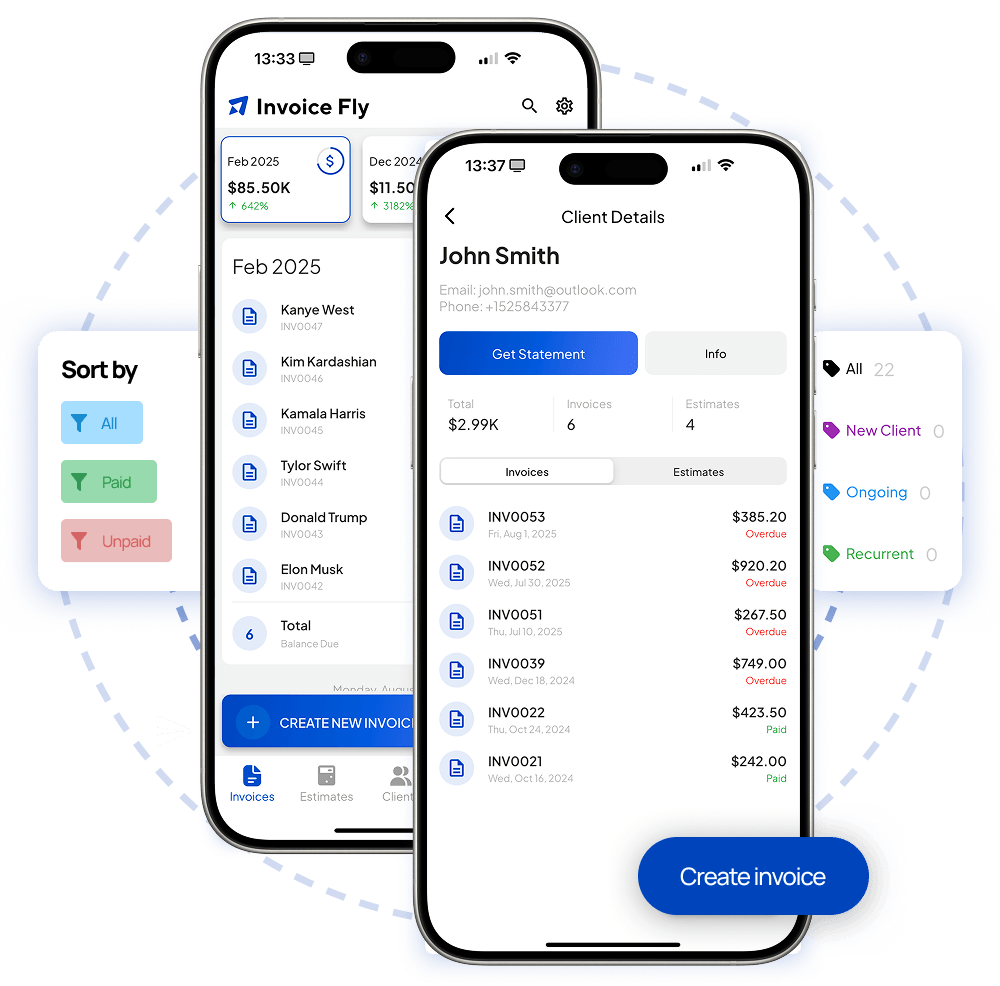
Start with a free estimate template, then create, send, and track estimates from your phone. Get them approved online, convert to invoices, and keep every job organized in one place. No spreadsheet, no desktop required.
Get the Free Estimate AppTrusted by Thousands of Contractors Across 22+ Industries
Estimate templates by industry
Need something tailored to your line of work? Pick your industry for a ready-to-use estimate template built around how you quote jobs.
From estimate to approval in three steps.
Create a polished estimate before you leave the job site. Choose a template, add your pricing, and send it for approval.
Pick a template
Choose from 33 free templates. Filter by your industry, style, or color until you find one that fits your brand.
Fill in the job
Materials, labor hours, tax, markup. Add line items, attach photos from the site, drop in your business logo.
Send & get signed
Email it. Text it. Print it. The client signs digitally and you're notified the second they approve. Convert to invoice in one tap.
Key Sections to have on an Estimate
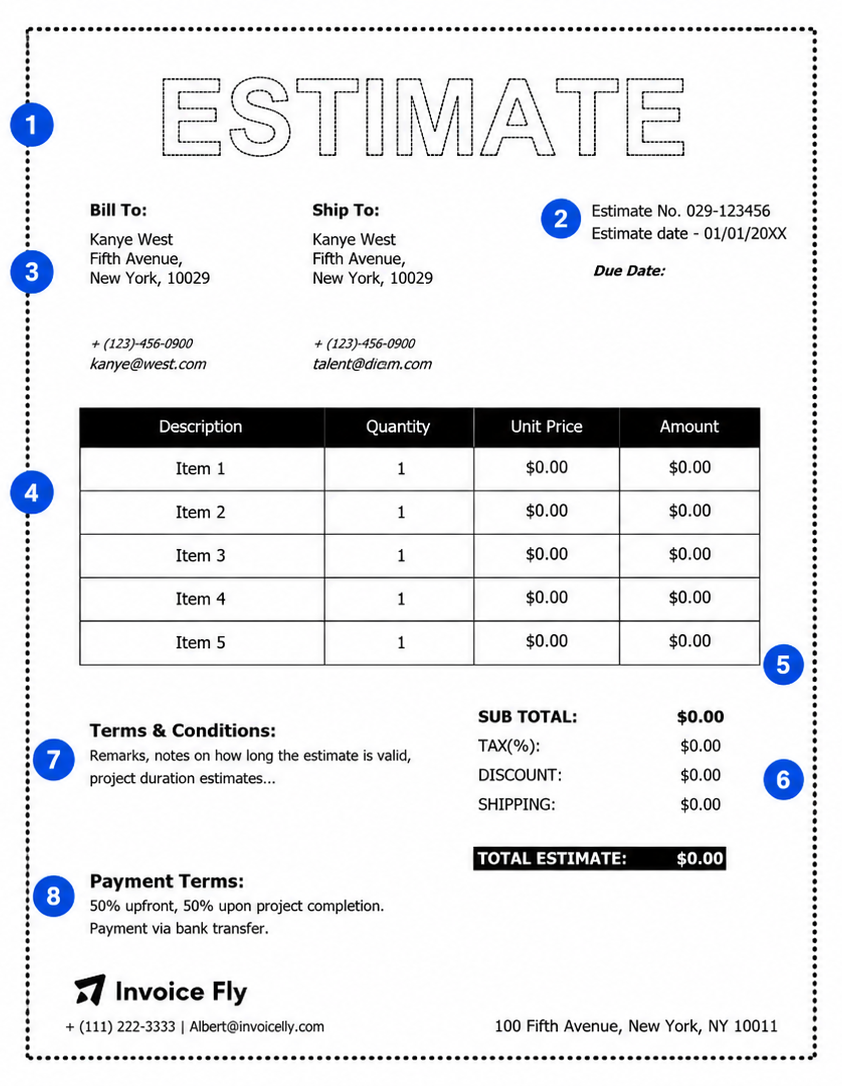
A great estimate isn't just a price, it's a clear breakdown of the work, costs, and expectations. Include these key sections to create professional estimates your customers can review and approve with confidence.
Quote jobs from the field
Build and send estimates from the truck, driveway, or job site.
Real stories from the field.
Thousands of contractors use Invoice Fly every day to create professional estimates and manage their work from anywhere.
"Was using a beat-up Excel template my dad gave me. Switched to Invoice Fly and won three more bids in the first week because my estimates actually looked professional."
"Cuts my paperwork time by an hour every day. I write the estimate from the basement, customer signs from their kitchen, I'm on to the next job before lunch."

"Sales tax was always a nightmare across counties. Now it just figures it out. My QuickBooks lady actually thanked me for switching."

Estimate Template vs. Invoice Fly Estimate Software
Downloadable estimate templates are a great starting point for creating professional estimates. However, as your business grows, managing estimates manually can become time-consuming. Updating client details, calculating totals, tracking approvals, and creating invoices often requires multiple tools and repetitive work.
Invoice Fly Estimate Software helps streamline the entire process, from creating estimates to getting paid.
Create custom estimates faster
Templates require you to manually enter customer information, services, pricing, and taxes every time you create a new estimate. With Invoice Fly, you can save customer details, service descriptions, rates, and tax settings to generate professional estimates in minutes.
Send and track estimates in one place
Instead of downloading PDFs and manually following up with customers, Invoice Fly allows you to send estimates directly to clients and track their status. See when estimates are sent, viewed, accepted, or declined so you always know where each opportunity stands.
Convert estimates into invoices instantly
Once a client approves an estimate, there's no need to recreate the information from scratch. Invoice Fly lets you convert approved estimates into invoices with a single click, saving time and reducing data entry errors.
Manage your entire workflow from one platform
Keep estimates, invoices, customers, payments, and business records organized in one place. By centralizing your workflow, Invoice Fly helps you stay productive, improve visibility across projects, and spend less time on administrative tasks.
Try Our Free AI-Powered Estimate Generator
Need to create an estimate quickly? Use the Invoice Fly Estimate Generator to generate professional estimates online in minutes.
Simply enter your customer details, services, pricing, and tax information. Our AI-powered generator helps autofill estimate details, calculate totals automatically, and create polished estimates ready to download or send.
- Create estimates online instantly
- Autofill estimate details with AI
- Add your logo and branding
- Automatically calculate taxes and totals
- Download professional PDF estimates
- Send estimates directly to customers
Estimate Template Best Practices
A professional estimate can help you win more business, reduce misunderstandings, and create a smoother experience for your clients. Whether you're creating estimates for services, projects, or products, following a few best practices can make a significant difference.
Use Clear and Detailed Descriptions
Avoid vague line items such as "Project Work" or "Consulting Services." Instead, describe exactly what is included so clients understand the value they're receiving.
Present Pricing Transparently
Break down costs into logical sections whenever possible. Clear pricing helps build trust and reduces questions during the approval process.
Add Your Branding
Including your logo, company name, and brand colors creates a more professional appearance and helps reinforce your business identity.
Set an Expiration Date
Material costs, availability, and project schedules can change. An estimate expiration date helps protect your pricing while encouraging clients to make timely decisions.
Define Your Terms
Clearly outline payment terms, project assumptions, and any important conditions. This helps avoid misunderstandings later in the project.
Make Approval Simple
The easier it is for a client to accept an estimate, the faster projects move forward. Include clear next steps and approval instructions.
Follow Up Promptly
Many estimates are approved after a follow-up. Reaching out a few days after sending an estimate can significantly improve conversion rates.
Common Questions About Our Estimate Templates
Answers to what contractors actually ask before they download.