
Top 14 Accounts Receivable Software for Small Businesses (2025)
Table of Contents
- Why Small Businesses Need Accounts Receivable Software
- Tips for Choosing the Best Accounts Receivable Automation Software
- Accounts Receivable Software Comparison (2025)
- Best Accounts Receivable Software for Small Businesses in 2025
- How to Choose the Right Accounts Receivable Software
- Choose Accounts Receivable Software Confidently
- FAQs about Accounts Receivable Software
Managing accounts receivable should be straightforward — but for many small businesses, tracking who owes what quickly becomes a challenge. When invoices live in email threads, reminders aren’t automated, and payment updates are handled manually, cash flow becomes unpredictable. These inefficiencies strain working capital, affect financial health, and make it difficult to maintain an accurate accounting system.
Modern accounts receivable software solves these problems by automating the accounts receivable process, strengthening customer communication, and giving your business the visibility it needs.
This guide will cover:
- what accounts receivable software does
- why AR automation improves cash flow
- key features to look for in AR software
- the best accounts receivable software for small businesses
- how AR tools integrate with your accounting system
- how to choose the right AR automation solution
Before we get into the details: Many small businesses use our free invoice maker to create accurate, professional invoices that make the payment process smoother from the start.
Why Small Businesses Need Accounts Receivable Software
Manual AR management becomes time-consuming and error-prone as a business grows. When your team depends on spreadsheets, hand-typed reminders, or disconnected apps, it’s easy to lose track of overdue invoices or forget to follow up with customers.
Research indicates that firms using automated AR processes often report a 10–15% reduction in bad-debt write-offs, demonstrating how automation can improve collections and protect revenue.
Over time, these breakdowns interrupt your payment processes, impact working capital, and make your financial reports less reliable.
Common challenges small businesses face include:
- inconsistent follow-ups that delay cash collection
- growing lists of overdue or outstanding invoices
- duplicate or missing entries in the accounting system
- limited visibility into AR aging and payment behavior
- manual data entry that leads to reporting errors
- difficulty forecasting cash flow or generating financial insights
Accounts receivable automation software helps fix these issues by centralizing AR activity, automating reminders, generating AR aging reports, and supporting online payments.
It also helps invoice and payment workflows run smoothly so your team can work more efficiently. For more background on financial structure and cash-flow strategy, see our guide on contractor cash flow management.
Tips for Choosing the Best Accounts Receivable Automation Software
Choosing the right tool comes down to understanding your workflow, customer volume, and financial reporting needs. Here’s what to look for:
1. Seamless accounting system integration
Your accounts receivable software should integrate seamlessly with your primary accounting software, preventing errors, syncing payment activity, and keeping financial reports accurate.
2. Strong automation tools
The best accounts receivable automation software includes:
- automated reminders and follow-ups
- online payment collection
- AR aging dashboards
- customizable customer communication
- credit and collections tools
- financial reports that support working-capital decisions
3. Online payments and customer portals
Customers should be able to submit payments directly through the invoice or a secure client portal. This improves customer experiences and shortens the payment timeline.
4. Ease of use for small teams
Small businesses benefit from simple accounts receivable software that removes complexity and minimizes reliance on manual processes.
If you need a refresher on how invoices should be structured before choosing AR tools, read our guide on how to write an invoice to understand the building blocks of a complete invoice and payment flow.
Accounts Receivable Software Comparison (2025)
A quick look at the top tools for 2025:
| Software | Best For | Key AR Features | Pricing Model |
| Invoice Fly | Simple AR automation for small businesses | Online payments, reminders, AR aging, tracking | Affordable monthly plans starting at $12.99/month |
| QuickBooks Online | Accounting + AR in one | AR aging, payments, tracking | Starts at approx. $38/month |
| FreshBooks | Freelancers & agencies | Online payments, reminders | Starts at approx. $21/month |
| Xero | Growing operations | AR reports, reminders | Custom pricing (quote required) |
| Wave | Startups | Basic AR tracking | From $0-$19/month |
| Zoho Books | Multi-team operations | AR workflows | Start at free to $20–$70/month depending on plan |
| Sage 50 | Accounting-focused teams | AR + AP + reporting | Starting from $125, speaking to a consultant is recommended |
| NetSuite | Enterprise-grade AR automation | AR workflows, customer portals, reporting | Custom pricing |
| Chargebee | Subscription/recurring AR | Recurring billing, dunning, reminders | Annual commitment starting from $7,188/year |
| Melio | Payment-focused AR | Payment collection, basic tracking | $0-$80/month. Custom pricing for enterprise |
| Square Invoices | Retail + service operations | Online payments, reminders | From $0-$149/month. |
| Sage Intacct | Mid-market operations | AR tracking, audit tools, reporting | Custom pricing |
| Paymo | Project-based invoicing + AR | Task-to-invoice, payments, reminders | From $0-$24/month. |
| Oracle | Large multi-department operations | AR workflows, portals, reporting | Custom enterprise pricing |
Best Accounts Receivable Software for Small Businesses in 2025
Below are the top 14 tools, each explained with the features and workflows small businesses rely on to speed up collections, improve cash flow, and reduce manual receivables work.
1. Invoice Fly
Best for small businesses needing simple AR automation
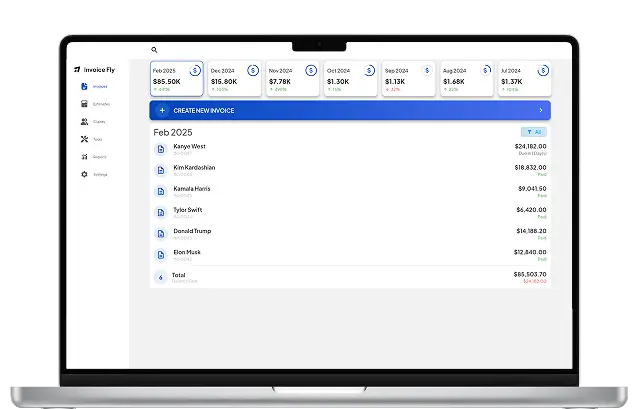
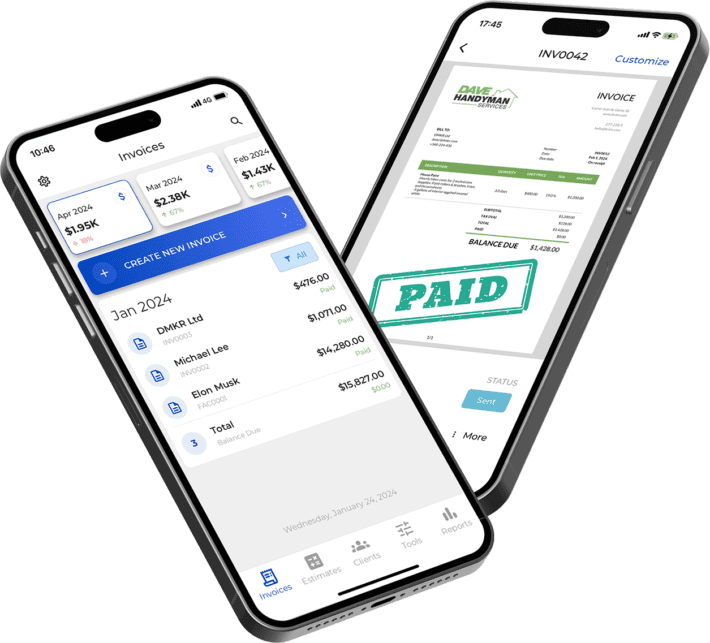
Invoice Fly is designed for small teams that want a cleaner, faster way to manage accounts receivable without the complexity of enterprise tools. It automates reminders, supports online payments, tracks outstanding balances, and improves customer communication so businesses get paid sooner.
- Best use case: Solo operators, small teams, service-based businesses
- Pricing: Affordable monthly plans starting at $12.99/month
- Key features: Online payments, automated reminders, AR aging dashboard, communication tools
- Why it works: Lightweight, easy to adopt, and integrates seamlessly with accounting software.
2. QuickBooks Online
Best for teams that want accounting + AR in one
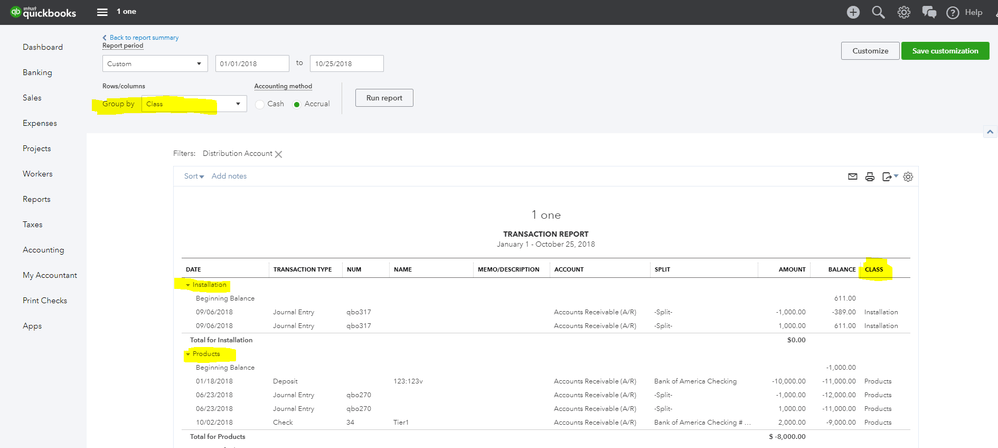
QuickBooks Online offers strong AR tracking tools inside a full accounting system, making it ideal for growing businesses.
- Best use case: Small to mid-size businesses
- Pricing: Starts at approx. $38/month
- Key features: AR aging, invoice tracking, payment processing
- Why it works: Broad ecosystem and widely trusted by accountants.
3. Xero
Best for growing operations that need strong AR reporting
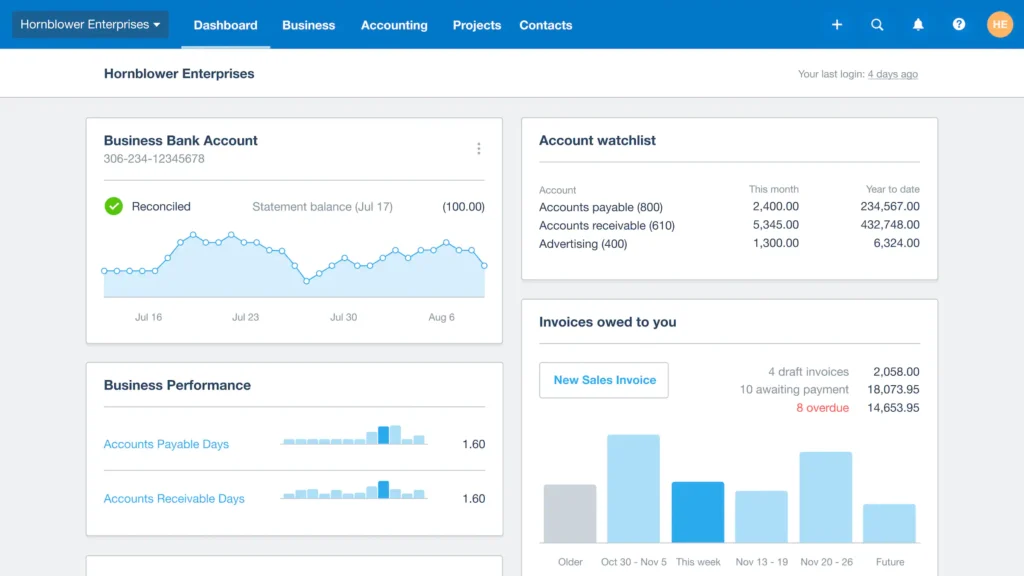
Xero offers detailed AR aging reports, reminders, and online payments.
- Best use case: Expanding small businesses
- Pricing: Custom pricing (quote required)
- Key features: AR dashboards, payments, reporting
- Why it works: Excellent integrations and financial visibility.
4. FreshBooks
Best for freelancers and service-based teams
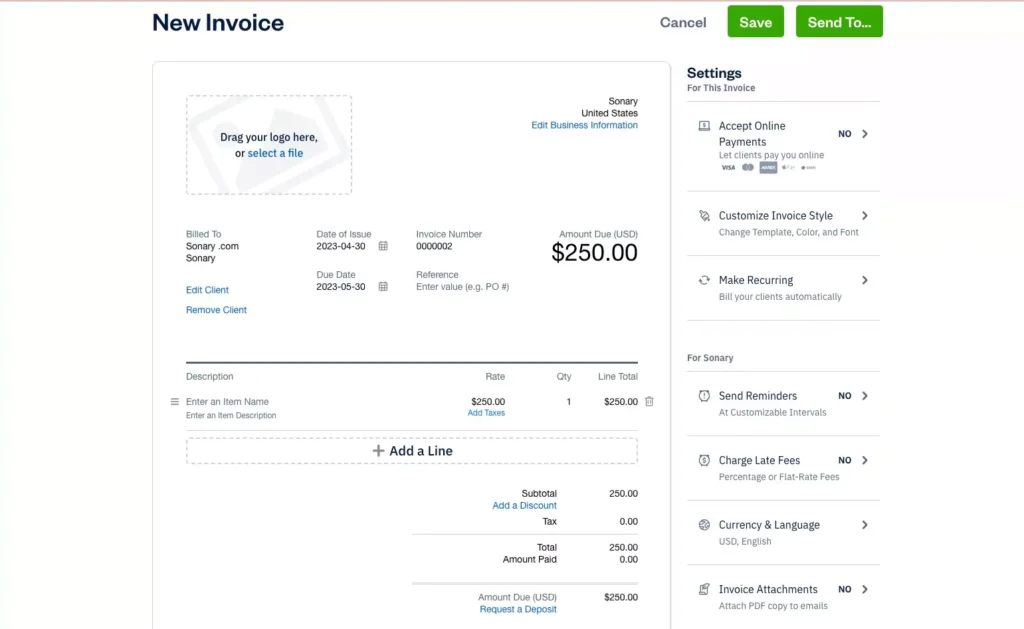
FreshBooks simplifies invoicing and AR tracking with user-friendly automation tools.
- Best use case: Agencies, creatives, contractors
- Pricing: Starts at approx. $21/month
- Key features: Payments, reminders, AR tracking
- Why it works: Extremely intuitive and communication-friendly.
5. Wave
Best free accounts receivable software
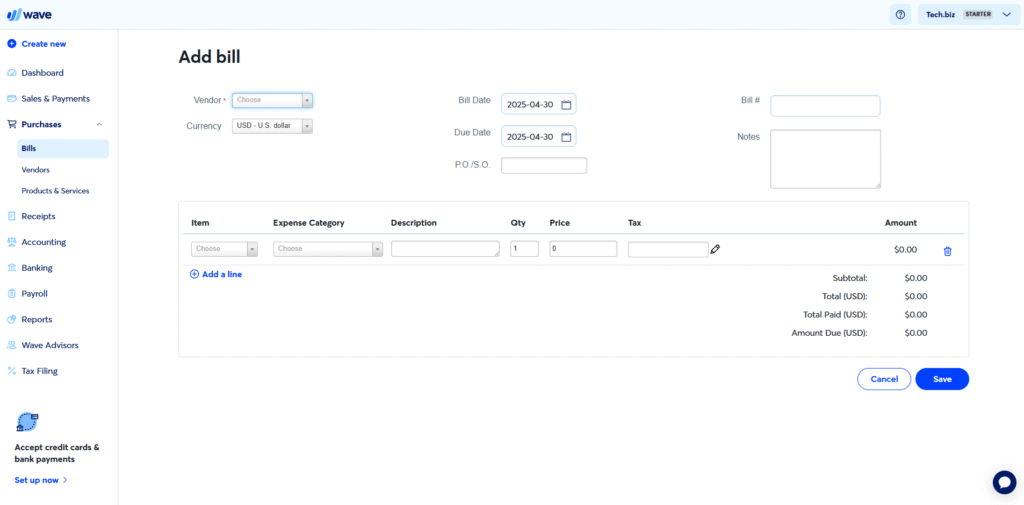
Wave is ideal for startups or micro-businesses looking for basic AR features at no cost.
- Best use case: Small startups
- Pricing: From $0-$19/month
- Key features: Invoicing, payments, limited AR tracking
- Why it works: Budget-friendly and easy to learn.
6. Zoho Books
Best for teams using the Zoho ecosystem
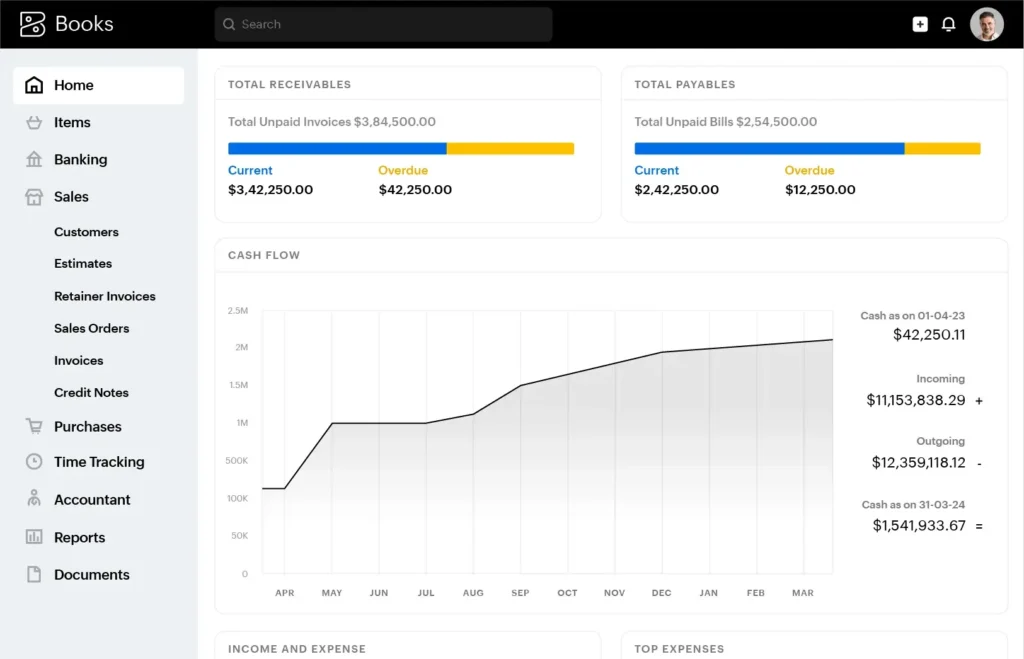
Zoho Books provides strong accounts receivable workflows alongside a large suite of business tools.
- Best use case: Multi-department operations
- Pricing: Start at free to $20–$70/month depending on plan
- Key features: AR workflows, reminders, online payments
- Why it works: Cohesive ecosystem and strong automation.
7. Sage 50
Best for accounting-heavy organizations
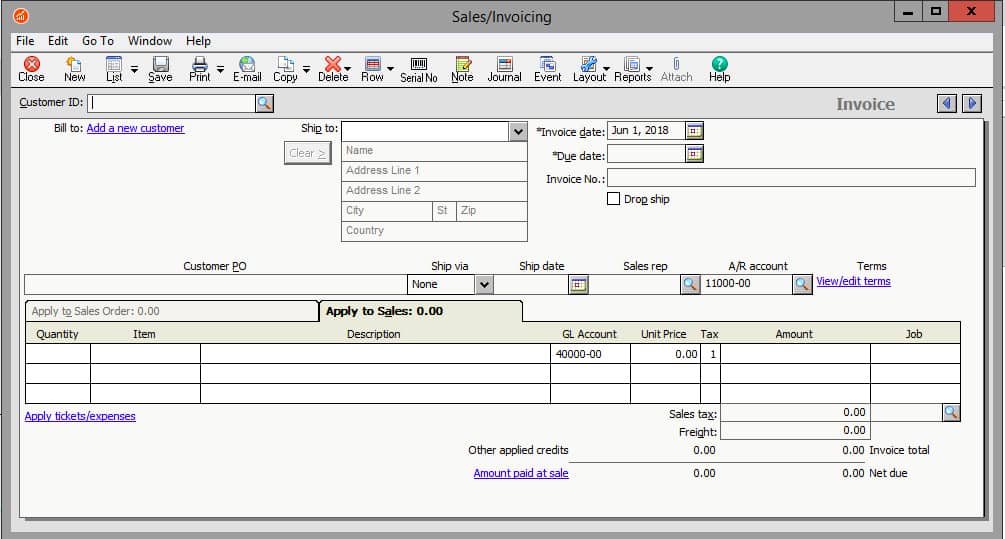
Sage 50 includes AR, AP, and financial-reporting tools suited for teams needing comprehensive accounting.
- Best use case: Businesses with deeper accounting needs
- Pricing: Starting from $125, speaking to a consultant is recommended
- Key features: AR + AP management, reporting
- Why it works: Robust accounting functionality.
8. NetSuite
Best enterprise-grade AR solution
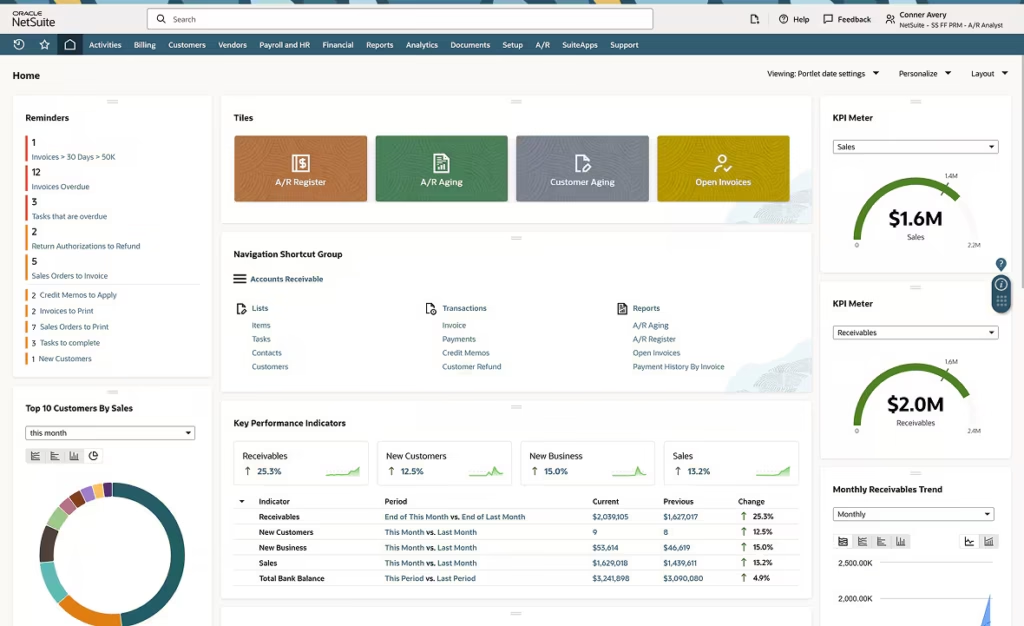
NetSuite provides advanced AR automation, customer portals, and financial reporting.
- Best use case: Larger operations or complex organizations
- Pricing: Custom pricing
- Key features: AR workflows, audit tools, reporting
- Why it works: Deep automation and scalability.
9. Chargebee
Best for subscription-based AR workflows
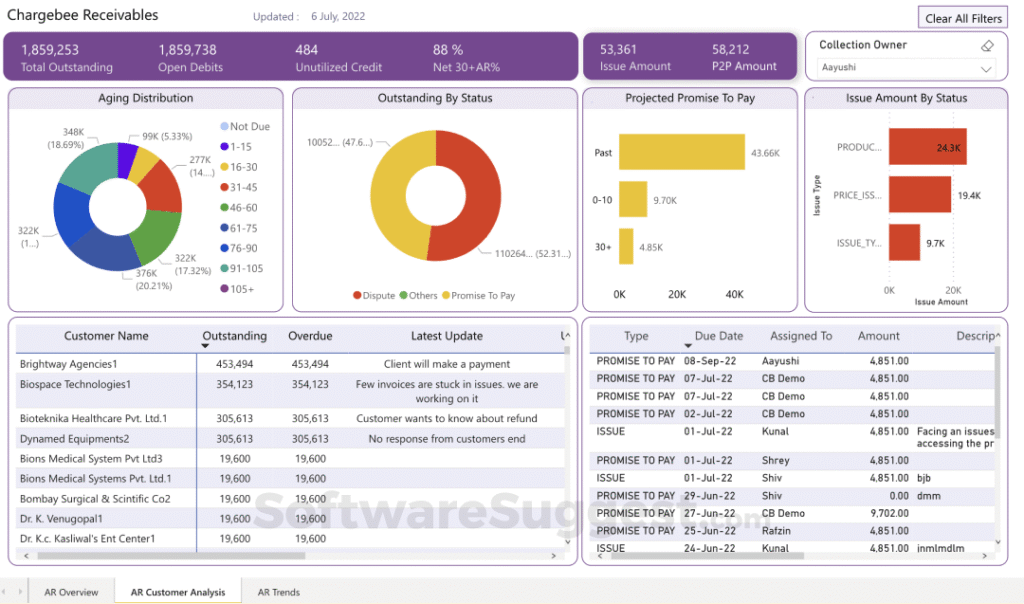
Chargebee specializes in recurring billing and AR automation for subscription businesses.
- Best use case: SaaS or recurring-service businesses
- Pricing: Annual commitment starting from $7,188/year — recommended to speak to a consultant
- Key features: Recurring invoices, dunning, reporting
- Why it works: Built for subscription revenue.
10. Melio
Best for flexible payment collection
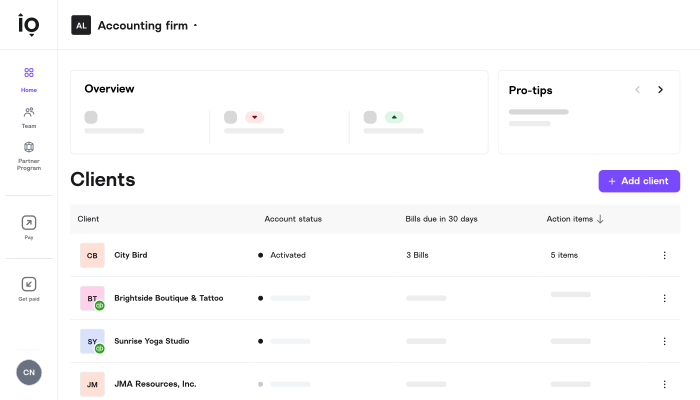
Melio makes it easy for small businesses to collect payments and manage AR at a low cost.
- Best use case: Payment-heavy service providers
- Pricing: $0-$80/month. Custom pricing for enterprise
- Key features: Payment collection, simple AR tools
- Why it works: Very easy to use for small teams.
11. Square Invoices
Best for retail and service operations
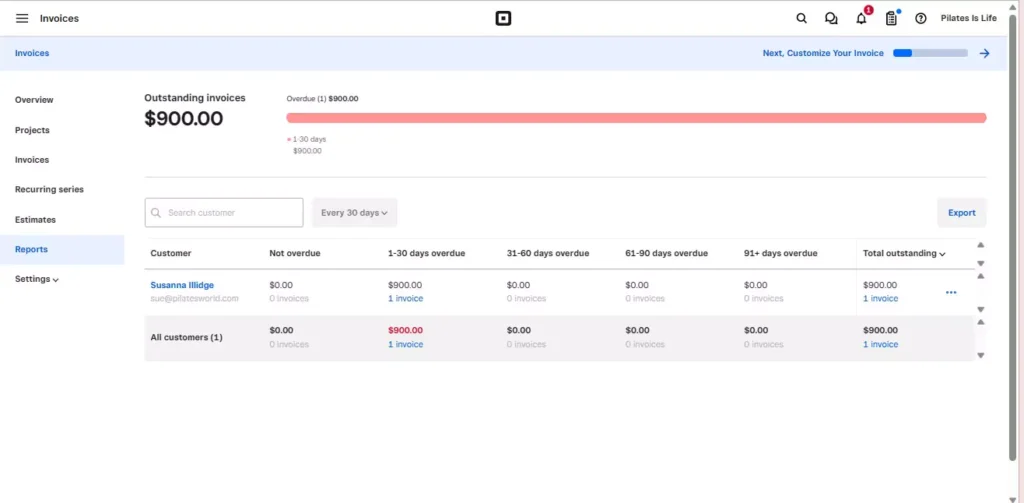
Square Invoices integrates AR tools into the larger Square payments ecosystem.
- Best use case: Retail, hospitality, field services
- Pricing: From $0-$149/month
- Key features: Online payments, reminders
- Why it works: Smooth experience for Square users.
12. Sage Intacct
Best for mid-market operations needing detailed reporting
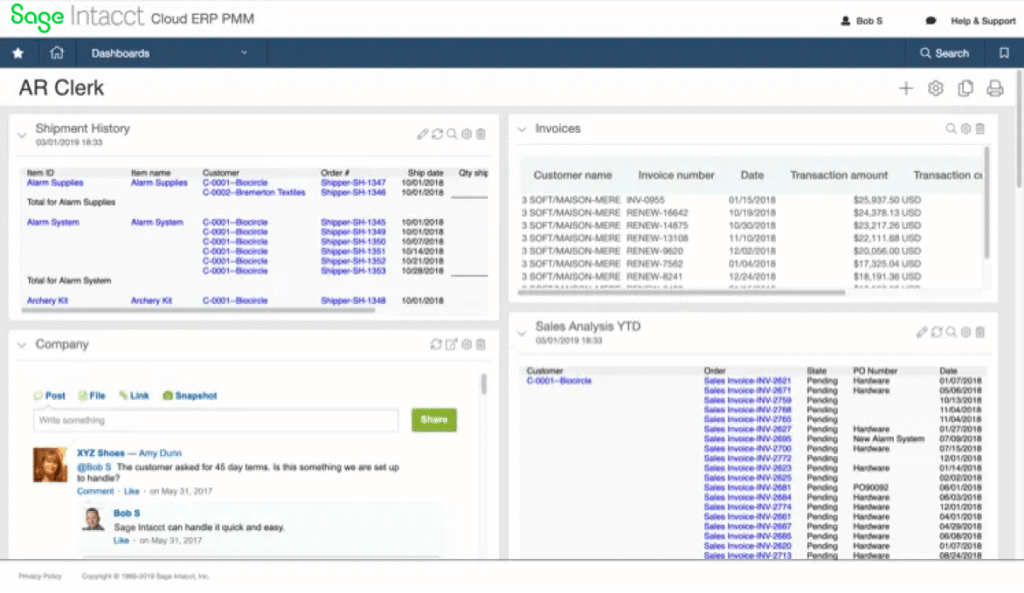
Sage Intacct provides AR automation with strong financial-reporting capabilities.
- Best use case: Accounting-heavy teams
- Pricing: Custom
- Key features: AR tracking, audit tools, reporting
- Why it works: Excellent for accurate, audit-ready insights.
13. Paymo
Best for project-based billing
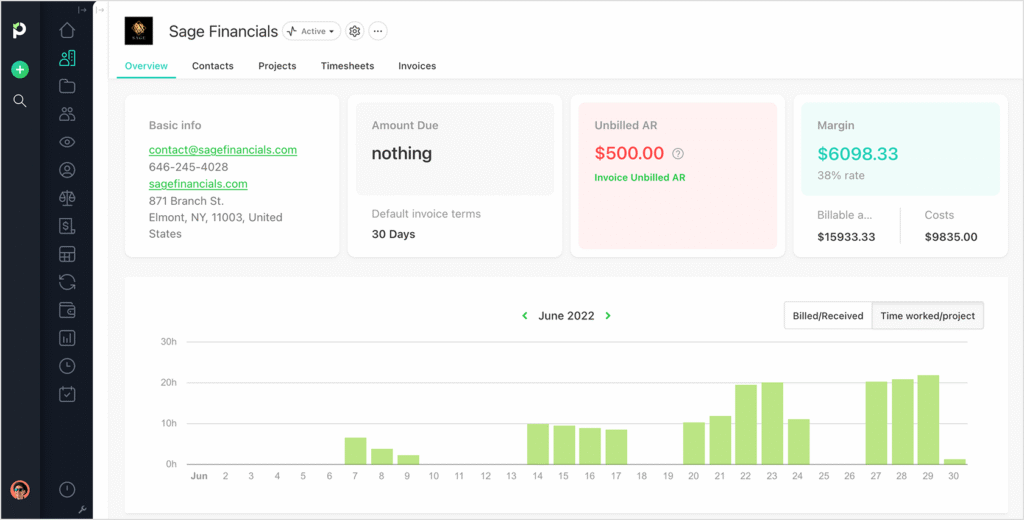
Paymo combines project management with accounts receivable tracking.
- Best use case: Agencies and project-based teams
- Pricing: From $0-$24/month
- Key features: Task-to-invoice flow, payments, reminders
- Why it works: Great for businesses that bill per project.
14. Oracle
Best for large, multi-department operations
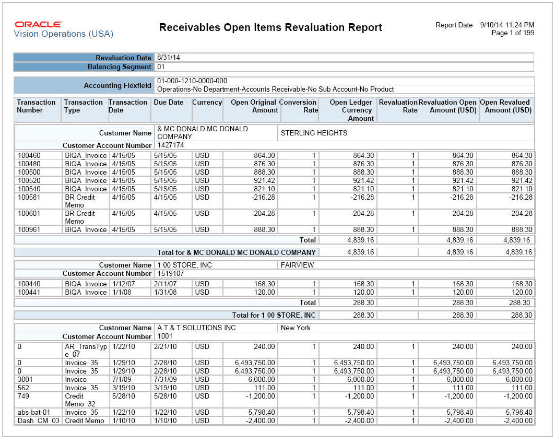
Oracle Fusion offers enterprise-grade AR automation and financial management.
- Best use case: Enterprises and complex organizations
- Pricing: Custom enterprise pricing
- Key features: AR workflows, customer portals, reporting
- Why it works: Deep automation that supports high-volume receivables.
How to Choose the Right Accounts Receivable Software
Choosing the best account receivable software depends on your workflow, customer base, and financial structure. Here are key questions to guide your decision:
- Does it reduce manual tasks in your accounts receivable process?
- Does it offer online payments to help customers send payments faster?
- Does it integrate seamlessly with your accounting system?
- Are AR dashboards and financial reports easy to understand?
- Does it support customer portals for better customer experiences?
- Does it strengthen working capital by accelerating payment processes?
For more background on recording transactions, see our guide to journal entry accounting.
Choose Accounts Receivable Software Confidently
A strong AR system helps small businesses get paid faster, reduce manual work, and maintain accurate financial data. When your accounts receivables software automates reminders, payments, and tracking, your team gains more time back — and your cash flow becomes more predictable.If you’re ready to simplify invoicing, strengthen AR workflows, and help customers pay faster, try Invoice Fly’s invoicing software to automate the entire process.
