
How to Send an Invoice: Step-by-Step Guide for Faster Payments
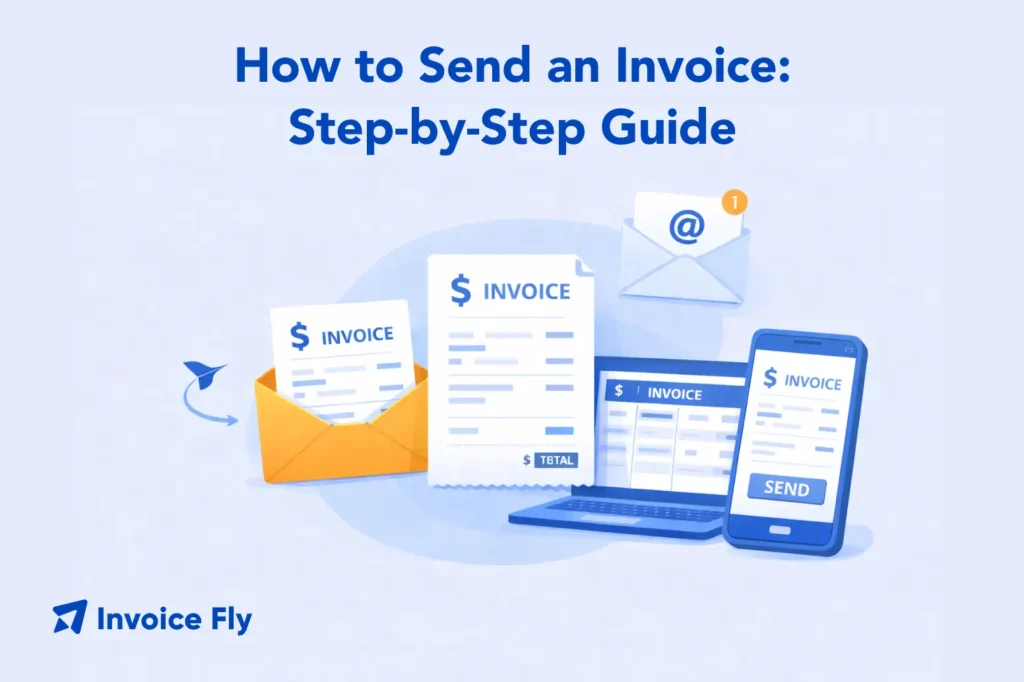
Table of Contents
Knowing how to send an invoice correctly is essential for freelancers, contractors, and small business owners who want to get paid quickly and professionally. A proper invoice should include key details such as the invoice number, client information, description of services, total amount due, and payment terms. Most businesses send invoices as a PDF attachment via email or through invoicing software that tracks payments and reminders automatically.
This guide will cover:
- What to check before sending an invoice
- When to send an invoice for faster payment
- The 3 main ways to send an invoice
- Costs and tools involved
- How to track invoices and follow up
In this guide, you’ll learn how to send an invoice step-by-step, the best methods to deliver invoices, and practical tips to help you get paid faster.
Before you send an invoice (checklist)
Before sending an invoice, it’s important to make sure everything is accurate. Small mistakes can delay payment or create confusion with clients.
Here’s a quick checklist:
- Correct client details: Name, business name, email, and address
- Unique invoice number: Helps track and organize payments
- Clear description of work: Include services, hours, or products
- Accurate pricing: Double-check totals, taxes, and discounts
- Payment terms: Clearly state due dates (e.g., Net 7, Net 30)
- Payment methods: Bank transfer, card, PayPal, etc.
For example, a freelance designer sending an invoice for a logo project should include:
- “Logo design – 10 hours @ $50/hour = $500”
- Payment due within 7 days
- Bank details or payment link
Missing even one of these details can lead to delays. For a deeper breakdown, this guide on how to write an invoice explains all required elements.
At this stage, many professionals use a free invoice generator to create accurate, professional invoices quickly and avoid manual errors.
When to send an invoice
Timing plays a major role in how quickly you get paid.
Send immediately after completing work
The best practice is to send your invoice as soon as the job is done. According to the IRS, keeping accurate and timely financial records is essential for business compliance and cash flow management.
For example, a contractor finishing a job on Friday should send the invoice the same day. Waiting even a few days can delay payment.
Follow agreed payment schedules
Some businesses use structured billing cycles:
- Weekly invoices
- Monthly retainers
- Milestone-based billing
For example, a marketing consultant might invoice at the end of each month for ongoing services. If you’re unsure about timing, this guide on when to send invoices explains best practices.
Use clear payment terms
Payment terms set expectations upfront. Common options include:
- Due on receipt
- Net 7 (payment due in 7 days)
- Net 30
Clear terms reduce confusion and improve cash flow. If you’re unsure which to use, reviewing invoice payment terms and invoice due date can help you choose the right structure.
How to send an invoice

Sending an invoice involves more than just attaching a file. It’s about making the process clear and professional.
Step-by-step process
- Create the invoice: Use a template or software to include all required details. You can also explore professional invoice elements to ensure accuracy.
- Convert to PDF: This prevents edits and keeps formatting consistent.
- Write a clear subject line: Example: “Invoice #102 – Web Design Services”
- Add a short message: Keep it professional and direct.
- Attach and send: Double-check everything before sending.
Example invoice email
Subject: Invoice #102 – Web Design Services
Hi [Client Name],
Please find attached the invoice for the completed project. The total amount due is $500, payable within 7 days.
Let me know if you have any questions.
Best regards,
[Your Name]
This simple format keeps communication clear and professional.
3 ways to send an invoice
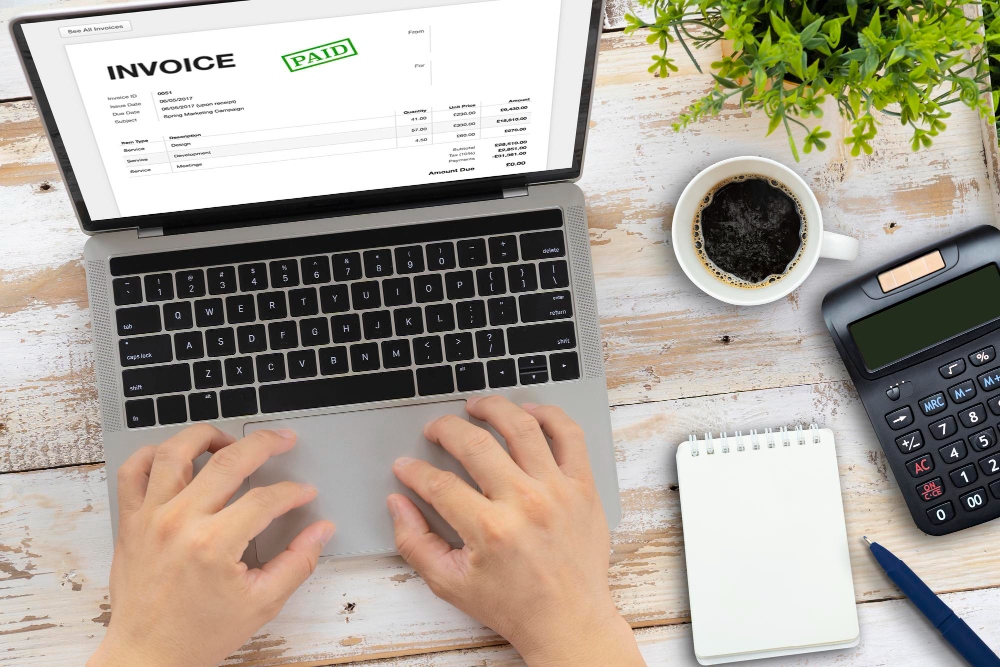
There are three main ways to send invoices, depending on your workflow and business type.
Option 1: Snail mail
Sending invoices by mail is the traditional method.
How it works:
- Print the invoice
- Place it in an envelope
- Mail it to the client
Example:
A construction company may send physical invoices for large projects where formal documentation is required.
Pros:
- Formal and official
- Useful for certain industries
Cons:
- Slow delivery
- Higher costs (printing and postage)
This method is less common today but still used in specific situations.
Option 2: Invoice email
Email is the most common and efficient way to send invoices.
How it works:
- Attach the invoice as a PDF
- Write a short message
- Send directly to the client
Example:
A freelancer completes a project and emails the invoice immediately, reducing delays.
Best practices:
- Use a clear subject line
- Keep the message short
- Attach a PDF (not editable files)
Email invoices are fast, free, and widely accepted across industries. If you’re comparing documents, understanding invoice vs receipt can also be helpful.
Option 3: Invoicing software
Invoicing software is the most advanced and efficient method.
How it works:
- Create invoices inside the platform
- Send directly via email or link
- Track payment status automatically
Example:
A small business sends invoices through software and receives notifications when clients view or pay them.
Using an invoice maker helps automate the entire process—from creation to payment tracking—saving time and reducing errors.
Benefits:
- Faster payments
- Automatic reminders
- Payment tracking
- Professional templates
This method is ideal for businesses that send invoices regularly.
How much does it cost to send an invoice?
The cost depends on the method you use.
Free methods
- Email invoices: $0
- Basic templates: $0 (e.g., free invoice templates)
Low-cost tools
- Invoicing software: $10–$30/month
Traditional costs
- Printing: $0.10–$0.50 per page
- Postage: $0.50–$1 per invoice
For example, sending 50 invoices by mail could cost $50+, while email or software-based invoicing is nearly free.
Most modern businesses choose digital methods to reduce costs and speed up payments.
Track your invoice status and automate reminders
Sending an invoice is only part of the process—you also need to track it.
Why tracking matters
Without tracking, you won’t know:
- If the client received the invoice
- When it was opened
- Whether payment is overdue
For example, a freelancer who doesn’t follow up may wait weeks longer to get paid. Avoiding common invoicing mistakes can significantly improve payment speed.
Automating reminders
Many businesses use automated reminders to improve payment speed.
Typical reminder schedule:
- Day 1: Invoice sent
- Day 7: Friendly reminder
- Day 14: Follow-up
- Day 30: Final notice
You can also include penalties using invoice late fees to encourage faster payments.
Real-world example
A consultant invoices a client for $2,000 with Net 14 terms:
- Sends invoice on Day 1
- Reminder on Day 10
- Payment received on Day 13
Automation removes the need for manual follow-ups and improves consistency.
Send Invoices Faster and Get Paid on Time
Learning how to send an invoice properly can make a major difference in how quickly you get paid. From creating accurate invoices to choosing the right delivery method, every step affects your cash flow.
Whether you send invoices by email, mail, or software, the key is to stay consistent, professional, and timely. Businesses that nail their invoicing process get paid faster and reduce administrative work.
With an invoice maker, you can create professional invoices, send them instantly, and track payments in real time—so you always know where your money is.
