
Invoice Number Explained: Meaning, Examples, and How to Create
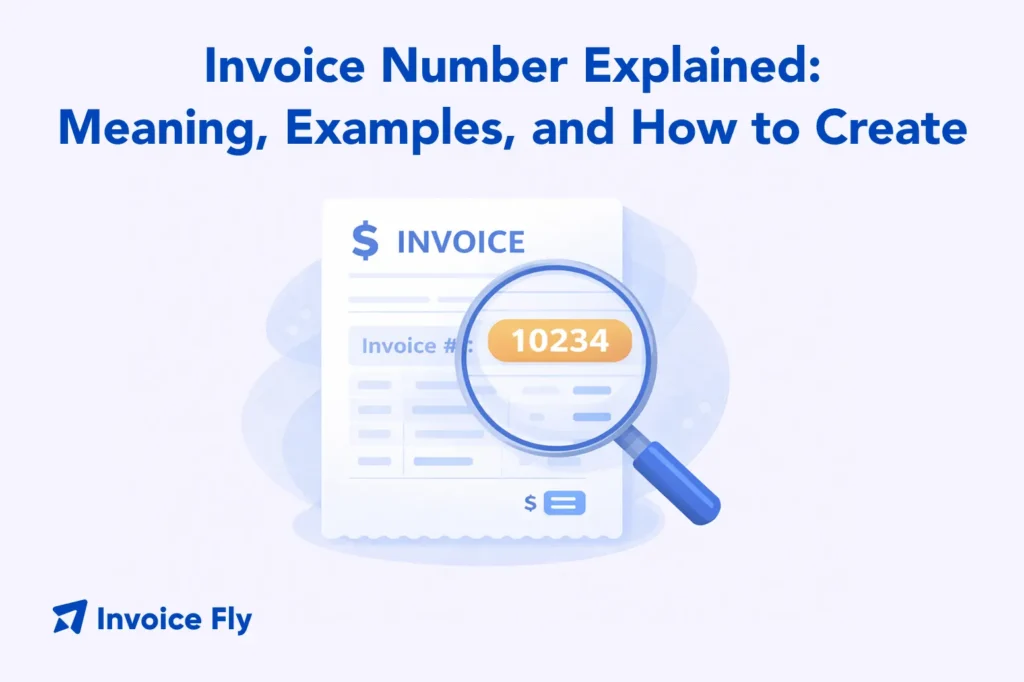
Table of Contents
An invoice number is a unique identifier assigned to each invoice issued by a business. It helps track payments, organize financial records, and reference specific transactions when communicating with clients or accountants. Invoice numbers are usually displayed at the top of an invoice and follow a sequential or structured format.
Using a consistent invoice numbering system helps prevent duplicate invoices, simplifies bookkeeping, and ensures accurate financial reporting. Without it, managing payments and preparing taxes becomes much harder.
This guide will cover:
- Why invoice numbers are important
- Whether invoice numbers are legally required
- How to create an invoice number system
- Different invoice numbering formats
- When to update invoice numbers
- Common mistakes to avoid
- How to track invoice numbers effectively
Let’s start with why invoice numbers matter in the first place.
Why you need an invoice number
While an invoice number is an important reference, it’s also a core part of running an organized business.
First, it helps you track payments. If you send multiple invoices to the same client, you need a way to distinguish them. Instead of saying “that $500 invoice from last month,” you can refer to “Invoice #1023,” which removes confusion.
Second, invoice numbers improve record-keeping. When reviewing financial statements or preparing taxes, having a clear numbering system allows you to:
- Identify missing payments
- Match invoices to bank deposits
- Track revenue over time
For example, a contractor issuing 50 invoices per month can quickly spot gaps if invoice #1050 is missing between #1049 and #1051.
Third, they support professional communication. Clients often reference invoice numbers when making payments or asking questions. Without one, communication becomes unclear.
Finally, invoice numbers help with audit trails. If your records are ever reviewed, a structured system shows consistency and transparency.
To better understand how invoices function overall, it helps to read our guide on: what is an invoice.
If you’re still creating invoices manually, switching to an invoice maker can automatically generate invoice numbers, reduce errors, and keep your records organized from day one.
Are there legal requirements for invoice numbers?
In many countries, invoice numbers are required.
Tax authorities often expect invoices to:
- Be uniquely numbered
- Follow a sequential order
- Avoid duplicates or gaps
This helps prevent fraud and ensures accurate reporting.
For example, if your invoices jump from #200 to #205 with no explanation, it may raise questions during an audit. That’s why consistency matters.
Even where not strictly required, using invoice numbers is strongly recommended. According to the IRS, businesses must maintain accurate financial records for tax purposes.
In practice, this means:
- Each invoice should have a unique number
- Numbers should not repeat
- Your system should be easy to follow
How to create an invoice number

Creating an invoice number system is simple, but it needs to be consistent from day one.
Choose a format
Start by deciding how your invoice numbers will look.
Common formats include:
- Simple numeric: 001, 002, 003
- Alphanumeric: INV-001, INV-002
- Date-based: 2026-001
Example: A freelance designer might use “INV-1001” for their first invoice to make it look more professional.
If you’re setting up invoices properly, following a structured guide like how to write an invoice ensures your numbering system fits into a complete, professional layout.
Decide on a starting point
Pick a number to begin with. Most businesses start at:
- 001
- 1000
Starting at 1000 can make your business appear more established.
Example:
Instead of sending invoice #1, you send #1001, which feels more credible to clients.
Keep it unique
Every invoice number must be different.
Duplicating invoice numbers creates confusion in:
- Accounting records
- Payment tracking
- Client communication
Example: If two invoices share the same number, a client might pay the wrong one—or your accountant may misreport income.
Keep it simple and consistent
Your system should be easy to follow.
Avoid overly complex formats like:
- INV-2026-MARCH-CLIENT-001
Instead, stick to something clean like:
- 2026-001
- INV-001
Consistency matters more than complexity.
Document your system
Write down your numbering method so you can stick to it.
This helps if:
- You hire a bookkeeper
- You scale your business
- You switch accounting tools
Example: A small agency documents: “Invoices increase sequentially, starting at 2000, with prefix INV-.”
Review and adapt
As your business grows, your system may need adjustments.
For example:
- Adding client codes
- Including project identifiers
- Switching to automated invoicing software
The key is to adapt without breaking your existing sequence.
How to assign invoice numbers
There are several ways to assign invoice numbers depending on your workflow.
Sequential numbering
This is the simplest and most common method.
Example:
- 001
- 002
- 003
Best for:
- Freelancers
- Small businesses with low invoice volume
Sequential numbering with date
This method includes the year or month.
Example:
- 2026-001
- 2026-002
This helps you quickly identify when an invoice was issued.
Example scenario: A consultant reviewing invoices from 2024 can easily separate them from 2025 records.
Sequential numbering with customer ID
You can include a customer identifier in your invoice number.
Example:
- CUST01-001
- CUST02-001
This is useful if you work with multiple recurring clients.
Example: A marketing agency managing 10 clients can track invoices per client without confusion.
Sequential numbering with Project Name
This method ties invoices to specific projects.
Example:
- WEB-001
- DESIGN-002
Useful for:
- Project-based work
- Construction or freelance jobs
Example: A contractor working on two builds can separate invoices by project name.
If you create estimates before invoicing, using a free estimate generator helps keep your pricing and invoice numbering aligned from the start.
When to update invoice numbers
Invoice numbers should never be changed once issued.
However, there are situations where updates may be necessary:
- If an invoice is canceled → mark it as “void” instead of deleting
- If a mistake is found → issue a corrected invoice with a new number
- If switching systems → continue the sequence, don’t restart
Example: If invoice #1050 is incorrect, don’t reuse the number. Instead:
- Void #1050
- Issue #1051 as the corrected version
This keeps your records clean and avoids confusion.
Invoice number mistakes and deleted invoices
Mistakes with invoice numbers can cause serious problems.
Common errors include:
Skipping numbers
Example: Jumping from #100 to #105 without explanation
Duplicating numbers
Example: Two invoices labeled #101
Deleting invoices
Instead of deleting, mark them as void to maintain your sequence
Changing numbers after sending
This confuses clients and disrupts records
Example: A freelancer deletes invoice #202 after a client cancels. Later, during tax preparation, there’s a gap in records that requires explanation.
The safer approach:
- Keep all invoice numbers
- Mark unused ones clearly
Avoiding these issues is easier when you follow best practices around invoicing mistakes.
How to track an invoice number?
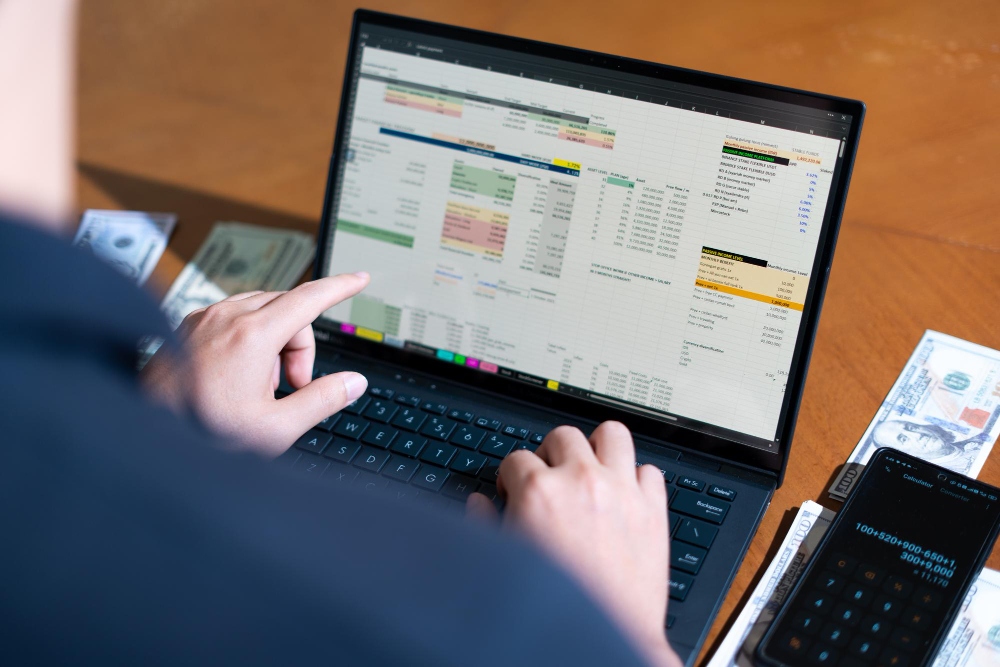
Tracking invoice numbers is essential for managing cash flow and staying organized.
There are several ways to do it:
Spreadsheets (Excel or Google Sheets)
- List invoice numbers
- Track payment status
- Monitor due dates
Example:
Column headers might include:
- Invoice number
- Client name
- Amount
- Status
Accounting software
Automatically assigns and tracks invoice numbers.
Manual logs
Useful for very small businesses, but harder to scale
Example: A freelancer logs invoices in a notebook but later switches to digital tracking as workload increases.
To ensure your invoices include all required details, reviewing professional invoice elements can help improve accuracy and consistency.
Create and Track Invoices Without Confusion
An invoice number is a simple but powerful tool for managing your business finances. It allows you to track payments, stay organized, communicate clearly with clients, and maintain accurate records as your business grows.
The best invoice numbering system is one that is:
- Unique
- Sequential
- Easy to follow
- Consistent over time
Whether you use a basic numbering system or a more advanced format with dates or client IDs, the goal is the same: clarity and control over your financial records.
To understand how invoice numbers fit into your overall billing workflow, it helps to revisit what is an invoice.As your workload increases, managing invoice numbers manually can quickly become confusing. That’s where using an invoice maker makes a real difference. It automatically assigns invoice numbers, keeps everything organized, and reduces the risk of errors.
