Free Invoice Generator
Create invoices online in minutes for your freelance work or small business with our free invoice generator, invoice builder, and invoice maker.
Get paid by
- Invoice
- Receipt
- Quote
- Bill
| Description | QTY | Rate | Amount |
|---|
| Description | Qty | Amount |
|---|
| Subtotal | |
| Tax (0%) | |
| Balance Due |
| Description | Qty | Amount |
|---|
| Subtotal | |
| Tax (0%) | |
| Balance Due |
| Description | Qty | Amount |
|---|
| Subtotal | |
| Tax (0%) | |
| Balance Due |
- Totals, taxes, and discounts calculated for you
- Send invoices by email to your clients
- Share invoices using a secure link
- Download your invoice as PDF
- Save client details and reuse them for future invoices
- Create professional invoices that help you get paid faster
How to Make an Invoice
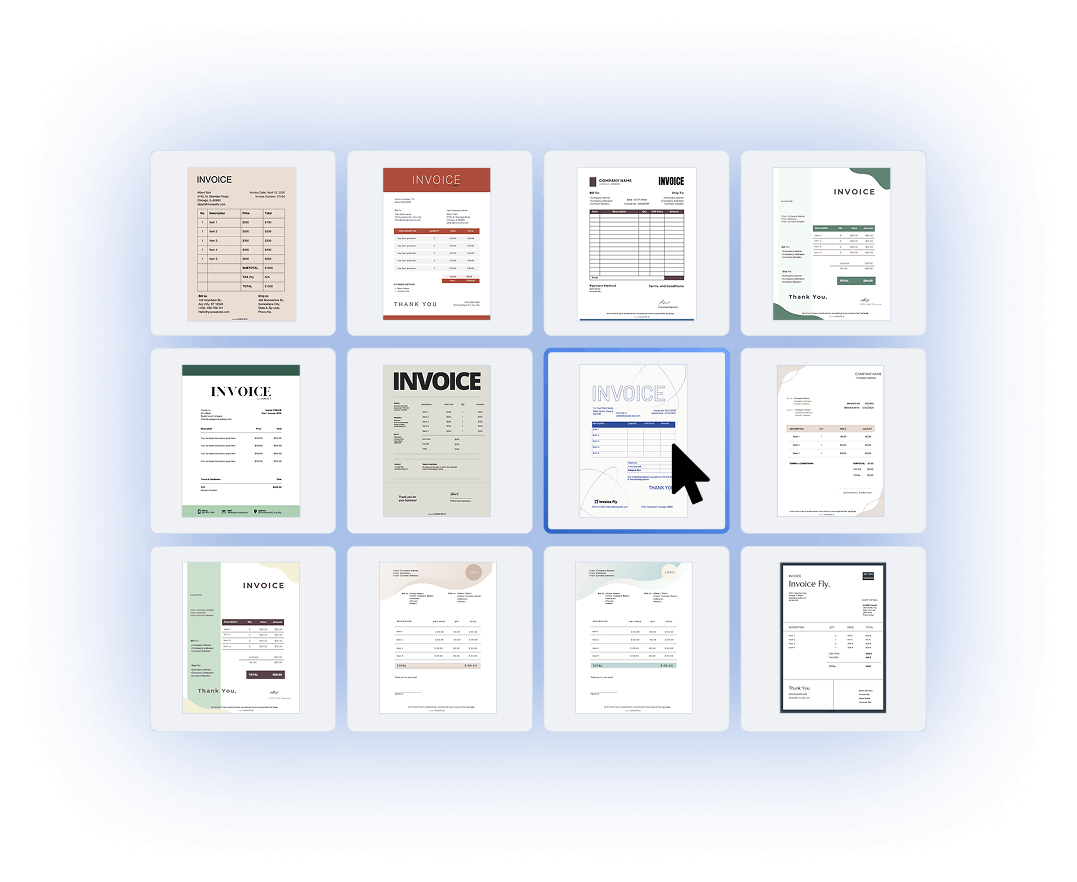
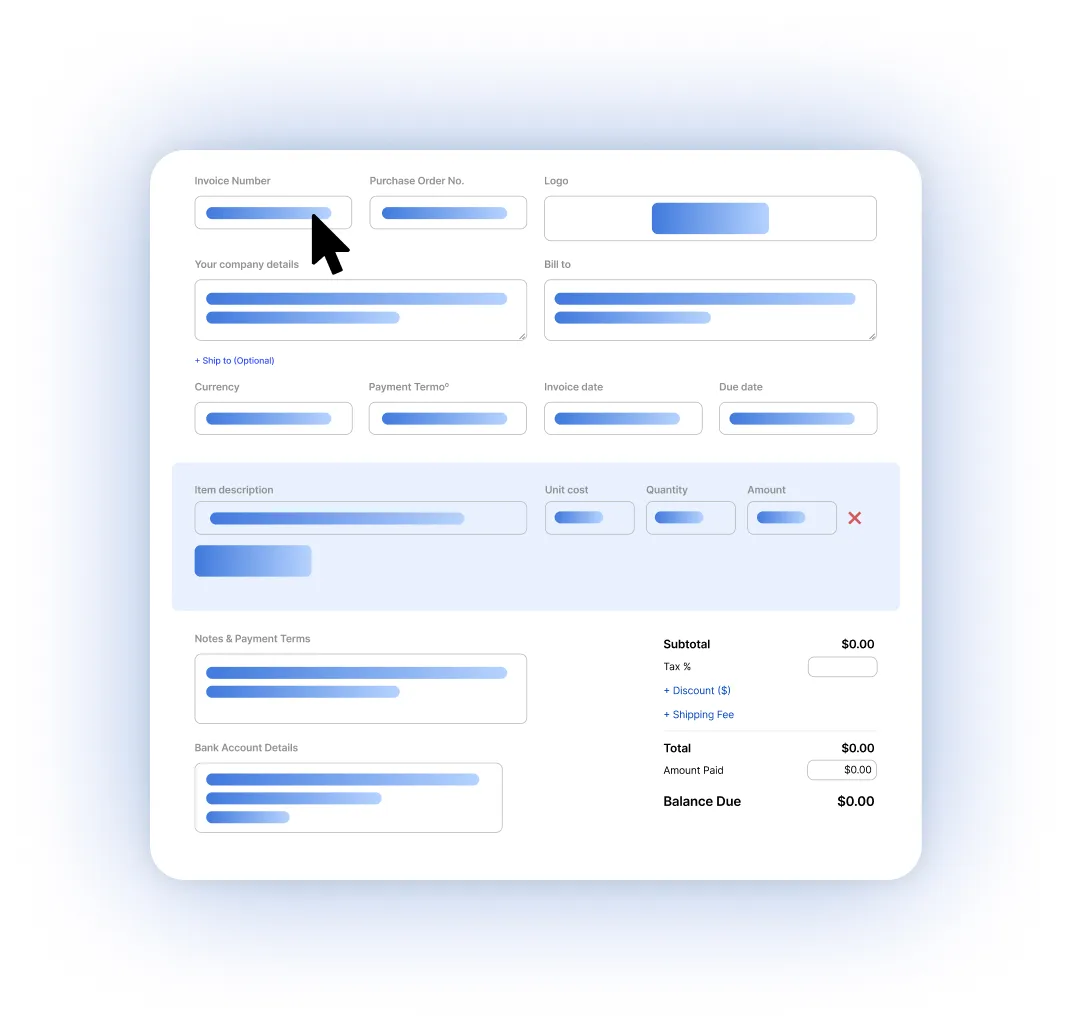
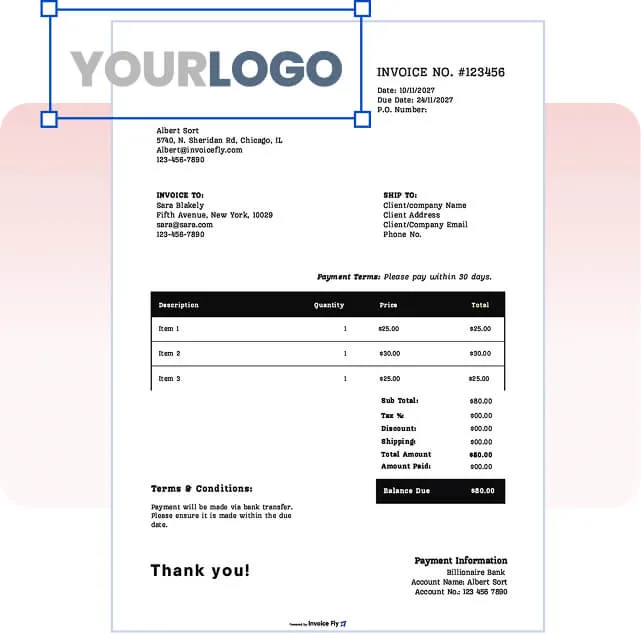
Use our invoice builder to begin with your business and client details. Choose a layout that fits your invoice style and customize it as you go.
Add your business and client information directly into our invoice maker, including names, addresses, and contact details. Then enter your services or products, set quantities, prices, taxes, and any discounts — our invoice generator calculates totals instantly as you fill everything in.
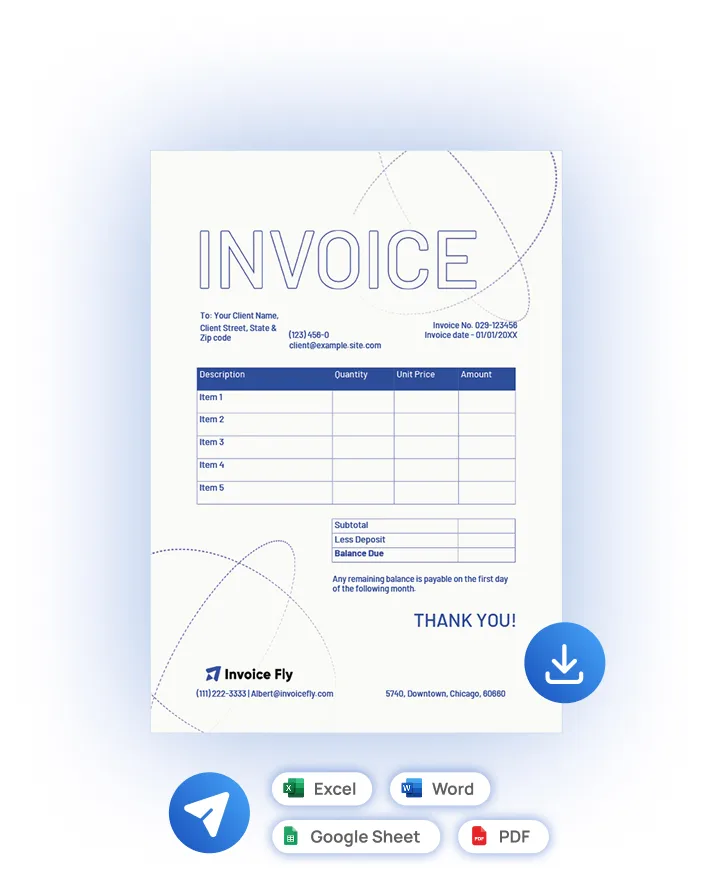
Once your invoice is ready, you can send it to your client by email or share it using a secure link. You can also download your invoice in PDF, Word, Excel, or Google Sheets format if you prefer to save or print it.
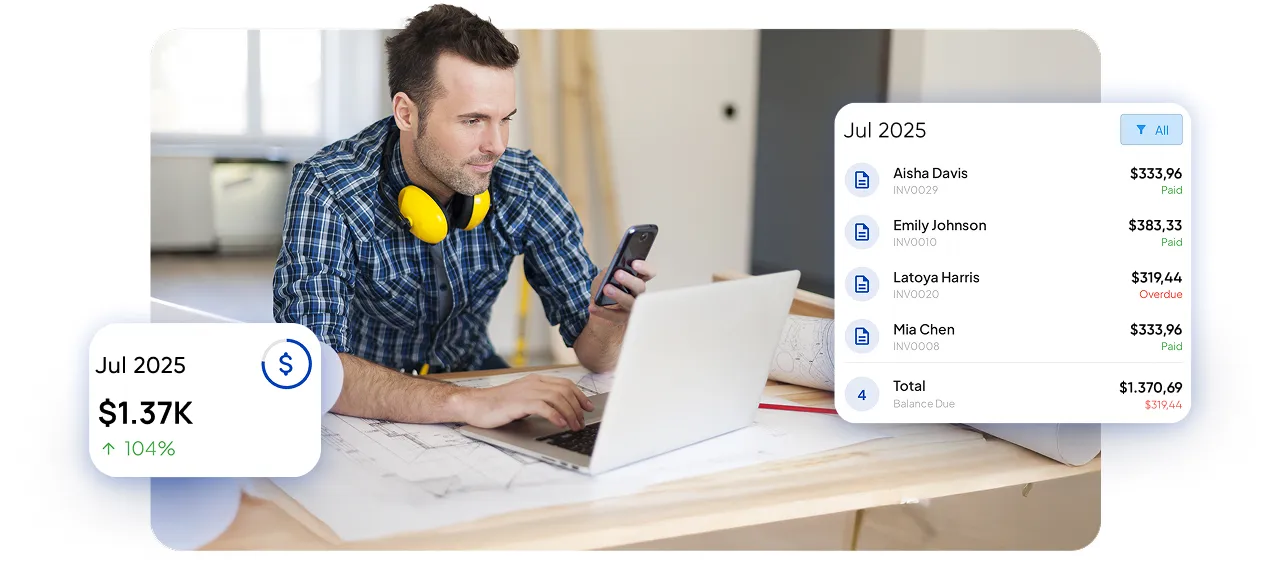
Clear, well-structured invoices make it easier for your clients to review, approve, and pay without delays. With everything organized in one place, you spend less time following up and get paid.
Everything you need in an invoice maker
Save time with our invoice builder
Our invoice builder remembers your details so you don't need to re-enter clients, items, or pricing each time.
Create once, reuse anytime
Save your business info, clients, and items. The invoice maker fills everything in automatically so you can generate invoices faster.
Send invoices instantly or download anytime
Use the invoice generator to send invoices by email or secure link, or download them as PDF, Word, Excel, or Google Sheets.
Looks professional on any device
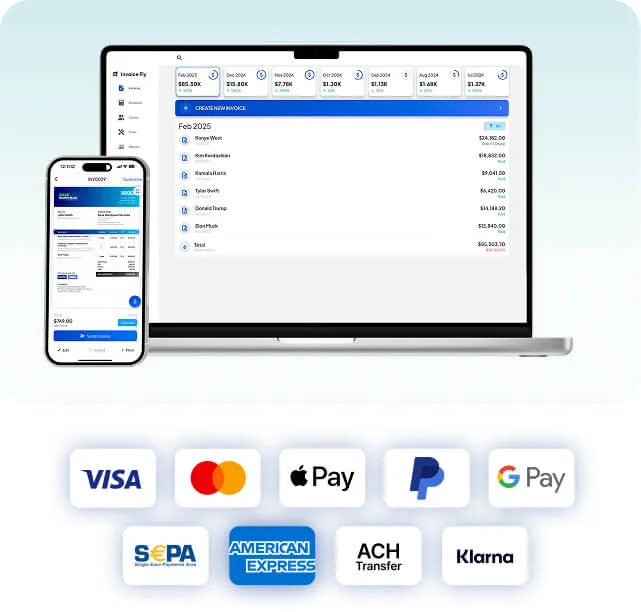
Invoices created with the Invoice Fly invoice generator are designed to look clean on screen and in print, whether your client opens them on a phone, tablet, or desktop.
Get paid faster
Well-structured invoices help clients understand what they're paying for, making it easier to get paid on time.
Works for any business
Whether you're a freelancer or running a small business, the invoice builder adapts to your workflow and helps you create invoices online with ease.
Create invoices online and send instantly
Use our online invoice creator to create invoices online and send them by email or secure link with no setup required.
Generate in browser now →"We went from $3,000 up to $3,800 - $4,200 per day"
By automating all administrative tasks, we spend less time in the office and can serve more customers, resulting in a roughly 40% increase in our daily revenue.

What to Include When Creating an Invoice Online
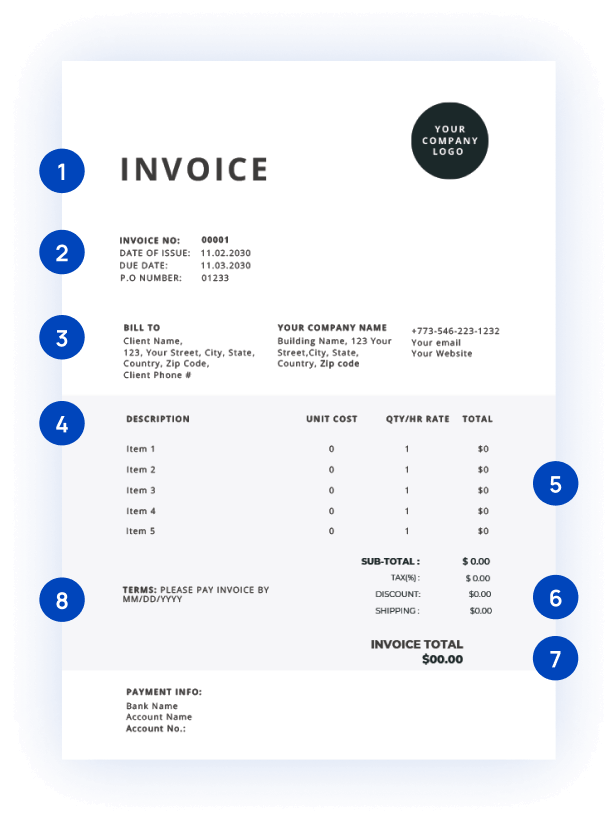
Our invoice generator guides you through every essential section so nothing gets missed and you get paid faster.
Invoice Header
A clear invoice title at the top. Our invoice builder formats it so clients instantly understand the document.
Invoice number and issue date
Include a unique invoice number and clear issue date so both you and your client can track the invoice easily.
Your business and client details
Enter your business and client information, and our invoice generator structures everything clearly and professionally.
Description of services or products
Enter your rates or item prices and let our invoice maker automatically calculate totals for you.
Prices and totals
Add taxes, discounts, or additional fees — our invoice builder calculates everything and shows the final amount clearly.
Taxes, discounts, and fees
Add taxes or discounts if needed. The invoice generator handles the math and shows the final amount due clearly.
Total Amount with currency selection
Choose the currency you want to bill in. Our online invoice creator lets you create invoices for local or international clients.
Payment terms and due date
Set payment terms, due dates, and notes upfront. Clear expectations mean fewer follow-ups and faster payments.
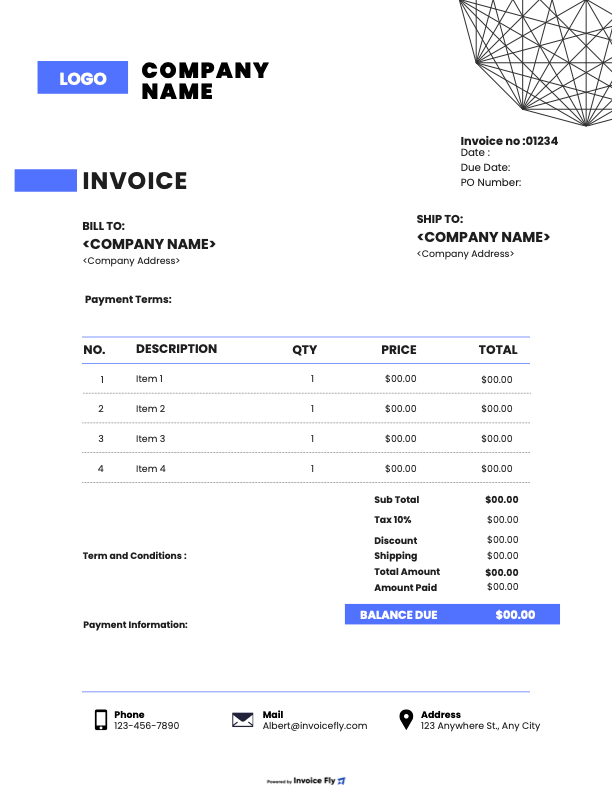
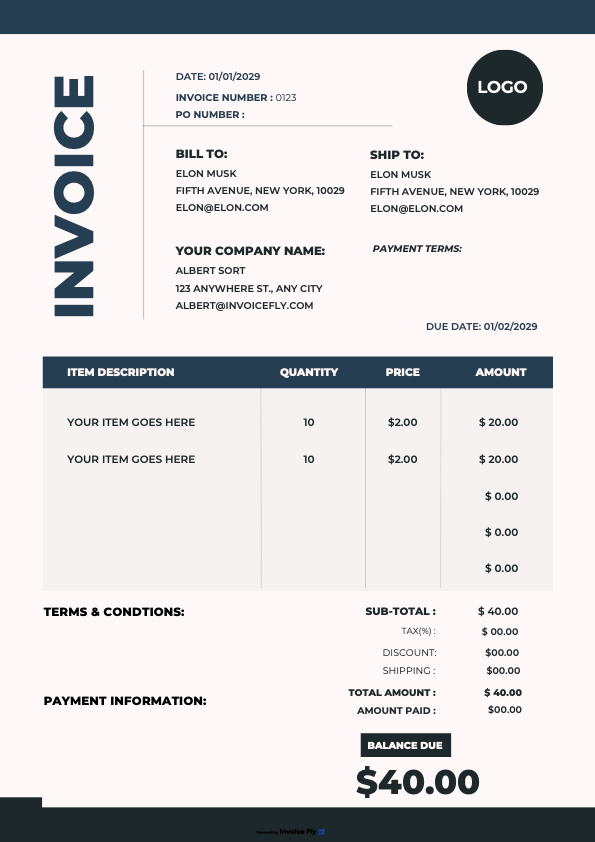
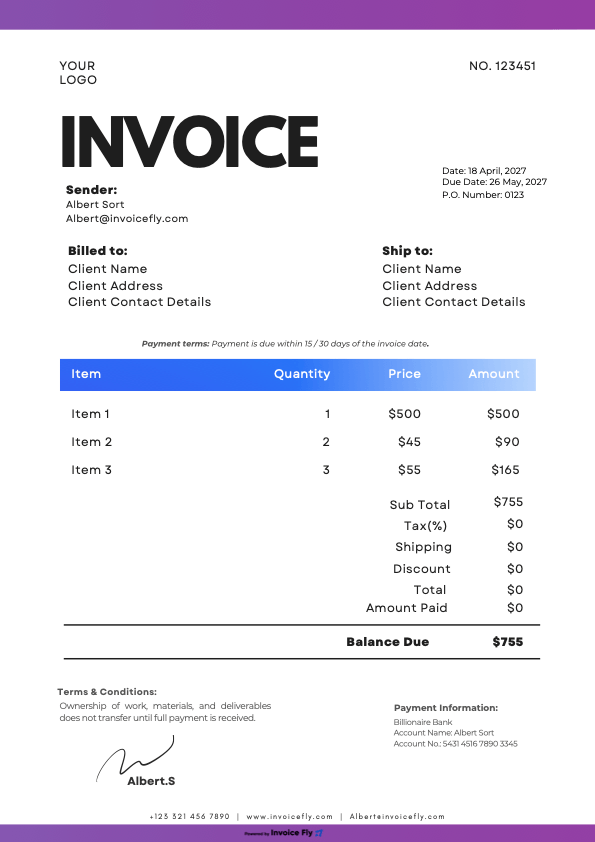
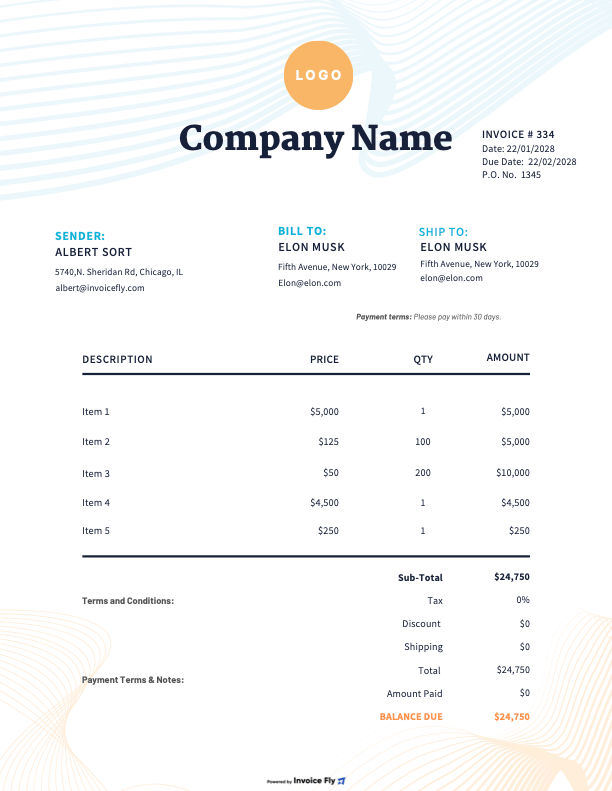
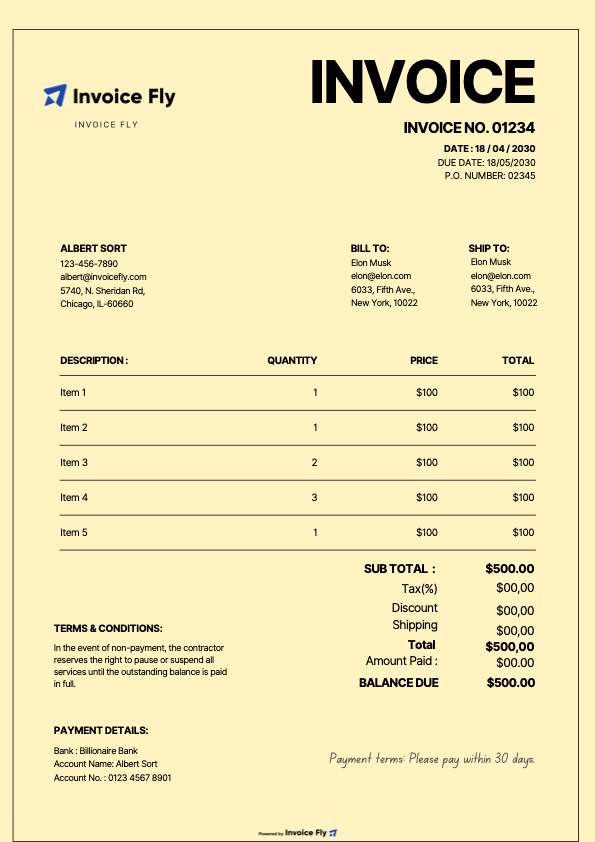
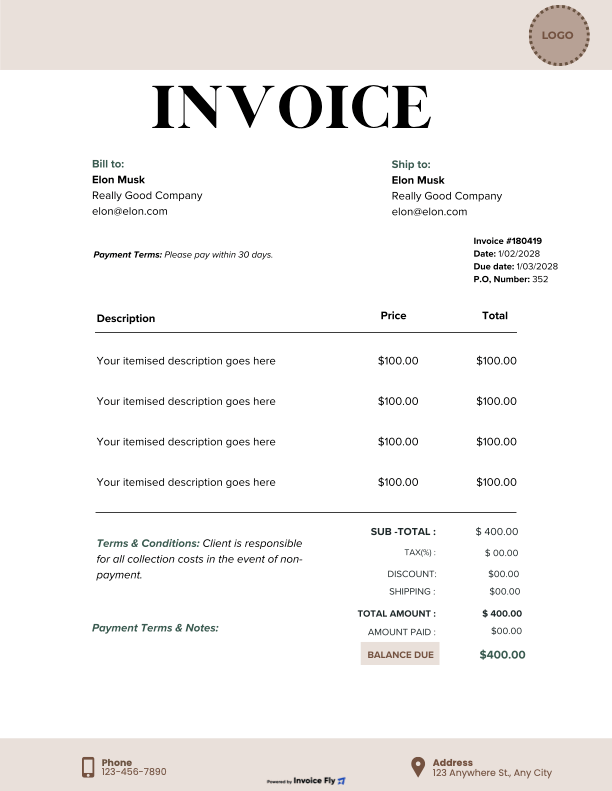
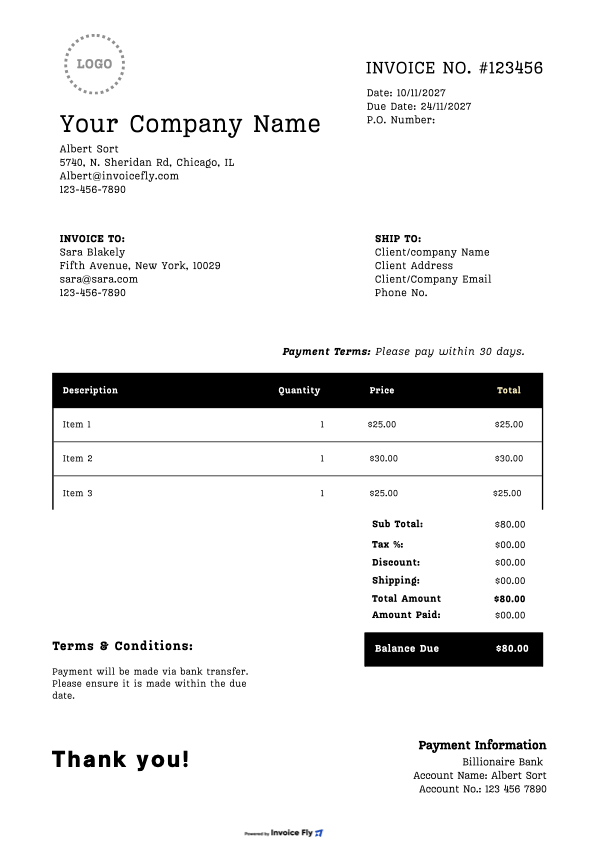
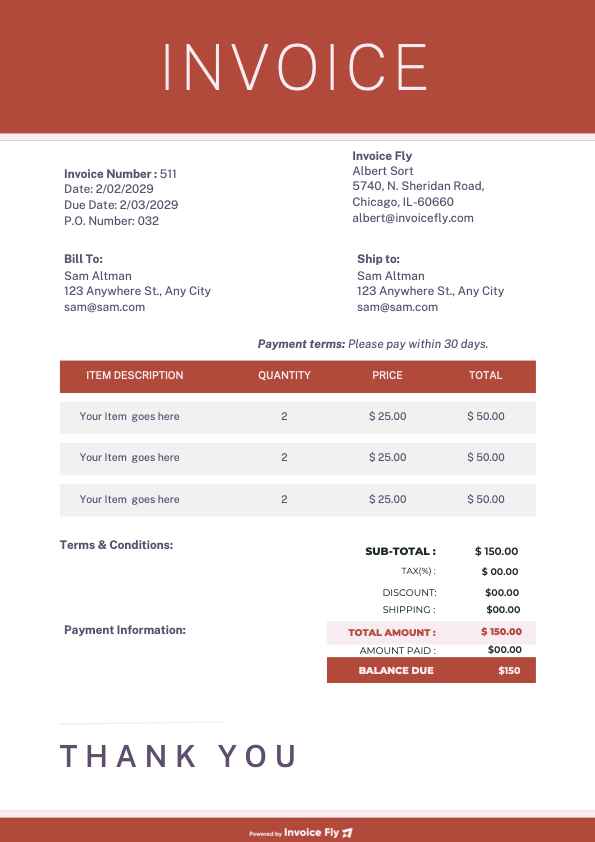
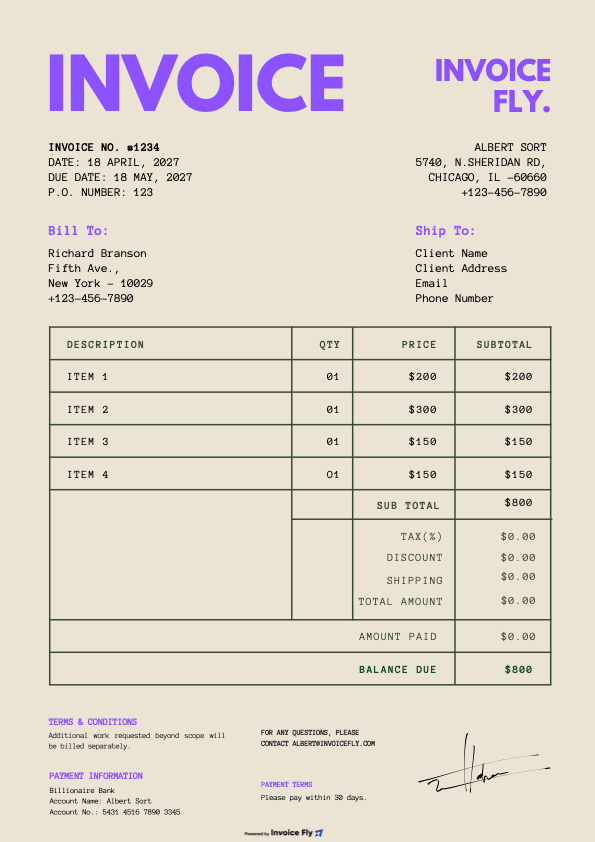
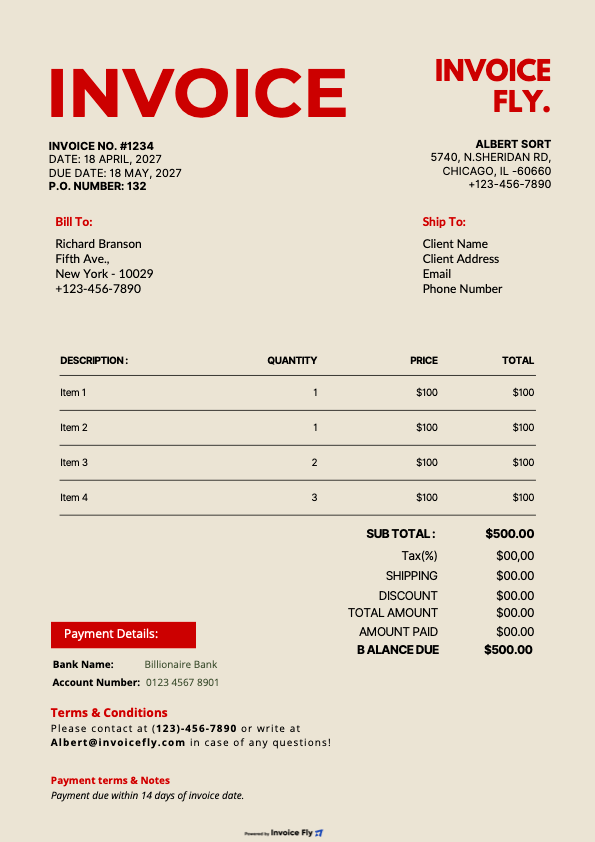
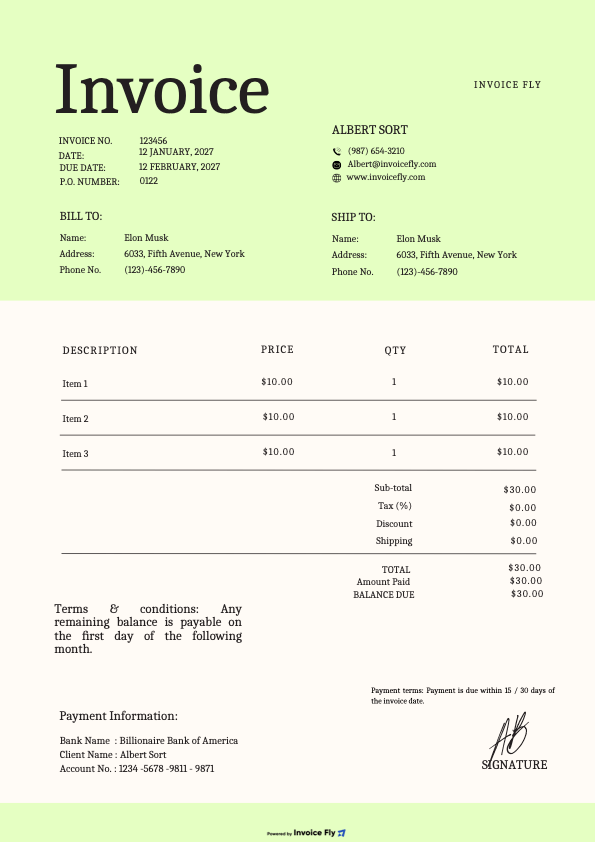
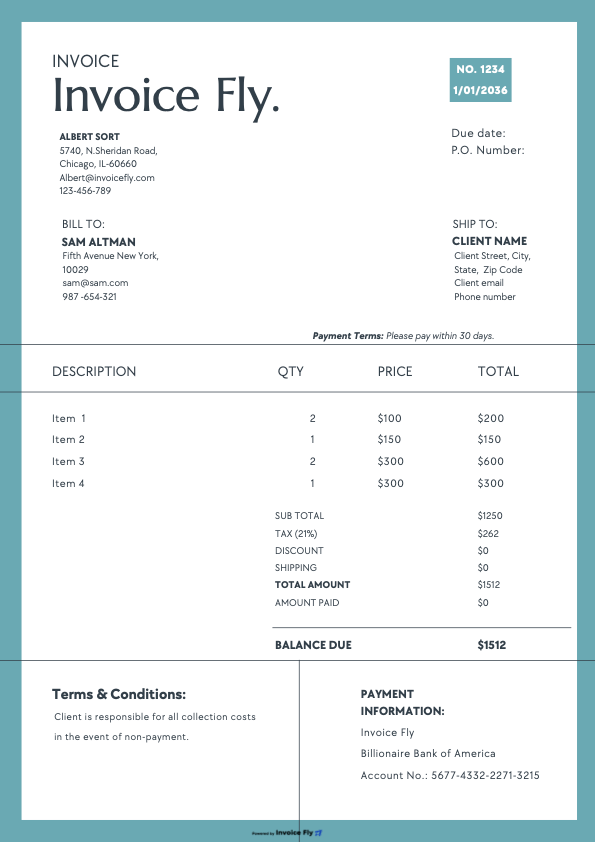
Would You Rather Use a Ready-made invoice template instead?
Choose a ready-made template, make a few quick edits, and use it for your invoice.
FAQs About Our Online Invoice Generator
Got questions about online invoicing? Here's everything you need to know about using Invoice Fly's invoice maker to create, send, and manage professional invoices.
Ready to Simplify Your Invoicing?
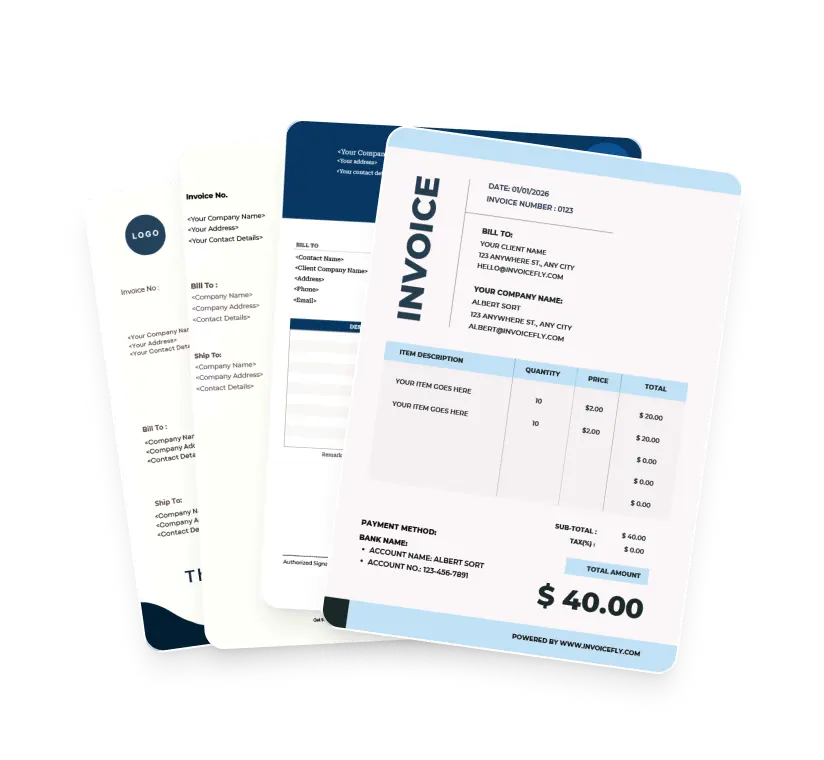
Choose from beautifully designed invoice templates, customize them to your needs, and download your invoice in seconds. For a faster workflow, you can also create invoices online using our invoice generator.