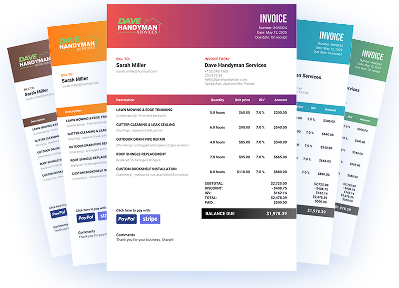
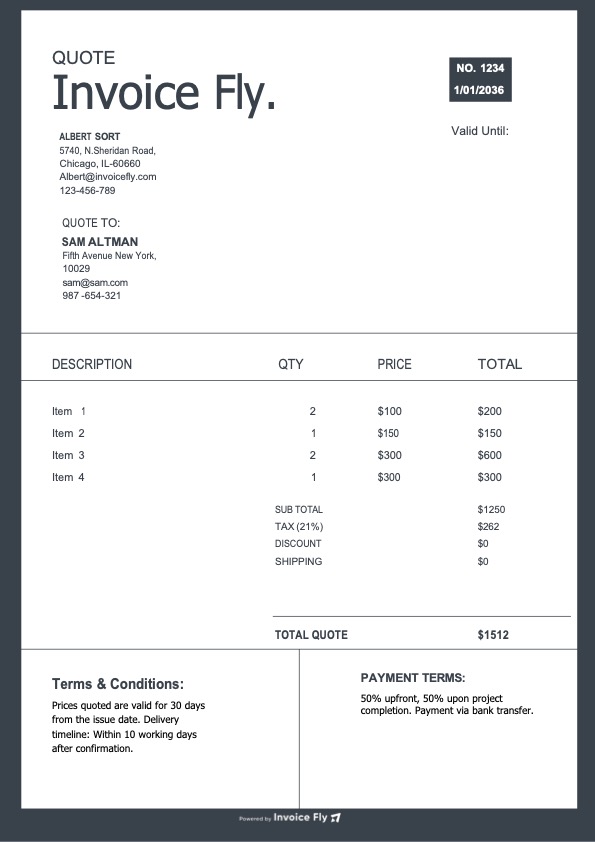
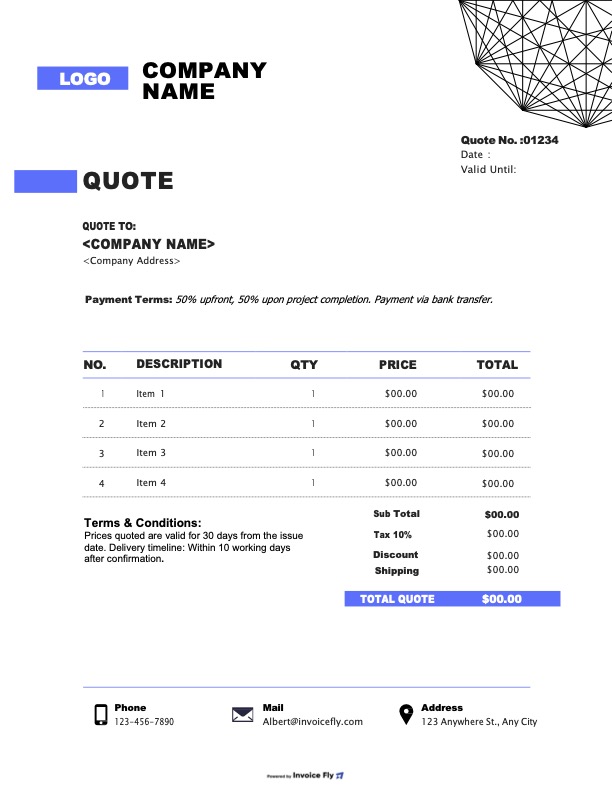
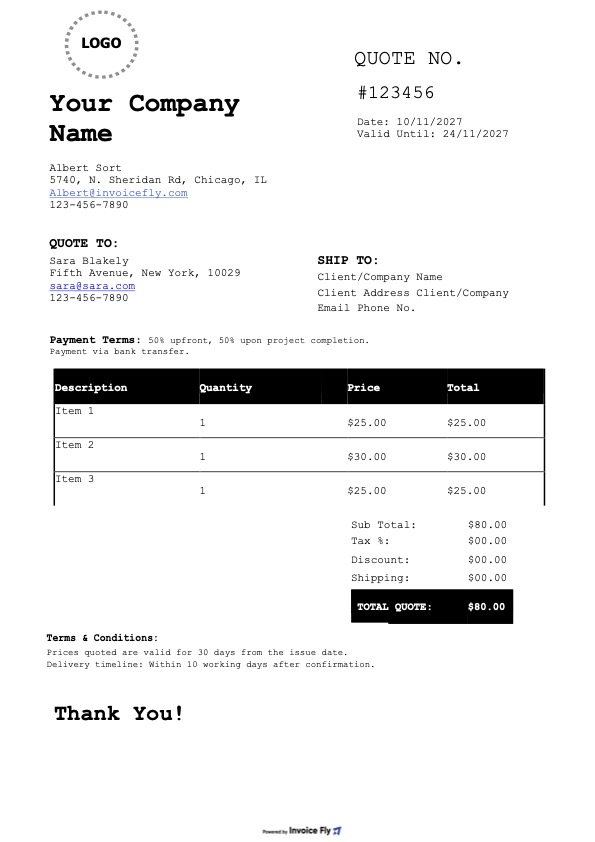
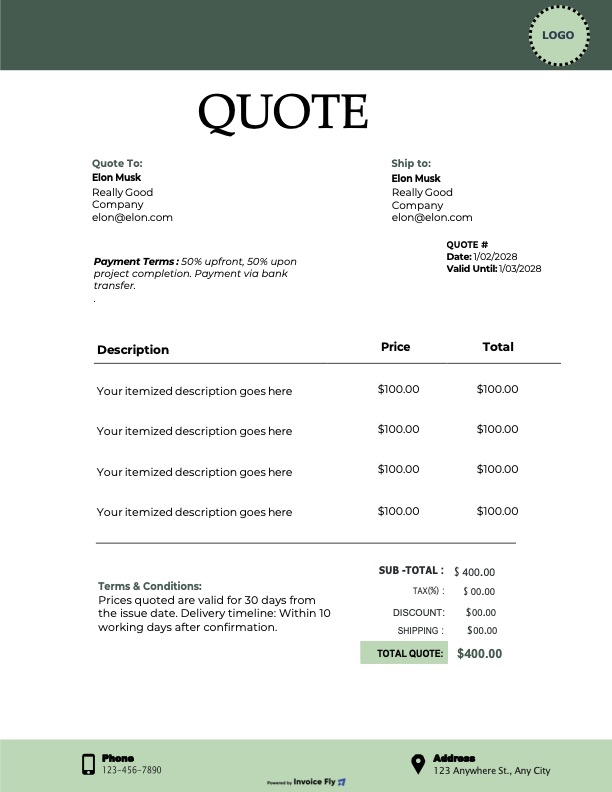
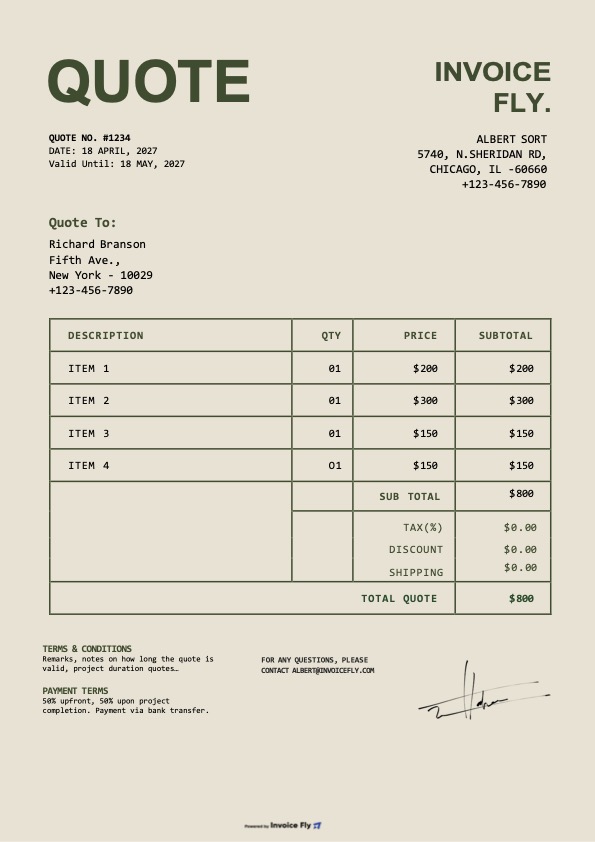
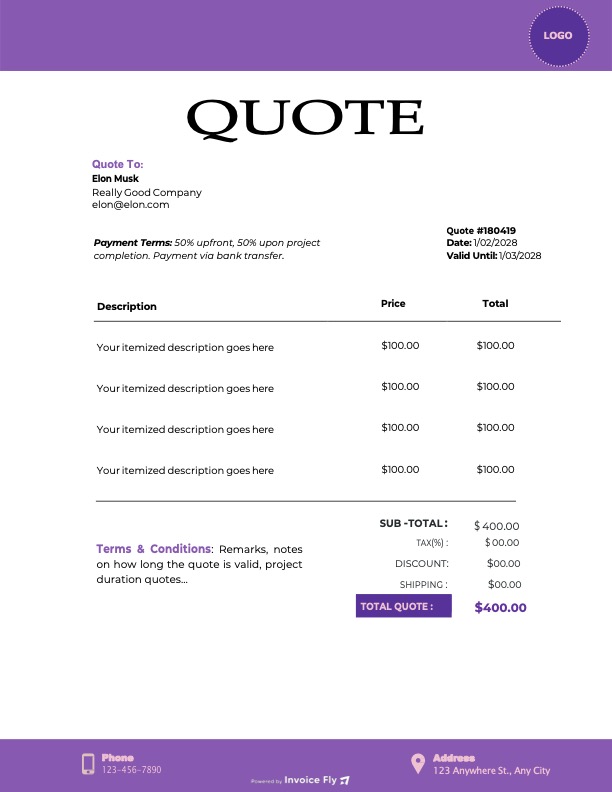
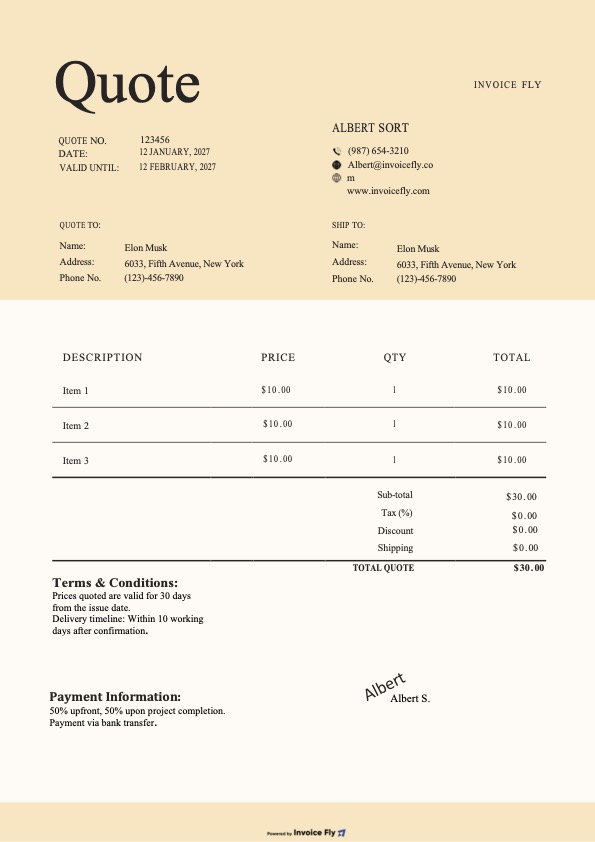
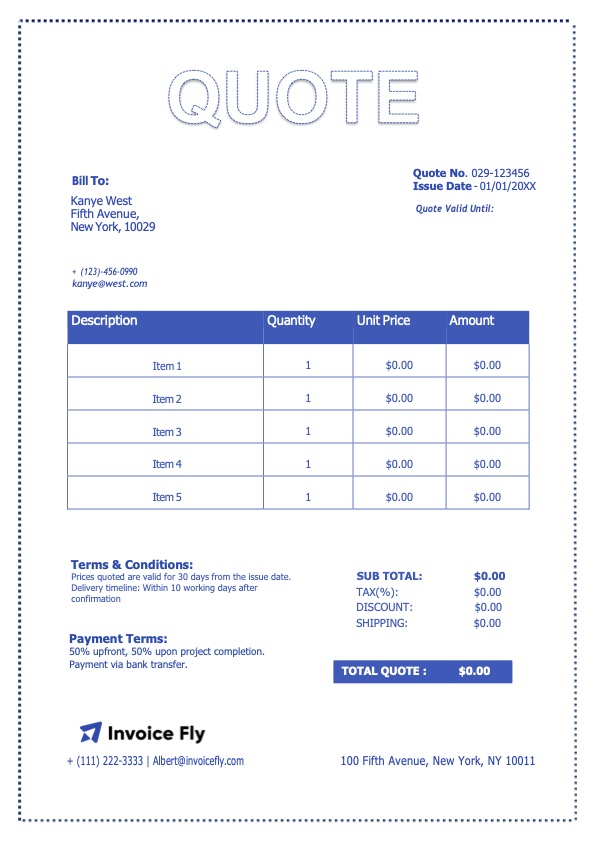
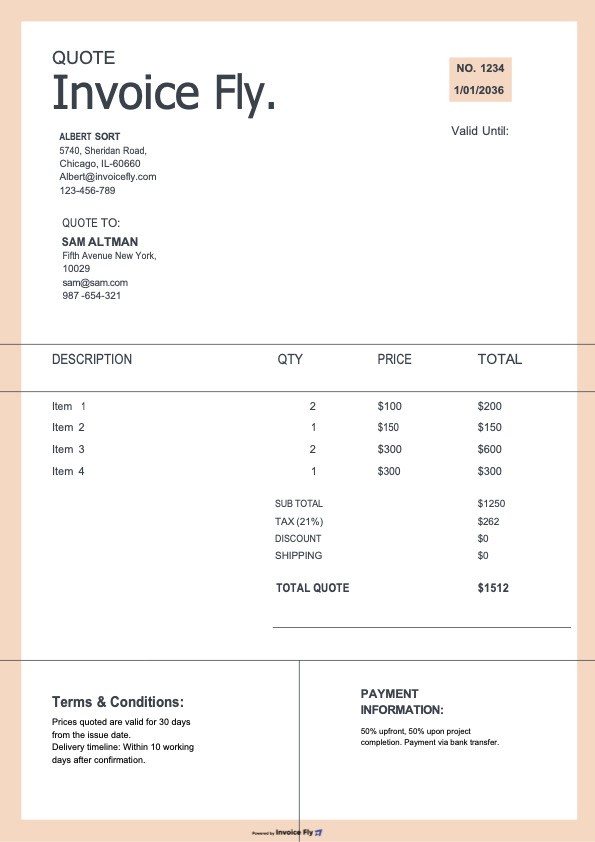
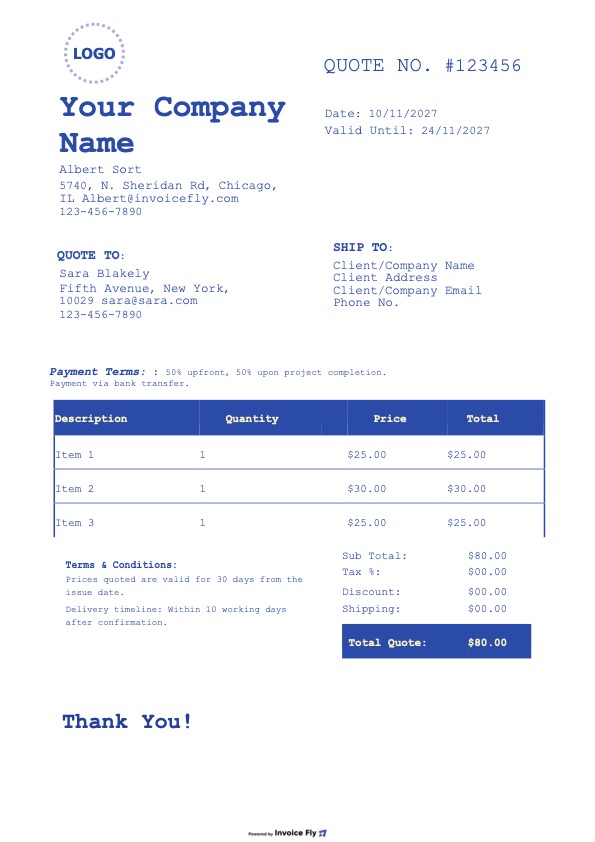
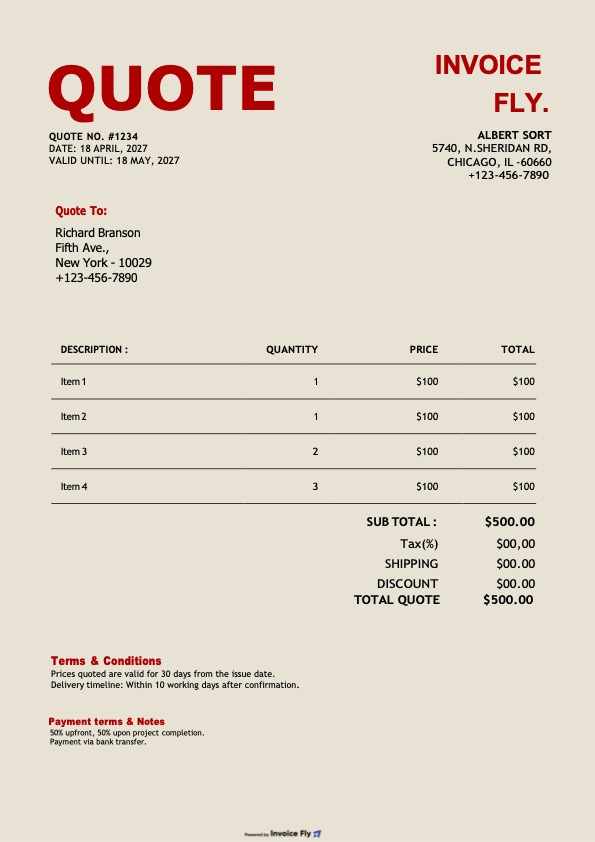
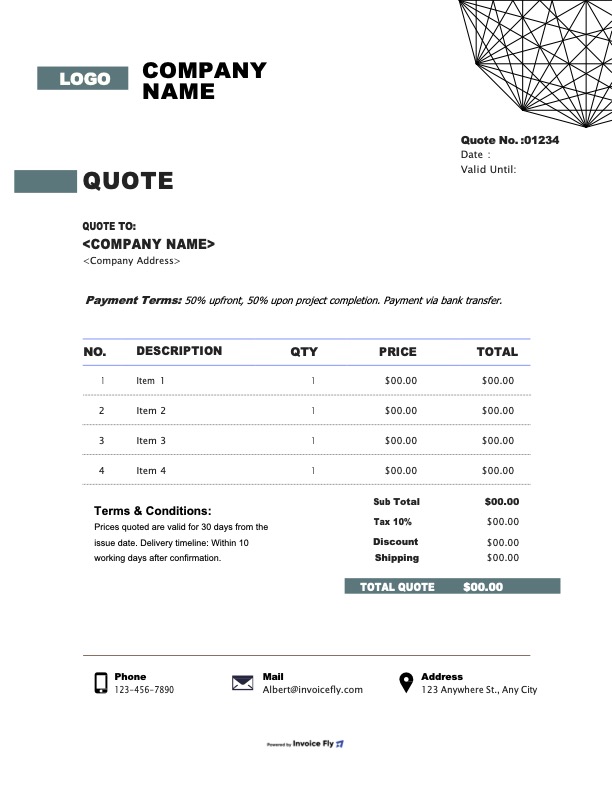
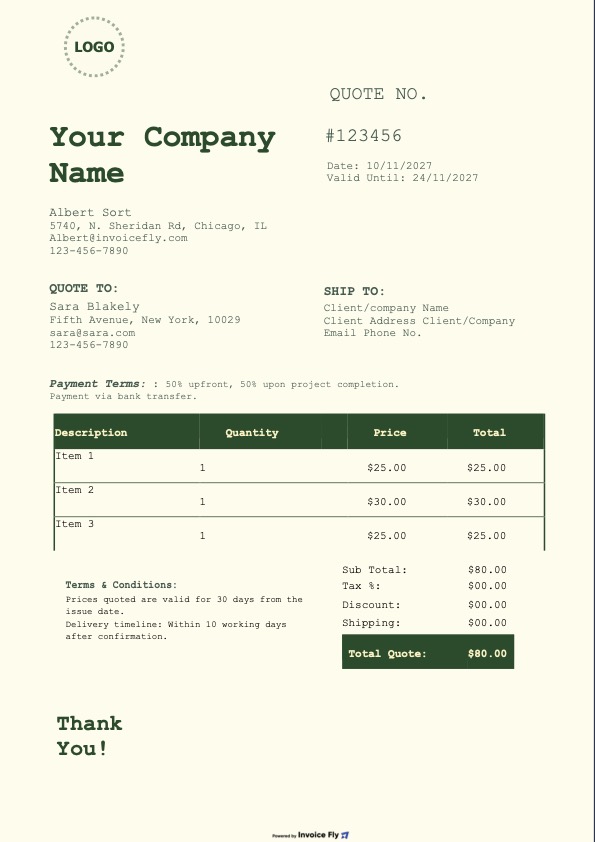
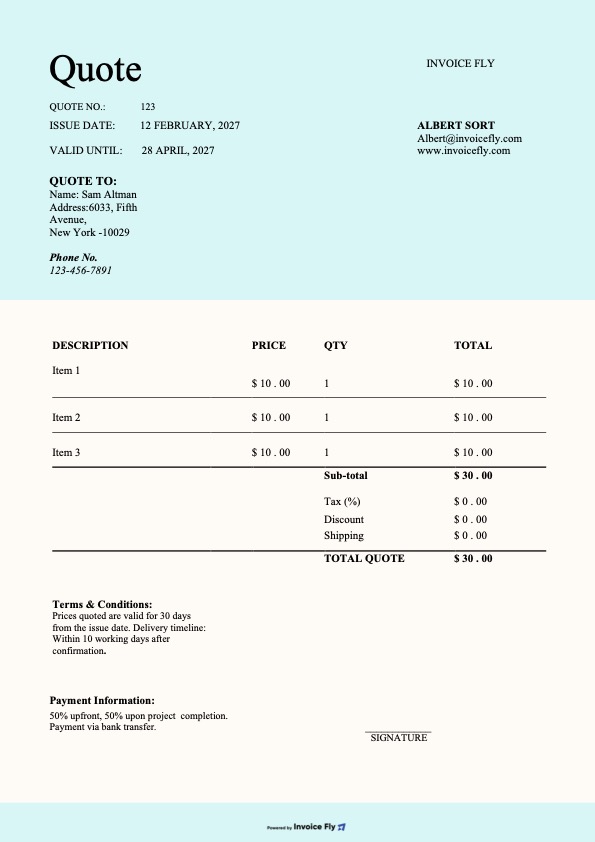
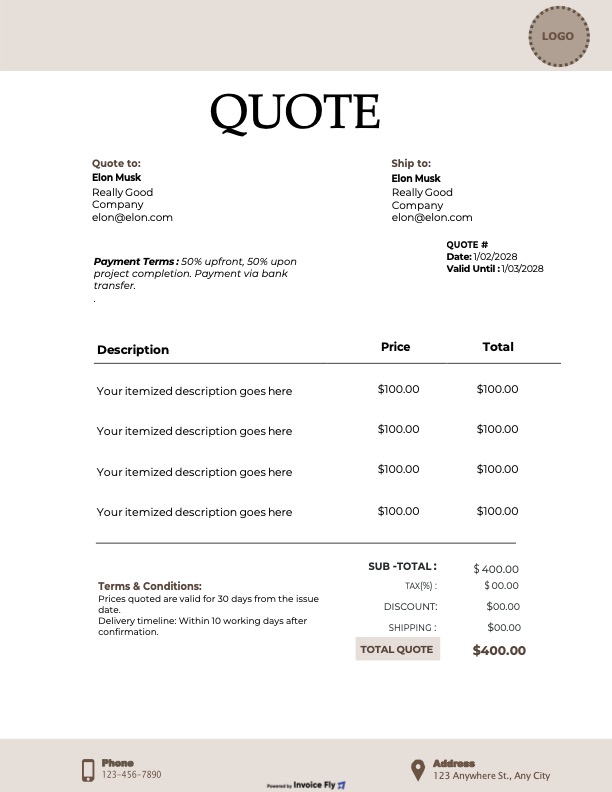
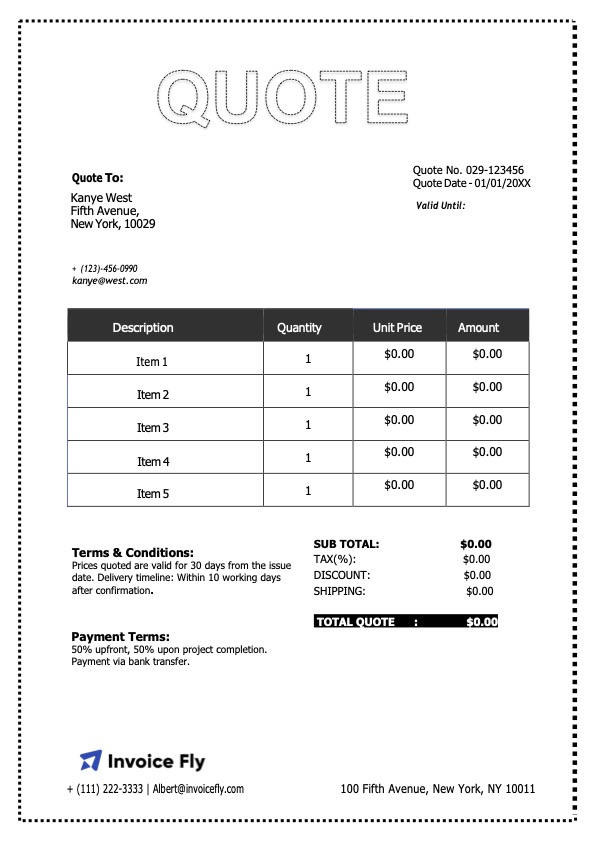
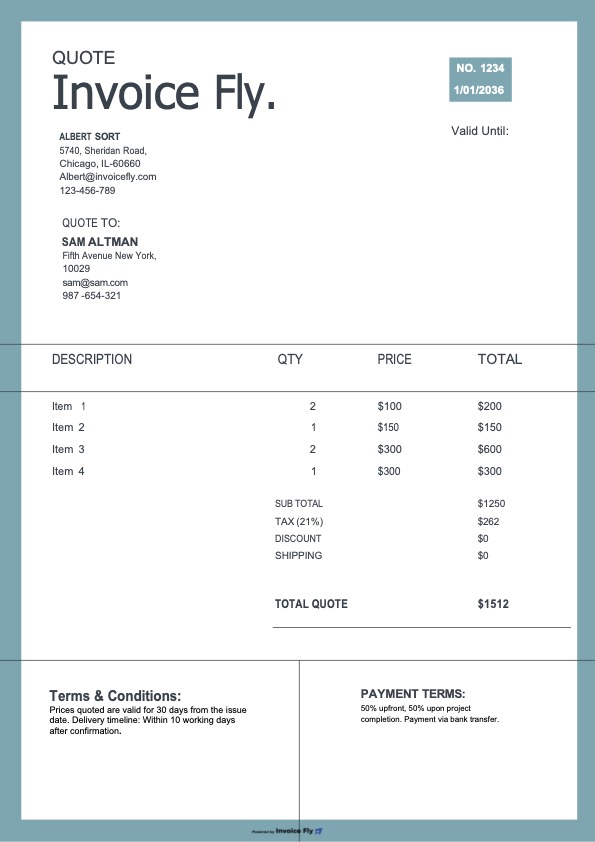
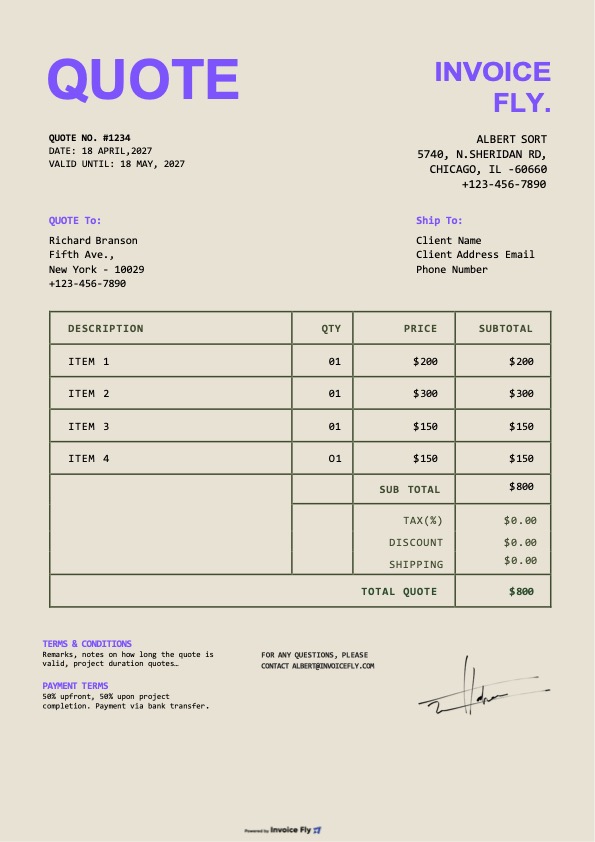
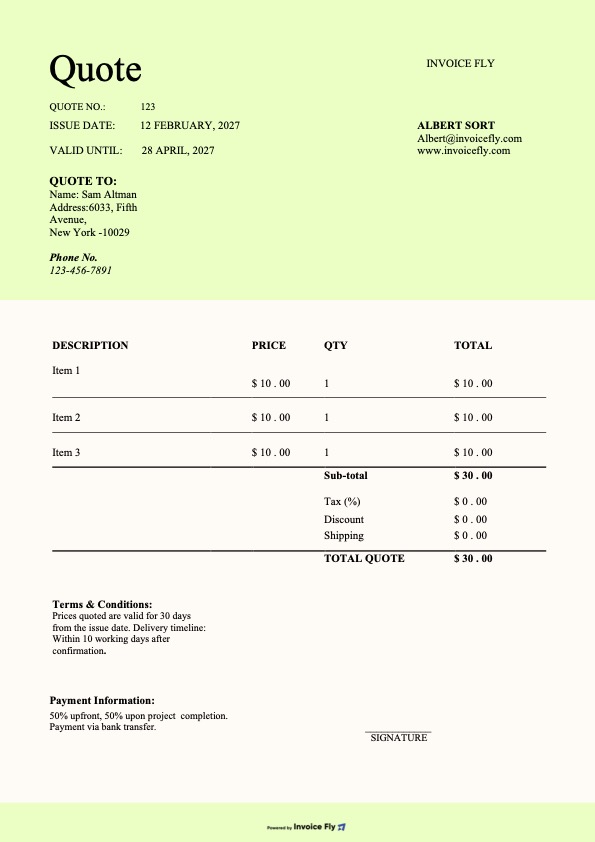
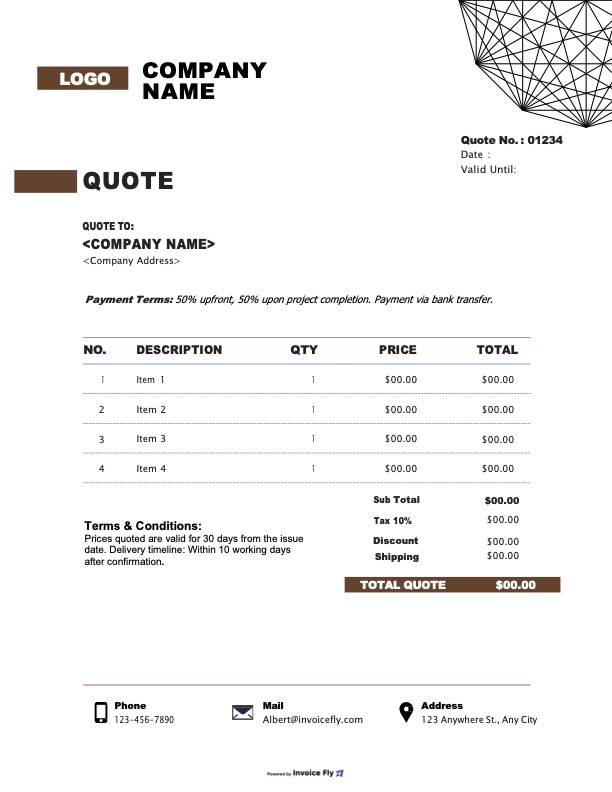
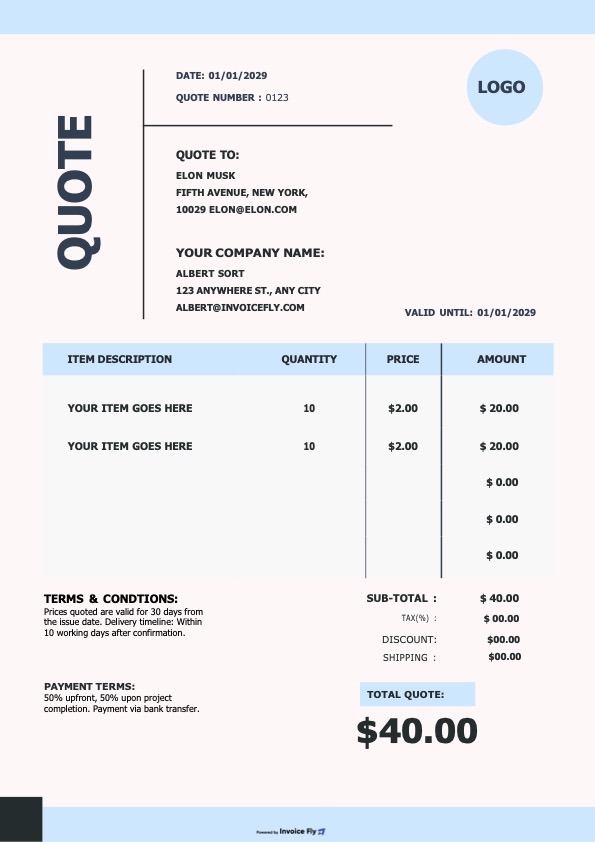
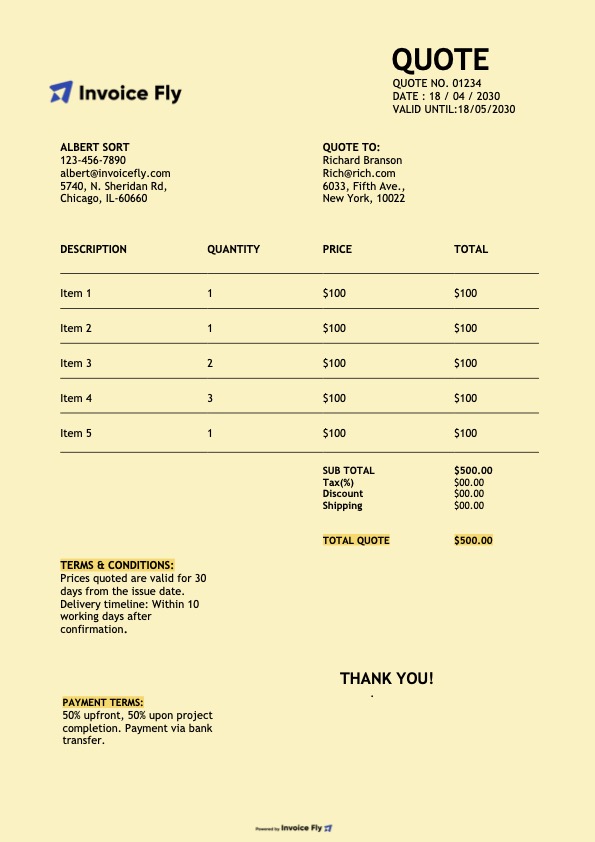
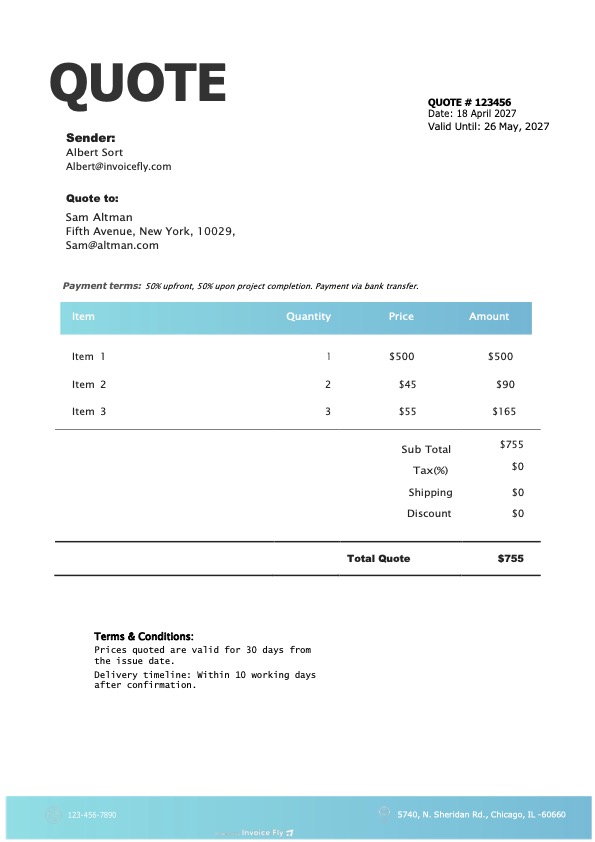
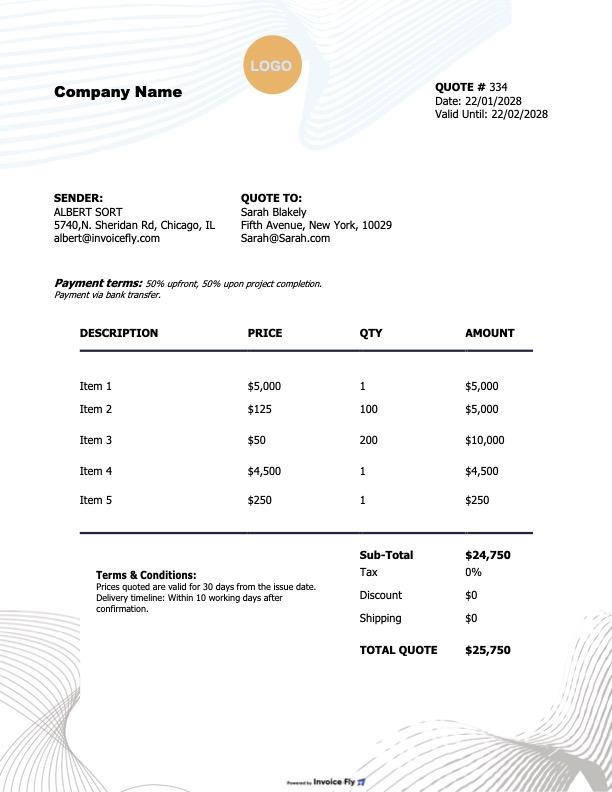
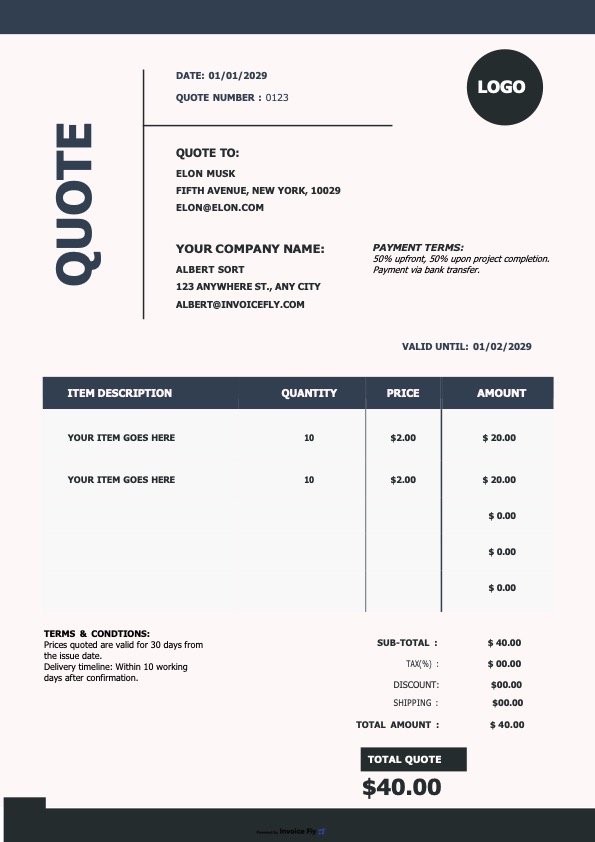
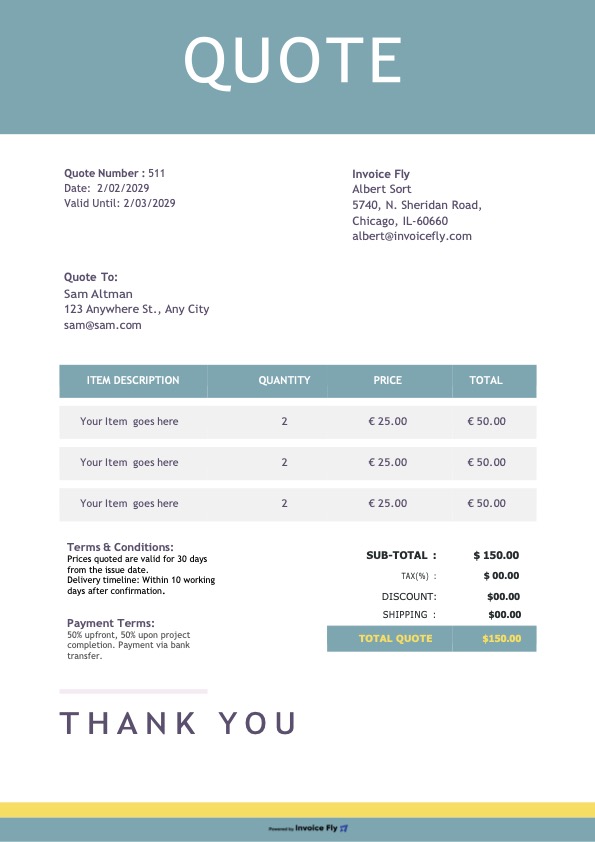
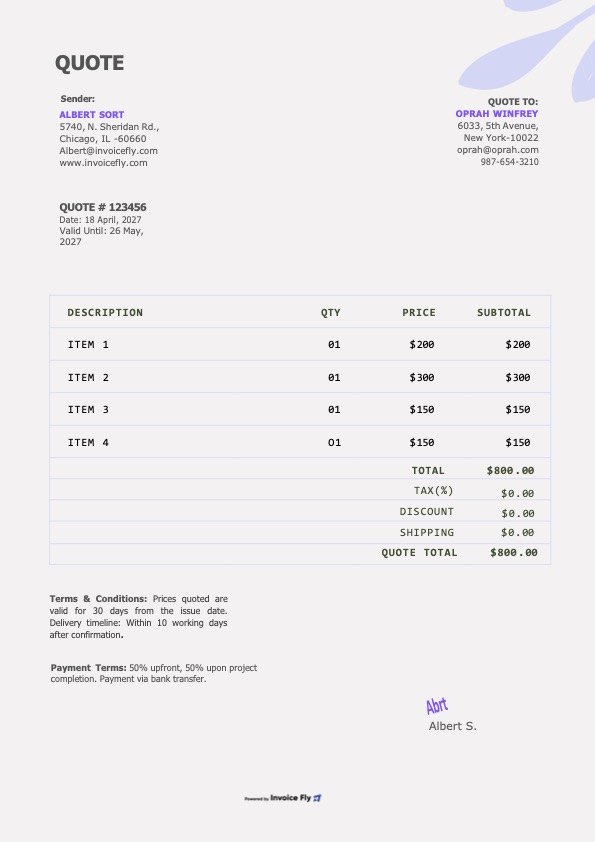
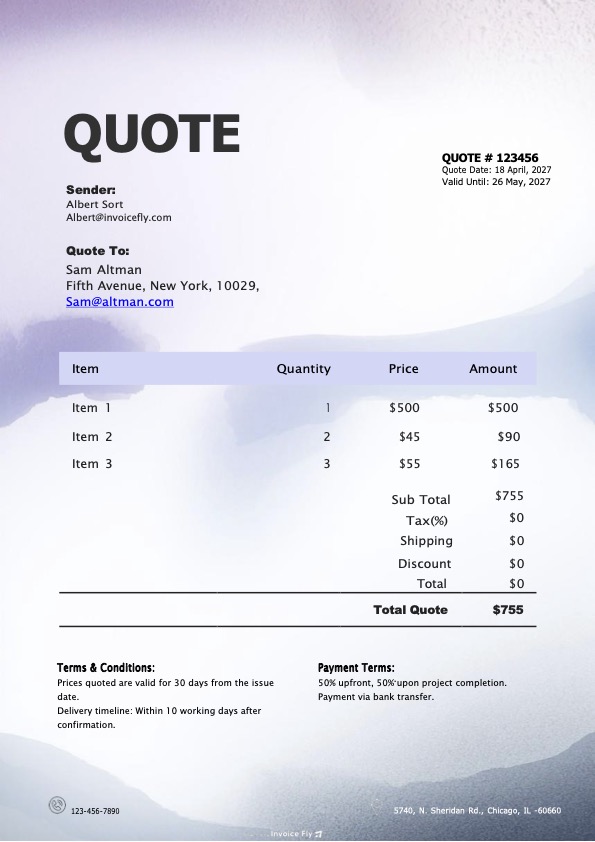
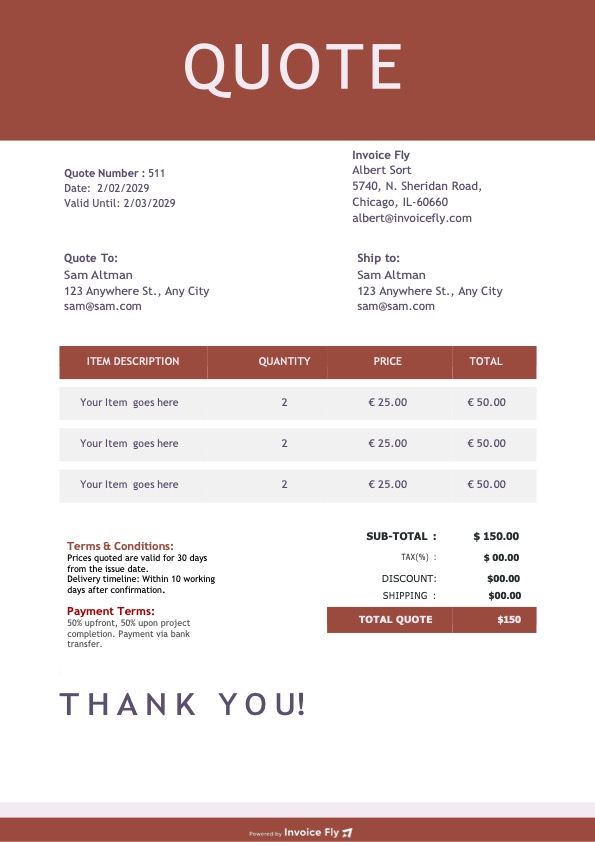
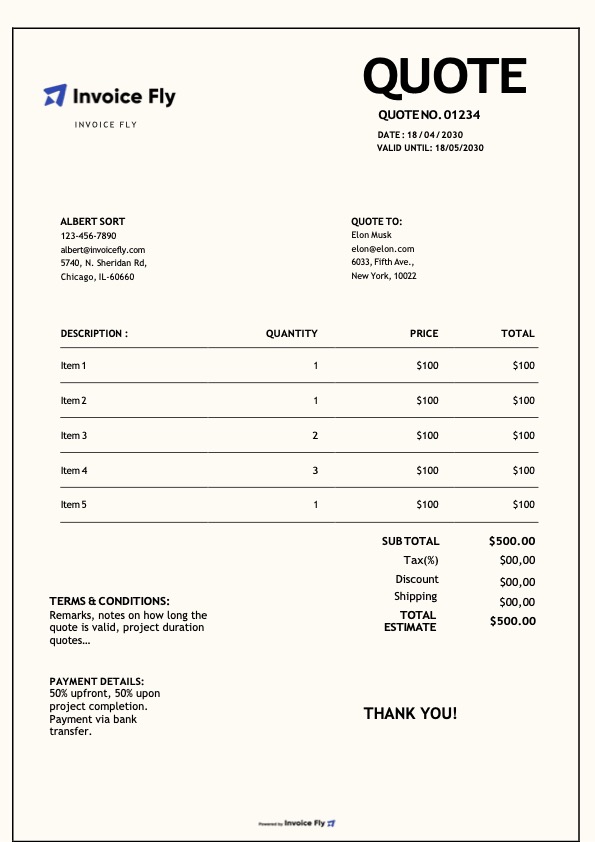
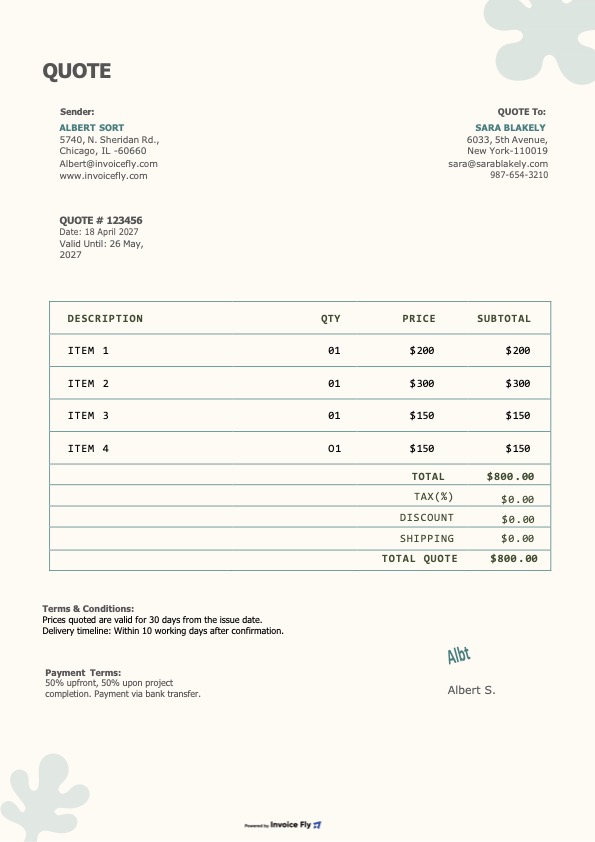
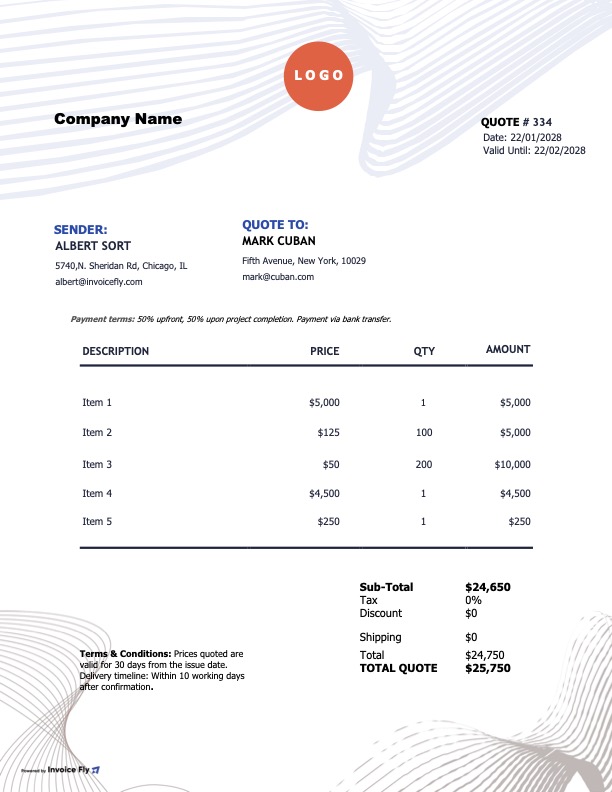
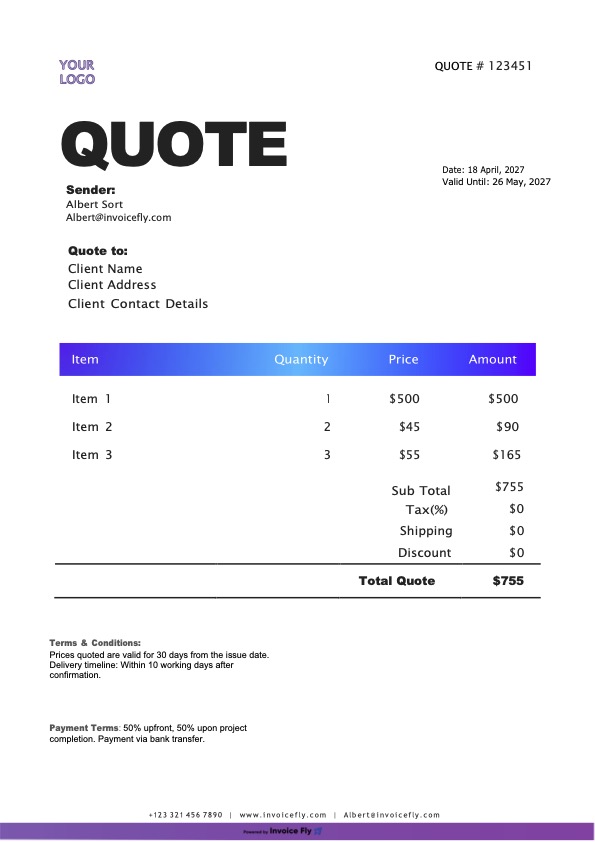
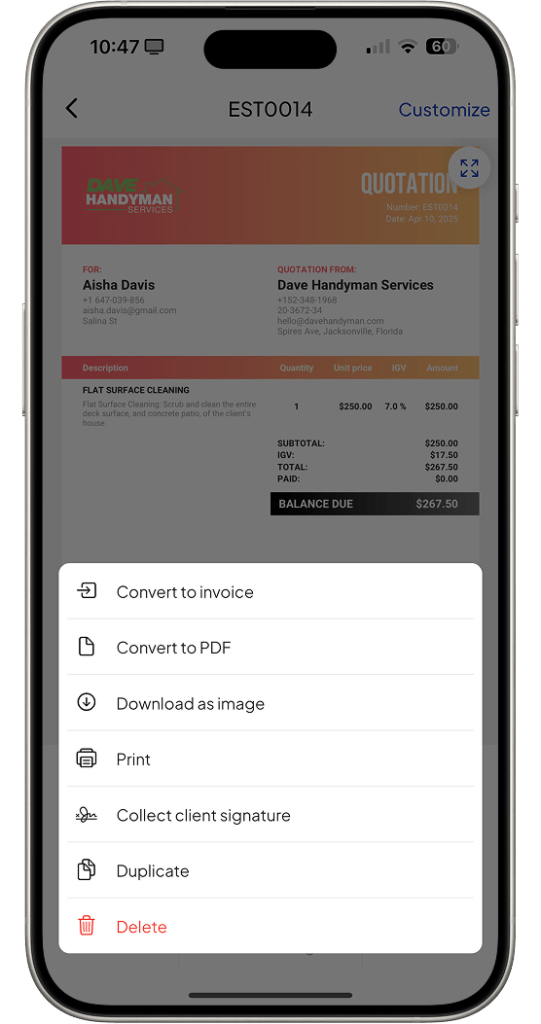
Our professional quote templates feature clean, modern designs and are fully customizable to reflect your brand. Choose from six unique layouts—then download, print, share, and send polished quotes in seconds.
Contractors and small business owners benefit from using quote templates due to their ease of use, efficiency, and professional appearance:
Saves time and increases efficiency: Instead of creating quotes from scratch, contractors can quickly generate professional-looking quotes using pre-built templates. This saves valuable time that can be redirected toward completing more jobs or handling other business tasks.
Consistent branding: With customizable features like logo insertion and brand-specific color schemes, our quote templates ensure that every quote aligns with the business’s branding. This boosts brand visibility and leaves a professional impression on clients.
Automated calculations: The templates automatically calculate totals and include any applicable taxes or fees. This reduces the chances of manual errors and ensures the quotes are accurate and precise.
Client trust and transparency: Clear, detailed quotes help clients understand the costs involved upfront, which builds trust. Contractors can also easily adjust the template for specific customer needs, ensuring transparent communication regarding costs and services.
It’s a pre-formatted document used by businesses and contractors to provide potential clients with a detailed estimate of the cost of a specific service or product.
It outlines the scope of the work, the price for materials and labor, any additional charges, and terms of service.
Allows contractors to quickly generate professional and consistent quotes, saving time and ensuring all necessary information is clearly communicated to the client.
How to Use Your Quote Template
Follow simple steps to edit, customize, and send your quote in any format.
PDF Quote Template
Download your chosen PDF quote template
Open in Adobe Acrobat or any PDF editor
Fill in business details and client information
Add line items, prices, and calculate totals
Save and send directly via email
Use Template ->
Word Quote Template
Download the Word template (.docx)
Open in Microsoft Word
Replace placeholder text with your business info
Customize colors and add your company logo
Export as PDF or send the Word file directly
Use Template ->
Excel Quote Template
Download the Excel template (.xlsx)
Open in Microsoft Excel or compatible software
Enter business and client details
Add your items, prices, and update totals as needed
Save as Excel or export to PDF
Use Template ->
Google Docs Quote Template
Open the template link in Google Docs
Make a copy to your Google Drive
Edit text fields with your information
Customize formatting and add your logo
Download as PDF or share link with client
Use Template ->
Google Sheets Quote Template
Open the template in Google Sheets
Create a copy in your Google Drive account
Fill in business details and invoice items
Review totals and update calculations as needed
Download as PDF or Excel, or share online
Use Template ->
Build your brand using Quote Templates
Boost your business with our customizable quote templates designed to elevate your brand’s visibility and streamline your operations.
Our templates offer a professional and consistent look for all your quotes, making a strong impression on partners and customers.
You can easily personalize your quotes, adding your company’s logo, adjusting fonts, and even modifying color schemes to match your brand identity—all without hassle.
Use our quote templates to:
Automatically calculate totals and other necessary figures using integrated Excel functions.
Quickly tailor your quote based on client-specific needs, ensuring clear communication of costs and services.
Email or print your professional quotes directly from the platform, simplifying your workflow.
Save and update templates as your business grows, allowing you to refine your quotes as your brand evolves and your customer demands change.
By clicking “Accept All”, you consent to the placement of cookies on your device to improve site navigation, analyze how you use our site, and support our marketing efforts. To learn more click on privacy police.
Functional
Always active
The technical storage or access is strictly necessary for the legitimate purpose of enabling the use of a specific service explicitly requested by the subscriber or user, or for the sole purpose of carrying out the transmission of a communication over an electronic communications network.
Preferences
The technical storage or access is necessary for the legitimate purpose of storing preferences that are not requested by the subscriber or user.
Statistics
The technical storage or access that is used exclusively for statistical purposes.The technical storage or access that is used exclusively for anonymous statistical purposes. Without a subpoena, voluntary compliance on the part of your Internet Service Provider, or additional records from a third party, information stored or retrieved for this purpose alone cannot usually be used to identify you.
Marketing
The technical storage or access is required to create user profiles to send advertising, or to track the user on a website or across several websites for similar marketing purposes.
We use cookies to enhance your browsing experience, serve personalised ads or content, and analyse our traffic. By clicking "Accept All", you consent to our use of cookies.
Functional
Always active
The technical storage or access is strictly necessary for the legitimate purpose of enabling the use of a specific service explicitly requested by the subscriber or user, or for the sole purpose of carrying out the transmission of a communication over an electronic communications network.
Preferences
The technical storage or access is necessary for the legitimate purpose of storing preferences that are not requested by the subscriber or user.
Statistics
The technical storage or access that is used exclusively for statistical purposes.The technical storage or access that is used exclusively for anonymous statistical purposes. Without a subpoena, voluntary compliance on the part of your Internet Service Provider, or additional records from a third party, information stored or retrieved for this purpose alone cannot usually be used to identify you.
Marketing
The technical storage or access is required to create user profiles to send advertising, or to track the user on a website or across several websites for similar marketing purposes.