- Home
- »
- Free Resources for Small Businesses
- »
- Free Templates
- »
- Free Invoice Templates
- »
- Estimate Template for Google Sheets
Free Estimate Templates for Google Sheets
Create professional estimates in minutes with our free Google Sheets estimate templates. Make a copy, customize your branding, and send—no design skills needed.
Invoice Fly Pro
Try Invoice Fly today without credit card
Start for free
Browse by format
Browse by industry
Why use a Google Sheets estimate template?
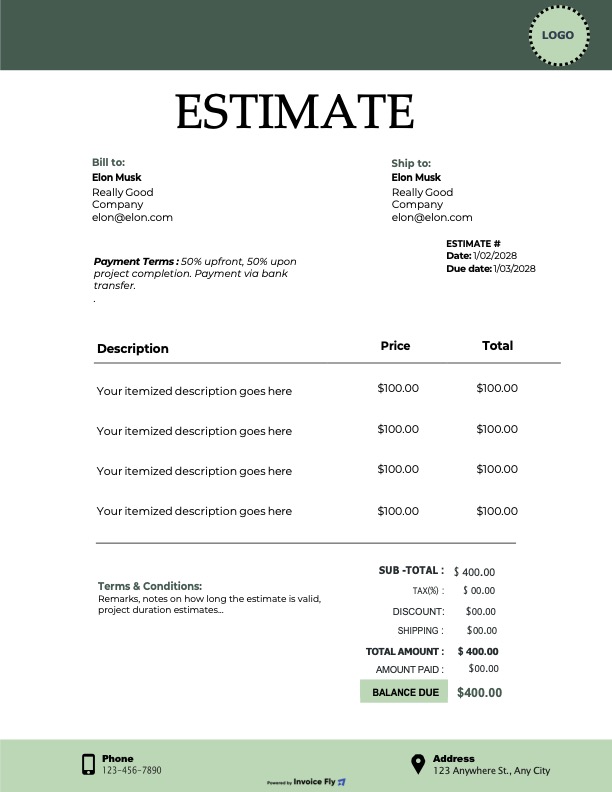
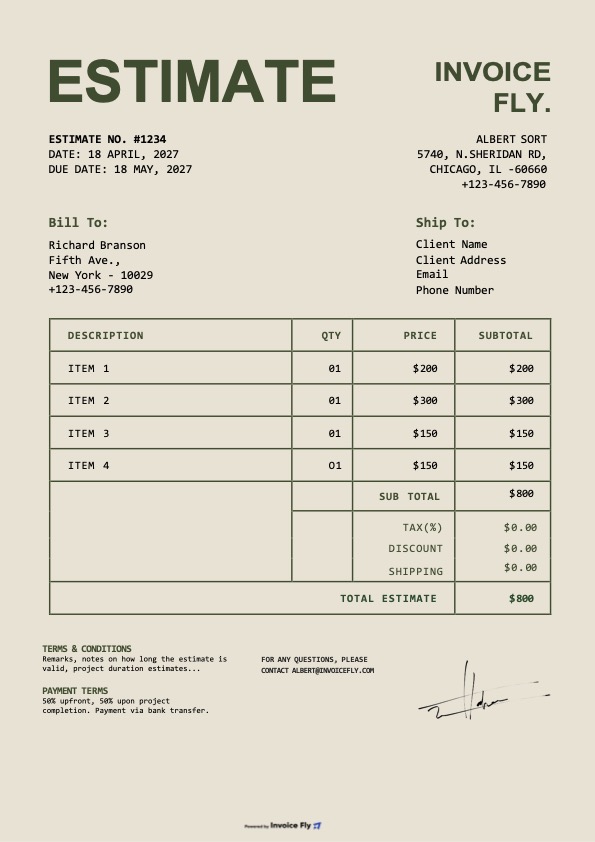
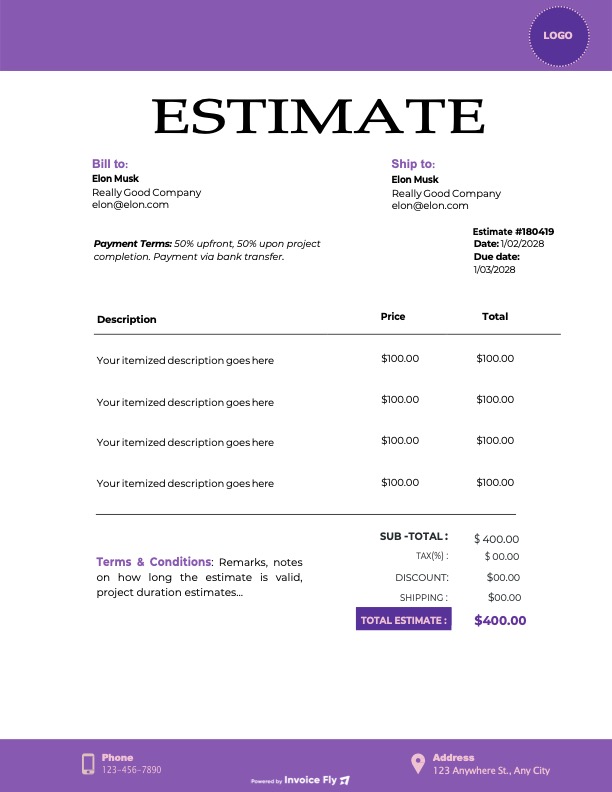
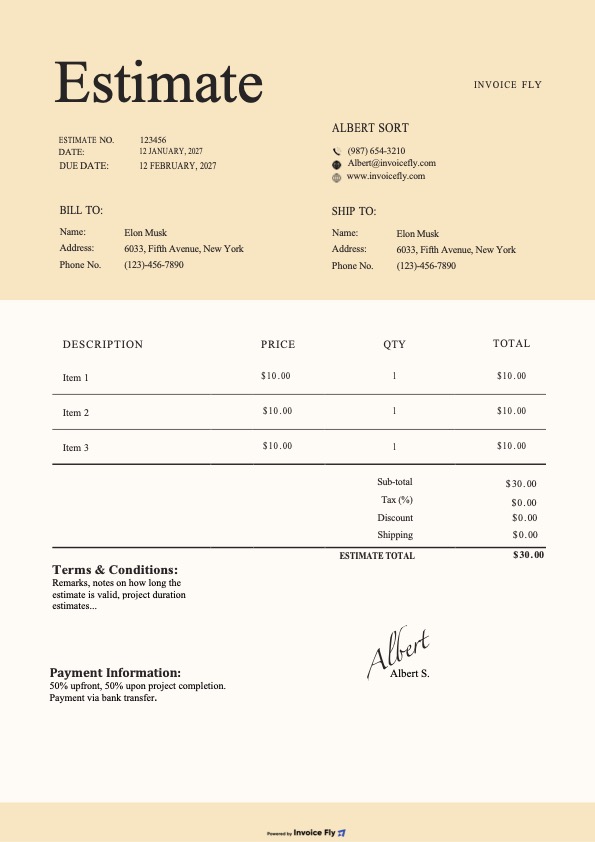
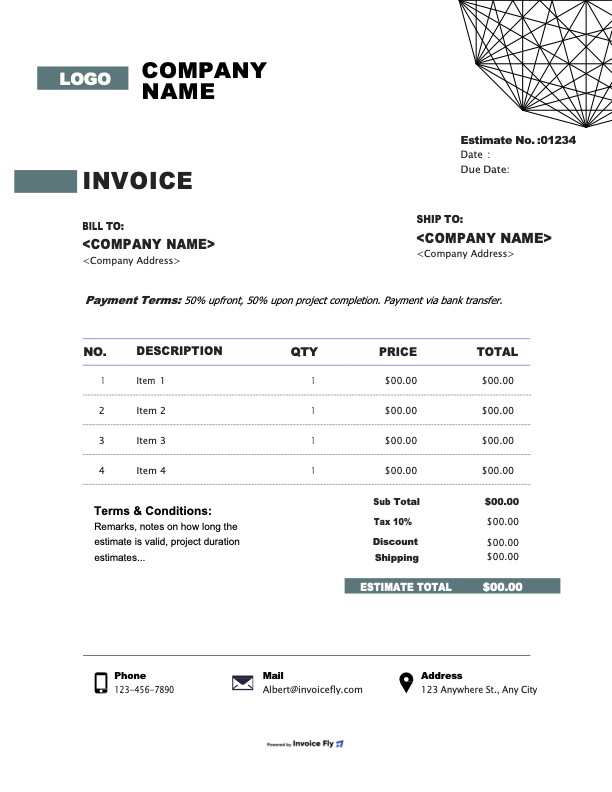
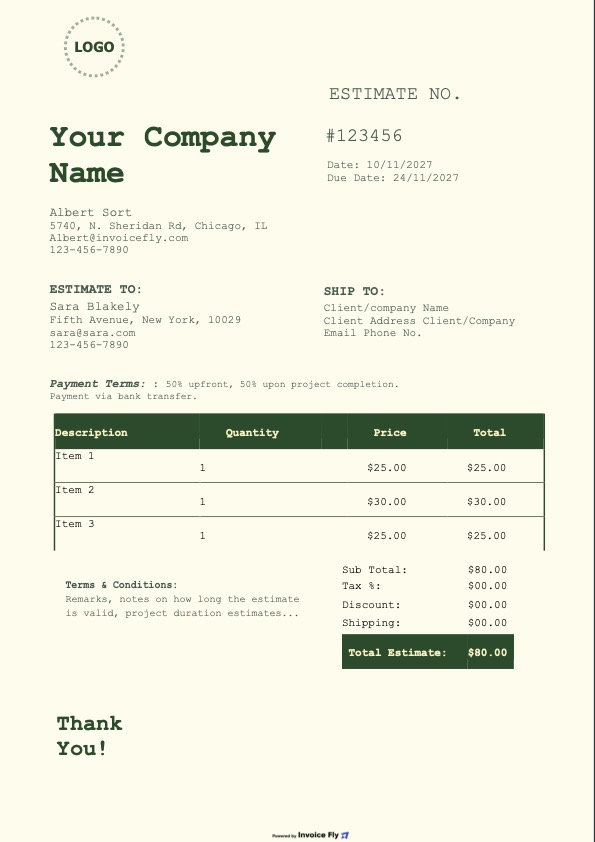
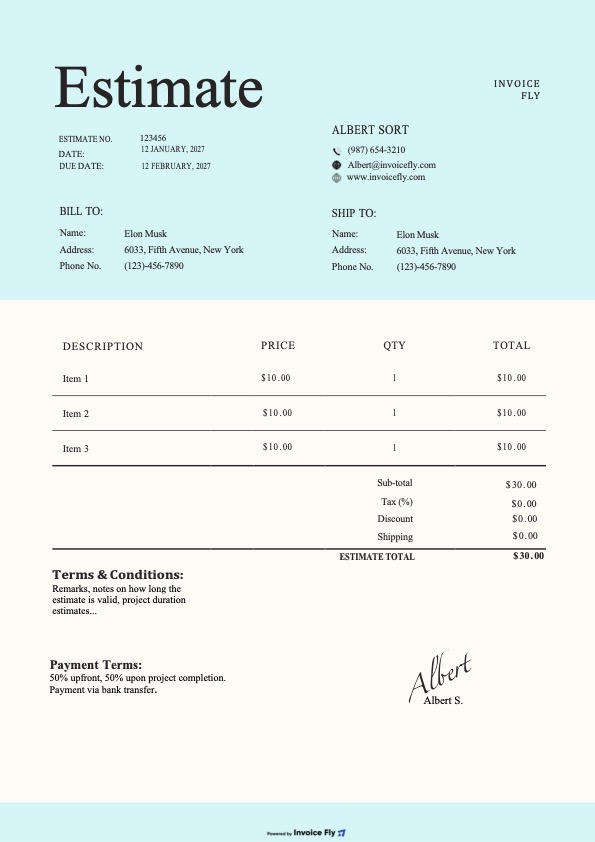
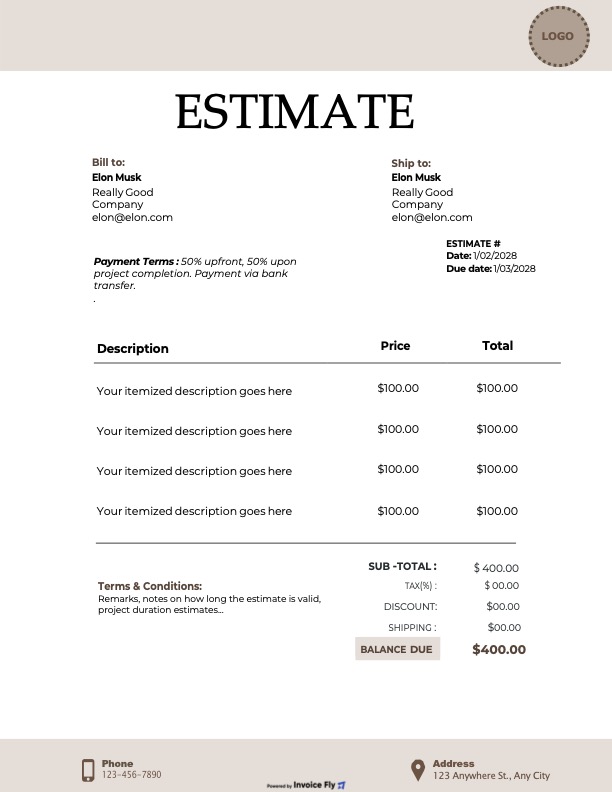
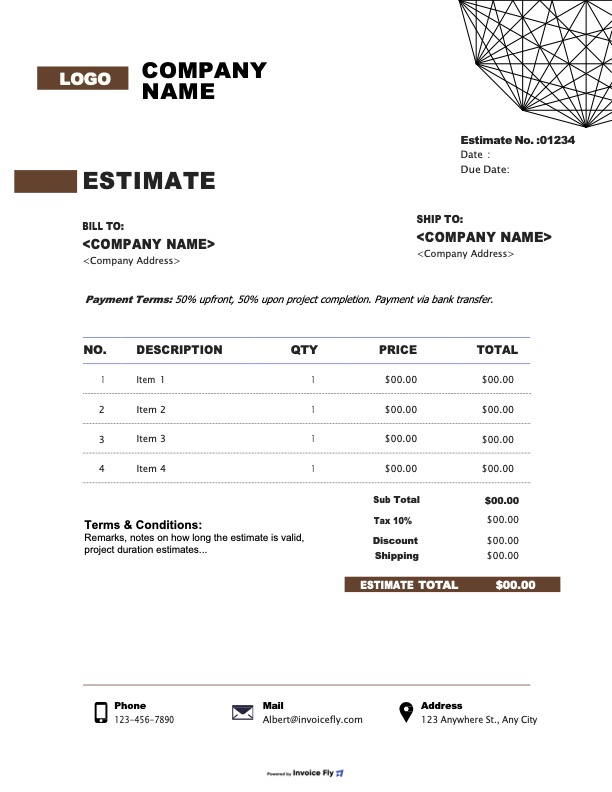
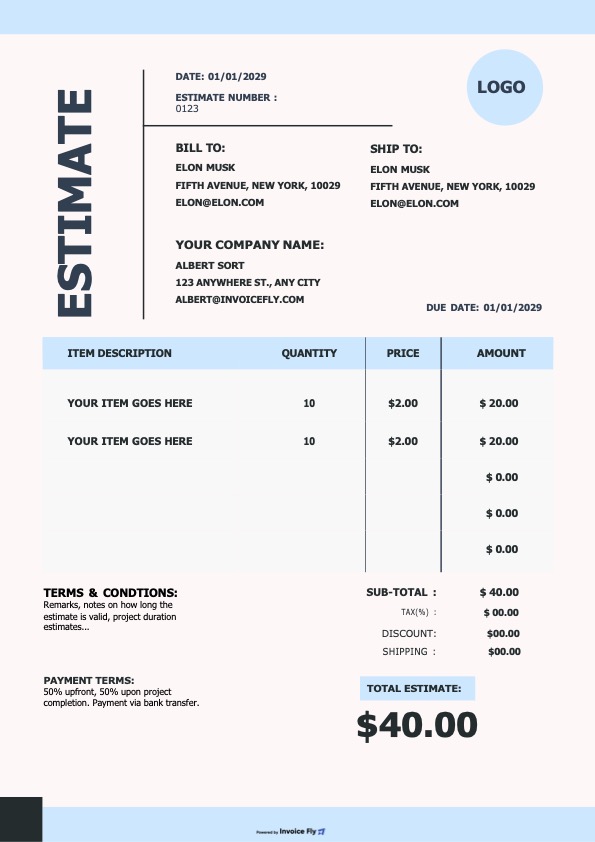
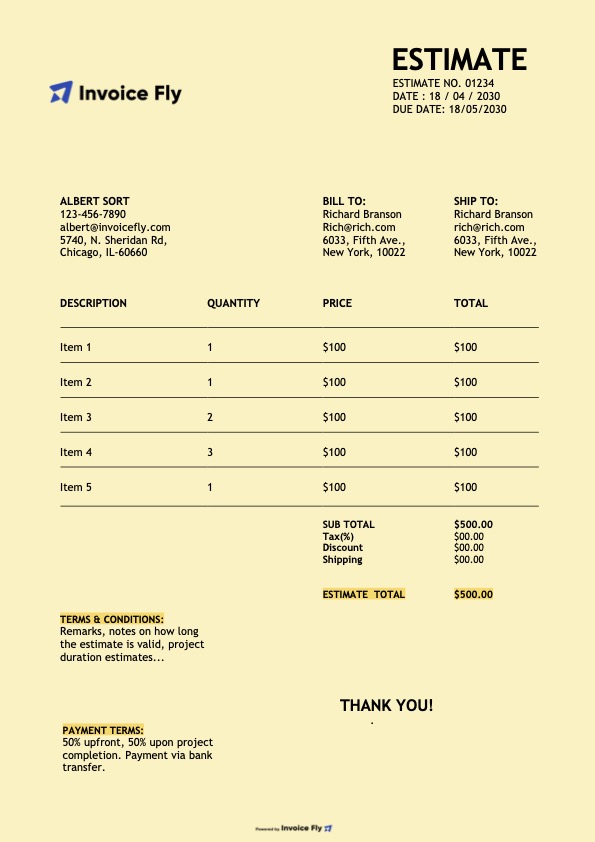
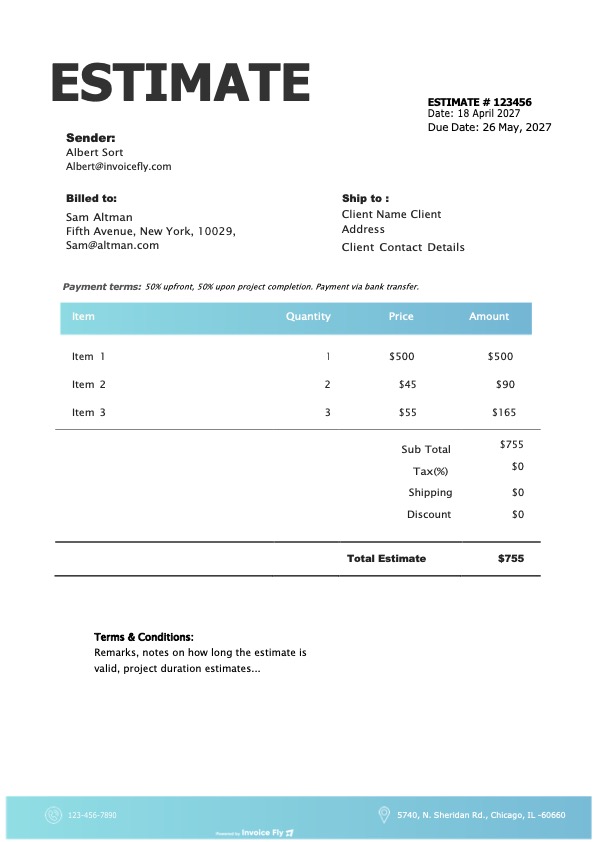
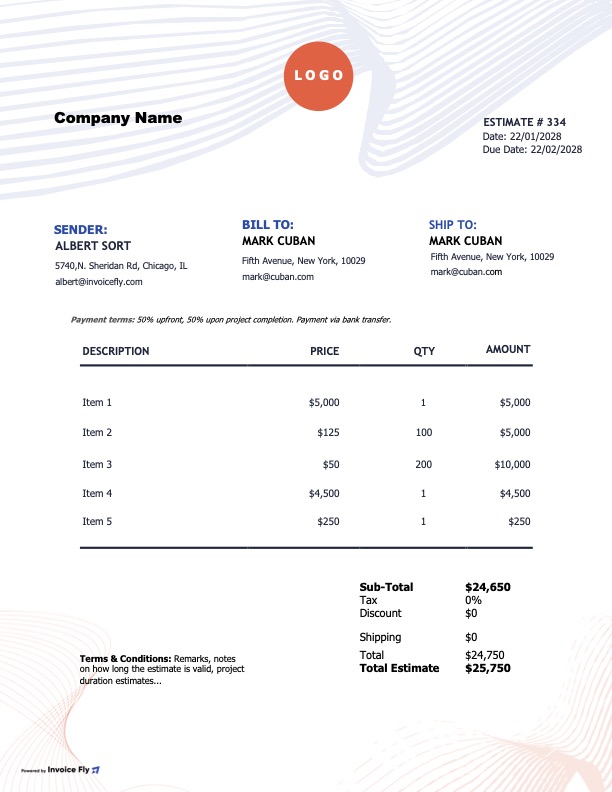
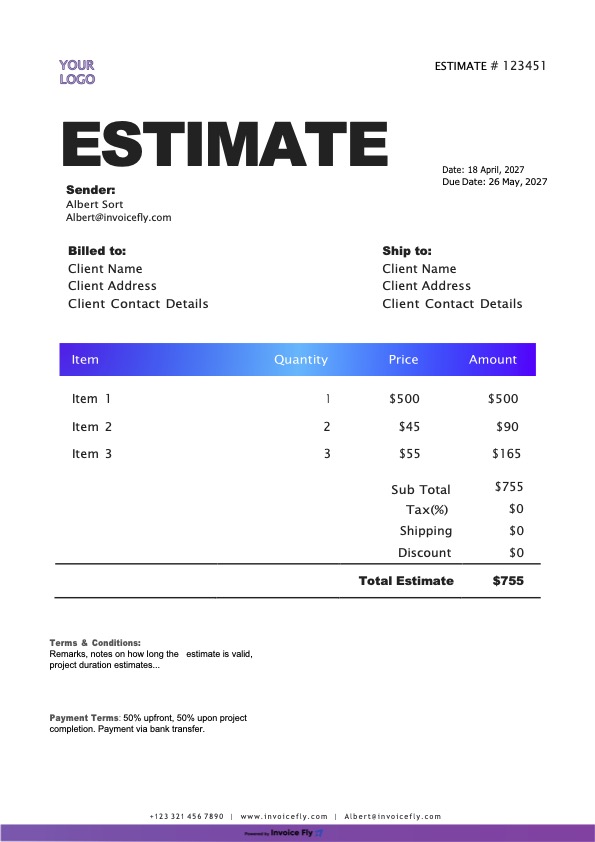
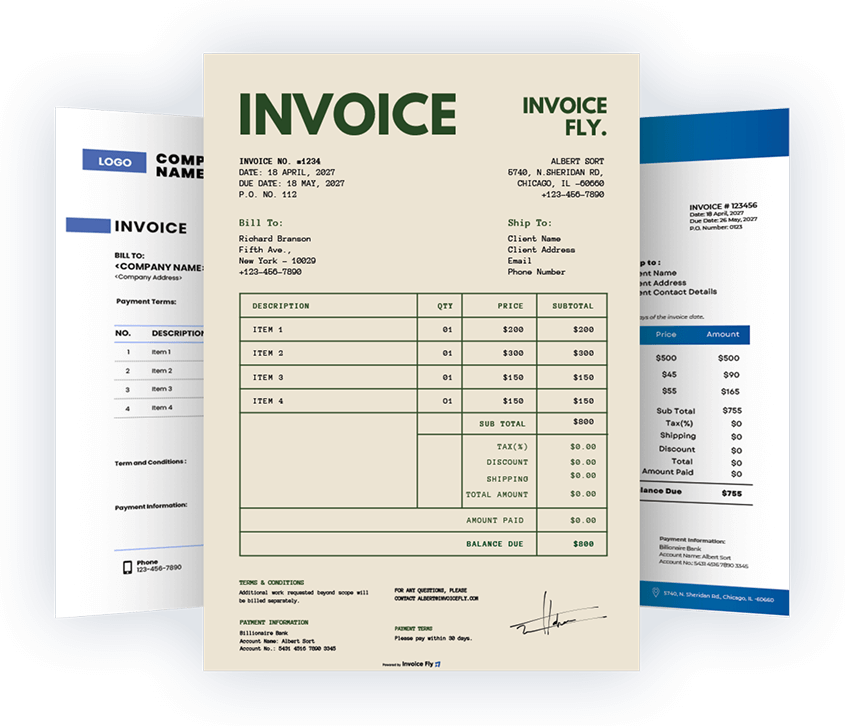
A Google Sheets estimate template is a fast and professional way to create client estimates, project quotes, and price proposals with automatic calculations. If you need a free and efficient solution, Google Sheets helps you build accurate estimates, organize your records in Drive, and manage pricing more easily without starting from scratch. Our editable estimate templates include everything you need—logo, business details, client information, itemized services or products, taxes, totals, and terms—so you can create polished estimates in less time.
- Create professional estimates with your logo, brand colors, and business details
- Use built-in formulas to calculate subtotals, taxes, and total estimated costs automatically
- Edit your estimate online, print it, or export it as a PDF
- Access your estimate template anywhere and share it with clients instantly
- Include essential estimate fields to reduce errors, confusion, and pricing disputes
- Save time with a ready-made estimate spreadsheet instead of building one manually
Formats included
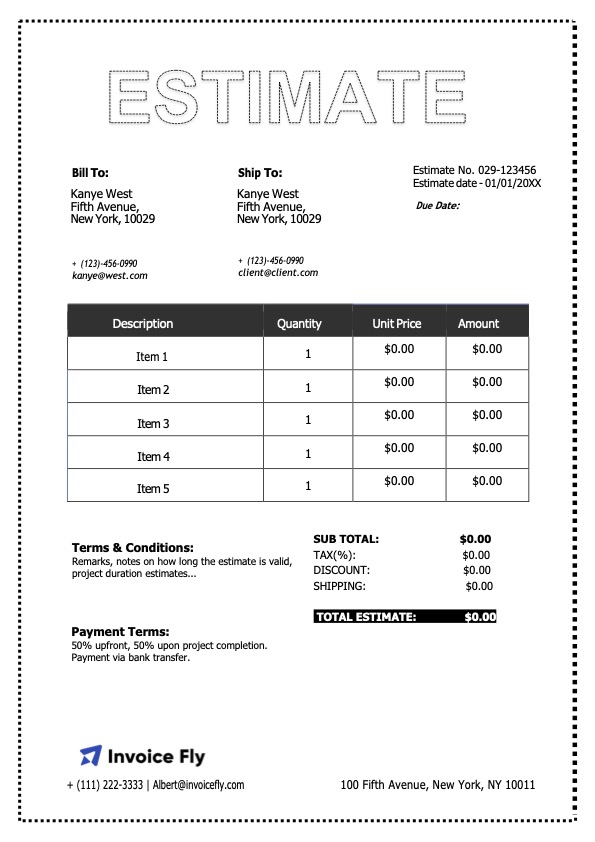
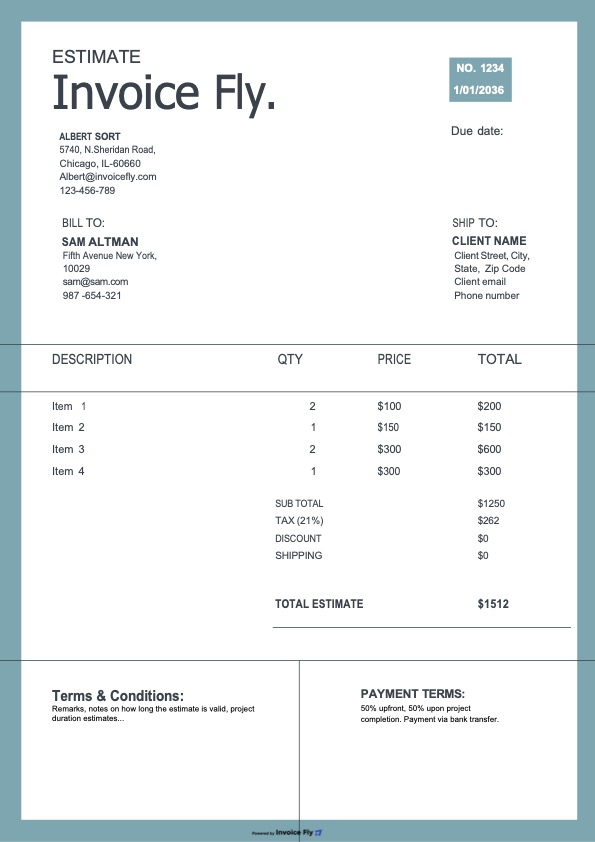
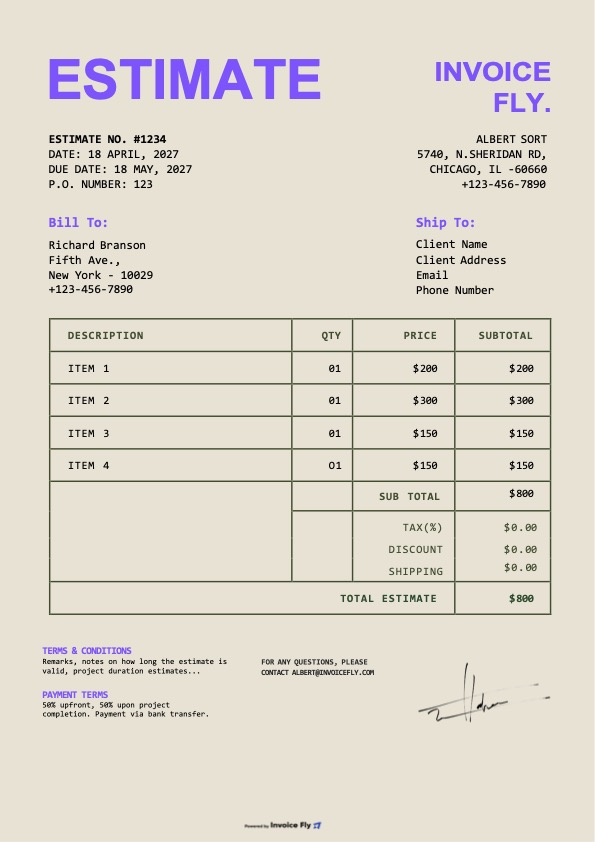
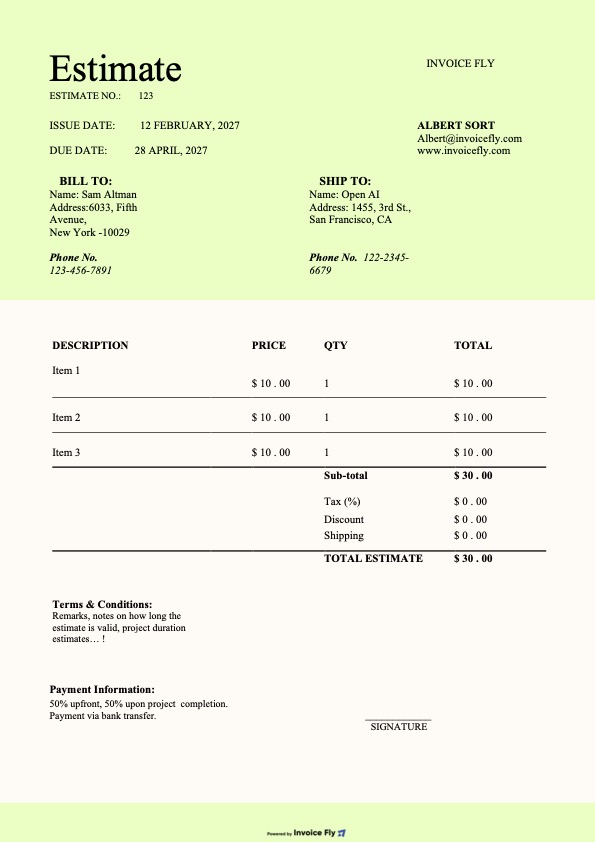
Choose the format that works best for your business. Every estimate design is available in Google Sheets, Google Docs, Microsoft Excel, Word, and PDF, making it easy to edit, download, print, or send by email.
What’s included in each estimate template
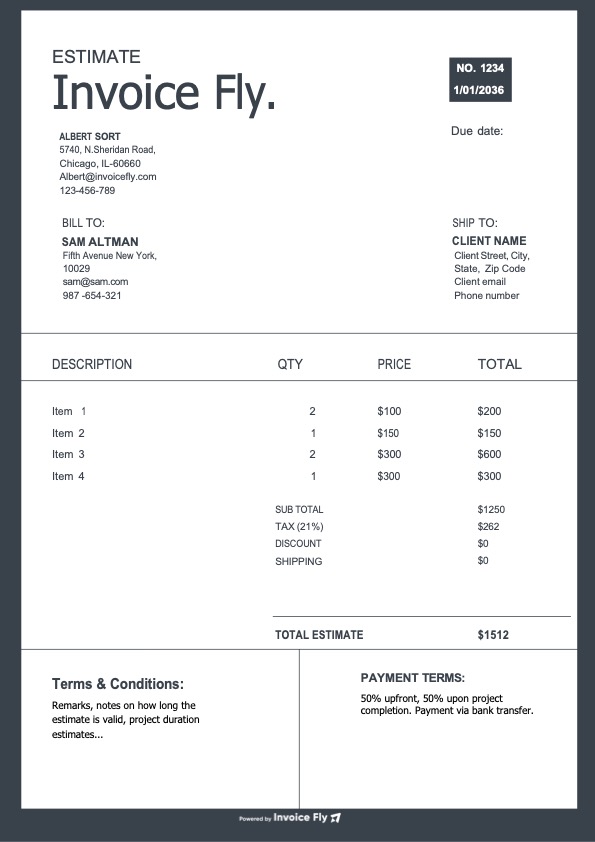
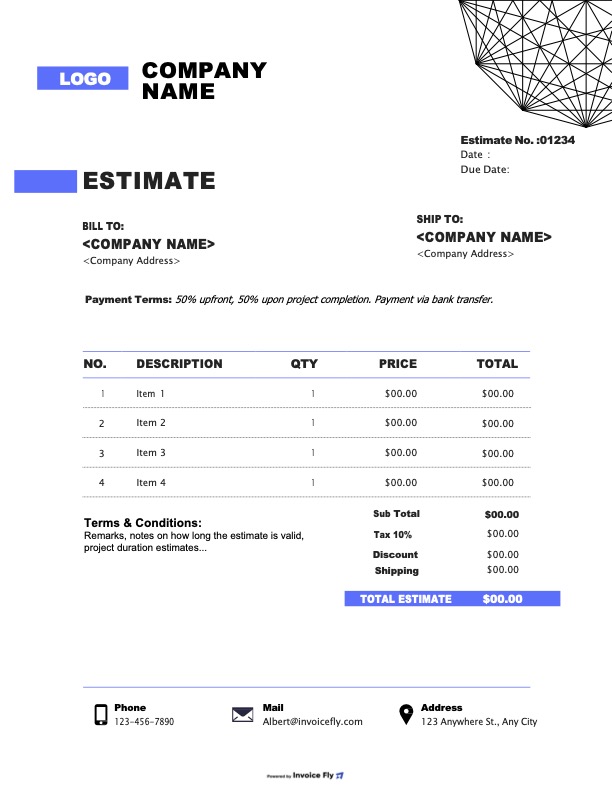
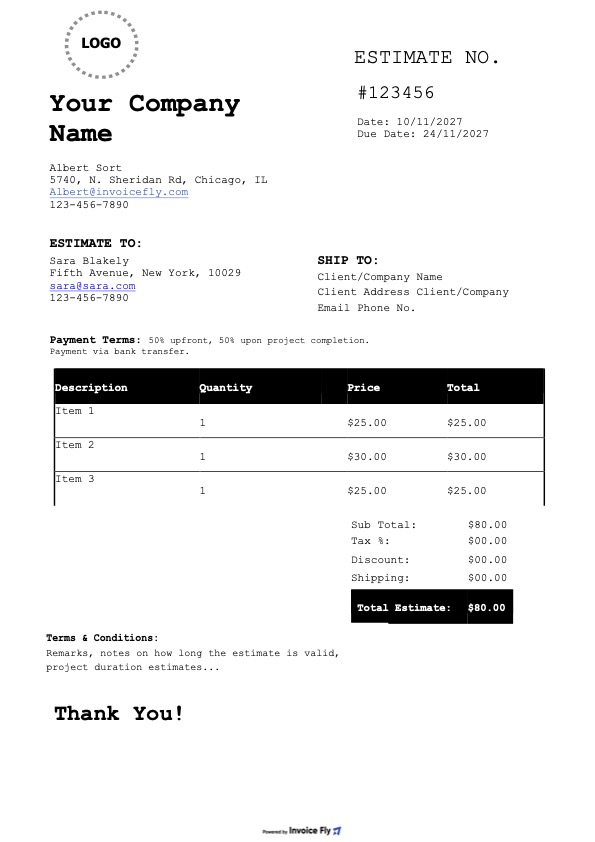
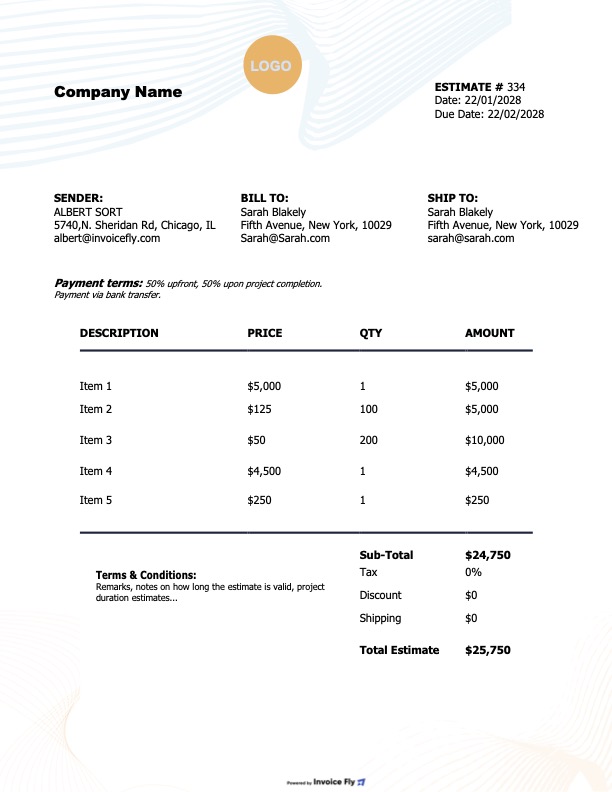
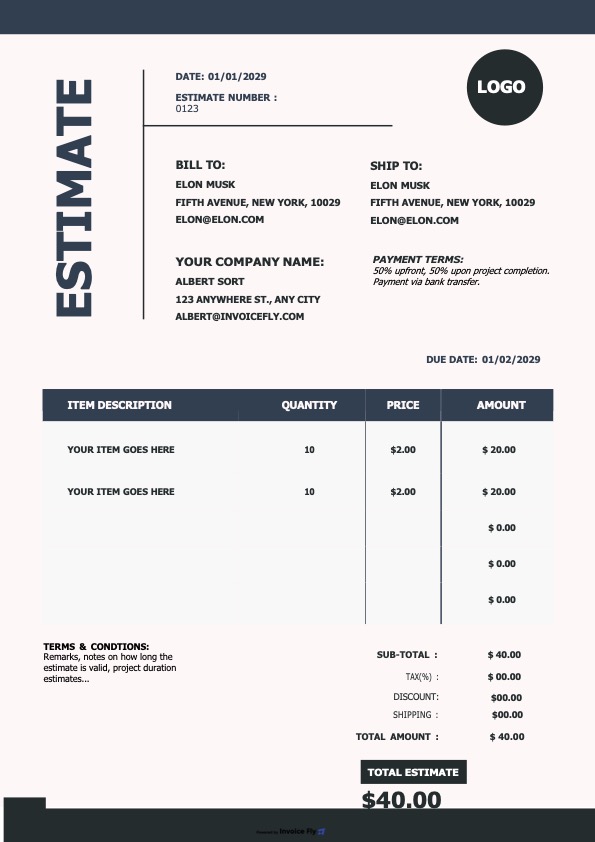
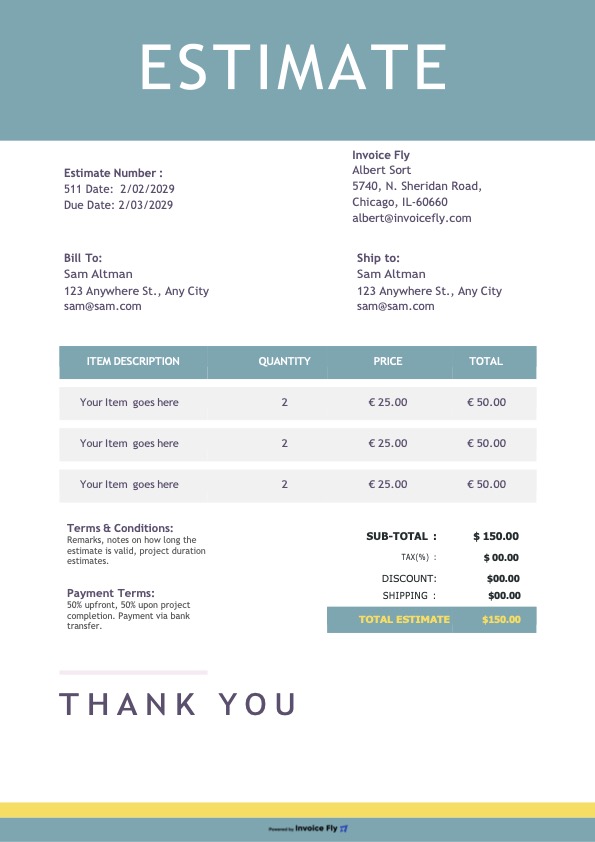
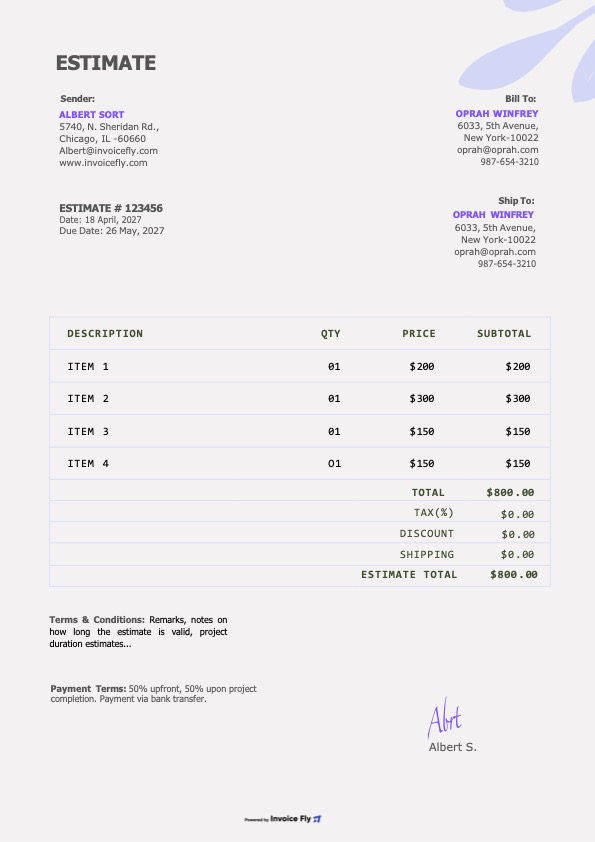
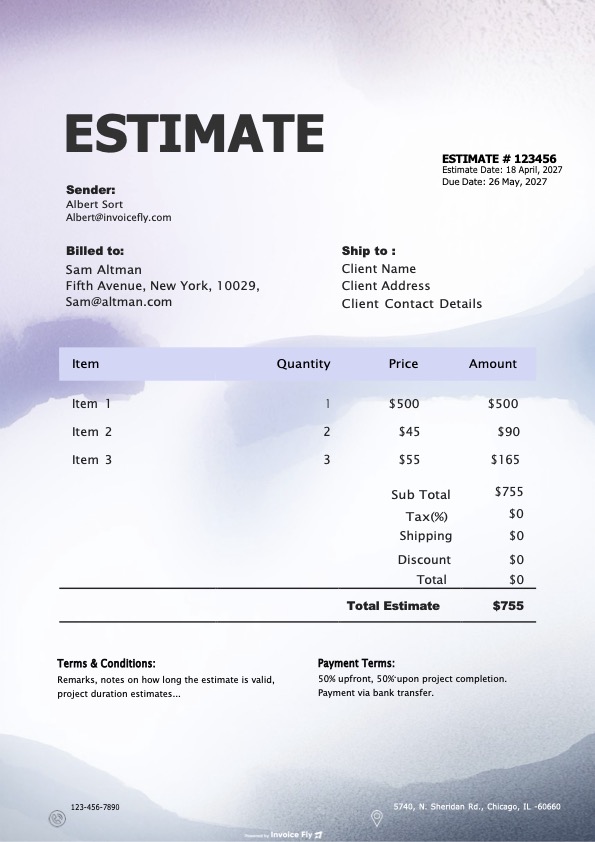
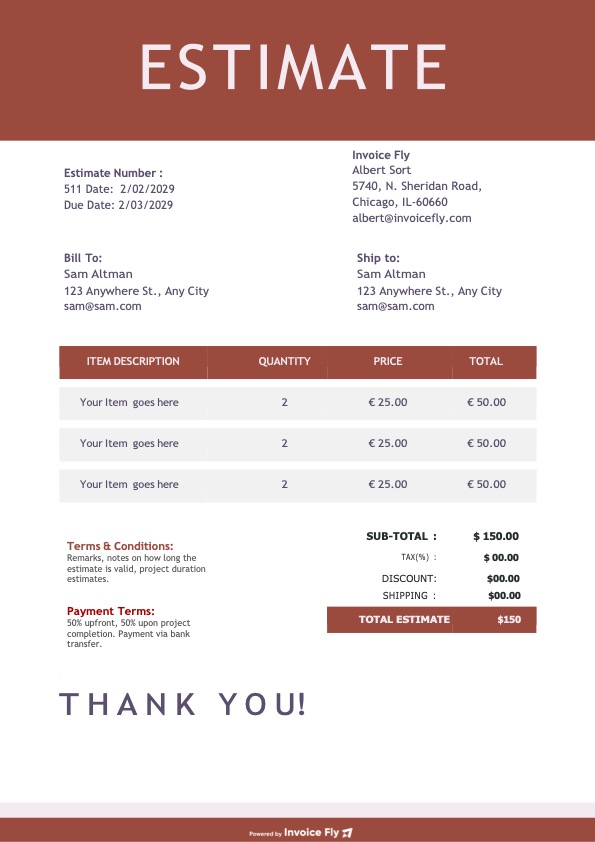
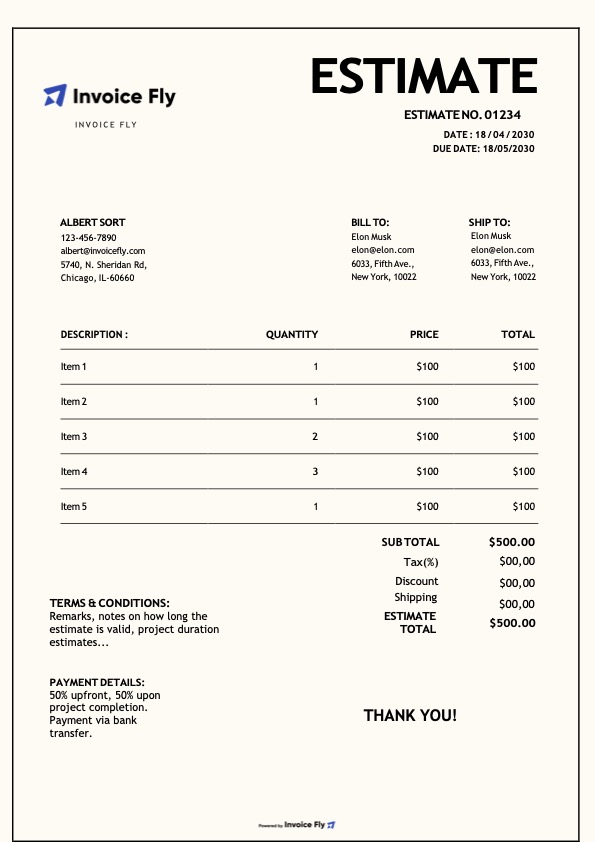
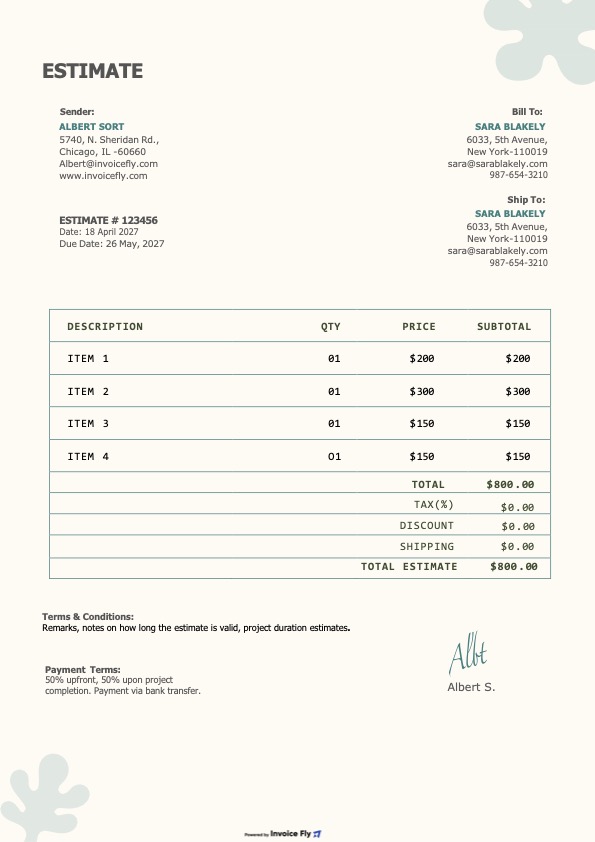
Every Google Sheets estimate template includes the essential sections you need to create clear, professional, and accurate client estimates. Whether you need a simple estimate form or a more detailed project quote, each template is designed to help you save time, improve accuracy, and present your pricing professionally.
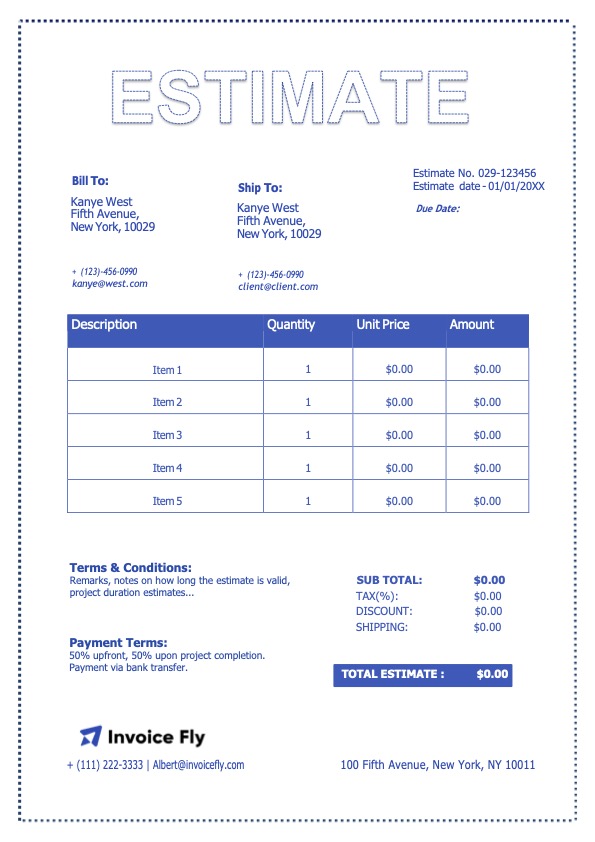
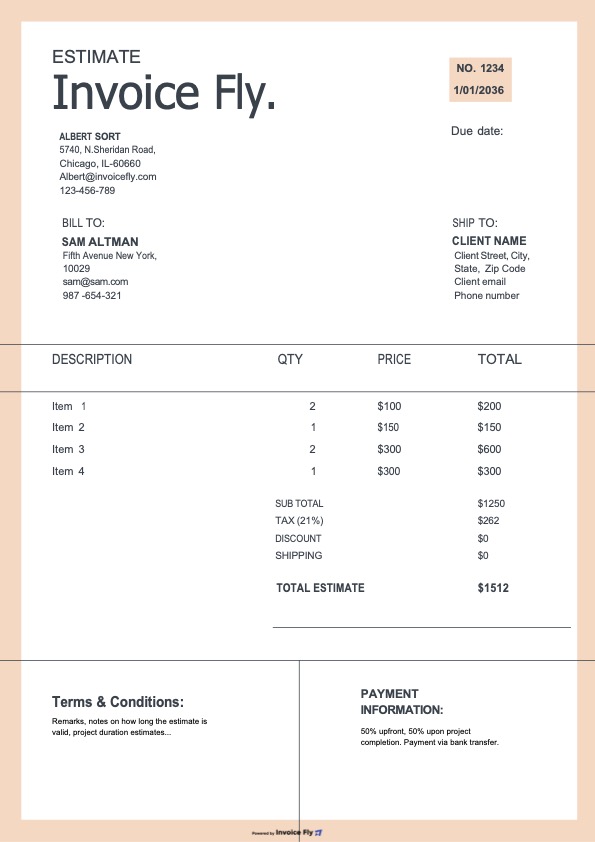
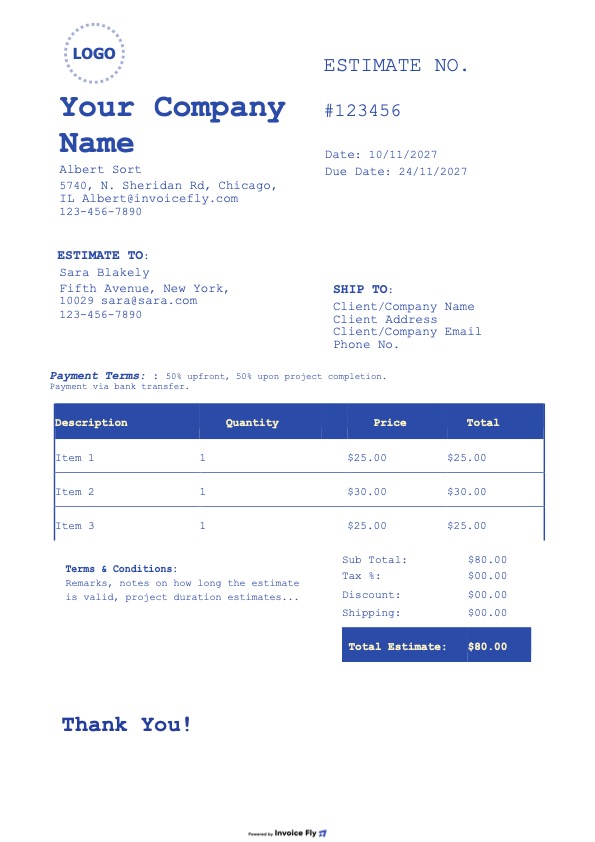
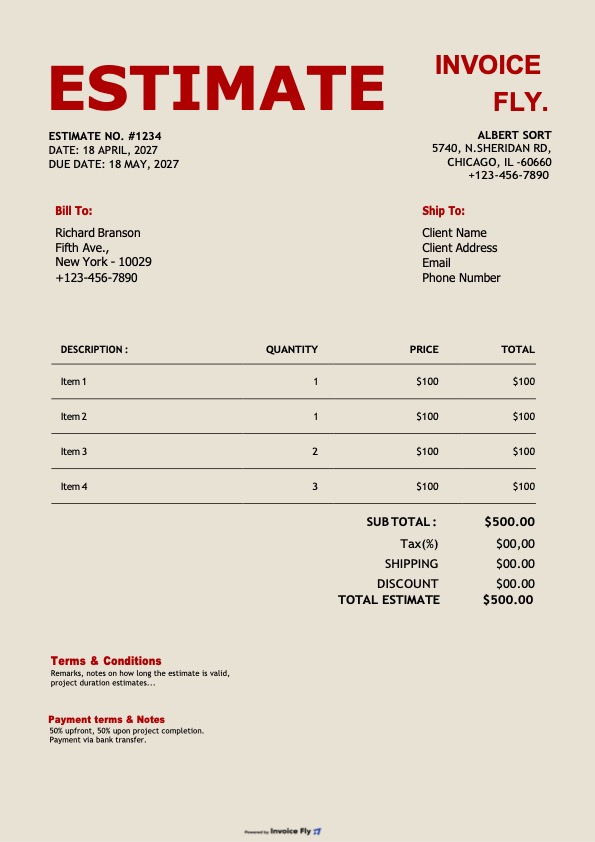
- Business and client details, including name, address, email, and phone number
- Estimate number, issue date, and expiration date for better tracking
- Itemized services or products with descriptions, quantity, unit price, and total amount
- Automatic subtotals, discounts, taxes, and total estimated cost formulas
- Notes, estimate terms, and client approval details
- Optional fields such as PO number, project name, and terms & conditions
How to use the estimate template in Google Sheets
- Click Make a copy to save the Google Sheets estimate template to your Google Drive
- Replace the sample text with your business information and client details
- Add your products or services, then enter quantities and unit prices
- Use the built-in spreadsheet formulas to calculate subtotals, taxes, and totals automatically
- Review the final estimate, add your terms, expiration date, and a short note
- Go to File → Download → PDF to send your estimate, or share the Google Sheets link with view-only access
Download Invoice Fly now
& start growing
your business!
Google Sheets
Estimate Template FAQs
A Google Sheets estimate template is a spreadsheet designed to help you create professional estimates, quotes, and price proposals for clients. It usually includes editable fields for business details, client information, itemized services or products, taxes, and total estimated costs.
Using a Google Sheets estimate template saves time and helps reduce manual errors. Instead of building your own estimate form, you can start with a ready-made layout that already includes the key sections and formulas needed to create accurate client estimates.
Yes. A free Google Sheets estimate template is a practical option for freelancers, contractors, small businesses, and service providers who need a simple way to create and send estimates without paying for complex software.
Yes. One of the main benefits of a Google Sheets estimate template is that it can automatically calculate subtotals, taxes, discounts, and total estimated costs. This makes it easier to create accurate estimates and update pricing quickly.
A professional estimate template should include your business information, client details, estimate number, issue date, expiration date, itemized products or services, pricing, taxes, totals, and estimate terms. Some businesses also include approval sections, project names, or PO numbers.

Yes. Google Sheets works well for business estimates, job quotes, service estimates, and project pricing documents. It is especially useful when you need flexible line items, automatic formulas, and a format that is easy to edit and reuse.
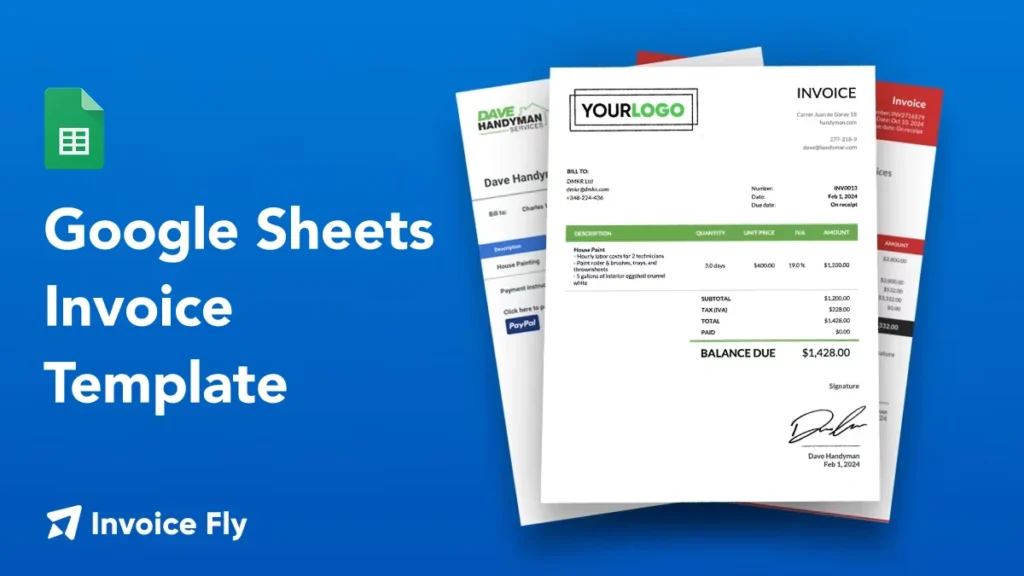

Yes. After customizing your estimate in Google Sheets, you can download it as a PDF for a cleaner, more professional file to send to clients by email or save for your records.
Yes. Google Sheets makes it easy to share your estimate online using a view-only link or by exporting the file in another format. This is useful for businesses that want to send estimates quickly and keep everything organized in Google Drive.
Other Free Resources
Ready to Simplify Your Invoicing?
Choose from beautifully designed invoice templates, customize them to your needs, and download your invoice in seconds. For a faster workflow, you can also create invoices online using our invoice generator.