
- Home
- »
- Free Resources for Small Businesses
- »
- Free Templates
- »
- Free Invoice Templates
- »
- Estimate Template for Excel
Free Estimate Templates for Excel
Create professional estimates in minutes with our free Google Sheets estimate templates. Make a copy, customize your branding, and send—no design skills needed.
Invoice Fly Pro
Try Invoice Fly today without credit card
Start for free
Browse by format
Browse by industry
Why use an Excel estimate template?
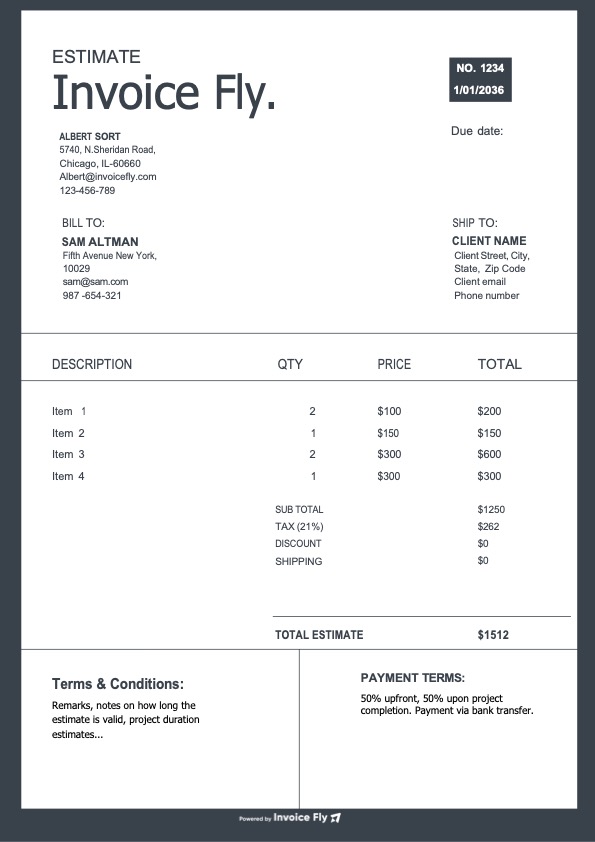
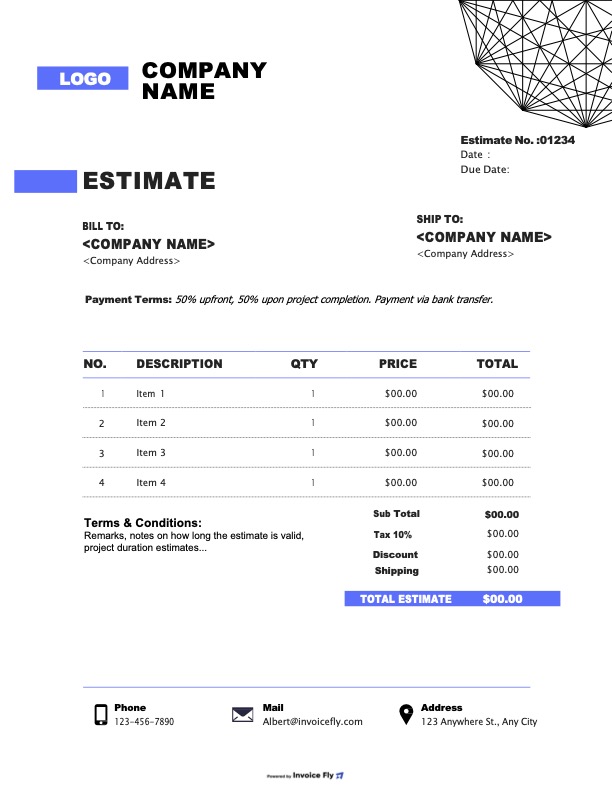
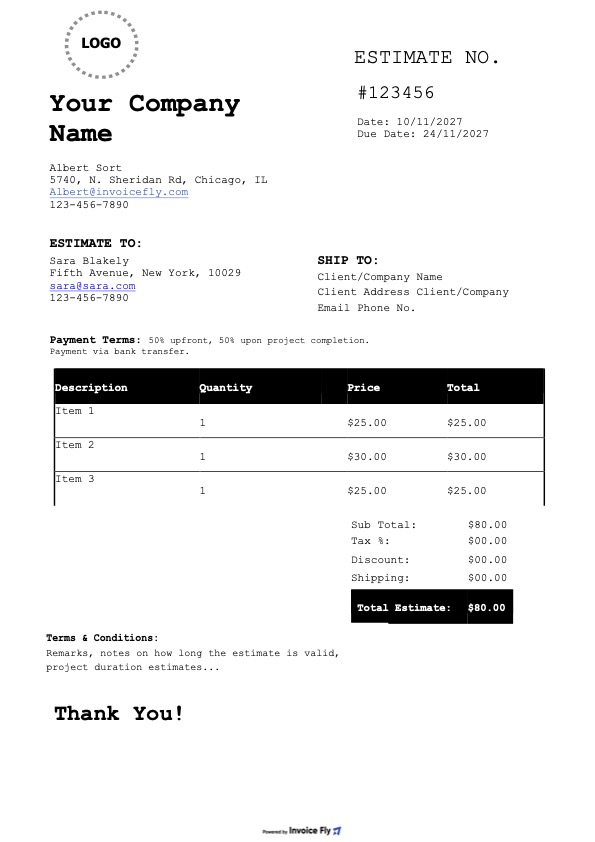
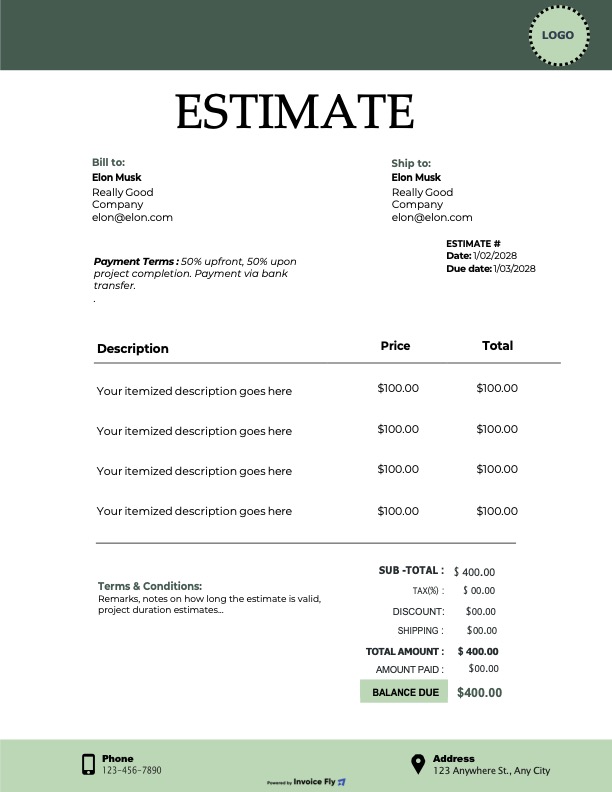
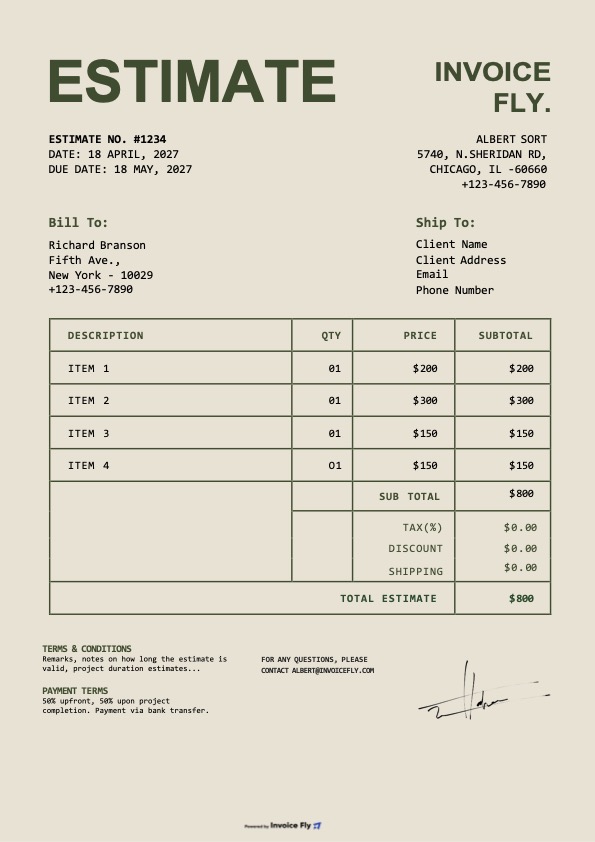
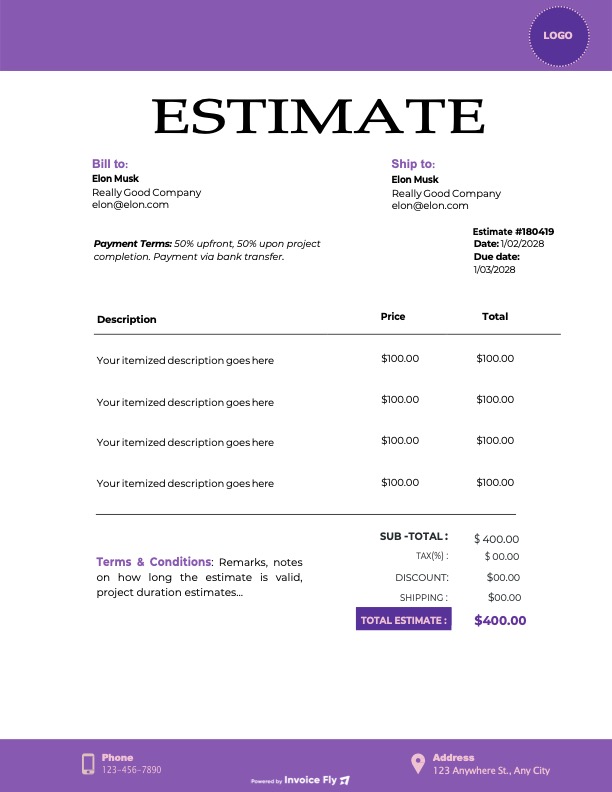
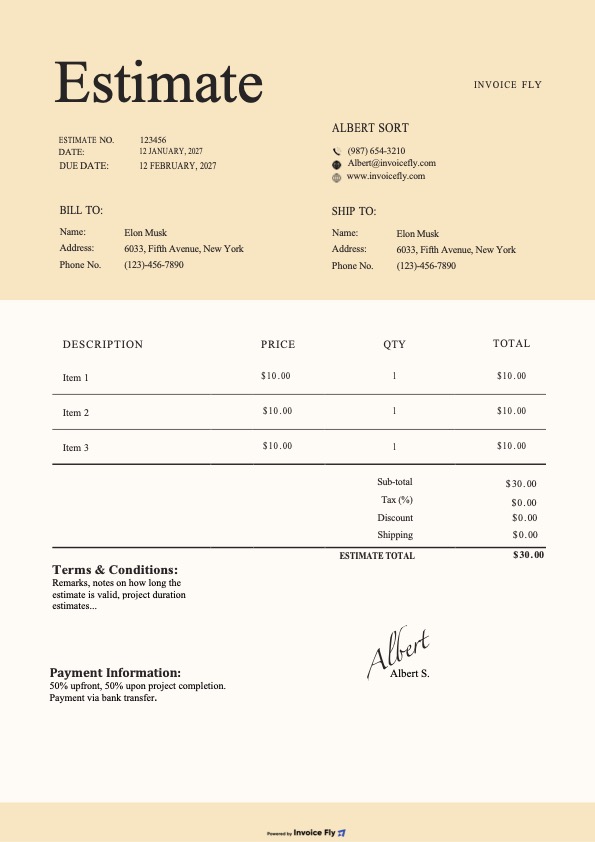
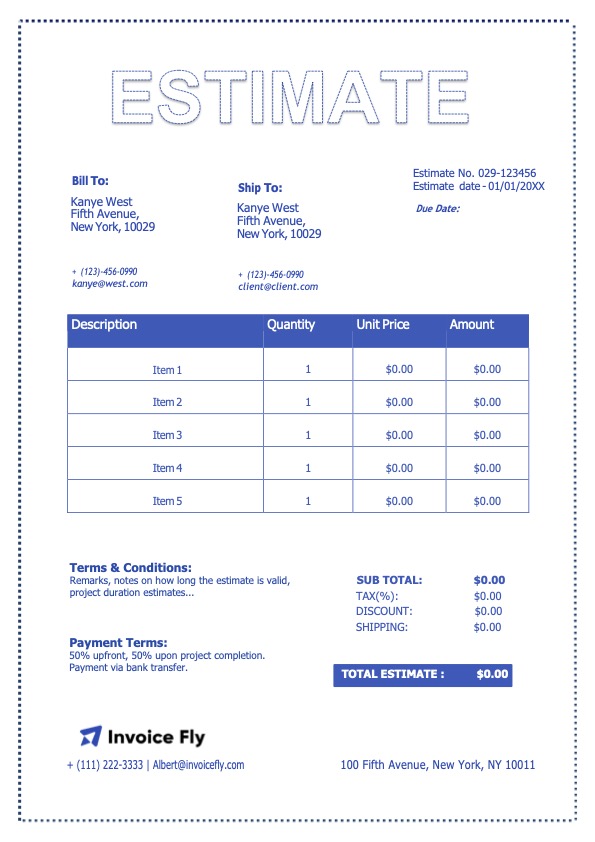
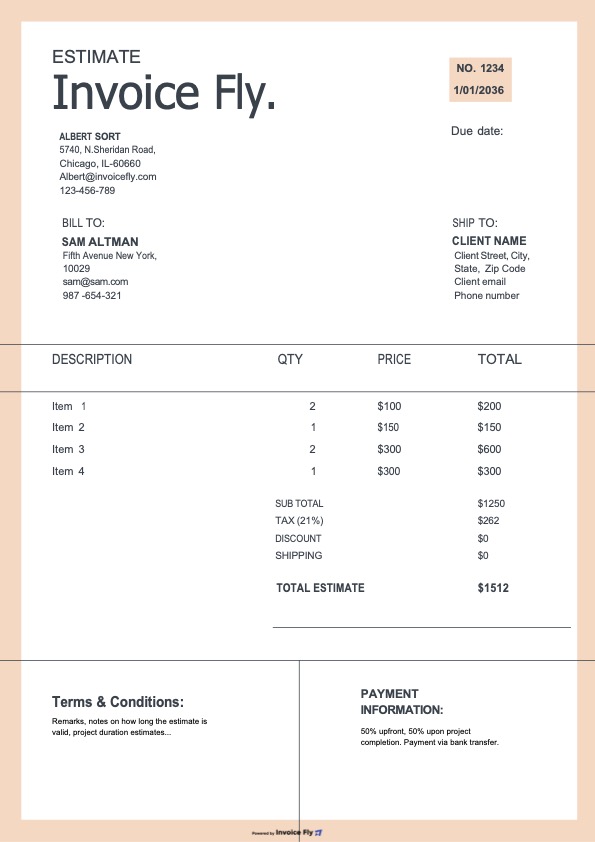
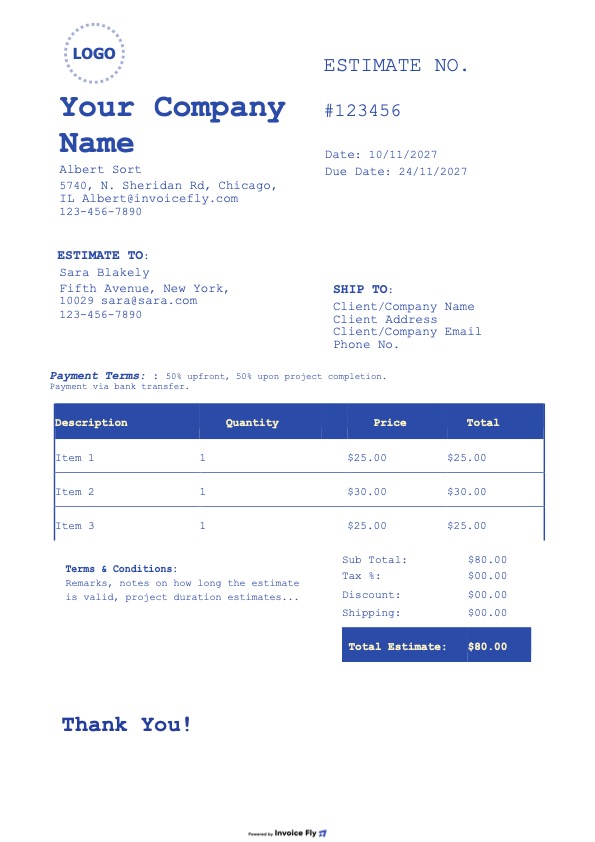
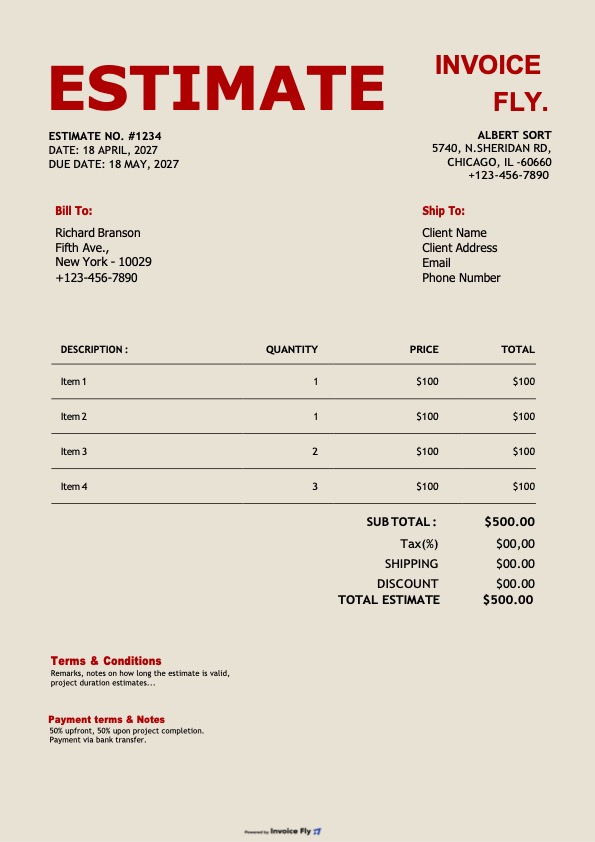
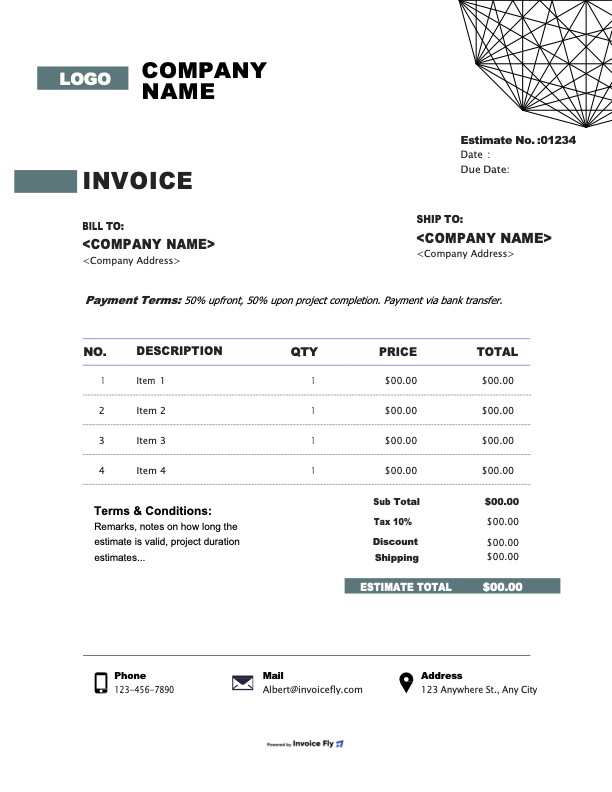
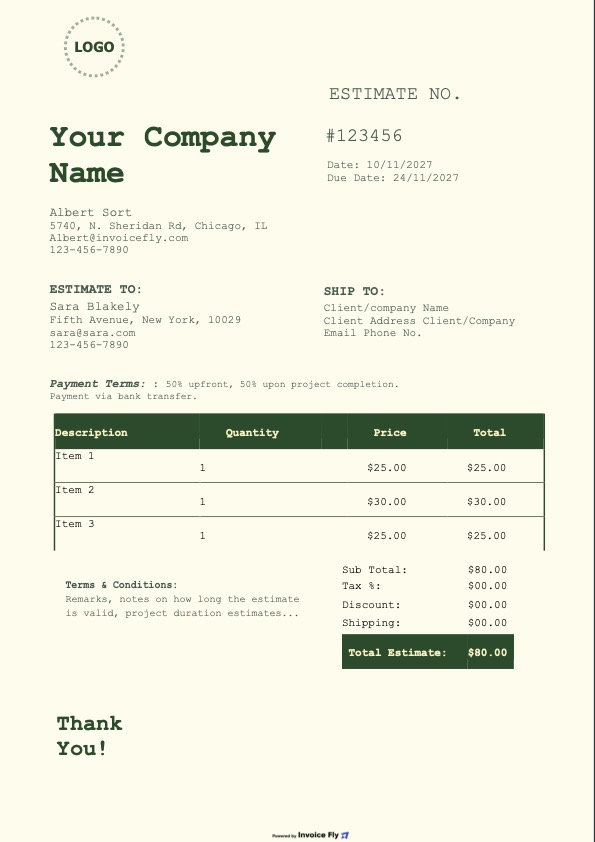
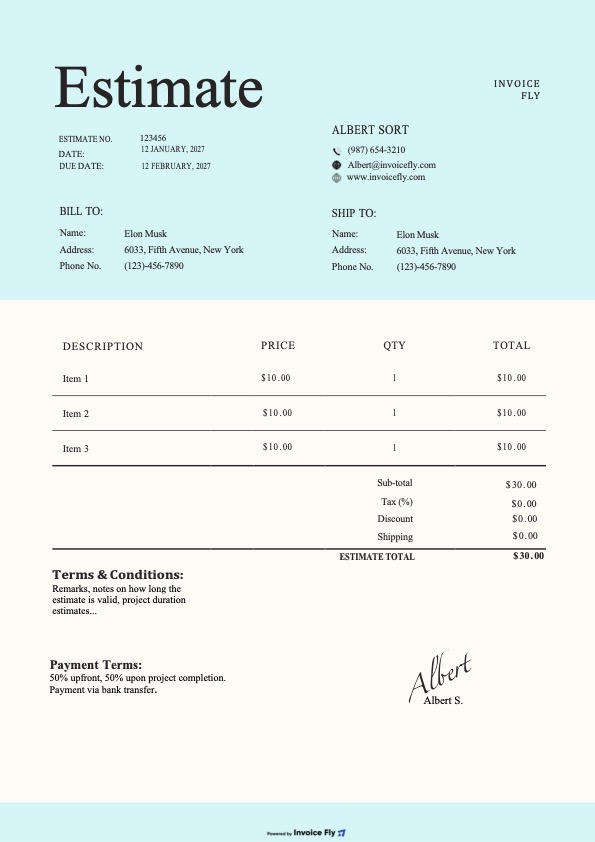
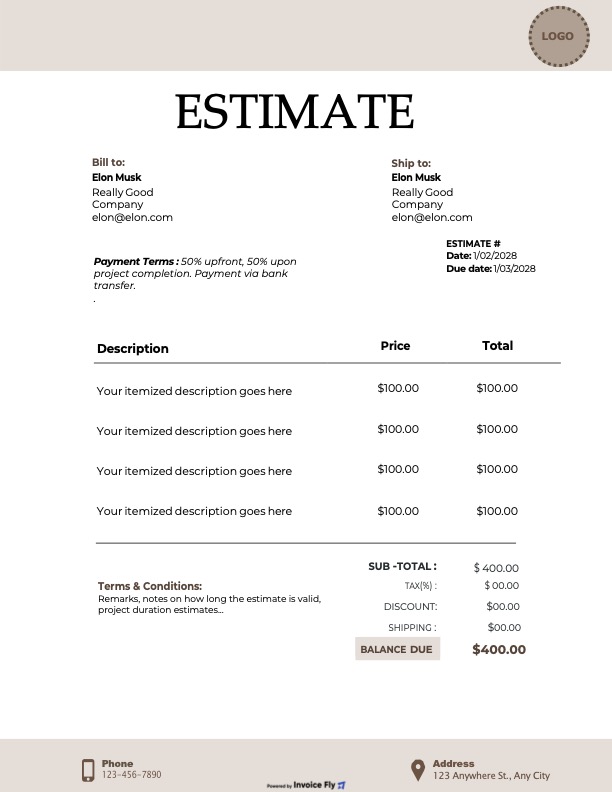
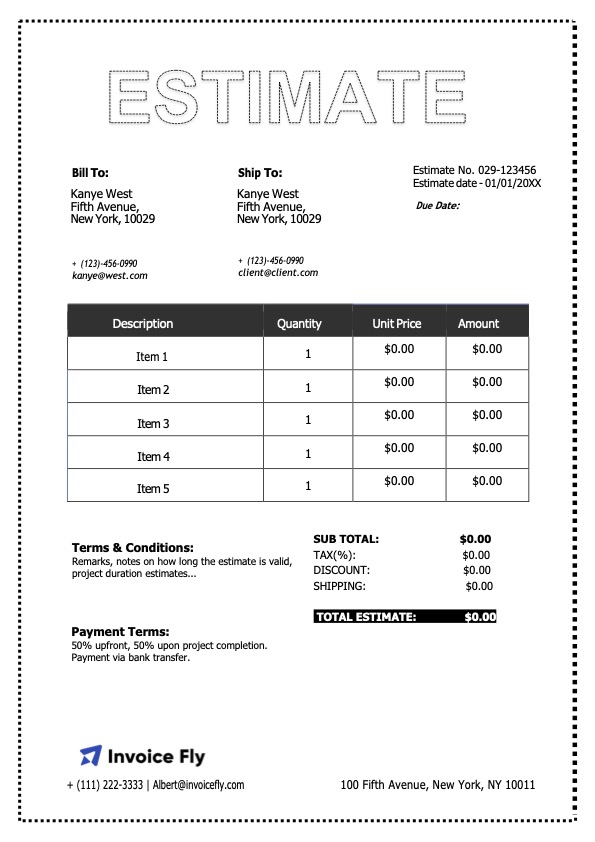
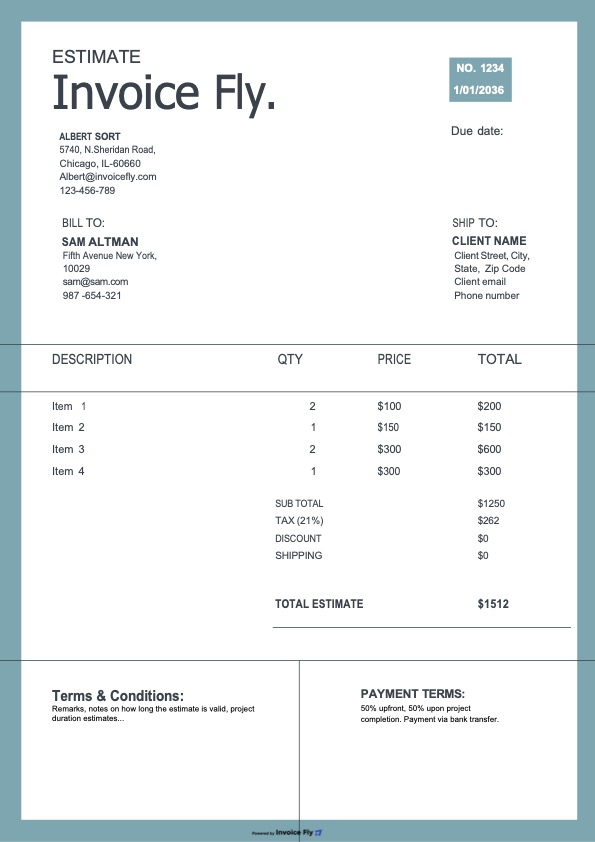
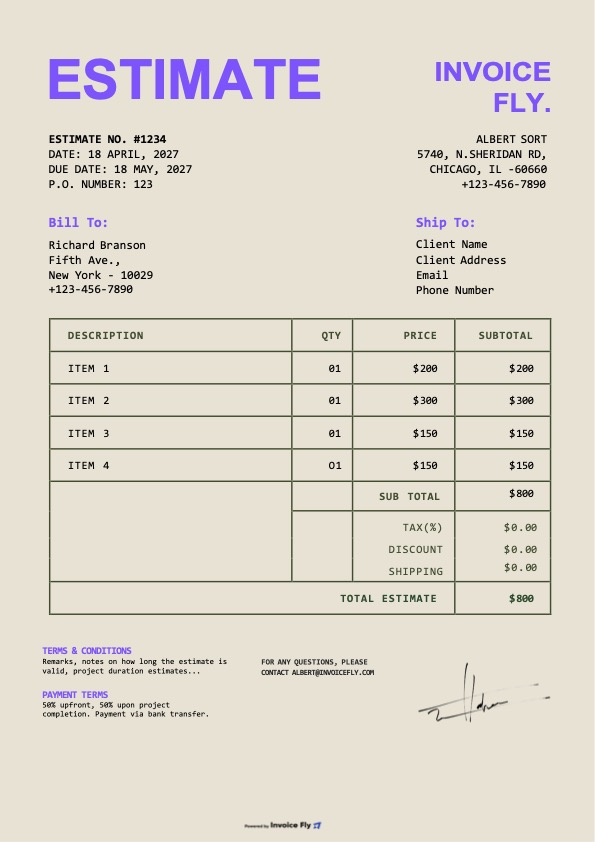
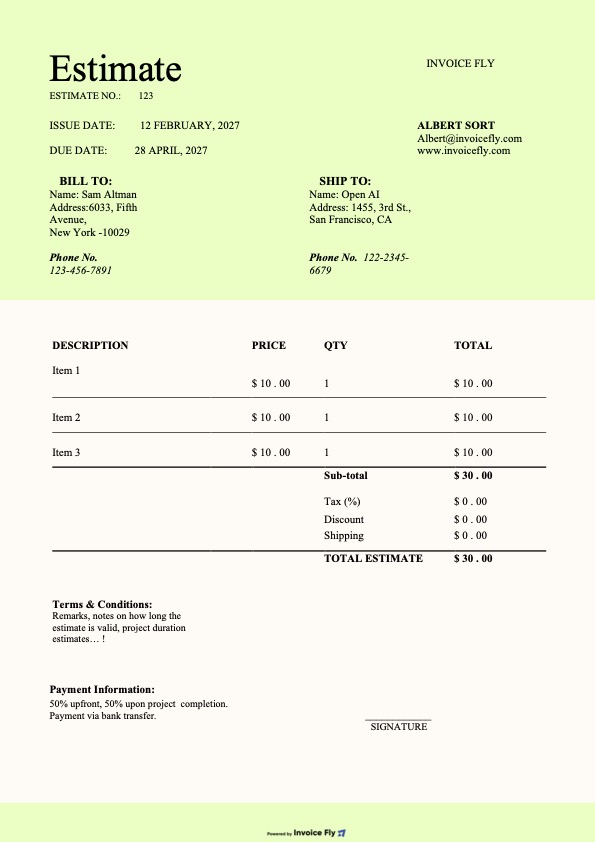
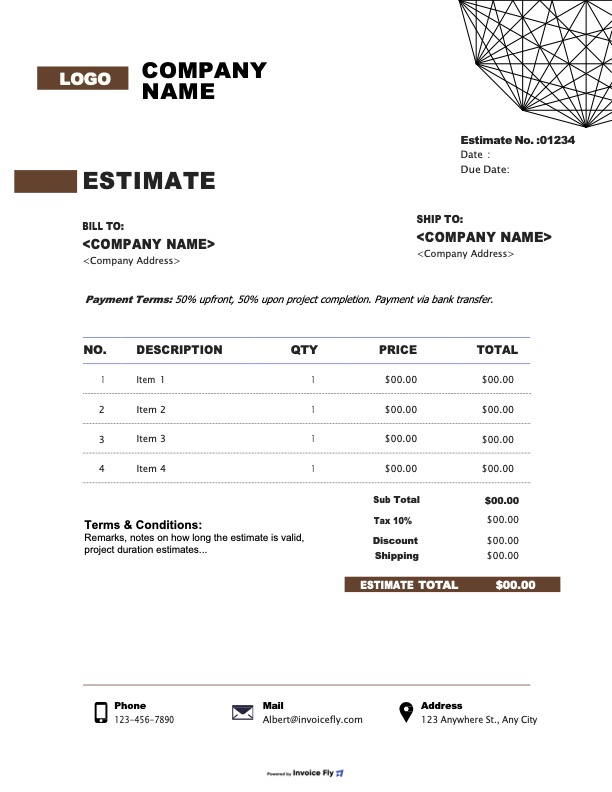
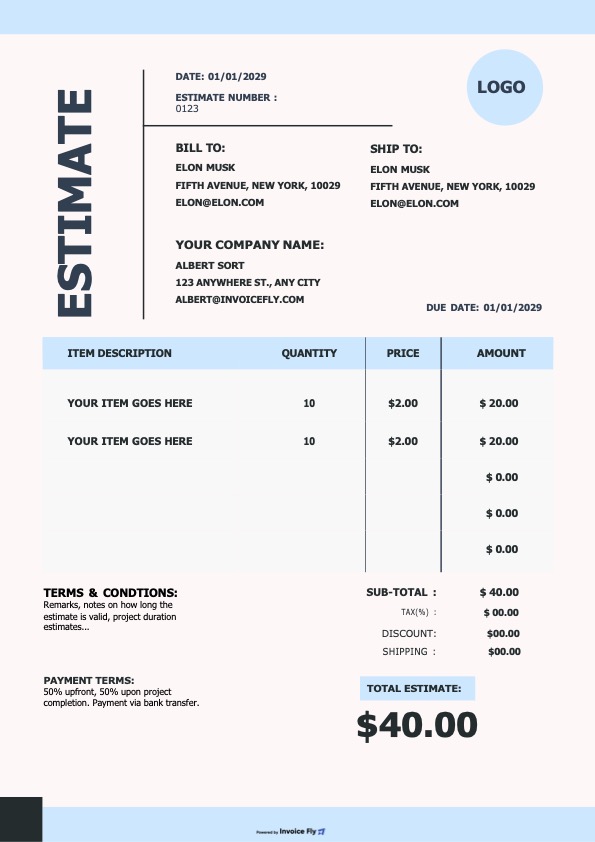
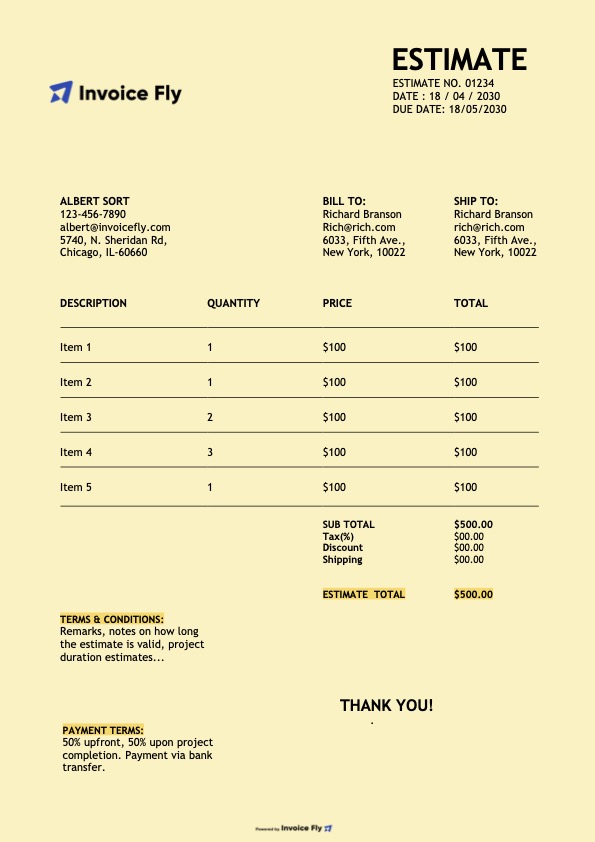
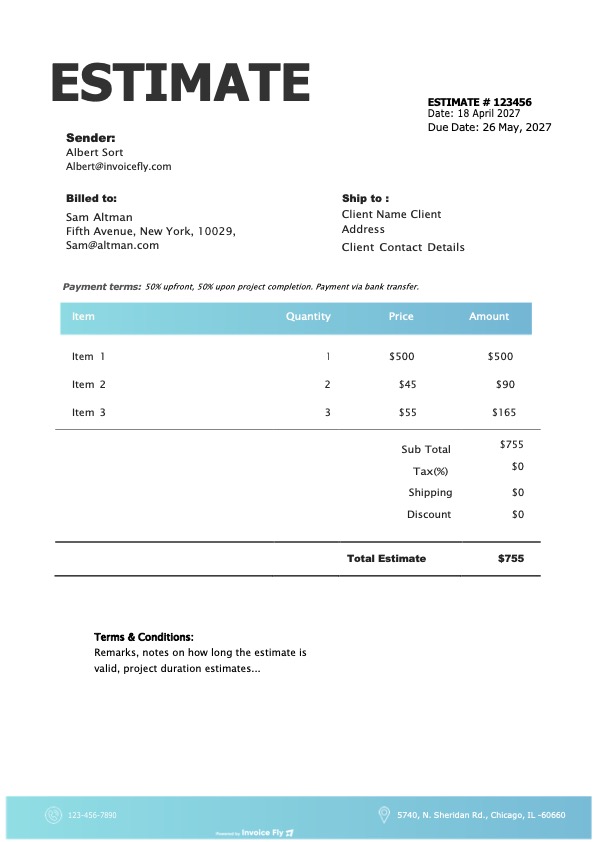
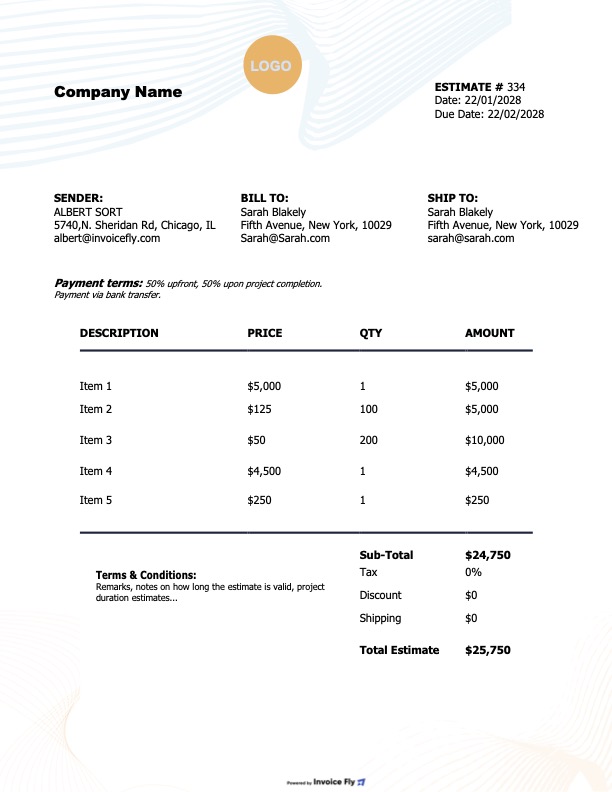
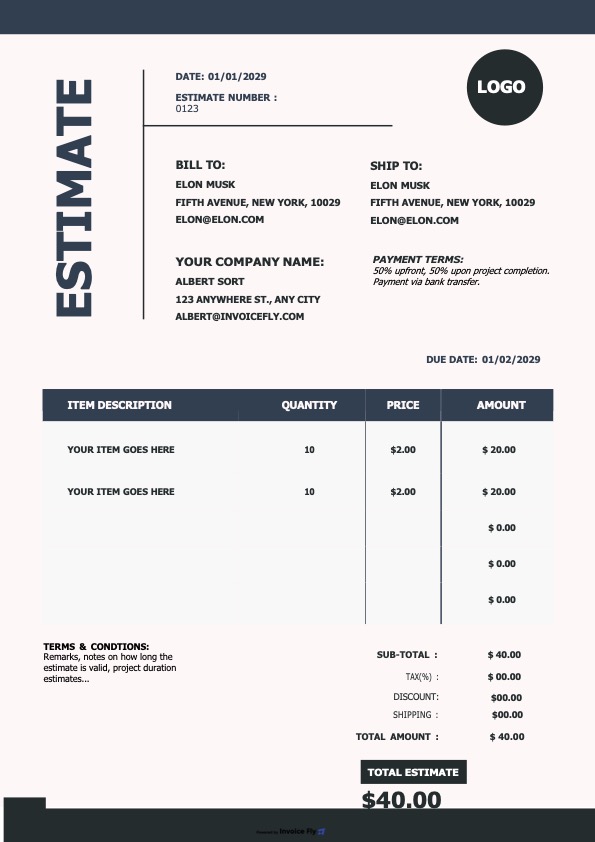
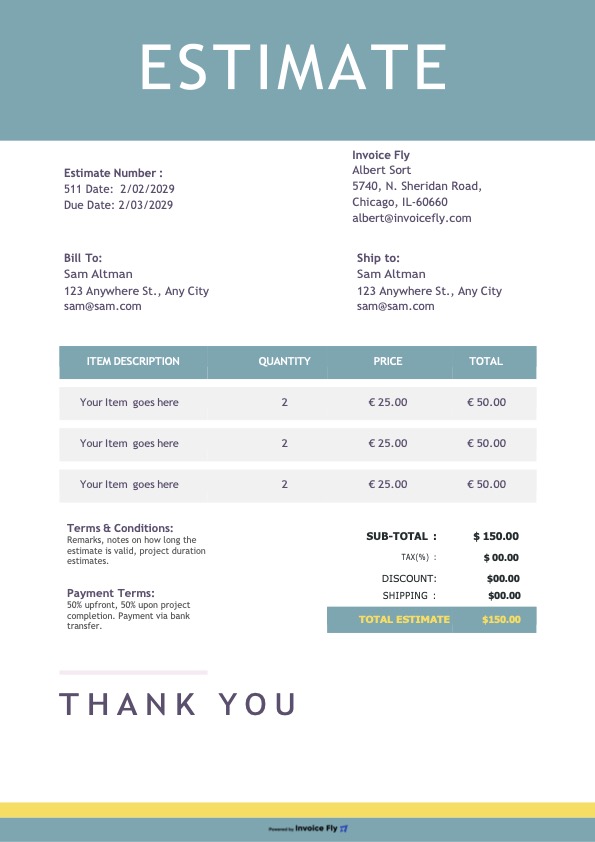
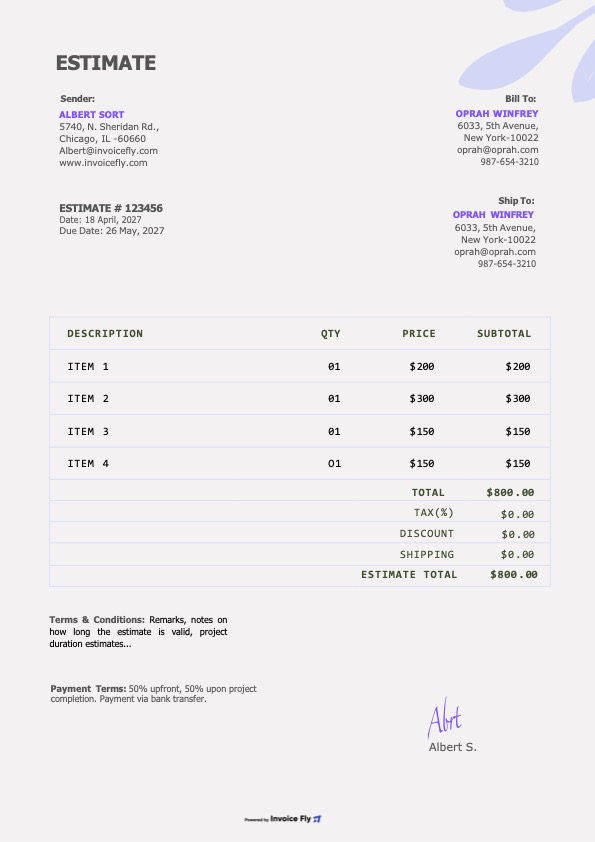
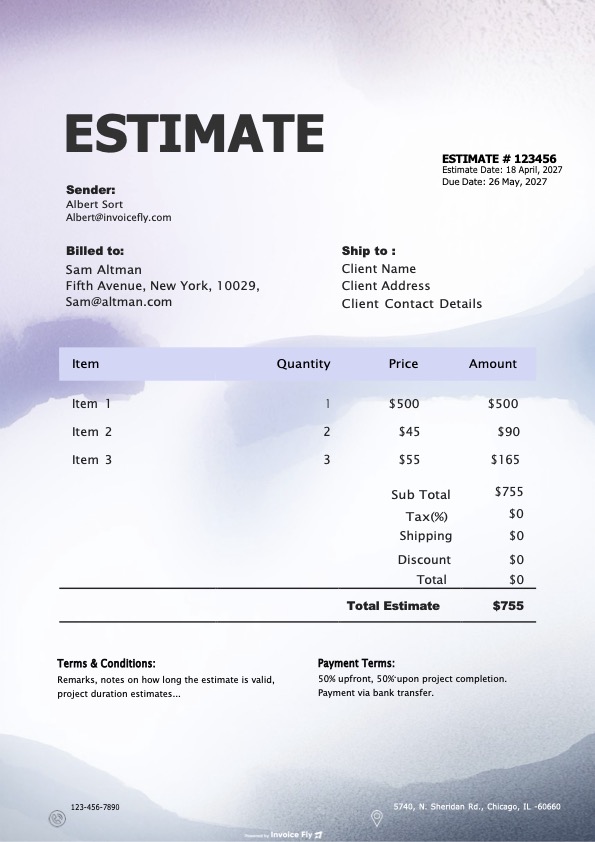
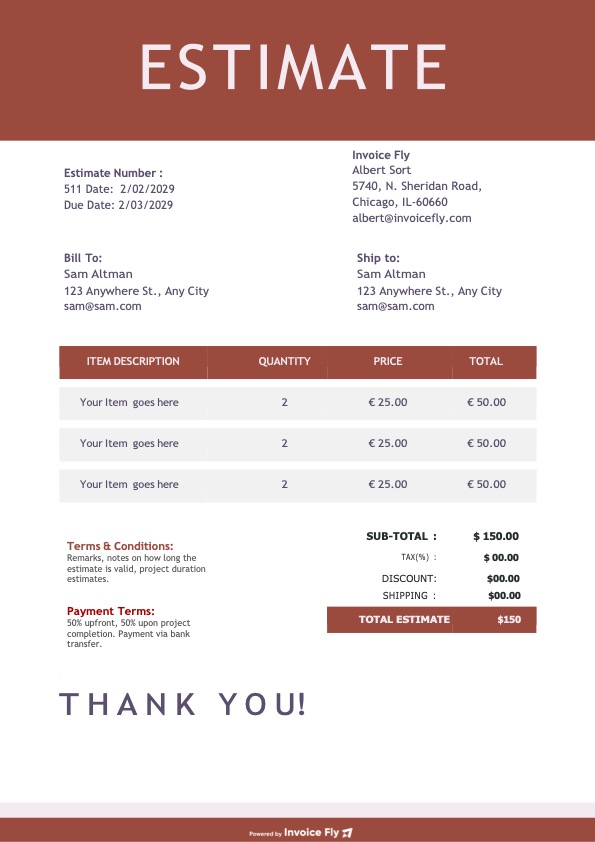
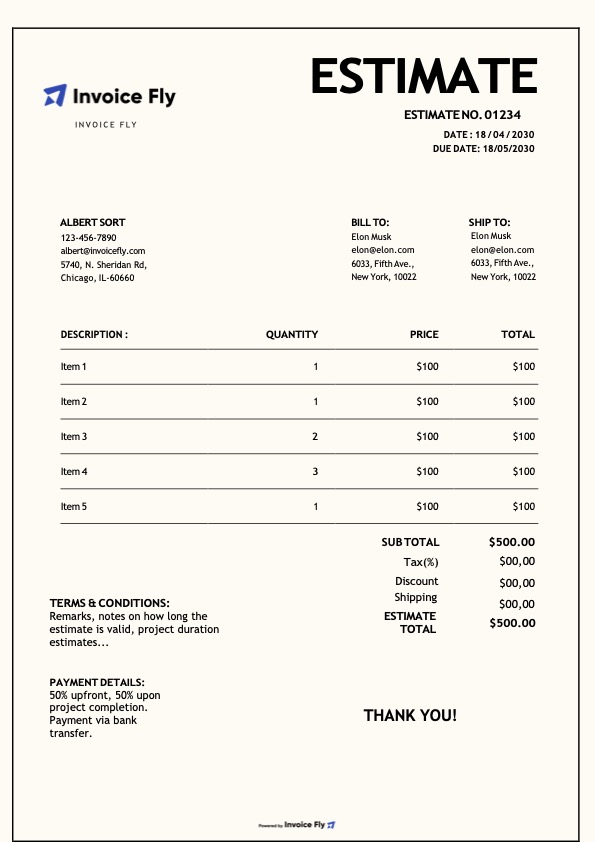
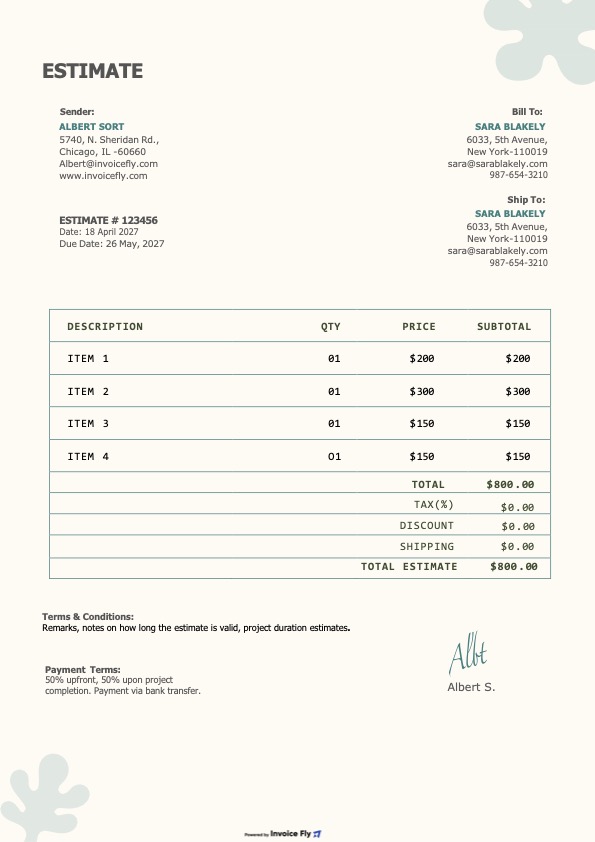
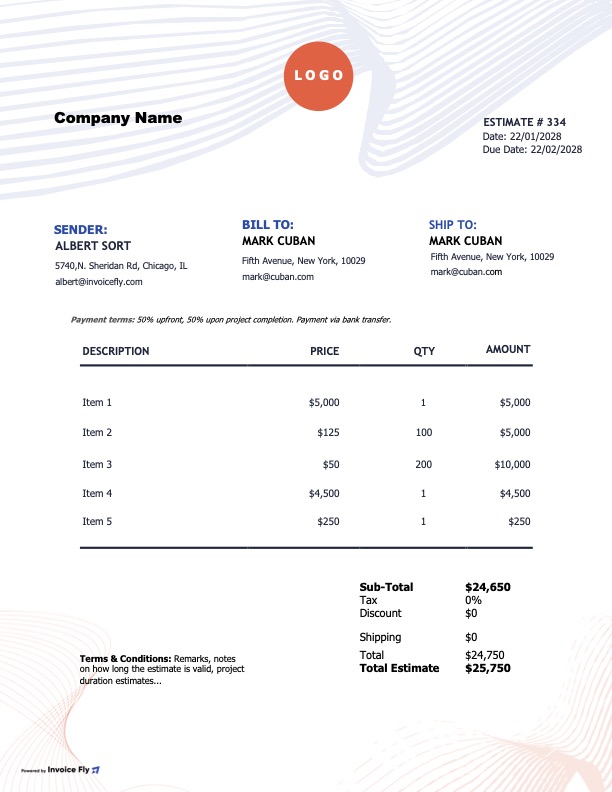
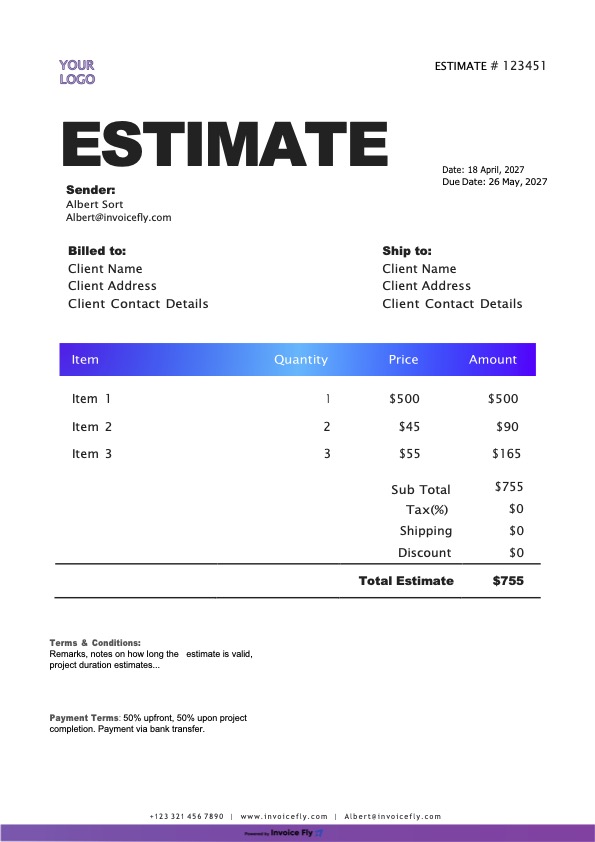
An Excel estimate template is a practical and professional way to create client estimates, project quotes, and price proposals with built-in calculations. If you need a flexible and efficient solution, Excel helps you prepare accurate estimates, organize pricing details, and manage your documents more easily without starting from scratch. Our editable estimate templates include everything you need—logo, business details, client information, itemized services or products, taxes, totals, and terms—so you can create polished estimates faster.
- Create professional estimates with your logo, brand colors, and business details
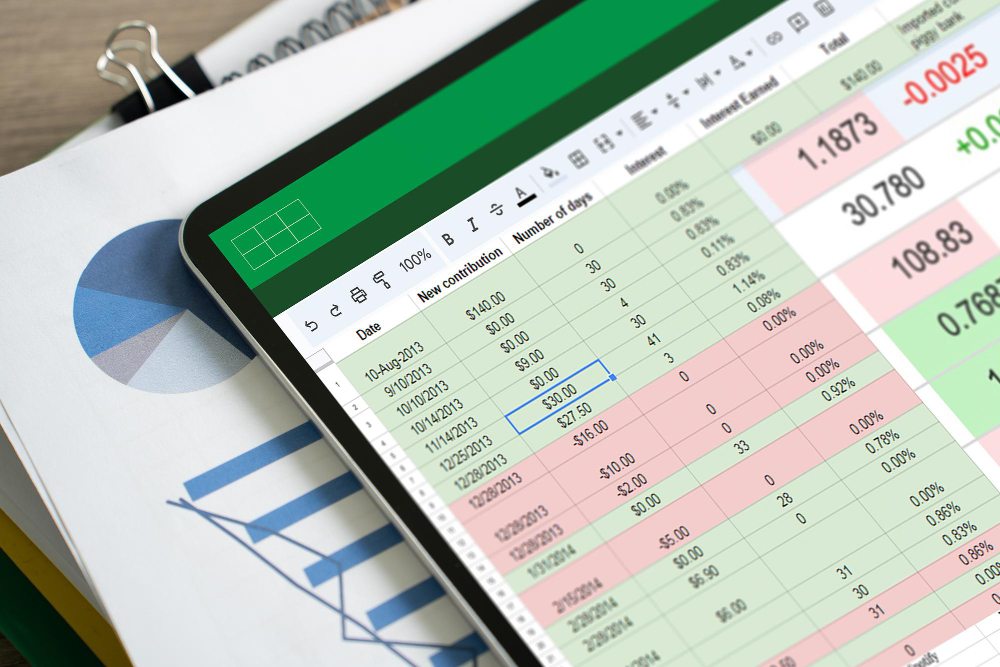
- Use built-in Excel formulas to calculate subtotals, taxes, discounts, and total estimated costs automatically
- Edit your estimate on desktop, print it, or export it as a PDF
- Manage detailed pricing and multiple line items more efficiently
- Include essential estimate fields to reduce errors, confusion, and pricing disputes
- Save time with a ready-made estimate spreadsheet instead of building one manually
Formats included
Choose the format that works best for your business. Every estimate design is available in Excel, Google Sheets, Google Docs, Word, and PDF, making it easy to edit, download, print, or send by email.
What’s included in each estimate template
Every Excel estimate template includes the essential sections you need to create clear, professional, and accurate client estimates. Whether you need a simple estimate form or a more detailed project quote, each template is designed to help you save time, improve accuracy, and present your pricing professionally.
- Business and client details, including name, address, email, and phone number
- Estimate number, issue date, and expiration date for better tracking
- Itemized services or products with descriptions, quantity, unit price, and total amount
- Automatic subtotals, discounts, taxes, and total estimated cost formulas
- Notes, estimate terms, and client approval details
- Optional fields such as PO number, project name, and terms & conditions
How to use the estimate template in Excel
- Download and open the Excel estimate template
- Replace the sample text with your business information and client details
- Add your products or services, then enter quantities and unit prices
- Use the built-in Excel formulas to calculate subtotals, taxes, discounts, and totals automatically
- Review the final estimate, add your terms, expiration date, and a short note
- Save the file, print it, or export it as a PDF to send your estimate to the client

Download Invoice Fly now
& start growing
your business!
Excel
Estimate Template FAQs
An Excel estimate template is a spreadsheet designed to help you create professional estimates, quotes, and price proposals for clients. It includes editable fields for business details, client information, itemized products or services, pricing, taxes, and total estimated costs.
Using an Excel estimate template saves time, improves consistency, and helps reduce manual errors. Instead of building your own estimate form, you can start with a ready-made spreadsheet that already includes the key sections and formulas needed for accurate estimates.
Yes. A free Excel estimate template is a useful option for freelancers, contractors, consultants, and small businesses that need a simple and professional way to create estimates without using advanced estimating software.
Yes. One of the biggest advantages of an Excel estimate template is that it can automatically calculate subtotals, taxes, discounts, and total estimated costs. This helps you create accurate estimates and update pricing more efficiently.
A professional Excel estimate template should include your business information, client details, estimate number, issue date, expiration date, itemized services or products, pricing, taxes, totals, and estimate terms. Some templates also include approval sections, project names, or PO numbers.
Yes. Excel works well for business estimates, service quotes, job estimates, and project pricing documents. It is especially useful when you need flexible formatting, automatic formulas, and an editable spreadsheet for repeated use.
Yes. After completing your estimate in Excel, you can export or save it as a PDF to create a cleaner, more professional file for emailing clients or keeping for your records.
An Excel estimate template can be used by freelancers, consultants, contractors, construction companies, agencies, home service businesses, and many other professionals who need to send clear and accurate estimates to clients.


Other Free Resources




Ready to Simplify Your Invoicing?
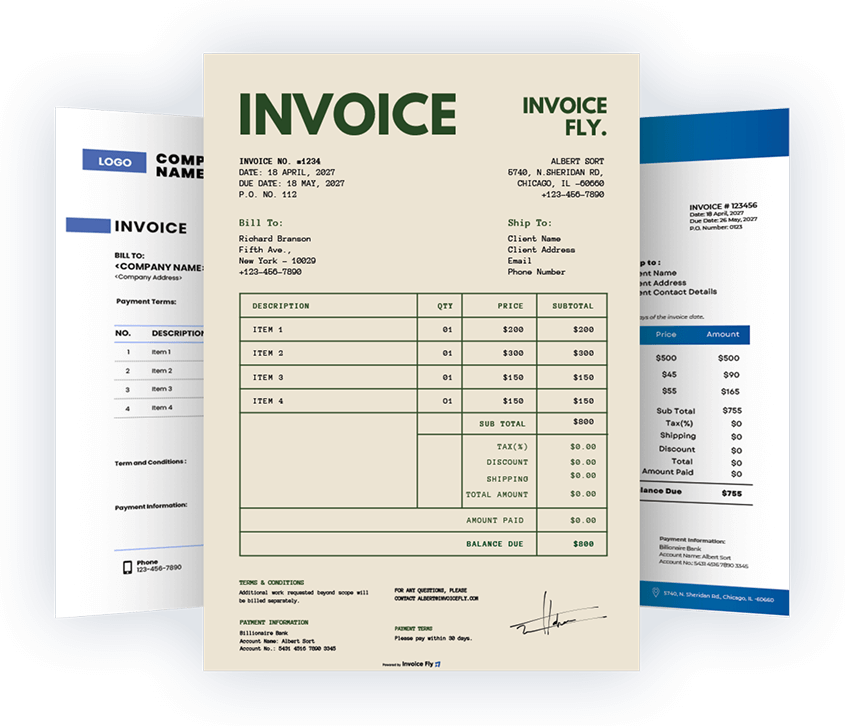
Choose from beautifully designed invoice templates, customize them to your needs, and download your invoice in seconds. For a faster workflow, you can also create invoices online using our invoice generator.
 English
 Español