







Invoicing Was a Headache. Now It’s Your Head Start.
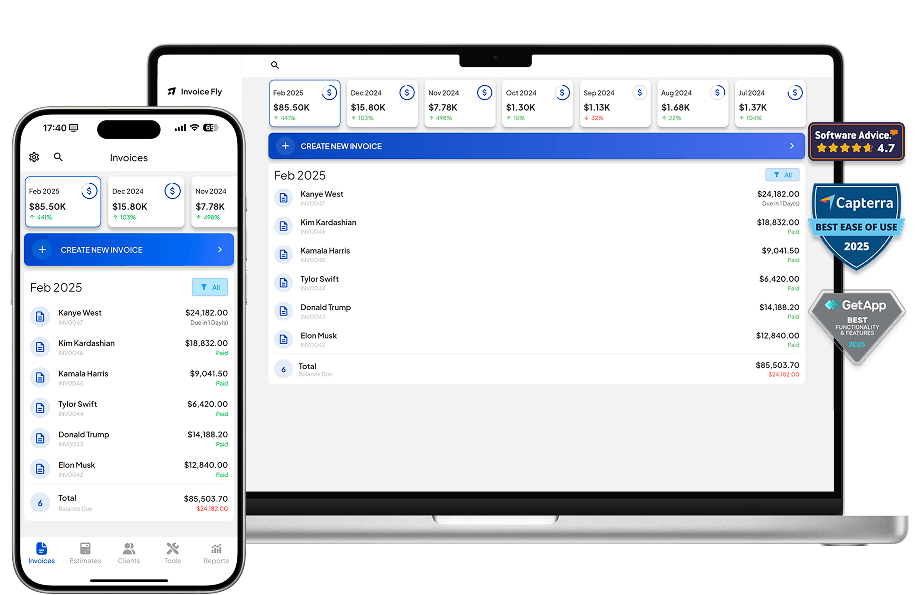
From estimates to invoices, payments, and reports, Invoice Fly keeps your entire billing workflow in one place. Less admin, fewer steps, and more time to focus on your business.

Create Estimates
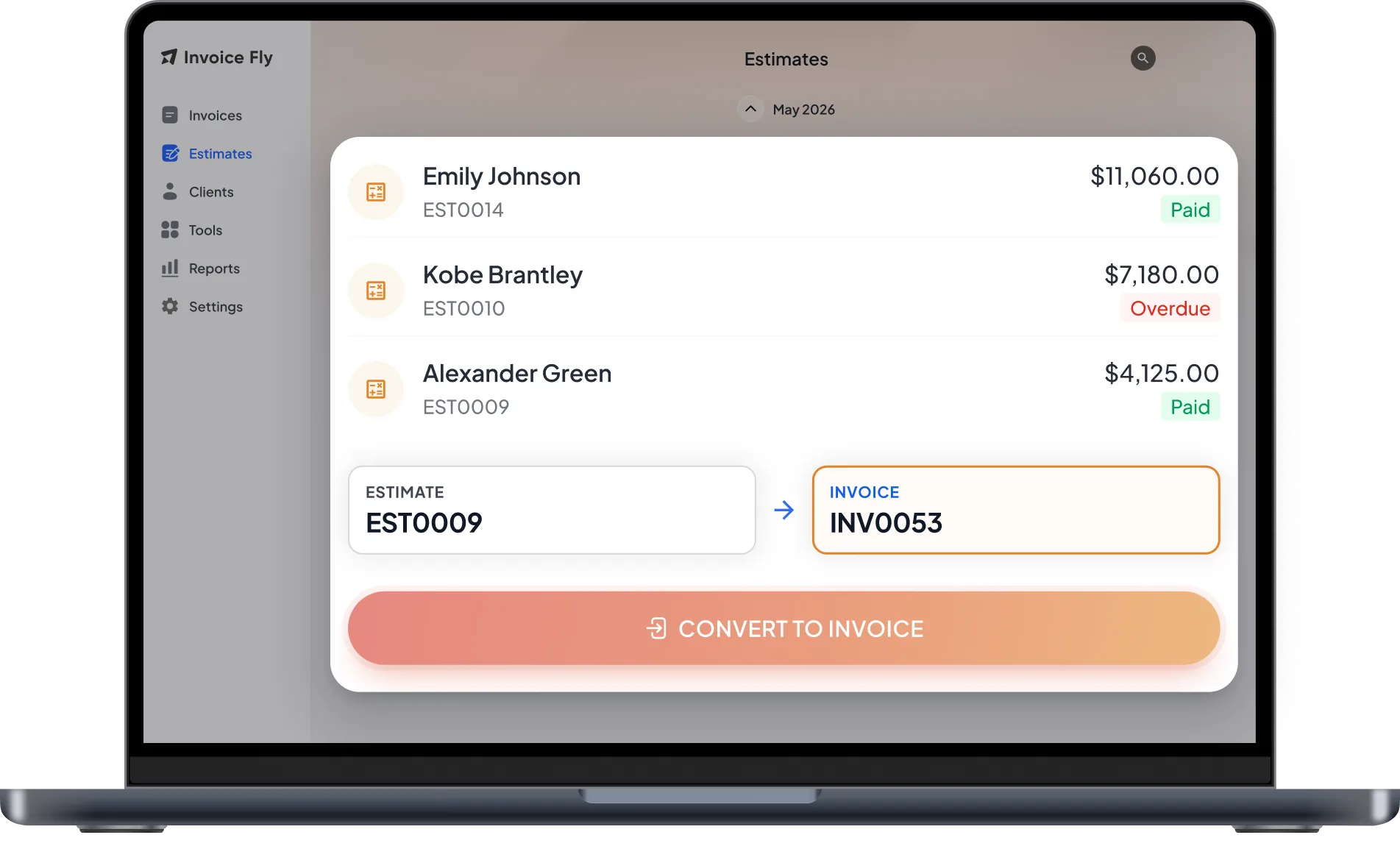
Send a quote for approval, then turn it into an invoice in a tap.
Create Invoices
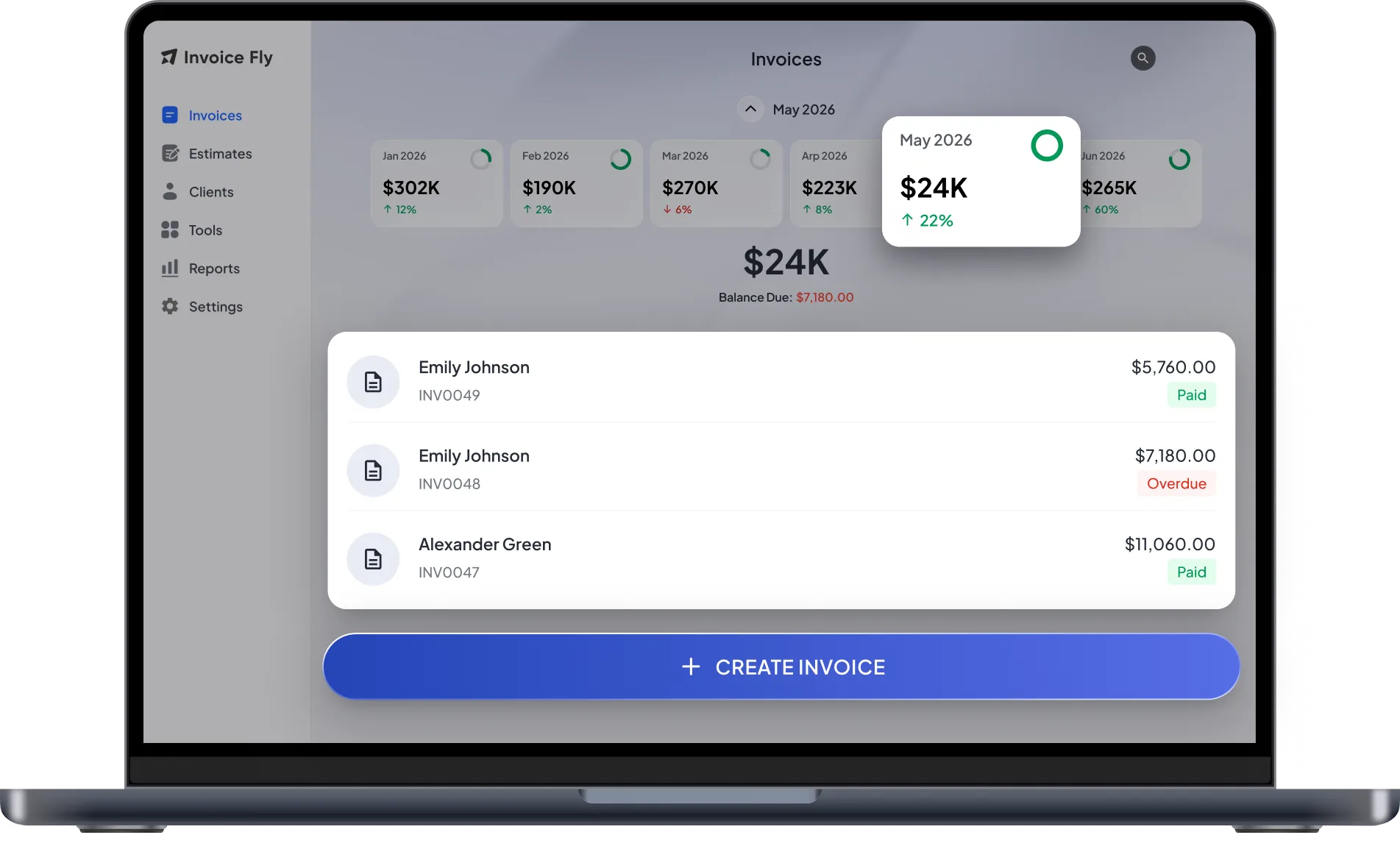
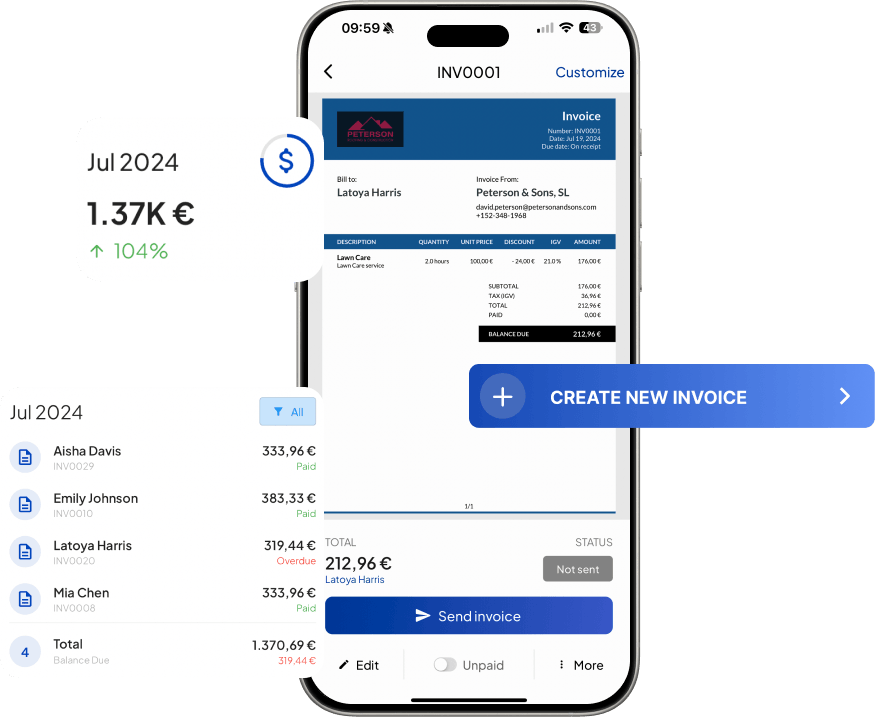
33+ branded templates and reusable line items. Done in a minute.

Accept Online Payments
Card, ACH, bank transfer or PayPal, clients pay how they prefer.
View Business Reports
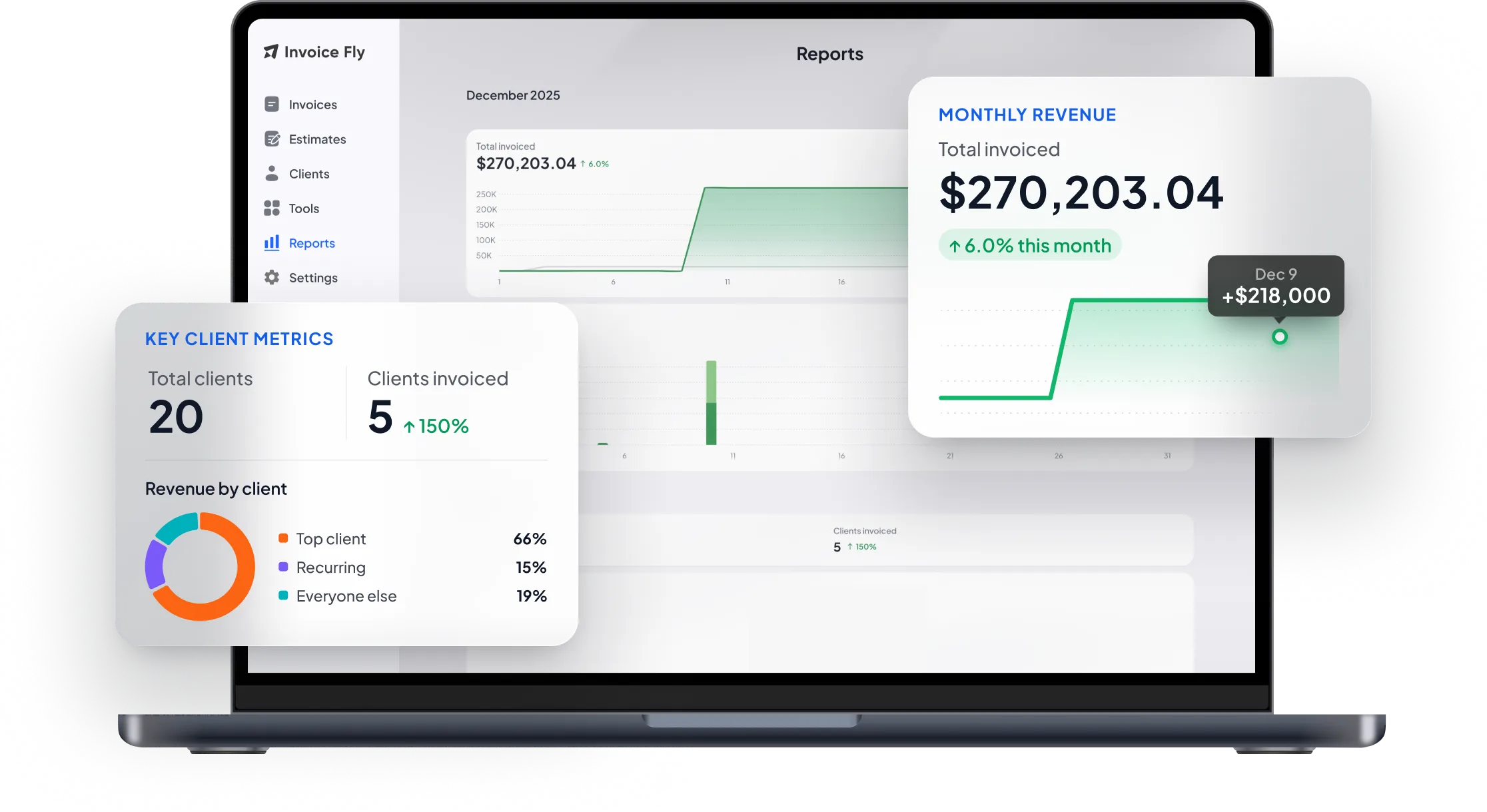
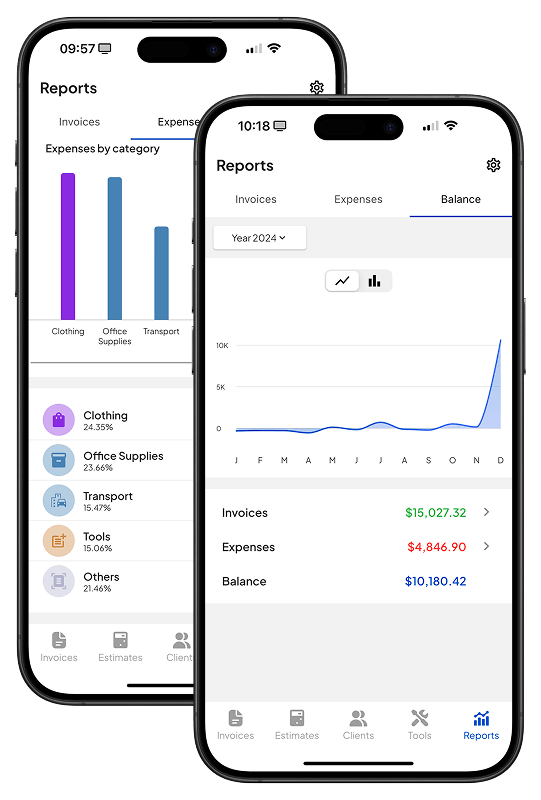
Track your income, expenses, and invoice activity, all in one place.
Inside the app
Everything You Need to Manage Invoicing.
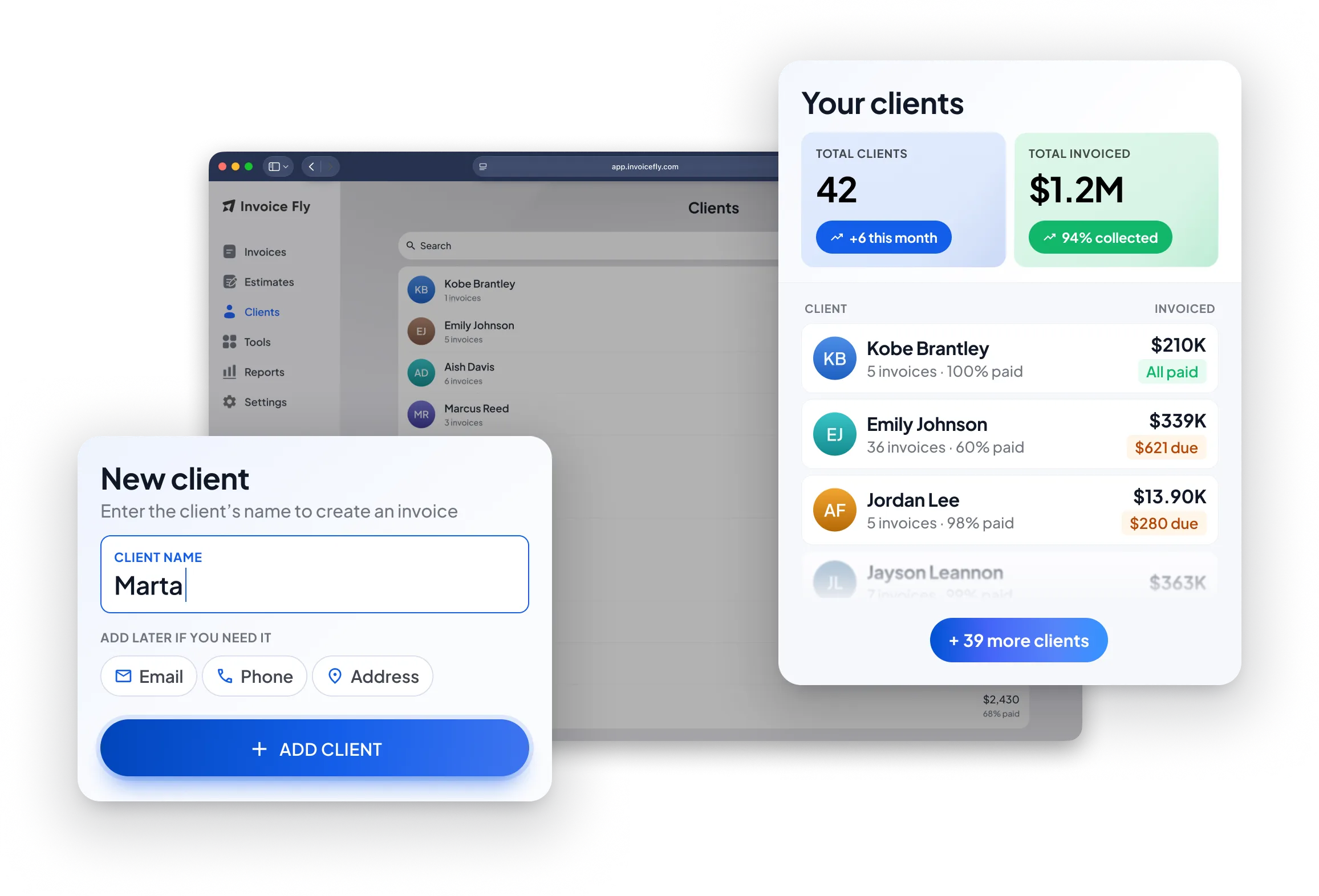
Take your invoicing wherever you work. Create estimates and invoices, manage clients, track payments, and check your reports from your phone, tablet, or desktop. Set up your business once and keep everything organized in one place.
Download NowSend a quote for approval, then turn it into an invoice in a tap. Your client details, services, and pricing stay together, so you can move from approved work to getting paid without re-entering the same information.
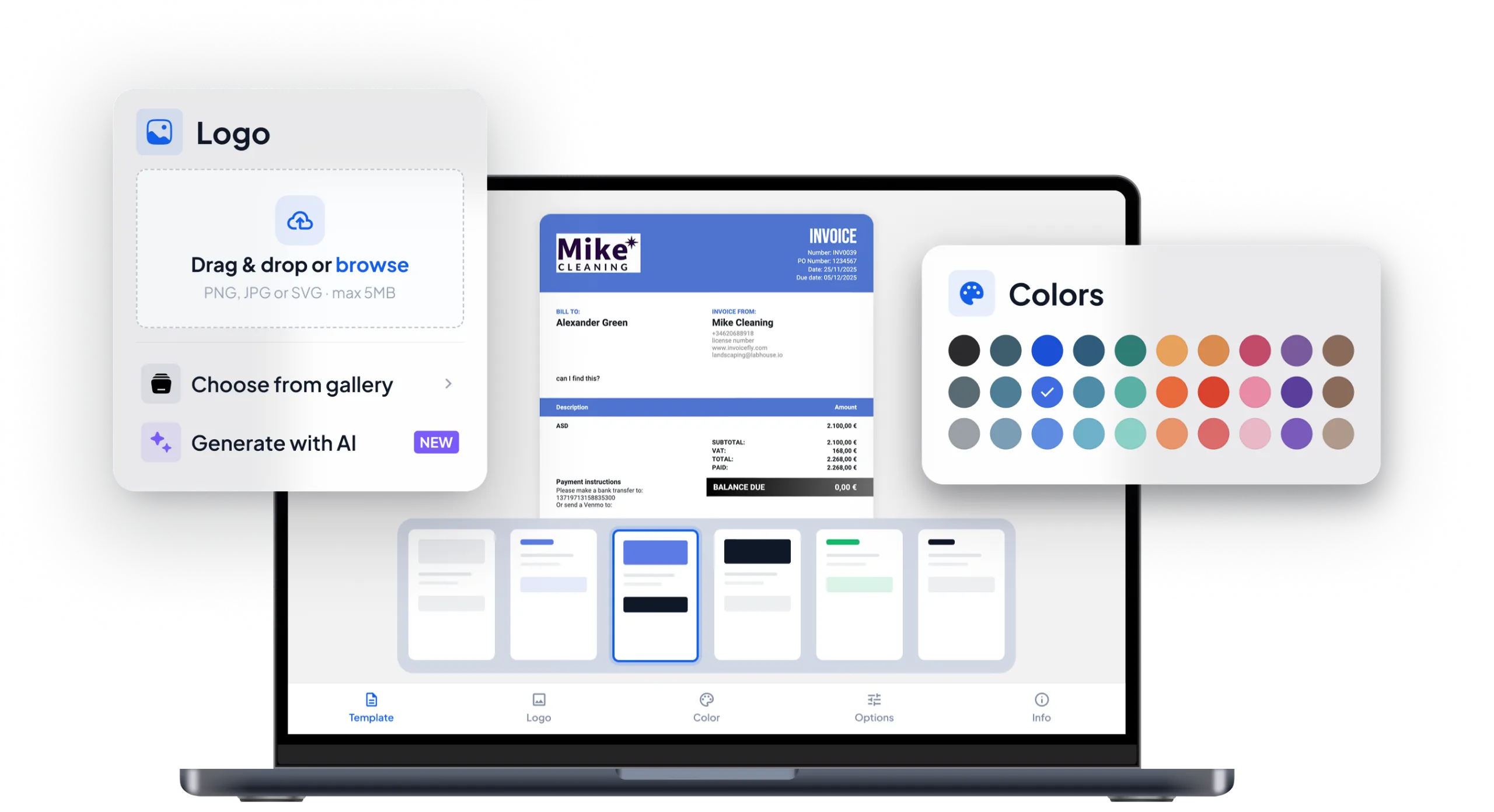
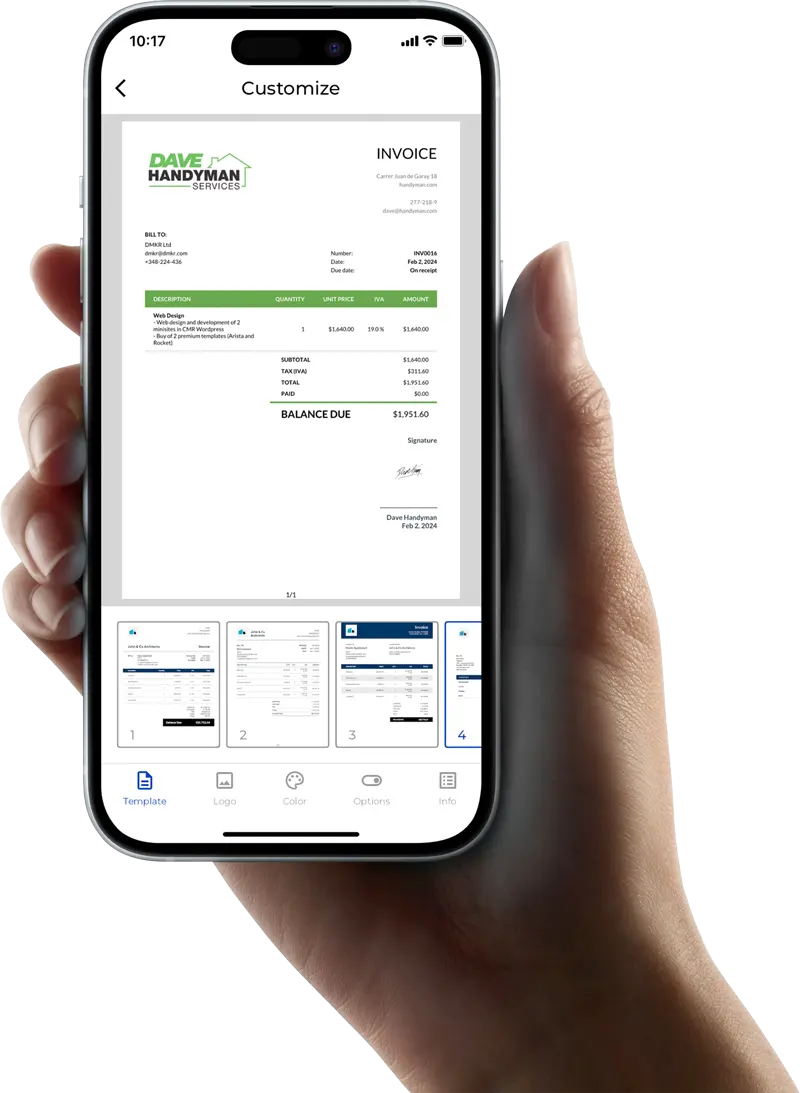
Convert Your First EstimateChoose from 33+ invoice templates in styles ranging from Classic and Minimalist to Modern and Simple, with options designed for different industries and types of work. Customize your invoice with your branding, save reusable line items, and create polished invoices without starting from scratch.
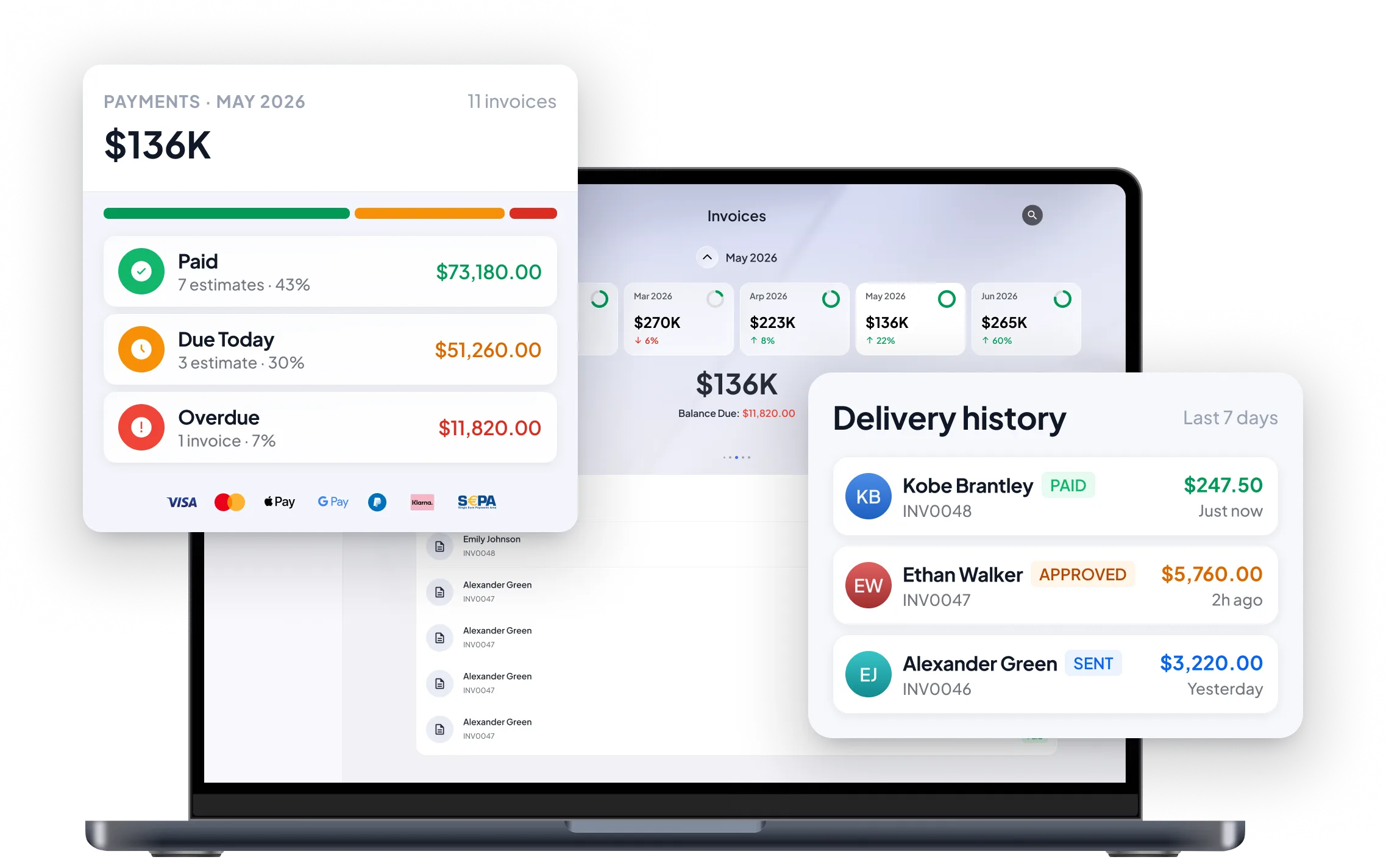
Create Branded InvoicesMake it easy for clients to pay with the payment method they already use. Accept credit and debit cards, ACH, bank transfers, and PayPal, so clients have more ways to settle their invoices while you have fewer payment channels to manage.
Get Paid Faster with Online PaymentsSee more than just whether an invoice was sent. Keep track of what you’ve billed, what’s been paid, what’s still outstanding, and where your money is going. With your invoicing activity organized in one place, you can spend less time piecing together numbers and more time acting on them.
Track Your Business Expenses



Built for every business
Whatever You Do.
Do It Like a Pro with Invoice Fly
Whether you're freelancing, running a local business, or growing a team, Invoice Fly helps you create professional invoices, stay organized, and get paid faster.









Wherever Business Takes You.
Invoice Fly Goes Too.
Run your business from the palm of your hand. Create estimates, send invoices the moment the job is done, accept payments, and track every invoice, whether you're on-site, meeting clients, or on the move.
Where Small Businesses Share Big Wins.
From plumbers and roofers to cleaners and consultants, discover how businesses are saving time, impressing clients, and getting paid faster with Invoice Fly.
"Invoice Fly paid for itself in a week. I send estimates from the truck and get paid before I'm even home."
"My clients just tap one button and pay. No more chasing invoices on the weekend."
"Went from messy spreadsheets to pro invoices in minutes. I look like a big company now."
"The automatic reminders do the awkward chasing for me. Cash flow has never been smoother."
"Scanning receipts at tax time used to take me days. Now it's done as I go."
"Customers love the one-tap pay link. It makes a tiny crew look seriously professional."
"Set up in literally a minute. I sent my first invoice the same afternoon I downloaded it."
"I can see the second a client opens my invoice. It completely changed how I follow up."
The Right Template.
For Every Job.
Choose from professionally designed invoice templates, estimate templates, and receipt templates for every kind of job. Customize your template with your branding and business details in minutes, then download and send a polished document that’s ready to go.

Invoice Templates
Create professional invoices that reflect your brand, impress customers, and help you get paid faster.
Download free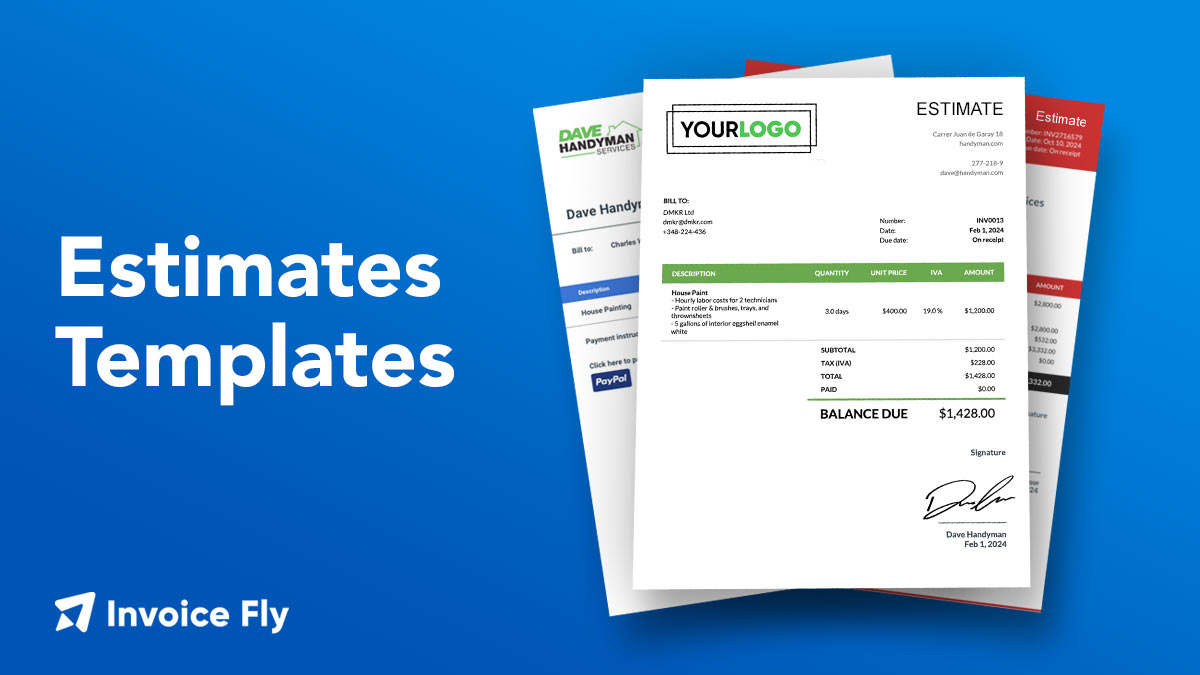
Estimate Templates
Create professional estimates and quotes that build trust, win more jobs, and turn approved quotes into invoices.
Download free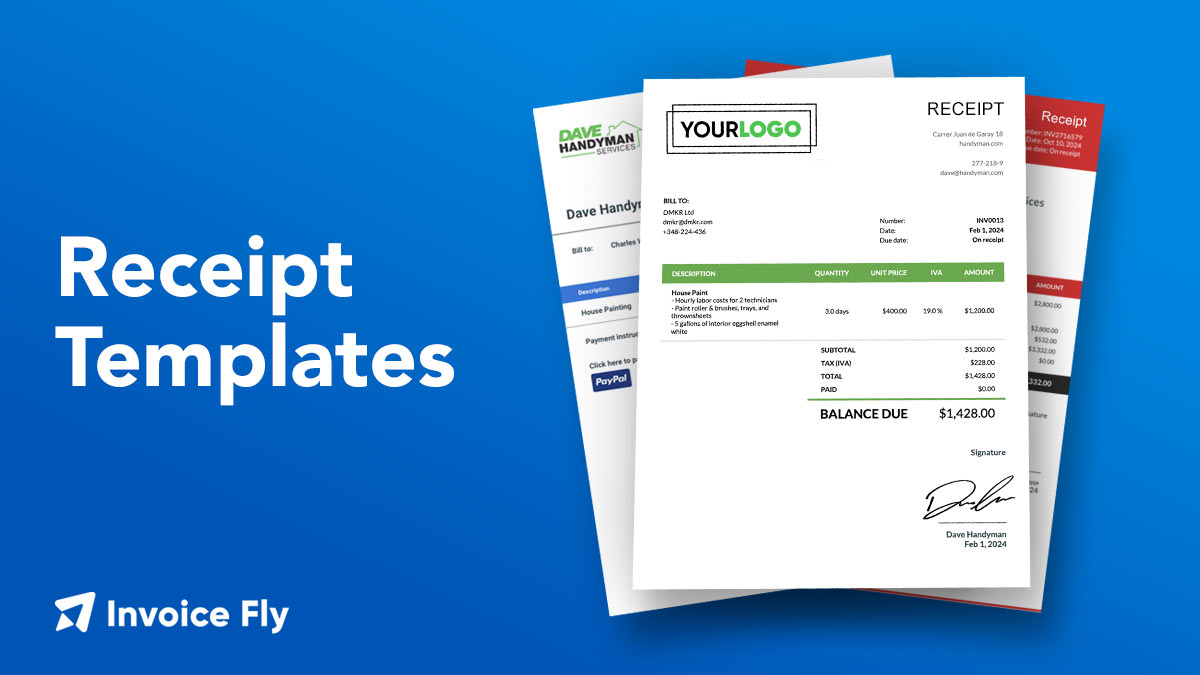
Receipt Templates
Create branded receipts that provide proof of payment, keep accurate records, and build customer confidence.
Download free
Quote Templates
Send clear, itemized quotes that turn enquiries into booked jobs.
Download freeConstruction Estimate Templates
Create detailed construction estimates that showcase your professionalism, win more projects, and keep every job on track.
Download freeHandyman Invoice Templates
Create professional handyman invoices that highlight your work, strengthen your brand, and help you get paid faster.
Download free
More Than an Invoicing App.
A Toolkit for Your Business.
Invoice Fly comes with more than just professional invoicing. Create invoices online with our free generator, generate receipts in seconds, calculate profit margins, and explore a growing collection of free business tools built to help you work smarter every day.
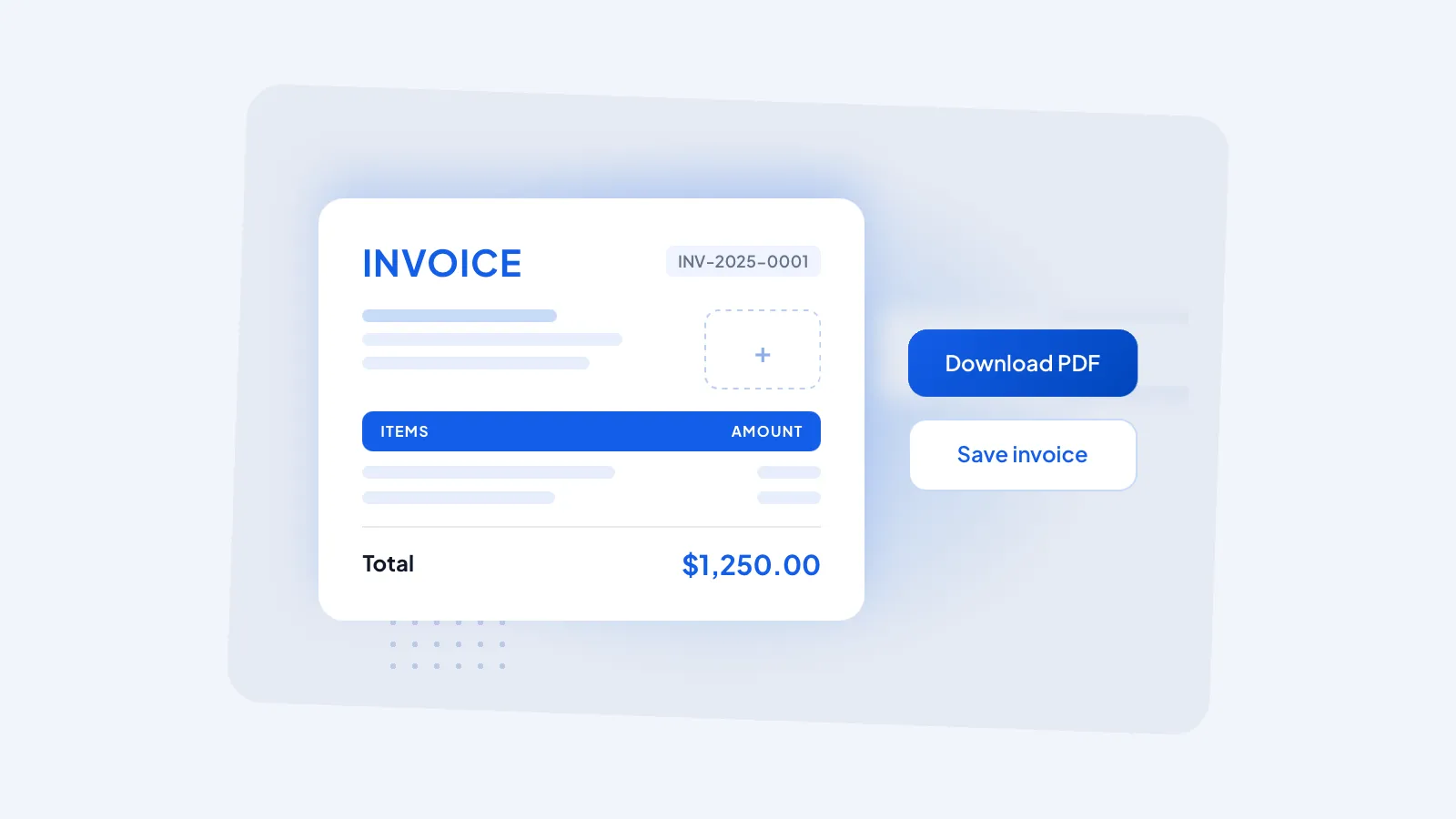
Invoice Generator
Create and download professional invoices online, no signup required.
Use for free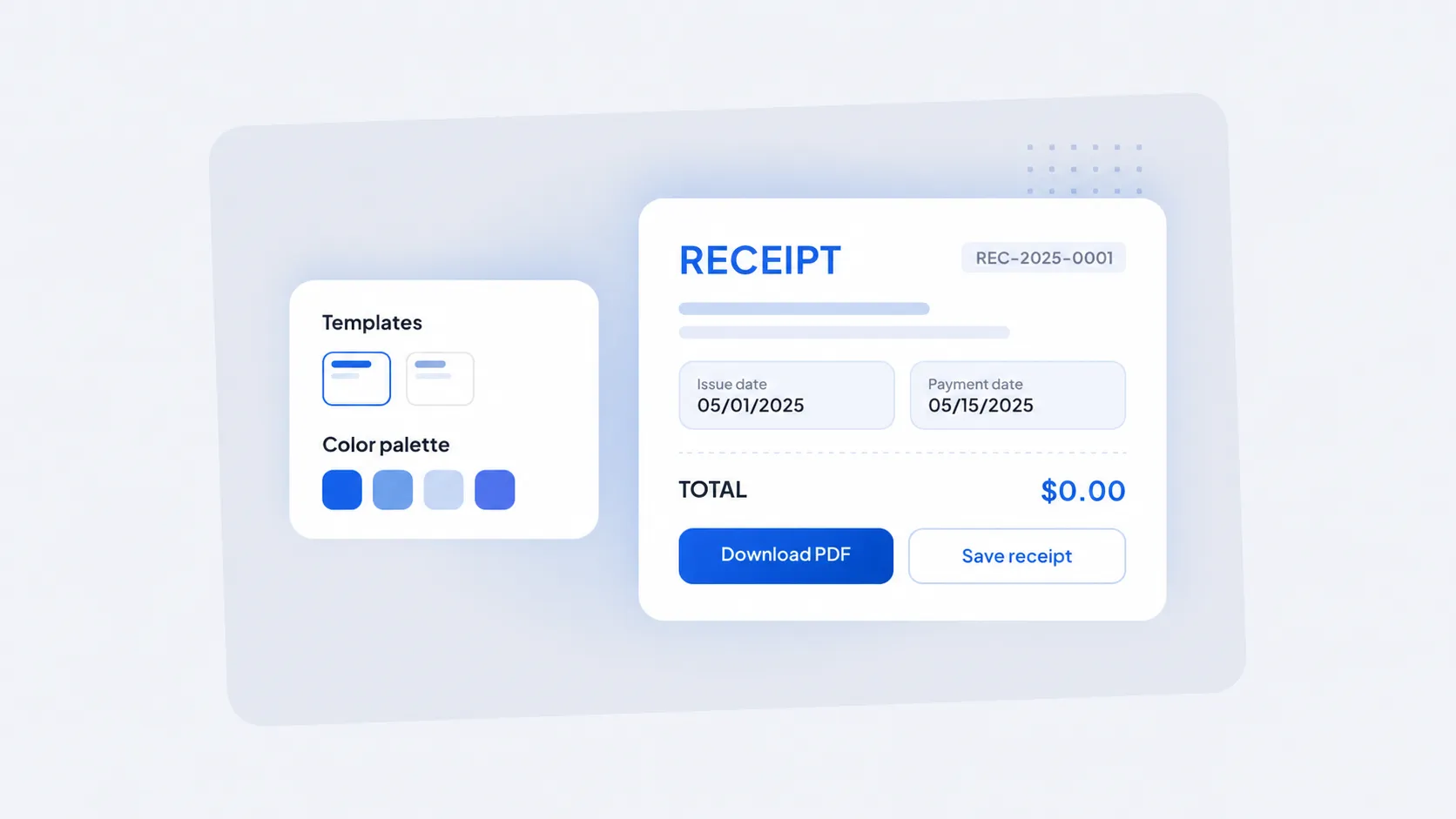
Receipt Maker
Generate itemized receipts in seconds and share them with clients instantly.
Use for free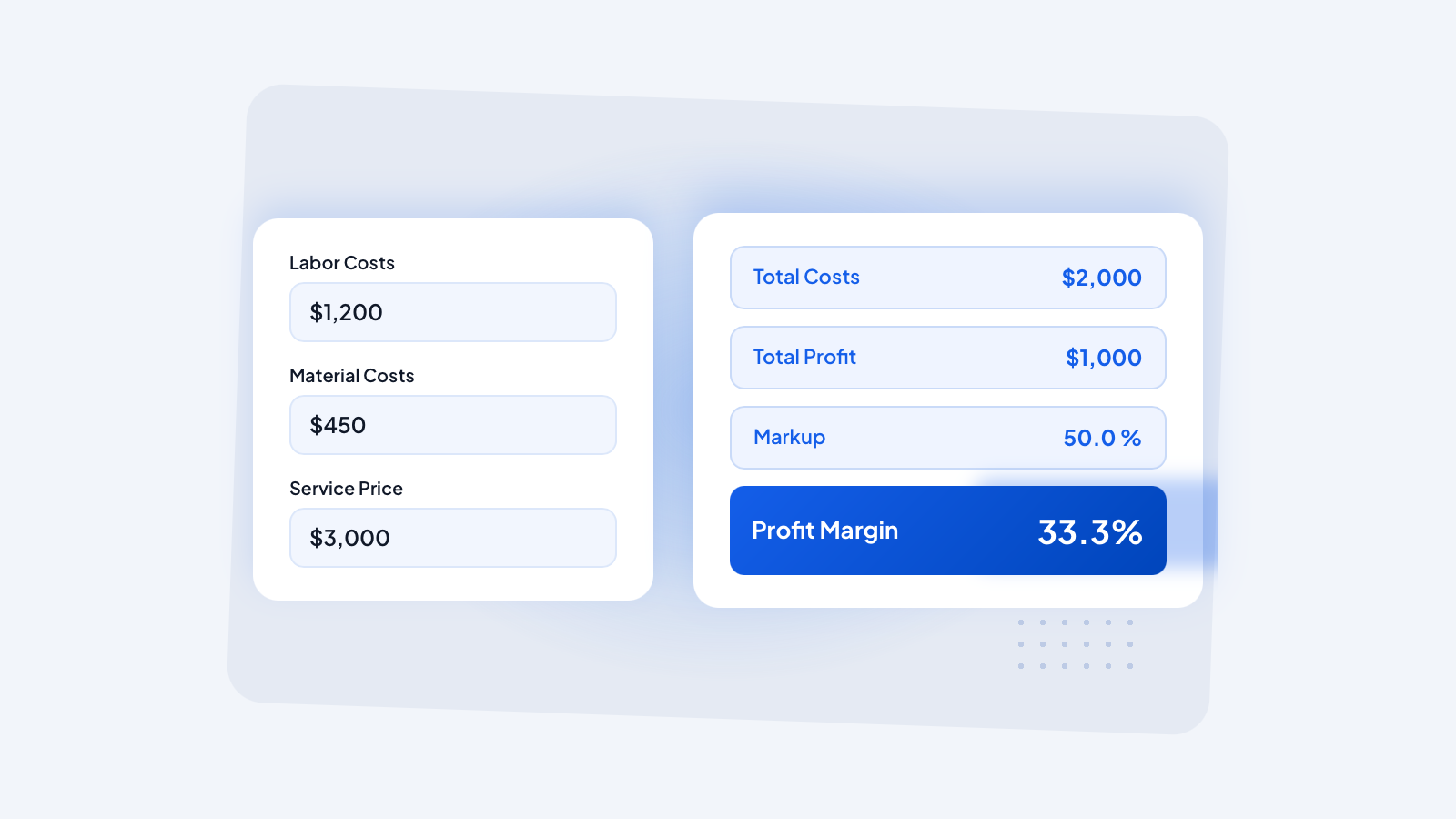
Profit Margin Calculator
Know your numbers, calculate margins and markups on the fly.
Use for free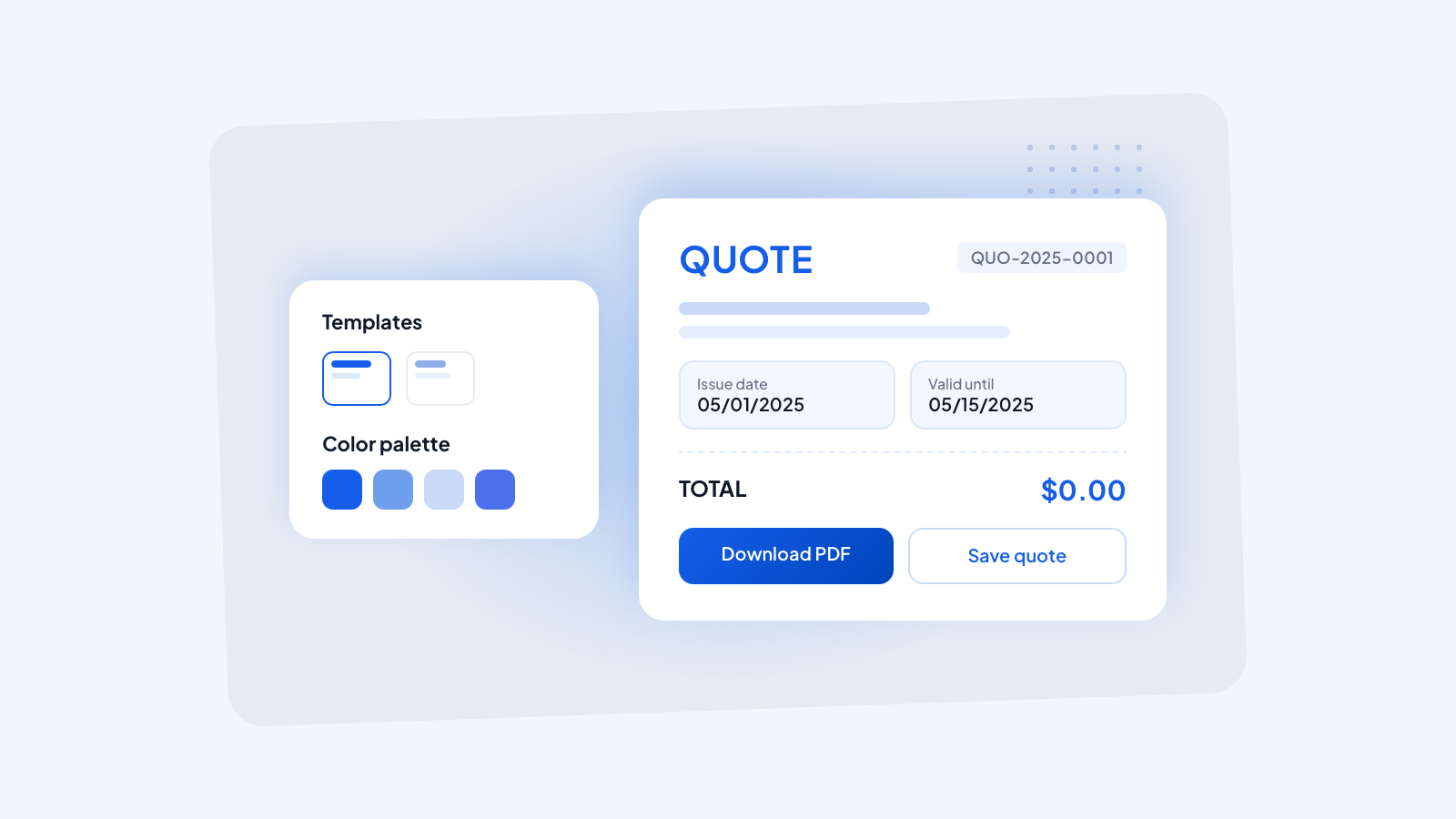
Quote Generator
Build professional quotes online and send them to clients in minutes.
Use for free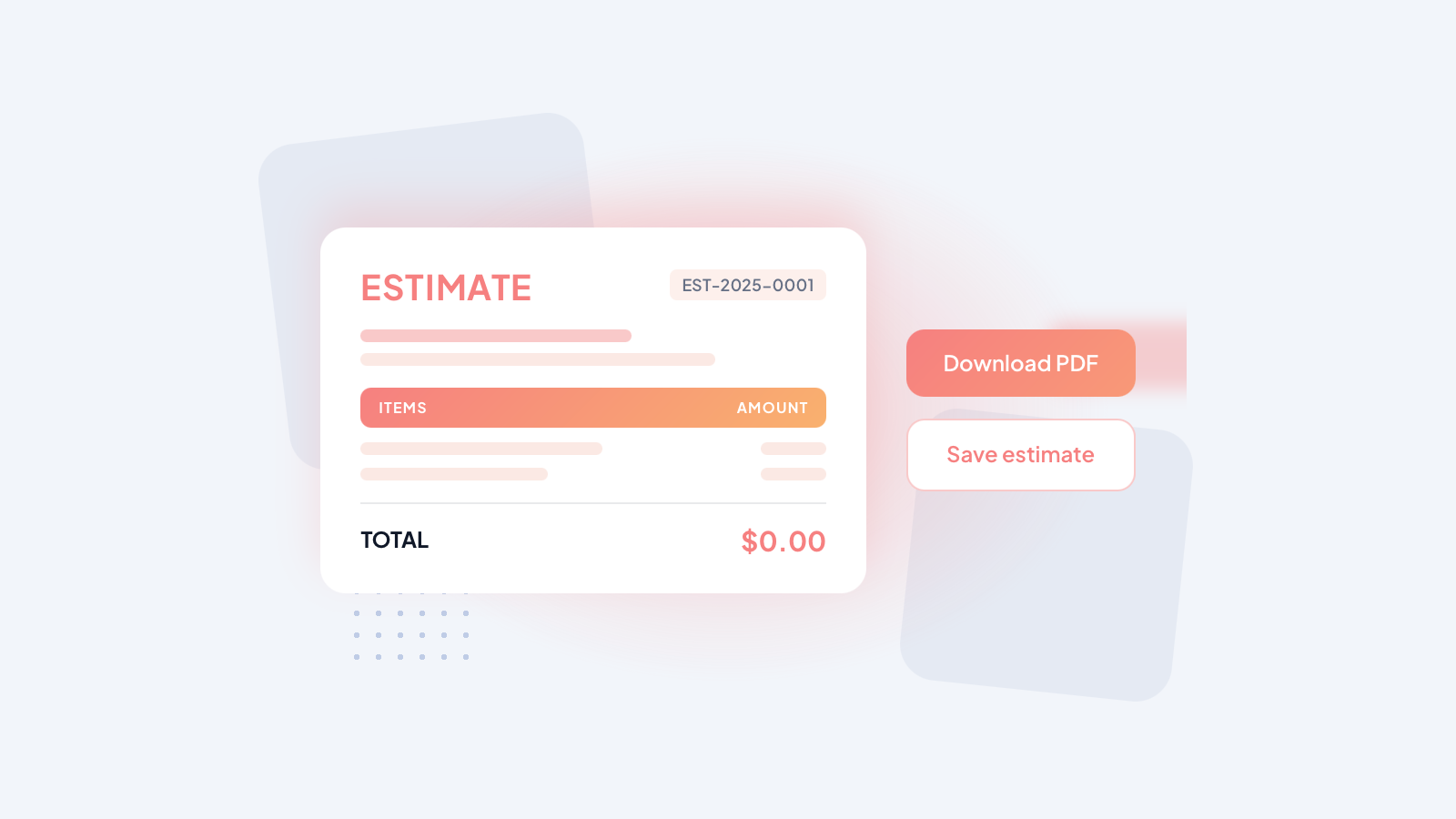
Estimate Generator
Create accurate estimates and turn approved ones into invoices instantly.
Use for free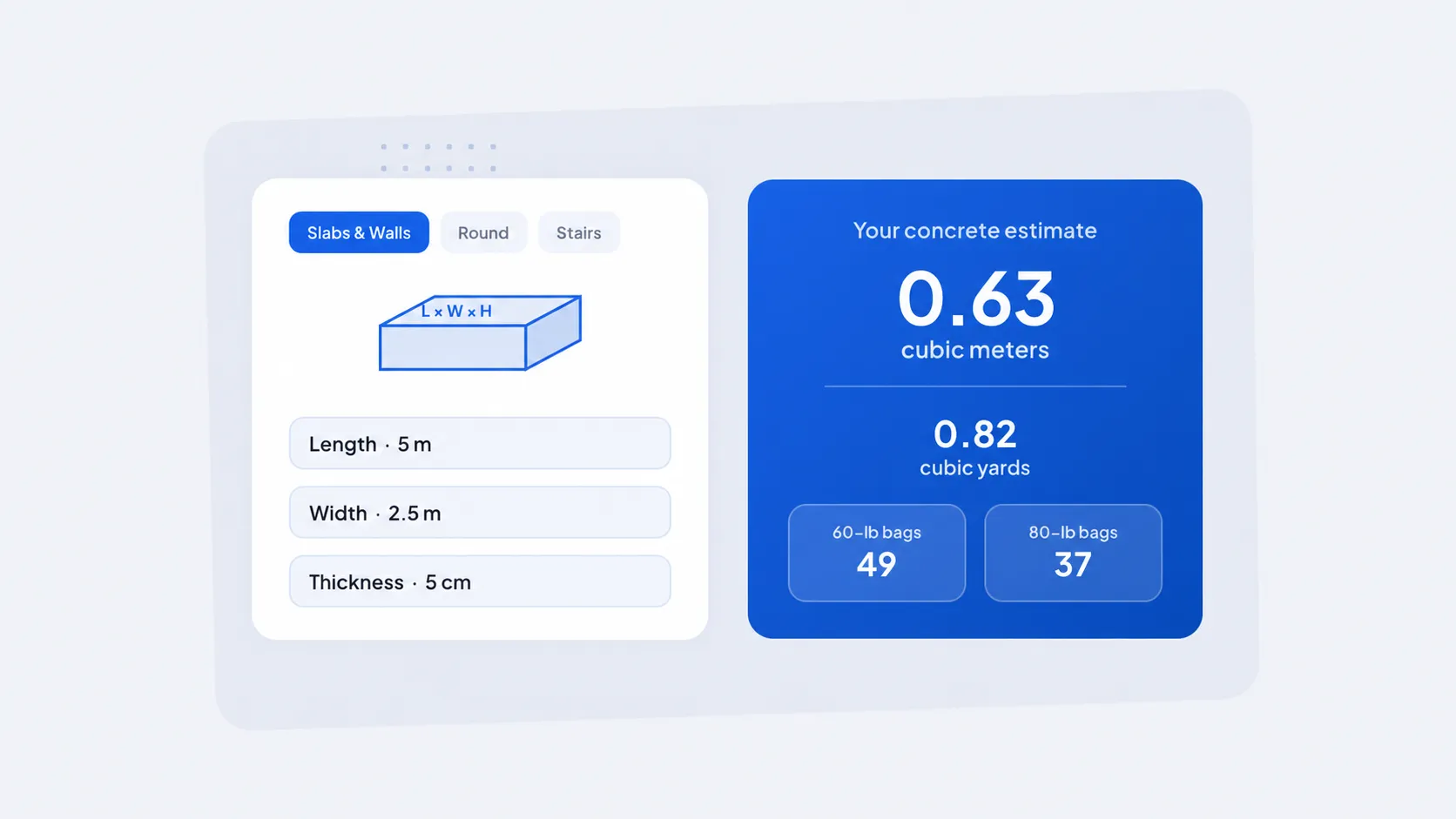
Concrete Calculator
Estimate the concrete you need for any job, fast and without the guesswork.
Use for free
Explore All Invoice Fly Tools
Invoices, receipts, calculators, templates and more, all free.
See all toolsOne Simple Plan. Unlimited Invoices.
Everything you need to create estimates, send invoices, get paid, and manage your business, all included in one simple plan. Choose weekly or yearly billing.
Perfect for trying everything out or short projects — the complete toolkit, billed weekly.
Start invoicing Free- Template customization
- Unlimited invoices & estimates
- Receive card & online payments
- Expense tracker & reports
- Mobile app & notifications
Best value for ongoing invoicing — the same complete toolkit, billed once a year.
Start invoicing Free- Template customization
- Unlimited invoices & estimates
- Receive card & online payments
- Expense tracker & reports
- Mobile app & notifications
Explore the
Invoice Fly Academy
Discover practical articles, invoicing guides, payment tips, and industry resources designed to help freelancers, contractors, and small businesses work smarter every day.
Frequently Asked Questions
An invoice is a document that requests payment for products sold or services provided. It outlines what was delivered, how much is owed, when payment is due, and how your client can pay. A professional invoice typically includes your business name and logo, customer details, invoice number, issue and due dates, an itemized list of products or services, taxes, discounts, payment terms, and the total amount due.
With the Invoice Fly app, you can create professional invoices in minutes using customizable invoice templates. Add your business logo, brand colors, contact details, payment terms, taxes, discounts, notes, attachments, and accepted payment methods to every invoice. You can also generate estimates and quotes, convert them into invoices, accept online payments, send invoices by email or secure link, automate payment reminders, track invoice status in real time, and download or print invoices as professional PDFs. Whether you're a freelancer, contractor, consultant, or small business owner, Invoice Fly helps you create polished invoices, stay organized, and get paid faster.
Creating an invoice with Invoice Fly takes less than a minute. Choose a professional invoice template, add your business and customer details, include your products or services, taxes, and payment terms, then send it by email, secure link, or PDF. You can even see when your client opens the invoice, making it easier to follow up and get paid faster.
A professional invoice should clearly include your business information, customer details, invoice number, invoice date, payment due date, itemized services, taxes, total amount due, and payment instructions. Invoice Fly automatically organizes everything into a clean, professional layout, helping you build trust and leave a great impression with every client.
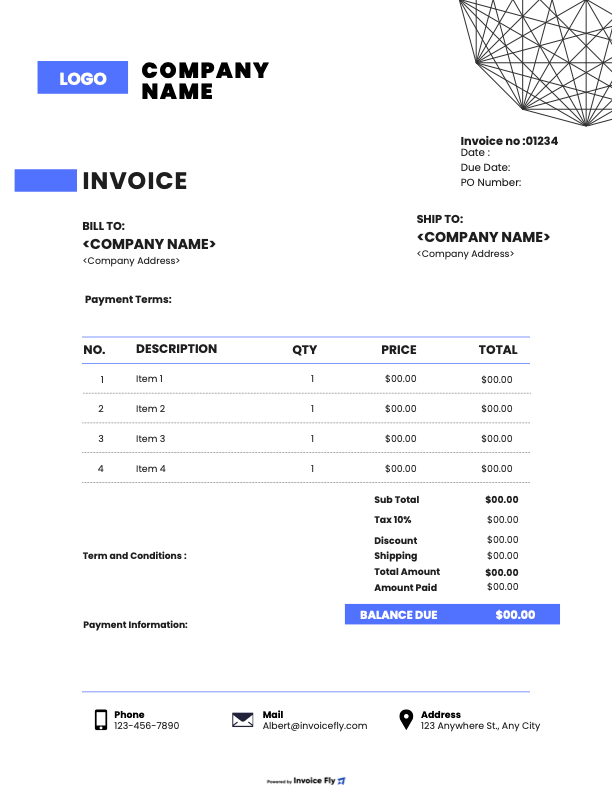
Whether you're a freelancer sending a one-time invoice or a growing business managing repeat clients, Invoice Fly has you covered. Create standard invoices, recurring invoices, estimates, quotes, and receipts, then convert approved estimates into invoices with a single click. Everything stays organized in one place, so you can spend less time on paperwork and more time running your business.
Absolutely. Add your logo, brand colors, business information, payment terms, taxes, and personal notes to create invoices that reflect your brand. A professional invoice does more than request payment, it shows clients they're working with a business they can trust.
Yes. Invoice Fly lets you accept online payments through popular payment methods, including PayPal, credit cards,Stripe and bank transfers. Simply send your invoice and let clients pay securely with just a few clicks. The easier it is to pay, the faster you get paid.
Yes. Once your customer approves an estimate or quote, Invoice Fly instantly converts it into a professional invoice with no copying, pasting, or starting over. It keeps your workflow simple, saves time, and helps you invoice faster.
Absolutely. Download invoices as PDFs, print hard copies, email them directly, or share them using a secure link. Whether your clients prefer digital or paper, Invoice Fly gives you the flexibility to work the way your business does.
Yes. Invoice Fly supports multiple currencies and customizable tax settings, making it easy to invoice local and international clients. Update your preferences once, and Invoice Fly automatically applies them to your future invoices.
Yes. Every Invoice Fly subscription includes unlimited invoices and estimates, so your business can continue growing without worrying about limits. Whether you're sending ten invoices a month or a thousand, Invoice Fly grows with you.
Upgrading takes just a few taps. On mobile, go to Settings → Upgrade Subscription and choose the plan that fits your business. If you're using Invoice Fly on desktop, our support team will be happy to help you upgrade and get the most out of your account.
You've Done the Work.
Now It's Time to Get Paid.
Thousands of businesses have already simplified the way they invoice. Join them and create your first professional invoice in under 60 seconds.
Free plan available