Invoice Reconciliation For Small Businesses Explained
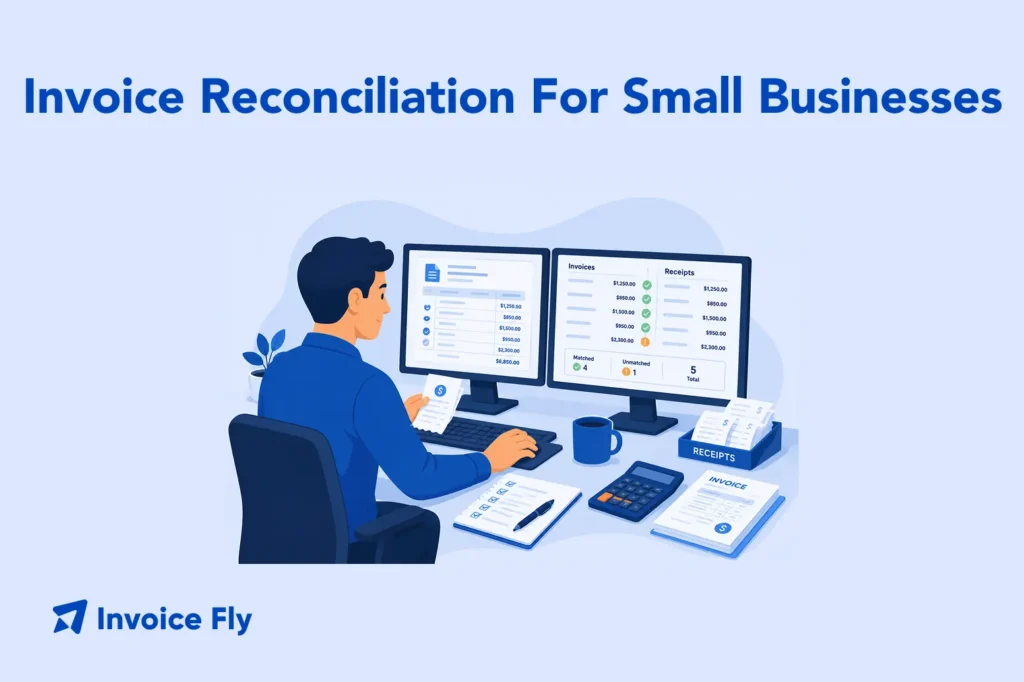
Table of Contents
Invoice reconciliation is the accounting process of matching supplier invoices against purchase orders, goods receipts, and bank transactions to make sure every bill is accurate before you pay it. By following a clear invoice reconciliation process that includes gathering documents, comparing line items, resolving discrepancies, and updating your general ledger, you reduce overpayments, catch fraud, and keep your accounts payable records clean.
In this guide, you’ll learn what invoice reconciliation means in practice, the main steps involved, and how automation and AI invoice reconciliation software can streamline the workflow for growing businesses.
What Is Invoice Reconciliation?
Invoice reconciliation is the process of verifying that the invoices you receive from suppliers match what you actually ordered and received, and that payments recorded in your accounts match what left your bank. It plays a central role in clean bookkeeping and accurate financial reporting.
Invoice Reconciliation Definition
Invoice reconciliation means comparing invoices against supporting documents (purchase orders, receiving reports, and bank records) to confirm that amounts, quantities, and payment dates are correct before closing out each transaction in your general ledger.
A clear understanding of what an invoice is and what it should contain makes the reconciliation process significantly easier, especially when discrepancies need to be investigated quickly.

Types of Invoice Reconciliation
Not every reconciliation works the same way. The method you use depends on the type of transaction and how much documentation is involved.
| What It Compares | Best Used For | Main Benefit | |
|---|---|---|---|
| 2-Way Matching | Vendor invoice vs. purchase order | Service-based purchases without delivery receipts | Faster approval process for simpler transactions |
| 3-Way Matching | Invoice vs. purchase order vs. goods receipt | Product-based purchases with physical deliveries | Stronger protection against billing errors and receiving discrepancies |
| Bank Reconciliation | Accounting records vs. bank statements | Verifying payments and account activity | Identifies missing payments, duplicate charges, and unauthorized transactions |
Understanding the types of invoices your business uses, whether sales invoices, proforma invoices, or recurring invoices, helps you apply the right matching method for each category.
Invoice Reconciliation Process Explained

1. Gather Documentation
Collect all relevant documents for the period you’re reconciling: supplier invoices, purchase orders, delivery receipts, bank statements, and any credit notes or adjustments. Missing documents are the most common cause of reconciliation delays, so build a habit of storing records as they arrive.
The IRS recommends keeping supporting business documents for a minimum of three years for tax purposes, which makes organized record storage a long-term necessity, not just a monthly convenience.
2. Compare Invoices to Bank Transactions
Match each invoice against the corresponding bank transaction or payment record. Verify that the amount paid matches the invoice total, the payment date aligns with agreed invoice payment terms, and the vendor information is correct. Flag any invoices where the bank record does not match.
3. Confirm Payment Dates
Check that payments went out on time and that no invoices were paid twice or missed entirely. Late payments can trigger penalties depending on your supplier agreements. Duplicate payments are one of the most costly and preventable errors in the reconciliation of invoices, which makes this step worth slowing down for.
4. Investigate Discrepancies and Unmatched Transactions
When an invoice does not match its supporting documents or bank record, put it on hold and investigate before approving payment. Common discrepancies include price differences between the invoice and the PO, quantity mismatches between the invoice and the goods receipt, incorrect tax amounts, and invoices with no matching purchase order at all. Contact the vendor directly to resolve billing errors and document every communication in case of a future dispute. According to SAP, a structured exception-handling workflow is one of the most important components of an effective reconciliation process.
5. Update the General Ledger
Once all invoices are verified and discrepancies resolved, update your general ledger to reflect the final approved amounts. Accurate ledger entries are the foundation of reliable financial statements and smooth audits. Any invoicing mistakes that surfaced during reconciliation should be documented and used to improve intake and approval processes going forward.

How to Improve Your Invoice Reconciliation Process
Set a Regular Schedule
Reconcile on a fixed cycle, weekly for high-volume businesses and at least monthly for smaller operations. Letting invoices stack up makes discrepancies harder to trace and increases the risk of missed payment deadlines.
Provide a Clear Outline for the Process
Document each step so anyone on your team can follow the same workflow. A written process reduces errors when staff change or workload increases. A solid invoice processing guide specific to your business is a practical starting point.
Proper Delegation
Assign reconciliation responsibilities clearly. Whoever approves invoices should be different from whoever processes payments, which creates a basic internal control that reduces fraud risk. According to the ACFE, a lack of internal controls is the most commonly cited weakness in businesses that experience financial fraud. For small teams, even simple role separation adds meaningful protection.
Document the Process
Keep a reconciliation log for every period, noting what was reviewed, what discrepancies were found, and how they were resolved. This documentation supports audit readiness and makes it easy to spot patterns in recurring errors. An invoice reconciliation template, even a basic spreadsheet, gives your team a consistent format to follow each cycle.
Leverage Technology
Many businesses now rely on automated invoice reconciliation tools to reduce manual work and improve accuracy. These tools often reduce manual entry errors and speed up approvals significantly. An invoicing software platform with automated tracking can make reconciliation much easier as transaction volume grows.
Modern invoice reconciliation software can automate reconciliation across multiple vendors, currencies, and even cross-border workflows. Automated invoice processing tools go further by handling matching, flagging exceptions, and routing approvals without manual input. Some platforms now incorporate machine learning invoice reconciliation software that improves matching accuracy over time based on historical transaction patterns.

Benefits of Invoice Reconciliation
A consistent reconciliation process delivers measurable value beyond just catching errors:
- Prevents overpayments and duplicate payments, which directly protects your cash flow
- Reduces fraud risk by creating a documented approval trail for every payment
- Strengthens vendor relationships through accurate, on-time payments that match agreed terms
- Supports audit readiness by maintaining clean, verifiable records for every transaction
- Improves financial reporting accuracy, so your balance sheet and cash flow statements reflect reality
- Identifies process problems early, such as vendors consistently billing above PO amounts or delivery shortfalls that go unreported
Conclusion
Invoice reconciliation is one of the most straightforward controls a small business can put in place to protect its finances. A consistent process, clear documentation, and the right tools make it manageable at any scale.
Starting with clean, accurate invoices makes every step easier. Our invoice maker helps you create professional invoices that are easy to match and track, while our free invoice generator and free invoice templates give you a solid starting point if you’re building out your invoicing workflow. For a deeper look at invoice fundamentals and what every invoice should include, revisit our guide on what an invoice is.