
Free Receipt Generator
Create professional payment receipts online in minutes. Use our free receipt maker to customize, download, print, or email receipts for customers, payments, sales, and business transactions.
Works with payments by
Invoice details
Line Items
| Items | QTY | Rate |
|---|
Invoice payment methods
Notes and instructions
*OptionalBank Account details
*Optional| Description | Qty | Amount |
|---|
| Subtotal | |
| Tax (0%) | |
| Balance Due |
| Description | Qty | Amount |
|---|
| Subtotal | |
| Tax (0%) | |
| Balance Due |
| Description | Qty | Amount |
|---|
| Subtotal | |
| Tax (0%) | |
| Balance Due |
Create a free receipt in 4 simple steps
Generate professional receipts for payments, sales, food orders, retail purchases, and business transactions in minutes. No accounting experience required.
“Thank you for your business — we truly appreciate you.”
Everything you need in a receipt maker
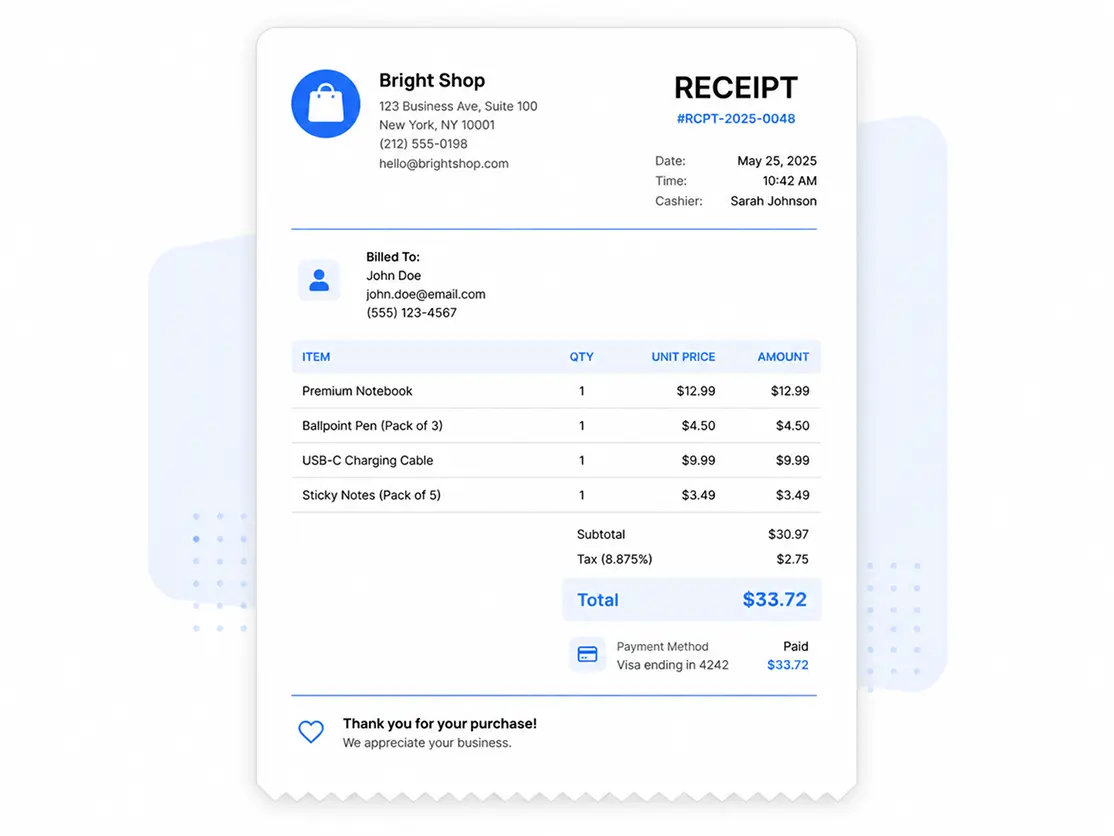
Create proof of payment instantly
Generate professional payment receipts that clearly document completed transactions — no awkward "I swear I paid" conversations required.
Perfect for sales and business receipts
Create receipts for retail sales, services, consulting work, and customer payments without fighting spreadsheets.
Works for restaurants and food businesses
Create restaurant receipts, food receipts, and catering payment records fast.
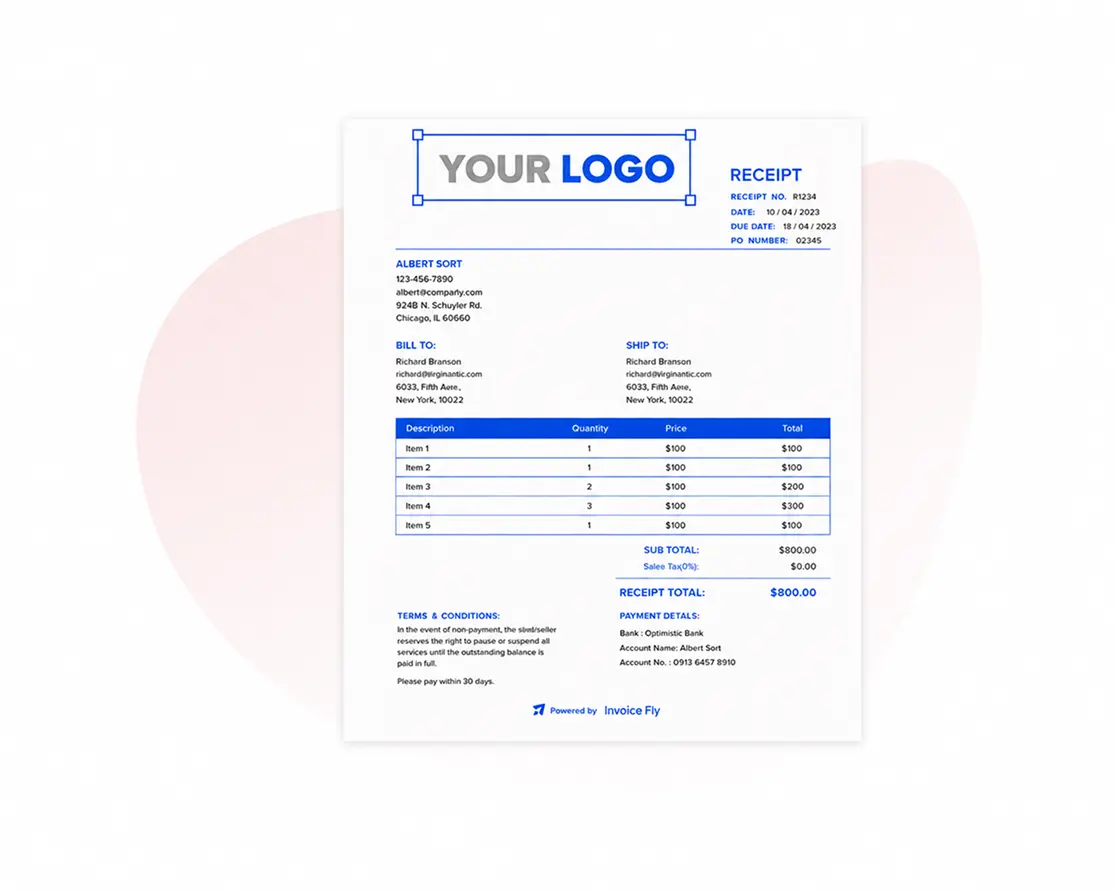
Download in multiple formats
PDF, Word, Excel, or Google Sheets — because everyone has that one client who asks for "just one more format."
Send receipts directly to customers
Email it, share it, or download it. No more "Did you get my receipt?" follow-up circus.
Works for any payment method
Cash, card, bank transfer, and digital payments — if money moved, Invoice Fly can help you prove it.

What to Include in a Payment Receipt
A professional payment receipt should clearly document the transaction and provide proof of payment for both the business and the customer. Our receipt maker includes all the essential details needed to create accurate and professional receipts.
Receipt Header
A clear receipt title at the top. Our builder makes it instantly easy to understand.
Receipt Number & Issue Date
Include a unique receipt number and clear issue date so you and your client can track it easily.
Customer Details
Display your business, billing, and shipping details clearly in one place.
Items & Services Table
List your products or services with quantity, price, and total for complete transparency.
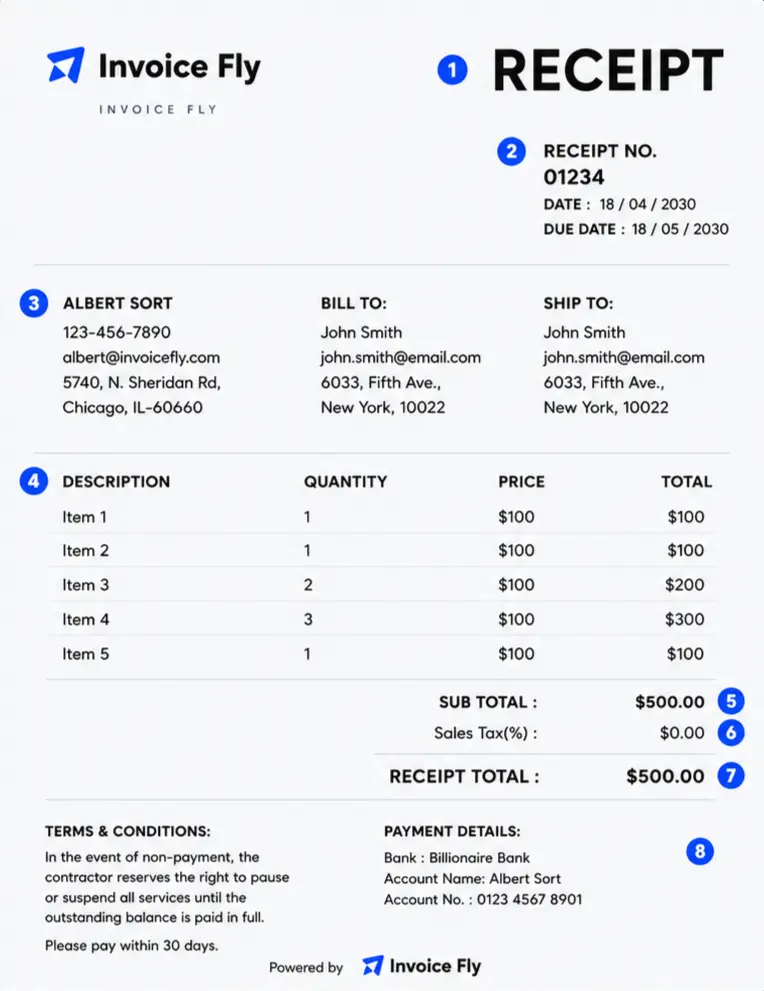
Prices & Totals
Automatically calculates subtotals, taxes, and the final amount.
Taxes, Discounts & Fees
Add taxes, discounts, or additional fees and keep amounts accurate.
Receipt Total
Show the final amount clearly with the currency you choose.
Payment Terms & Details
Set payment terms, due dates, and notes upfront for faster payments.
Prefer to edit a
Receipt Template instead?
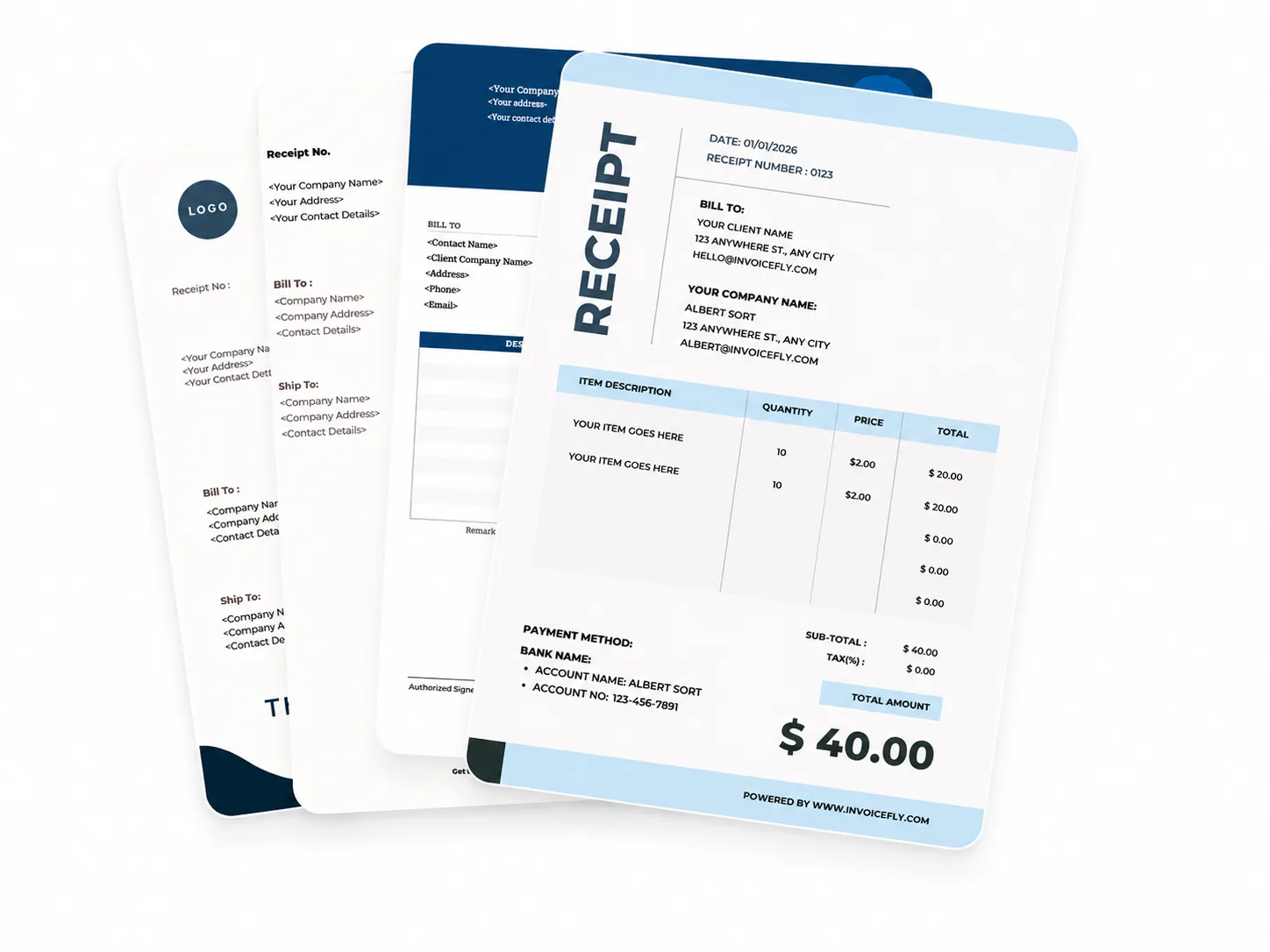
While our receipt maker lets you create receipts online in minutes, you can also browse our professionally designed receipt templates. Download them in Word, Excel, Google Sheets, or PDF format and customize them to fit your business needs.
- Professional receipts for every industry
- Edit in Word, Excel, Google Docs, or Google Sheets
- Available in PDF, Word, Excel, Google Docs & Sheets
FAQs About Our Online Receipt Maker
Got questions about creating receipts online? Here's everything you need to know about using Invoice Fly's receipt maker to create, send, and manage professional payment receipts.
Ready to create your first free receipt?
Join 125,000+ American business owners who use Invoice Fly to create professional receipts and keep every transaction documented. Free to start, no credit card required.
 English
 Español