4 free donation receipt templates
Pick the layout that fits your nonprofit. Every template downloads instantly in PDF, Word and Excel, or opens as an editable copy in Google Docs and Google Sheets.
Free 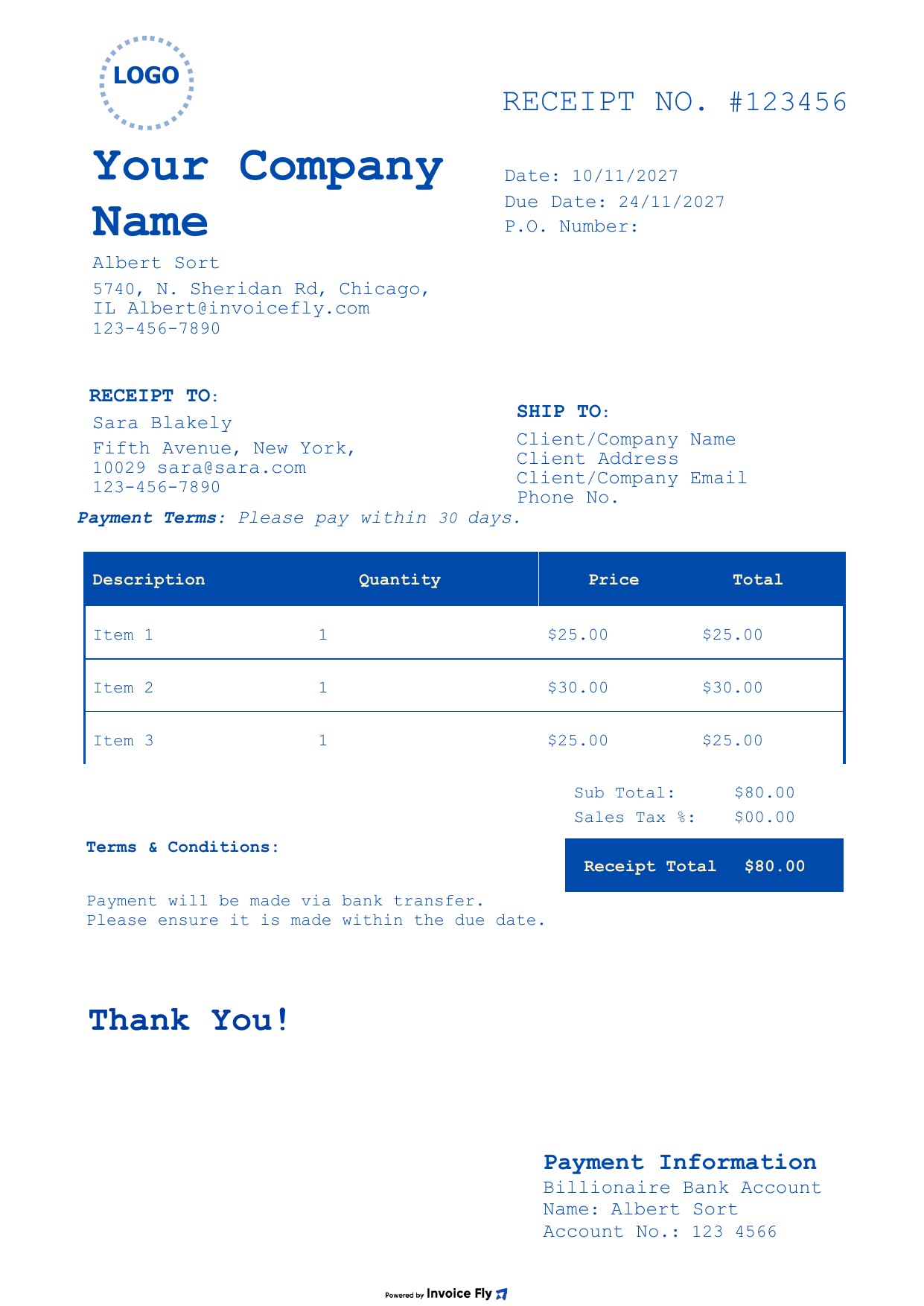
Classic Blue Donation Receipt Template
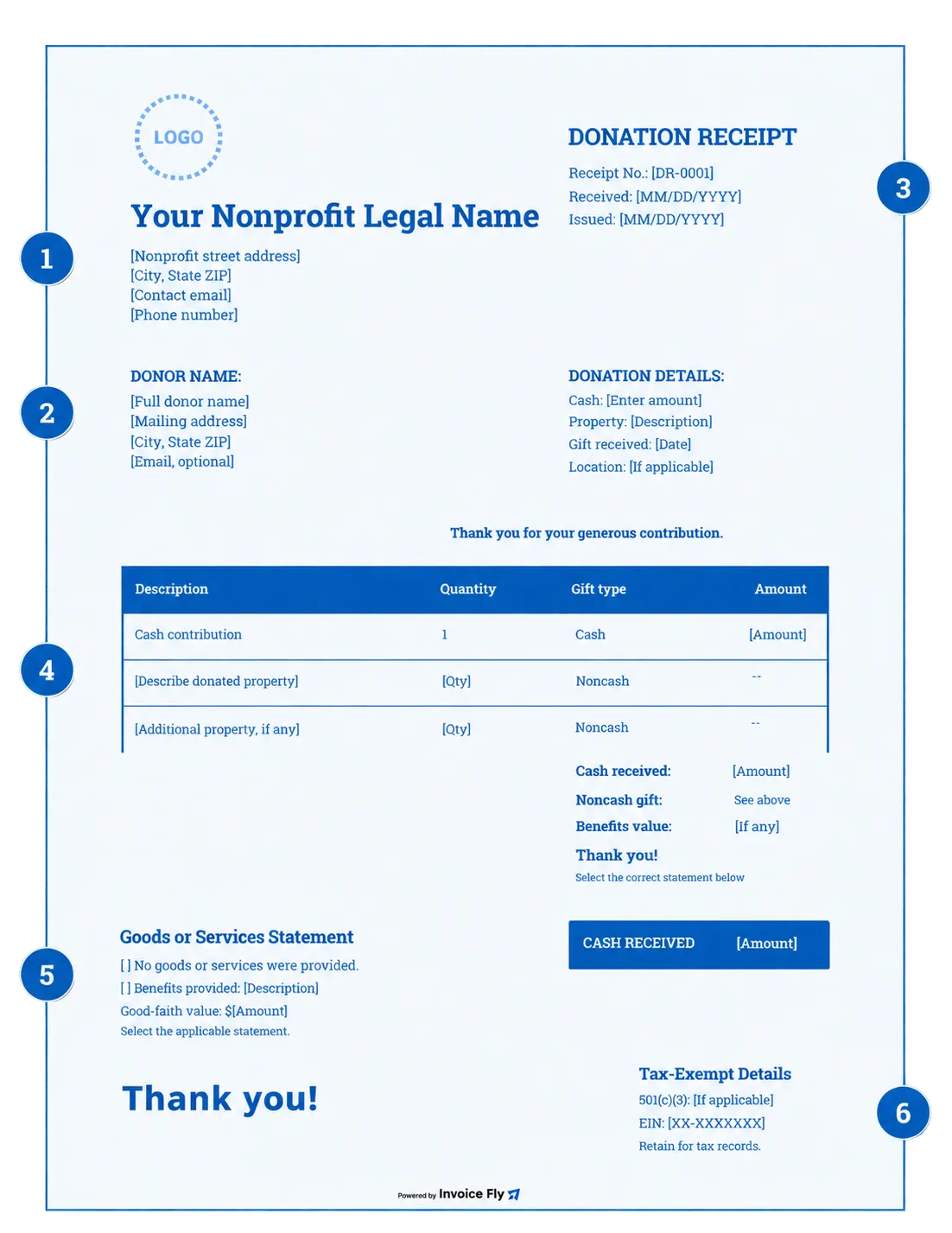
A formal, classic layout for cash gifts made by check, card or bank transfer. List each contribution with its amount and give donors a clear record of what they gave.
- Organization & donor blocks
- Itemized gifts with totals
- Payment information
Free 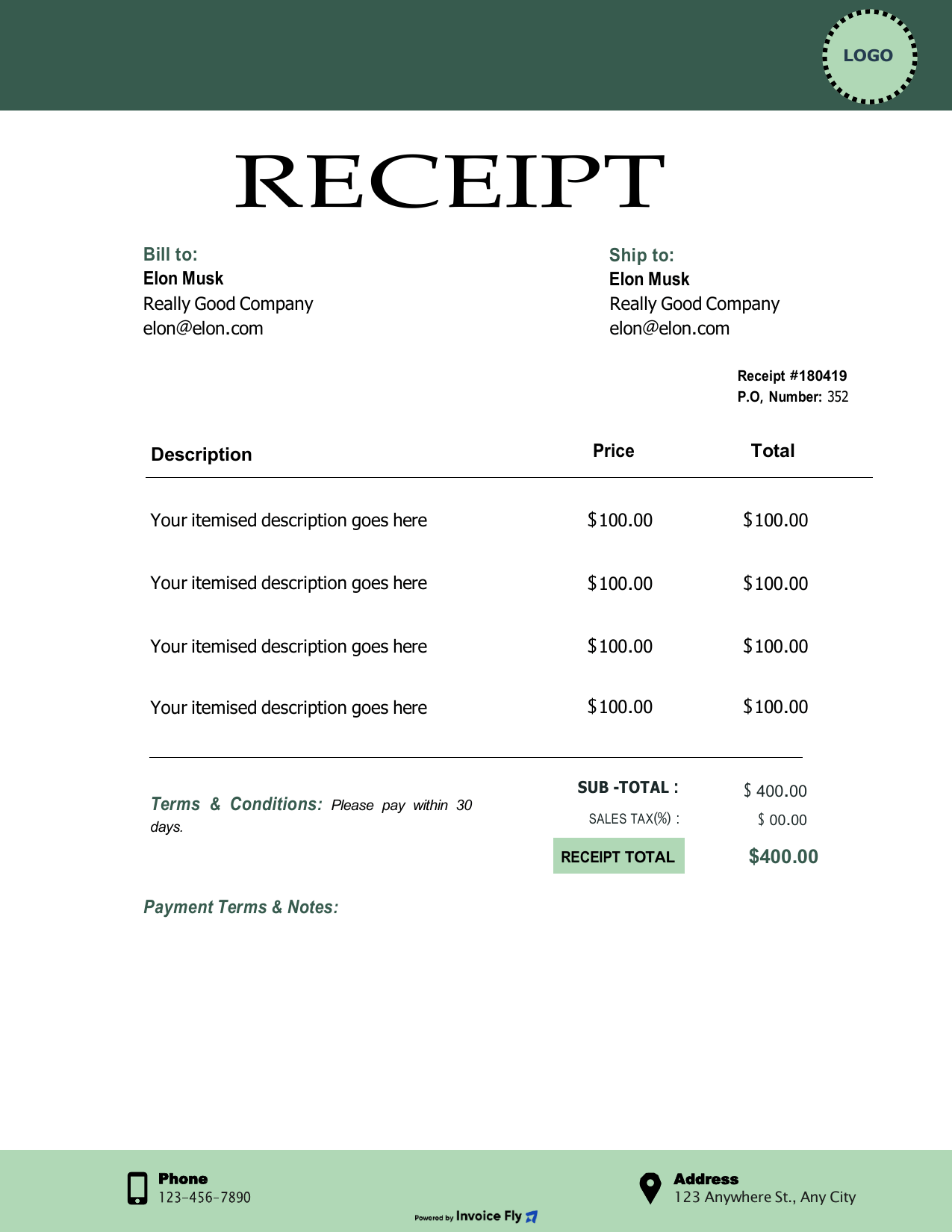
Forest Green Donation Receipt Template
A banner-style header and clean columns for non-cash gifts. Describe donated stock or property line by line and keep a tidy record for your files.
- Receipt no. & dates
- Line-by-line descriptions
- Phone & address footer
Free 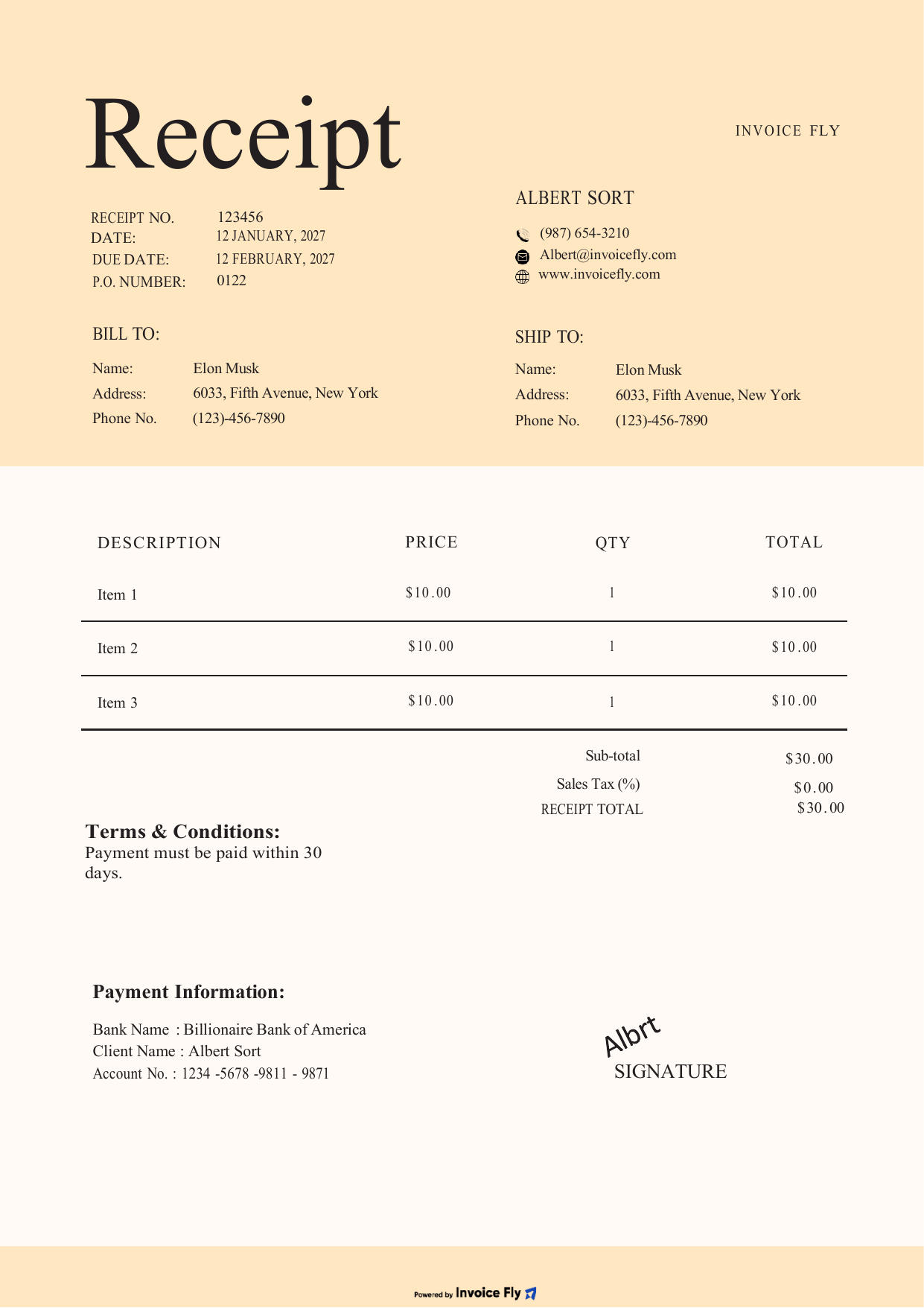
Minimal Beige Donation Receipt Template
A warm, minimal receipt for donated goods and services, from office supplies to professional time. Plenty of room to describe each item and sign the acknowledgment.
- Organization & donor details
- Room to describe each item
- Signature line
Free 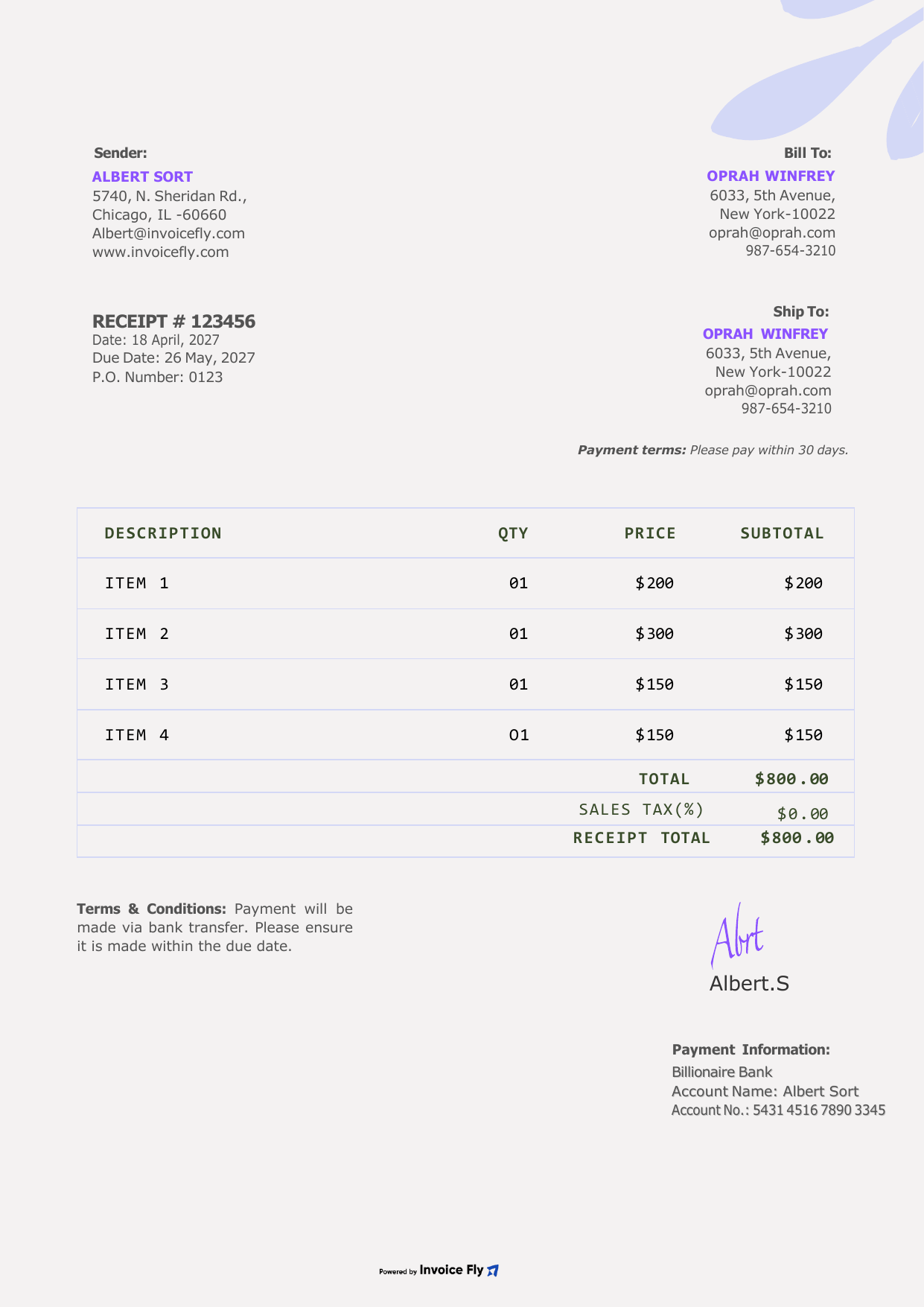
Floral Purple Donation Receipt Template
A soft, friendly design for fundraising events and charity auctions. List auction items or event tickets with their amounts and thank supporters in style.
- Itemized auction items
- Subtotal & receipt total
- Signature & terms
Prefer to fill it in online? Use our free Receipt Generator.

What is a donation receipt?
A donation receipt is a document that confirms your organization has received a charitable contribution, whether it’s money or property. It also gives you a way to thank donors and helps them keep track of their gifts.
For tax-exempt organizations recognized under Section 501(c)(3) of the Internal Revenue Code, donation receipts can serve as official written acknowledgments of charitable contributions. Donors may need these acknowledgments to claim eligible tax deductions on their federal income tax returns using IRS Form 1040.
Understanding IRS requirements for charitable contributions helps your organization issue accurate donation receipts and give donors the information they need for their tax records.
What to include on a donation receipt
A donation receipt should include the key details needed to document a contribution and meet applicable IRS requirements. Here’s what to include:
-
Organization name
The legal name of your nonprofit or charitable organization.
-
Donor name
The name of the individual or organization making the donation.
-
Donation date
The date the contribution was received.
-
Donation details
The amount of a cash donation or a description of donated property, without assigning a monetary value to non-cash gifts.
-
Goods or services statement
Confirm whether the donor received any goods or services in exchange for the contribution, including their value where applicable.
-
501(c)(3) status and tax ID
Include your organization’s tax-exempt status and federal employer identification number (EIN) as helpful additional details.
Additional details
Goods and services disclosure
If a donor receives something in return for their contribution, such as event tickets, membership benefits, or advertising, the receipt should describe the goods or services and provide a good-faith estimate of their value when required.
If the donor receives nothing in return, include a statement confirming that no goods or services were provided in exchange for the donation. Certain religious benefits may be treated differently under IRS rules.
Hard credits and soft credits
A donation receipt should identify the legal donor who made the contribution, whether that’s an individual, foundation, or donor-advised fund. Someone who recommends or facilitates a donation is not necessarily the legal donor.
Your organization can send the official donation receipt to the legal donor and a separate personalized thank-you letter to the person who helped arrange the gift. This helps you maintain accurate records while recognizing the people who support your organization.

4 common types of donation receipts
Different contributions require different types of donation receipts. Understanding what to include helps your organization acknowledge gifts and keep accurate records.
-
Charitable donation receipts
Cash donations include contributions made by check, credit card, bank transfer, online donation platforms, and payroll deductions. A charitable donation receipt should include the donation amount, date, and whether the donor received any goods or services in return.
-
Stock and property donation receipts
When someone donates stocks or other property, the donation receipt should describe the contribution without assigning a monetary value. Donors may need to file IRS Form 8283 for qualifying non-cash donations. Depending on the type and value of the contribution, additional documentation or a qualified appraisal may be required.
-
In-kind donation receipts
In-kind donations include goods or services given to your organization, such as office supplies, equipment, or professional services. An in-kind donation receipt should describe the donated items without assigning a dollar value. The donor is generally responsible for determining the fair market value of donated property for tax purposes.
-
Auction donation receipts
If your organization hosts a charity auction, a donation receipt should distinguish between the amount paid for an item and its fair market value. Generally, when a winning bid exceeds the item’s fair market value, only the excess amount may qualify as a tax-deductible charitable contribution, subject to applicable IRS requirements.