- Home
- »
- Free Resources for Small Businesses
- »
- Free Templates
- »
- Receipt Templates
- »
- Cash Receipt Template
Free Cash Receipt Template
When you receive a cash payment, a receipt gives you and your customer proof of the transaction. Create a cash receipt in minutes with Invoice Fly’s free, editable templates in PDF, Word, and Google Sheets.
4 free cash receipt templates
Pick the layout that fits your business. Every template downloads instantly in PDF, Word and Excel, or opens as an editable copy in Google Docs and Google Sheets.
Free Preview
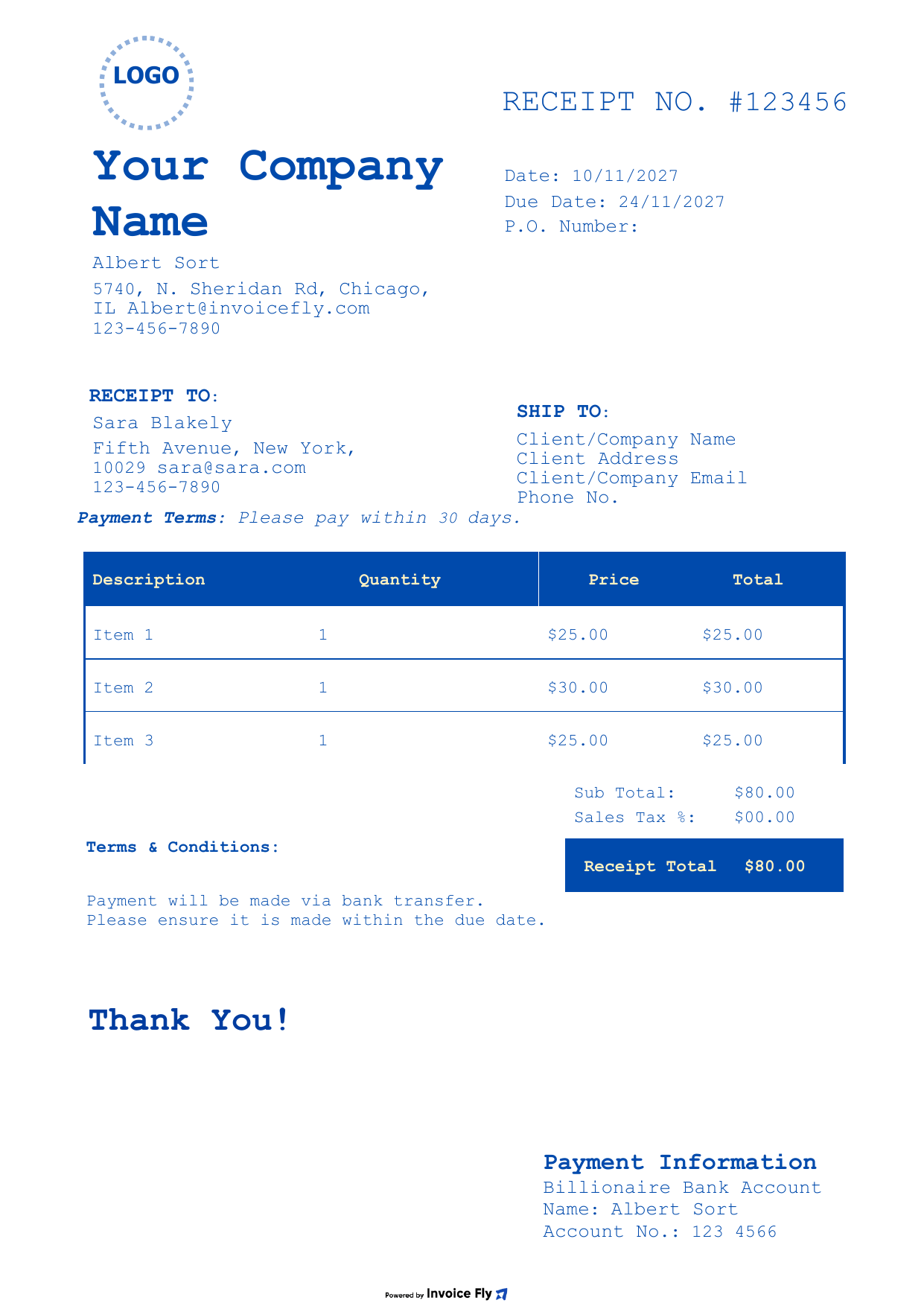
Product salesClassic · Blue
Classic Blue Cash Receipt Template
A formal, classic layout for cash sales. List each item with its price and give customers a clear record of what they paid for and when.
- Business & customer blocks
- Itemized sales with totals
- Payment information
Free Preview
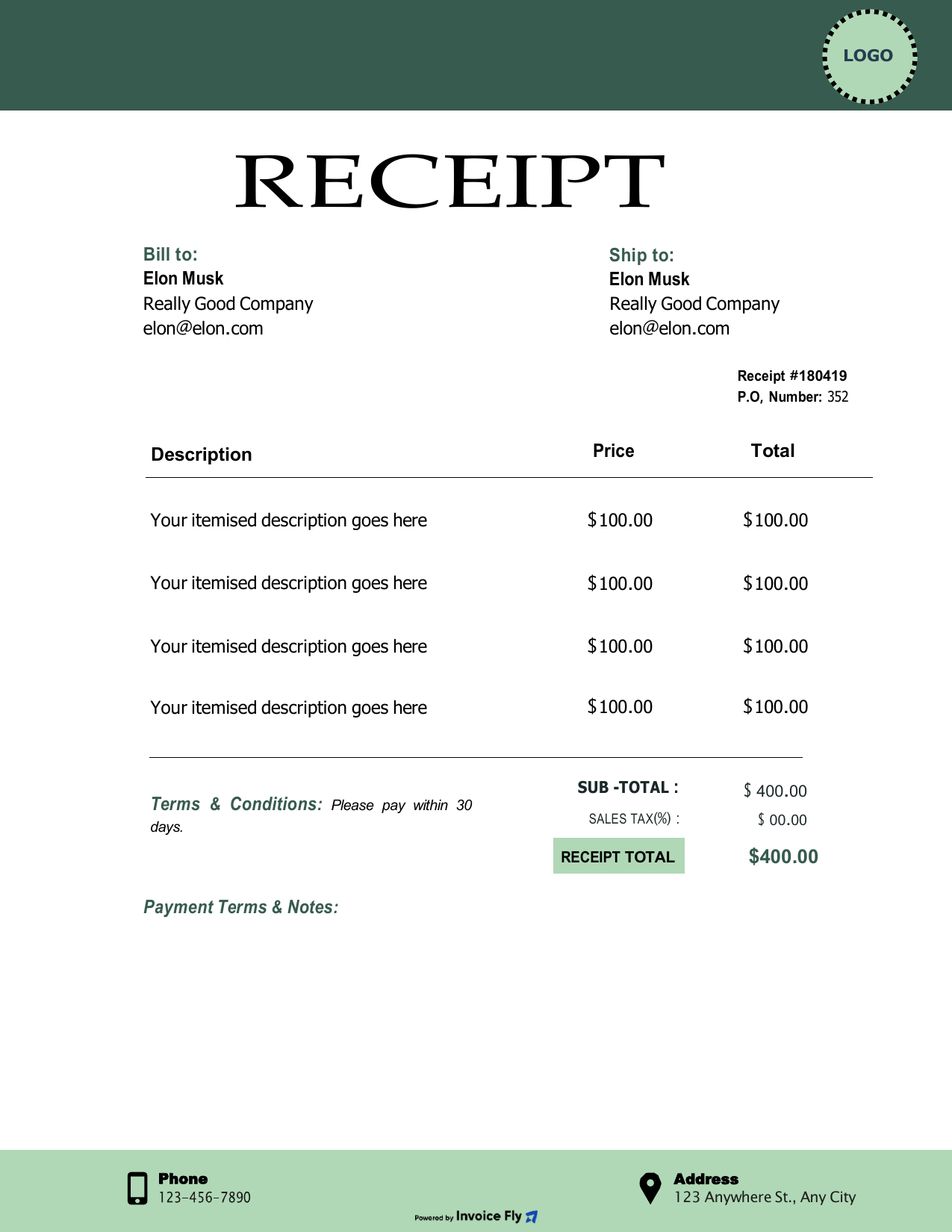
ServicesClassic · Green
Forest Green Cash Receipt Template
A banner-style header and clean columns for completed jobs. Describe each service line by line and confirm the cash payment you received.
- Receipt no. & dates
- Line-by-line descriptions
- Phone & address footer
Free Preview
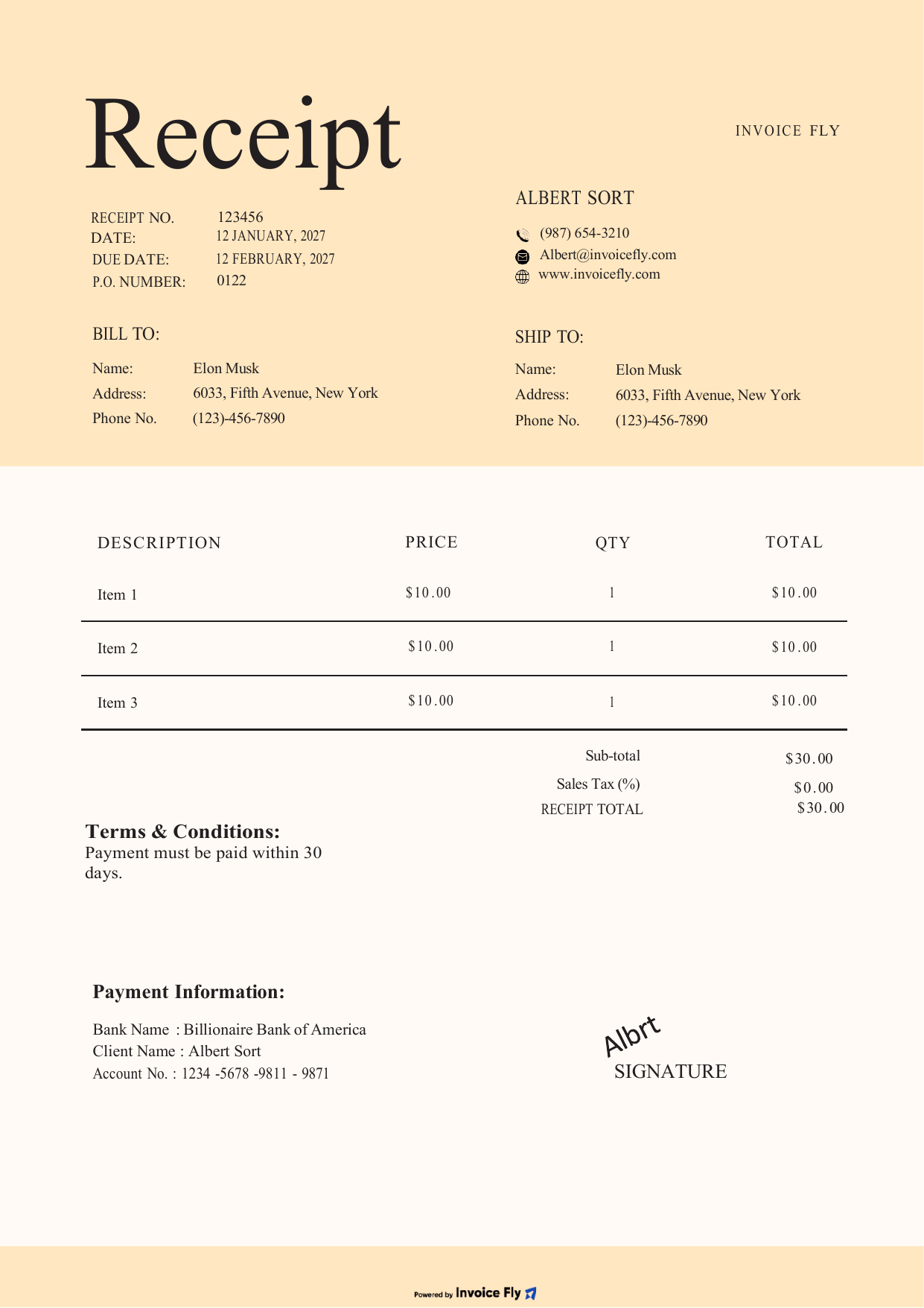
Partial paymentsMinimalist · Beige
Minimal Beige Cash Receipt Template
A warm, minimal receipt for deposits and installments. Record the amount received, show the remaining balance and sign to confirm the payment.
- Business & customer details
- Room to describe each item
- Signature line
Free Preview
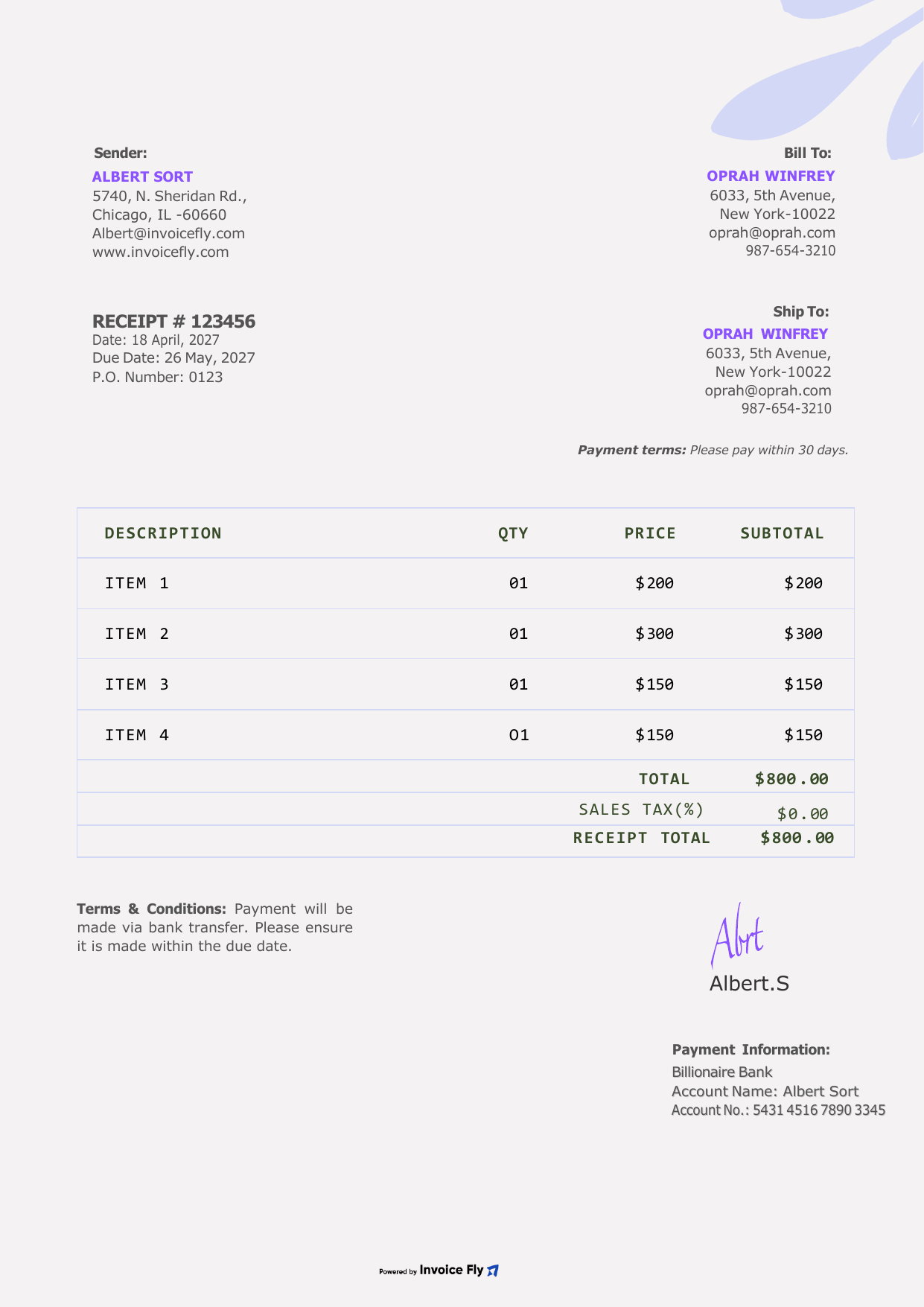
Small businessSimple · Purple
Floral Purple Cash Receipt Template
A soft, friendly design for markets, pop-ups and local shops. List what the customer bought with its amount and hand over a polished receipt.
- Itemized products
- Subtotal & receipt total
- Signature & terms
Prefer to fill it in online? Use our free Receipt Generator.
What is a cash receipt?
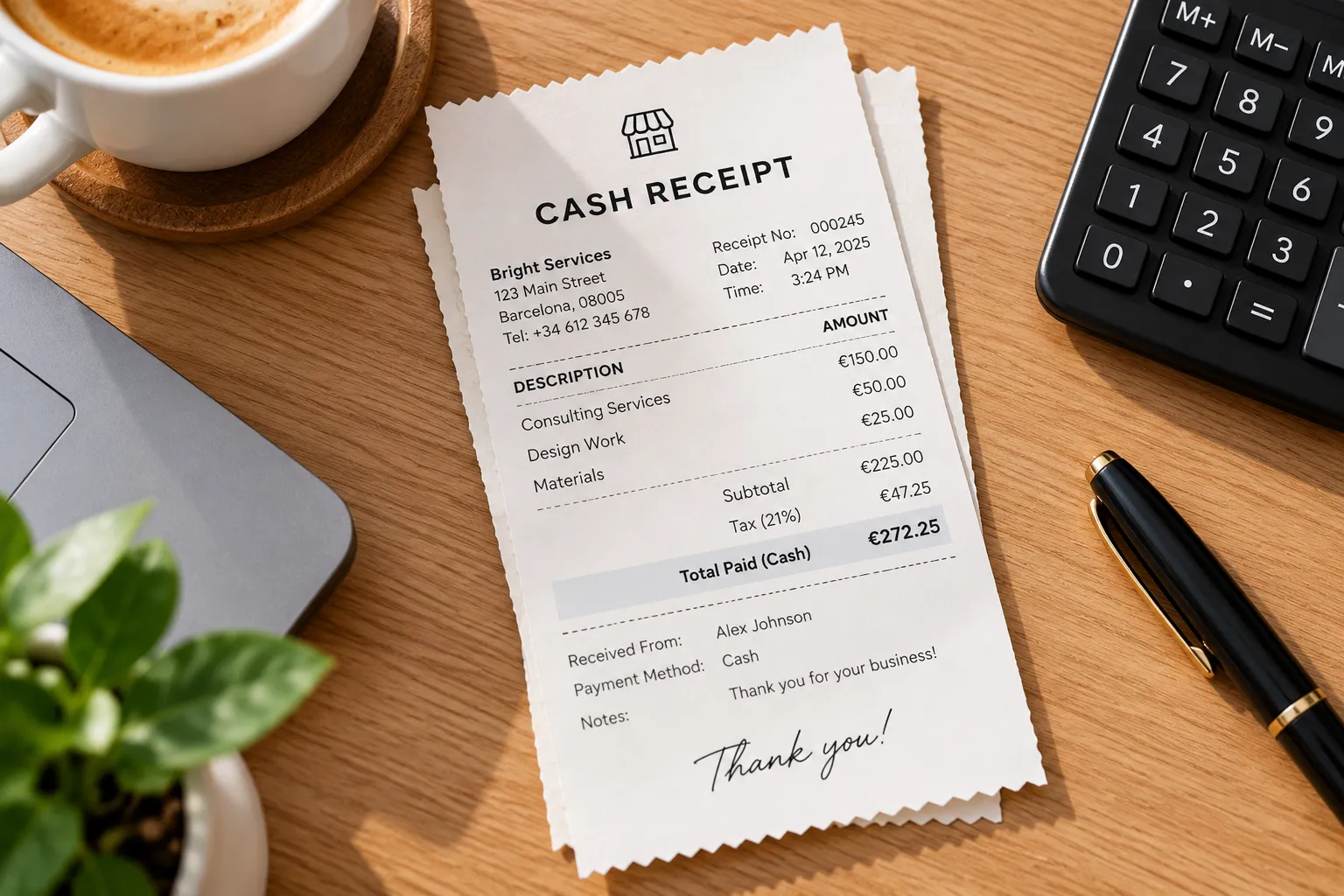
A cash receipt is a document that confirms you’ve received payment for a product or service. It records who made the payment, how much they paid, when the payment was received, and what it was for. Whether you run a small business, work as a freelancer, or provide services to customers, a cash receipt helps you keep track of payments and maintain accurate financial records.
Unlike card payments or bank transfers, cash transactions may not leave an automatic digital record. A cash receipt gives both you and your customer proof of payment and helps prevent confusion about how much was paid or whether a balance remains.
A cash receipt template makes it easier to record these details consistently. You can customize it with your business information, payment details, and receipt number, then save or print a copy for your records. Keeping receipts organized also helps with bookkeeping, tracking income, and preparing your financial records for tax purposes.
What to include on a cash receipt
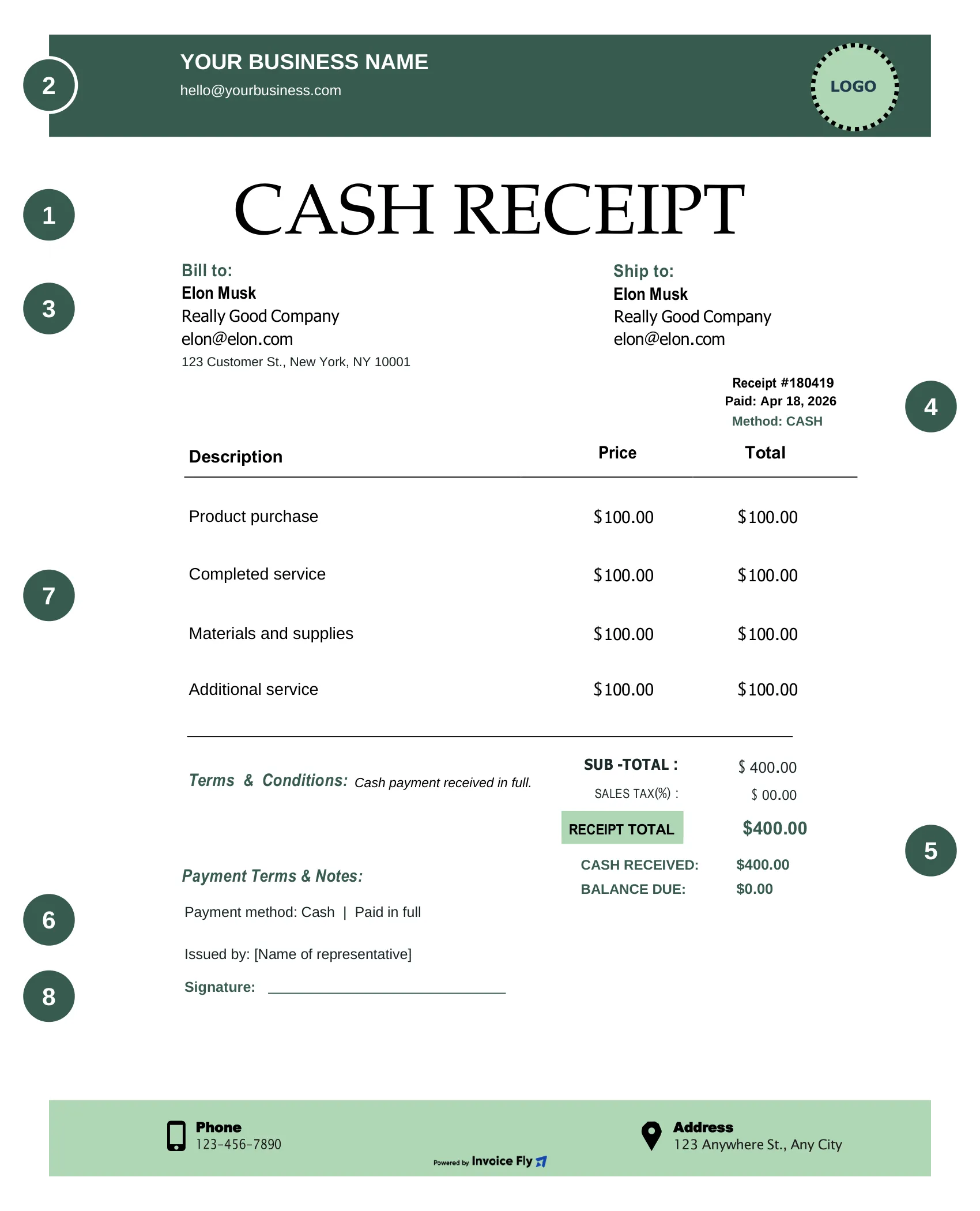
A cash receipt should include all the essential details of a transaction so you and your customer have a clear record of the payment. Whether you’re creating a receipt for a product or service, here’s what to include in your cash receipt template.
-
1
Receipt title and number
Label the document “Cash Receipt” and assign a unique receipt number to make it easy to identify, track, and match with invoices or accounting records.
-
2
Business details
Include your business name, address, and contact information.
-
3
Customer details
Add the customer’s name and relevant contact information.
-
4
Payment date
Record the date you received the cash.
-
5
Amount received
State the exact amount paid and any remaining balance if the customer made a partial payment.
-
6
Payment method
Specify cash as the payment method so there’s no confusion about how the transaction was completed.
-
7
Description of goods or services
Briefly explain what the customer paid for, such as a product, completed service, or outstanding invoice.
-
8
Signature
Include the name or signature of the person issuing the receipt, if appropriate, to help confirm the transaction.

Why you need a cash receipt
Cash receipts help you keep track of money coming into your business and give customers proof of payment. Here’s how they can help you manage everyday transactions.
-
1
Stay on top of your taxes
Keeping cash receipts helps you document business income and maintain records for tax reporting. If questions come up about a transaction, you’ll have the details to support your financial records.
-
2
Keep track of payments
A cash receipt records the total amount due, how much the customer paid, and any balance left to pay. This makes it easier to track partial payments and avoid confusion about what’s still owed.
-
3
Give customers proof of payment
When a customer pays in cash, a receipt confirms that you’ve received their money. It records the payment date, amount, and reason for the transaction, giving both parties something to refer back to.
-
4
Make recordkeeping easier
Using a cash receipt template helps you record payments consistently instead of writing out a new receipt each time. Save copies of completed receipts so you can find transaction details when you need them.
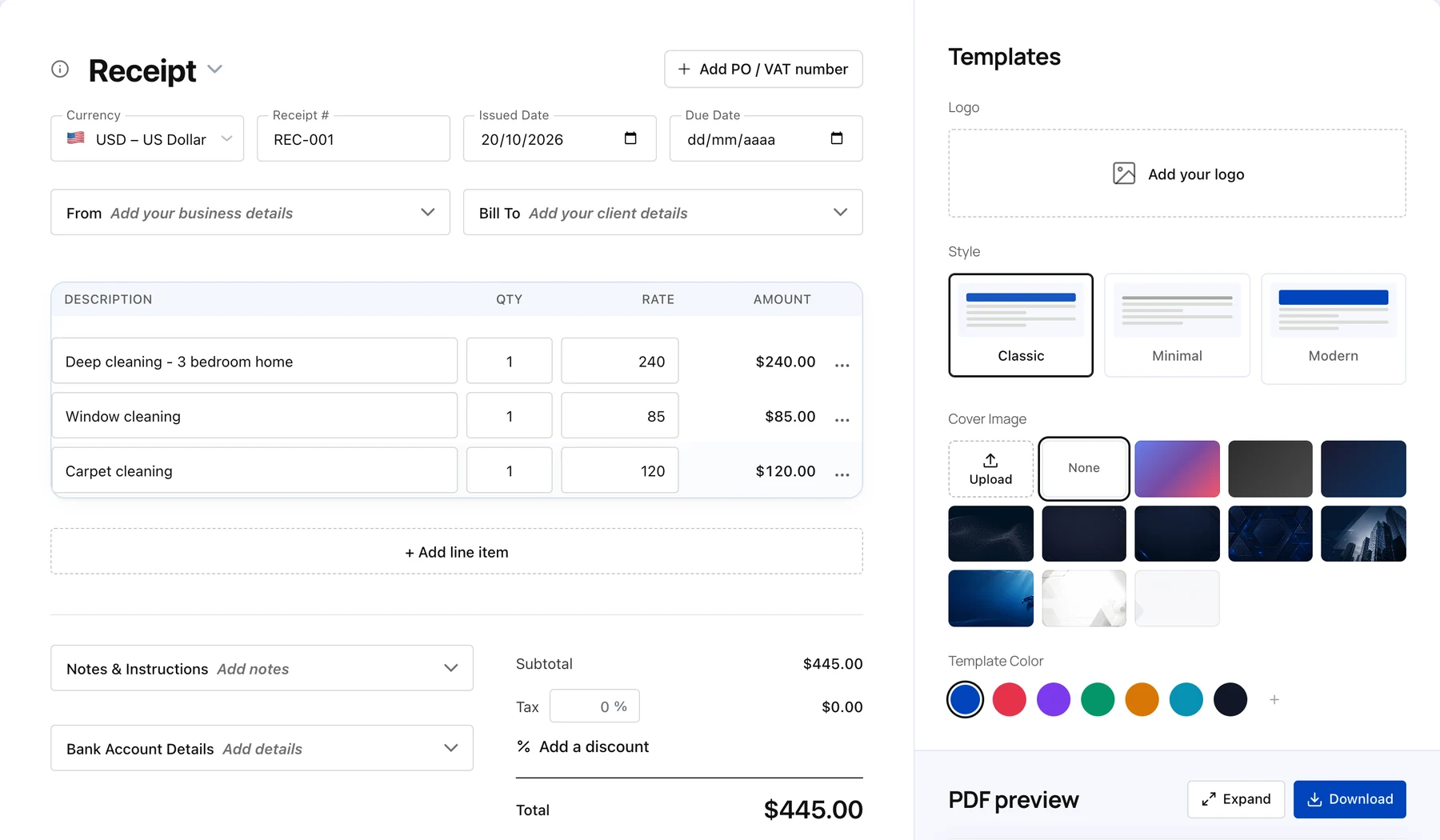
Create your first receipt free with our Online Receipt Generator.
Free Receipt Generator

Frequently asked questions about cash receipt templates
A cash receipt is useful for small business owners, freelancers, contractors, retailers, and anyone who receives cash payments for goods or services. It provides proof of payment and helps both parties keep accurate transaction records.
Small business owners: Record cash sales, track daily income, and keep payment records organized.
Freelancers and contractors: Confirm payments for completed projects, services, or jobs.
Retailers and sellers: Give customers proof of payment for products purchased with cash.
Customers and individuals: Keep a record of payments made for goods, services, or other transactions.
Bookkeepers and accountants: Use receipt records to reconcile payments, track income, and support financial reporting.
If you regularly receive cash payments, an editable cash receipt template can save time and help you document each transaction consistently. With Invoice Fly, you can customize a cash receipt template or use the Invoice Fly app to create receipts and share them directly with your clients.
Yes. You can use an online receipt generator to create a cash receipt without having to design one from scratch. With Invoice Fly’s online receipt generator, you can create a professional receipt, add your business and customer details, record the payment amount, and document what the transaction was for. You can also use the Invoice Fly app to generate receipts and share them directly with your clients, making it easier to keep payment records organized.
To create a professional cash receipt template, include your business name and contact details, the customer’s name, a unique receipt number, the payment date, the amount received, and a description of the goods or services provided. If the payment is partial, include the remaining balance.
You can start with an editable cash receipt template from Invoice Fly instead of creating a document from scratch. Add your details, check that the information is accurate, and save or print the completed receipt. Using a consistent format helps you maintain clear records for every transaction.
Yes. Invoice Fly offers free cash receipt templates that you can customize for your business. Choose a template, add your transaction details, and prepare a receipt for your customer. Using a ready-made template saves time and helps you create consistent payment records without designing a new receipt for every transaction.
The cash receipt template includes space for the main details needed to document a payment, such as:
Business name and contact information
Customer or payer details
Receipt title and number
Payment date
Amount received and any remaining balance
Payment method
Description of the goods or services provided
Signature or authorization, where appropriate
These details help identify the transaction, confirm the amount received, and keep your payment records organized. You can fill in the relevant fields based on the type of transaction.
Invoice Fly provides editable template options so you can choose a format that suits your workflow. Depending on the available template, you can use cash receipt form in Word, Excel, Google Sheets or Google Docs to edit your cash receipt and save or print a completed copy. PDF is also useful when you want to share a finalized receipt without making further changes.
If you need to create and send receipts regularly, you can also use the Invoice Fly app to generate receipts and share them directly with clients.
Yes. You can print a completed cash receipt template to give your customer a physical copy or keep one with your business records. For a printable cash receipt, fill in the payment details, review the information, and save or download the document in a print-friendly format before printing.
You can also keep a digital copy for bookkeeping and future reference. Having both printed and digital records can make it easier to find transaction details when you need them.
Failing to maintain adequate records of business transactions can make it harder to verify income, expenses, and deductions reported on your tax return. If you cannot substantiate the information you report, you may face disallowed deductions or credits, additional tax assessments, and accuracy-related penalties where applicable.
Keeping a copy of each cash receipt helps document the payment date, amount received, and purpose of the transaction. You can save completed receipts as PDFs or maintain digital records using your preferred bookkeeping tools. Invoice Fly’s cash receipt templates and app can help you create and organize payment documentation, making it easier to keep track of transactions and retrieve records when needed.
A receipt alone does not guarantee tax compliance, so keep supporting records and follow the recordkeeping requirements that apply to your business.
More Templates & Tools
Explore Invoice Fly’s free templates, calculators, and invoicing tools to simplify your paperwork and manage your business with ease.
- PDFDOCXXLSX
- Sales tax calculatorPrice$250Qty2Tax rate8%Total$540
- Download PDFReceipt generatorRECEIPT#2036Product sale$120.00Service fee$80.00Total$200.00