10 Best Electrical CRM Tools to Run More Jobs
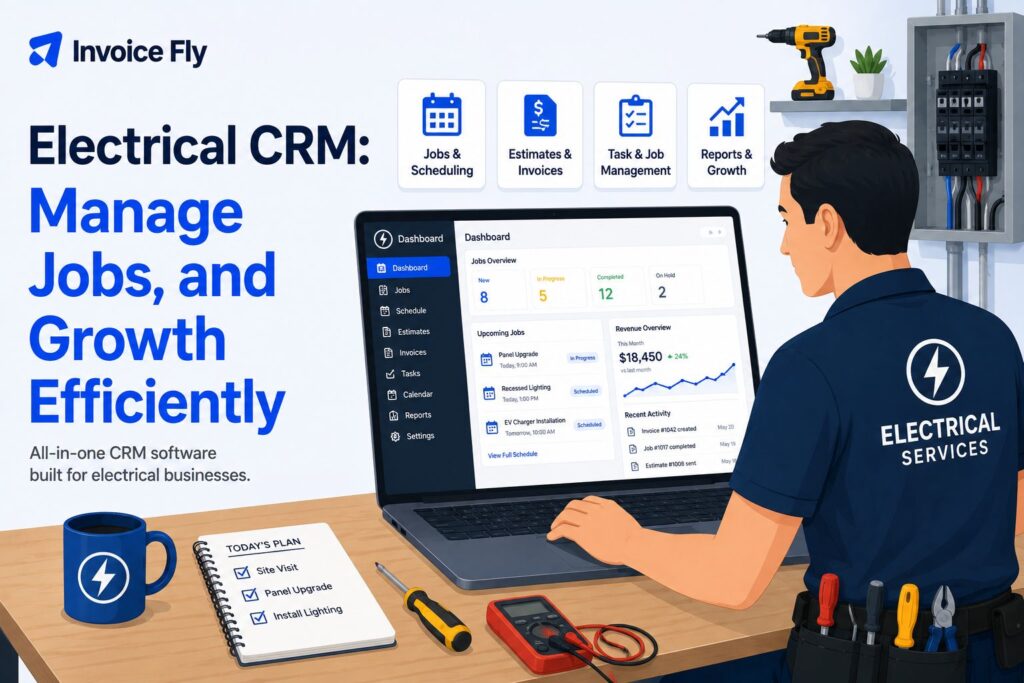
Table of Contents
An electrical CRM is customer relationship management software designed to help electrical contractors manage leads, customer records, estimates, jobs, scheduling, invoicing, and follow-ups in one system. Unlike a basic CRM, electrical contractor CRM software can connect office workflows with field operations, giving technicians access to customer and job information on site.
The best CRM for electrical contractors depends on your team size, type of work, and workflow. Look for features such as scheduling, mobile access, estimating, invoicing, customer communication, job history, payments, and accounting integrations.
This guide covers:
- How electrical CRM software works
- Benefits and key features
- 10 electrical CRM tools
- Pricing, pros, and cons
- How to choose and implement a CRM
What is an electrical CRM?
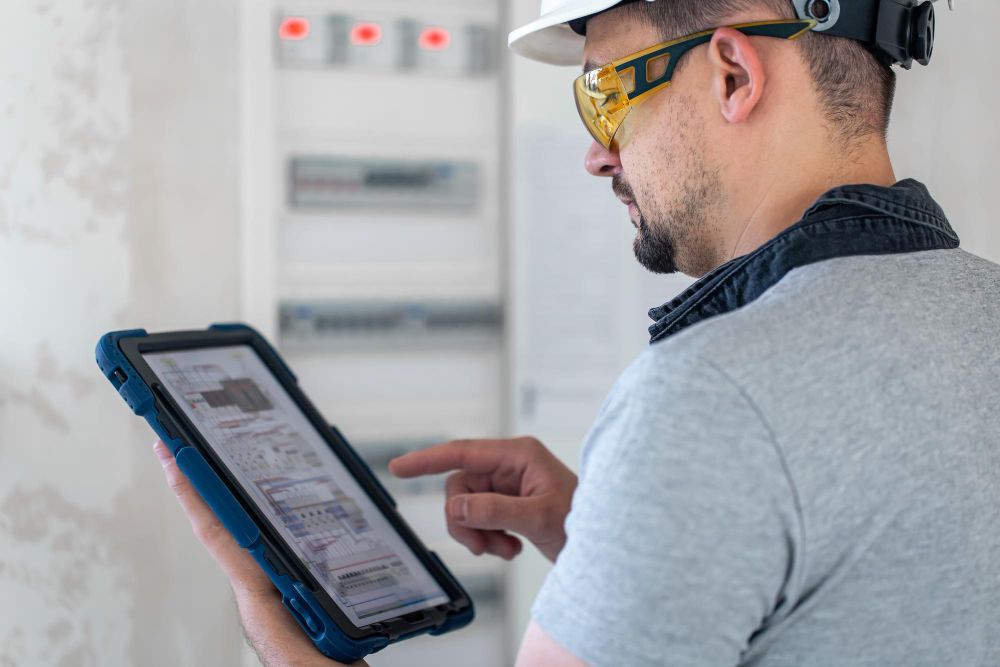
An electrical CRM is software that helps electrical businesses organize customer relationships and the work connected to them. It can store contact details, job history, estimates, notes, appointments, invoices, and communications in one place.
For electrical contractors, this can reduce the need to manage customer information across separate spreadsheets, calendars, emails, and paper records.
Electrical contractors operate within NAICS 238210, which covers electrical contractors and other wiring installation contractors. The Bureau of Labor Statistics notes that electricians commonly install, maintain, and repair electrical power, communications, lighting, and control systems.
How does an electrical CRM work?
A CRM creates a central record for each customer and connects it to relevant jobs and communications. When a new inquiry comes in, office staff can record the lead, schedule work, prepare an estimate, and track the job through completion.
Depending on the software, field electricians may also be able to view job details, update notes, upload photos, collect signatures, create invoices, and record payments from a mobile device.
Why do electrical contractors need CRM software?
As an electrical business grows, keeping track of customers and jobs manually becomes more difficult. CRM software can help organize leads, prevent missed follow-ups, improve scheduling, and give office and field teams access to the same information.
It can be particularly useful for contractors managing multiple technicians, repeat customers, maintenance agreements, or several jobs at once.
If you’re still building your company, our guide on how to start an electrical business covers planning, costs, services, licensing, and other essentials.

Benefits of using an electrical CRM

The right CRM can reduce administrative work while giving you a clearer view of customers and jobs. Key benefits include:
- Keeping customer and job information together
- Tracking leads and follow-ups
- Scheduling and dispatching technicians
- Creating and sending estimates
- Monitoring jobs from inquiry to completion
- Improving communication between office and field teams
- Keeping service histories for repeat customers
- Creating invoices and collecting payments
- Tracking business performance
For example, connecting estimates with customer and job records can make it easier to move approved work into scheduling and invoicing without repeatedly entering the same information.
Key features to look for in electrical CRM software
Not every CRM is designed for field service businesses. When comparing CRM software for electrical contractors, prioritize features that match how your team works.
Look for:
- Customer management: Contact details, communication, notes, and service history.
- Lead management: Track inquiries, estimates, follow-ups, and won or lost work.
- Scheduling and dispatch: Assign jobs and manage technician calendars.
- Mobile access: Give electricians access to job information in the field.
- Estimating: Build and send professional estimates from customer or job records.
- Invoicing and payments: Turn completed work into invoices and collect payment.
- Job history: Record previous repairs, installations, photos, and notes.
- Reporting: Monitor leads, jobs, sales, and other business metrics.
- Integrations: Connect accounting or other software already used by your business.
If estimating is a major part of your workflow, understanding how to price residential electrical work and using a free electrical estimate template can help you create more consistent quotes.

Best electrical CRM software options
The best electrical business CRM depends on your budget, team size, and the features you actually need. Here are 10 options to consider.
1. Invoice Fly
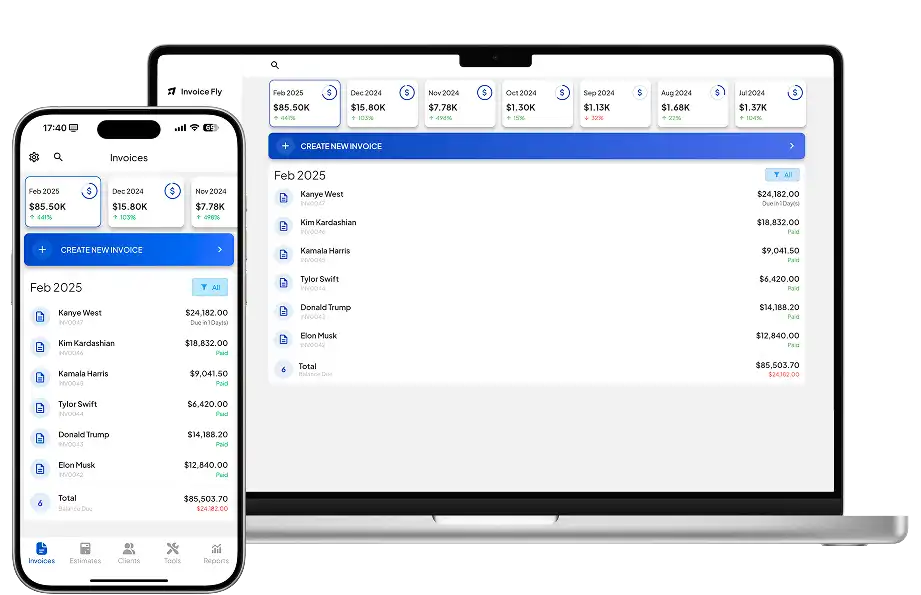
Invoice Fly combines customer and job management with estimating, invoicing, payments, and business administration. Its electrical contractor software is designed for contractors who want to manage essential workflows without adding unnecessary complexity.
- Best for: Independent electricians and small electrical businesses
- Pros: Estimates, invoices, payments, customer management, mobile access
- Cons: Larger companies may require more advanced enterprise features
- Price: Starting at $8.99/week
2. Jobber
Jobber is field service management software used by electrical and other home service businesses. It combines customer management with scheduling, quoting, invoicing, and job tracking.
- Best for: Small and midsize service teams
- Pros: Scheduling, customer management, mobile app, quoting and invoicing
- Cons: Some advanced features require higher-tier plans
- Price: Plans from $29 to $529/mo (billed annually)
3. Housecall Pro
Housecall Pro combines CRM functions with scheduling, dispatching, estimates, invoices, and customer communication. It is primarily aimed at home service businesses.
- Best for: Residential electrical service companies
- Pros: User-friendly scheduling, mobile tools, customer communication
- Cons: Costs can increase as teams need additional features
- Price: Subscription plans vary by features and users, starting at $59/month
4. ServiceTitan
ServiceTitan is a field service platform designed for larger trade and home service businesses. Its tools cover CRM, dispatching, scheduling, reporting, marketing, estimates, and other operations.
- Best for: Larger electrical contractors
- Pros: Extensive operational and reporting features
- Cons: May be more complex than smaller contractors need
- Price: Custom pricing
5. FieldPulse
FieldPulse provides CRM and field service tools including customer management, scheduling, estimates, invoices, job tracking, and team communication.
- Best for: Growing electrical service businesses
- Pros: Field service features in one platform
- Cons: Feature needs should be compared carefully by plan
- Price: Custom pricing
6. Workiz
Workiz is a field service platform that combines CRM tools with scheduling, dispatch, estimates, invoices, payments, and customer communication.
- Best for: Electrical service companies managing multiple technicians
- Pros: Scheduling, dispatch, communication, and job management
- Cons: Smaller businesses may not need all available features
- Price: Free and paid plans are available on request
7. FieldEdge
FieldEdge is designed for home service contractors and combines customer management with dispatching, work orders, invoicing, and reporting.
- Best for: Established electrical service businesses
- Pros: Customer history, dispatching, reporting, and field tools
- Cons: May offer more functionality than a solo electrician needs
- Price: Custom pricing
8. Service Fusion
Service Fusion provides customer management, scheduling, dispatch, estimates, invoicing, and field service tools in one platform.
- Best for: Small and midsize electrical teams
- Pros: Broad range of field service management features
- Cons: Businesses should compare features across plans
- Price: Multiple subscription plans are available on request
9. Agiled
Agiled combines CRM functionality with project management, contracts, invoicing, and other business tools.
- Best for: Contractors wanting general business management features
- Pros: CRM, projects, contracts, and invoicing in one system
- Cons: Less specialized for electrical field service than some alternatives
- Price: Plans start at $29/month
10. QuoteIQ
QuoteIQ provides CRM and field service features such as customer management, estimates, scheduling, invoicing, and payments.
- Best for: Small electrical businesses looking for an all-in-one system
- Pros: Estimating, customer management, scheduling, and invoicing
- Cons: Larger contractors may need more advanced operational tools
- Price: Plans start at $29.99/mo
Choosing the right CRM for your electrical business

The best CRM for electrical contractors is the one that fits your existing workflow without adding unnecessary complexity. Consider your team size, job volume, budget, and whether you focus on residential service, commercial projects, or both.
Before choosing a platform, compare:
- Features you will use regularly
- Mobile access for field electricians
- Scheduling and dispatch requirements
- Estimating and invoicing workflows
- Customer communication tools
- Accounting integrations
- Reporting
- Pricing as your team grows
Take advantage of demos or trials where available and test the software using a typical job from initial inquiry through payment.
How to implement an electrical CRM
Start by deciding which information and processes will move into your new CRM. Import customer records carefully, remove duplicates, and standardize details such as names, phone numbers, addresses, and job notes.
Then set up your main workflows for leads, estimates, scheduling, jobs, invoices, and follow-ups. Train office staff and technicians on the features they need rather than introducing every tool at once.
Review the system after a few weeks to identify missing information, unnecessary steps, or processes that could be automated. You can also use a free electrical invoice template to standardize billing as you set up your invoicing process.
For more guidance on growing your operation, see our guide on how to start an electrical business.
Choose an electrical CRM that fits your workflow
Electrical CRM software can help contractors keep customer information, estimates, jobs, schedules, and payments organized. The right option depends on the size of your business and the features you need, so compare platforms based on your day-to-day workflow rather than the longest feature list.
For contractors looking to simplify customer and job administration, electrical contractor software can help manage estimates, invoices, customers, and payments in one place.