Lawn Care CRM: How It Helps Grow Your Business
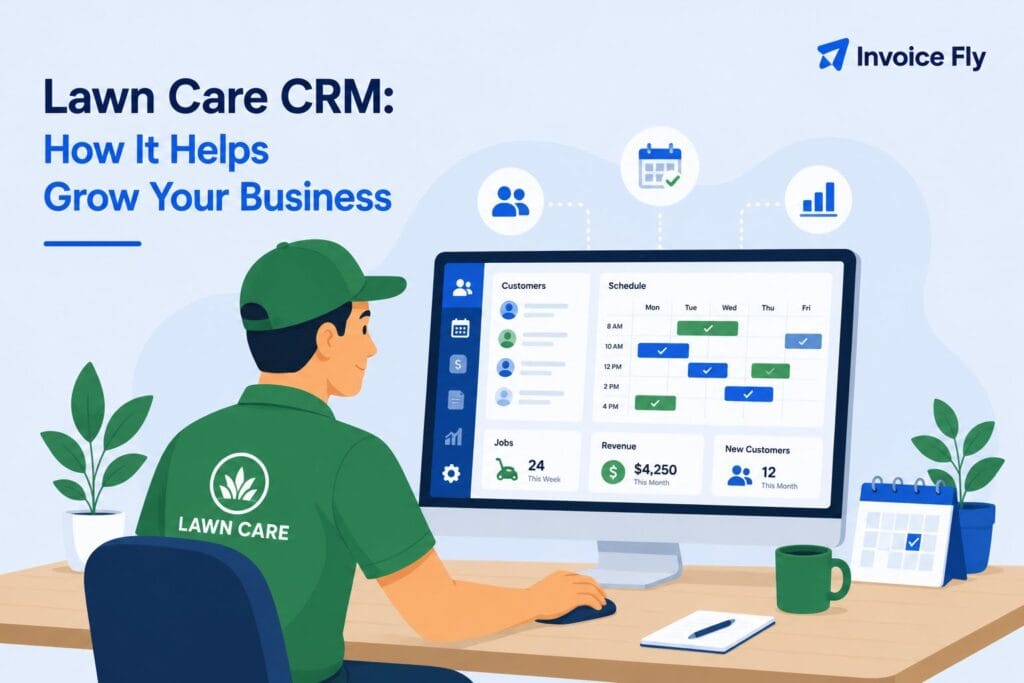
Table of Contents
Running a lawn care business means keeping track of a lot at once: mowing schedules, new customer requests, estimates, invoices, payments, and routes for your crew. A lawn care CRM brings all of that together in one place, so you do not have to rely on a mix of spreadsheets, sticky notes, and text messages. It can help you organize customer information, schedule recurring jobs, send estimates, collect payments, and make sure no service gets missed. Whether you work alone or manage several crews, the right system can save time and make the day-to-day side of your business much easier to manage.
In this guide, you’ll learn what lawn care CRM software does, which features matter most, and how eight popular options compare in 2026.

What Is Lawn Care CRM Software?
A CRM, short for customer relationship management, is software that keeps track of your clients, jobs, and communication in one organized system. For a lawn care business specifically, a lawn care CRM usually goes further than a basic contact list. It handles recurring scheduling, sends automatic reminders, tracks invoices, and often includes route planning for crews working multiple properties in a day.
Think of it as the back office for your lawn care company, minus the filing cabinets. Instead of trying to remember which customer wants weekly mowing and which only needs seasonal treatments, the CRM handles it for you and reminds your team when each job is due.
Many platforms also support seasonal lawn care by letting you pause recurring services during winter and restart schedules when the growing season begins again.
Before picking software, it helps to know your numbers. Understanding how much to charge for lawn mowing makes it easier to set up accurate pricing inside whatever CRM system you choose.
If you’re still setting up your company, our guide on how to start a lawn care business covers licensing, pricing, equipment, and the systems you need to manage customers from day one.
Features to Look for in Lawn Care CRM
Not every CRM is built with lawn care in mind, so it helps to know what actually matters for this kind of business:
| Feature | Why It Matters |
|---|---|
| Recurring scheduling | Automates weekly, biweekly, and seasonal services. |
| Route optimization | Reduces drive time, fuel use, and scheduling gaps. |
| Estimates | Helps you create and send professional quotes quickly. |
| Invoicing and payments | Lets you bill clients and collect payments online. |
| Mobile access | Lets crews view schedules and update jobs in the field. |
| Customer reminders | Reduces missed appointments and follow-up work. |
The best platforms combine estimating, scheduling, invoicing, payments, and customer management in a single lawn care estimating and CRM tool.
A lawn care company managing 40 weekly stops, for instance, benefits enormously from route optimization alone, since even small routing improvements add up to real fuel and time savings across a full season.

Compare the Best Lawn Care CRM Software
| CRM | Best For | Mobile App | Route Optimization | Free Plan | Pricing |
|---|---|---|---|---|---|
| InvoiceFly | Small and growing home service businesses | ✓ | No | No | Affordable plans |
| QuoteIQ | Small to mid-sized lawn care companies | ✓ | ✓ | No | From around $30/month |
| GorillaDesk | Lawn care and pest control companies | ✓ | ✓ | No | Subscription-based |
| YardBook | Beginners and solo operators | ✓ | Basic | ✓ | Free and paid plans |
| Jobber | Established, growing teams | ✓ | Higher-tier plans | No | Tiered pricing |
| RealGreen | Larger lawn care companies | ✓ | ✓ | No | Custom pricing |
| HubSpot | Sales and marketing management | ✓ | No | ✓ | Free and paid plans |
| ServiceTitan | Enterprise home service businesses | ✓ | ✓ | No | Custom pricing |
Quick takeaways:
- Great option for small businesses: InvoiceFly
- Best free option: YardBook
- Best for growing companies: Jobber
- Best for enterprise operations: ServiceTitan
List of CRM Software for Lawn Care
Here’s a look at some of the most talked-about CRM and lawn care management tools on the market right now.
1. InvoiceFly
Best for: Small and growing home service businesses.
Overview: InvoiceFly is designed for small and growing home service businesses that want an easy way to manage customers, create estimates, send invoices, collect payments, and keep job information organized without the complexity of enterprise software.
Pros: Easy to set up, strong invoicing and estimating tools, mobile-friendly for crews in the field.
Cons: Smaller ecosystem of add-ons compared to larger enterprise platforms.
Price: Affordable plans designed for small to mid-sized service businesses.
If billing has been eating into your week, an invoice maker built for the trades can take that off your plate fast.
2. QuoteIQ
Best for: Solo operators and small teams ready to scale up.
Overview: QuoteIQ markets itself as an all-in-one platform for smaller to mid-sized lawn care crews, with features like remote property measuring and customer self-booking.
Pros: Strong automation for follow-ups and quotes, useful for solo operators scaling up.
Cons: More advanced features come at higher-tier pricing.
Price: Tiered plans that scale with business size.
3. GorillaDesk
Best for: Companies offering lawn care and pest control together.
Overview: Known for field service management with strong pest control integrations, which makes it a solid fit for lawn care companies that also handle weed control or turf spraying.
Pros: Good for combined lawn care and pest control operations.
Cons: Some features lean more toward pest control than pure lawn maintenance.
Price: Subscription-based, scaling with team size.
4. YardBook
Best for: Beginners and solo operators just starting out.
Overview: A beginner-friendly option that’s popular with solo operators and new lawn care startups because of its low barrier to entry.
Pros: Free basic plan, simple interface, good starting point for new businesses.
Cons: Fewer advanced features as your business grows.
Price: Free tier available, with paid upgrades for more features.
5. Jobber
Best for: Established, growing lawn care and landscaping teams.
Overview: An established platform used by scaling lawn care and landscaping companies, with strong back-office and marketing tools.
Pros: Mature feature set, good for growing teams.
Cons: Costs can climb quickly once you add route optimization or extra user seats.
Price: Tiered pricing based on team size and features.
6. RealGreen
Best for: Larger, established lawn care companies.
Overview: A long-standing name in the lawn care software space, often used by larger, established companies.
Pros: Deep feature set built specifically for lawn care operations.
Cons: Steeper learning curve for smaller teams.
Price: Positioned toward larger operations with custom pricing.
7. HubSpot
Best for: Companies that already rely on HubSpot for sales and marketing.
Overview: A general-purpose CRM not built specifically for lawn care, but sometimes used by larger companies that already rely on it for sales and marketing.
Pros: Powerful marketing and sales tools.
Cons: Lacks lawn-care-specific features like route planning out of the box.
Price: Free tier available, with paid tiers for advanced features.
8. ServiceTitan
Best for: Larger, multi-crew, enterprise home service businesses.
Overview: An enterprise-level platform generally aimed at larger home service companies across multiple trades.
Pros: Robust reporting and multi-service support.
Cons: Often more than smaller lawn care businesses need, both in complexity and cost.
Price: Enterprise pricing, typically requiring a sales conversation.
Tip! If you aren’t ready for full CRM software yet, a free lawn care invoice template can help you create professional invoices while you grow.

How to Choose the Right CRM for Your Lawn Care Business
According to the Bureau of Labor Statistics, demand for grounds maintenance services remains strong nationwide. As your customer list grows, so do the challenges of scheduling jobs, managing invoices, and communicating with clients. That’s where the right CRM makes a real difference.
The best CRM for lawn care depends on where your business is right now. A solo operator just starting out might only need basic scheduling and invoicing, while a company running multiple crews across a city needs route optimization and team-level reporting.
A few questions worth asking before you commit:
- Does it handle recurring scheduling the way your business actually operates?
- Can your crew use it easily from a phone in the field?
- Does the pricing make sense for your current client volume, not just where you hope to be in two years?
- Does it integrate invoicing and payments, or will you still need a separate tool for billing?
Before setting up your pricing in a CRM, use a lawn care pricing chart to make sure your rates account for labor, materials, travel time, and overhead. Tracking job costs and unpaid invoices can also help you protect your lawn care business margins as the company grows.
Saving time is just as valuable. According to InvoiceFly’s Salary & Time Gap Report 2026 and separate research from Paychex, home service professionals lose more than 850 hours a year to non-billable administrative work such as quoting, scheduling, and invoicing. A CRM can automate much of that work, helping business owners spend more time serving customers and less time managing paperwork.
If you’re weighing your options in more depth, this breakdown of lawn care software built specifically for the industry is a good next step.

Conclusion
The right lawn care CRM can save hours every week by keeping customers, schedules, estimates, invoices, and payments in one place. The best option depends on the size of your business, the number of crews you manage, and whether you need advanced tools such as route optimization, automated follow-ups, or seasonal scheduling. If you’re still building the foundations of your company, our guide on how to start a lawn care business can help you decide which systems are worth investing in as you grow.

