How to Build a Roofer Website That Gets More Leads
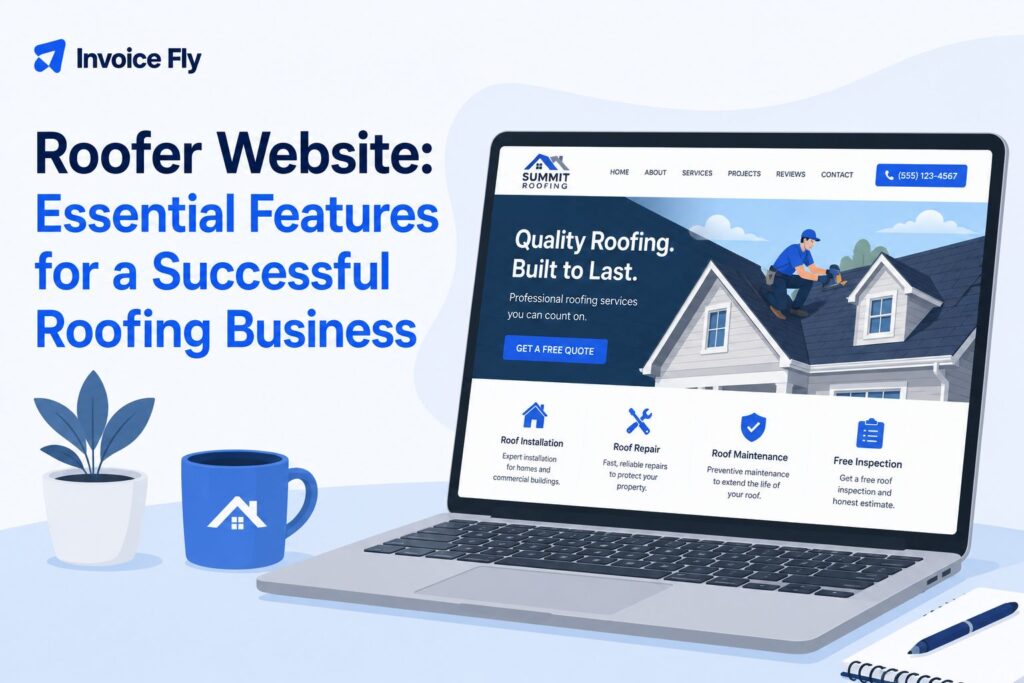
Table of Contents
A roofer website is a lead-generation tool that helps roofing contractors showcase their services, build trust, appear in local searches, and make it easy for homeowners to request an estimate. An effective site should include clear service pages, real project photos, customer reviews, contact information, and simple calls to action.
This guide explains how to build a roofing website, improve its SEO, choose the right features, and turn more visitors into roofing leads.
This guide covers:
- What makes a great roofing website
- How to build a roofing website
- Essential website features
- Roofing website SEO
- Website examples and inspiration
- How much a roofing website costs
What makes a great roofing web design?

Good roofing website design should make it easy for potential customers to understand what you do, where you work, and how to contact you.
Use a clean, professional design with clear navigation, real project photos, readable text, and prominent contact details. Your website should also communicate important trust signals, including reviews, experience, licenses, insurance, and professional certifications where relevant.
For more guidance on building the wider company behind your website, see our guide on how to start a roofing company.
Optimize your website for SEO
Search engine optimization helps potential customers find your roofing business through searches such as “roof repair near me” or “roofing contractor in [city].”
Create dedicated pages for your main roofing services and use relevant service and location keywords naturally. Our guide to SEO for roofing covers the wider process in more detail.
Make your website user-friendly
Keep navigation simple and make important information easy to find. Visitors should be able to reach your services, project gallery, contact page, and estimate form without searching through multiple pages.
Mobile usability is particularly important because customers may be looking for roofing help directly from their phones.
Make sure your website converts customers
Every important page should give visitors a clear next step, such as:
- Call now
- Request an estimate
- Schedule an inspection
- Send a message
Place your phone number and primary CTA prominently, and keep contact forms short. Customer reviews, project photos, and clear information about licenses and insurance can also help build confidence before someone gets in touch.

How to build a roofing website

You can build a roofer website yourself using a website builder or hire a professional designer. The right option depends on your budget, available time, and how much customization you need.
Start by planning the essential pages:
- Homepage
- Roofing services
- About
- Project gallery
- Service areas
- Reviews or testimonials
- Contact and estimate request
You can then add individual pages for important services or locations as the website grows.
DIY roofing website
Website builders and roofing website templates can make DIY design more affordable. Choose a responsive template, add your branding and contact details, and replace generic imagery with photos of your own roofing projects.
A template works best when you keep the structure simple rather than adding unnecessary design features.
How to choose a roofing website designer
Professional design may be worthwhile if you need custom functionality, advanced SEO, or do not have time to build and maintain the site yourself.
When comparing designers or agencies, review their previous work and ask about:
- Mobile-friendly design
- SEO setup
- Website ownership
- Hosting and maintenance
- Editing access
- Lead forms and tracking
- Ongoing costs
Make sure you retain access to your website, domain, analytics, and other business accounts if you stop working with the designer.
Top features of a roofer website
A roofing company website should give potential customers enough information to decide whether your business is relevant and trustworthy.
Important features include:
- Clear service pages: Explain the roofing work you provide.
- Service areas: Show customers where you operate.
- Visible contact details: Keep your phone number easy to find.
- Estimate form: Give visitors a quick way to request a quote.
- Project gallery: Use real before-and-after photos of completed work.
- Customer reviews: Add genuine feedback from previous customers.
- License and insurance details: Include relevant credentials where appropriate.
- Mobile-friendly design: Make pages easy to use on smaller screens.
- Fast page speed: Avoid oversized images and unnecessary design elements.
- Clear CTAs: Tell visitors what to do next.
Professional credentials can help build trust with potential customers. The NRCA provides certification programs for eligible roofing professionals, while the Bureau of Labor Statistics provides information on roofer training, duties and qualifications.
How to make your roofer website SEO friendly
An SEO-friendly roofer website helps search engines understand your services and where you provide them. Focus on useful pages rather than repeating keywords throughout the site.
Key steps include:
- Create a page for each core roofing service
- Add useful service-area pages where appropriate
- Include service and location keywords naturally
- Write descriptive page titles and meta descriptions
- Add descriptive alt text to project images
- Keep pages fast and mobile-friendly
- Link related pages together
- Keep your Google Business Profile accurate
Avoid creating near-identical pages for every nearby city. Each location page should provide useful, specific information for customers in that area.
For a complete strategy, see our guide to SEO for roofing companies.
How many keywords should you target on a roofer website?
Each page should focus on one main search intent and a small group of closely related terms. For example, a roof repair page might naturally cover “roof repair,” “roof leak repair,” and relevant local variations.
You do not need to target every roofing keyword on every page. Match keywords to the page that best answers the search.
How to rank your roofing website on Google
Strong rankings depend on more than keywords. Useful service pages, local relevance, website quality, reviews, backlinks, and an optimized Google Business Profile can all support visibility.
Publishing useful content around common customer questions can also expand the searches your site can appear for. Combine this with a wider roofing lead generation strategy so SEO works alongside other sources of new business.
Roofing website examples
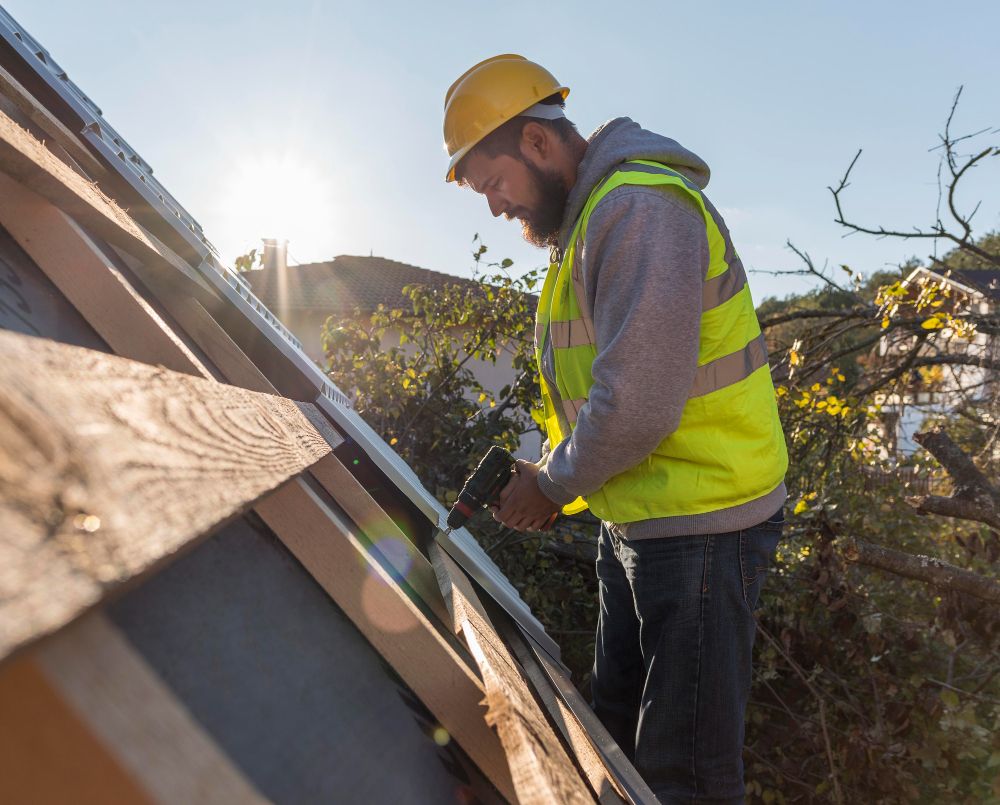
The best roofing websites make it immediately clear what the company does and how customers can get in touch. Instead of copying another contractor’s design, use strong websites as inspiration for your own structure.
Here are three useful website approaches:
1. Local residential roofing website
A residential roofer website should prioritize local trust. Feature your service area, customer reviews, real project photos, roofing services, and a prominent estimate button.
2. Commercial roofing website
Commercial roofing companies may need more detailed service pages covering roof systems, maintenance programs, inspections, previous commercial projects, and relevant credentials.
3. Emergency and storm damage roofing website
For urgent services, make contact options highly visible. Clearly explain your storm damage or emergency services, areas covered, and how quickly customers can expect a response.
Whichever approach you use, real project photos and specific information about your business will usually be more useful than generic roofing website templates filled with stock content.
How much do roofing websites cost?
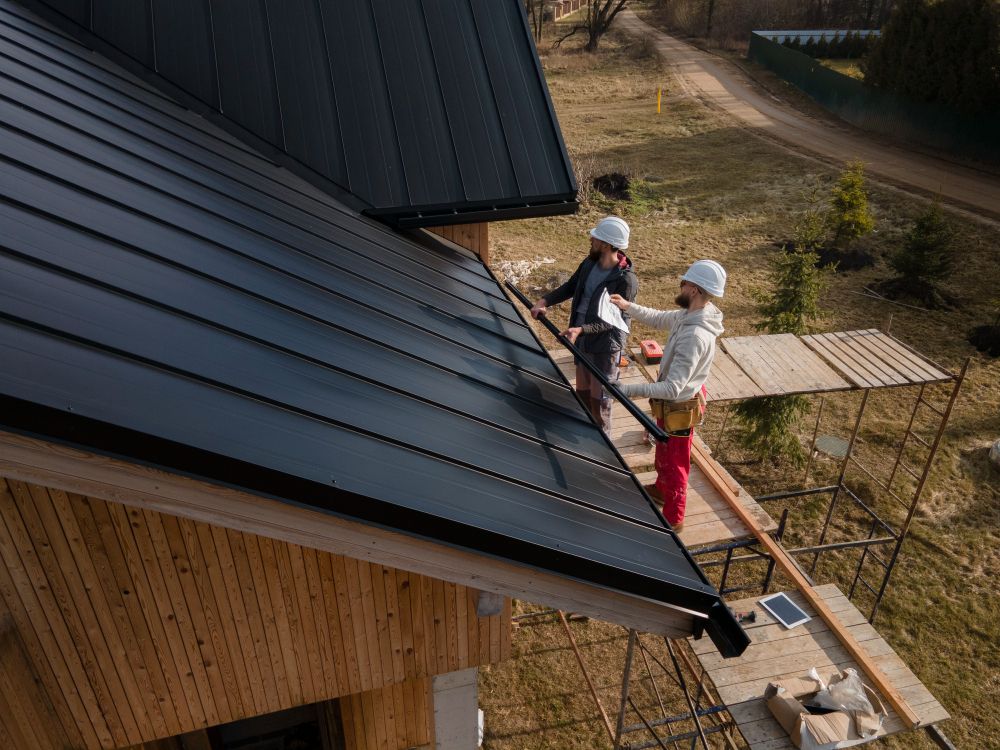
The cost of a roofing website varies considerably depending on how it is built.
A DIY website builder is usually the lower-cost option but requires more of your own time. Professional roofing website design costs more but may include custom design, SEO setup, copywriting, analytics, lead tracking, and ongoing support.
Before comparing quotes, check what the price includes:
- Domain and hosting
- Website design
- Number of pages
- Copywriting
- SEO setup
- Contact and estimate forms
- Analytics and lead tracking
- Maintenance and updates
Also check whether ongoing hosting, maintenance, or marketing services are charged separately.
Your website is only one part of building a successful roofing business. Our guide on how to start a roofing company covers licensing, insurance, equipment, pricing, marketing, and other essentials.
Turn your roofer website into a source of leads
A strong roofer website should do more than showcase your business. It should help local customers find you, understand your services, trust your company, and take the next step toward requesting an estimate.
Once leads start coming in, roofing CRM software can help you manage customer details and follow-ups, while an invoice maker can simplify billing after the work is complete.