Roofing
Explore roofing business guides on estimates, contracts, marketing, lead generation, and running a successful roofing company with Invoice Fly.
Invoice Fly Pro
Try Invoice Fly Pro today without credit card
Start for free
Search Article
Recent Posts
Content Fields
All Posts from Category: Roofing



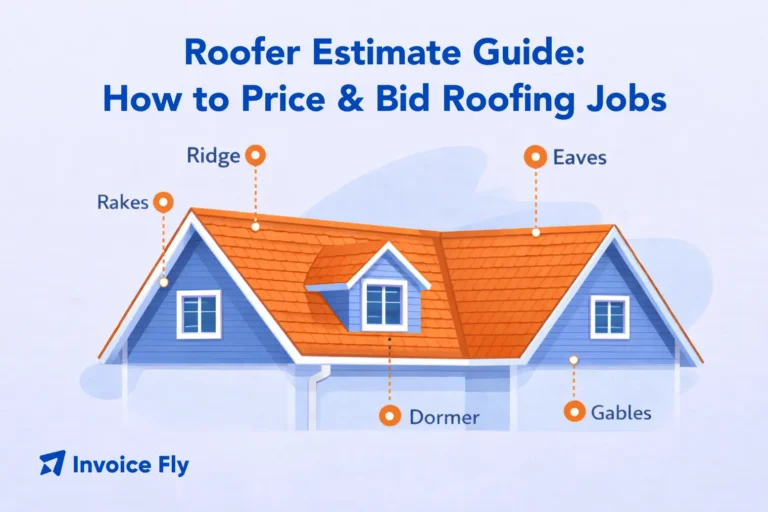










Roofing Business Guides for Contractors and Roofers
Explore Invoice Fly Academy’s roofing business guides to learn how to start, manage, and grow a roofing company. Browse the articles above for practical advice on roofing estimates, contracts, marketing, lead generation, and the day-to-day work of running a roofing business.
Whether you’re an established roofing contractor or planning to start a roofing company, these resources can help you understand the trade and make informed business decisions. Learn about roof types and parts, roofer job requirements, the skills contractors need, and the steps involved in becoming a roofing contractor.
Pricing jobs accurately is essential to protecting your margins and winning customers. Find guidance on measuring roofs, calculating material and labor costs, preparing a roofer estimate, and bidding on roofing projects. You can also explore roofing contracts and the terms that help clarify project scope, timelines, payment, and responsibilities.
Growing a roofing company takes more than technical skills. Discover ways to build a roofing website, attract local customers, generate qualified leads, and market your services online. Explore tools and business resources that can help you organize jobs, communicate with clients, and manage your workflow more efficiently.
Use these roofing contractor guides to strengthen your knowledge of roofing services, business setup, job pricing, and customer acquisition. Browse the articles above to find the advice most relevant to your goals, whether you’re launching a new company, improving your estimating process, or looking for ways to win more roofing jobs.