Quote
Learn how to write business quotes, what to include, and how quotes differ from invoices. Explore practical quotation guides and tools from Invoice Fly.
Invoice Fly Pro
Try Invoice Fly Pro today without credit card
Start for free
Search Article
Recent Posts
Content Fields
All Posts from Category: Quote

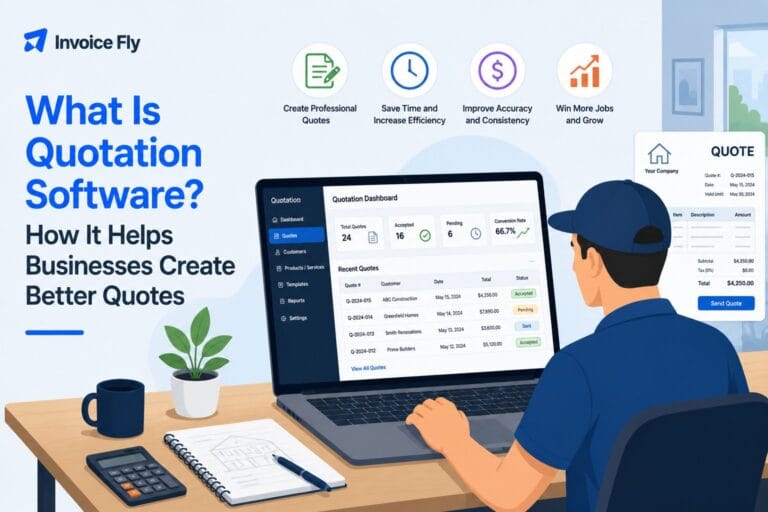

Quote Guides for Small Businesses: Quotes, Templates, and Tips
Explore Invoice Fly Academy’s quote guides to learn how business quotations work, when to send them, and what to include before a client approves a job. Browse the articles above for practical advice on writing quotations and understanding the difference between a quote and an invoice.
A business quote sets out the products or services you’ll provide, the agreed price, and the terms of the proposed work. Clear quotes help clients understand what they’re paying for, compare options, and decide whether to move forward. Learn when to send a quotation, which details to include, and how quotes fit into the sales and payment process.
When preparing a quote, describe the scope of work, list materials or services, break down costs, and state taxes, payment terms, and how long the offer remains valid. Tailor each quotation to the customer’s needs and review the figures before sending it. Clear documentation can reduce confusion, support client communication, and make approvals easier.
It’s important to know when a quote becomes different from an invoice. A quote proposes pricing before work begins, while an invoice requests payment for products delivered or work completed. Understanding the distinction helps you choose the right document at each stage of a project.
Use these resources to improve your quoting process, present prices, and keep client expectations clear. Browse the articles above for guidance on quotation basics and invoice-versus-quote differences, and explore Invoice Fly’s quote generator and templates to create quotes.