What Is Quotation Software? Create and Send Quotes Faster
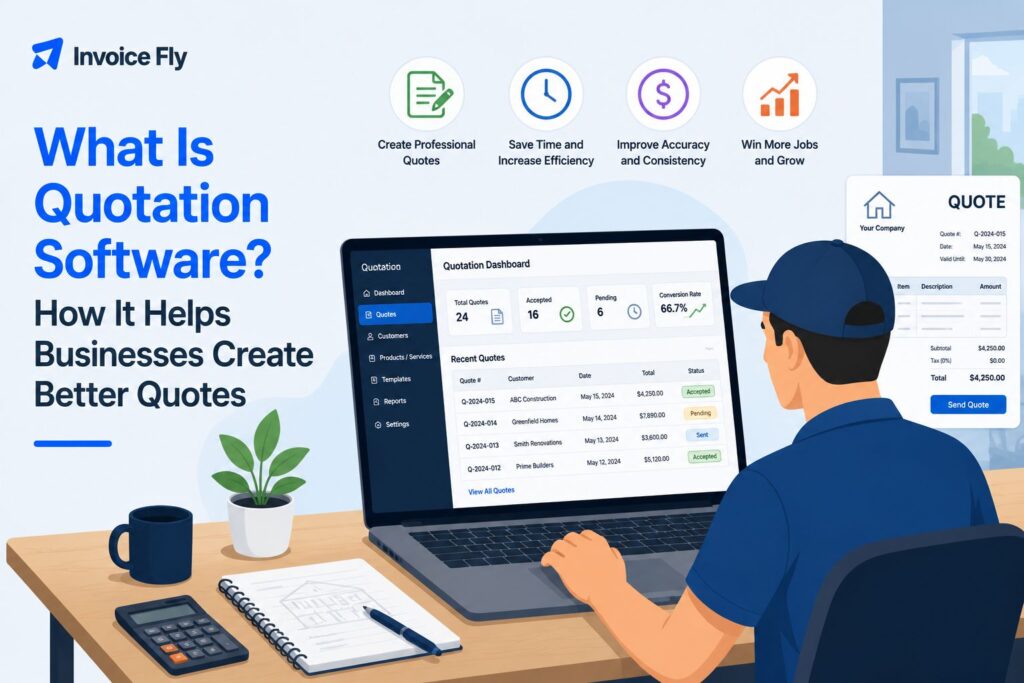
Table of Contents
Quotation software makes it easier to create and send professional quotes without building every document from scratch. Instead of juggling spreadsheets, Word documents, and manual calculations, you can keep your pricing, customer details, and quote information in one place. For contractors and small business owners, that can mean less time spent on paperwork and a smoother process from the first customer inquiry to an approved quote and, eventually, an invoice.
In this article, we’ll explain what quotation software is, how it works, the features to look for, and how it can help you manage quotes more efficiently.

What is quotation software?
Quotation software is a digital tool that helps you create, calculate, send, and track customer quotes. Instead of building each quotation from scratch, you can usually save customer details, products or services, prices, taxes, discounts, and standard terms to reuse later.
In everyday US business use, “quote” and “quotation” generally mean the same thing. Both usually refer to a document that gives a customer a price for a defined product or service.
A quote is different from an estimate or an invoice. An estimate gives an approximate cost that may change as the details of the job become clearer. A quote usually gives a more specific price for an agreed scope of work. An invoice comes later and requests payment for completed work or products provided.
You can read more about these differences in our guides to quotes vs. estimates, quotes vs. invoices, and what an estimate is.
If you want to understand the document before choosing software to create it, our guide to what a quotation is explains what quotes include and when businesses use them.
How does quotation software work?
Most online quotation software follows a simple workflow:
- Add the customer and job details. Enter the client, scope of work, products, services, or project information.
- Calculate the price. Add quantities, labor, materials, taxes, discounts, markups, or other charges.
- Create the quotation. The software organizes the information into a professional, branded document.
- Send it to the customer. Quotes can typically be emailed or shared digitally.
- Track and approve it. Depending on the software, customers may be able to accept the quote, sign it, or pay a deposit.
- Move to invoicing. Many quotation and invoice software platforms let you reuse an accepted quote’s information to create an invoice.
This reduces repetitive data entry and helps keep customer, pricing, and job information organized.

7 key features of quotation software
Not every platform includes the same tools, but these seven features are especially useful for contractors and small businesses.
1. Professional Quote Creation
Templates help you create consistent quotations with your business name, logo, customer information, line items, prices, taxes, and terms.
2. Saved Products, Services, and Prices
Instead of typing the same information for every job, quotation management software can store commonly used products, services, rates, and descriptions.
3. Automatic Calculations
Good software calculates quantities, prices, discounts, taxes, and totals automatically, reducing manual calculations and basic spreadsheet errors.
4. Digital Approvals and Signatures
Some platforms let customers approve or sign quotations online. For service businesses, requesting a deposit can also help confirm a job before work begins.
5. Quote Tracking
Quotation tracking software can help you see which quotes are pending, approved, rejected, or still need follow-up.
6. Quote-to-Invoice Conversion
When a customer accepts your quote, converting it into an invoice saves you from rebuilding the same document. InvoiceFly, for example, combines quotes and estimates with invoicing software so key information stays within the same workflow.
7. Mobile Access
Contractors often prepare quotes away from a desk. Mobile quotation software lets you create and send a price while you’re at a customer’s property or job site.

Benefits of using quotation software
The biggest advantage of quotation software is speed. Reusing customer details, prices, and services can reduce the time spent creating each new quote.
It can also help you:
- Present a professional image: Consistent, branded quotations look more polished than improvised documents or emails.
- Reduce calculation errors: Automatic totals help eliminate common manual mistakes.
- Respond faster: Creating a quote while a job is still fresh can help customers make decisions sooner.
- Stay organized: Keeping quotes in one system makes customer and pricing information easier to find.
- Follow up: Quote tracking shows which potential jobs are still waiting for a decision.
- Simplify invoicing: Accepted quotes can flow into the next stage without repeating the same admin work.
Quoting is necessary work, but it is usually non-billable. InvoiceFly’s Salary & Time Gap explores how tasks such as quoting, invoicing, and payment follow-up can reduce the time available for paid work.
The IRS also recommends maintaining organized business records to help monitor business progress, track income and expenses, prepare financial statements, and support tax returns.

Types of quotation software
Quotation tools range from simple online generators to specialist business platforms. The right type depends on how your business prices work and what needs to happen after a customer receives a quote.
| Type | Best for | Typical features |
| Small business quotation software | Contractors, freelancers, service businesses | Quote creation, customer details, approvals, invoices, payments |
| Construction quotation software | Builders and construction contractors | Labor and material costs, markups, job costing, estimating |
| Sales and CRM quotation software | Sales teams and growing businesses | Leads, product catalogs, pricing, pipeline integrations |
| Specialist quotation software | Manufacturing, printing, fabrication, other specialist industries | Product configurations, production costs, specifications, industry-specific pricing |
Some newer platforms also use AI to help automate parts of quote creation, such as organizing customer information or drafting descriptions. Pricing, quantities, scope, and terms should still be reviewed before a quote goes to a customer.
Who uses quotation software?
Any business that gives customers a price before starting work can benefit from quotation software. Common users include contractors, electricians, plumbers, landscapers, cleaners, handymen, consultants, freelancers, construction businesses, manufacturers, and sales teams.
The right level of software depends on the business. A self-employed contractor may only need quick mobile quotes, approvals, invoices, and payments. A manufacturer may need complex product configurations, while a larger sales team may need quotation software integrated with its CRM.
Common challenges with quotation software
Quotation software should save time, but the wrong system can create new problems.
- Too much complexity: Enterprise platforms can be difficult to justify if you only need straightforward customer quotes.
- Poor mobile experience: Contractors who work on-site need software that is practical away from a desktop.
- Limited customization: Check whether you can add your branding, terms, taxes, discounts, and job-specific details.
- Disconnected workflows: Recreating an accepted quote manually as an invoice removes much of the benefit of automation.
- Pricing that doesn’t fit: Compare the cost with the number of quotes you send and the features you’ll actually use.
For contractors and small businesses, InvoiceFly lets you create quotes and estimates, request client signatures or deposits, and manage the next steps alongside invoices and payments. You can also use the free quote generator when you simply need to create a professional quotation online.

Quotation software can make quoting simpler
Quotation software is ultimately about making one of the most important parts of running a business easier. Instead of building every quote from scratch, you can create more consistent pricing, respond to customers faster, and keep the process more organized.
The right software should fit the way your business works, save time, reduce unnecessary admin, and make it easier to move from a customer inquiry to an approved quote and, eventually, payment.
If you’re still refining your quoting process, our guide to what a quotation is covers the document itself, from pricing and scope to terms and customer acceptance.

