Invoice Tracking: How to Keep Invoices Organized
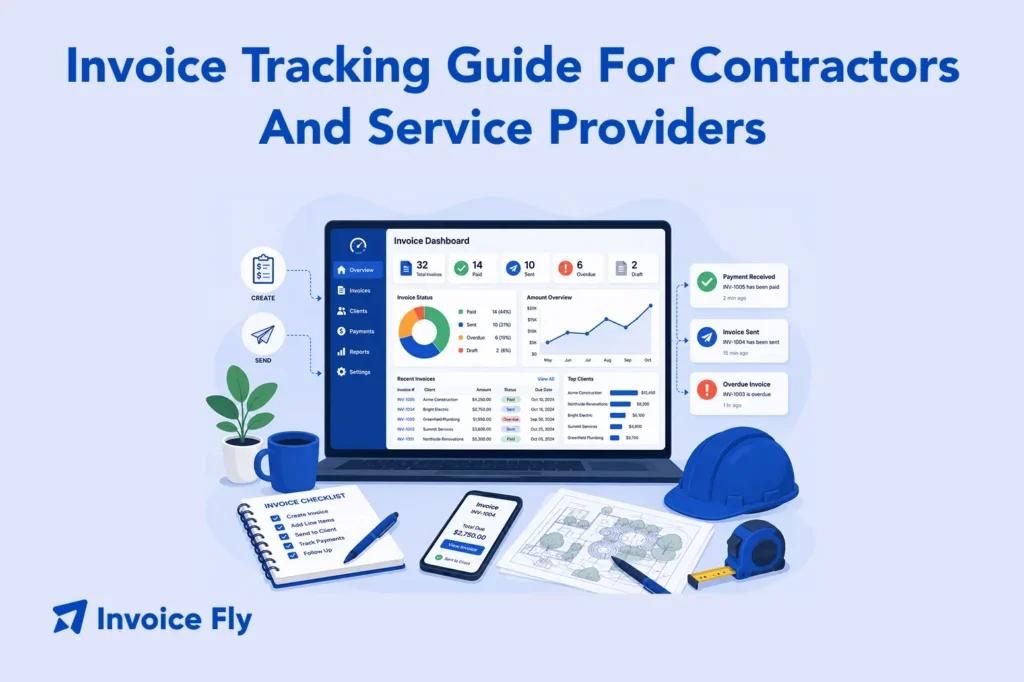
Table of Contents
Invoice tracking is what keeps unpaid invoices from turning into forgotten invoices. Whether you’re a contractor juggling multiple jobs, a freelancer billing clients every week, or a small business owner trying to stay on top of cash flow, having a clear system matters. A simple invoice tracker, whether it’s an Excel spreadsheet, a Google Sheets template, or dedicated invoice tracking software, helps you see which invoices are sent, which are overdue, and which clients still owe payment.
In this guide, you’ll learn how to keep track of invoices and payments, what to include in an invoice tracking system, and when it makes sense to move from spreadsheets to automated tools.
What Is Invoice Tracking?
Invoice tracking is the practice of monitoring the status of every invoice you send, from the moment it goes out to the moment payment clears. A good tracking system tells you at a glance which invoices are sent, which are due soon, which are overdue, and which have been paid in full.
Without a tracking system, it’s easy to lose visibility on outstanding balances, miss follow-up windows, or discover weeks later that a client never received an invoice you thought was delivered. For contractors and freelancers, those gaps directly affect cash flow.
Tracking works alongside, not instead of, a solid invoicing process. If you’re still building out the fundamentals, our guide on what is an invoice is the right place to start.

How to Keep Track of Invoices and Payments
The core of invoice and payment tracking is simple: every invoice gets logged with a status, and that status gets updated as it moves through the payment cycle.
A basic workflow for tracking invoices looks like this:
- Create the invoice. Assign an invoice number, record the client, amount, and due date.
- Log it in your tracker. Add a new row in your spreadsheet or create a record in your software.
- Mark it as “sent.” Note the date it was delivered to the client.
- Monitor the due date. Flag it when it’s approaching or past due.
- Record partial or full payment. Update the status and log the payment date and method.
- Follow up on overdue invoices. Use your tracker to identify which accounts need a reminder.
The method you use depends on your invoice volume and how much automation you want. Both spreadsheets and software work. What matters is that you use it consistently.
Businesses handling recurring invoices or multiple clients often move from spreadsheets to dedicated invoice tracking software to automate reminders and payment updates. InvoiceFly’s tools to manage invoices help centralize tracking, invoicing, and payment follow-up in one place.
Create an Invoice Tracking System

The right system depends on your invoice volume and workflow. Here’s a quick comparison:
| Method | Best For | Pros | Cons |
|---|---|---|---|
| Excel | Low invoice volume | Flexible, offline access | Fully manual, no reminders |
| Google Sheets | Freelancers, small teams | Cloud access, easy sharing | Limited automation |
| Invoice software | Growing businesses | Automated reminders, reporting | Monthly subscription cost |
Spreadsheet for Invoice Tracking
A spreadsheet is the easiest way to start. All you need is a table with the right columns and a habit of updating it after every invoice you send or payment you receive.
A basic invoice tracking sheet should include:
| Column | Purpose |
|---|---|
| Invoice # | Unique identifier for each invoice |
| Client name | Who the invoice was sent to |
| Invoice date | When it was issued |
| Due date | When payment is expected |
| Amount | Total billed |
| Amount paid | What’s been received |
| Balance due | Outstanding amount |
| Status | Sent / Viewed / Partial / Paid / Overdue |
| Notes | Follow-up dates, payment method, disputes |
Color-coding helps at a glance: red for overdue, yellow for due soon, green for paid. Keep the sheet sorted by due date so the most urgent invoices are always at the top.
Invoice Tracker Excel
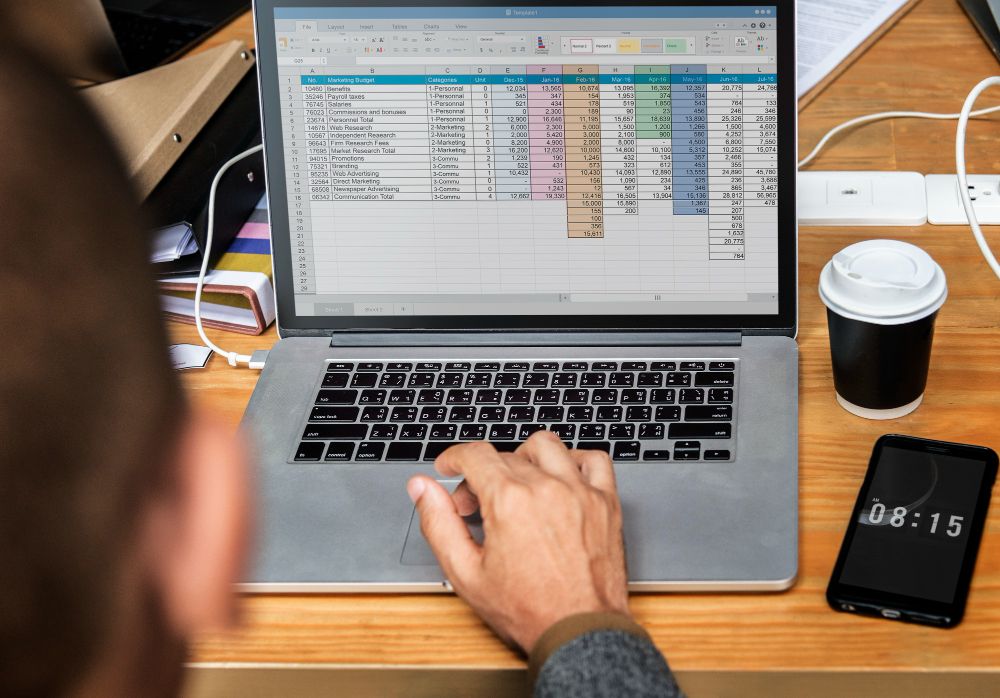
An Excel invoice tracker works well for businesses with low-to-moderate invoice volume. Excel formulas can automate balance calculations, flag overdue invoices, and summarize outstanding balances by client or month.
You can build one from scratch or download a free invoice tracker template in Excel and customize it to fit your workflow. Just make sure to keep it updated consistently.
Invoice Tracker Google Sheets
Google Sheets offers the same core functionality as Excel with one major advantage: cloud access. You can update your invoice tracking sheet from any device, share it with a bookkeeper or business partner, and collaborate in real time without version control issues. Features like conditional formatting also make it easy to flag overdue invoices and track outstanding balances automatically.

Key Details to Track in Invoices
Whether you use a spreadsheet or software, make sure your tracker captures these fields for every invoice:
Invoice number: Every invoice needs a unique, sequential ID for reference and recordkeeping. Our guide on invoice numbers explains best practices.
Client name and contact: Who you billed and how to reach them for follow-up.
Invoice date: When it was issued, not when the work was completed.
Due date: Based on your invoice payment terms (net 15, net 30, etc.). See our guide on invoice due dates for how to set them correctly.
Line items or service description: What was billed. Our guide on professional invoice elements covers what every line item should include.
Total amount: The full amount due.
Payments received: Date, amount, and payment method for each payment.
Outstanding balance: What’s still owed.
Invoice status: Draft / Sent / Viewed / Partial / Paid / Overdue / Disputed.
Follow-up log: Date of last reminder and next scheduled follow-up.
The IRS recommends keeping business records that support income reported on your tax return. Your invoice tracker doubles as that documentation.
Benefits of Invoice Tracking

The SBA recommends regularly reviewing business finances, including cash flow, so you can spot issues early and make better decisions. A consistent invoice tracking system supports that by showing which payments are still outstanding.
Fewer missed payments: You know exactly what’s outstanding and when to follow up.
Faster collections: Timely reminders reduce the average time between invoice sent and payment received. Our guide on invoicing payments covers how to structure the payment process to support faster collection.
Better cash flow visibility: You can see your expected incoming cash at any point in the month.
Cleaner books: Tracked invoices make reconciliation and tax prep faster and more accurate.
Fewer disputes: A detailed record makes it easier to resolve questions about what was billed, when, and what’s been paid.
Professional follow-up: You can reference specific invoice numbers and dates in reminders, which signals that you’re organized and serious about getting paid.
As your invoice volume grows, invoice automation can take much of the manual tracking work off your plate by sending reminders, updating statuses, and syncing with your accounting system automatically.
For more on avoiding the billing habits that cost you money, see our guide on common invoicing mistakes.
Best Practices for Tracking Invoices
A good invoice tracking system only works if you keep it updated consistently. These best practices help keep your tracker organized, accurate, and easy to manage.
- Assign invoice numbers consistently: Sequential numbering makes invoices easy to reference and audit.
- Send invoices on time: Tracking late invoices is harder than tracking invoices sent promptly. Our guide on when to send invoices covers the right timing for different job types.
- Update your tracker the same day: Letting it fall behind defeats the purpose.
- Set follow-up reminders: For any invoice past due, schedule a specific date for your next outreach.
- Keep your tracker separate from general notes: A dedicated invoice tracking sheet or software keeps billing data clean and accessible.
- Review weekly: A 10-minute weekly review of your tracker prevents overdue invoices from aging into bad debt.
- Know your payment terms: Tracking works best when your terms are consistent. If you mix net 15, net 30, and custom terms across clients, document each one clearly in your tracker.
Conclusion
A reliable invoice tracking system is one of the simplest ways to protect your cash flow and reduce the stress of chasing unpaid work. Whether you start with a basic spreadsheet or move straight to software, the most important thing is consistency: log every invoice, update every status, and follow up every time something goes overdue.
As your business grows, dedicated tools make tracking faster and more automated. Our invoice maker and invoice management tools keep your full billing workflow organized in one place, from creation to payment. And if you need to issue invoices quickly on the go, the free invoice generator gets you started without any setup.
The businesses that get paid consistently are usually the ones with the clearest systems. Whether you use a spreadsheet, a Google Sheets invoice tracker, or full invoice tracking software, visibility is what keeps cash flow healthy. For a full grounding in invoice fundamentals, revisit our guide to what is an invoice.

