Invoice Processing Solutions For Small Businesses
Table of Contents
- What Are Invoice Processing Solutions?
- Why Your Business Needs an Invoice Processing Solution
- Key Features of Invoice Processing Solutions
- 10 Invoice Processing Solutions to Consider in 2026
- Invoice Processing Solutions Comparison Chart
- How to Choose the Best Invoice Processing Solution for Your Business
- Conclusion
- FAQs
Invoice processing solutions help businesses automate the messy, time-consuming work that comes with handling invoices manually. Instead of chasing approvals through email chains or entering invoice data by hand, these tools capture invoice details, route approvals, sync with your accounting system, and keep everything organized in one place. Many modern platforms also use OCR and AI to read PDFs, match invoices to purchase orders, and catch errors before they create payment delays or accounting problems.
In this guide, you’ll learn how invoice processing solutions work, the features that matter most, and how to choose the right option for your business.
What Are Invoice Processing Solutions?
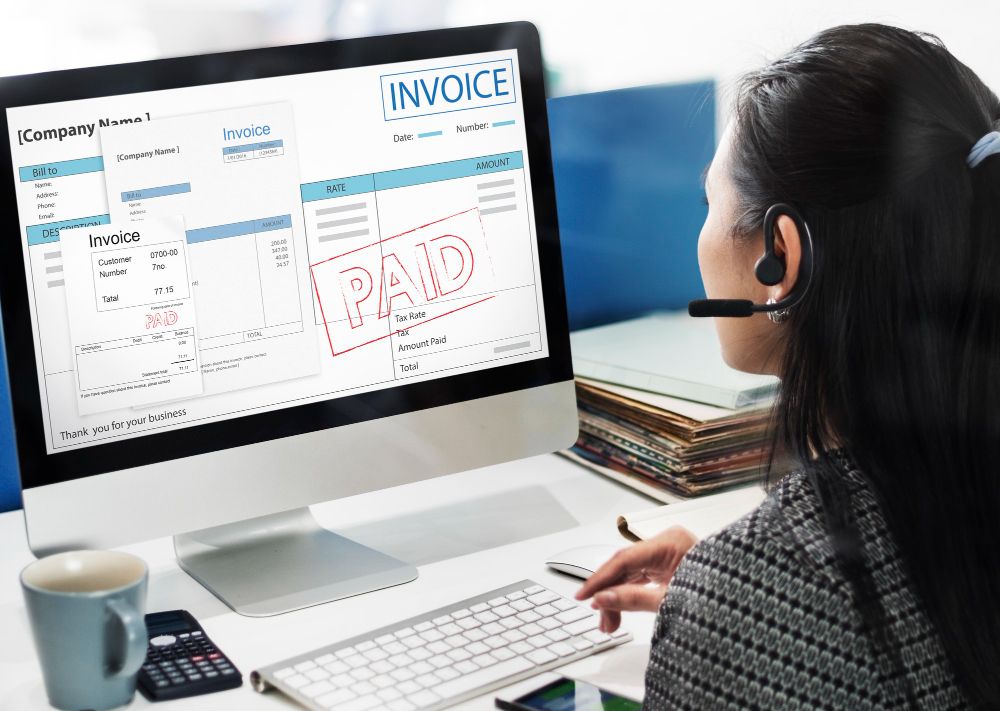
Invoice processing solutions help businesses handle invoices without all the manual back-and-forth that usually comes with them. When invoices live across email threads, PDFs, spreadsheets, and paper folders, things often get missed. Software automates much of the process by capturing data, routing approvals, and keeping a clean record of every transaction.
In a typical workflow, an invoice arrives by email or scan, the software captures the data automatically, routes it to the correct approver, checks it against purchase orders if needed, and syncs the approved payment information to the accounting system.
Some tools focus on accounts payable, meaning invoices your business receives from vendors and suppliers. Others are designed for outbound invoicing, helping businesses create, send, and track invoices they issue to clients. The right choice depends on whether your biggest problem is sending invoices, approving invoices, or managing both.
| Type of Solution | Main Purpose | Best For |
|---|---|---|
| Outbound invoicing software | Create and send invoices to clients | Contractors, freelancers, service businesses |
| AP invoice processing software | Receive, approve, and pay vendor invoices | Businesses managing supplier invoices |
| AP automation platforms | Automate approvals, matching, and payments at scale | Mid-size and enterprise finance teams |
| ERP-based invoice processing | Integrate invoicing into broader financial operations | Large companies with complex accounting systems |
At the core of most modern solutions are OCR (Optical Character Recognition) and AI technology that can read invoice data, flag discrepancies, and automate approval workflows.
For small businesses and service contractors, understanding how invoice processing connects to the fundamentals of billing is important. Our guide on what is an invoice covers the building blocks that every processing solution is built around.
Why Your Business Needs an Invoice Processing Solution

A few invoices a month is manageable manually. Fifty or a hundred quickly turns into approval bottlenecks, duplicate payments, and accounting cleanup. For businesses receiving even a moderate volume of supplier or vendor invoices, the cost of manual processing adds up fast in staff time, missed early-payment discounts, and late fees from delayed approvals.
Industry benchmarks often place manual invoice processing costs in the double digits per invoice, depending on invoice volume, labor costs, and approval complexity.
A construction company receiving vendor invoices from subcontractors may need approval routing and PO matching built into every step. A solo HVAC contractor, on the other hand, mainly needs faster outbound invoicing and payment collection.
Common problems that invoice processing solutions solve:
- Data entry errors. Miskeyed amounts, wrong vendor codes, or duplicated invoices.
- Slow approval cycles. Invoices sitting in inboxes waiting for sign-off.
- Lost or misplaced invoices. No central record of what’s been received or paid.
- Compliance risk. Incomplete audit trails for tax purposes or financial reviews.
- Cash flow blindspots. No real-time visibility into what’s owed and when.
Even the U.S. Treasury’s Invoice Processing Platform uses centralized invoice processing to reduce payment delays and improve vendor visibility for federal agencies, a standard that reflects how critical structured processing is at every scale.
Key Features of Invoice Processing Solutions
When evaluating any invoice processing solution, look for these core capabilities:
- OCR and AI capture. Automatically extracts data from PDF, email, and scanned invoices with high accuracy.
- 3-way matching. Matches invoices against purchase orders and receiving documents before approval.
- Automated approval workflows. Routes invoices to the right approver based on amount, vendor, or department.
- ERP and accounting integration. Syncs with QuickBooks, Xero, NetSuite, SAP, or your existing system.
- Duplicate detection. Flags invoices that may have been submitted more than once.
- Exception handling. Alerts staff to mismatches, missing fields, or policy violations.
- Payment scheduling. Links approved invoices to payment runs.
- Mobile approvals. Lets owners or managers review and approve invoices from their phone, which is especially useful for contractors and service businesses who aren’t tied to a desk.
- Audit trail. Records every action taken on an invoice for compliance and review.
For a deeper look at how invoice automation works end to end, our guides on invoice automation and automated invoice processing walk through the mechanics. You can also explore e-invoicing and invoice processing for more context on where these solutions fit in the broader billing landscape.
10 Invoice Processing Solutions to Consider in 2026
Because these tools serve different types of businesses, the best option depends less on brand recognition and more on whether you need outbound invoicing, AP automation, or full spend management.
Before the full breakdown, here’s a quick reference:
- Best for contractors and service businesses: InvoiceFly
- Best for global payments: Tipalti
- Best ERP option: Oracle NetSuite
- Best for enterprise AP: Basware or Coupa
- Best for collaborative approvals: Stampli
- Best for SMB AP automation: BILL
- Best for touchless processing: Medius
1. InvoiceFly
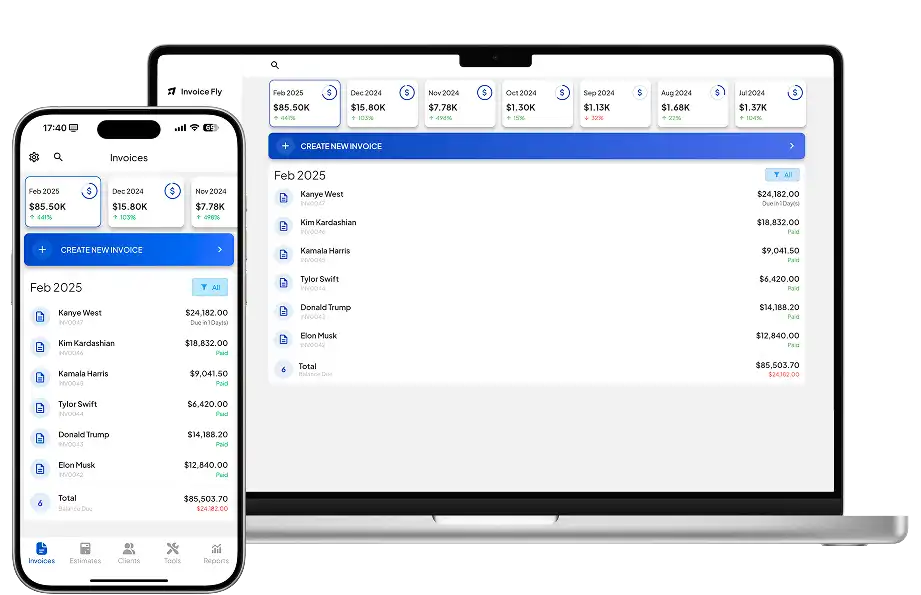
InvoiceFly is built for service businesses that need a simple way to create, send, track, and collect invoices. It combines estimates, invoicing, and payment tracking in a mobile-friendly platform. Try our invoice maker or free invoice generator.

2. Tipalti
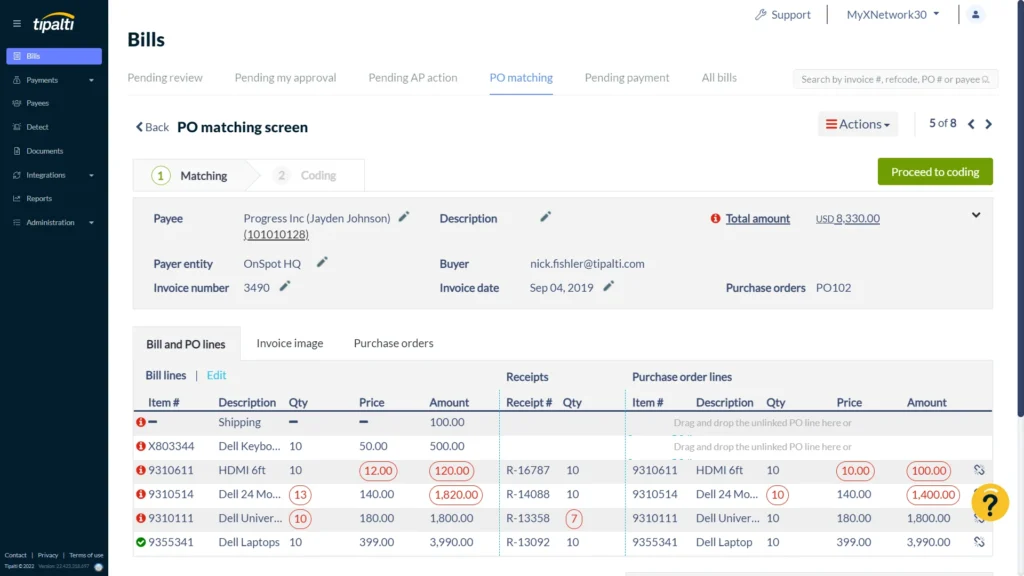
Tipalti focuses on AP automation for businesses managing international vendors, multi-currency payments, and tax compliance.
3. Oracle NetSuite
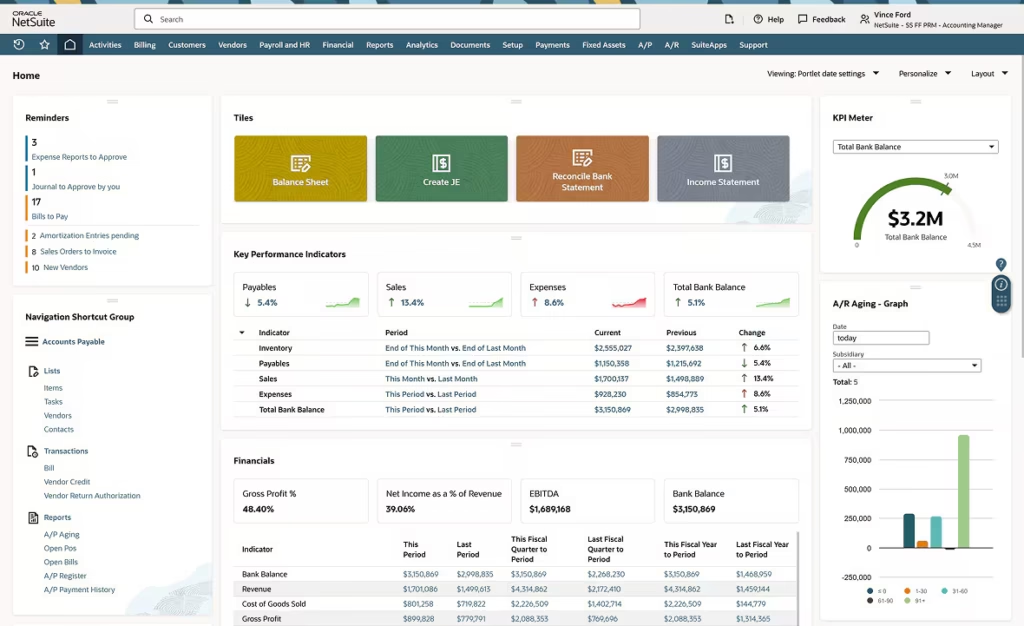
NetSuite combines invoice processing with full ERP functionality, making it a strong fit for mid-size and enterprise businesses needing integrated financial operations.
4. Basware
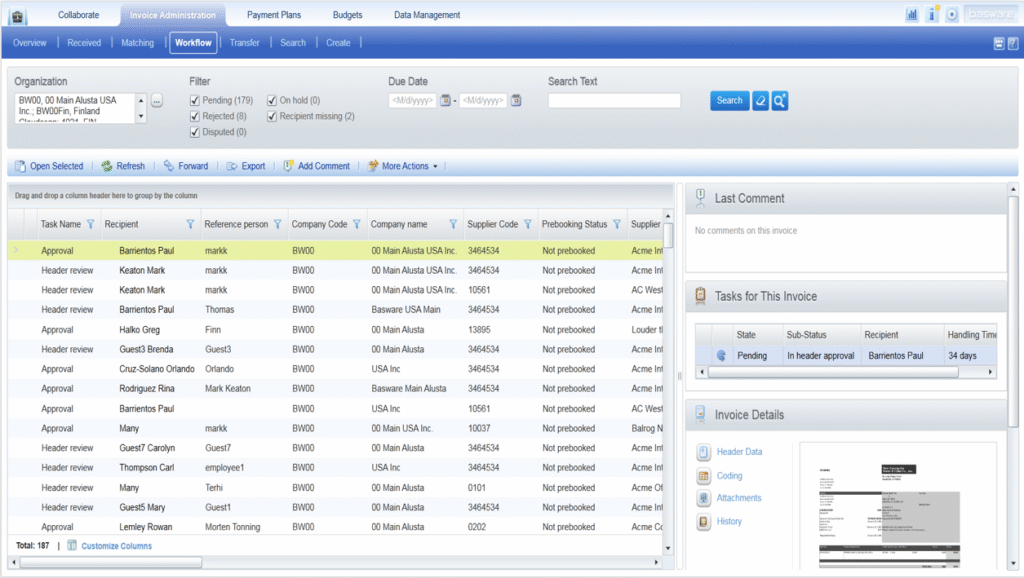
Basware is designed for enterprises managing high invoice volumes and complex purchase-to-pay workflows across multiple entities.
5. BILL
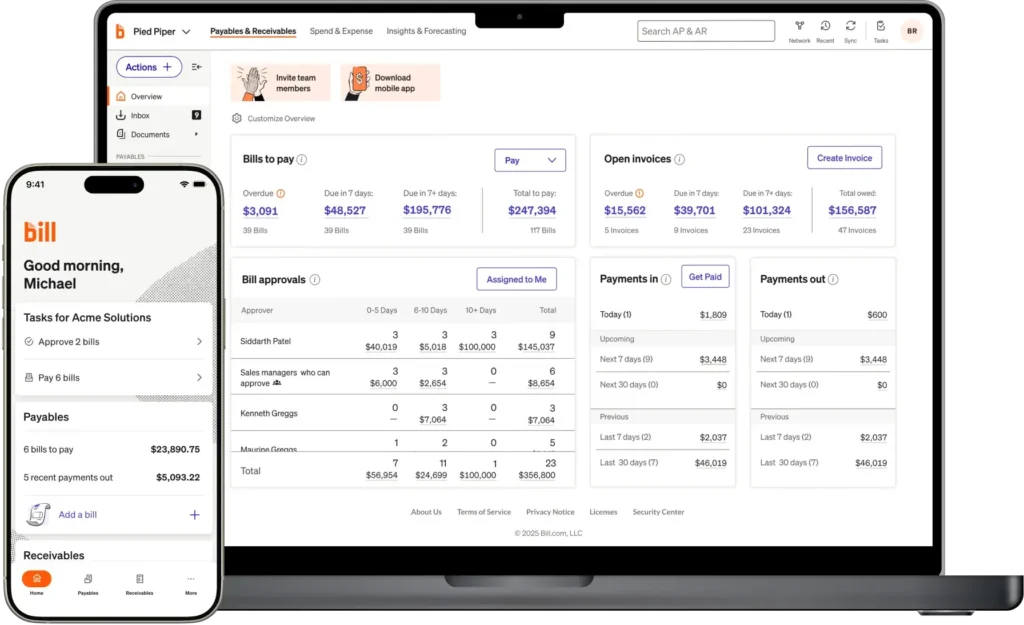
BILL helps small and mid-sized businesses automate invoice capture, approvals, and payments with strong accounting integrations.
6. Medius
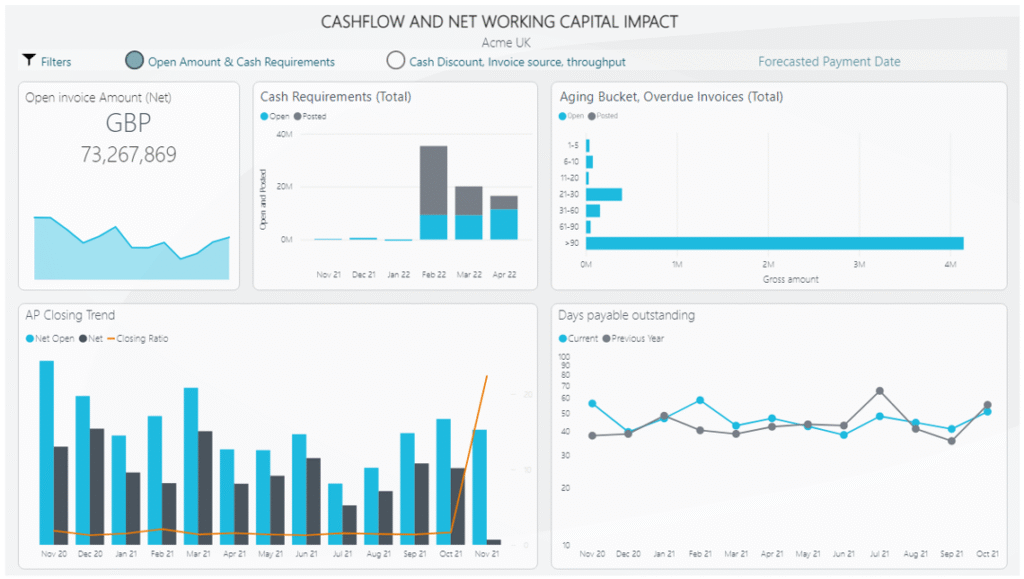
Medius focuses on touchless AP automation using AI to reduce manual approval work for high-volume finance teams.
7. AvidXchange
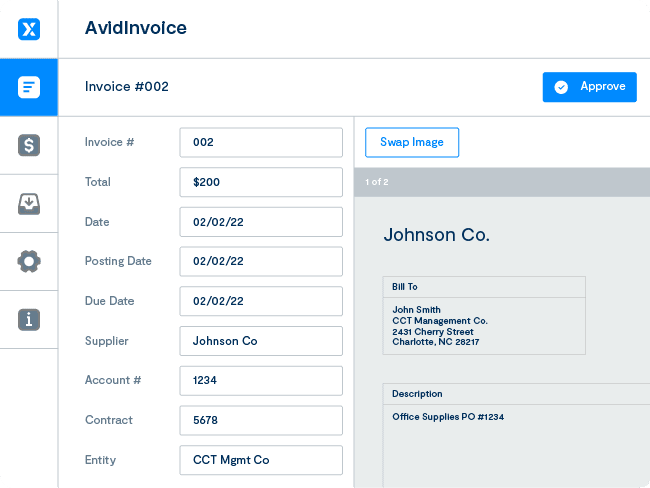
AvidXchange offers paperless AP automation and payment workflows, especially for industries like construction and real estate.
8. SAP Concur
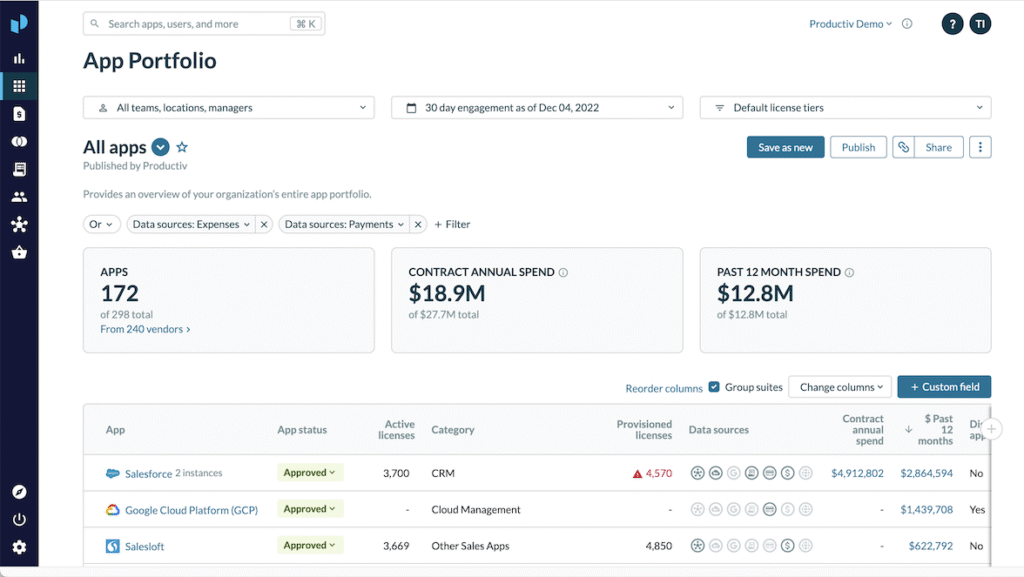
SAP Concur combines invoice processing with expense management in one platform. Best for businesses already in the SAP ecosystem or those that want to manage both employee expenses and vendor invoices in a single tool. It also comes with enterprise pricing and implementation complexity.
9. Stampli
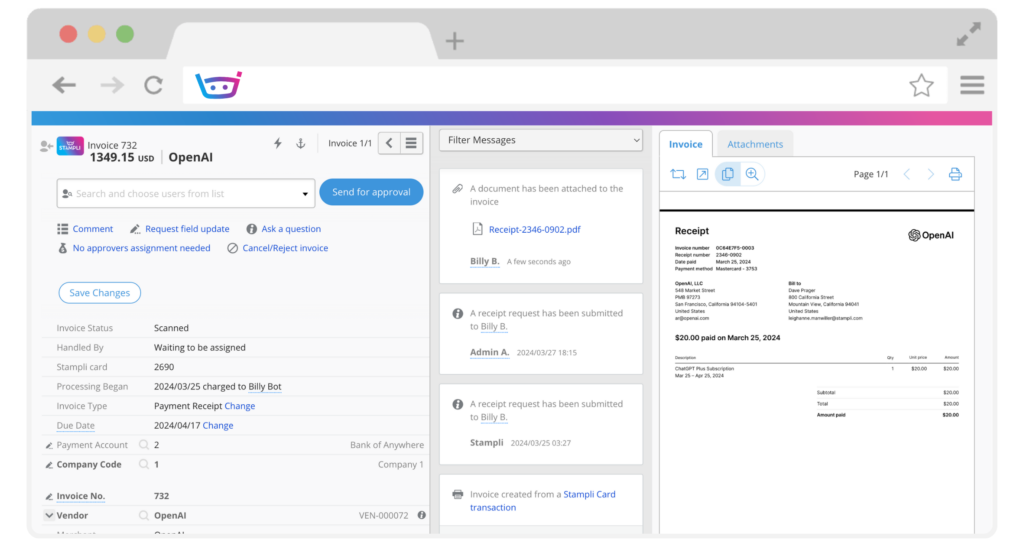
Stampli puts communication at the center of its AP workflow. Every invoice has a built-in comment thread so approvers can ask questions and resolve issues without leaving the platform. Praised for ease of adoption and strong customer support, it’s a good fit for mid-size teams with collaborative approval processes.
10. Coupa
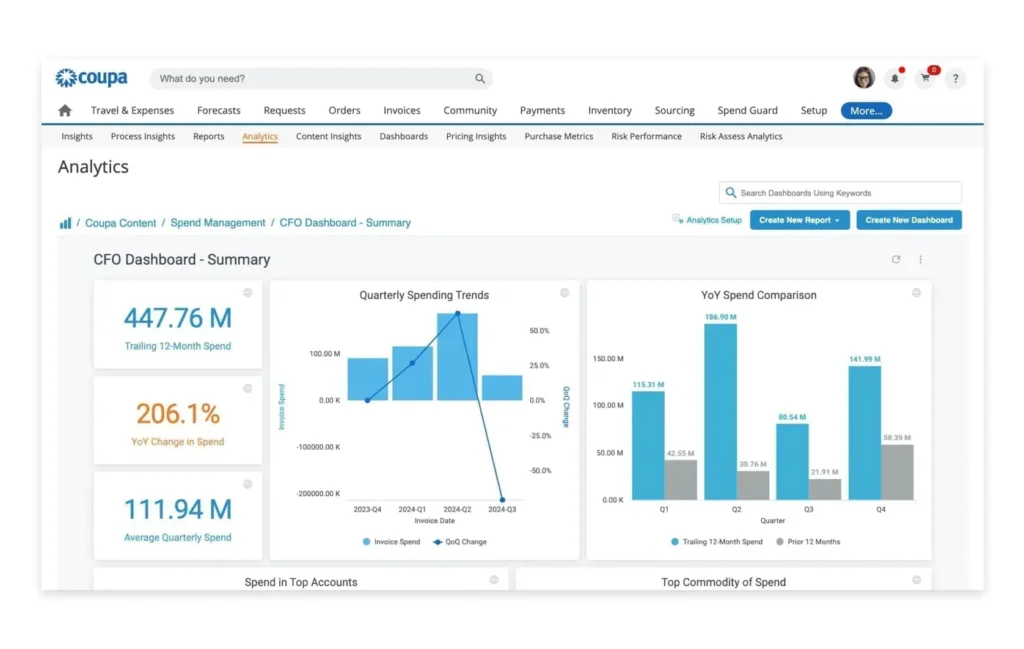
Coupa is a comprehensive spend management platform that includes e-invoicing, procurement, and expense management. Used by large enterprises that want a single source of truth across all vendor spending. High functionality, but requires significant implementation resources.
Invoice Processing Solutions Comparison Chart
| Solution | Best For | Business Size | Key Strength | Complexity |
|---|---|---|---|---|
| InvoiceFly | Contractors, small service businesses | Solo–Small | Estimates, invoicing, and payments | Low |
| Tipalti | Global AP, international payments | Mid–Enterprise | Multi-currency, tax compliance | Medium |
| Oracle NetSuite | Mid-to-enterprise, ERP users | Mid–Enterprise | Full ERP integration | High |
| Basware | Large enterprises, high volume | Enterprise | E-invoicing, purchase-to-pay | High |
| BILL | SMB, mid-market | Small–Mid | Approval workflows, integrations | Low–Medium |
| Medius | High-volume AP teams | Mid–Enterprise | Touchless processing, AI | Medium |
| AvidXchange | Real estate, construction, mid-market | Mid | Paperless AP, supplier network | Medium |
| SAP Concur | SAP ecosystem, expense + AP | Mid–Enterprise | Unified spend management | High |
| Stampli | Collaborative AP teams | Small–Mid | Communication-first workflow | Medium |
| Coupa | Enterprise spend management | Enterprise | End-to-end spend control | High |
How to Choose the Best Invoice Processing Solution for Your Business
The best invoice processing solution depends on how your business handles invoices day to day.
Invoice volume. A contractor sending a few invoices monthly needs very different software than a finance team processing hundreds of vendor invoices.
Direction of invoice flow. Some businesses mainly send invoices to clients, while others focus on approving and paying supplier invoices.
Approval complexity. If invoices need multiple approvals across departments, choose software with automated routing and approval workflows.
Accounting integrations. The software should connect with QuickBooks, Xero, NetSuite, or your existing ERP to avoid duplicate data entry.
For guidance on getting your invoicing process organized before investing in automation, our guides on invoice payment terms, invoice due dates, invoicing payments, and common invoicing mistakes are good starting points.
Conclusion
Invoice processing solutions range from lightweight invoicing tools for solo contractors to enterprise AP automation platforms handling millions of transactions. The best choice is the one that matches your invoice volume, workflow complexity, and integration needs.
The goal isn’t to automate everything overnight. It’s to remove repetitive admin work so your team can spend less time chasing invoices and more time running the business.
For contractors and small service businesses, our invoice maker and free invoice generatorhelp create a professional billing workflow without enterprise complexity. For more invoicing basics, revisit our guide to what is an invoice.

