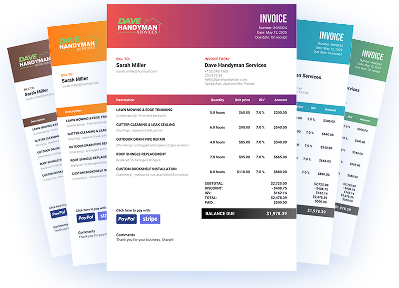
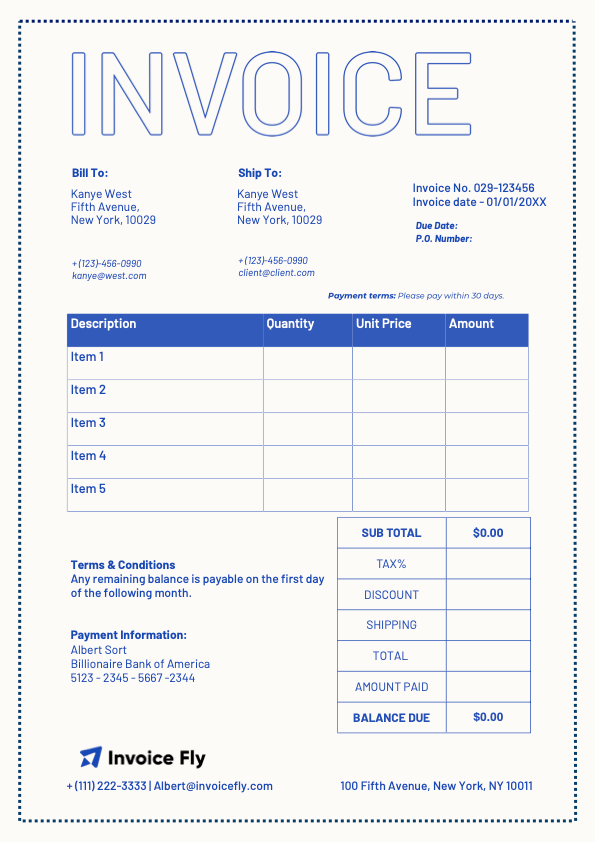
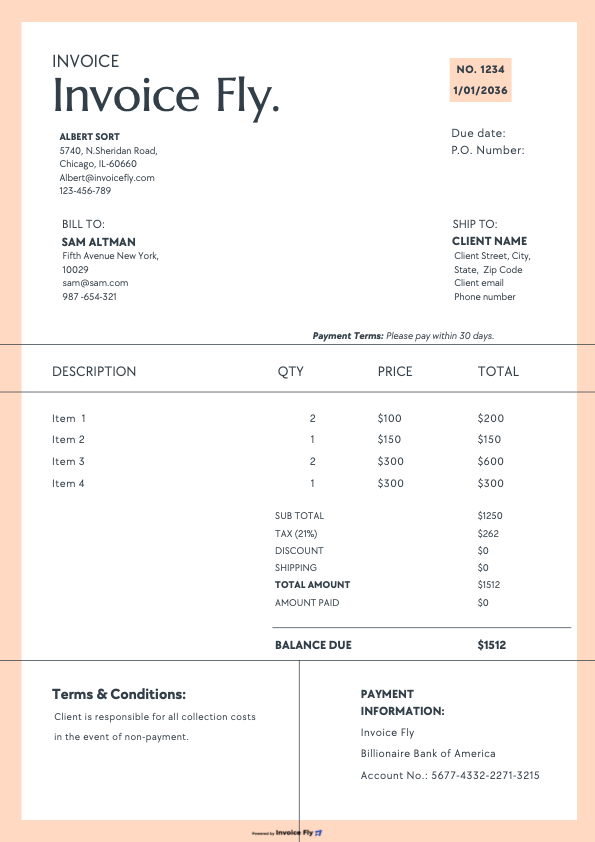
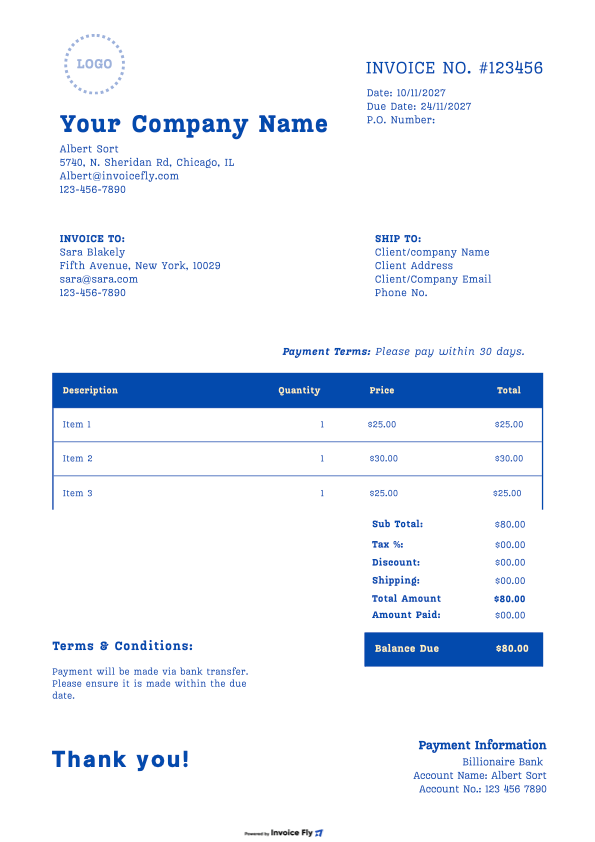
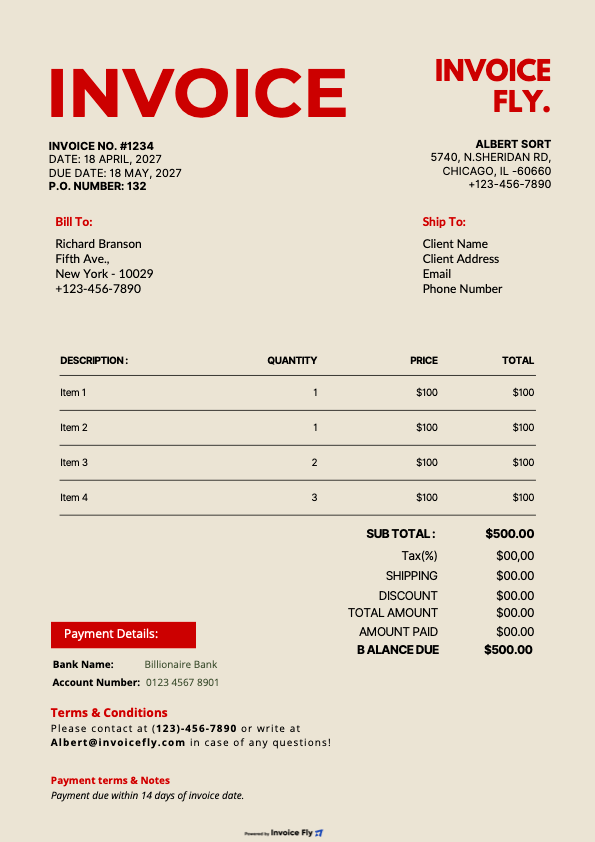
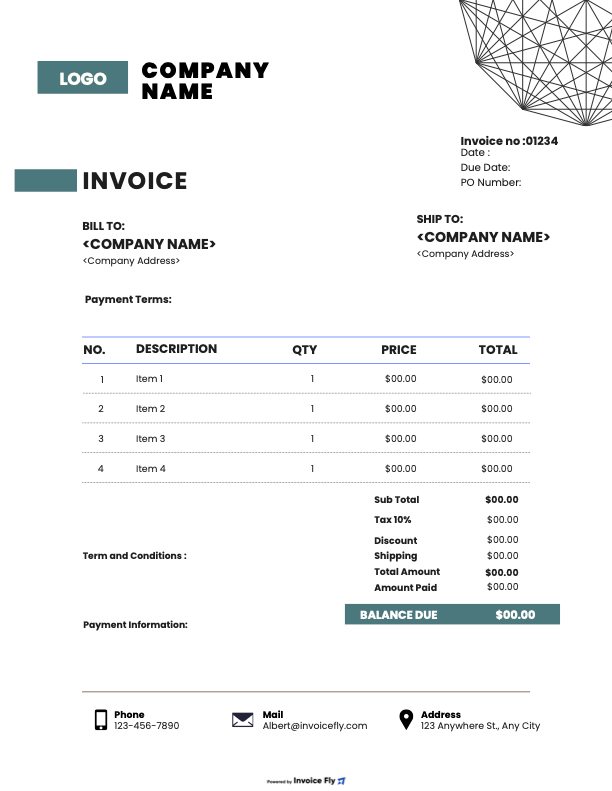
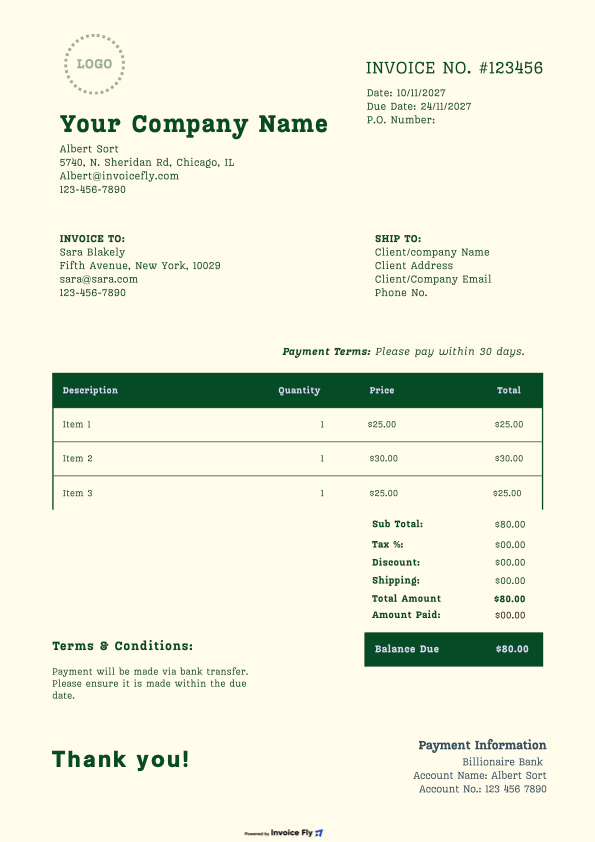
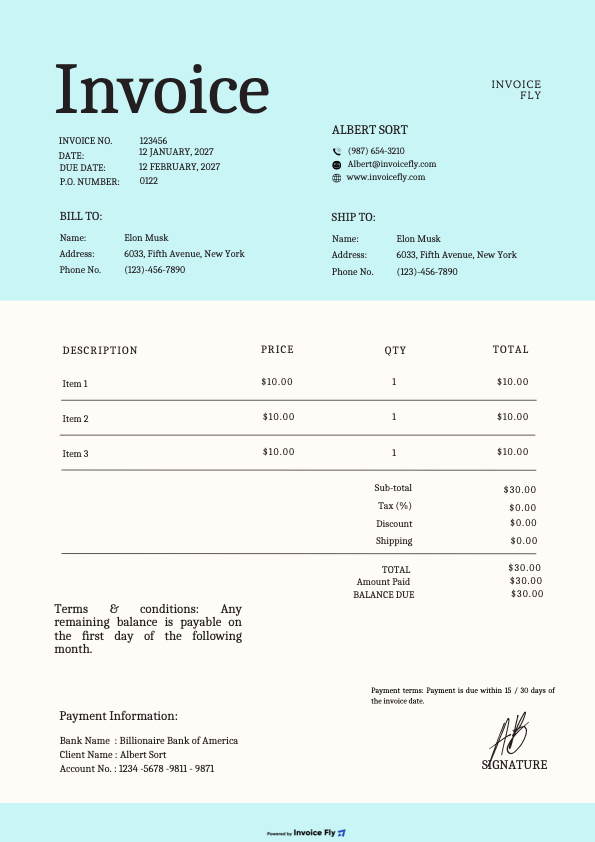
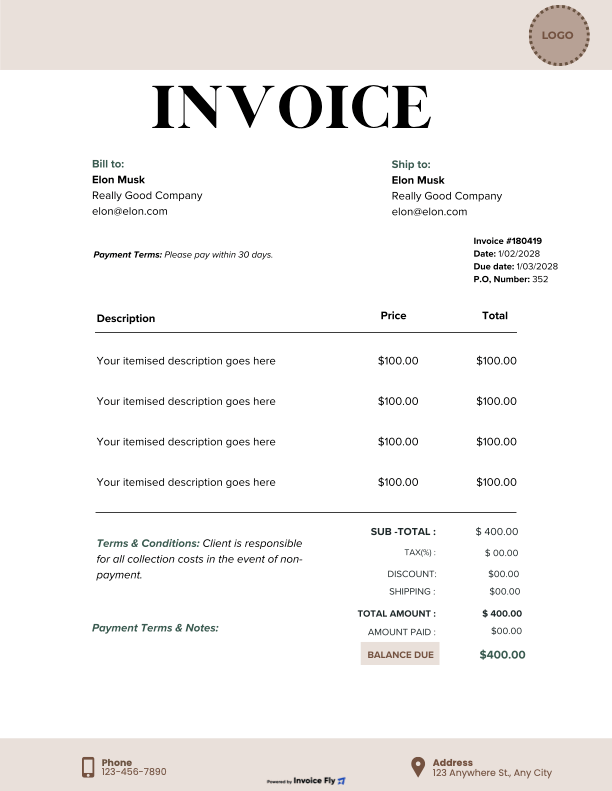
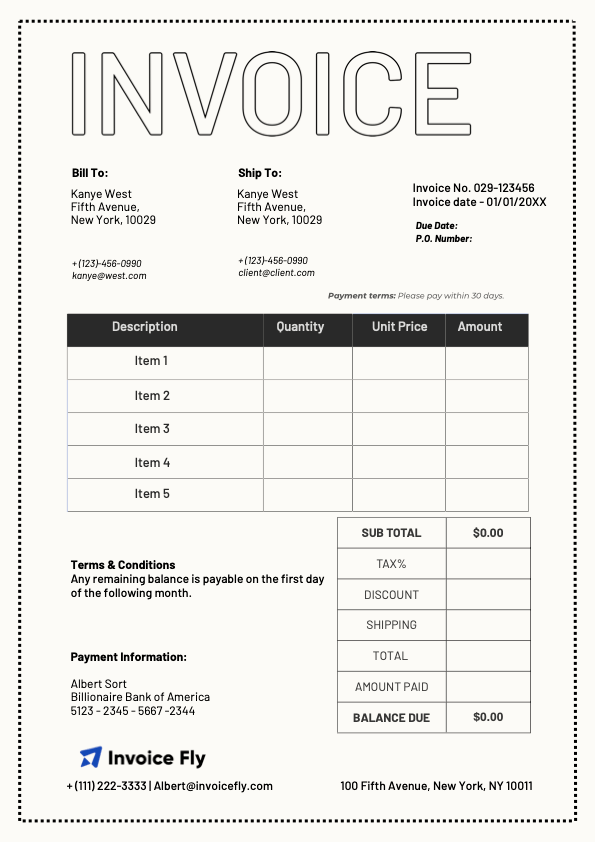
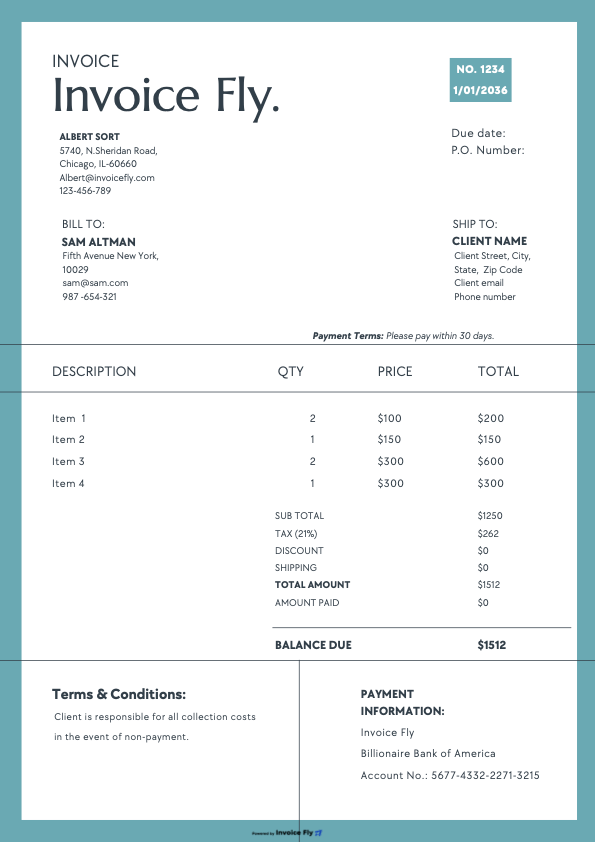
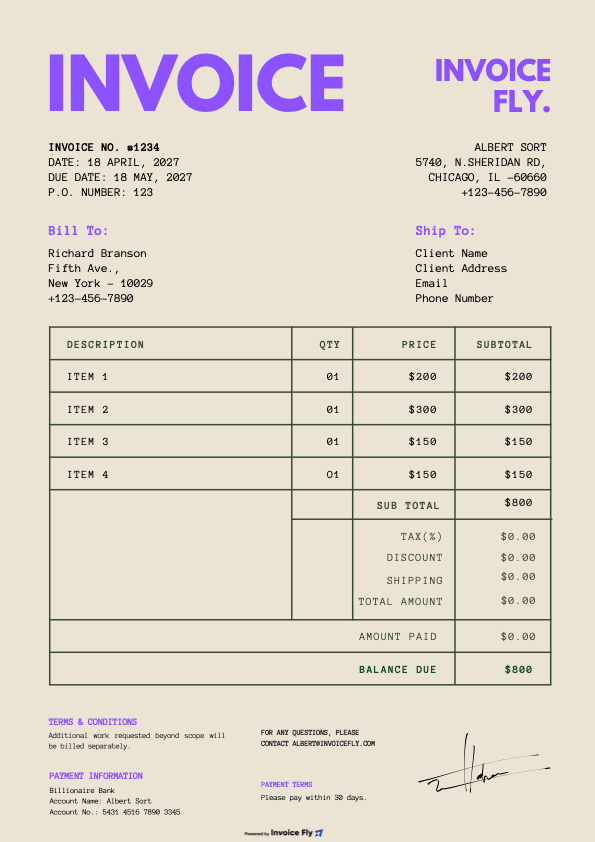
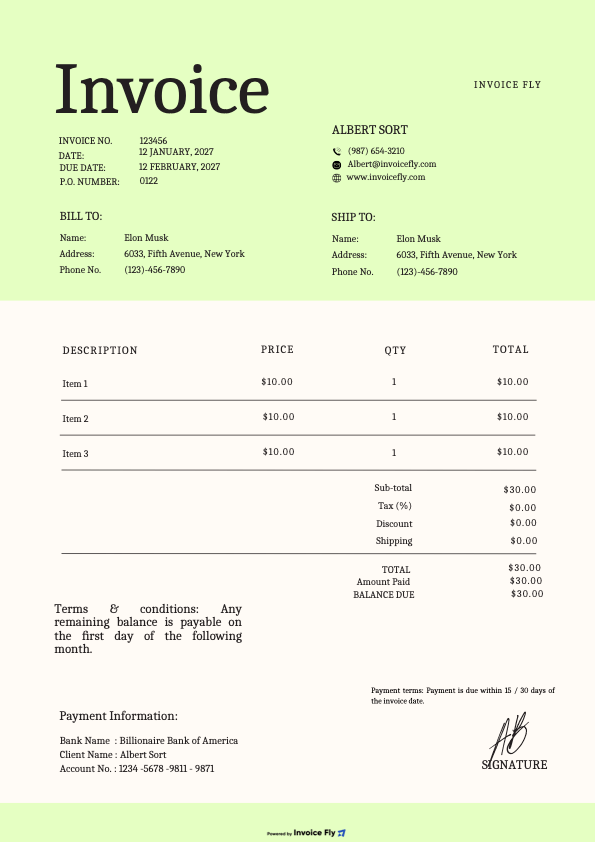
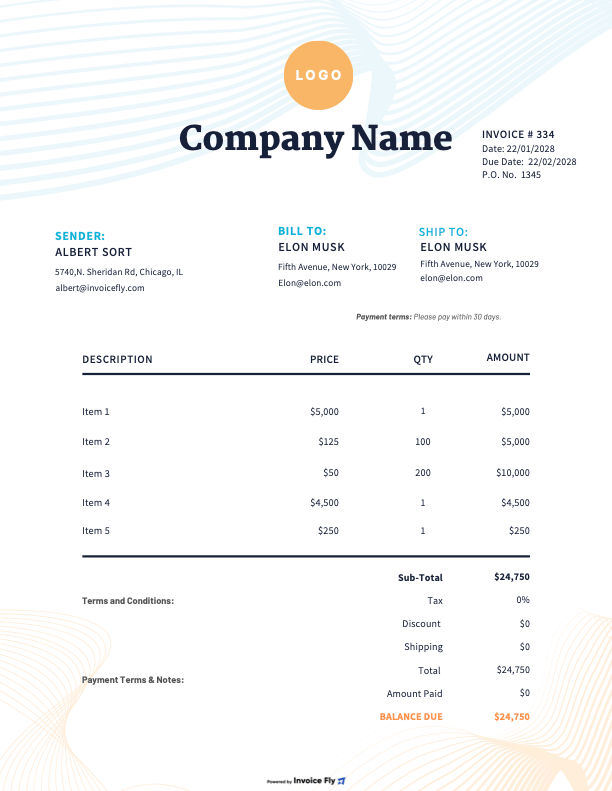
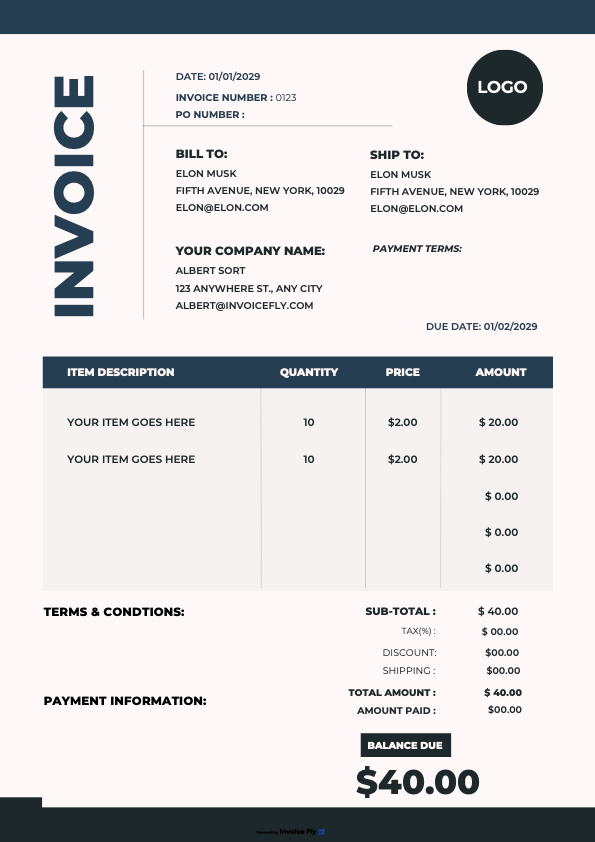
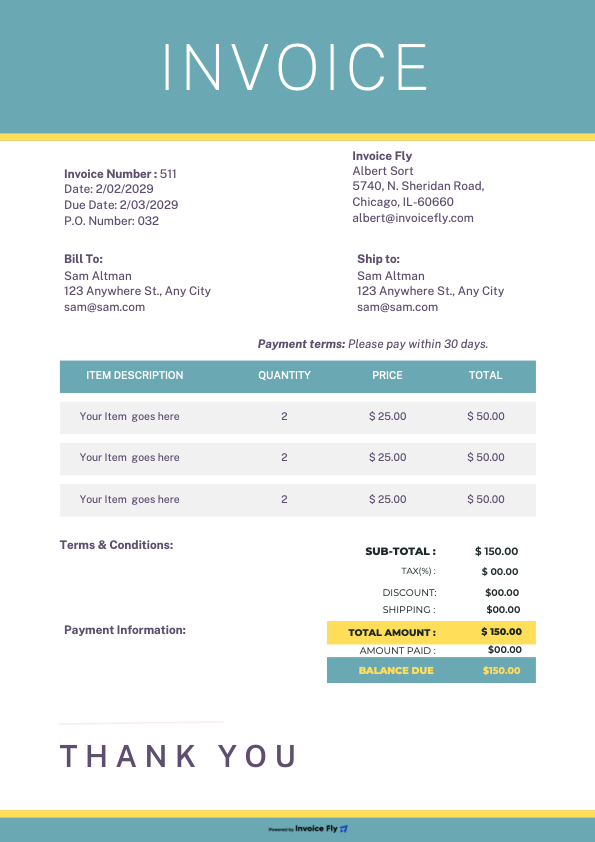
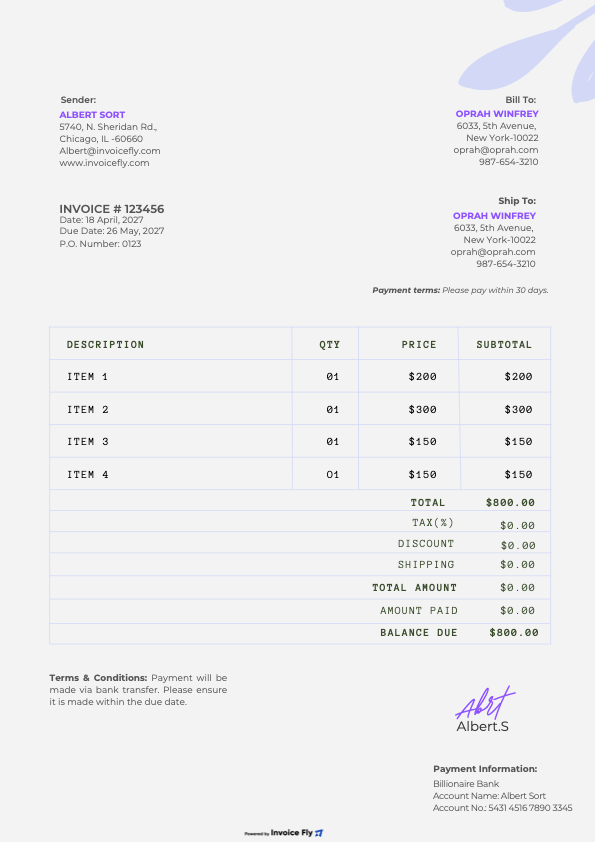
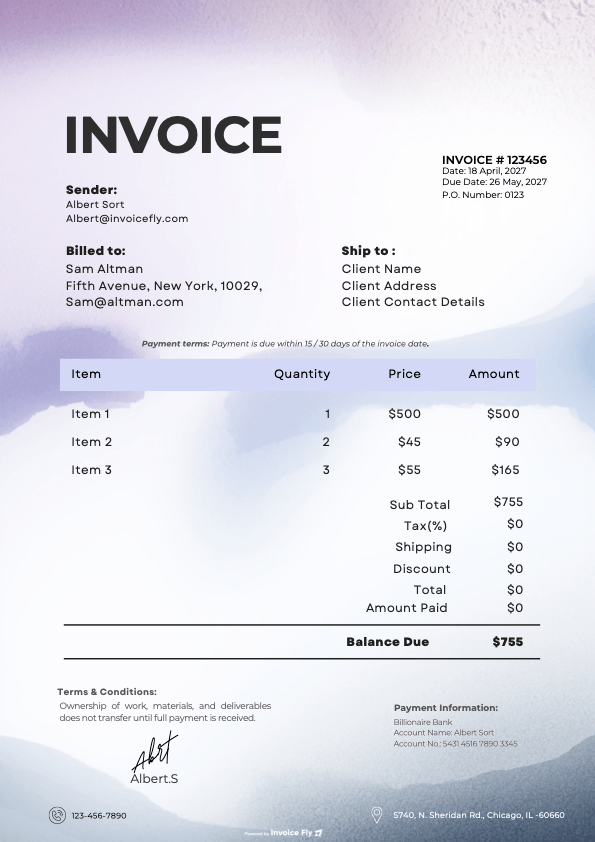
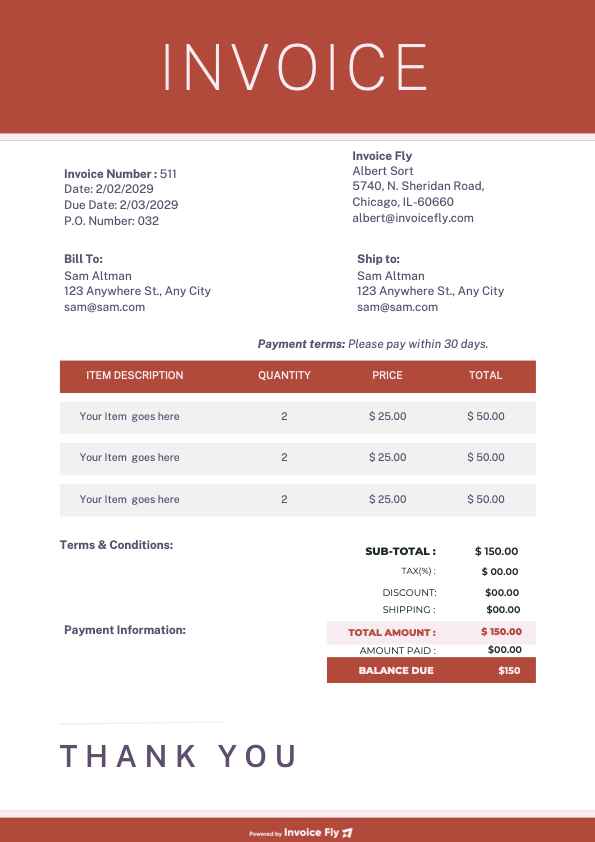
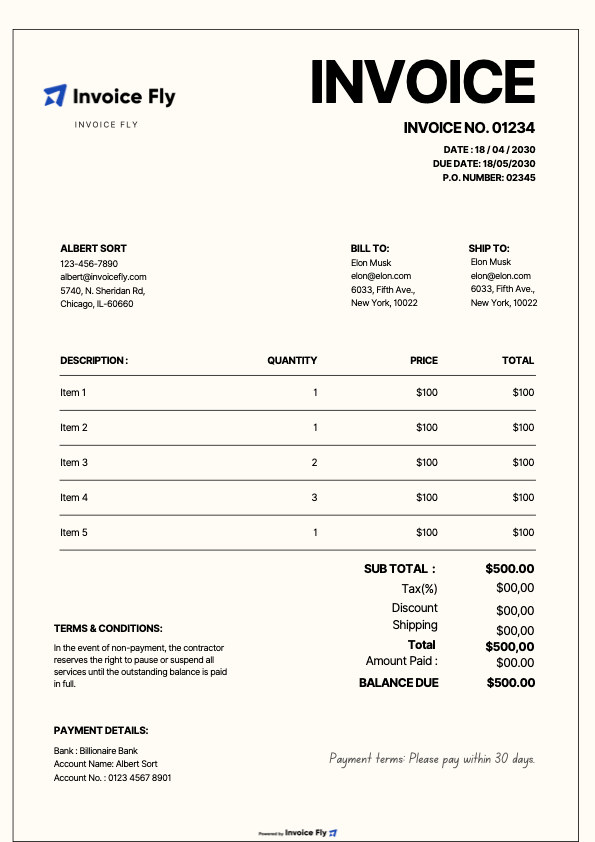
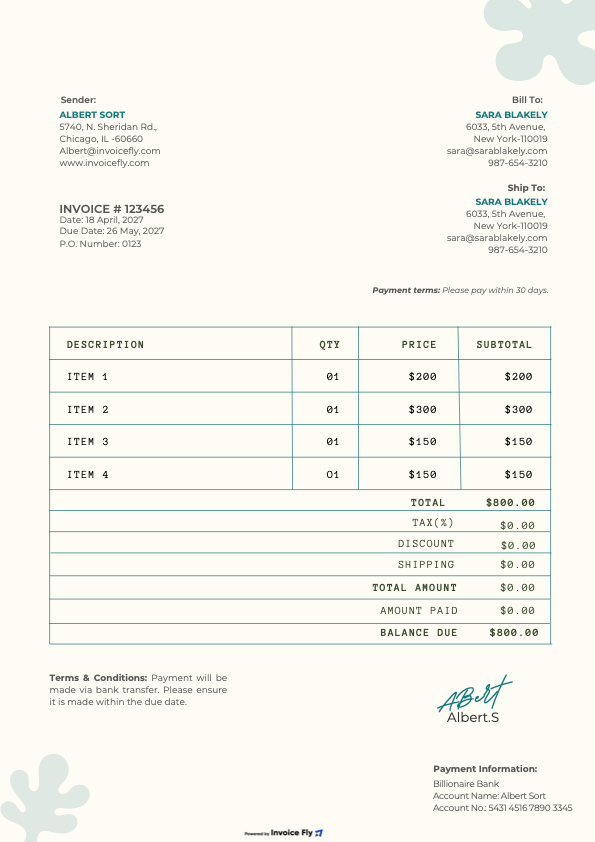
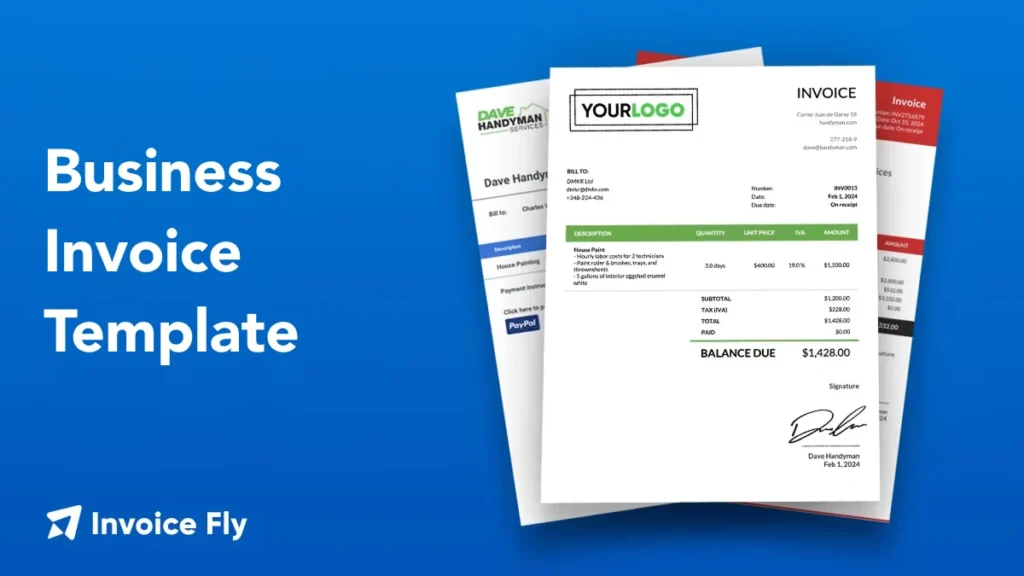
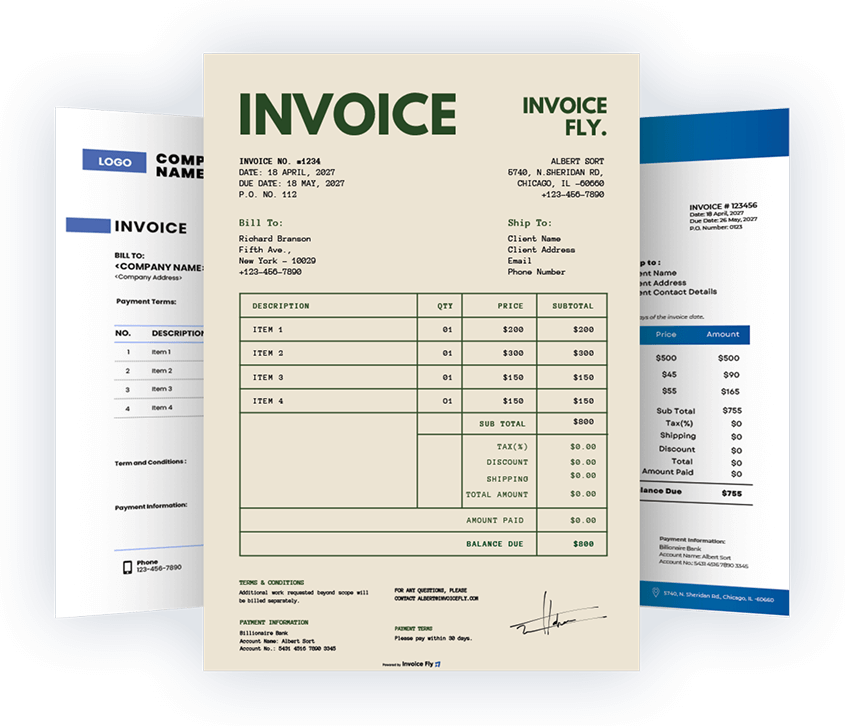
Send professional invoices in minutes. Our business invoice template is easy to edit in Microsoft Word, Excel, or Google Sheets—then export a clean PDF.
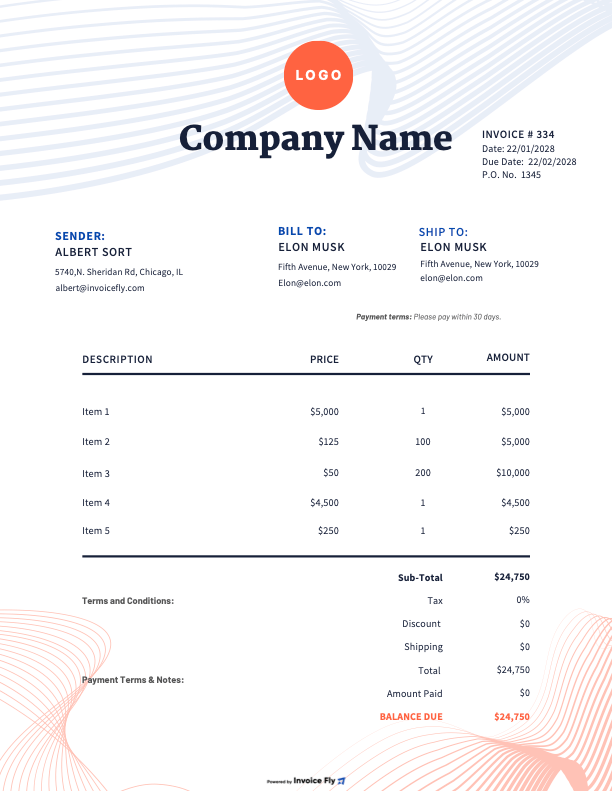
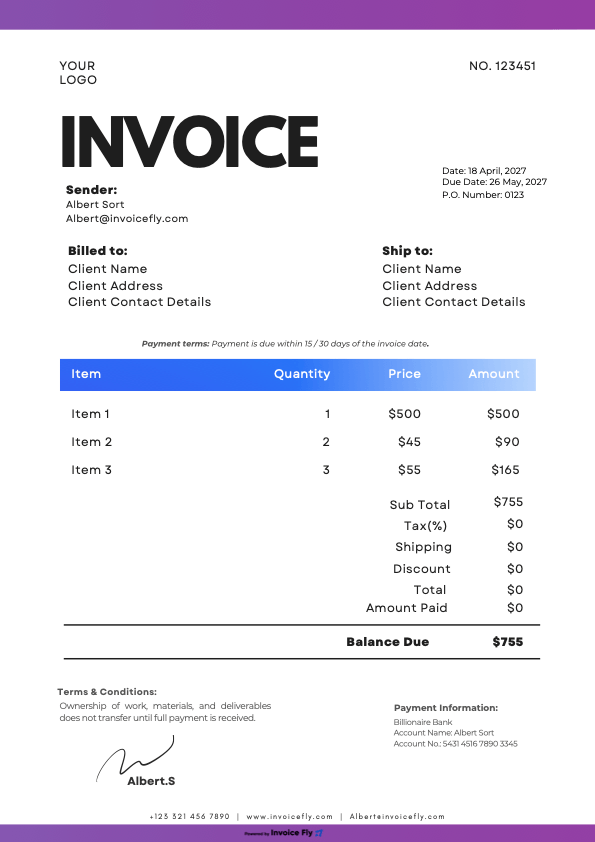
A consistent invoice design builds trust and speeds up payment. This template gives you a clear bill format with all required fields—perfect for small business, self-employed, and consulting.
Benefits of using a Business Invoice Template
Professional layout with your logo, colors, and fonts
Works in Word, Excel (excel sheet / excel format), and Google Sheets
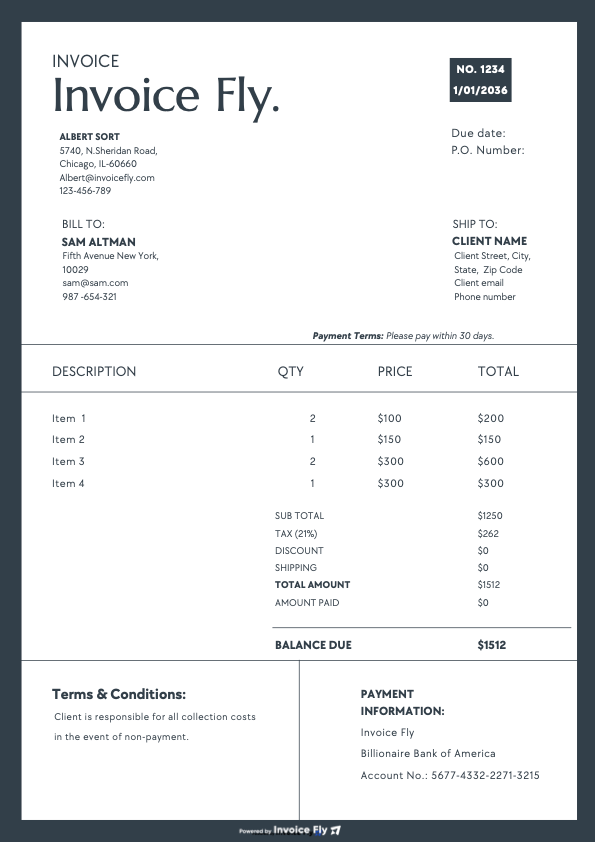
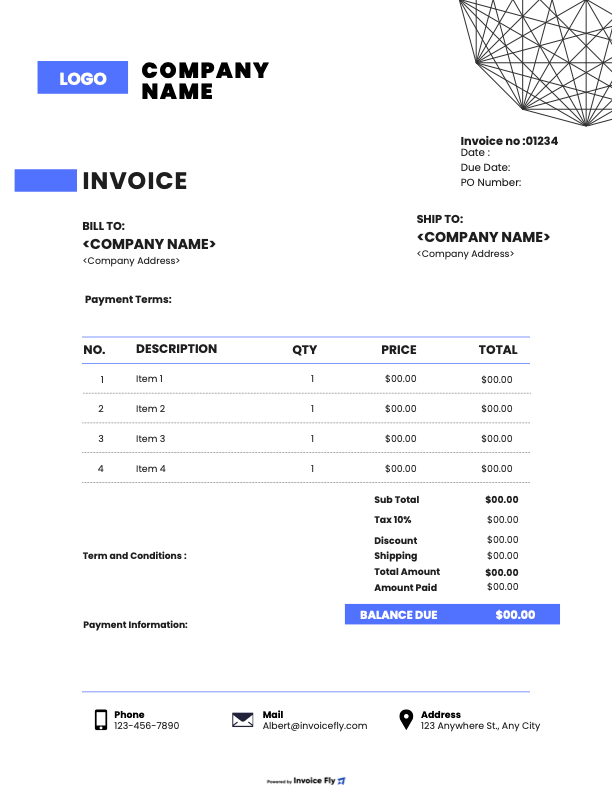
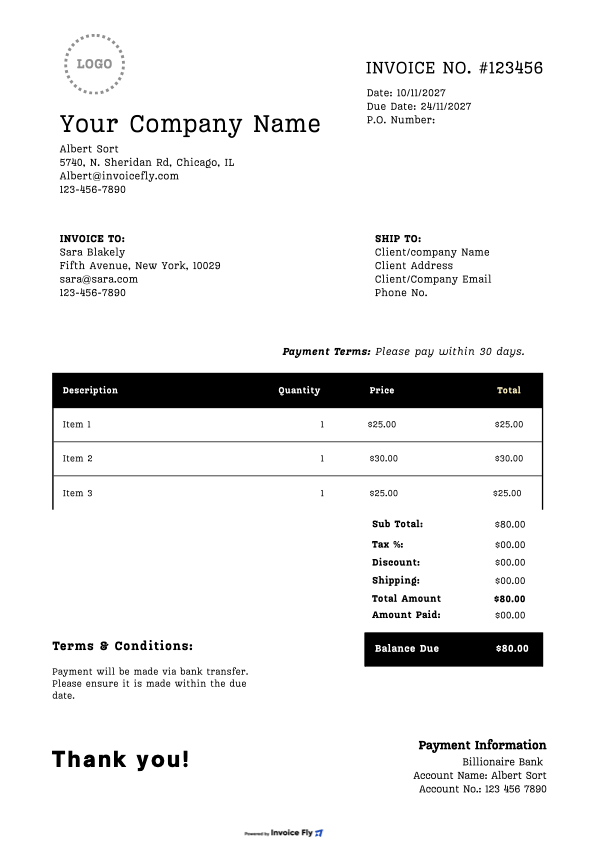
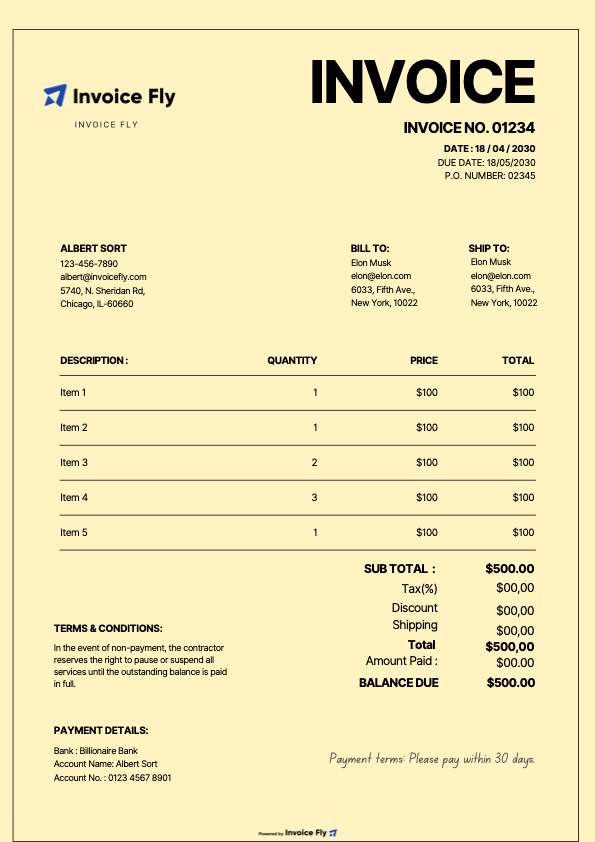
Start with a template. Add your business and client info, a unique invoice number, issue/due dates, itemized services/products with qty/hours × rate, taxes/discounts, and Total Due. Include payment methods and terms (e.g., Net 30). Export to PDF and send.
Right here—download free versions for Microsoft Word, Excel, and Google Sheets, plus a printable PDF. Customize the layout and save a master copy for future invoices.
Yes. Any legitimate business can create invoices. Use a clear bill format with all required fields and unique numbering. Templates help you avoid mistakes and look professional.
Requirements vary by state and industry, but typically: legal business name/contact info, unique invoice number, issue date, description of goods/services, quantities/rates, taxes (if applicable), Total Due, and payment terms. Include tax IDs where required.
Only if you accept bank transfers. Provide bank name, routing number, and account number (or IBAN/SWIFT internationally). If privacy is a concern, use payment links or InvoiceFly to accept card/ACH without sharing bank details on the invoice.
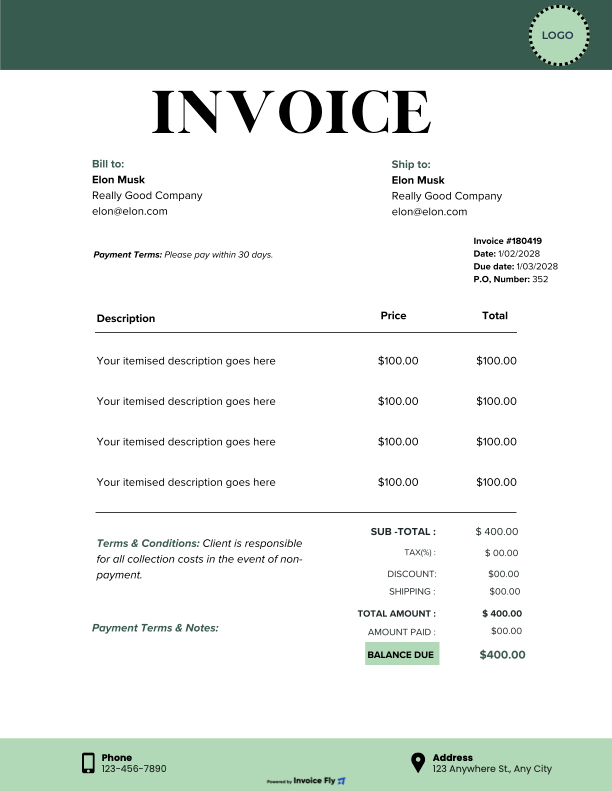
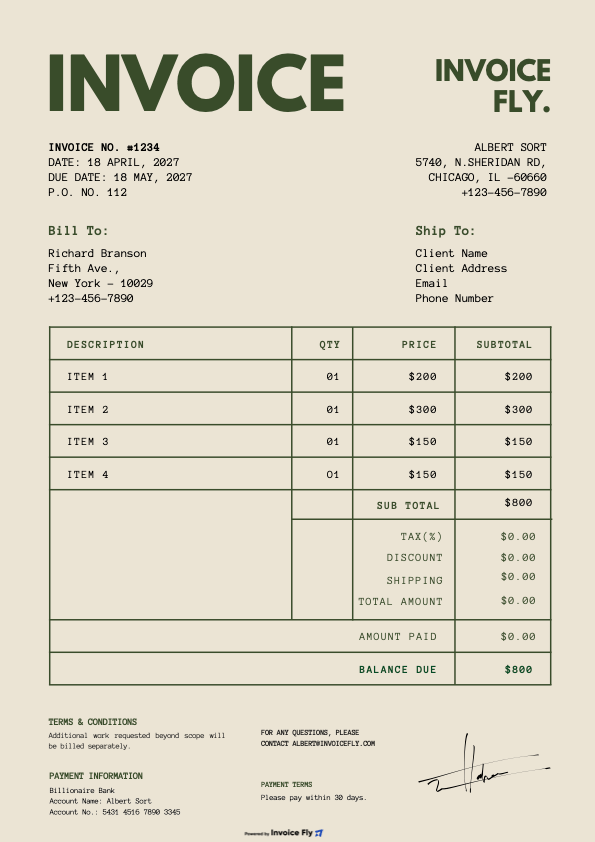
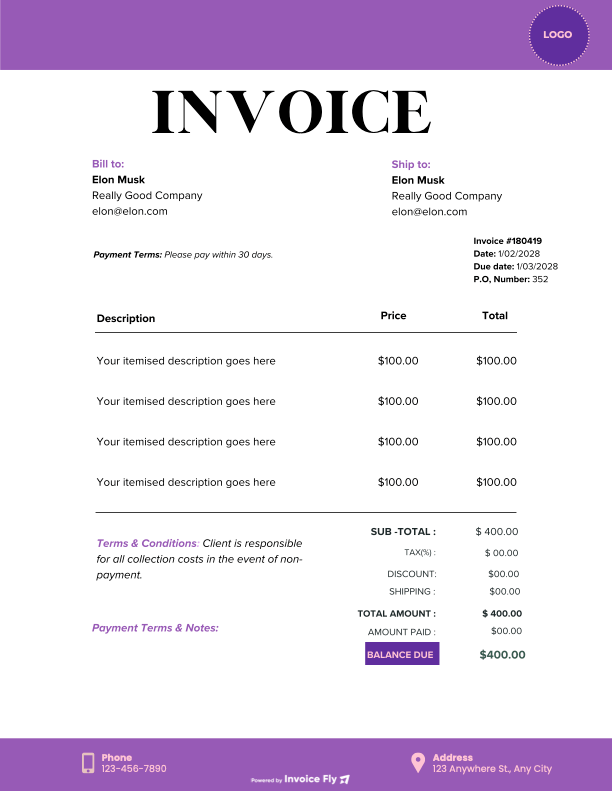
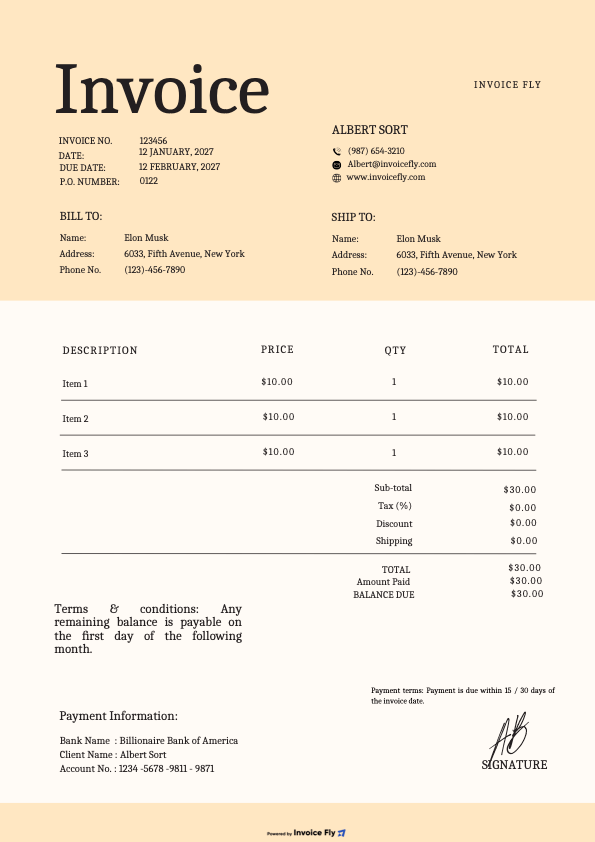
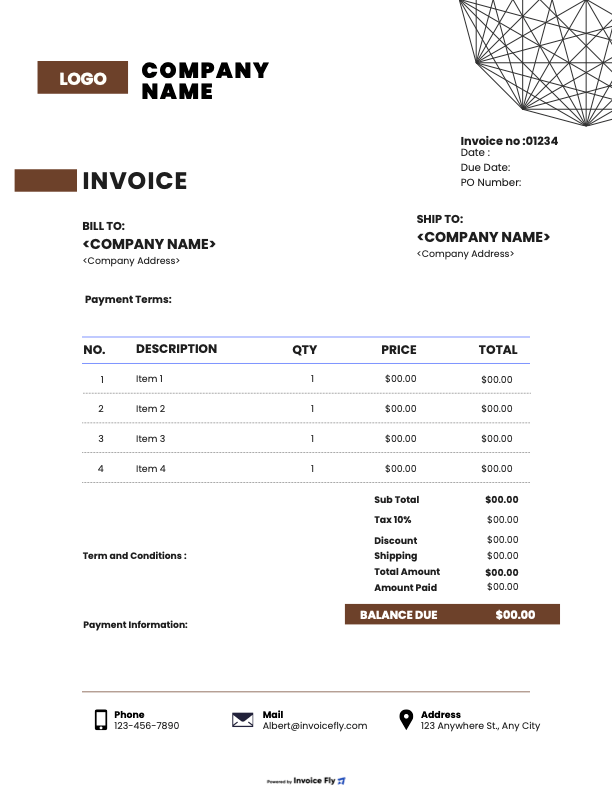
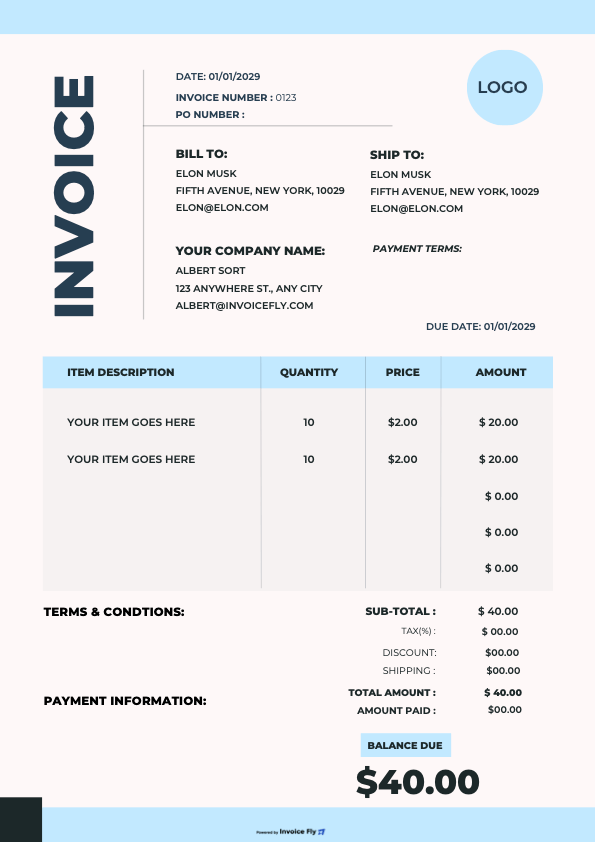
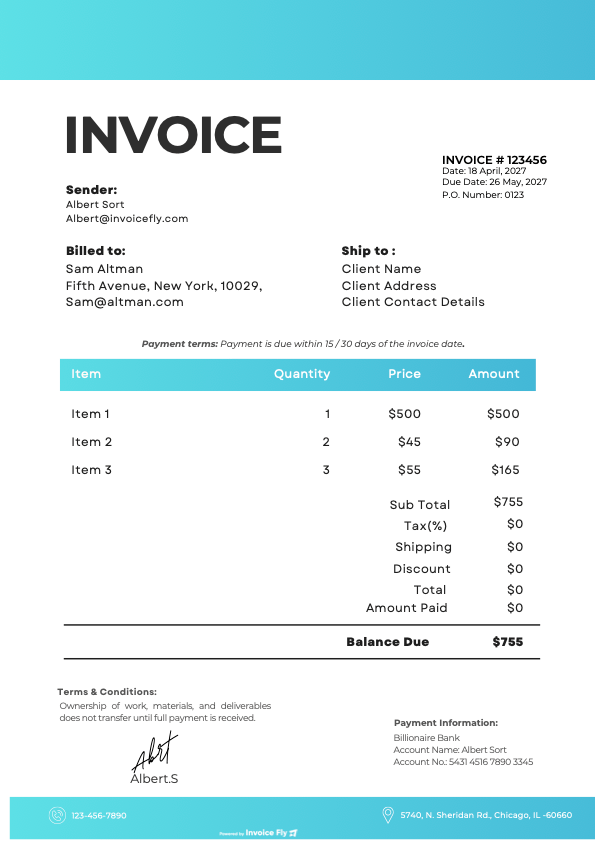
Clean and scannable: logo and business info at top, client details, dates, numbered lines with descriptions and amounts, clear totals box, and concise payment terms. Keep fonts legible and spacing generous for a professional look.
By clicking “Accept All”, you consent to the placement of cookies on your device to improve site navigation, analyze how you use our site, and support our marketing efforts. To learn more click on privacy police.
Functional
Always active
The technical storage or access is strictly necessary for the legitimate purpose of enabling the use of a specific service explicitly requested by the subscriber or user, or for the sole purpose of carrying out the transmission of a communication over an electronic communications network.
Preferences
The technical storage or access is necessary for the legitimate purpose of storing preferences that are not requested by the subscriber or user.
Statistics
The technical storage or access that is used exclusively for statistical purposes.The technical storage or access that is used exclusively for anonymous statistical purposes. Without a subpoena, voluntary compliance on the part of your Internet Service Provider, or additional records from a third party, information stored or retrieved for this purpose alone cannot usually be used to identify you.
Marketing
The technical storage or access is required to create user profiles to send advertising, or to track the user on a website or across several websites for similar marketing purposes.
We use cookies to enhance your browsing experience, serve personalised ads or content, and analyse our traffic. By clicking "Accept All", you consent to our use of cookies.
Functional
Always active
The technical storage or access is strictly necessary for the legitimate purpose of enabling the use of a specific service explicitly requested by the subscriber or user, or for the sole purpose of carrying out the transmission of a communication over an electronic communications network.
Preferences
The technical storage or access is necessary for the legitimate purpose of storing preferences that are not requested by the subscriber or user.
Statistics
The technical storage or access that is used exclusively for statistical purposes.The technical storage or access that is used exclusively for anonymous statistical purposes. Without a subpoena, voluntary compliance on the part of your Internet Service Provider, or additional records from a third party, information stored or retrieved for this purpose alone cannot usually be used to identify you.
Marketing
The technical storage or access is required to create user profiles to send advertising, or to track the user on a website or across several websites for similar marketing purposes.