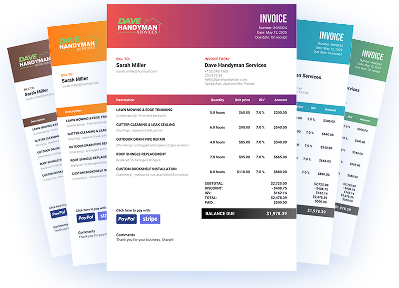
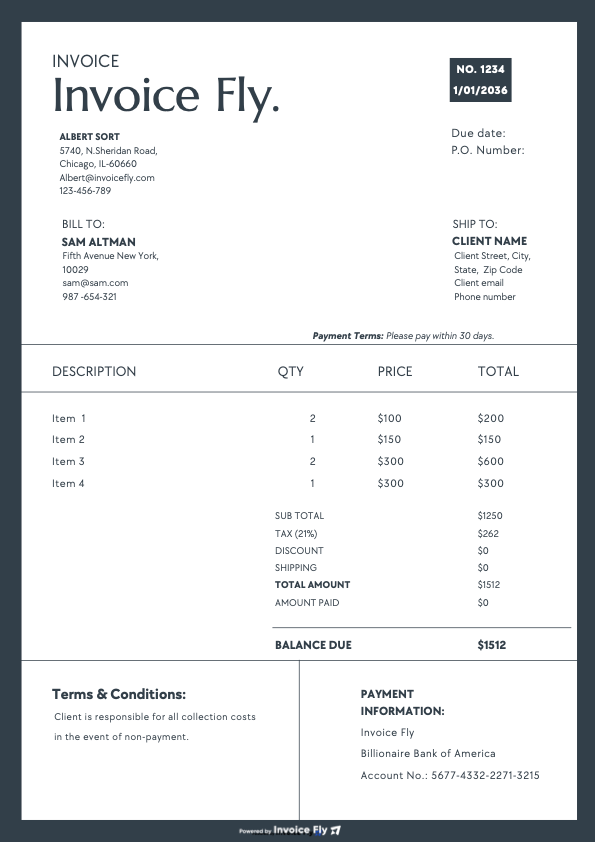
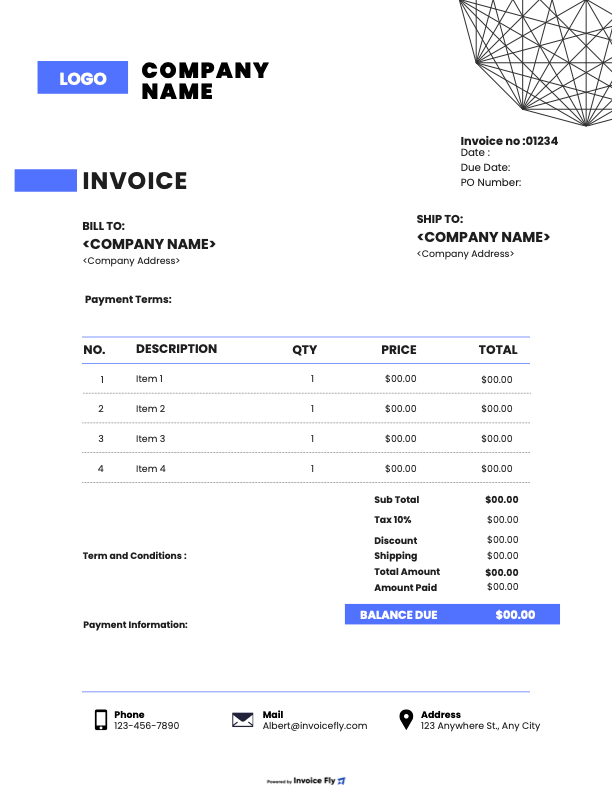
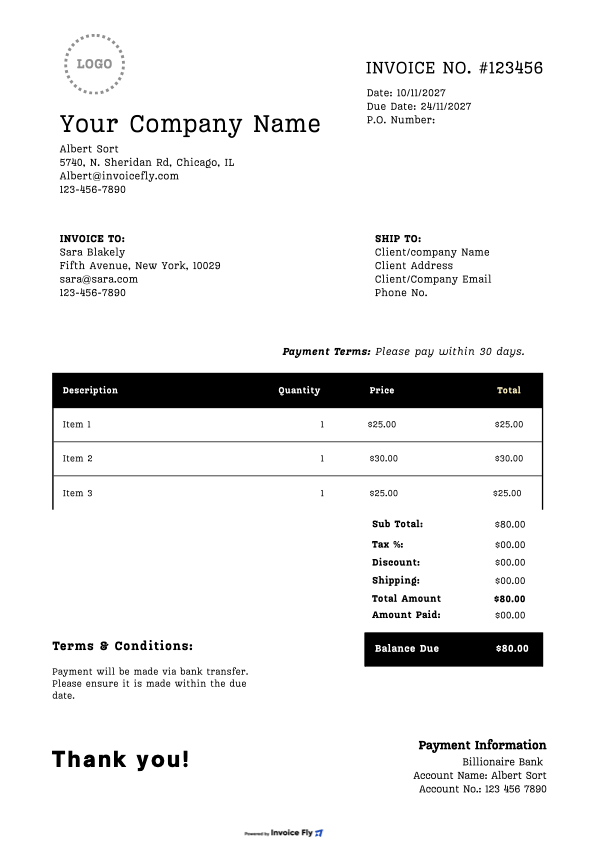
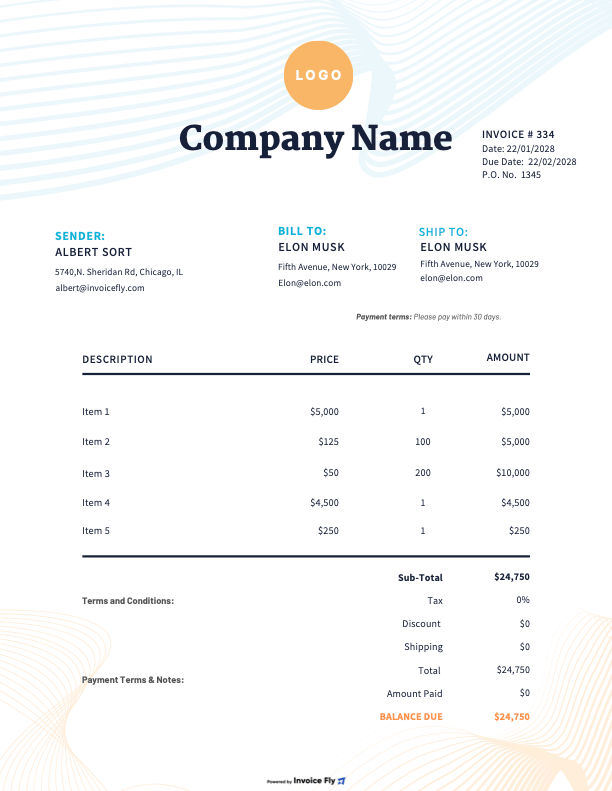
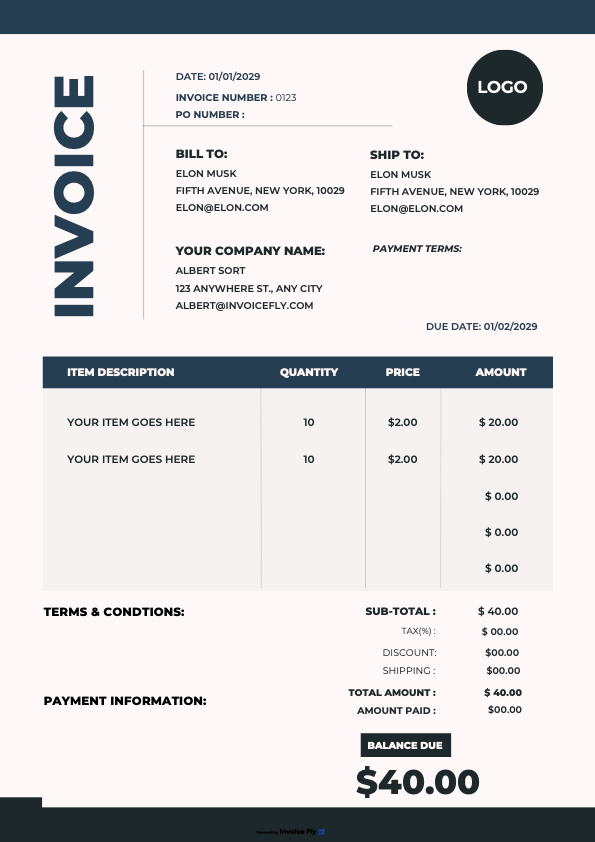
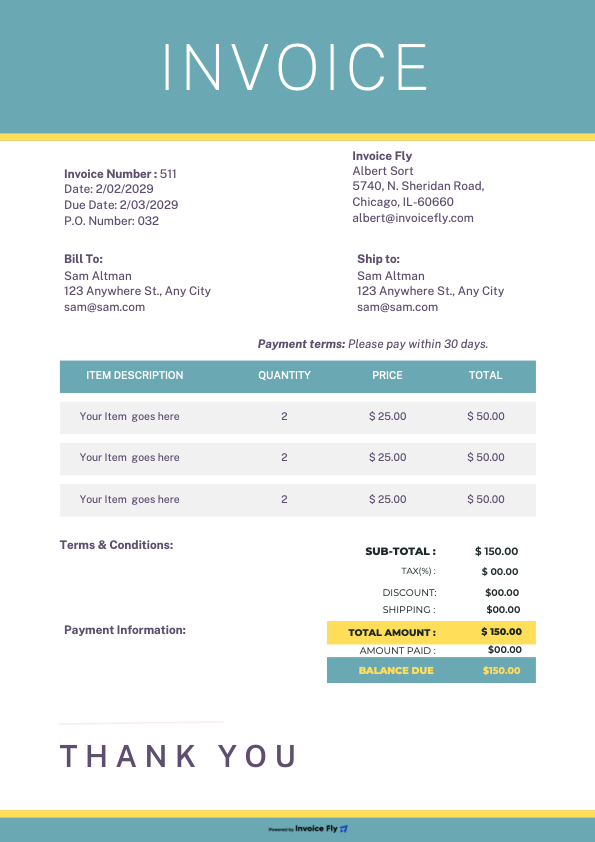
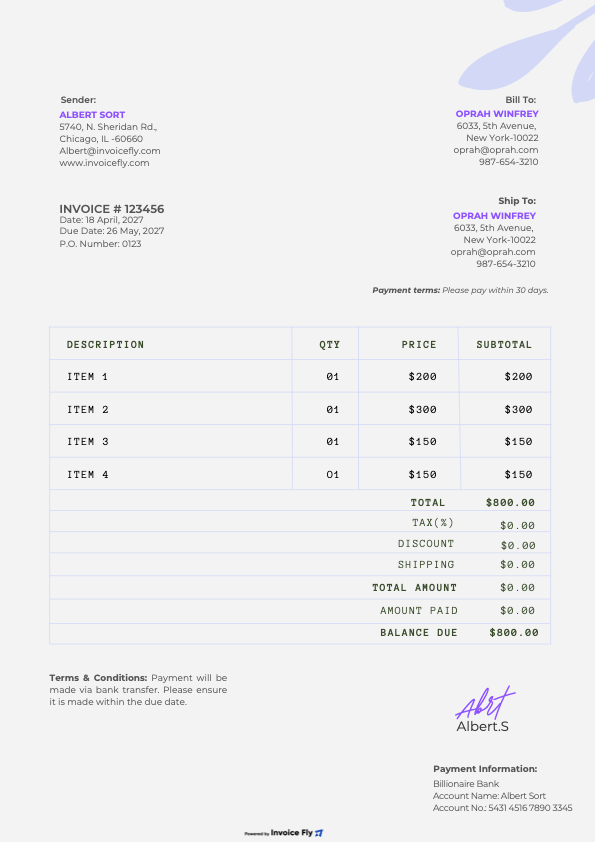
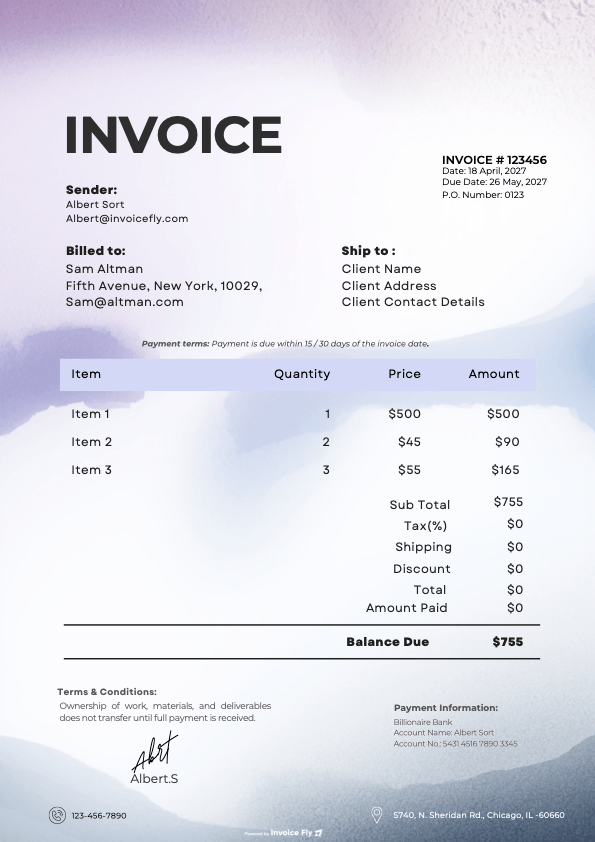
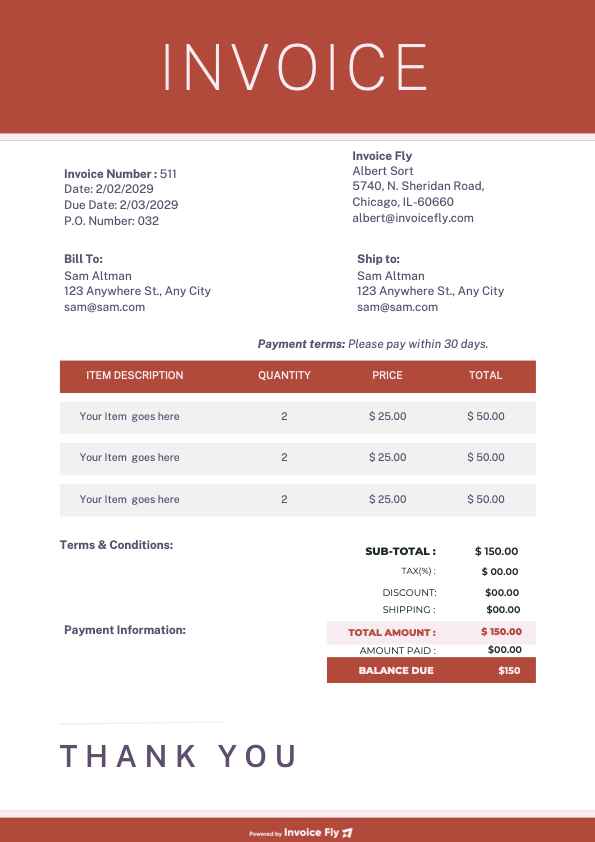
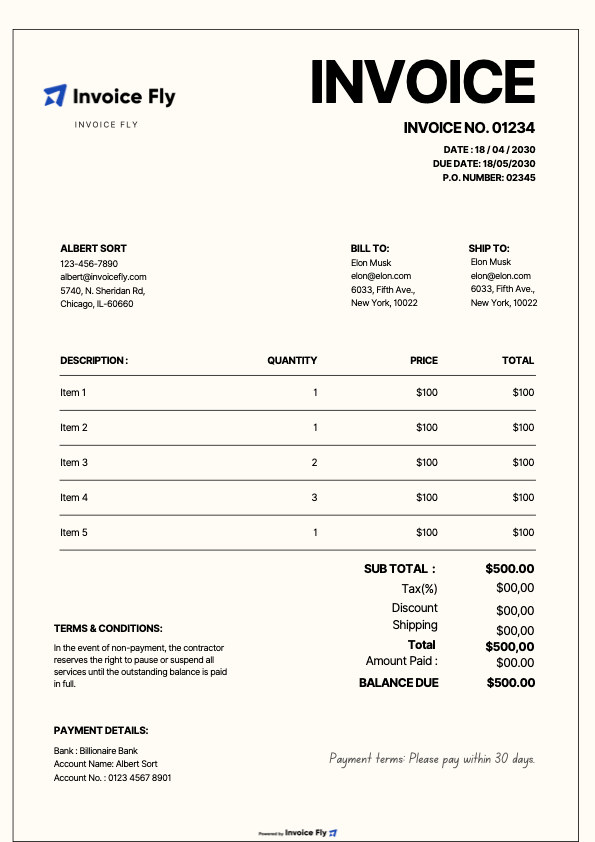
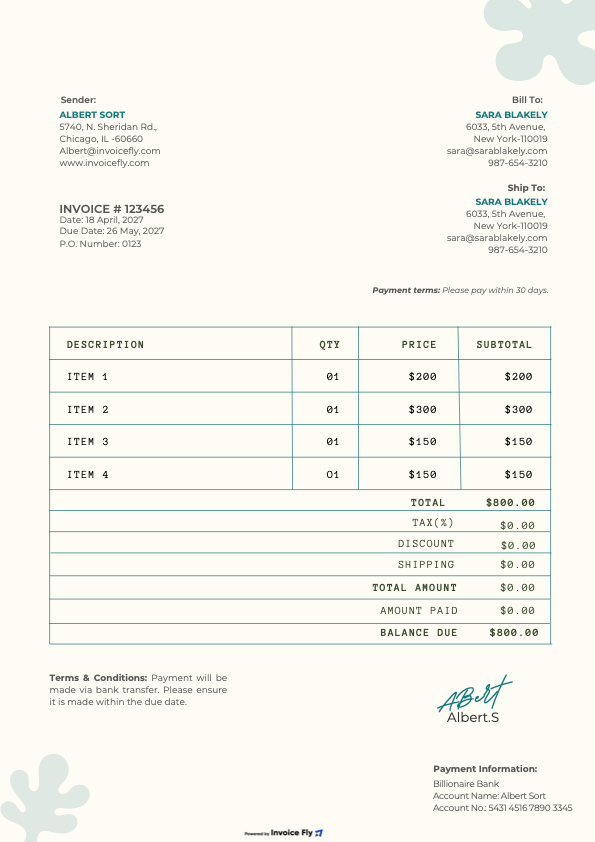
Create professional invoices in minutes with our free Microsoft Word invoice templates. Make it yours, add your logo, export to PDF, and get paid faster.
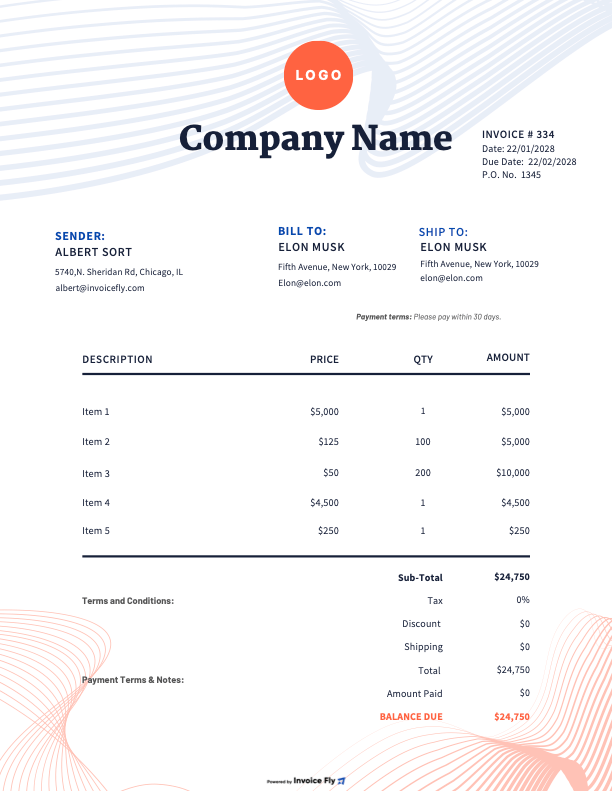
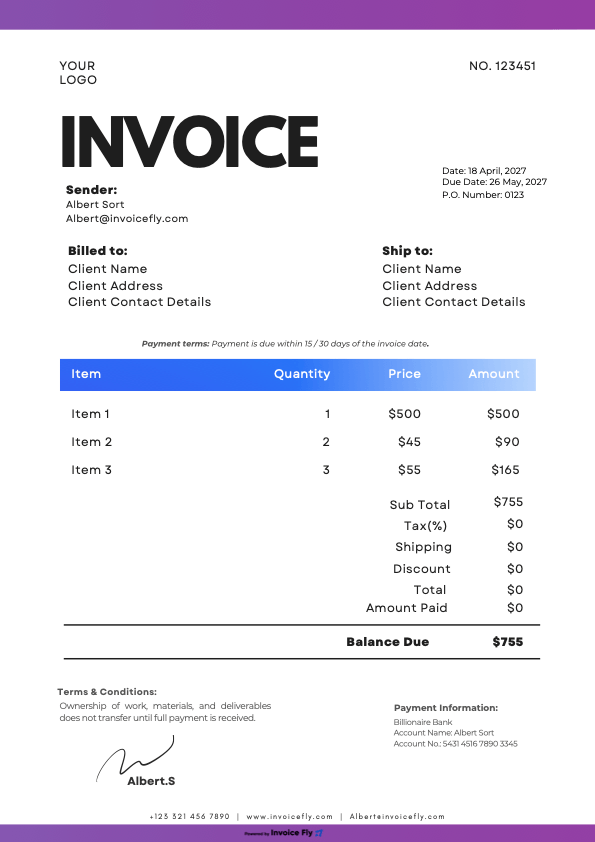
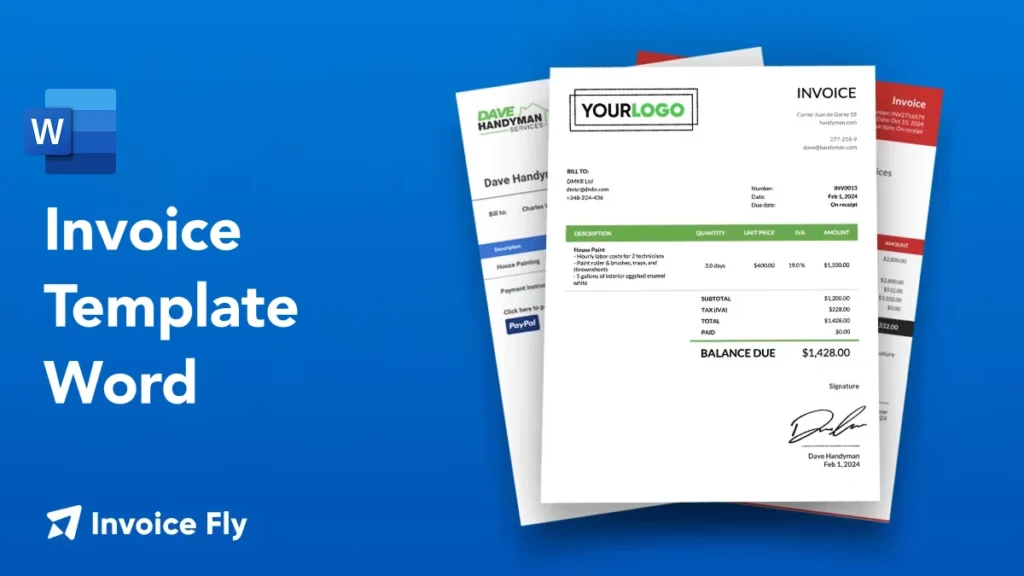
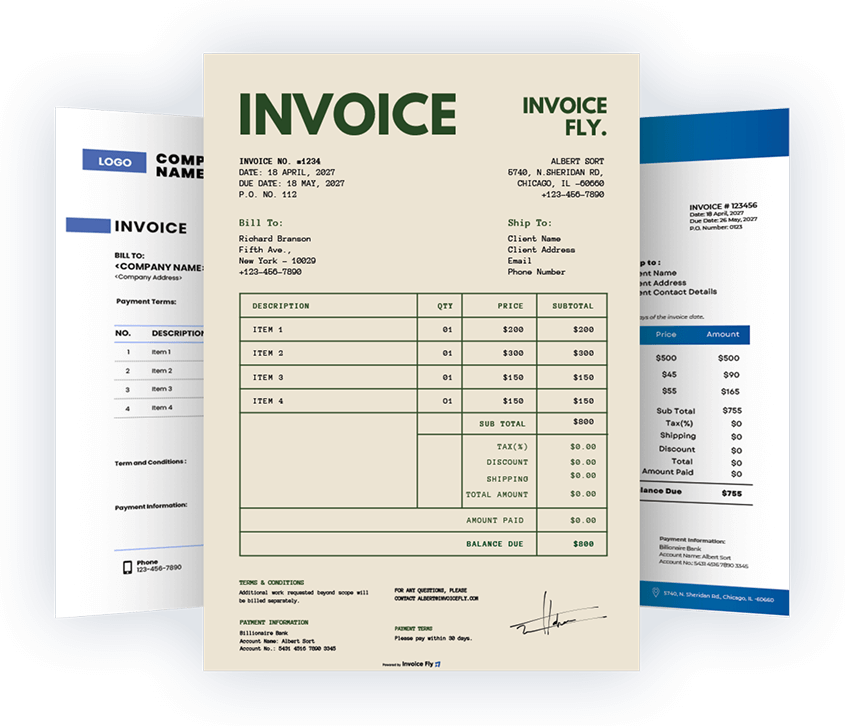
If you need a simple invoice format without extra tools, Word is a fast, familiar choice. Our Word document invoice template files include all essential fields so you can bill clients clearly and look polished on every job.
Benefits of doing with Microsoft Word
Professional design that matches your brand (logo, colors, fonts)
Easy to edit, print, or export as PDF
Works offline and on any device with Microsoft Word
Includes required invoice details to reduce disputes
Saves time versus building an invoice from scratch
Download the Word and open it in Microsoft Word (Enable Editing if prompted).
Replace placeholder text with your company info and client details.
Add line items, quantities, and rates; update subtotals and taxes.
Insert your logo (Insert → Pictures) and adjust colors to match your brand.
Proofread totals and terms (e.g., “Net 30”).
File → Save As → PDF to email a locked copy or print.
Pro tip: Want automatic calculations? Use our Excel or Google Sheets version—or switch to InvoiceFly for auto numbering, taxes, reminders, and online payments.
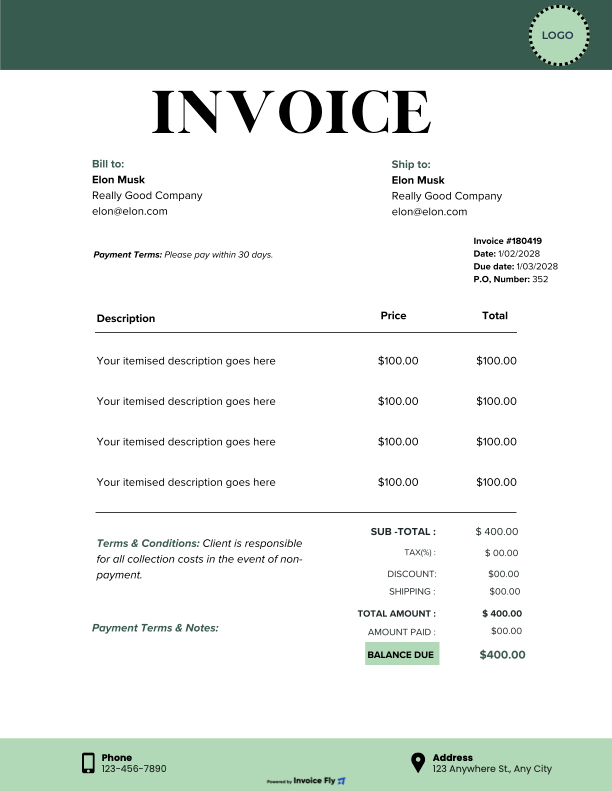
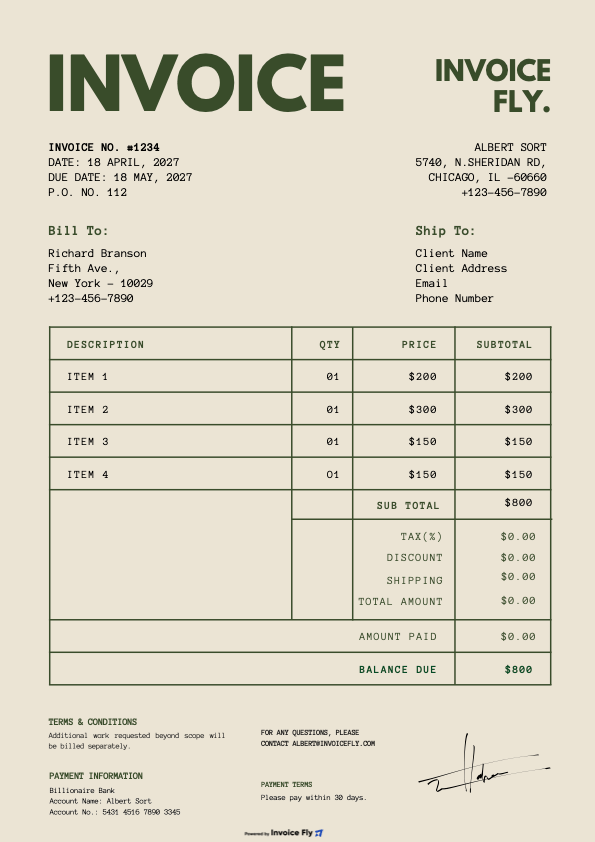
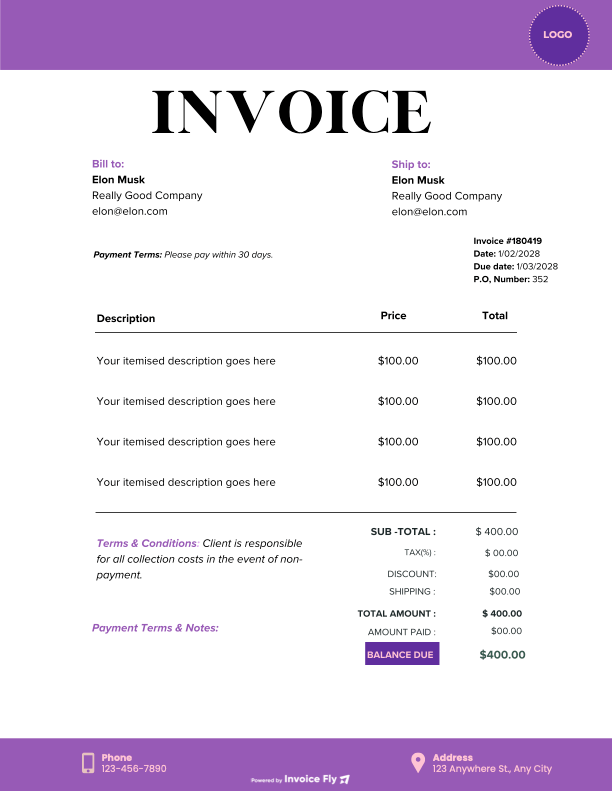
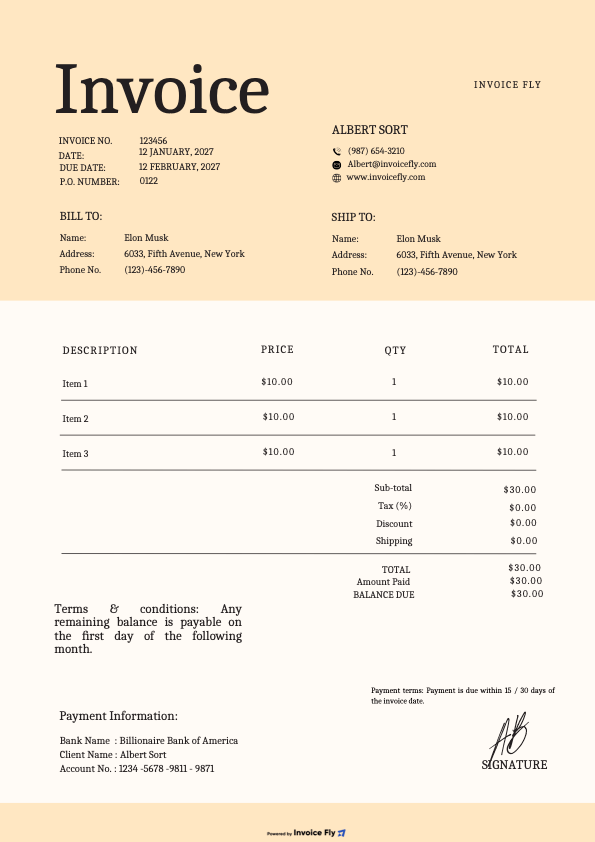
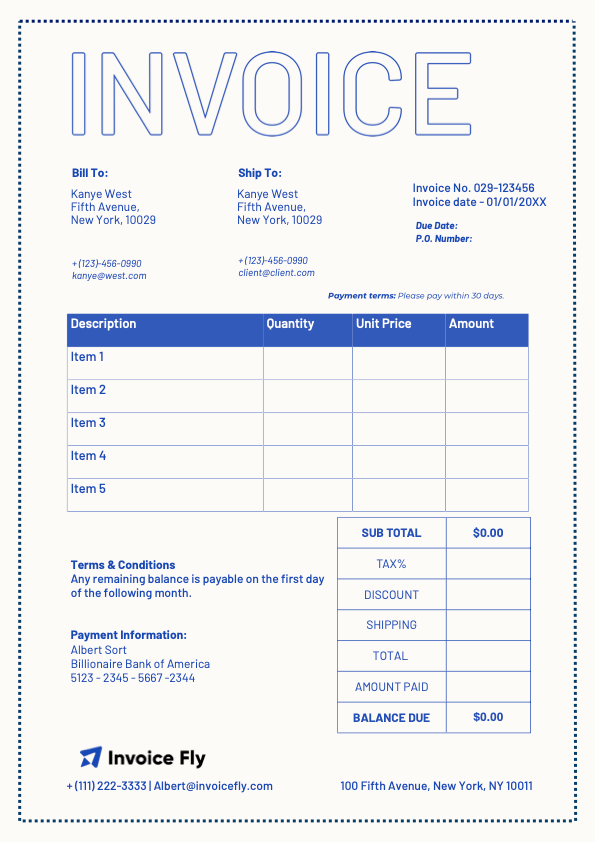
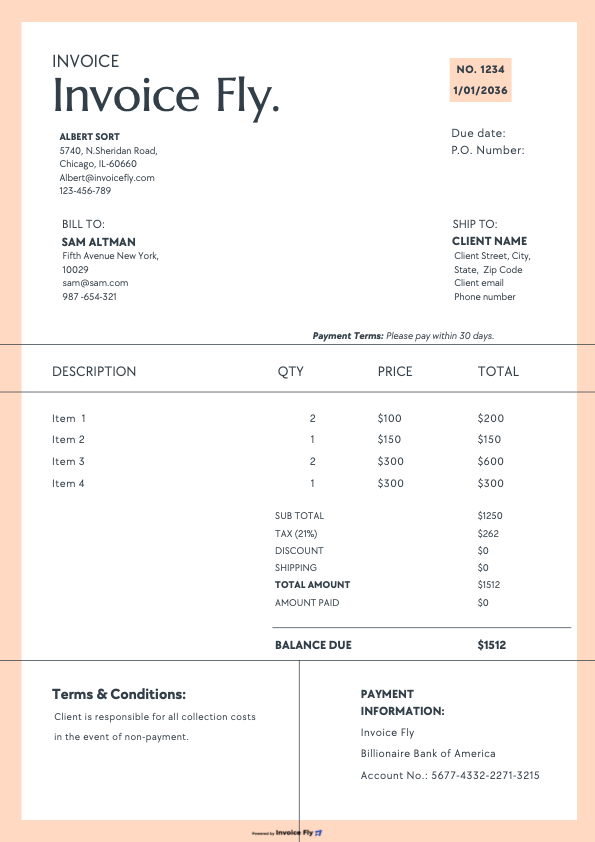
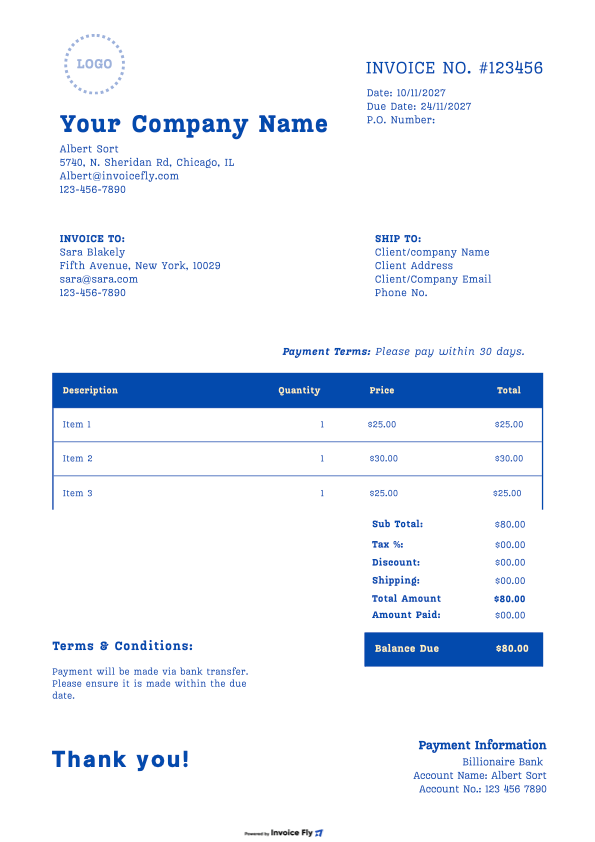
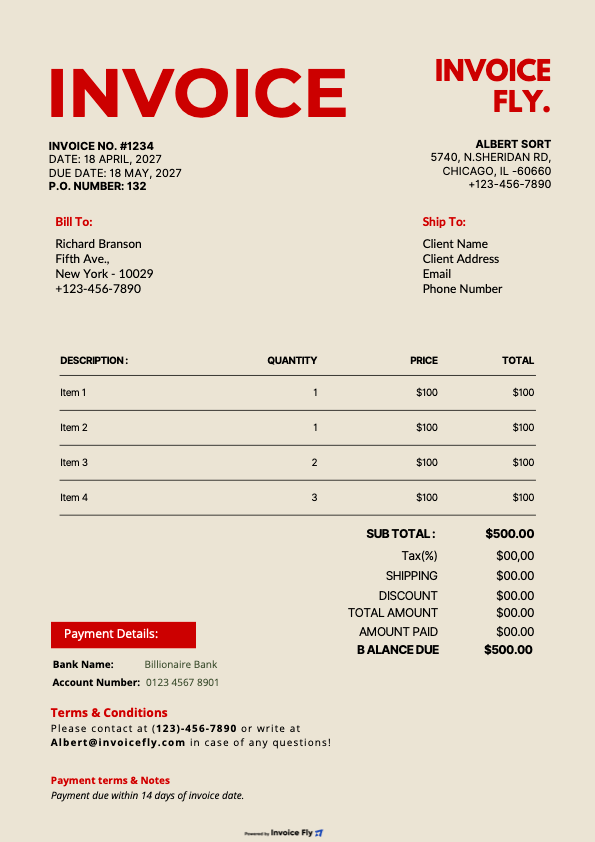
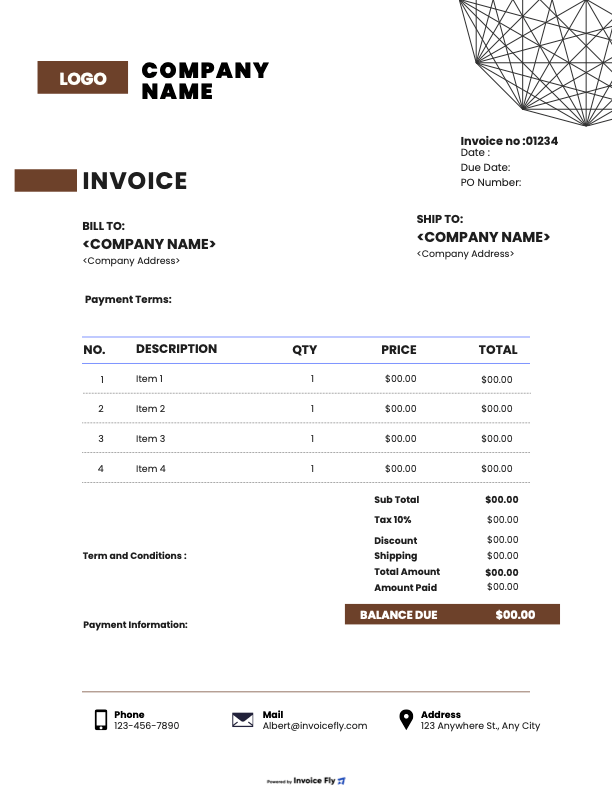
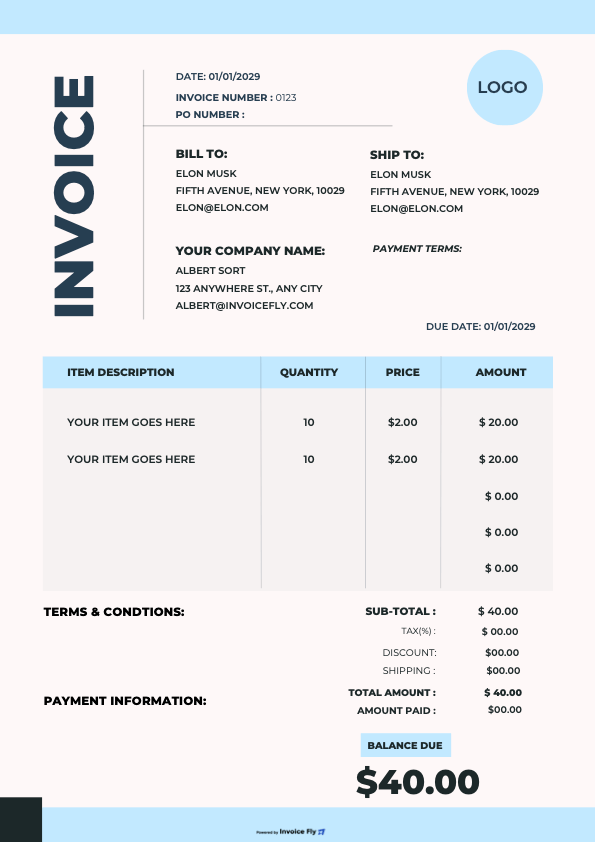
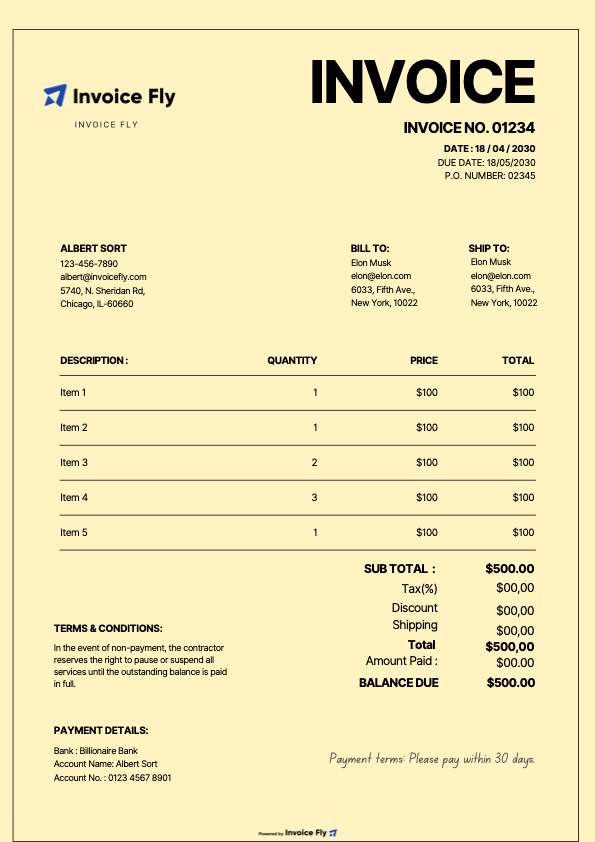
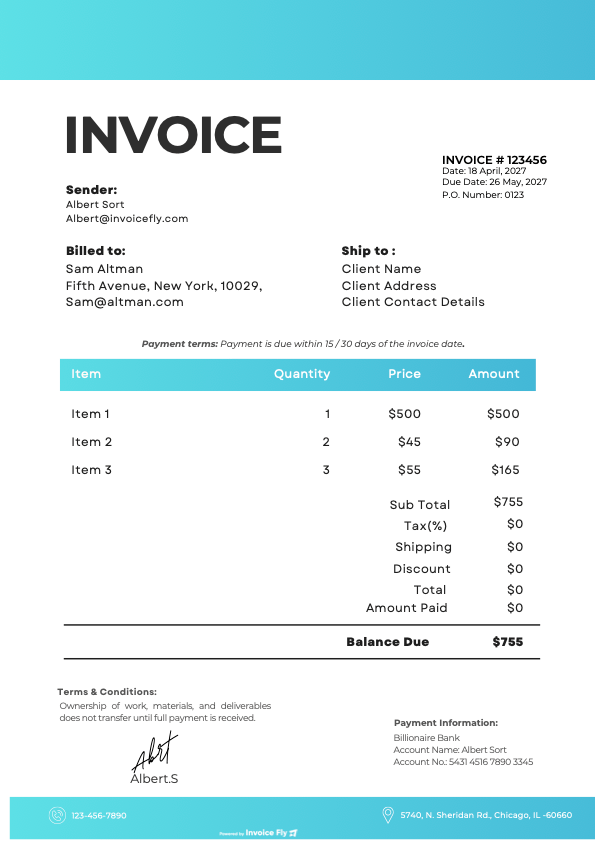
What’s included in each Word invoice template
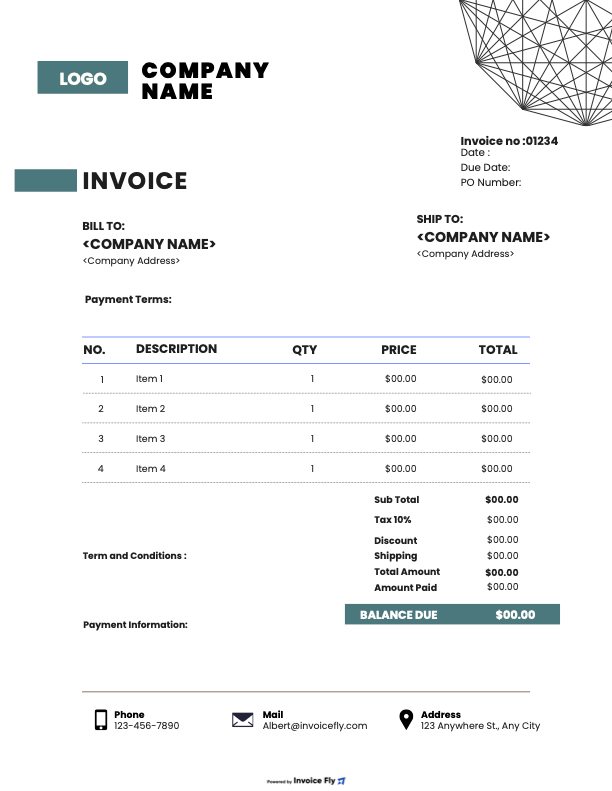
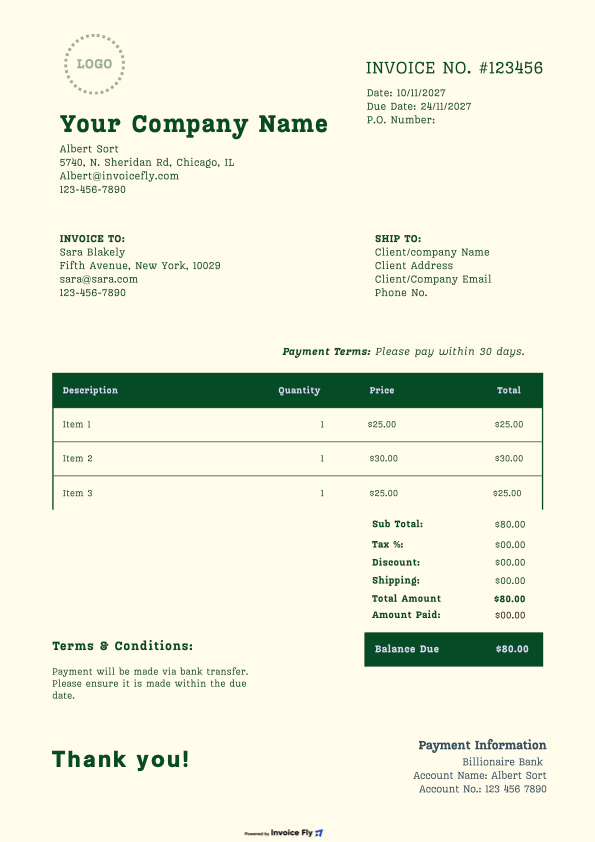
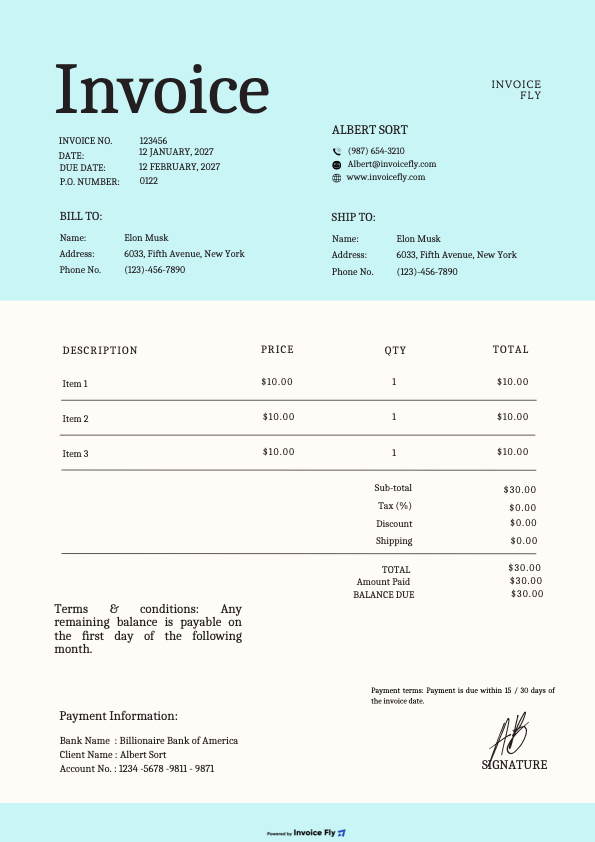
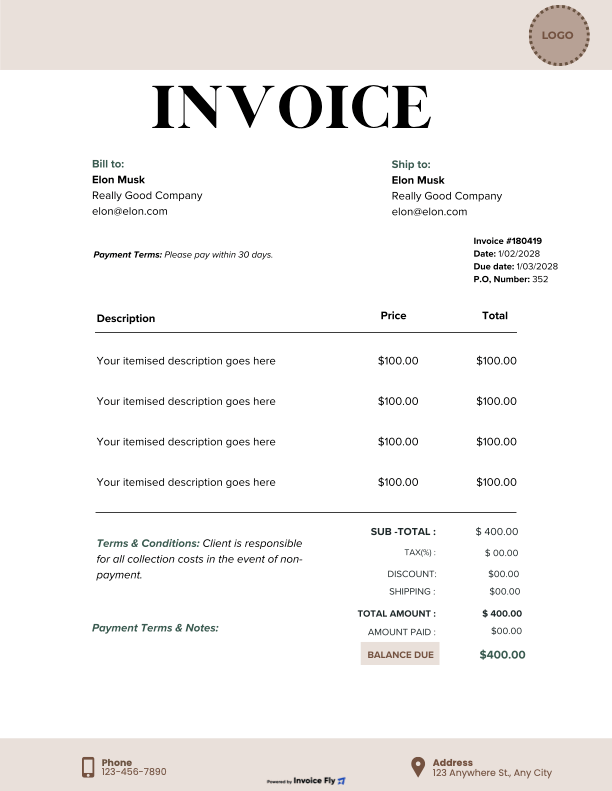
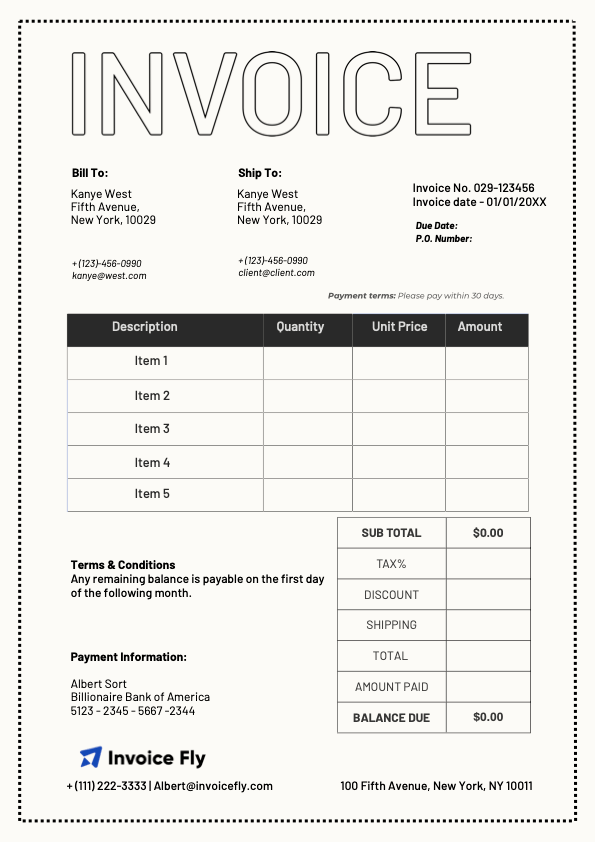
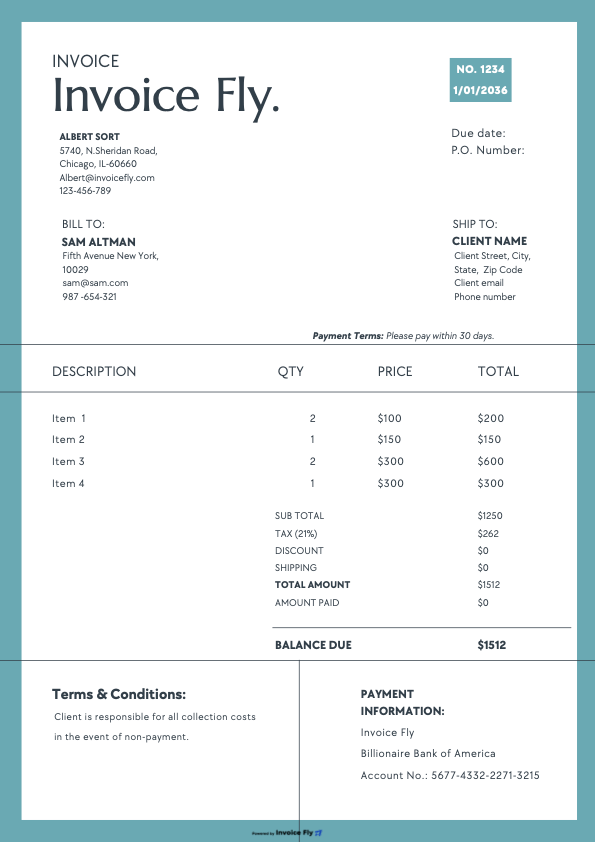
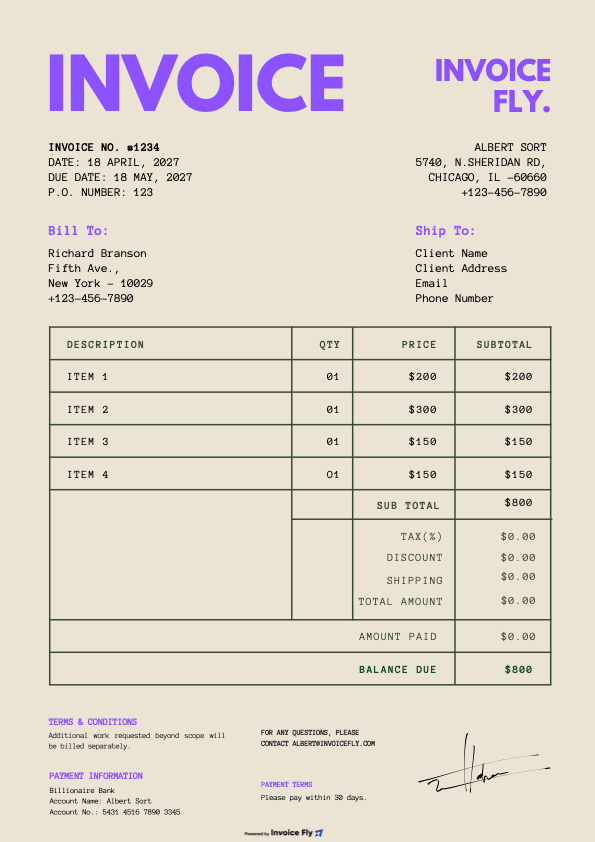
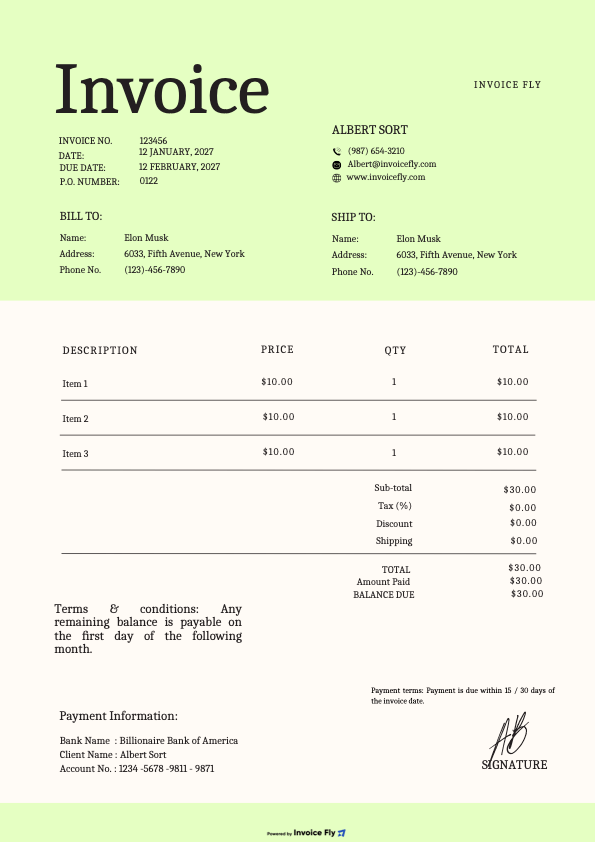
Business & client details (name, address, email, phone)
Invoice number, issue date, due date (Net 15/30)
Line items with description, quantity, rate, and amount
Subtotal, discounts, shipping, sales tax, and total due
Notes and payment instructions (late fee policy, methods)
Optional: PO number, project name, terms & conditions
Download Invoice Fly now
& start growing
your business!
Yes. You can start with our free Microsoft Word invoice template (DOCX) or search in Word via File → New → “invoice.” Our templates include all essential invoice elements and are ready to print or export as PDF.
Use Word for simple, branded invoices and quick edits; use Excel if you want automatic formulas for subtotals, discounts, and sales tax. If you invoice often, invoicing software like InvoiceFly is faster than either.
Add a “Sales Tax” line under the subtotal and apply your local rate. For automatic calculations, switch to the Excel or Google Sheets version, or use InvoiceFly.
Yes. Use our simple invoice template Word or service-based layouts with fields for hourly rate, hours, project name, and scope. You can also add Net 15/30 terms.
You can duplicate the file and update dates and amounts each cycle. For true automation (recurring schedules, reminders, online payments), use InvoiceFly.
By clicking “Accept All”, you consent to the placement of cookies on your device to improve site navigation, analyze how you use our site, and support our marketing efforts. To learn more click on privacy police.
Functional
Always active
The technical storage or access is strictly necessary for the legitimate purpose of enabling the use of a specific service explicitly requested by the subscriber or user, or for the sole purpose of carrying out the transmission of a communication over an electronic communications network.
Preferences
The technical storage or access is necessary for the legitimate purpose of storing preferences that are not requested by the subscriber or user.
Statistics
The technical storage or access that is used exclusively for statistical purposes.The technical storage or access that is used exclusively for anonymous statistical purposes. Without a subpoena, voluntary compliance on the part of your Internet Service Provider, or additional records from a third party, information stored or retrieved for this purpose alone cannot usually be used to identify you.
Marketing
The technical storage or access is required to create user profiles to send advertising, or to track the user on a website or across several websites for similar marketing purposes.
We use cookies to enhance your browsing experience, serve personalised ads or content, and analyse our traffic. By clicking "Accept All", you consent to our use of cookies.
Functional
Always active
The technical storage or access is strictly necessary for the legitimate purpose of enabling the use of a specific service explicitly requested by the subscriber or user, or for the sole purpose of carrying out the transmission of a communication over an electronic communications network.
Preferences
The technical storage or access is necessary for the legitimate purpose of storing preferences that are not requested by the subscriber or user.
Statistics
The technical storage or access that is used exclusively for statistical purposes.The technical storage or access that is used exclusively for anonymous statistical purposes. Without a subpoena, voluntary compliance on the part of your Internet Service Provider, or additional records from a third party, information stored or retrieved for this purpose alone cannot usually be used to identify you.
Marketing
The technical storage or access is required to create user profiles to send advertising, or to track the user on a website or across several websites for similar marketing purposes.